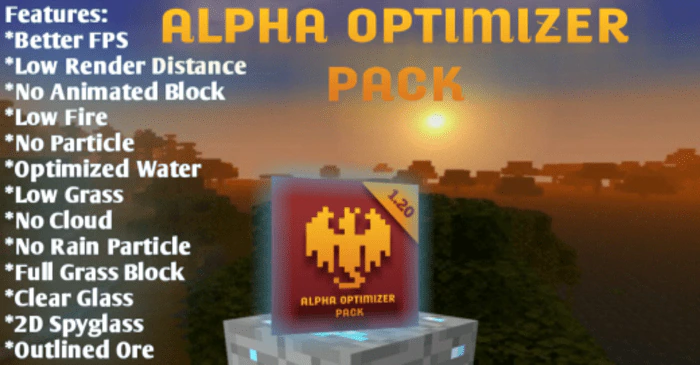
Alpha Optimizer Pack (1.20) – FPS Boost for RenderDragon
Bedrock texture pack listed for Minecraft 1.18–1.20. File opened and checked on 20 Sep 2026; installs from the MC Bedrock Mods app on Android.
⬇ Download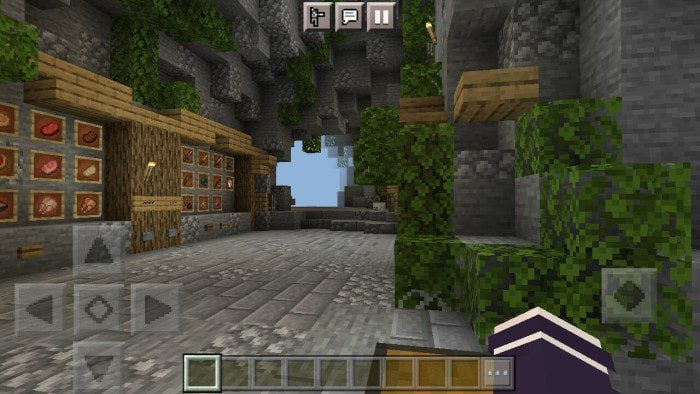
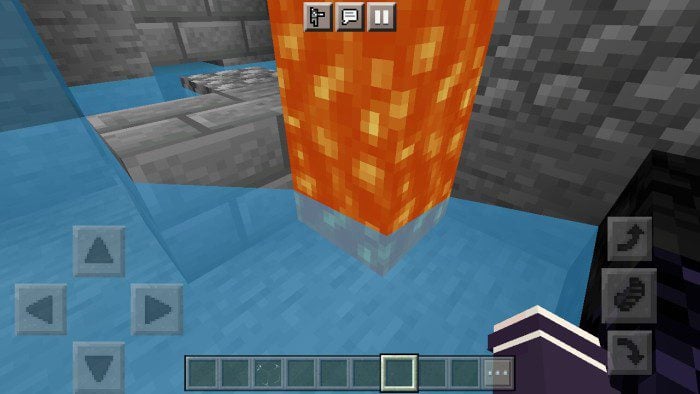
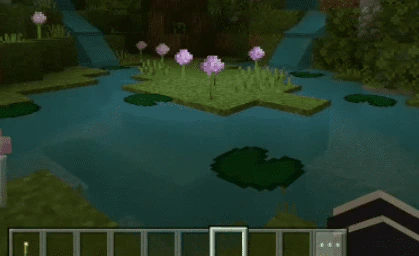
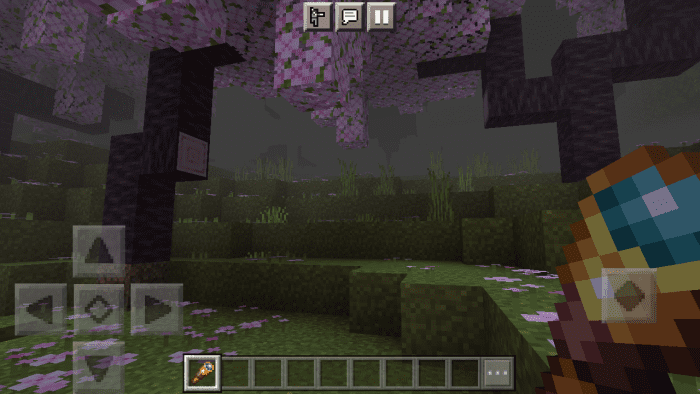
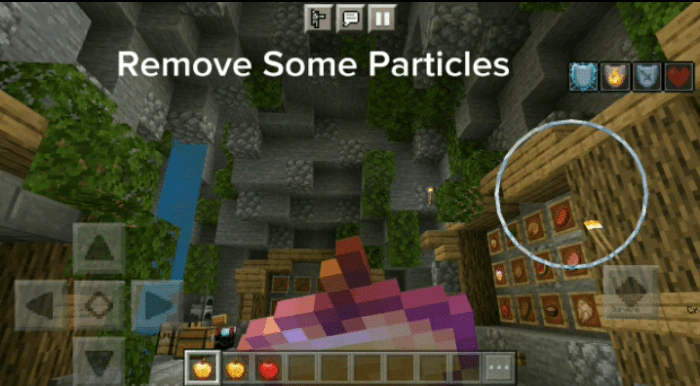

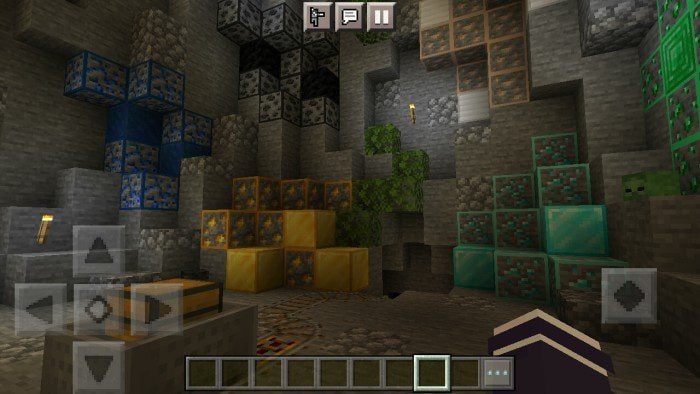
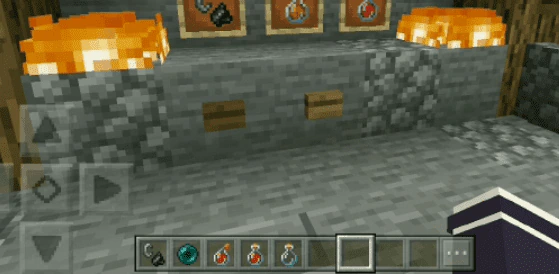
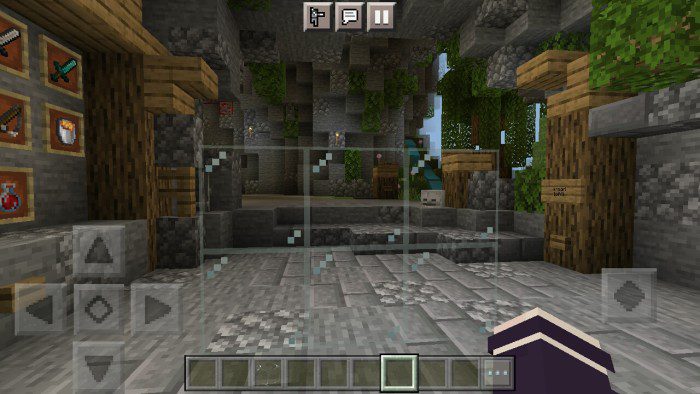
Alpha Optimizer Pack focuses on improving game performance by optimizing unnecessary elements, such as particles, render distance, and overlays. Inspired by OptiFine and Sodium mods, this pack helps reduce lag and boost FPS, making it ideal for players on low-end devices. It also offers customization options through subpacks, allowing users to enable or disable specific features like optimized skies, clear glass, and important particles.
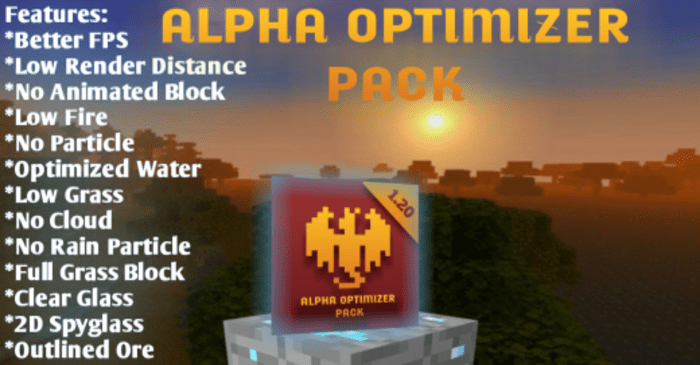
Features:
Optimization Features:
- Low Render Distance
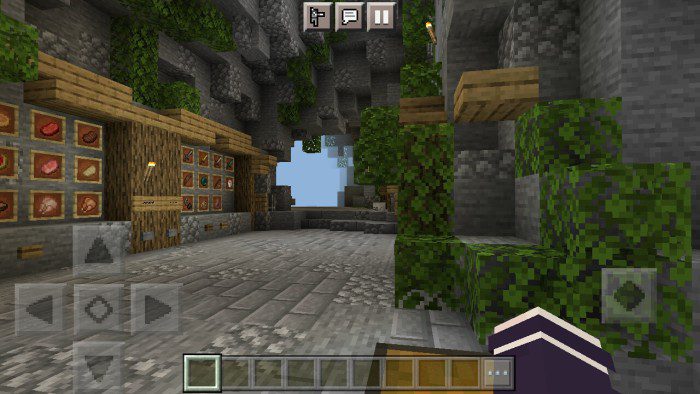
- No Block Animation
- Optimized Water
- Full Grass
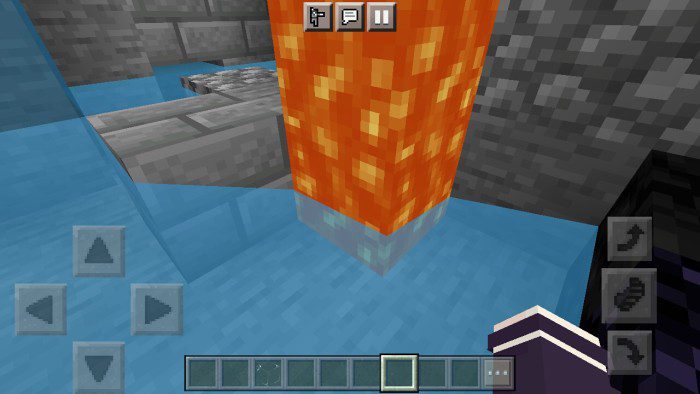
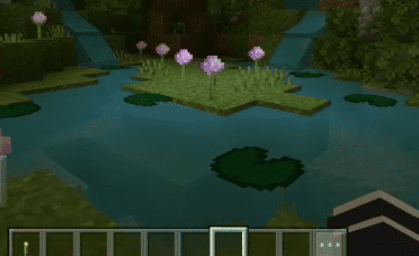
- No Particle
- No Rain
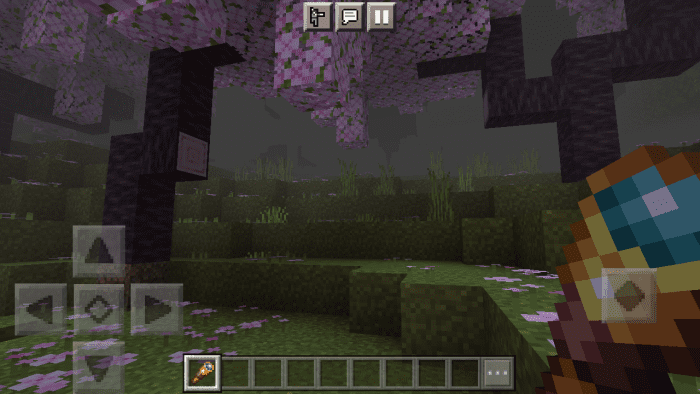
- Remove some particles
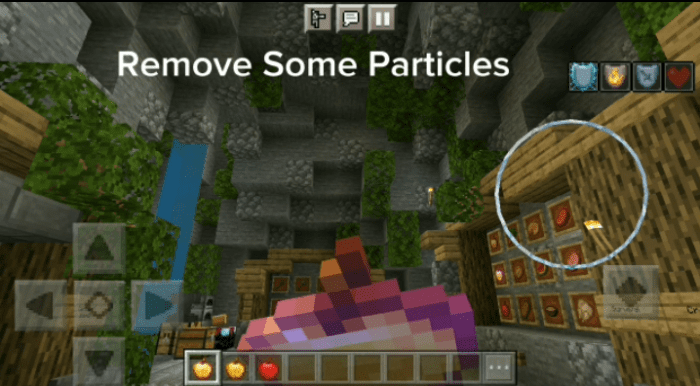
- Cloudless Sky

Non-Optimization Features:
- Outlined Ore
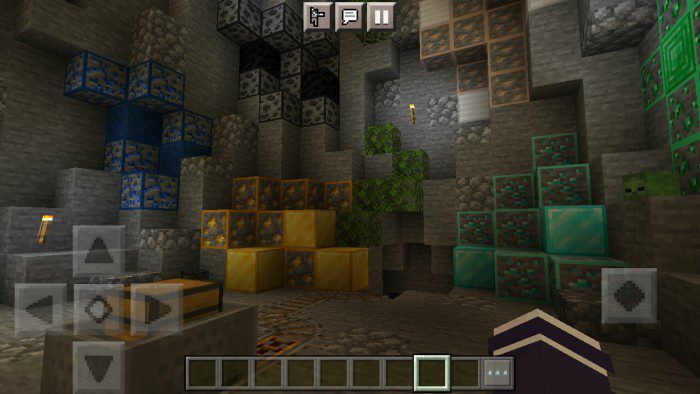
- 2D spyglass (can be seen in the previous picture)
- Lower tall and normal grass (can be seen in the previous picture too)
- Low Fire
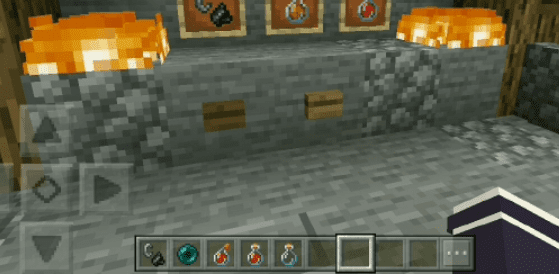
- Better glass
Alpha Optimizer Pack Download Links
You may also like
For Minecraft PE/Bedrock 1.20, 1.19
mcpack: Download from server 1 – Download from server 2
- Edition: Minecraft Bedrock
- File type: .mcpack
- Minecraft version listed: 1.20
- How to install: Download the .mcpack. → Open it — Minecraft imports it under Resource Packs. → Activate it in Global Resources, or for one world under Resource Packs → Available.
- Where to get it: In MCModsHub, or directly above on this page.
Install steps are the general flow for this file type — How to install Minecraft Bedrock texture packs walks through it step by step.
- Pack type: .mcaddon — behaviour and resource pack in one file
- Manifest requires Minecraft 1.18.12 or newer
- Complete pack — everything it depends on is inside the file
- Download link checked 17 Jun 2026 — working
- Mirrored on our own servers — the download does not depend on the original host
These come from our own check of the pack file, not from the source page.