Texture packsBedrock
Project Fox UI Pack V3 (1.20, 1.19) – Simple Texture, Mod Menu
Bedrock texture pack listed for Minecraft 1.19–1.20. Download on the author's site.
⬇ Download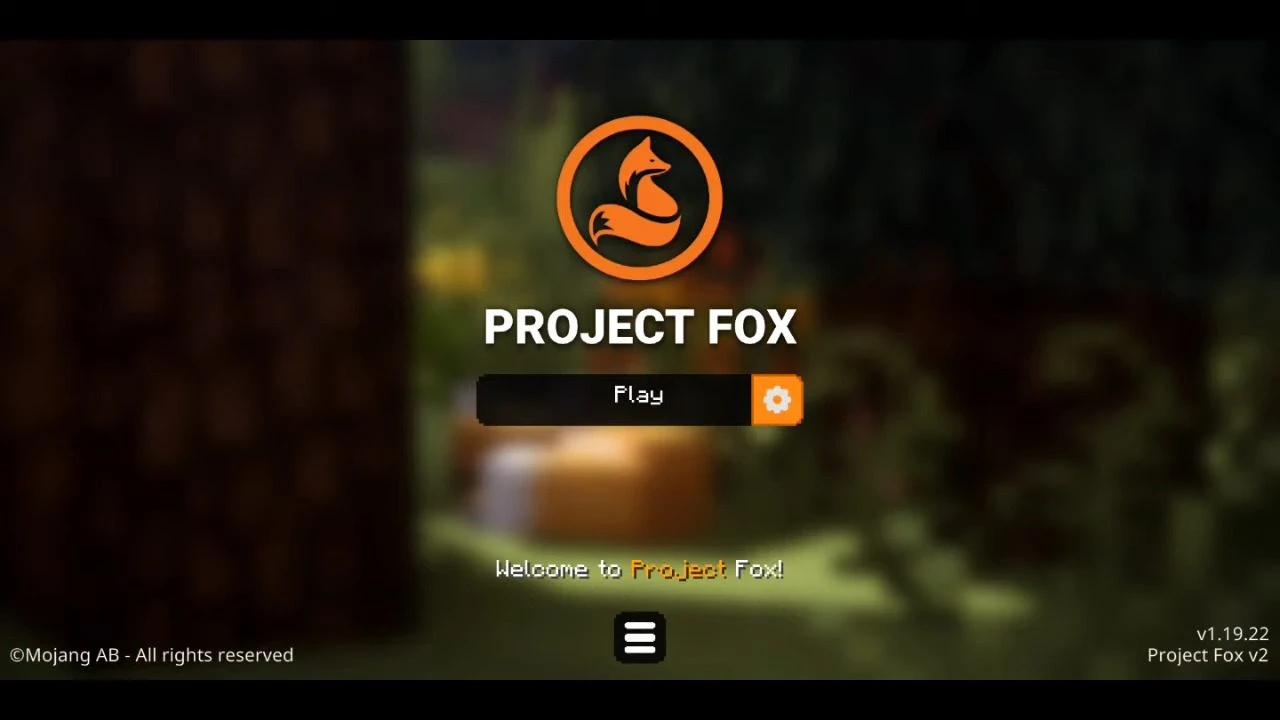
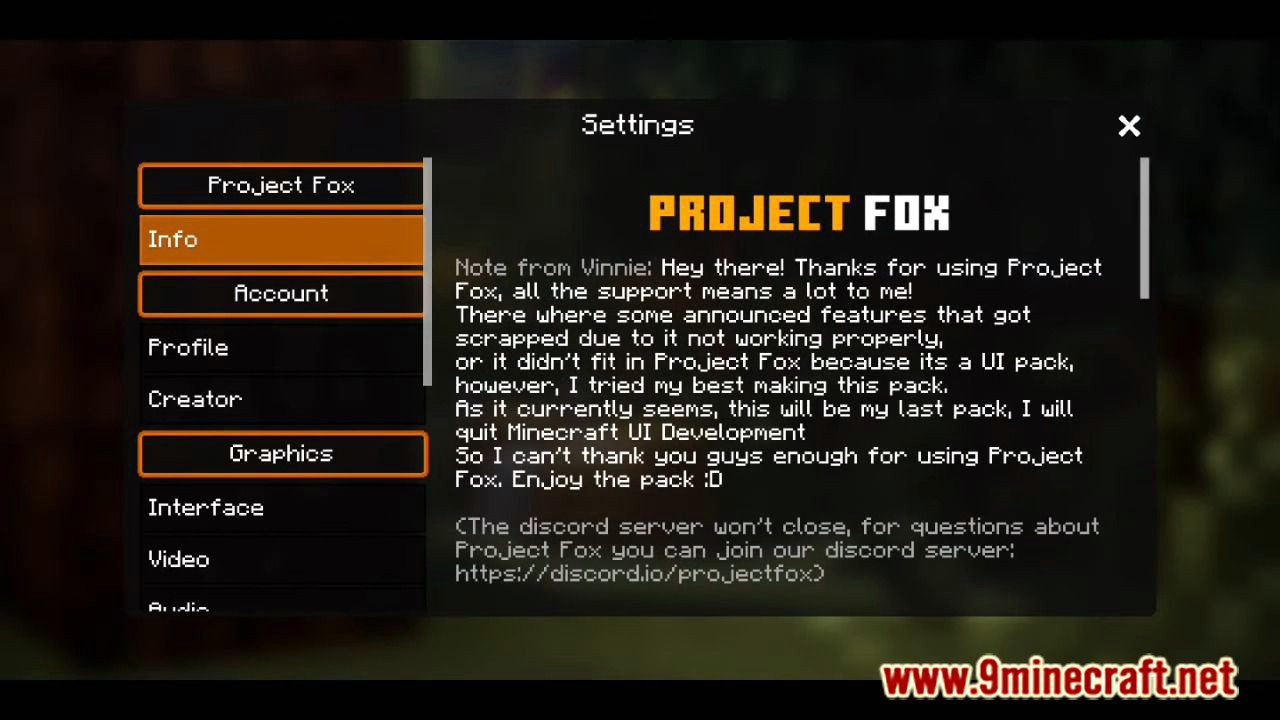
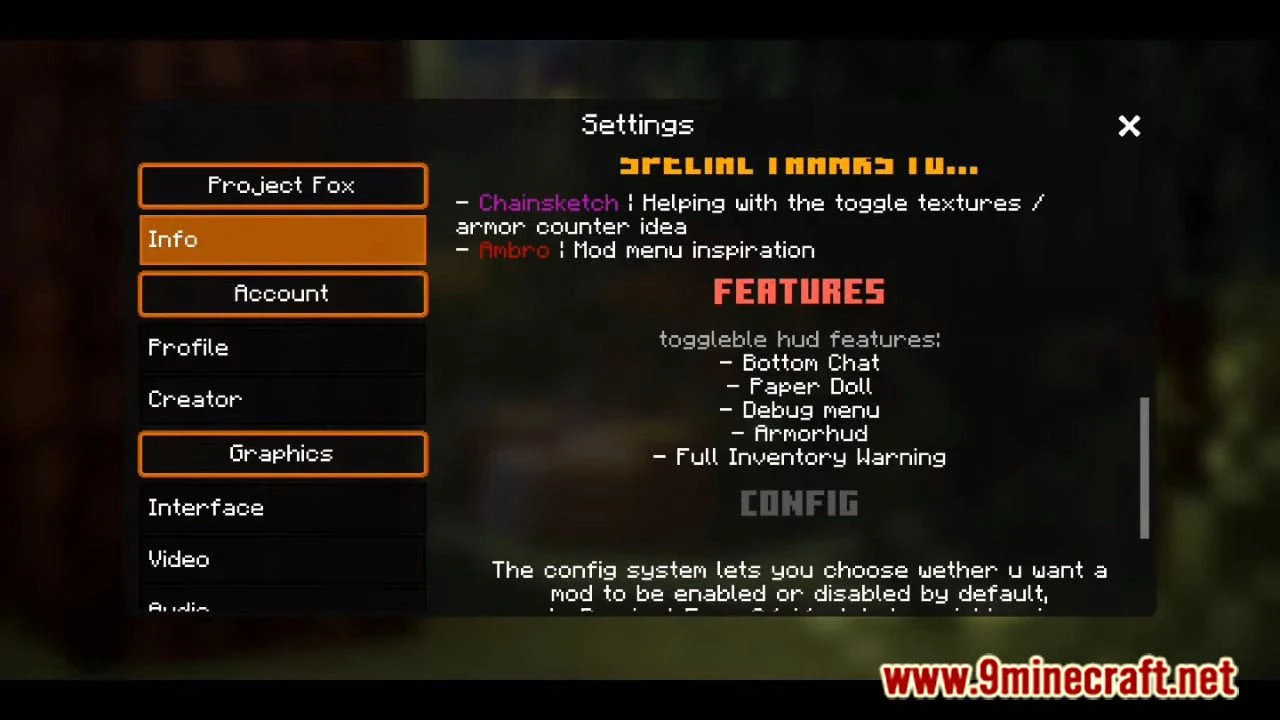
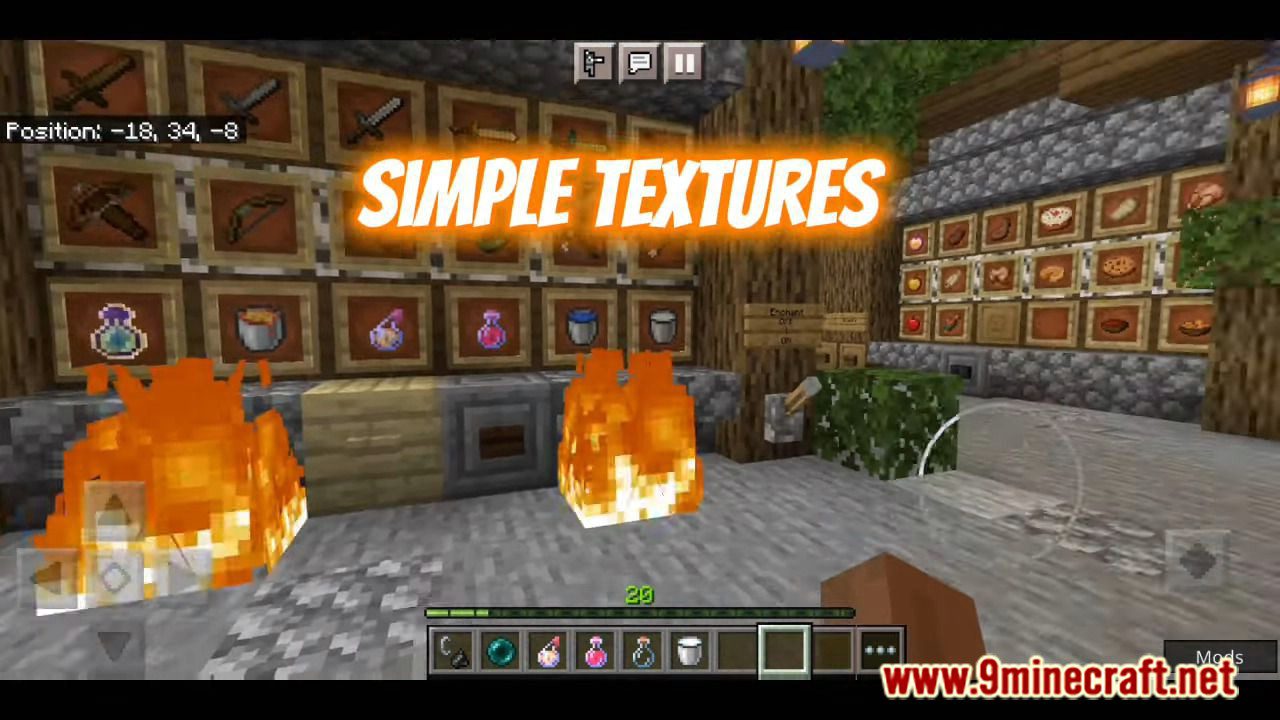
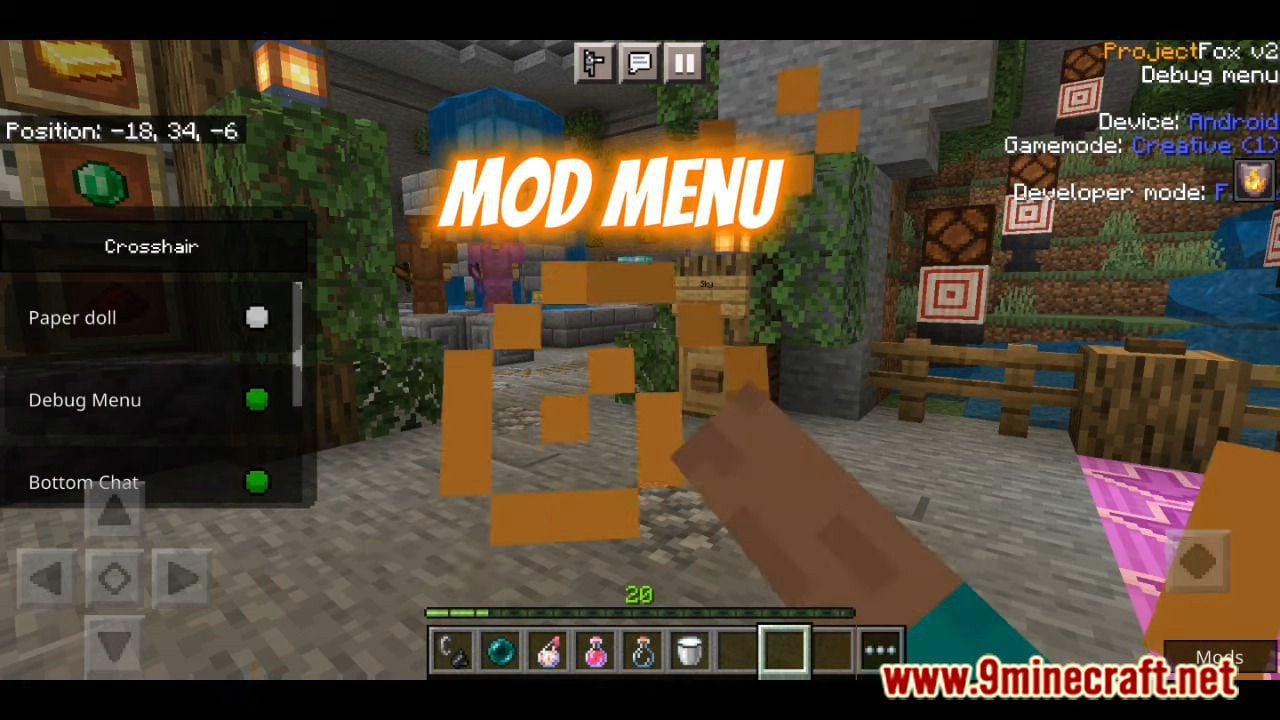
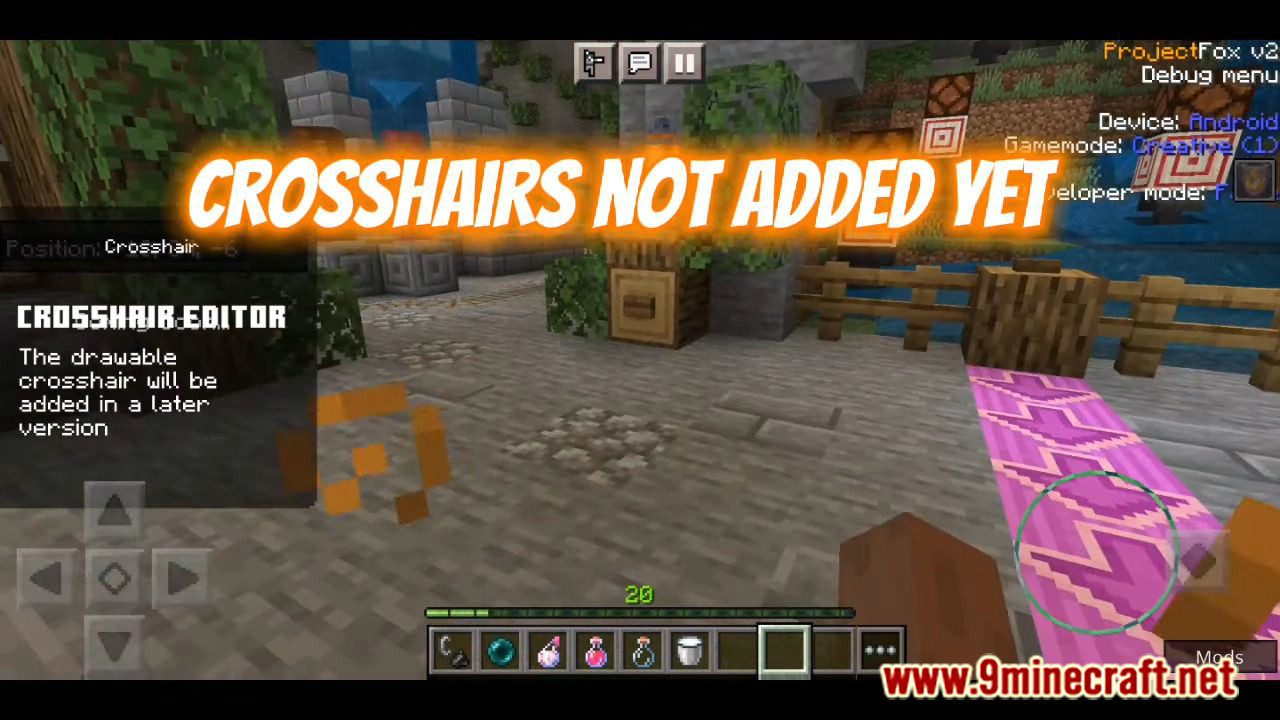
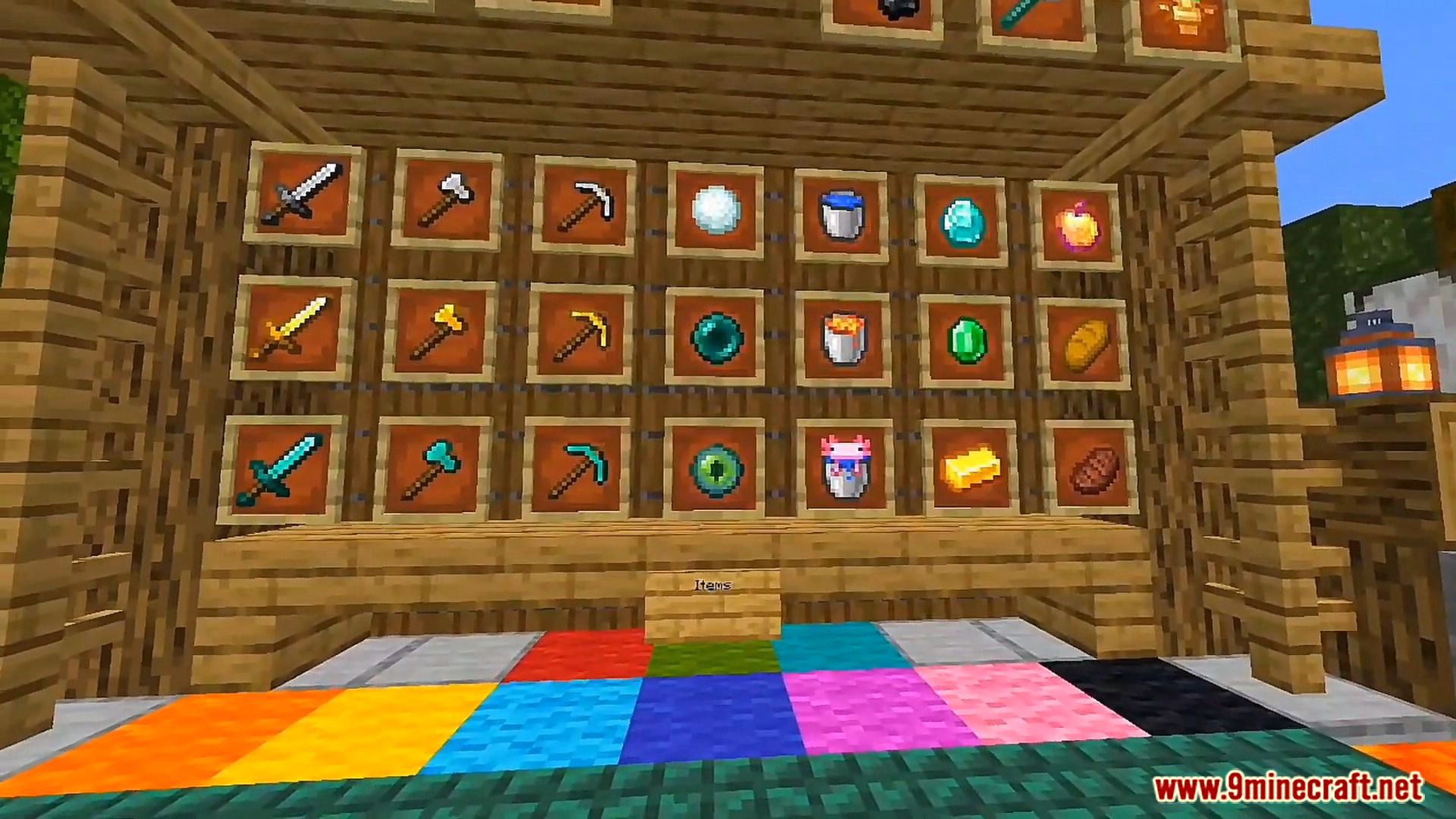
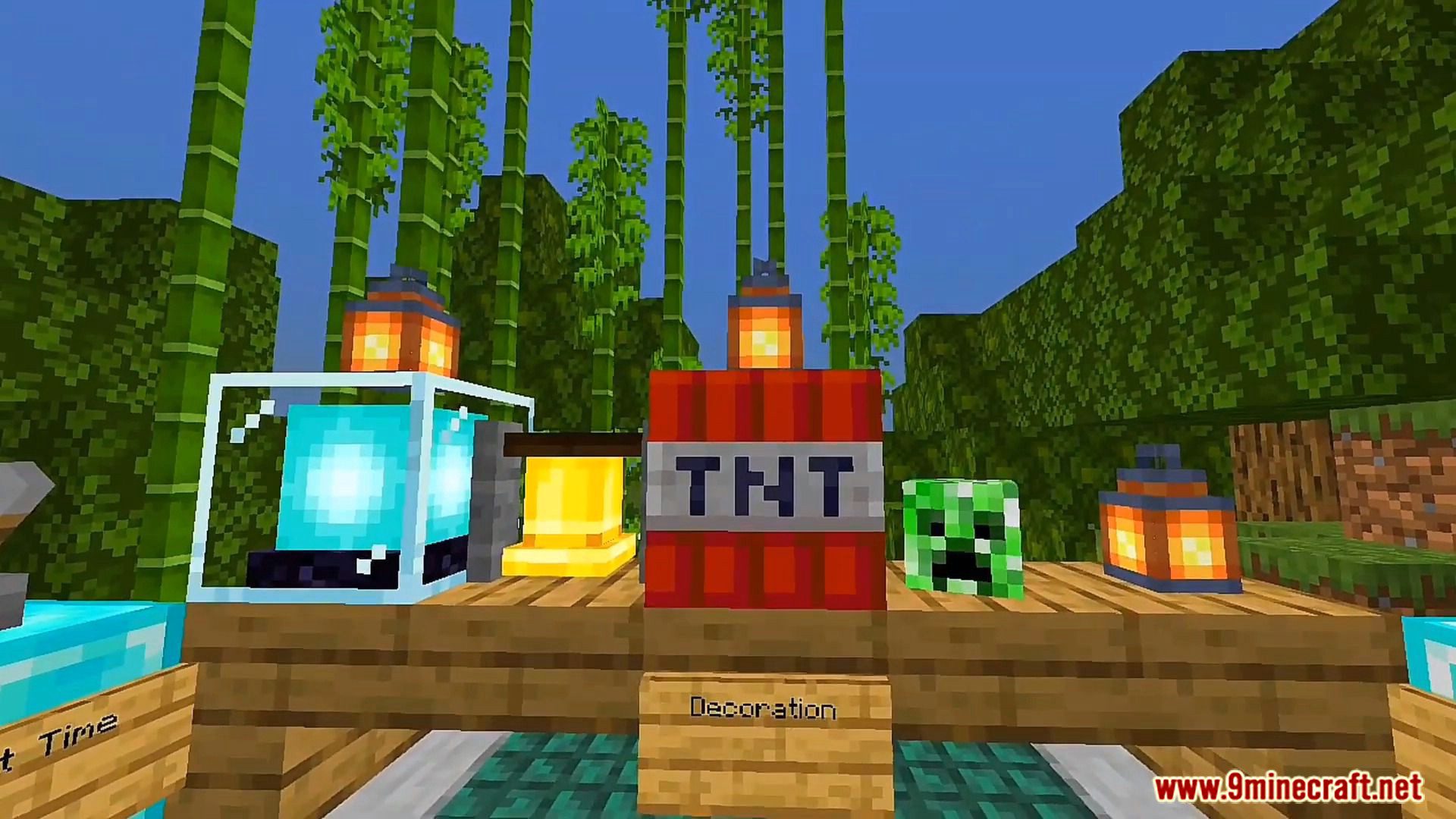
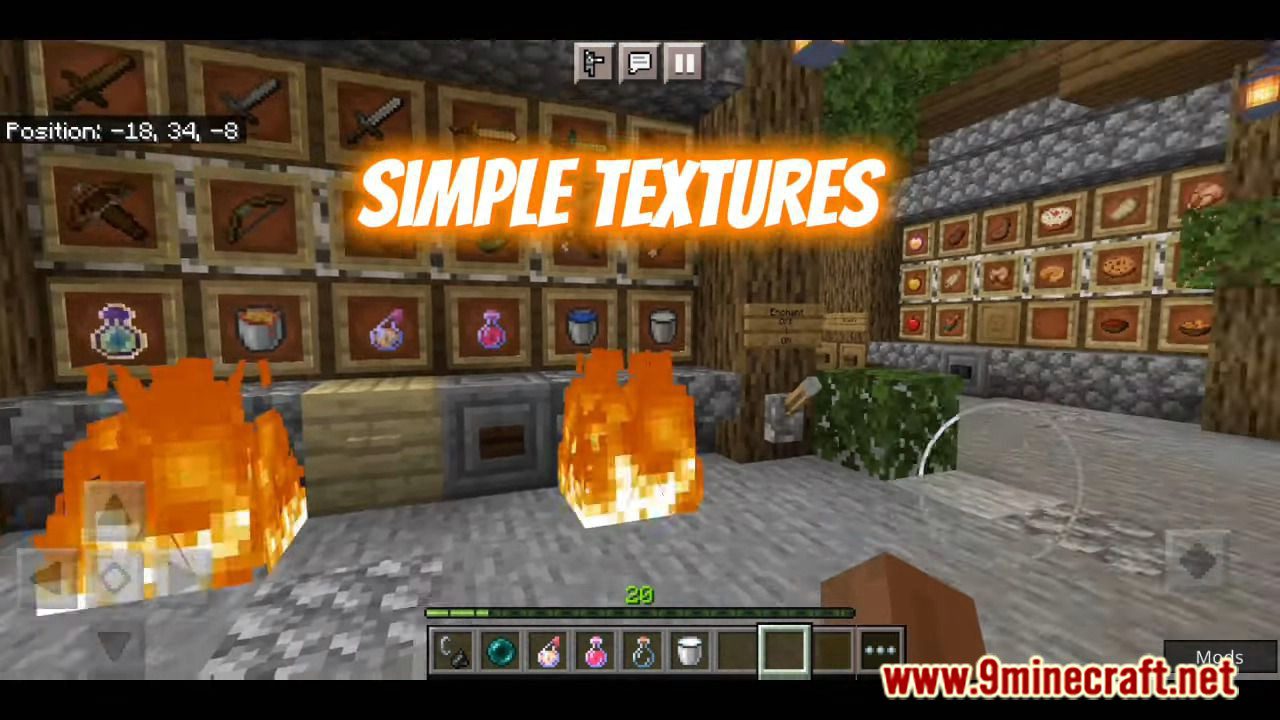
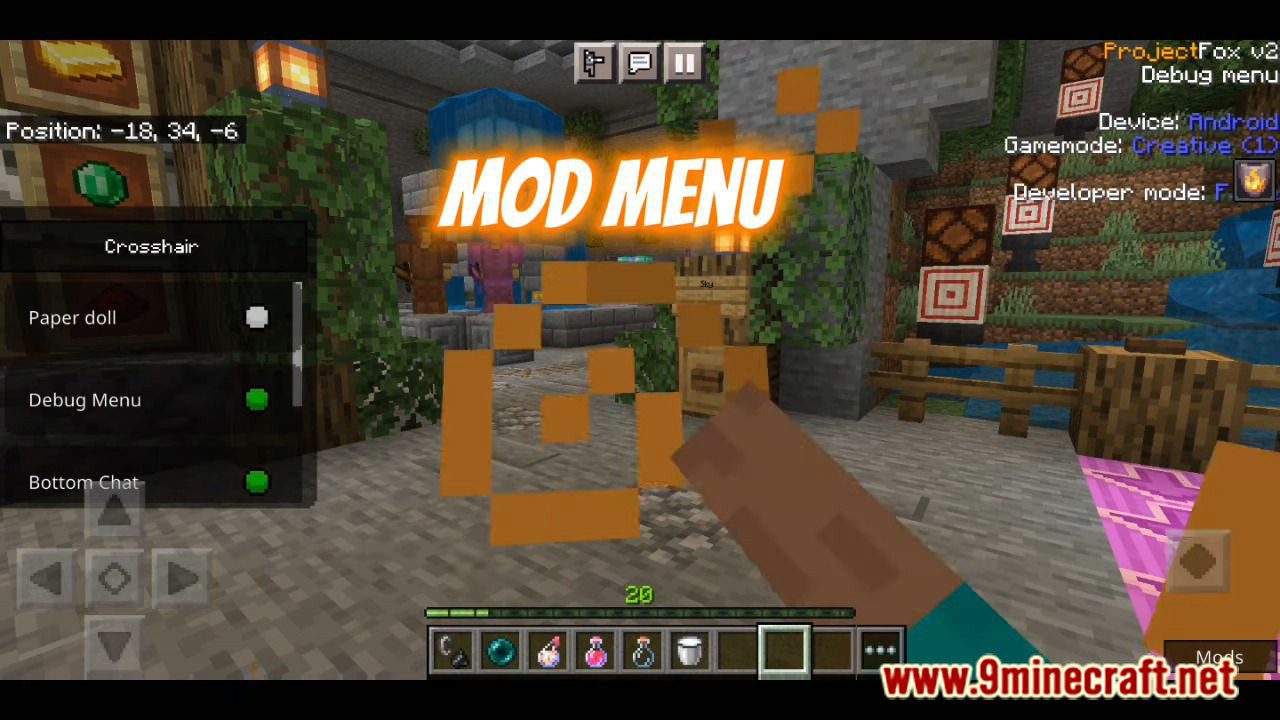
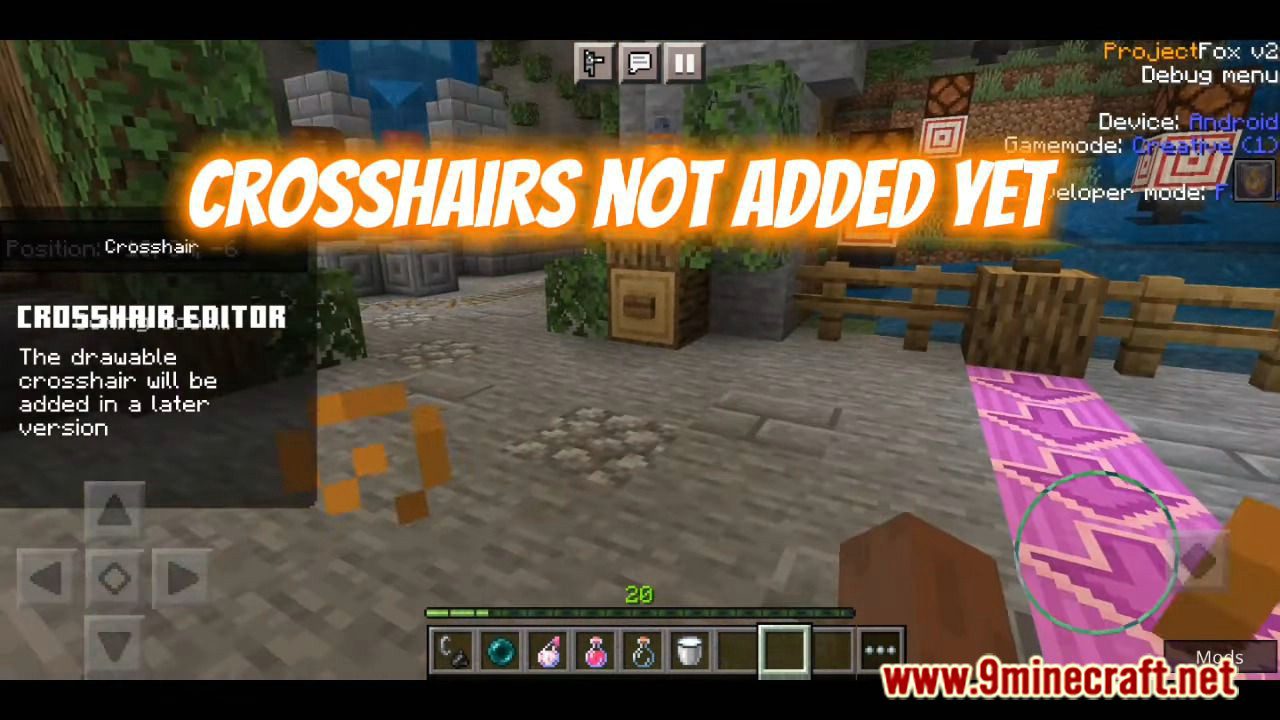
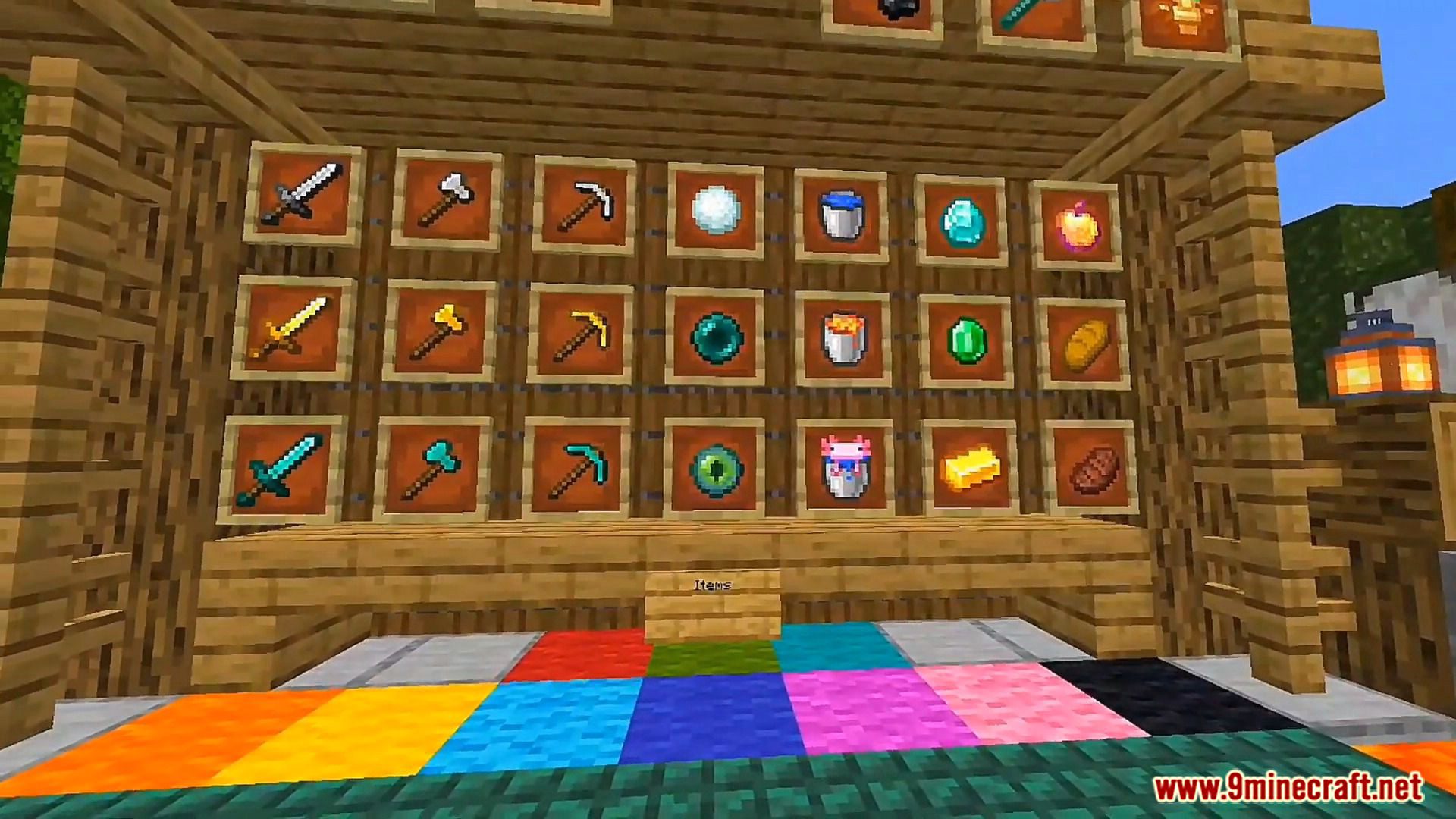
Project Fox UI Pack V3 is a big UI pack project, it makes the Vanilla UI better! This UI pack also has many amazing features like Mod Menu, Simple Textures, Full Inventory Warning, Armor HUD, Debug Menu, Bottom Chat, Paper Doll…
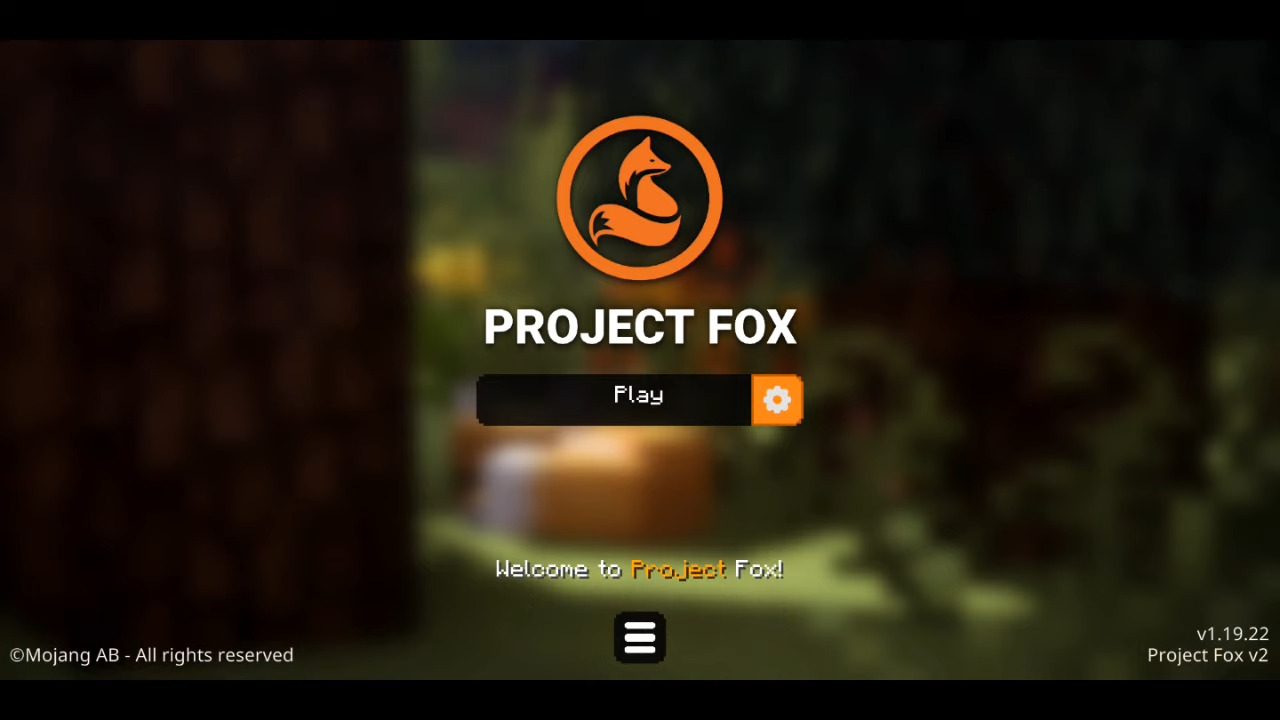
Screenshots:
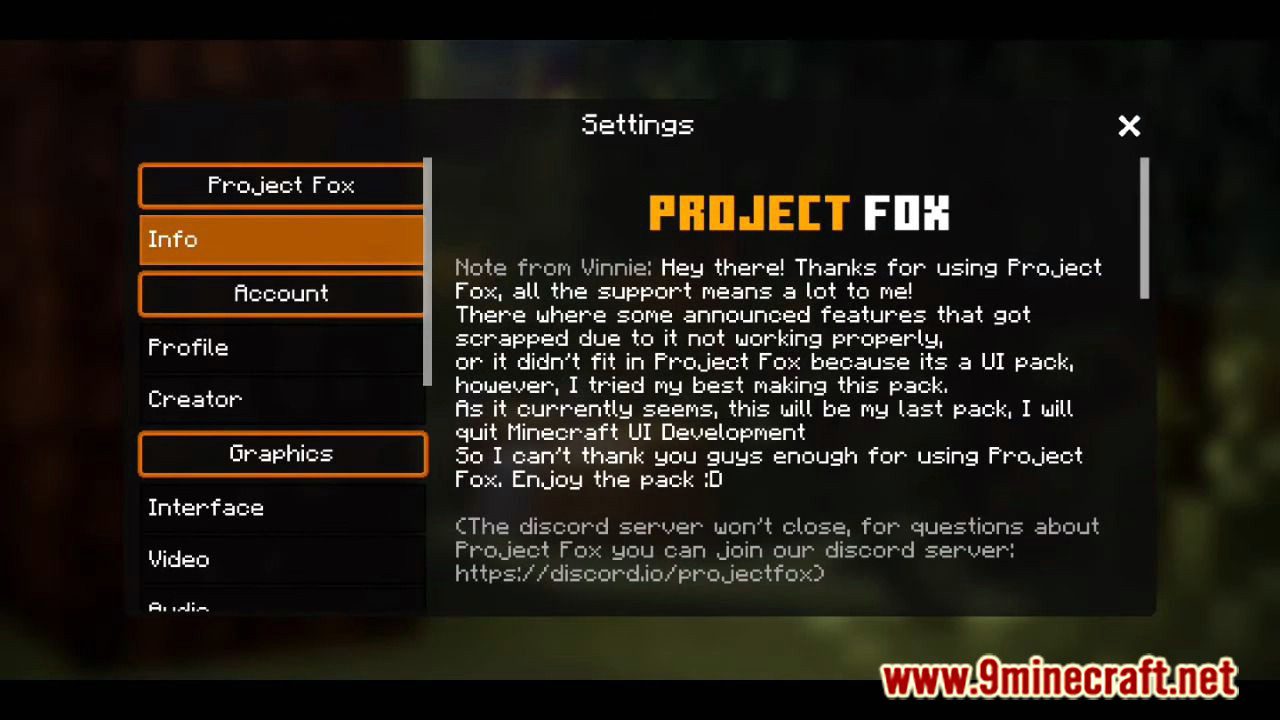
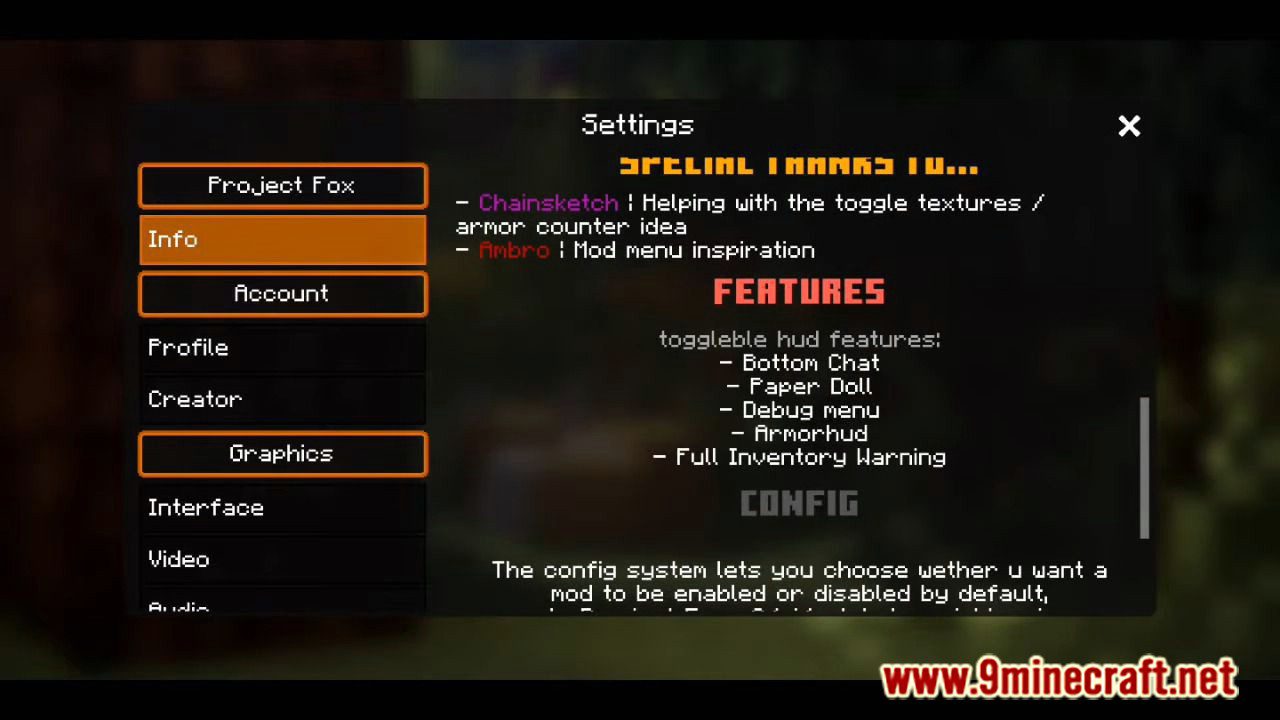
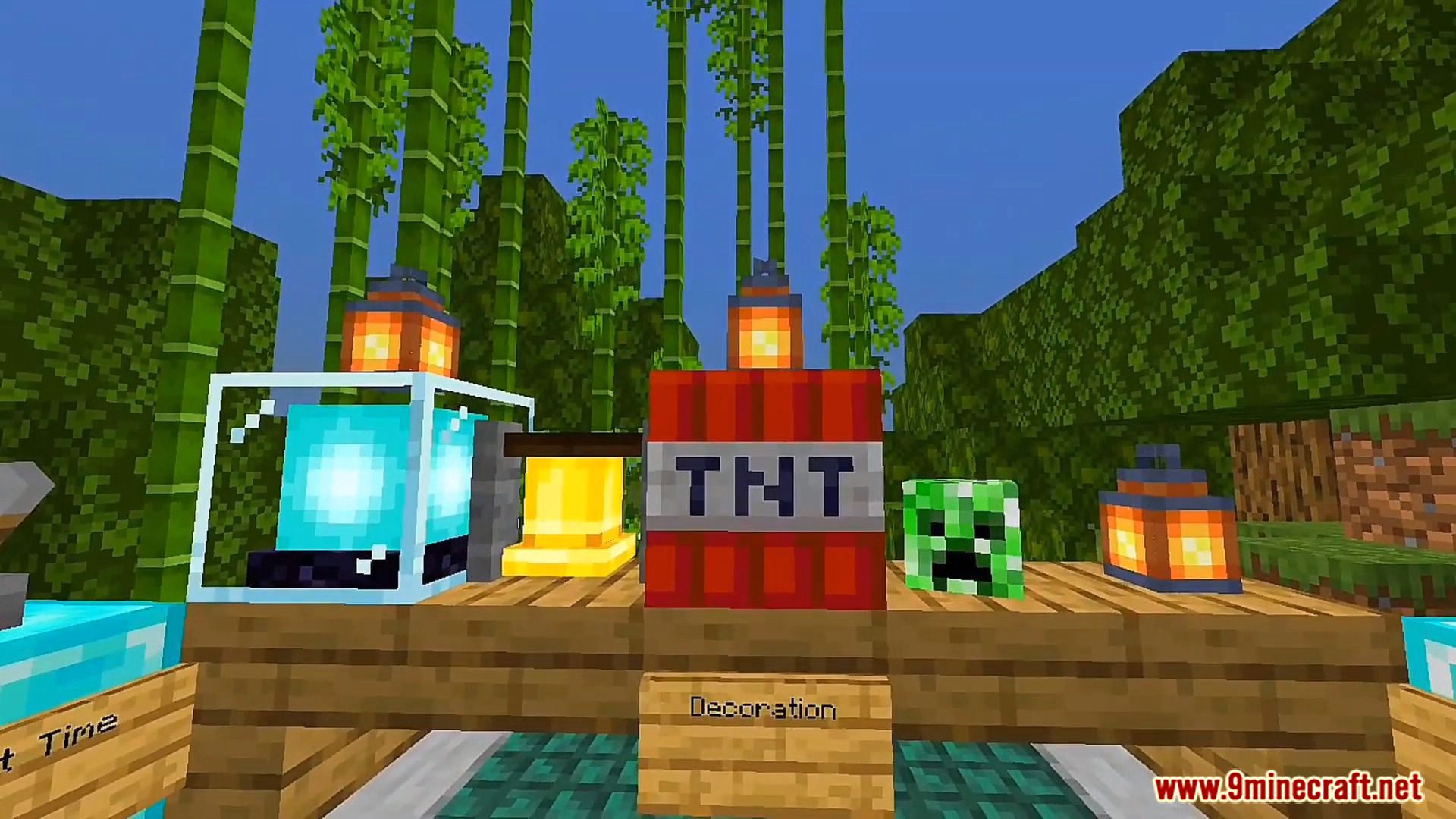
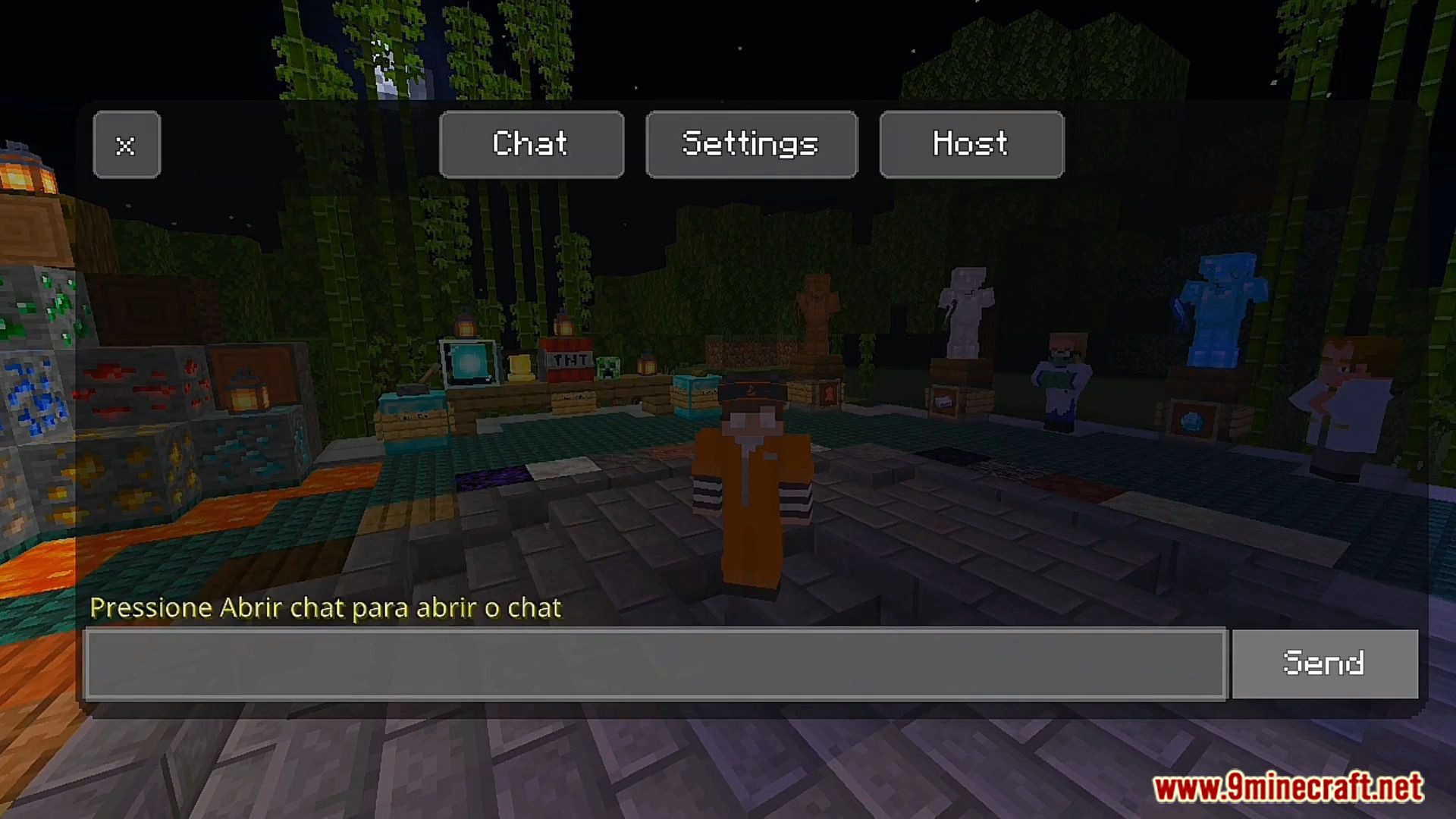
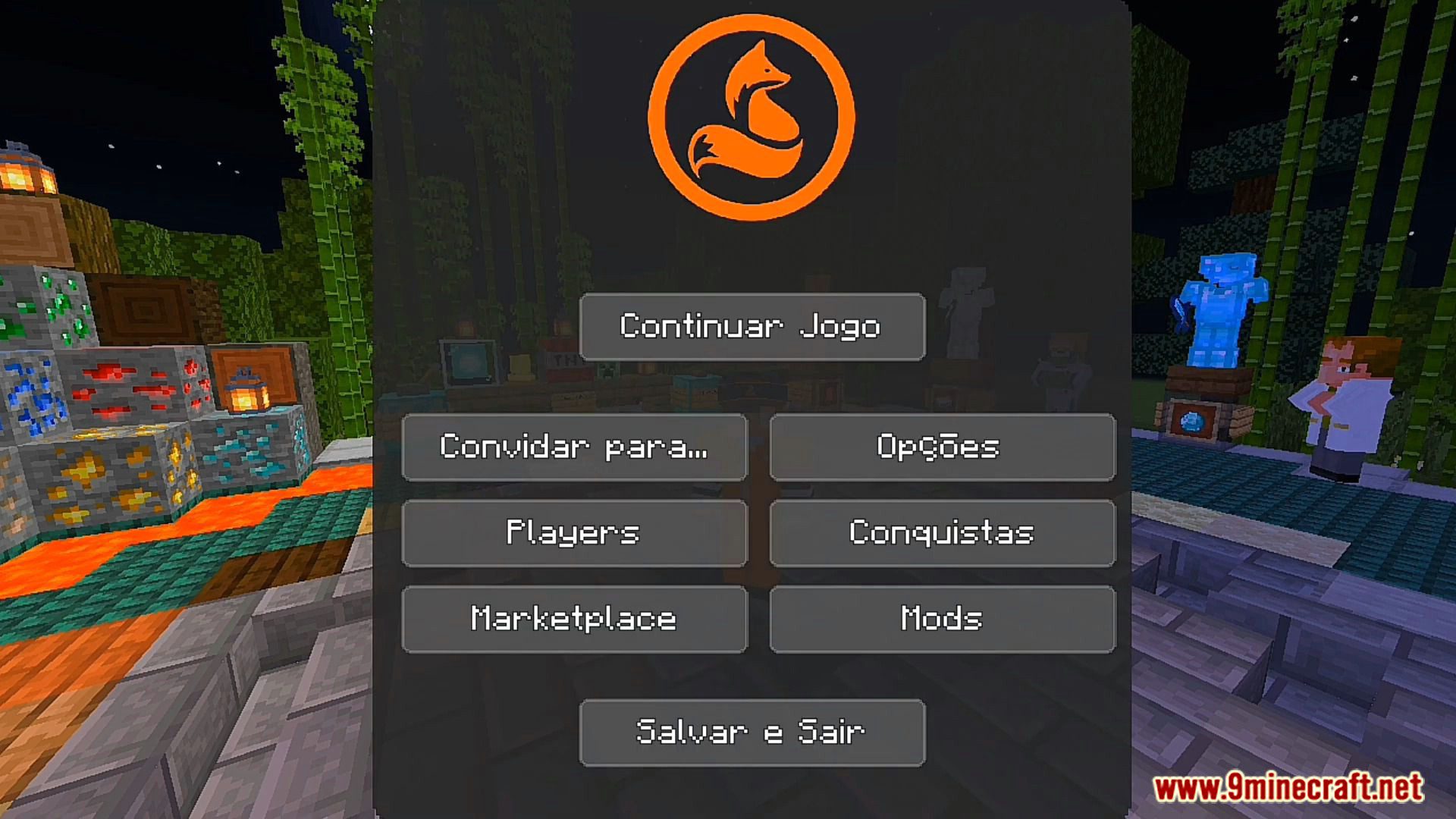
Project Fox UI Pack V3 Download Links
For Minecraft PE/Bedrock 1.19
V2: Download from Project Fox Discord
For Minecraft PE/Bedrock 1.20, 1.19
V3: Download from Project Fox Discord
Quick facts
- Edition: Minecraft Bedrock
- File type: .mcpack
- Minecraft versions listed: 1.20, 1.19
- How to install: Download the .mcpack. → Open it — Minecraft imports it under Resource Packs. → Activate it in Global Resources, or for one world under Resource Packs → Available.
- Where to get it: Opens on the file's original source — not every file is mirrored on our own servers.
Install steps are the general flow for this file type — How to install Minecraft Bedrock texture packs walks through it step by step.
Project Fox UI Pack V3 (1.20, 1.19) – Simple Texture, Mod Menu is a free Minecraft Bedrock texture pack. Compatible with Minecraft 1.20, 1.19. Download it and open it directly in the game.