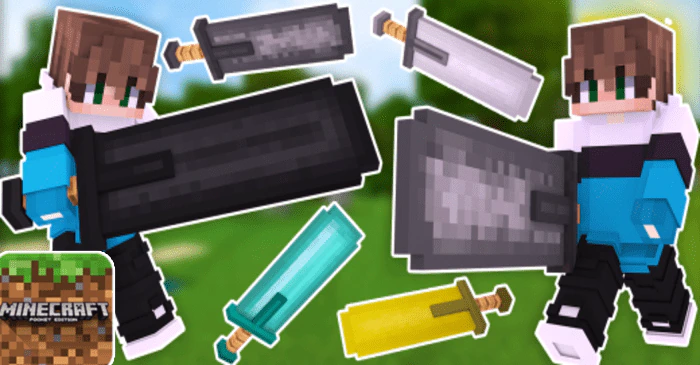
Ultimate Big Swords 3D Texture Pack (1.20, 1.19) – MCPE/Bedrock
Bedrock texture pack listed for Minecraft 1.19–1.20. File opened and checked on 24 Sep 2026; installs from the MC Bedrock Mods app on Android.
⬇ Download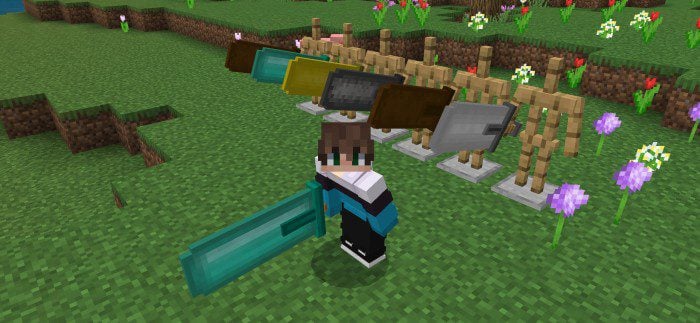
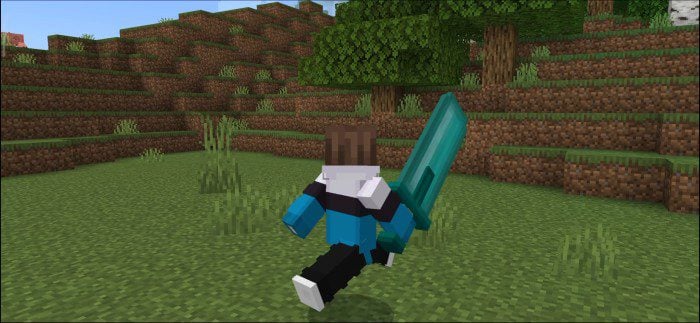
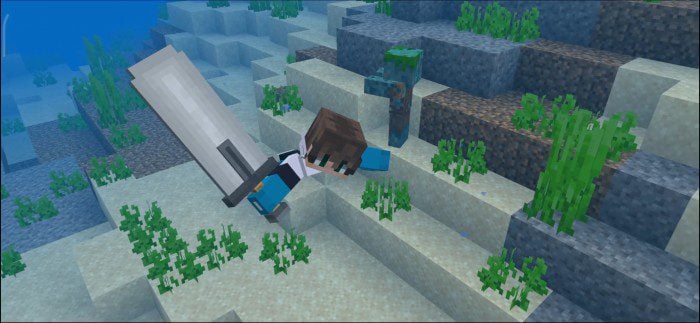
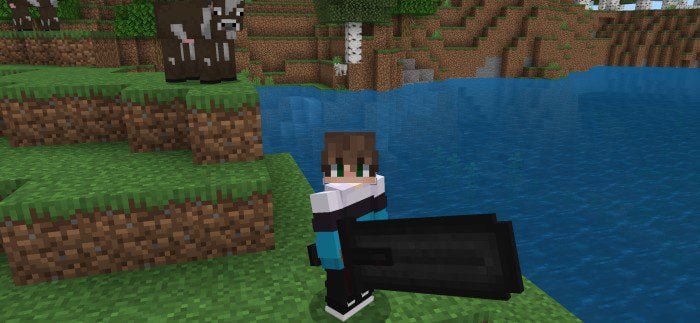
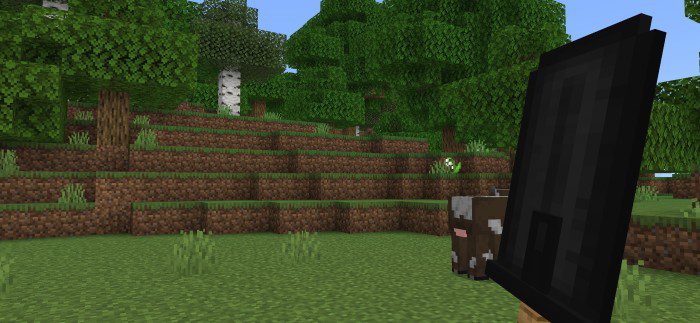
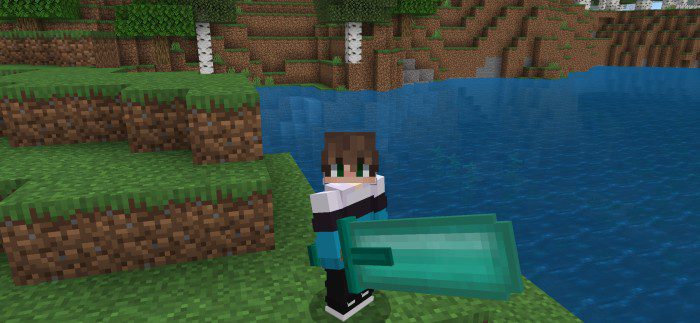
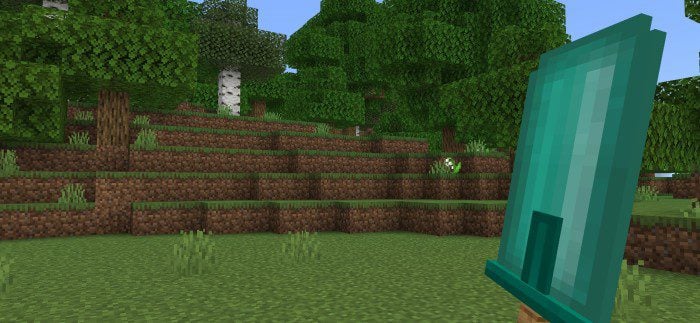
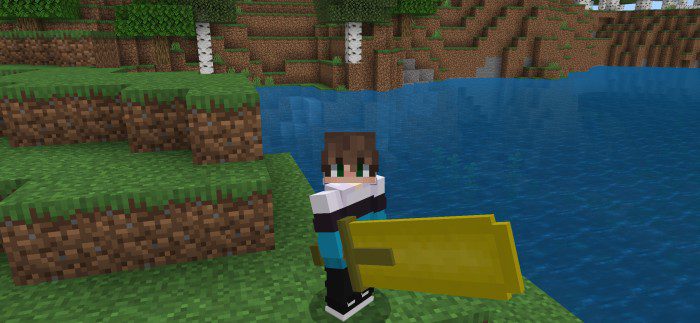
Ultimate Big Swords 3D Texture Pack introduces a variety of large, 3D swords, adding an extra layer of excitement to the game’s combat system. Each sword in this add-on is meticulously designed with detailed 3D models and textures, enhancing the visual aesthetics of the game. From classic styles to more fantastical designs, the variety of swords caters to all preferences and offers a touch of personalization to each player’s gameplay.
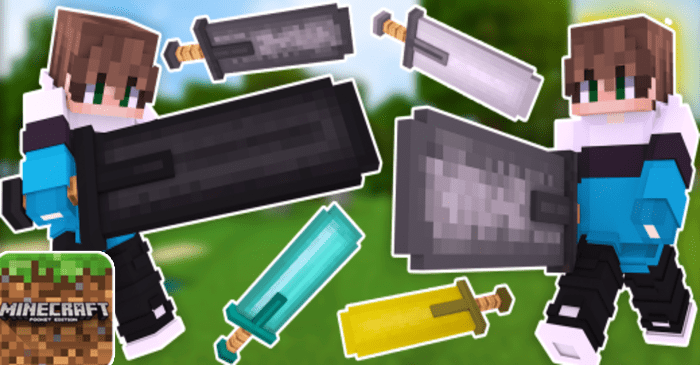
Screenshots:
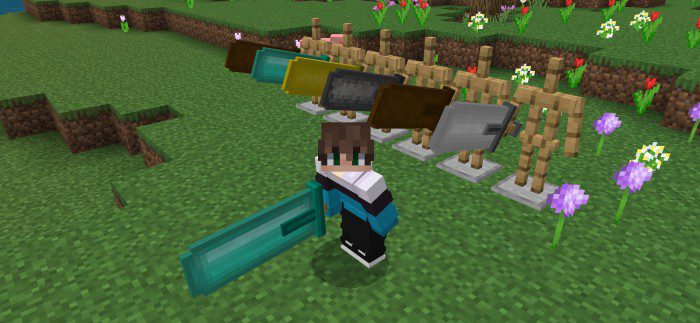
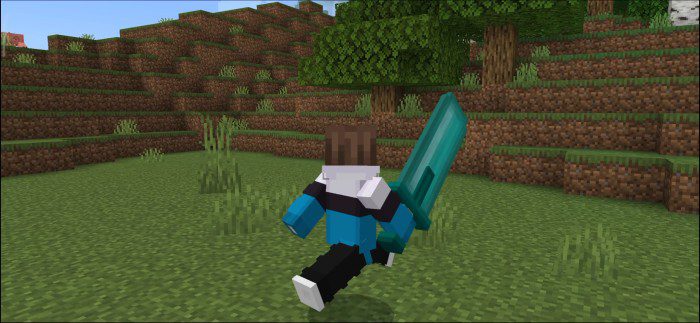
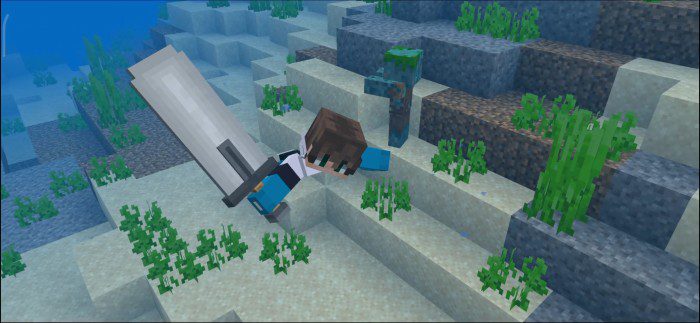
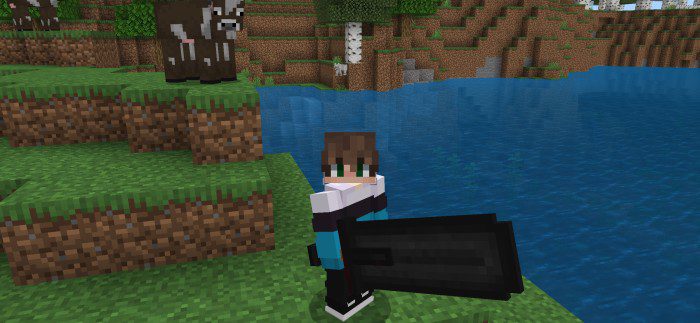
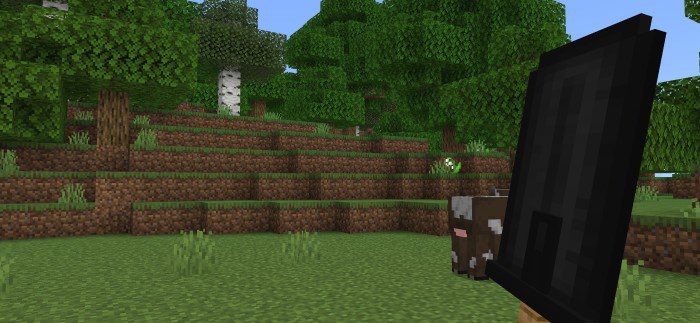
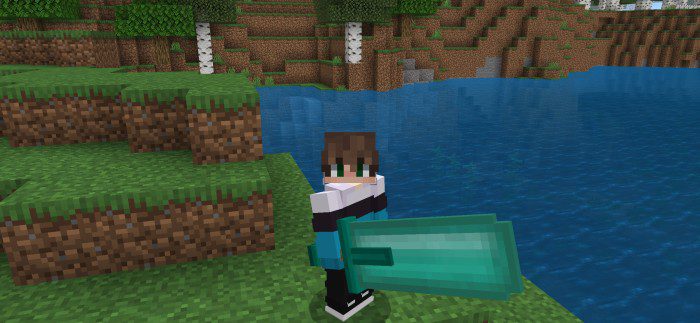
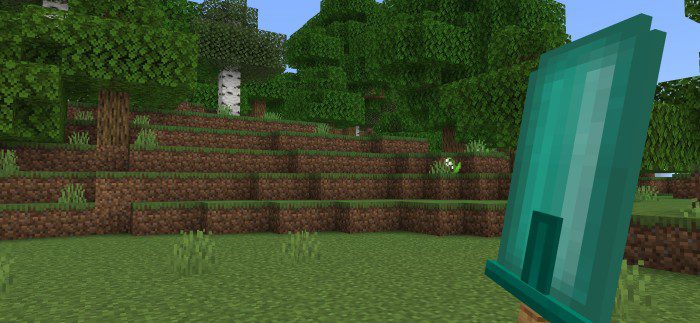
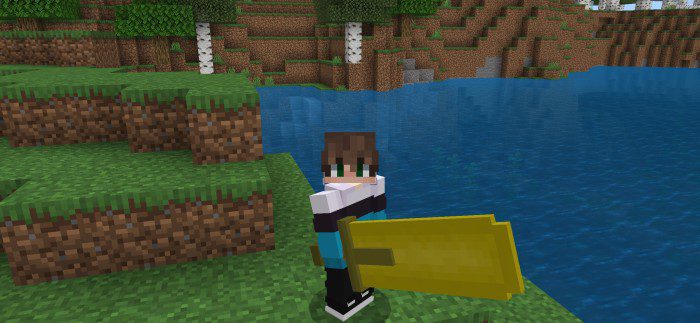
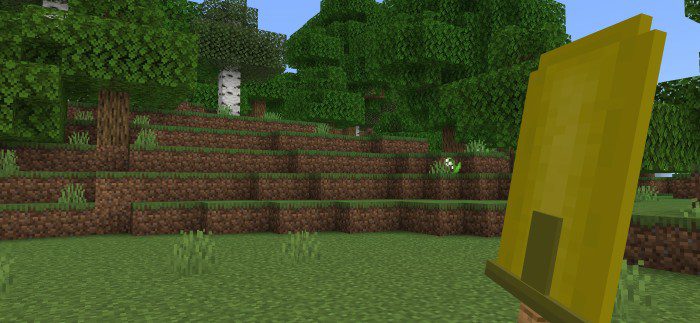
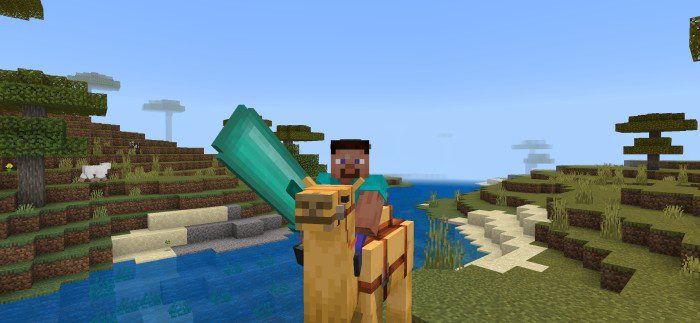
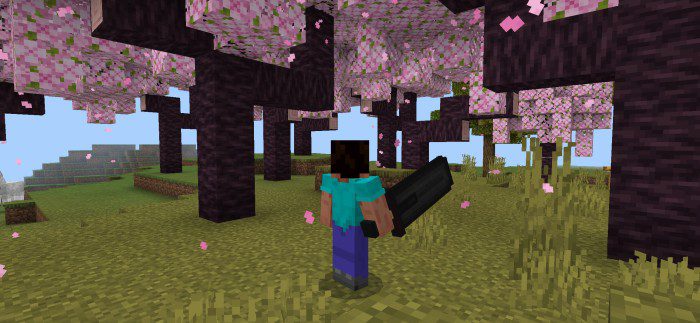
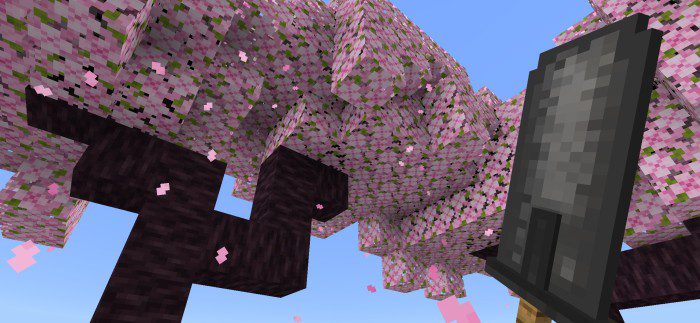
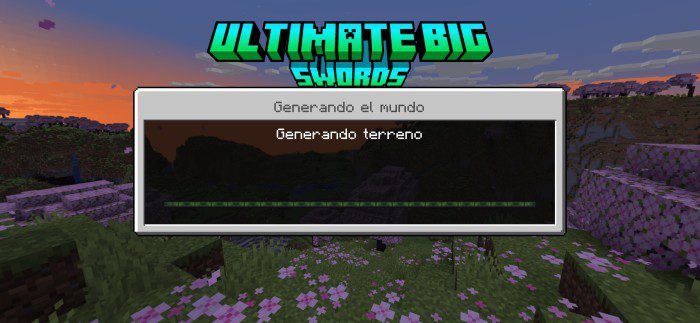
Texture packs include a logo that replaces the original game logo:
Ultimate Big Swords 3D Texture Pack Download Links
For Minecraft PE/Bedrock 1.20
mcpack: Download from server 1 – Download from server 2
For Minecraft PE/Bedrock 1.19
mcpack: Download from server 1 – Download from server 2
- Edition: Minecraft Bedrock
- File type: .mcpack
- Minecraft versions listed: 1.20, 1.19
- How to install: Download the .mcpack. → Open it — Minecraft imports it under Resource Packs. → Activate it in Global Resources, or for one world under Resource Packs → Available.
- Where to get it: In MCModsHub, or directly above on this page.
Install steps are the general flow for this file type — How to install Minecraft Bedrock texture packs walks through it step by step.
- Pack type: .mcaddon — behaviour and resource pack in one file
- Manifest requires Minecraft 1.20.0 or newer
- Complete pack — everything it depends on is inside the file
- Download link checked 17 Jun 2026 — working
- Mirrored on our own servers — the download does not depend on the original host
These come from our own check of the pack file, not from the source page.