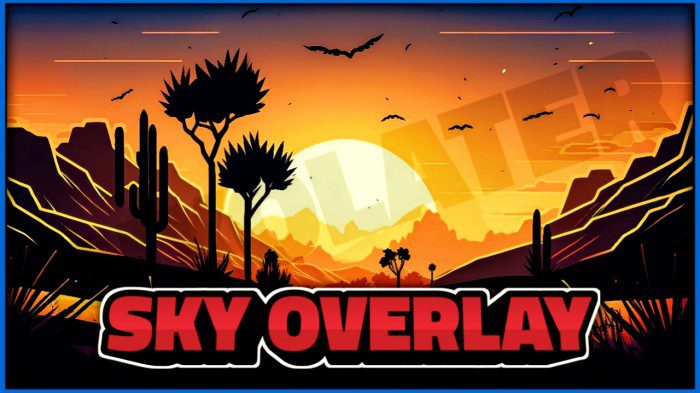
Thundfost Sky Overlay Pack (1.20, 1.19) – MCPE/Bedrock
Bedrock texture pack listed for Minecraft 1.2–1.20. File opened and checked on 28 Sep 2026; installs from the MC Bedrock Mods app on Android.
⬇ Download
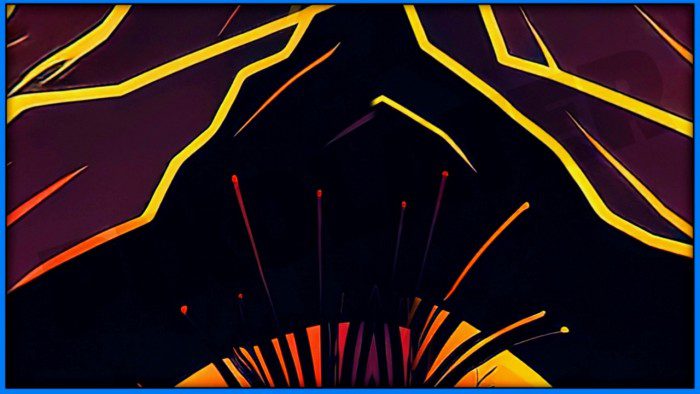
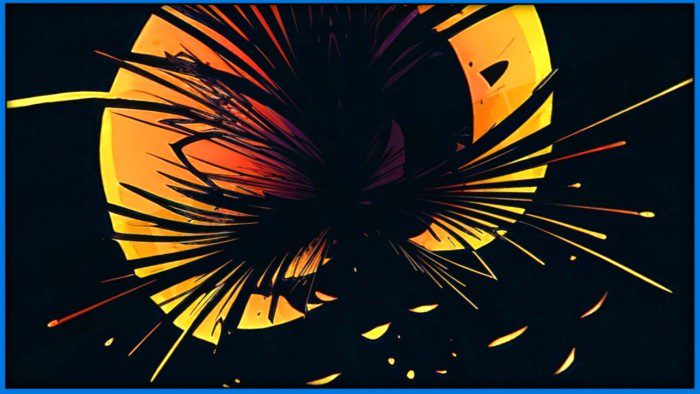
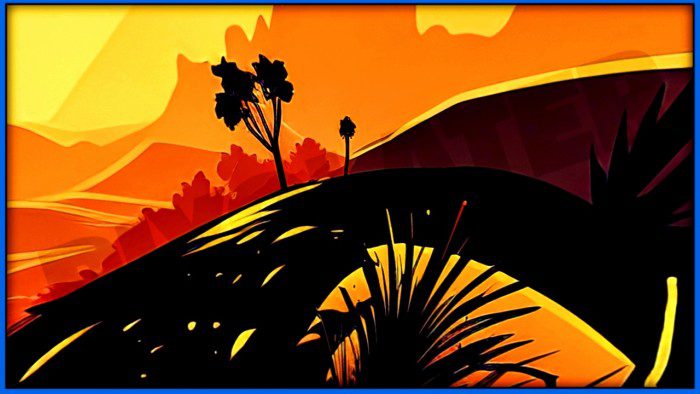
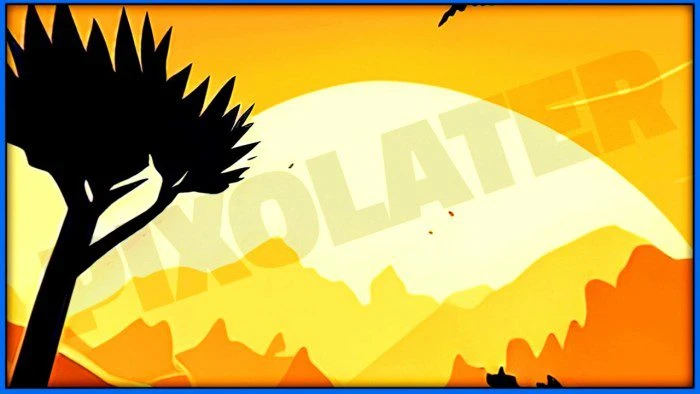
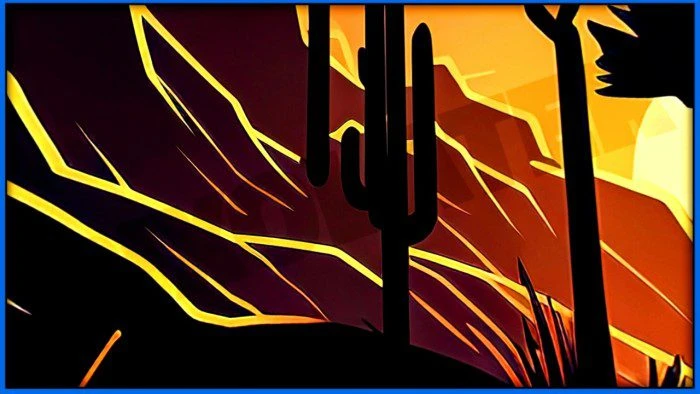
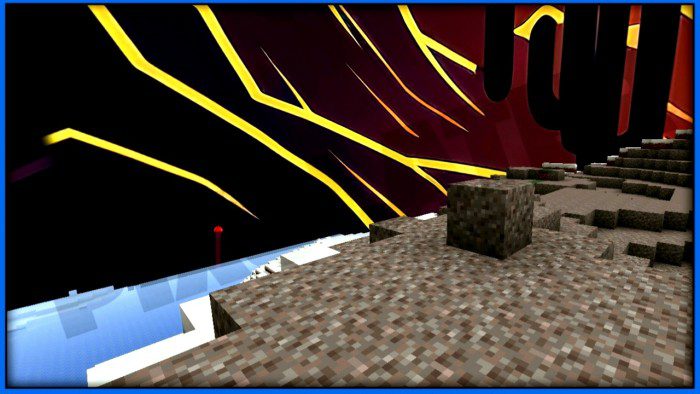
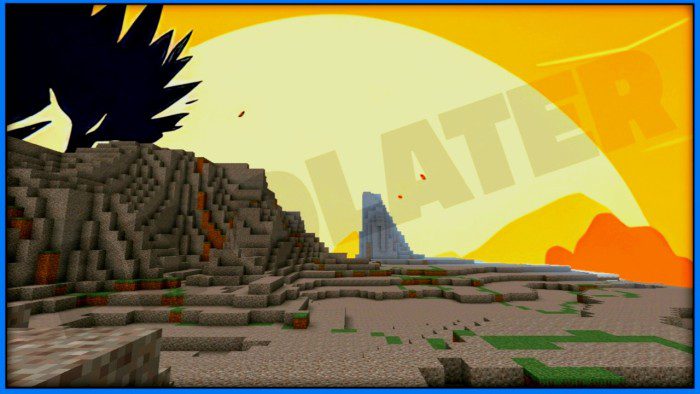
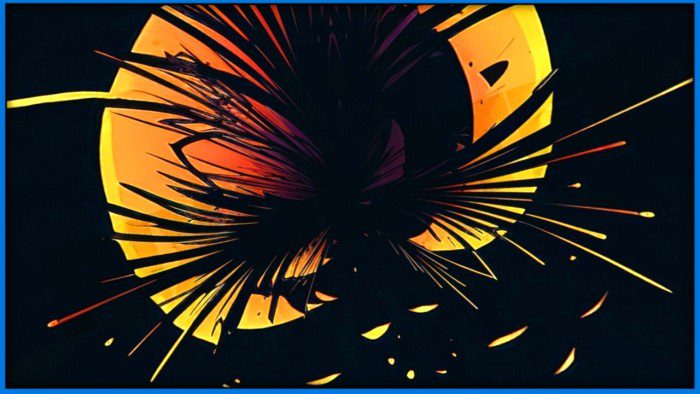
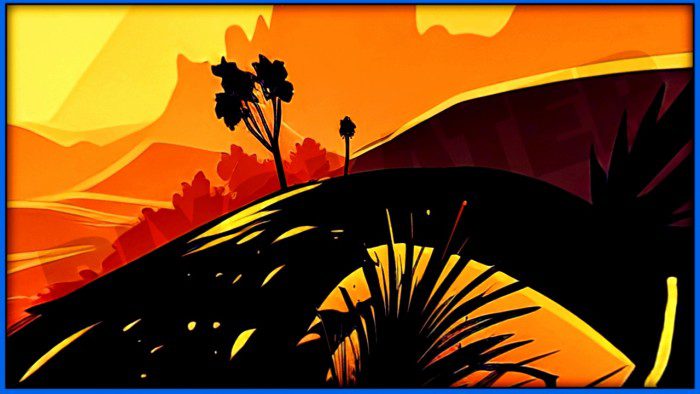
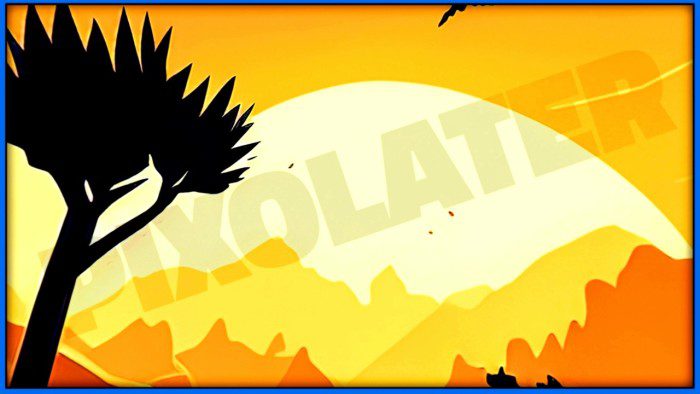
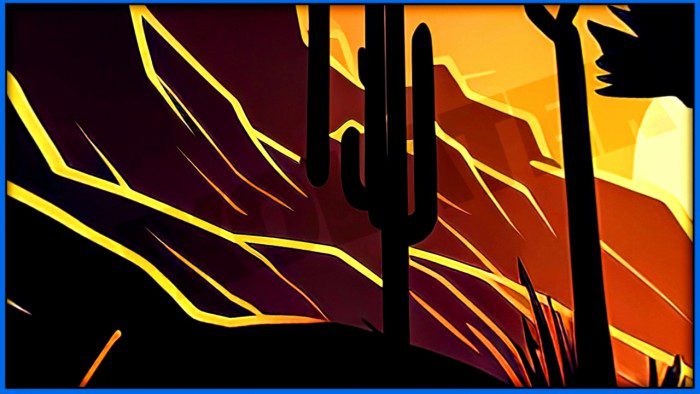
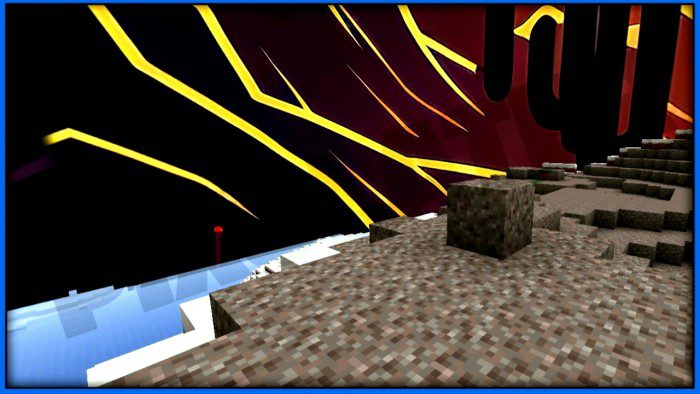
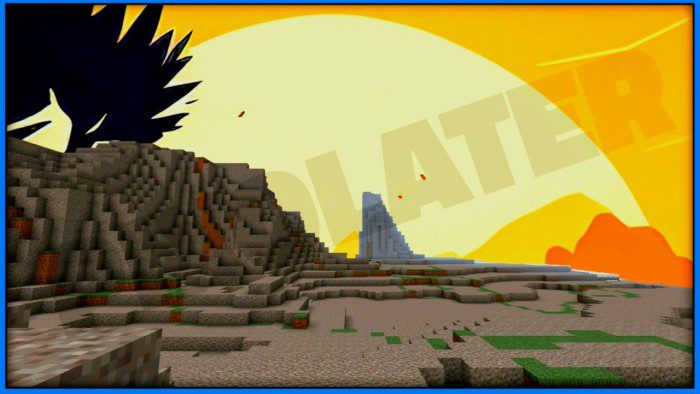
Thundfost Sky Overlay Pack is a captivating graphical modification that elevates the aesthetic appeal of your Minecraft universe. This sky overlay introduces an immersive, visually stunning skyscape, making your exploration and building experiences even more enjoyable.
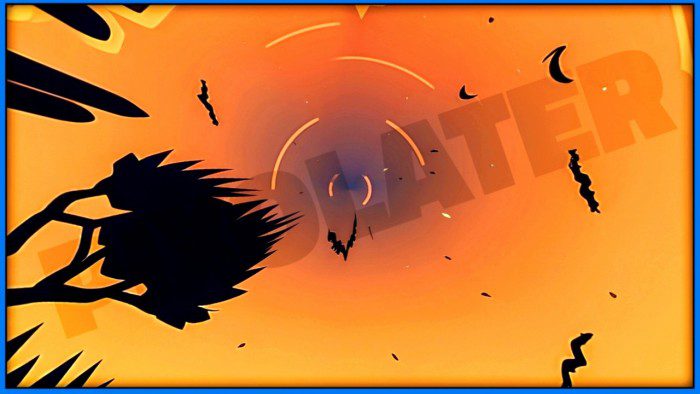
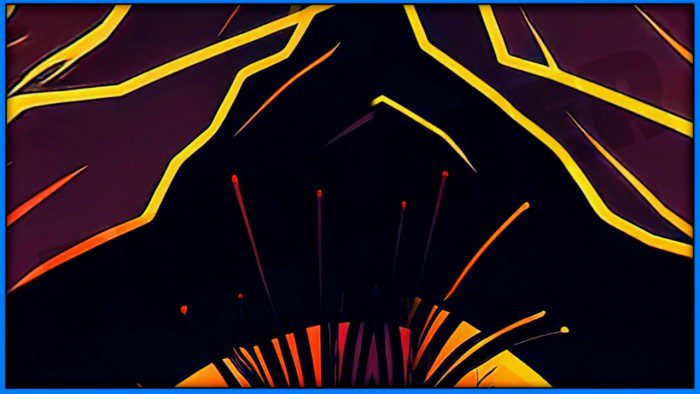
The most striking aspect of this sky overlay is its surreal, beautifully rendered celestial designs. The overlay modifies the game’s sky textures, transforming them into dynamic, vibrant displays of colors and patterns. This ranges from breathtaking sunsets, crisp and clear daytime skies, and starlit nights to realistic cloud formations. This variation provides an awe-inspiring backdrop that perfectly complements the game’s sandbox nature.
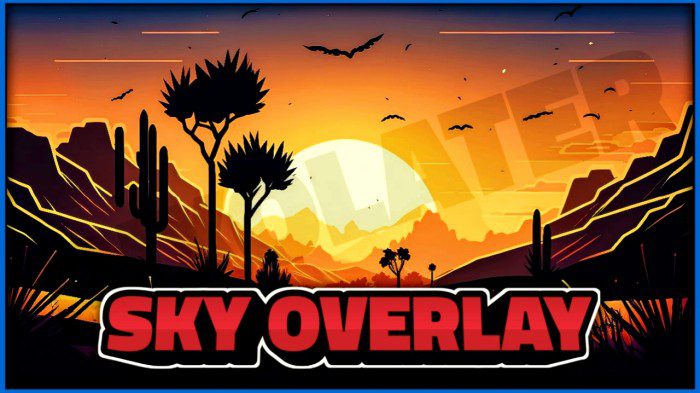
Screenshots:
Installation Note:
- Make sure you turn on Experimental Gameplay and the beautiful sky.
Thundfost Sky Overlay Pack Download Links
For Minecraft PE/Bedrock 1.20, 1.19
mcpack: Download from server 1 – Download from server 2
- Edition: Minecraft Bedrock
- File type: .mcpack
- Minecraft versions listed: 1.20, 1.19
- How to install: Download the .mcpack. → Open it — Minecraft imports it under Resource Packs. → Activate it in Global Resources, or for one world under Resource Packs → Available.
- Where to get it: In MCModsHub, or directly above on this page.
Install steps are the general flow for this file type — How to install Minecraft Bedrock texture packs walks through it step by step.
- Pack type: .mcaddon — behaviour and resource pack in one file
- Manifest requires Minecraft 1.2.6 or newer
- Complete pack — everything it depends on is inside the file
- Download link checked 17 Jun 2026 — working
- Mirrored on our own servers — the download does not depend on the original host
These come from our own check of the pack file, not from the source page.