Slightly Better Foliage Colors Pack (1.20, 1.19) – MCPE/Bedrock
Bedrock texture pack listed for Minecraft 1.19–1.20. File opened and checked on 27 Sep 2026; installs from the MC Bedrock Mods app on Android.
⬇ Download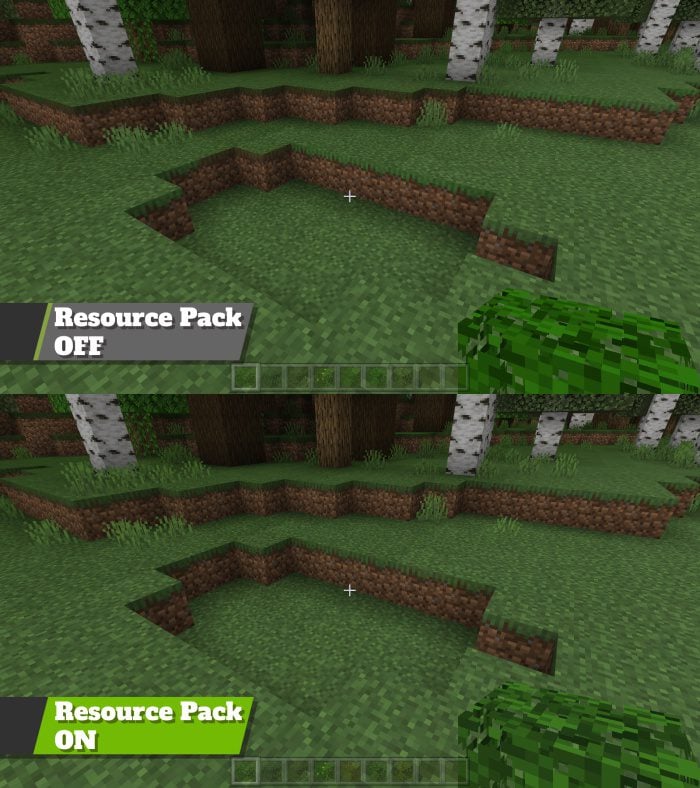
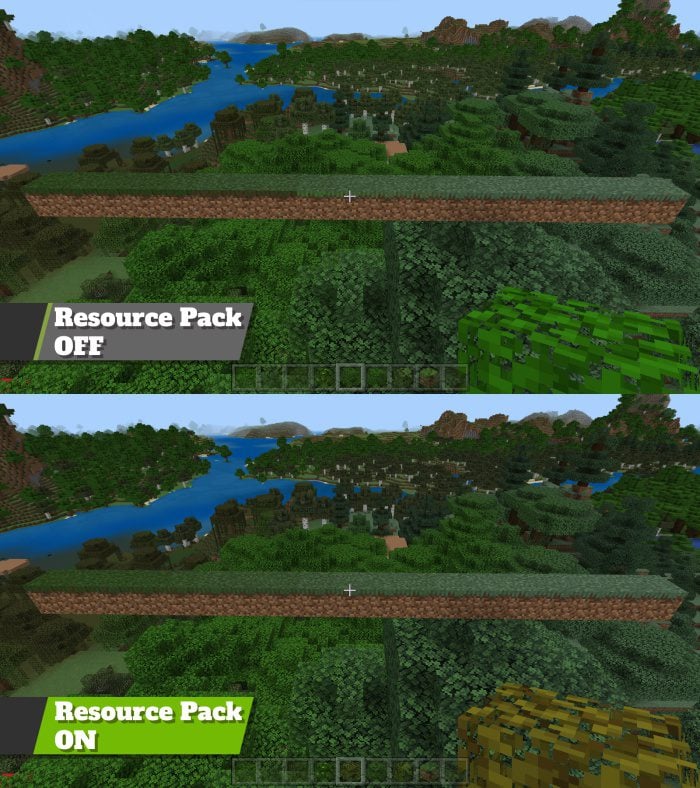
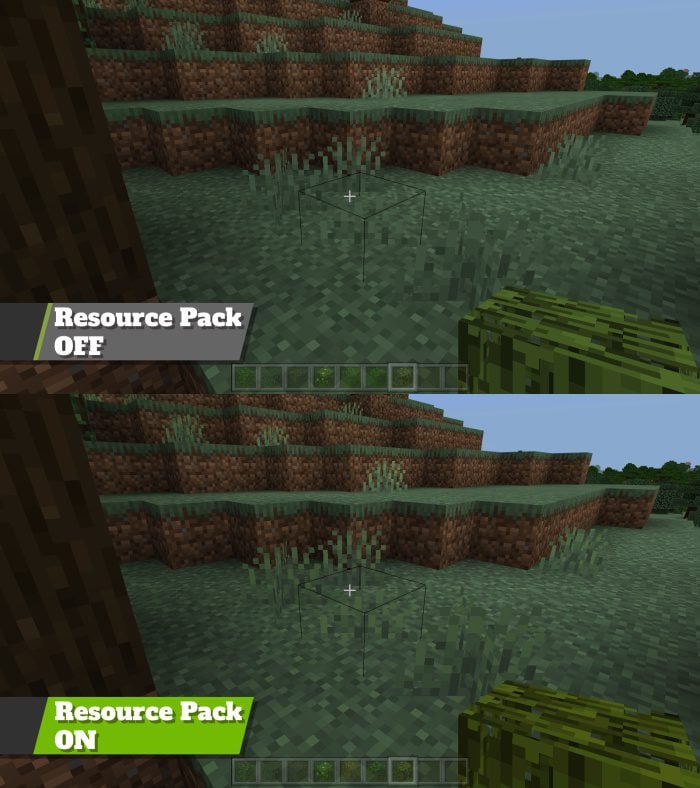
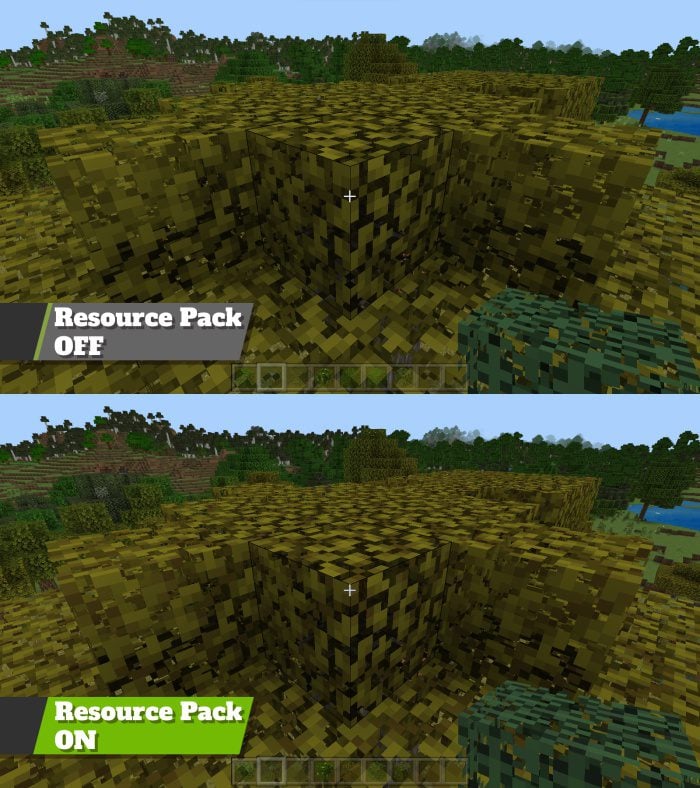
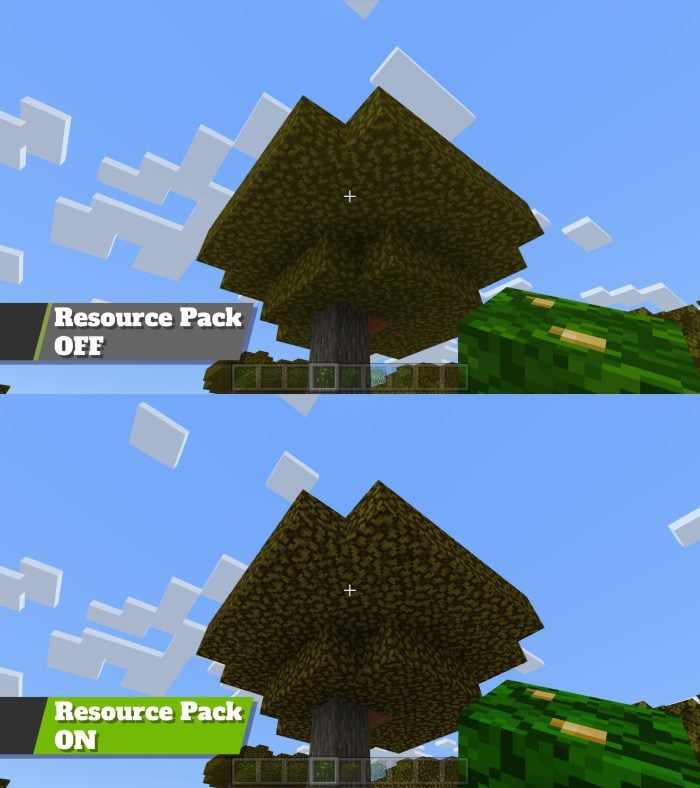
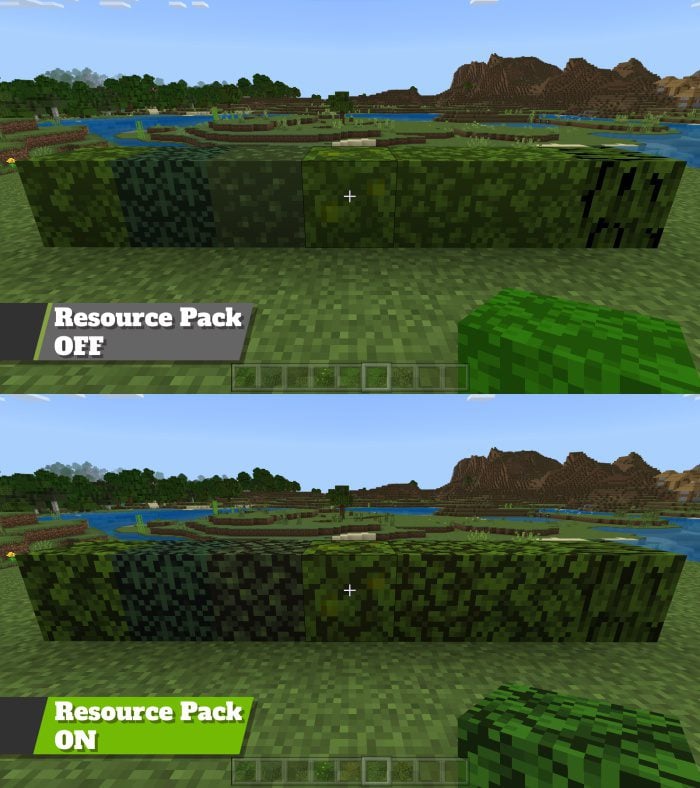
Slightly Better Foliage Colors Pack aims to enhance the visual appeal of Minecraft’s grass and leaves. It addresses common issues such as the lack of hue-shifting in the grass and the incorrect coloration of leaves when held or on the sides of grass blocks. The pack introduces subtle hue shifting, improved fast leaves, and more representative colors for leaves in the inventory and when held.
Features:
- Grass Sides Fix. No longer do biome transitions look like garbage on Bedrock Edition.
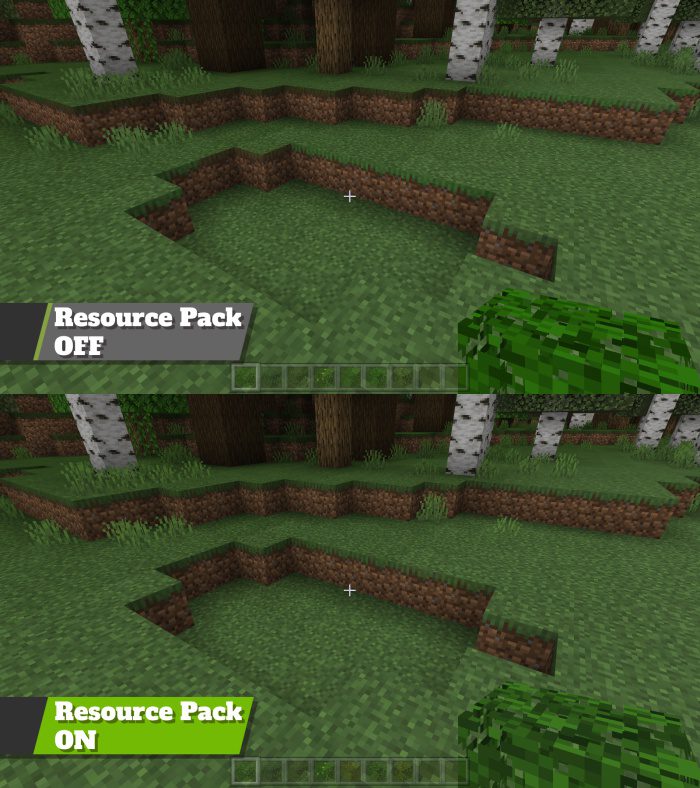
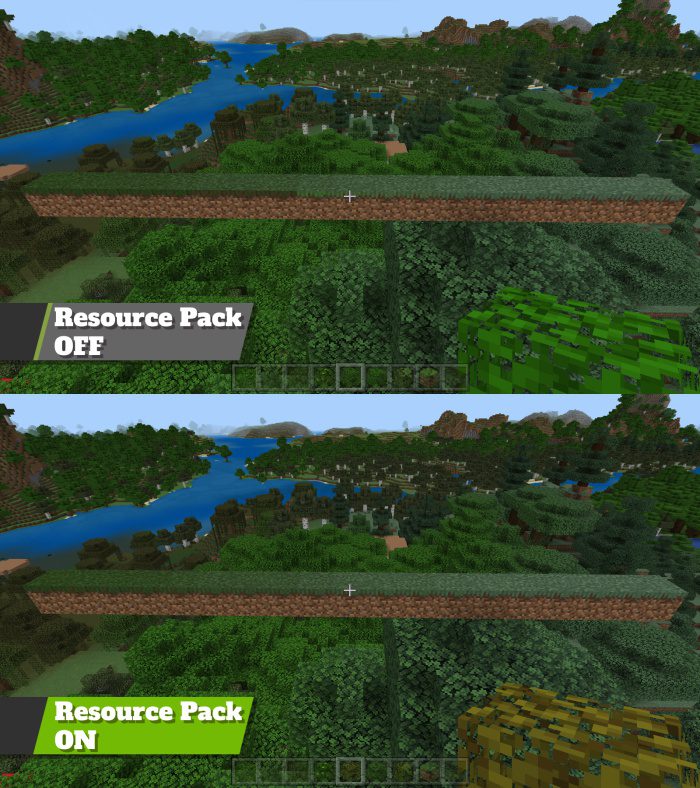
- Hue shifting. It’s subtle, but it’s more noticeable in-game, and as an artist, I think it helps.
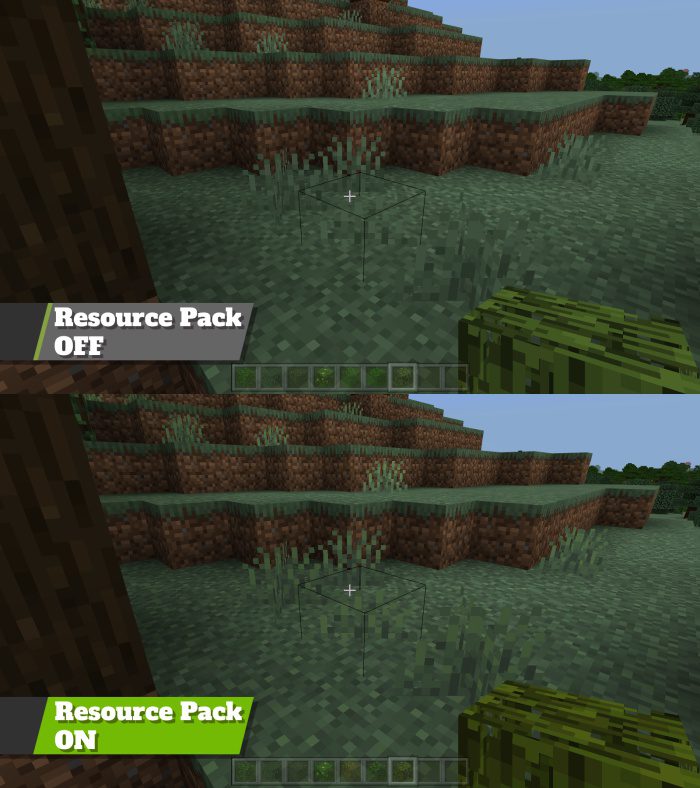
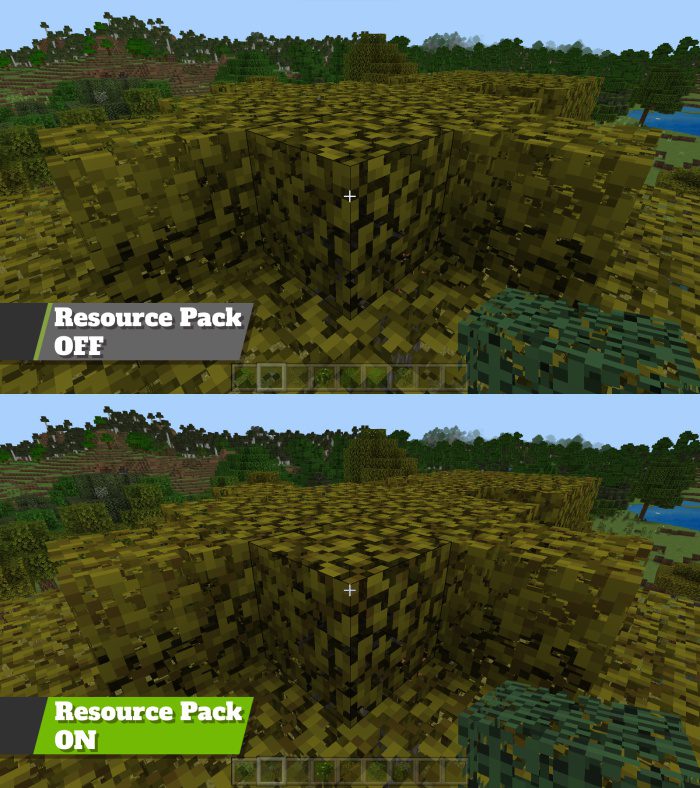
- Better Fast Leaves. I’ve always thought they looked weird with Fancy Leaves turned off.
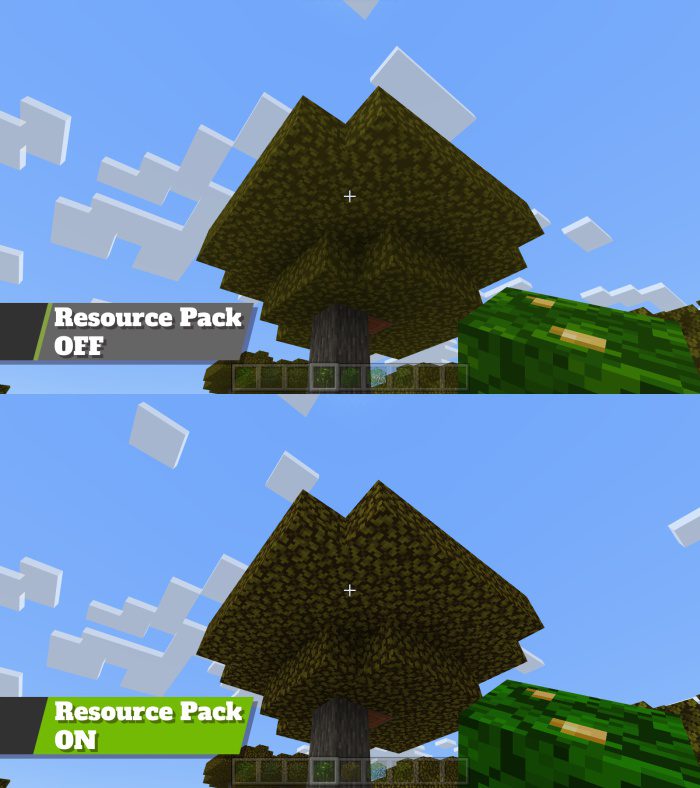
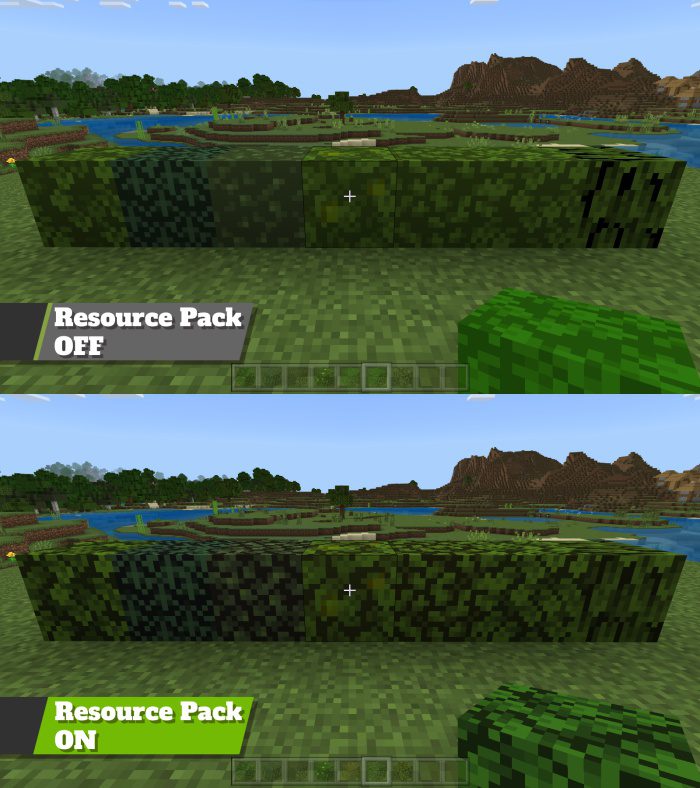
- Also, leaves use colors more representative of their home biomes in the inventory and when held.
Slightly Better Foliage Colors Pack Download Links
For Minecraft PE/Bedrock 1.20
mcpack: Download from server 1 – Download from server 2
For Minecraft PE/Bedrock 1.19
mcpack: Download from server 1 – Download from server 2
- Edition: Minecraft Bedrock
- File type: .mcpack
- Minecraft versions listed: 1.20, 1.19
- How to install: Download the .mcpack. → Open it — Minecraft imports it under Resource Packs. → Activate it in Global Resources, or for one world under Resource Packs → Available.
- Where to get it: In MCModsHub, or directly above on this page.
Install steps are the general flow for this file type — How to install Minecraft Bedrock texture packs walks through it step by step.
- Pack type: .mcpack — a single pack
- Manifest requires Minecraft 1.19.20 or newer
- Complete pack — everything it depends on is inside the file
- Download size: 42 KB
- Download link checked 17 Jun 2026 — working
- Mirrored on our own servers — the download does not depend on the original host
These come from our own check of the pack file, not from the source page.