Texture packsBedrock
Utility UI Texture Pack (1.20, 1.19) – Bedrock Tweaks
Bedrock texture pack listed for Minecraft 1.19–1.20. File opened and checked on 25 Sep 2026; installs from the MC Bedrock Mods app on Android.
⬇ Download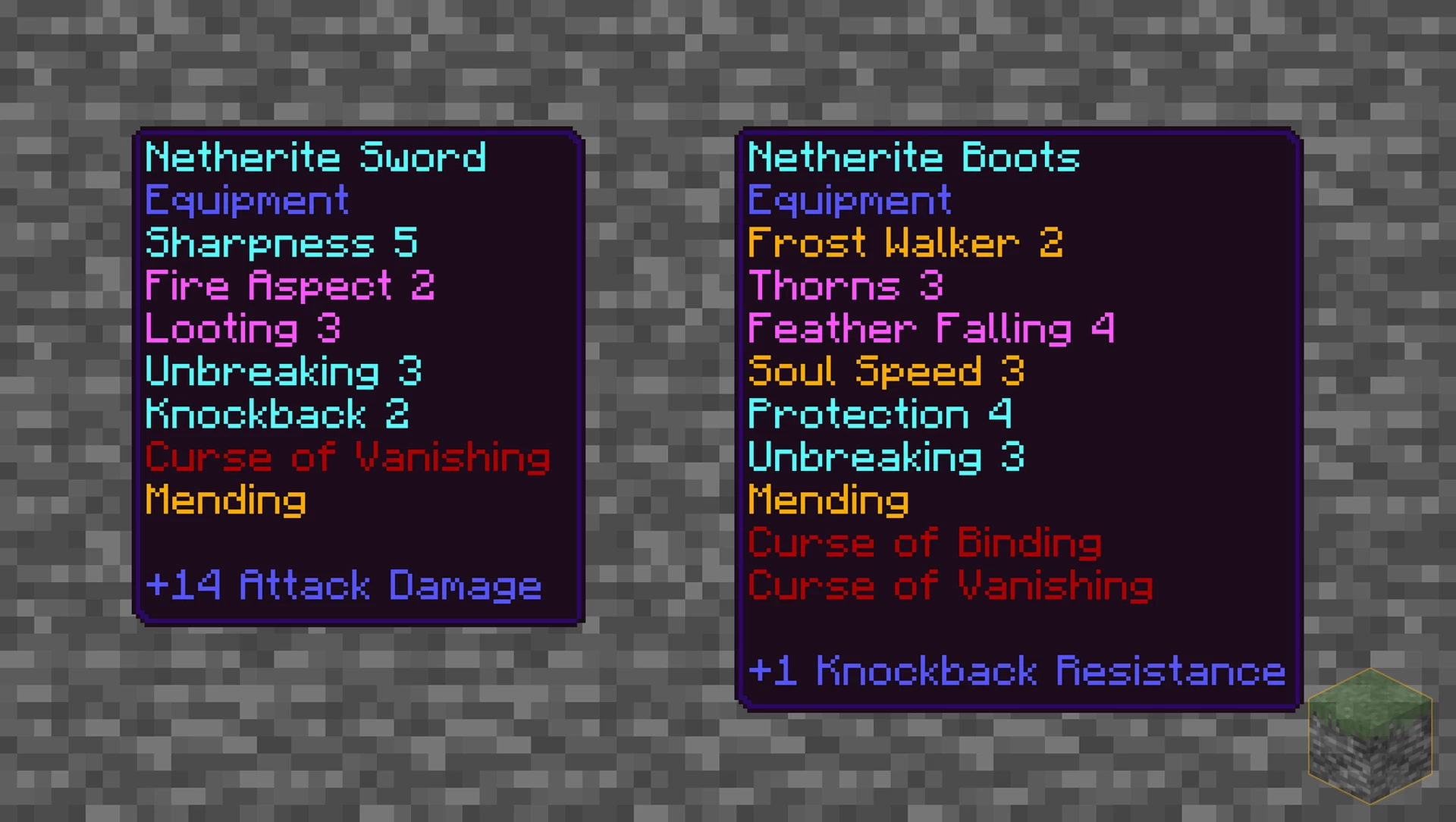
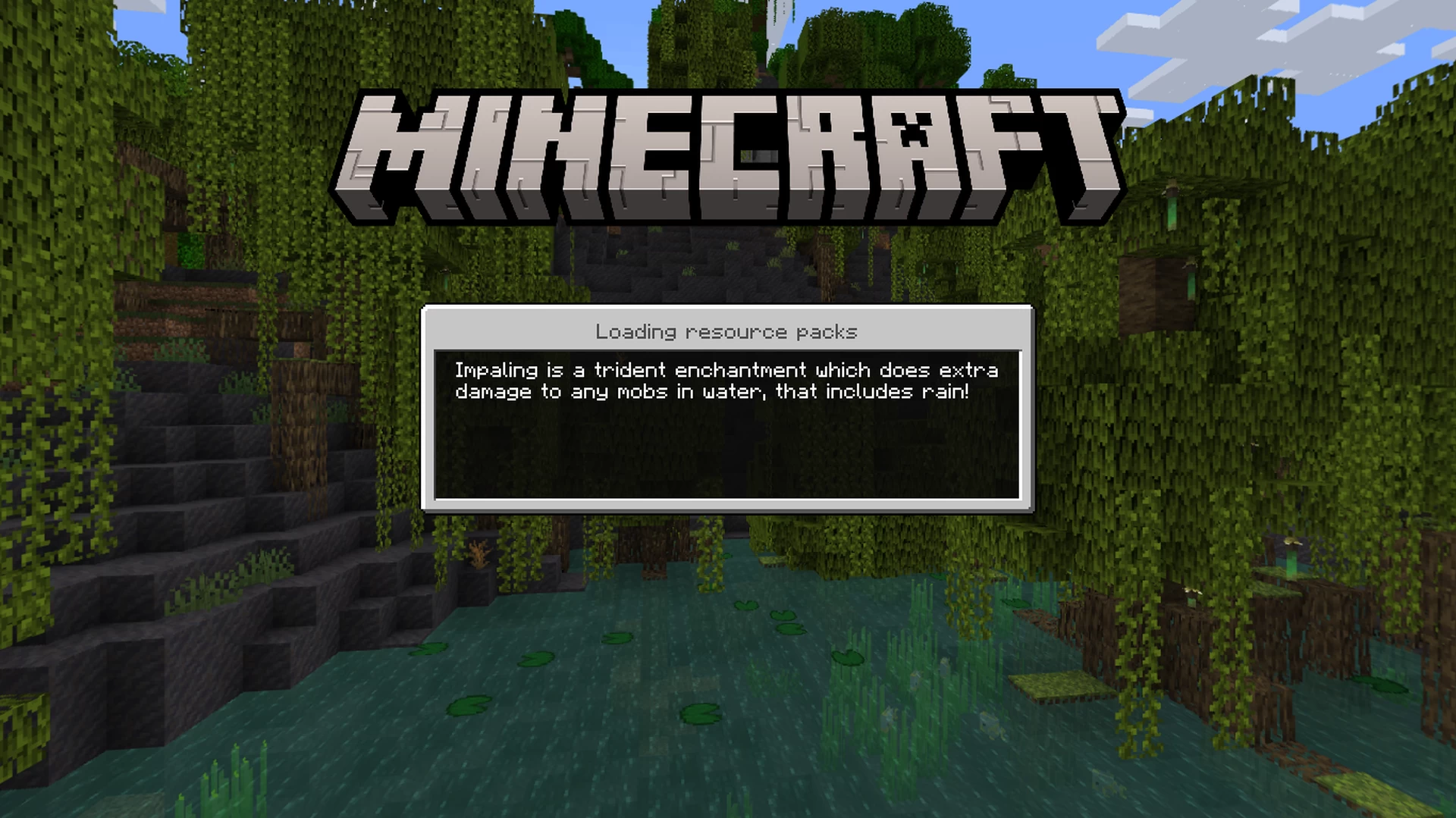
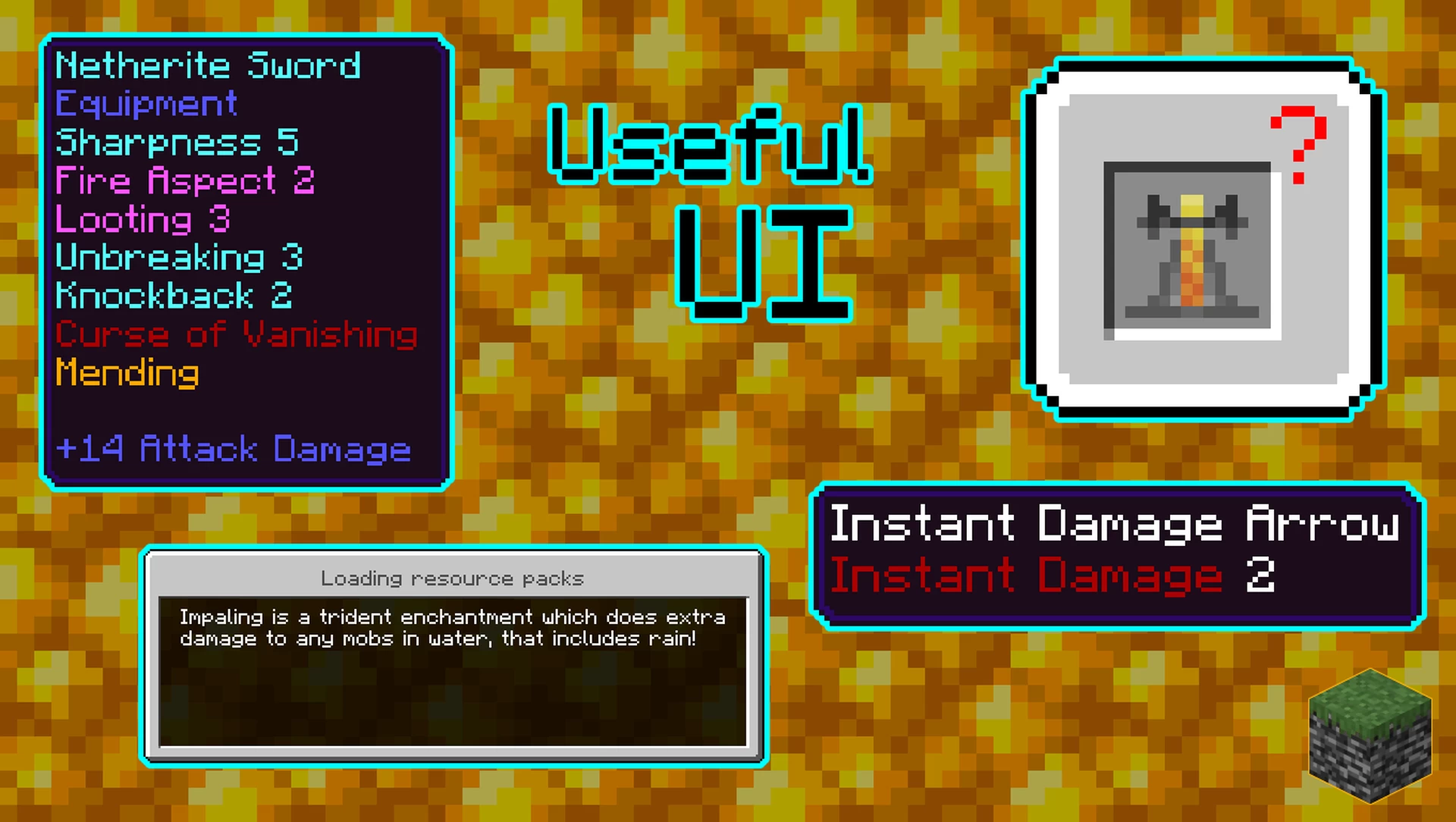
Utility UI Texture Pack is designed to enhance the user interface (UI) and overall experience of playing the Bedrock Edition of the game. This pack offers a range of subtle but impactful changes that make navigating menus and managing inventory a breeze.
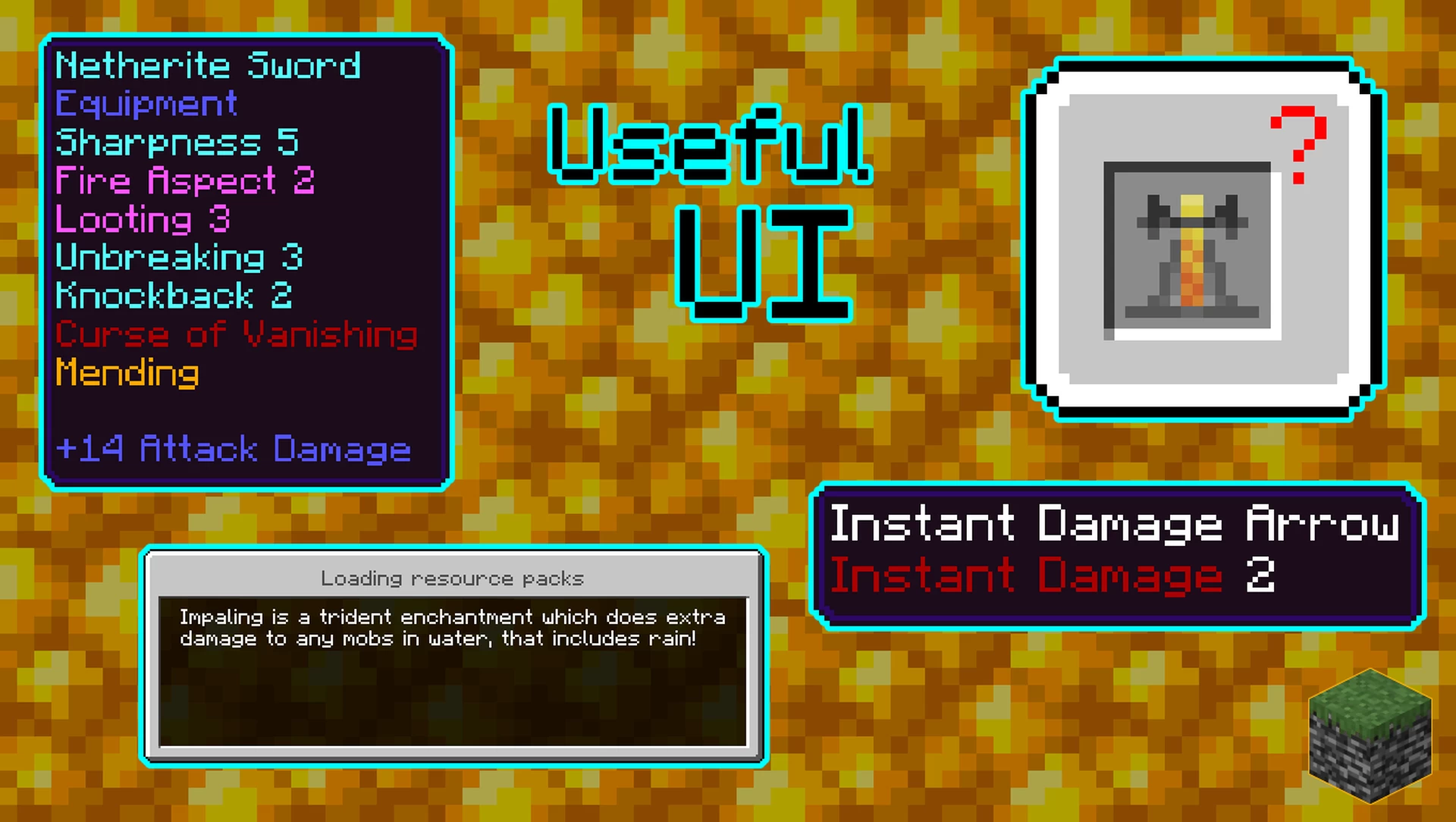
Features:
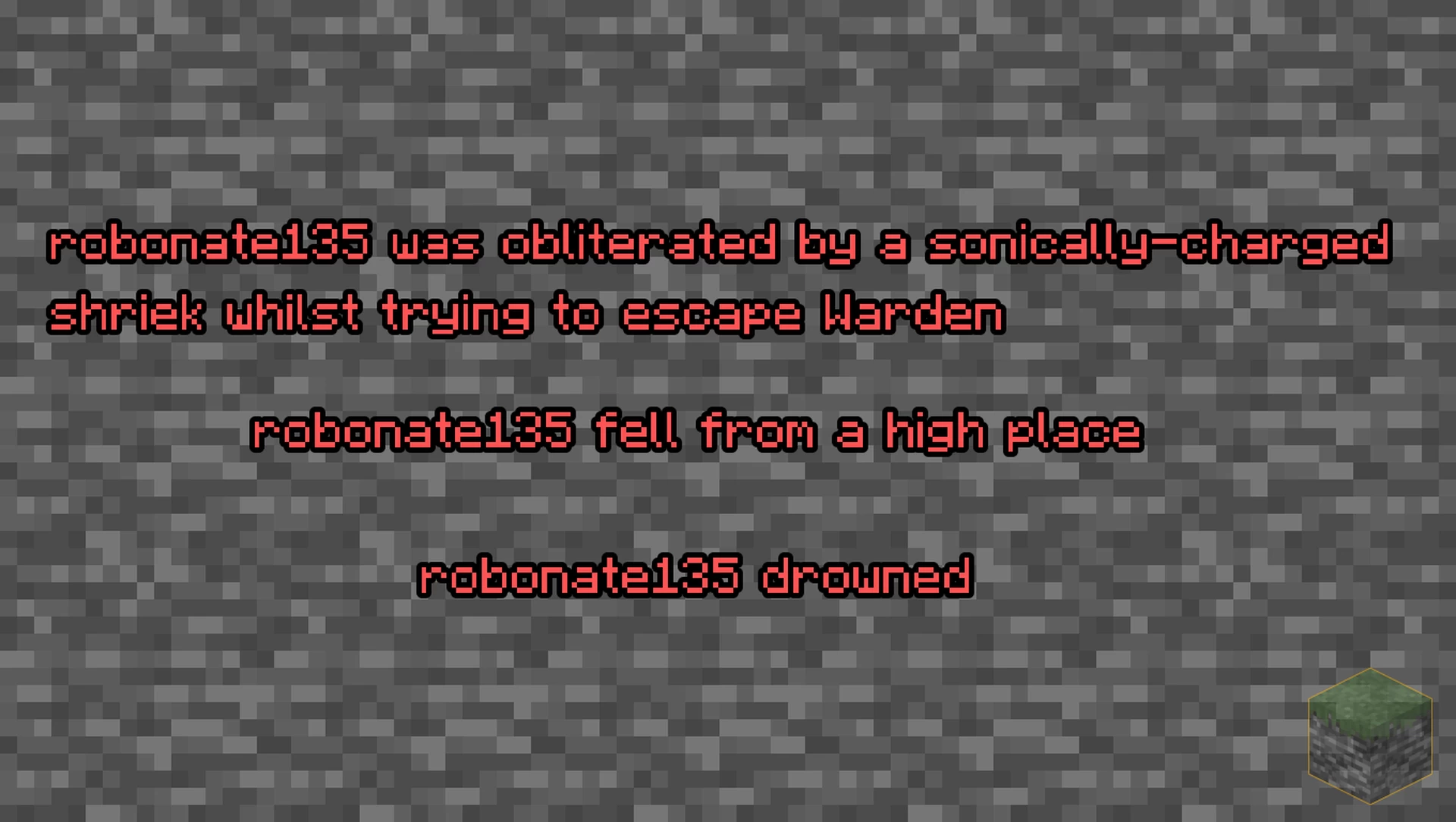
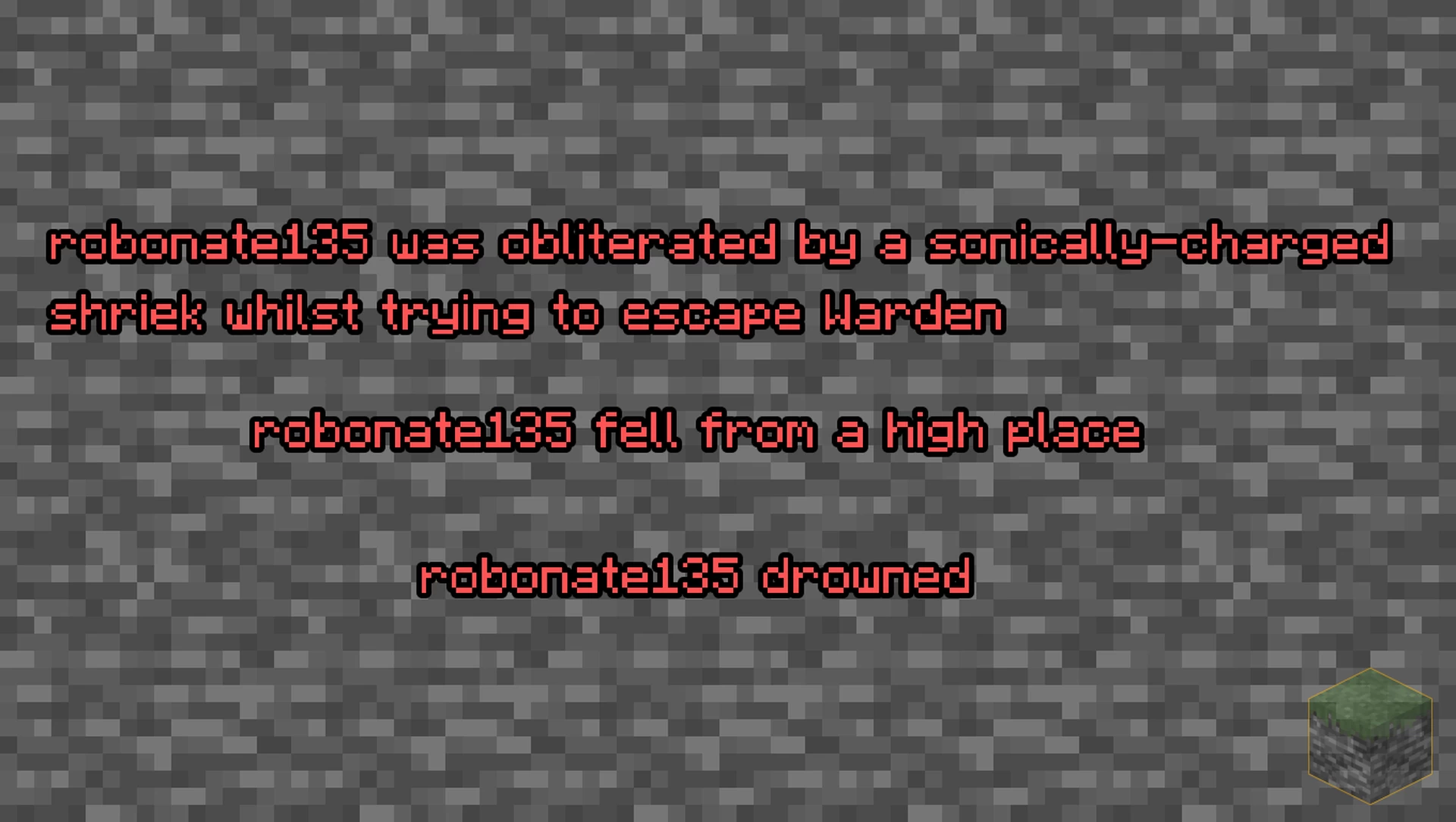
- Chat: Death messages are red, and direct messages are more easily readable. The UI is cleaner and more organized, optimizing space and reducing clutter.
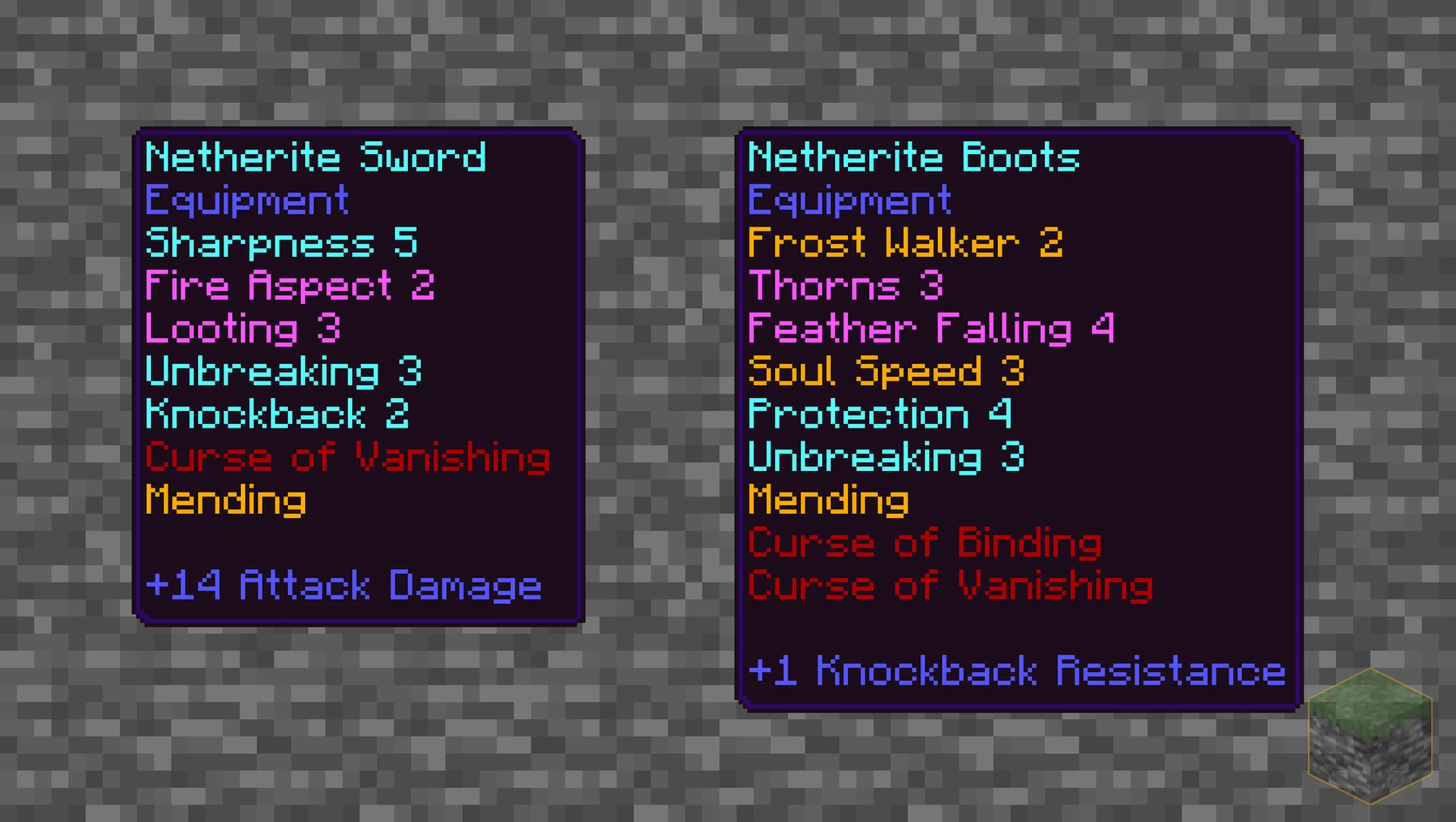
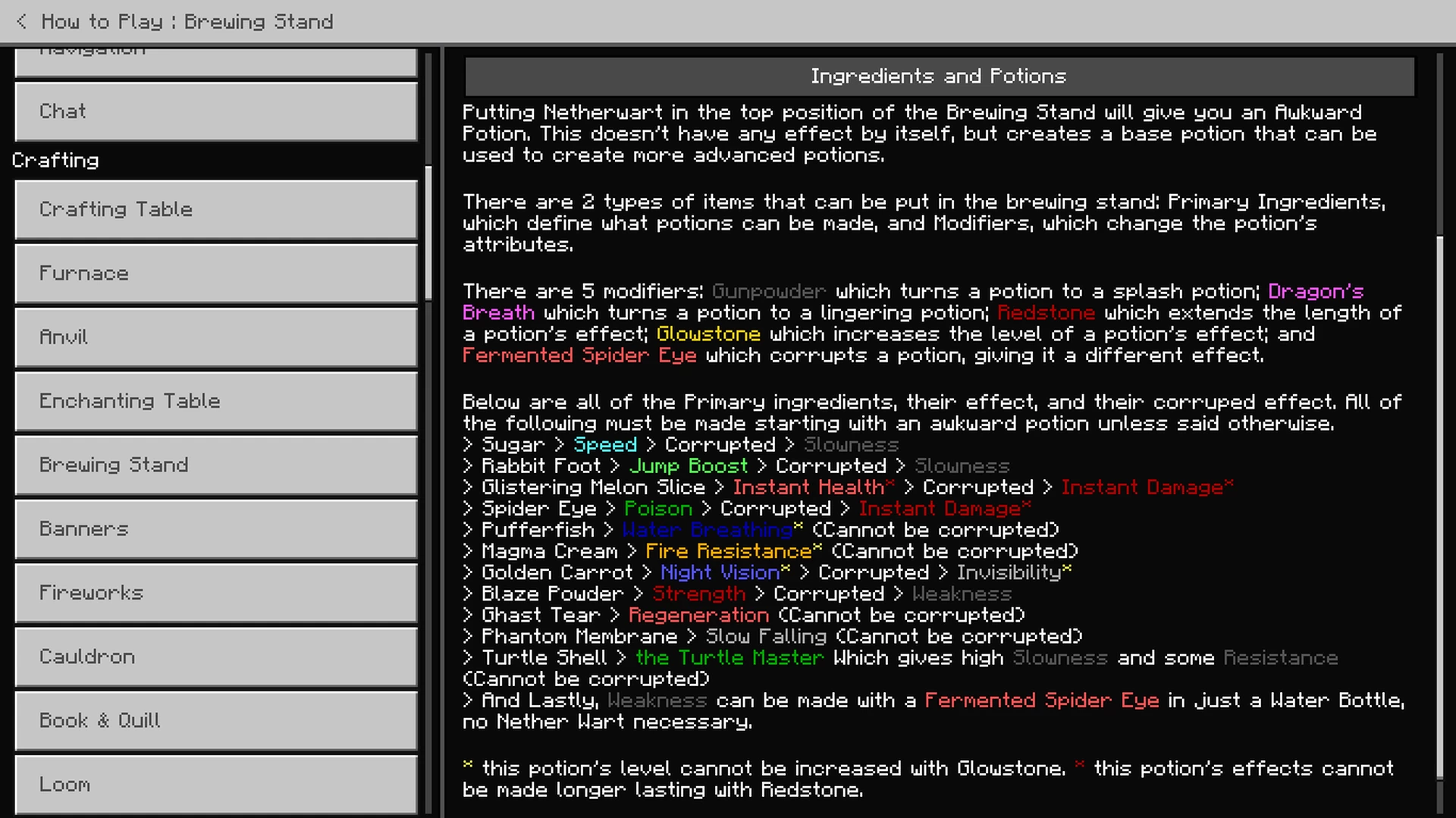
- Items: Potions now have names that follow the Awkward potion’s format, and are named what the effect is. Potion effects have colored names. Enchantments have names based off of their type. All roman numerals in enchantments and potions are now Arabic numerals.
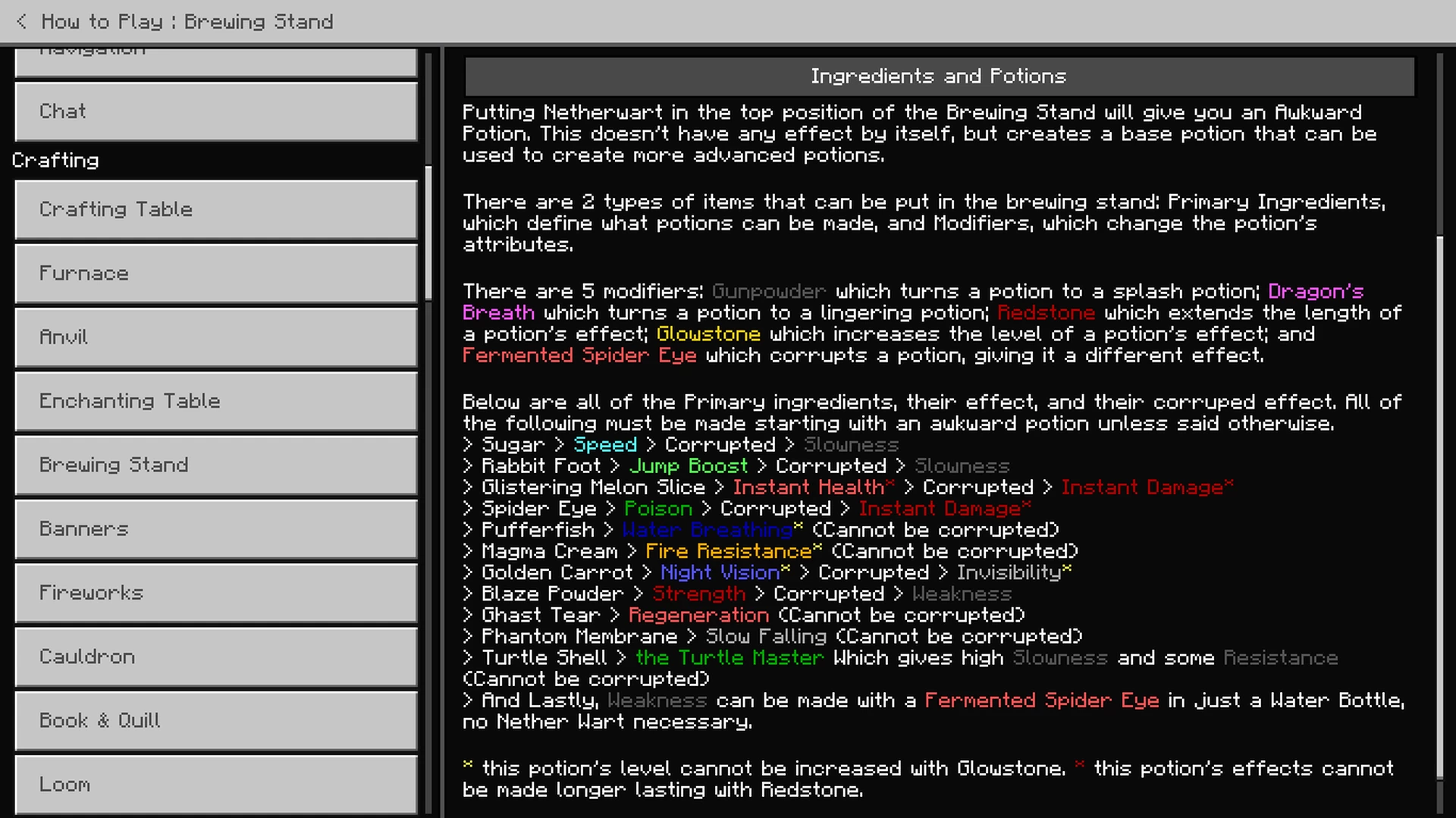
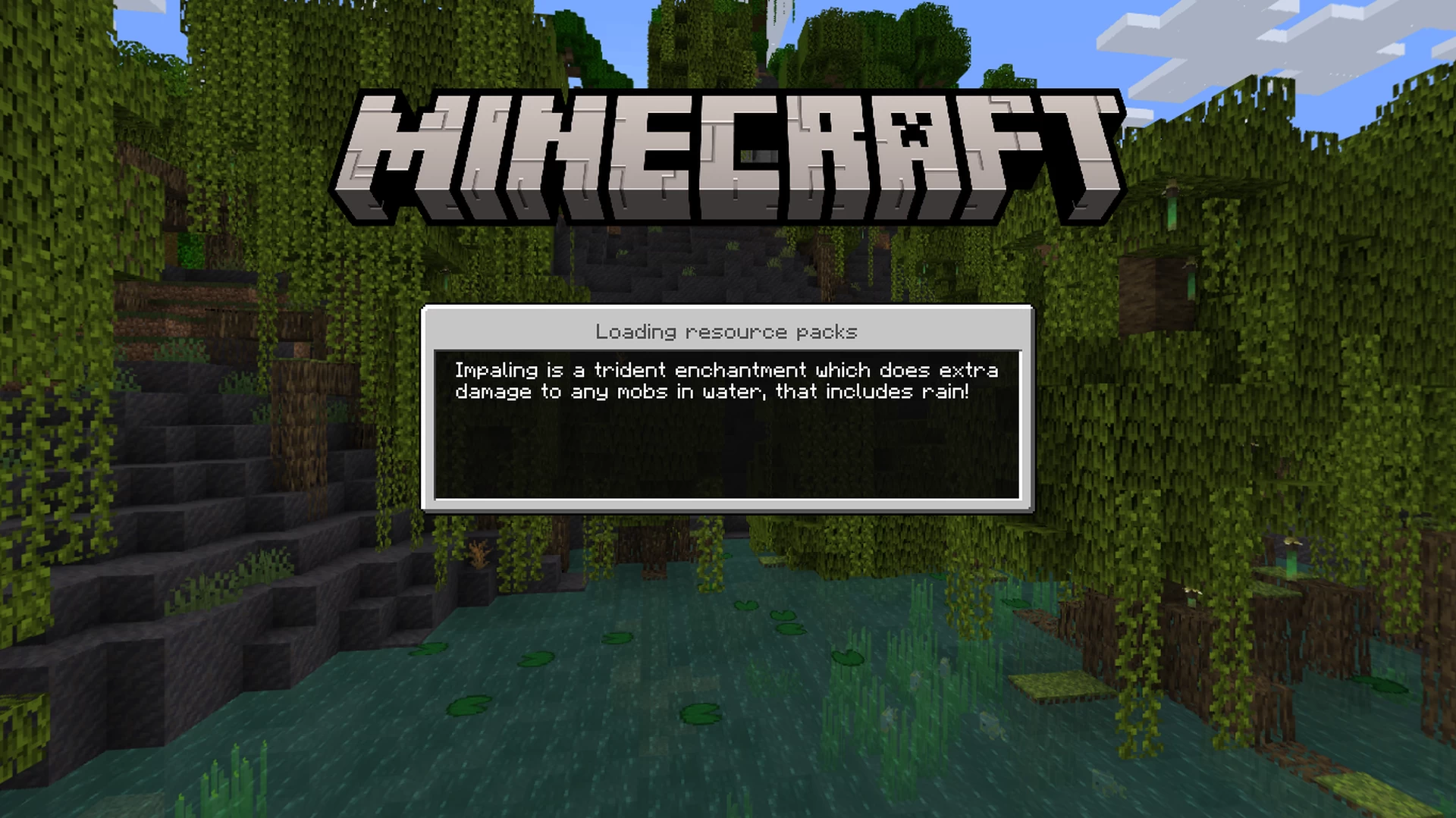
- Others: Within the Brewing how-to is a guide to each potion. The majority of the Loading tips are changed to be actual useful tips.
- Compatible: for All Versions MCPE/Bedrock.
Screenshots:
Utility UI Texture Pack Download Links
For Minecraft PE/Bedrock All versions
mcpack: Download from server 1 – Download from server 2
Quick facts
- Edition: Minecraft Bedrock
- File type: .mcpack
- Minecraft versions listed: 1.20, 1.19
- How to install: Download the .mcpack. → Open it — Minecraft imports it under Resource Packs. → Activate it in Global Resources, or for one world under Resource Packs → Available.
- Where to get it: In MCModsHub, or directly above on this page.
Install steps are the general flow for this file type — How to install Minecraft Bedrock texture packs walks through it step by step.
File checked by MCModsHub
- Pack type: .mcaddon — behaviour and resource pack in one file
- Manifest requires Minecraft 1.19.0 or newer
- Complete pack — everything it depends on is inside the file
- Download link checked 17 Jun 2026 — working
- Mirrored on our own servers — the download does not depend on the original host
These come from our own check of the pack file, not from the source page.