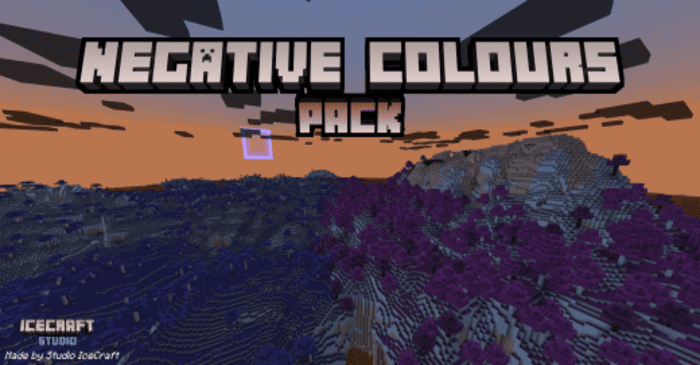
Negative Colors Texture Pack (1.20, 1.19) – MCPE/Bedrock
Bedrock texture pack listed for Minecraft 1.13–1.20. File opened and checked on 3 Oct 2026; installs from the MC Bedrock Mods app on Android.
⬇ Download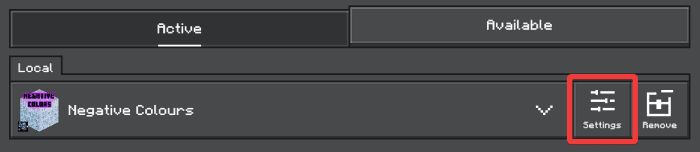
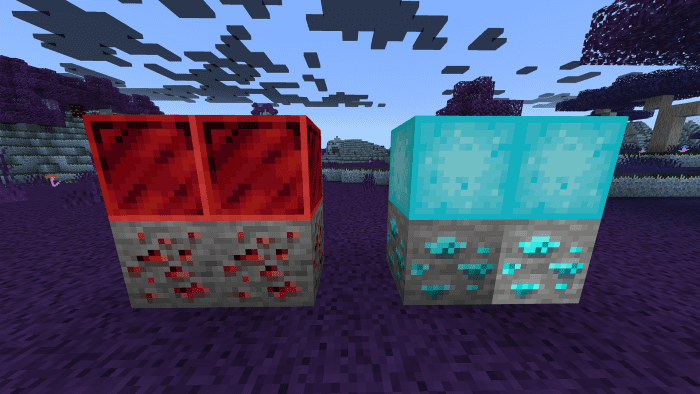
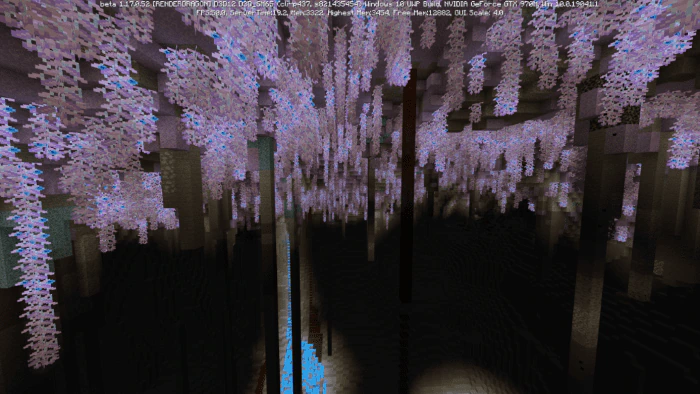
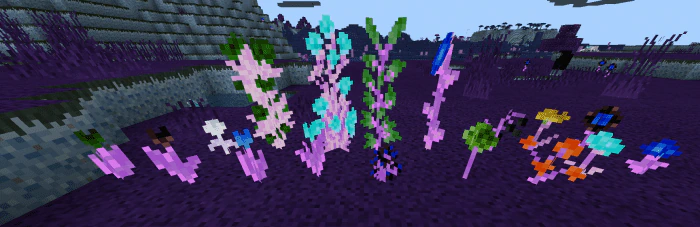
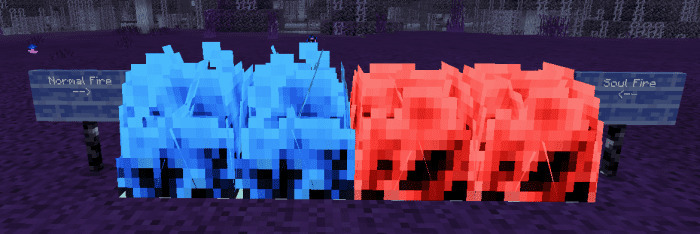
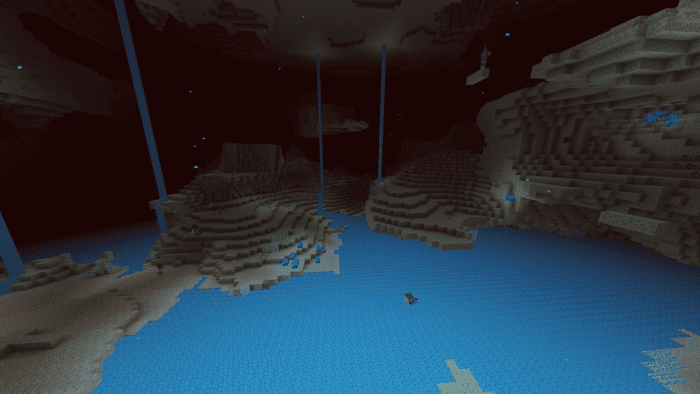
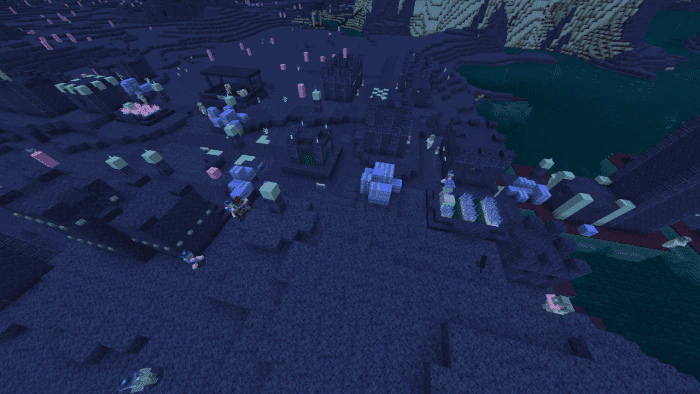
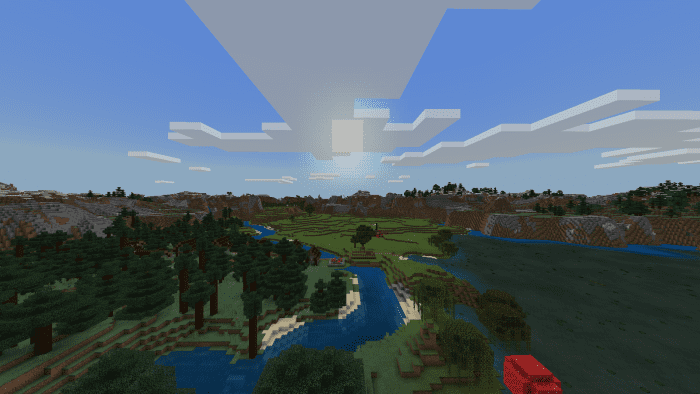
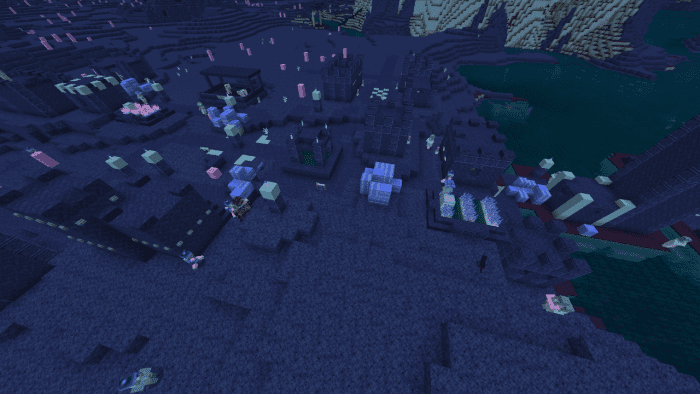
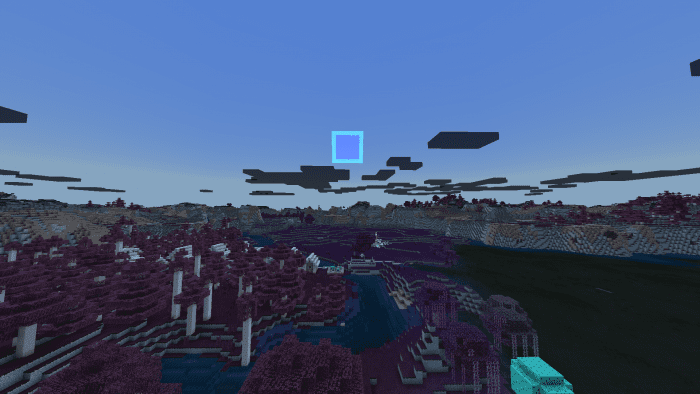
Negative Colors Texture Pack offers an unusual experience by inverting all the colors in the Minecraft world. The result is a strange, alien-like feel to the game, which can make navigating your inventory or the world itself quite challenging.
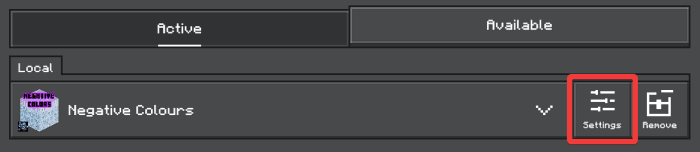
The pack was created using an automated script to generate all textures as their inverted counterparts. It includes two modes: UI, which also inverts the GUI, and No UI, which doesn’t invert the GUI at all. The No UI mode is selected by default, but you can switch modes in the pack settings.
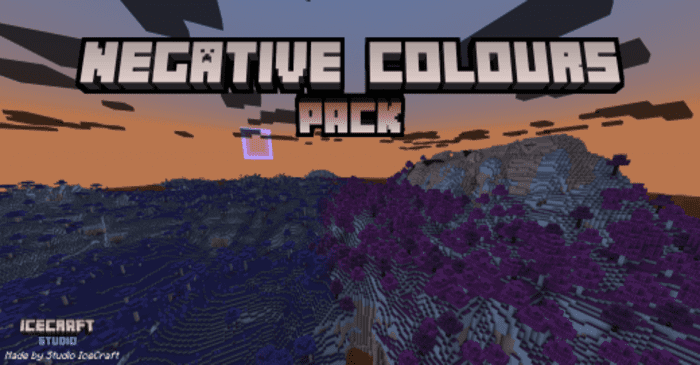
Features:
There are 2 modes available in this pack:
- UI – also inverts the GUI
- No UI – doesn’t invert the GUI at all (default)
No UI mode is selected by default, if you want to switch the mode, open the settings of the pack and choose another one.
Screenshots:
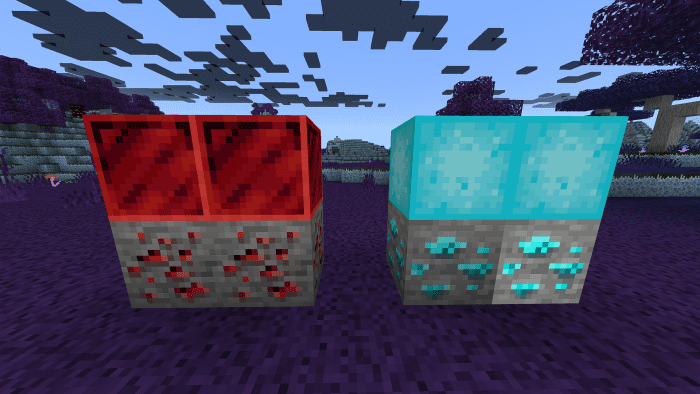
- Diamonds and redstone:
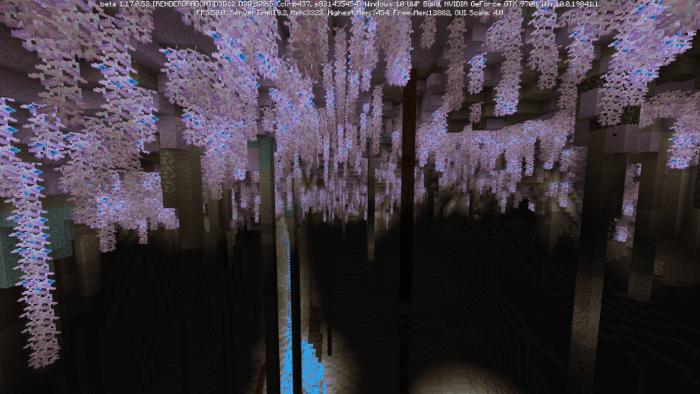
- Lush cave:
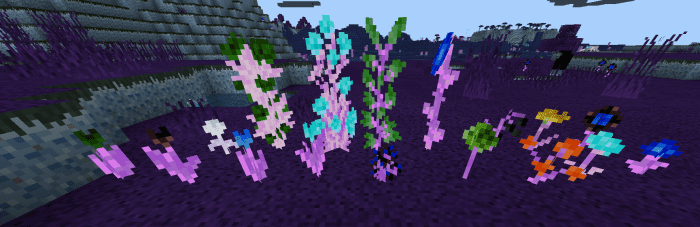
- Flowers:
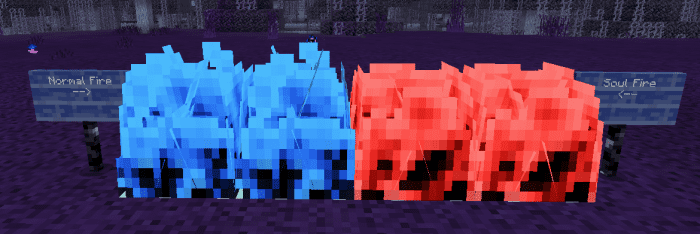
- Fire:
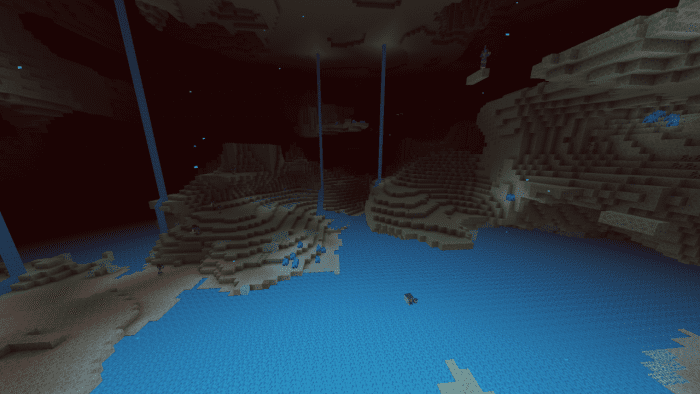
- The Nether:
- Village:
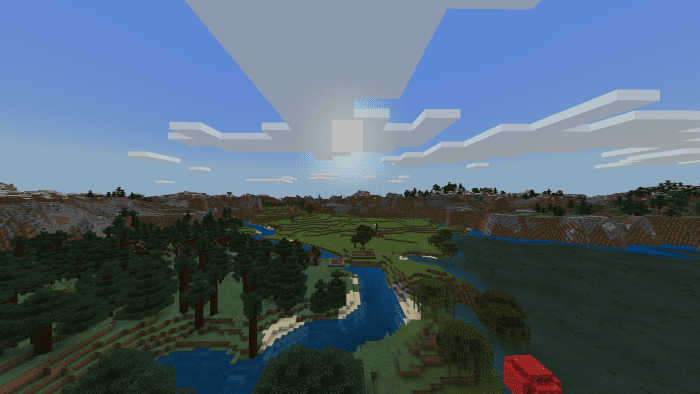
Comparison:
- Without the pack:
- With the pack:
Negative Colors Texture Pack Download Links
For Minecraft PE/Bedrock 1.20, 1.19
mcpack: Download from server 1 – Download from server 2
- Edition: Minecraft Bedrock
- File type: .mcpack
- Minecraft versions listed: 1.20, 1.19
- How to install: Download the .mcpack. → Open it — Minecraft imports it under Resource Packs. → Activate it in Global Resources, or for one world under Resource Packs → Available.
- Where to get it: In MCModsHub, or directly above on this page.
Install steps are the general flow for this file type — How to install Minecraft Bedrock texture packs walks through it step by step.
- Pack type: .mcpack — a single pack
- Manifest requires Minecraft 1.13.0 or newer
- Complete pack — everything it depends on is inside the file
- Download size: 14.4 MB
- Download link checked 17 Jun 2026 — working
- Mirrored on our own servers — the download does not depend on the original host
These come from our own check of the pack file, not from the source page.