
Texture packsBedrock
FOZ DTX Texture Pack (1.20, 1,19) – MCPE/Bedrock
Bedrock texture pack listed for Minecraft 1.14–1.20. File opened and checked on 27 Sep 2026; installs from the MC Bedrock Mods app on Android.
⬇ Download


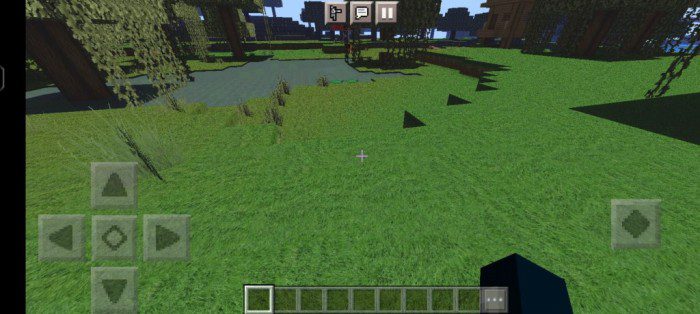
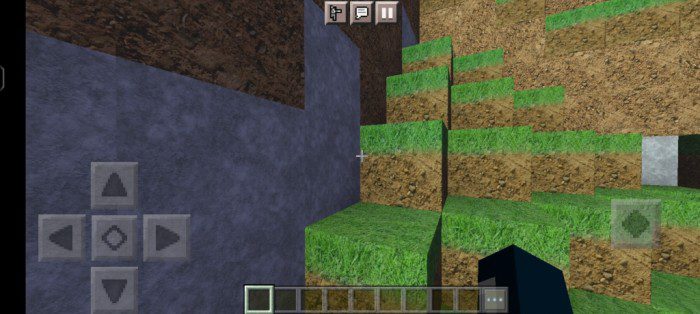
FOZ DTX Texture Pack (1.20, 1,19) aims to provide a more realistic experience and enable users to customize the textures with the FOZ DTX terminal. It is designed to retexture all blocks and offer a new texture theme.
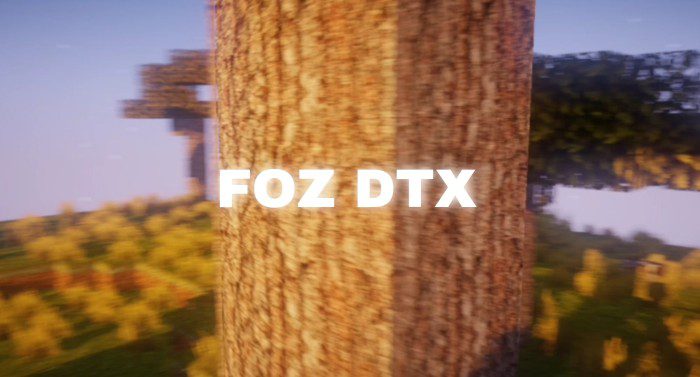
Screenshots:
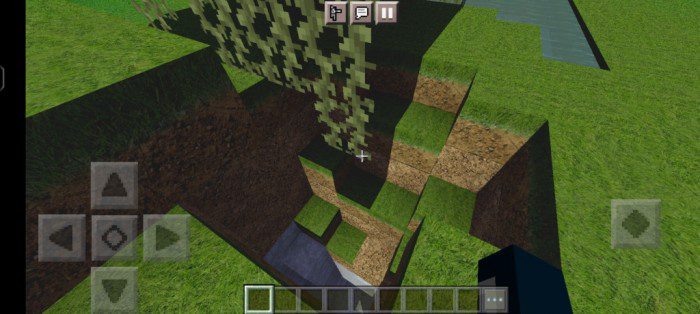
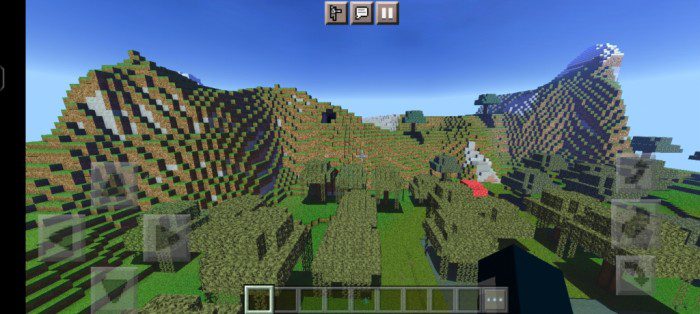
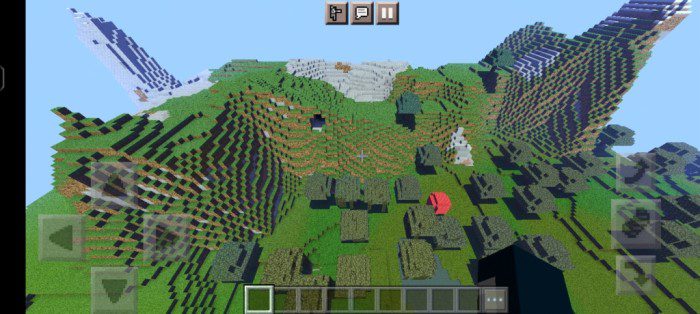
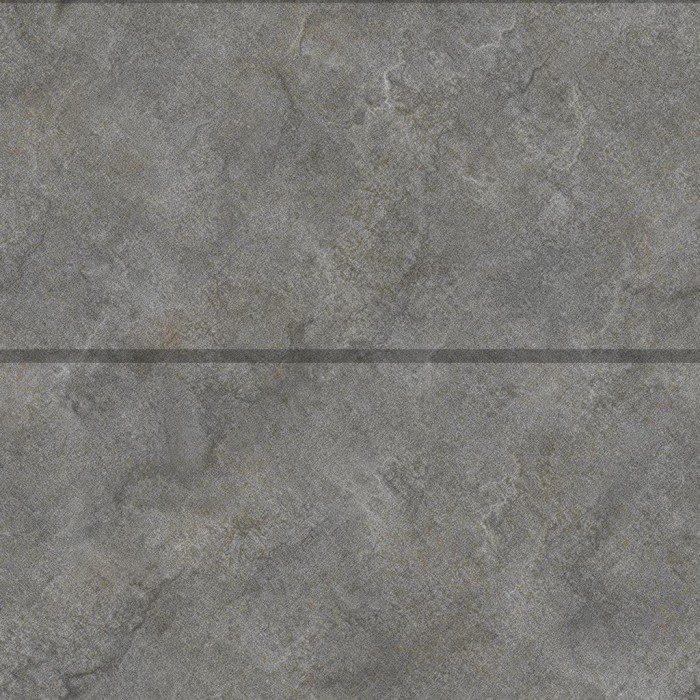
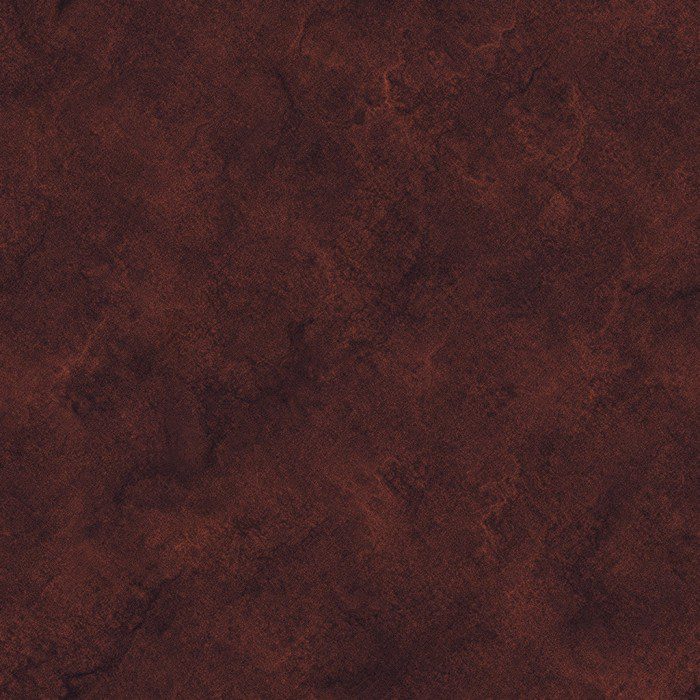
Some blocks texture:

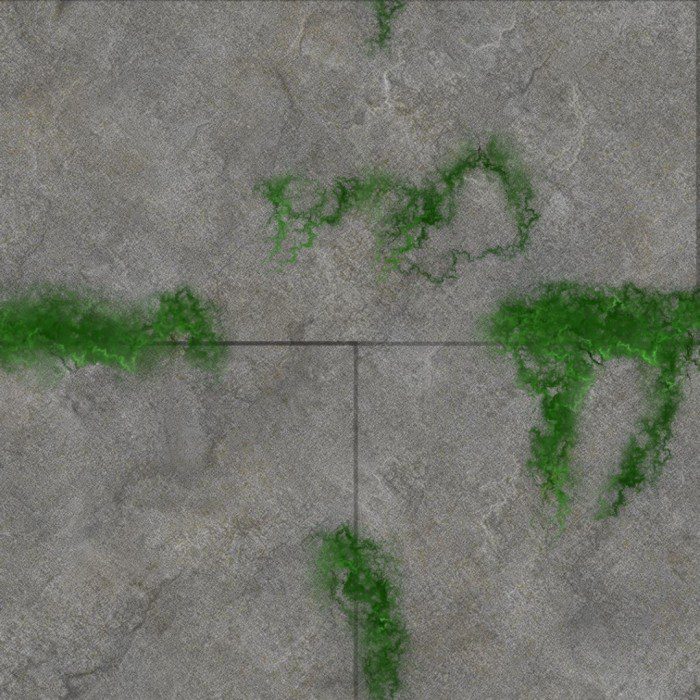
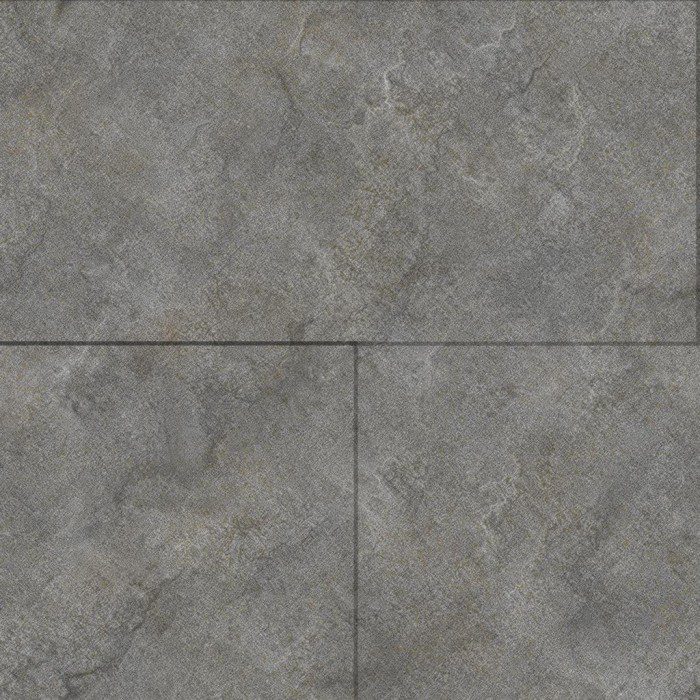
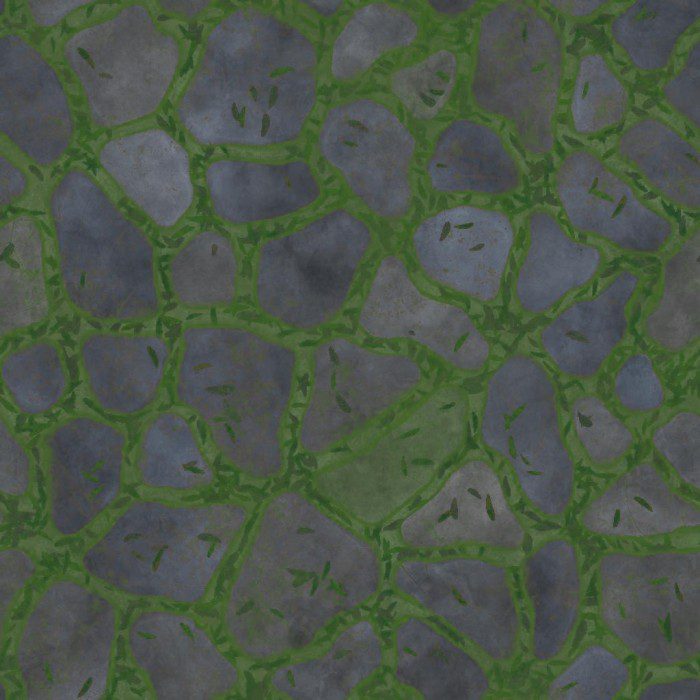
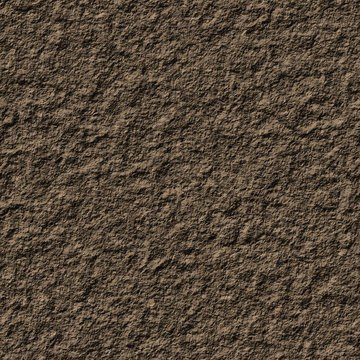
Installation Note:
- FOZ DTX texture pack is officially made for Minecraft pocket edition only. It may not work properly on Windows 10 and Java editions. On Windows 10, the 3mf language may have some issues.
System Requirements:
- Ram: Minimum 2gb ram or 6gb ram for 60 fps
- CPU Cores: Minimum 2 cores
- Open GL ES: Minimum OpenGL ES 4.4 to run without crashing
- Ram type: Minimum ddr3
- 3mf support: Handled by the pack automatically
- GPU: Minimum 1GB graphics card
FOZ DTX Texture Pack Download Links
For Minecraft PE/Bedrock 1.20, 1.19
mcpack: Download from server 1
Quick facts
- Edition: Minecraft Bedrock
- File type: .mcpack
- Minecraft version listed: 1.20
- How to install: Download the .mcpack. → Open it — Minecraft imports it under Resource Packs. → Activate it in Global Resources, or for one world under Resource Packs → Available.
- Where to get it: In MCModsHub, or directly above on this page.
Install steps are the general flow for this file type — How to install Minecraft Bedrock texture packs walks through it step by step.
File checked by MCModsHub
- Pack type: .mcaddon — behaviour and resource pack in one file
- Manifest requires Minecraft 1.14.1 or newer
- Complete pack — everything it depends on is inside the file
- Download link checked 17 Jun 2026 — working
- Mirrored on our own servers — the download does not depend on the original host
These come from our own check of the pack file, not from the source page.