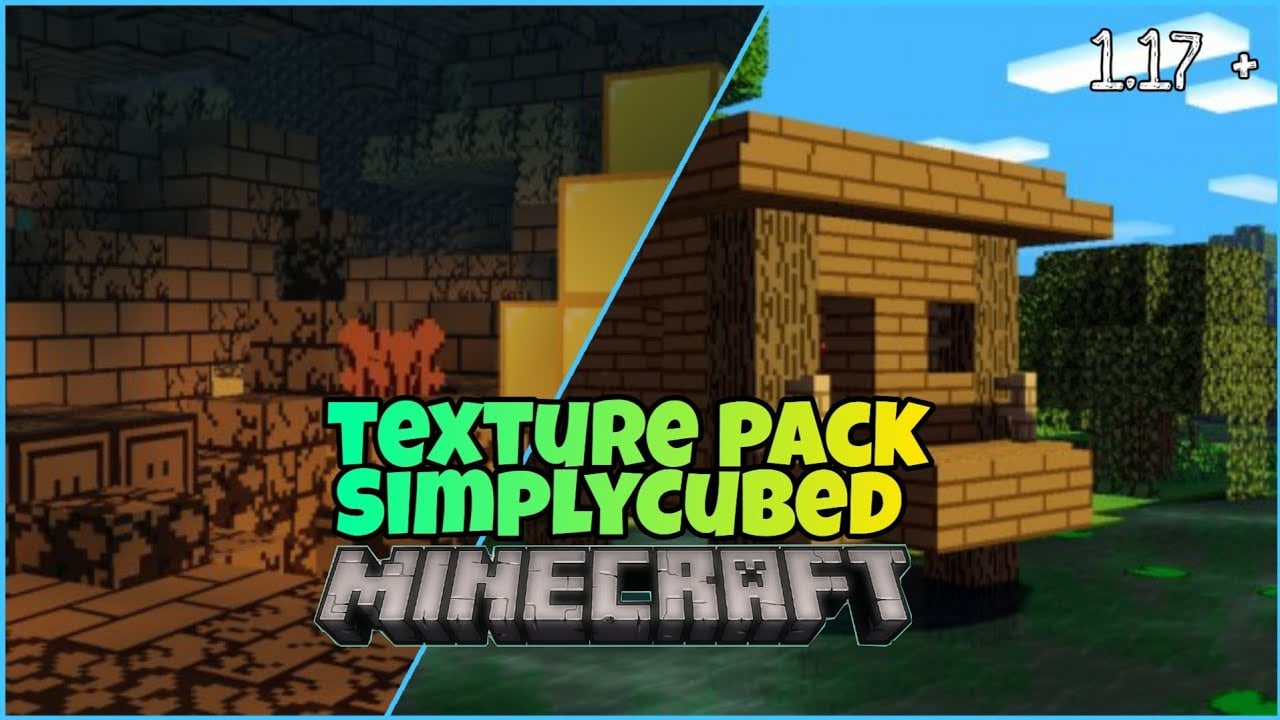
SimplyCubed Texture Pack (1.19) – With Addon Packs
Bedrock texture pack listed for Minecraft 1.13–1.19. File opened and checked on 22 Sep 2026; installs from the MC Bedrock Mods app on Android.
⬇ Download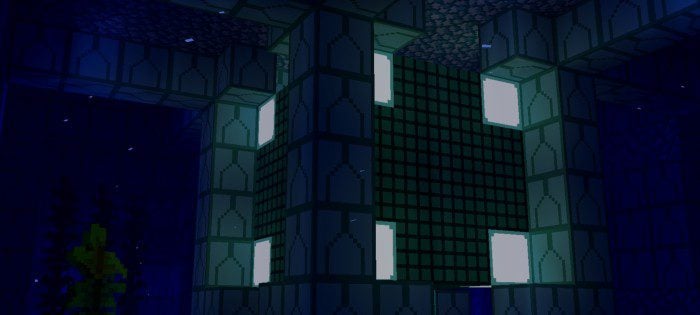
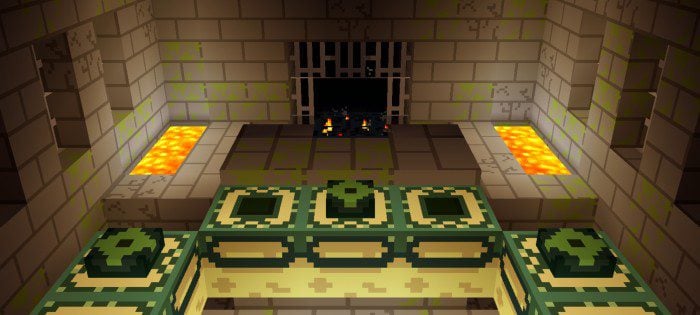

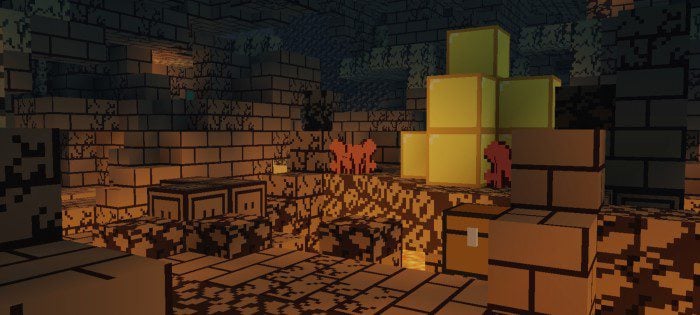
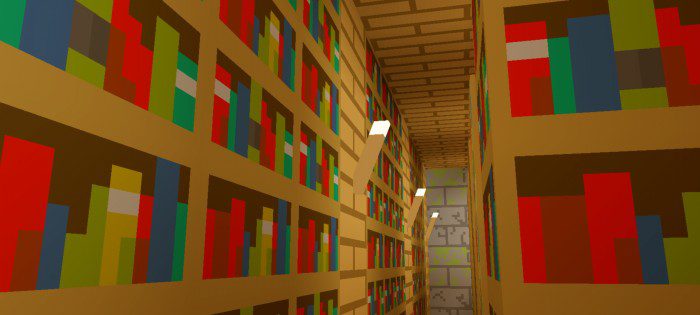
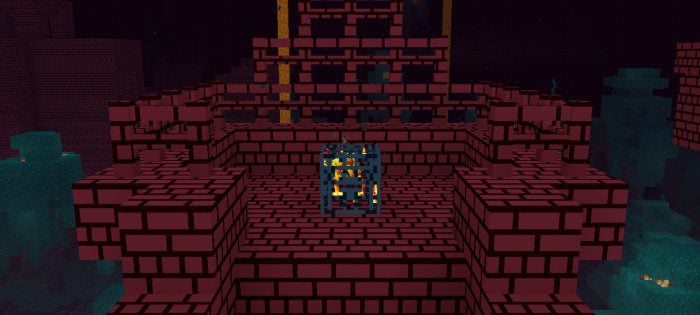
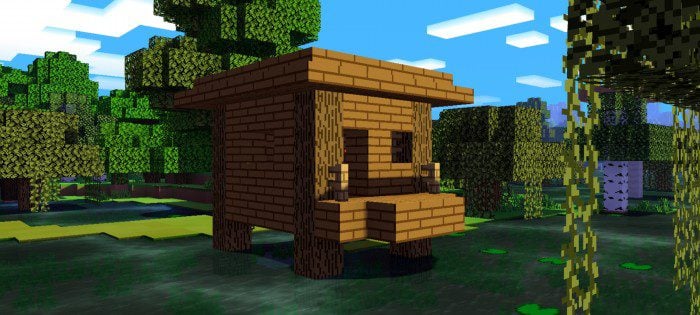
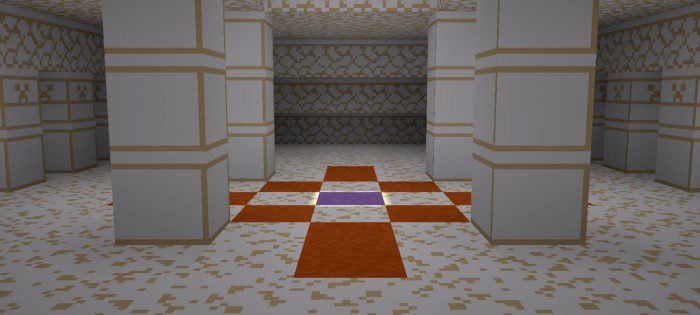
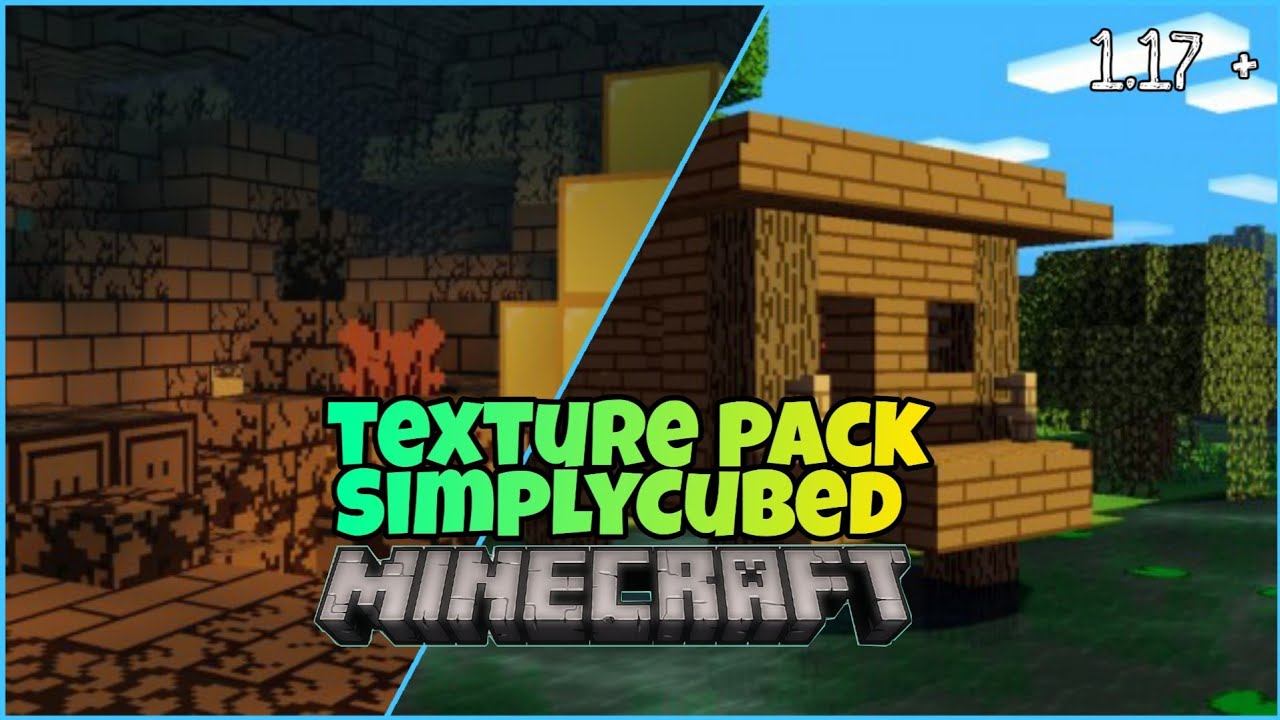
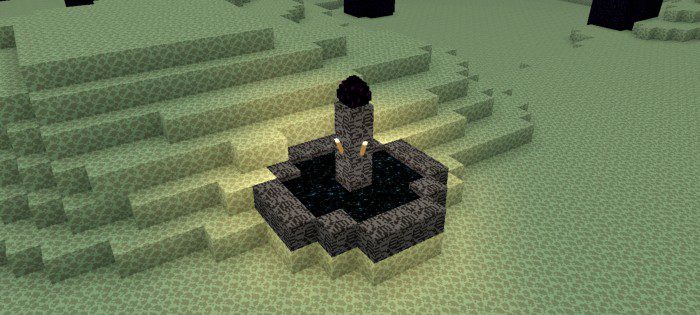
SimplyCubed Texture Pack simplifies the blocks without losing their essence or appearance. The texture pack reduces complexity and may improve fps. It is similar to Paper Cutout, 4×4, oCD, plastic, and Bare Bones texture packs.
Features:
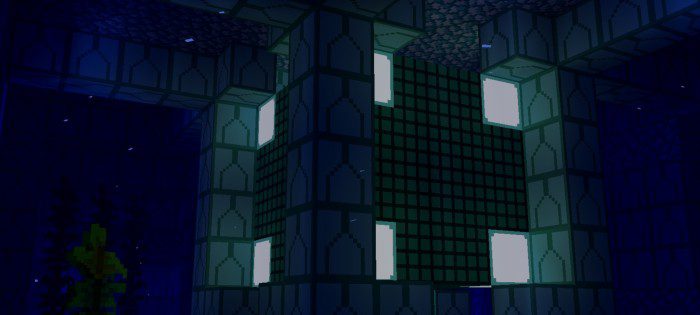
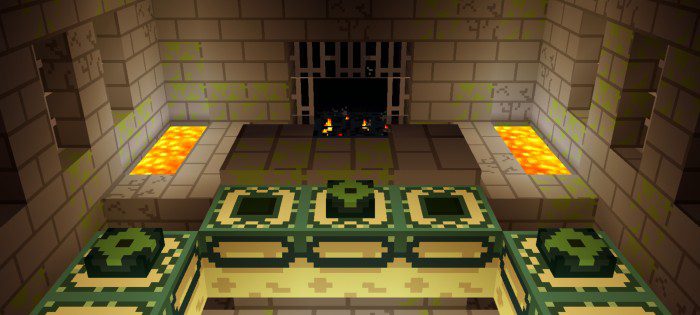
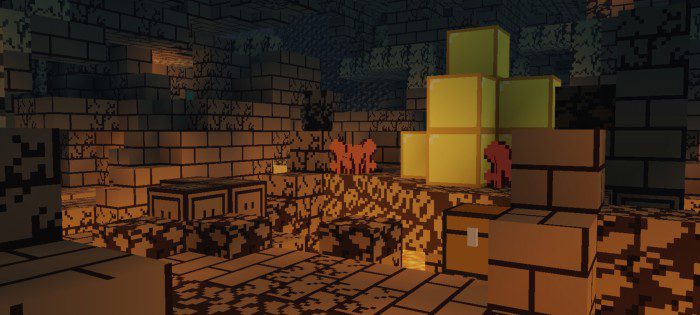
SimplyCubed is a texture pack for fans of simplicity and order. It removes and smooths out any extra details and shading from the blocks and mobs. This gives the game a cleaner and sleeker look. It may also boost fps for some low-end devices, as they have less detail to render.

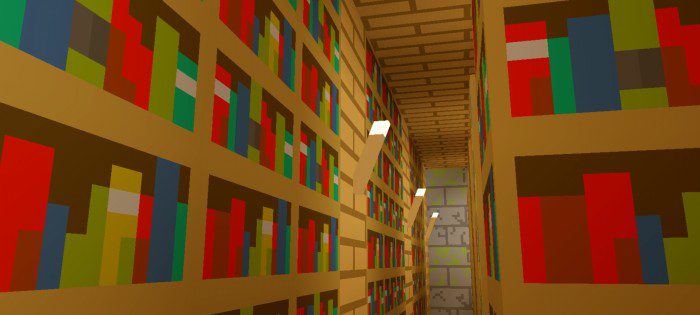
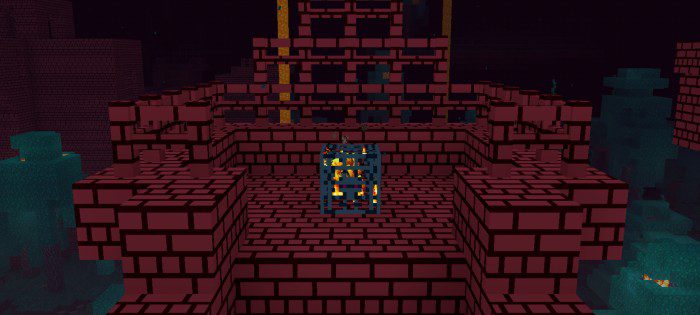
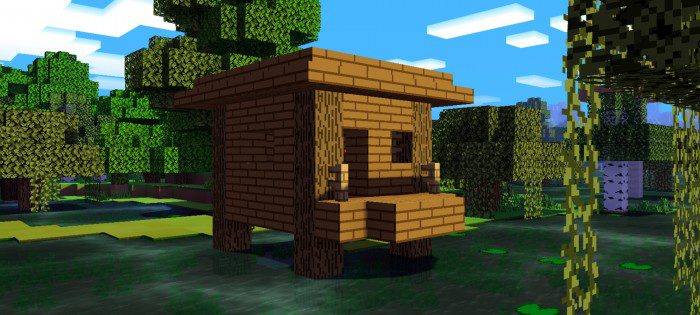
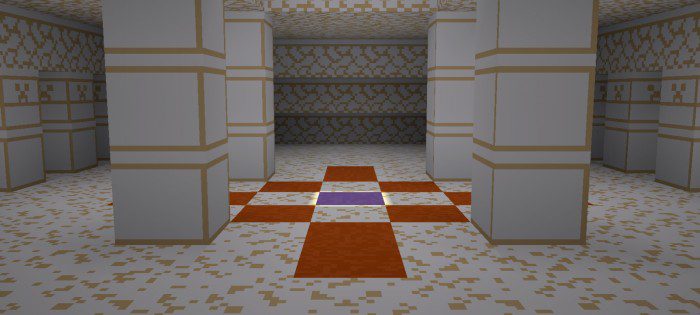
Addon Packs:
These addon packs help you play Minecraft with ease in a certain category, they are a new way for you to enhance your gameplay experience by adding textures to help gameplay in specific categories of gameplay. These Addon Packs are designed to improve the quality of life for players by making the game’s visuals more appealing and immersive.
SimplyCubed Survival Addon Pack:
Before:
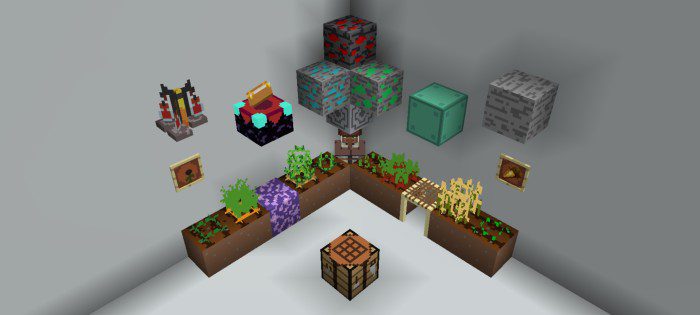
After:
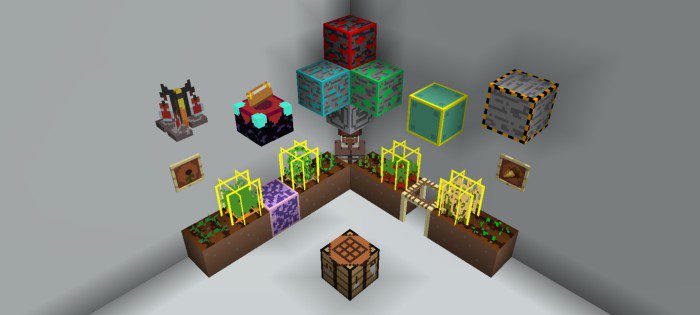
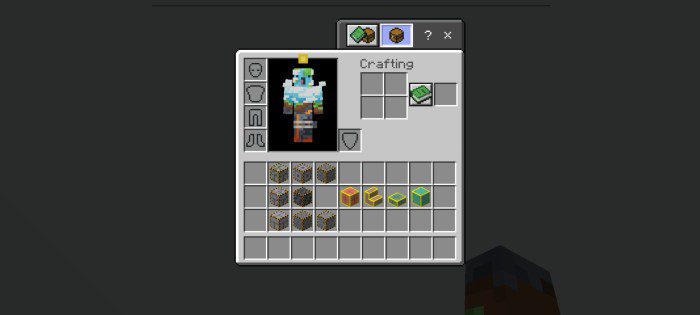
*Waxed copper and infested stone indicator outlines are shown only in the inventory
Clearer wither hearts:
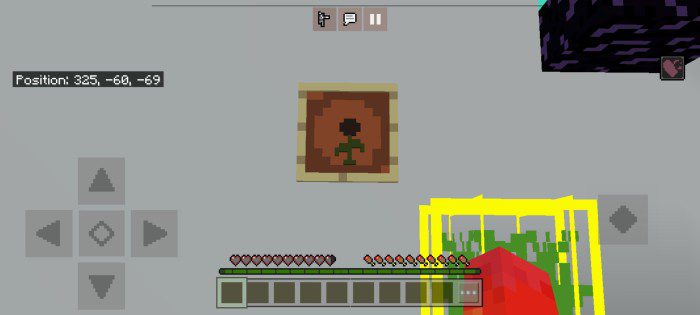
Brewing guide:
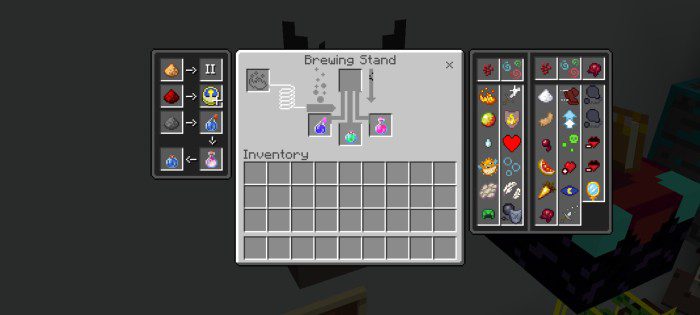
Enchantment levels:
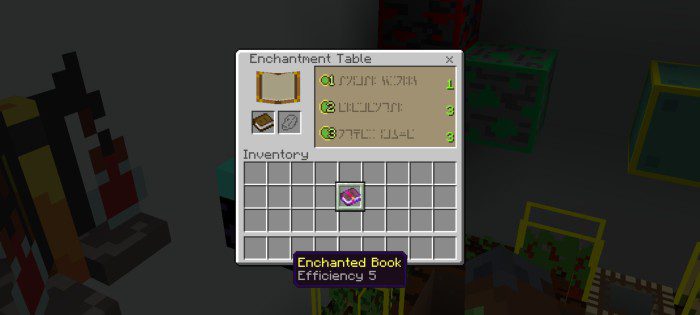
Trading guide:
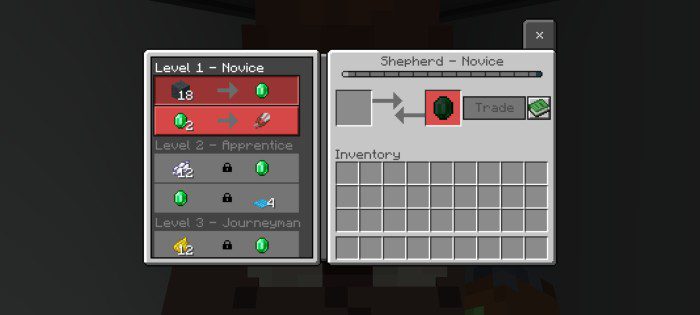
Waxed copper and infested stone indicator outline:
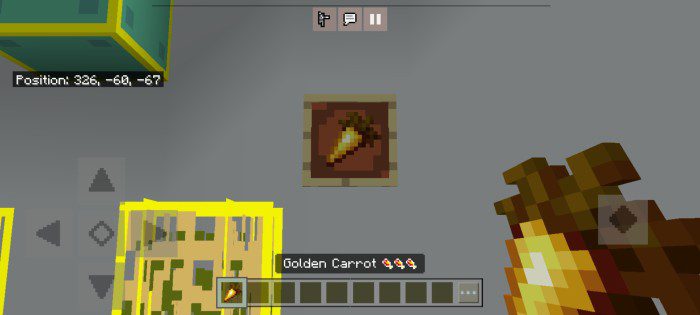
Hunger indicators:
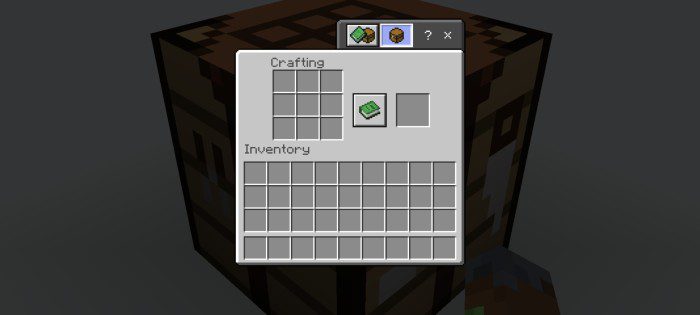
Quick crafting:
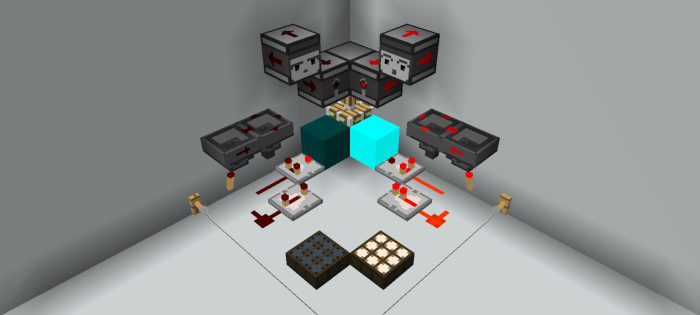
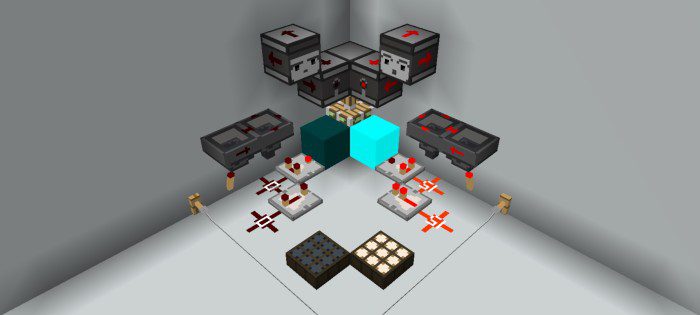
SimplyCubed Redstone Addon Pack:
Before:
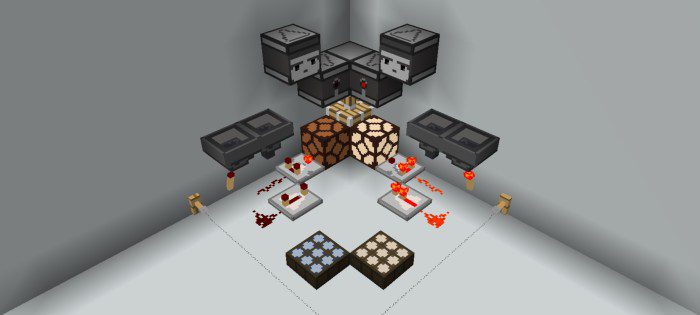
After (without redstone level indicators):
After (with redstone level indicators):
SimplyCubed Texture Pack Download Links
For Minecraft PE/Bedrock 1.19
Main Pack: Download from server 1 – Download from server 2
Survival Addon Pack: Download from server 1 – Download from server 2
Redstone Addon Pack: Download from server 1 – Download from server 2
- Edition: Minecraft Bedrock
- File type: .mcpack
- Minecraft version listed: 1.19
- How to install: Download the .mcpack. → Open it — Minecraft imports it under Resource Packs. → Activate it in Global Resources, or for one world under Resource Packs → Available.
- Where to get it: In MCModsHub, or directly above on this page.
Install steps are the general flow for this file type — How to install Minecraft Bedrock texture packs walks through it step by step.
- Pack type: .mcaddon — behaviour and resource pack in one file
- Manifest requires Minecraft 1.13.0 or newer
- Complete pack — everything it depends on is inside the file
- Download size: 3.5 MB
- Download link checked 17 Jun 2026 — working
- Mirrored on our own servers — the download does not depend on the original host
These come from our own check of the pack file, not from the source page.