Texture packsBedrock
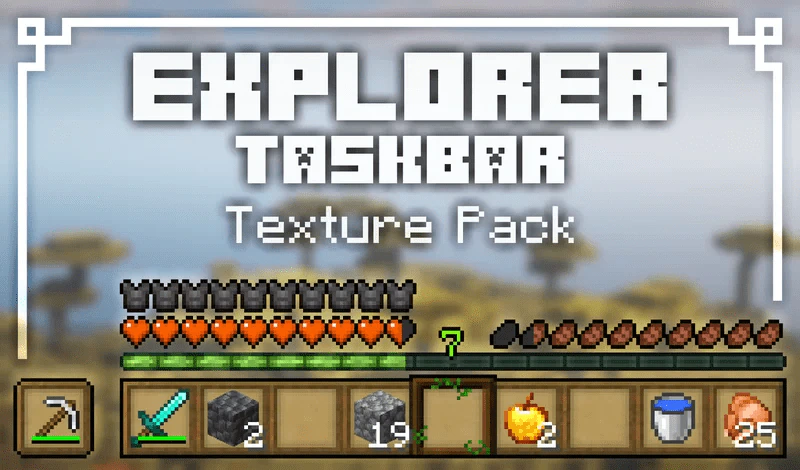
Explorer Hotbar Texture Pack (1.19) – MCPE/Bedrock
Bedrock texture pack listed for Minecraft 1.19. Installs from the MC Bedrock Mods app on Android.
⬇ Download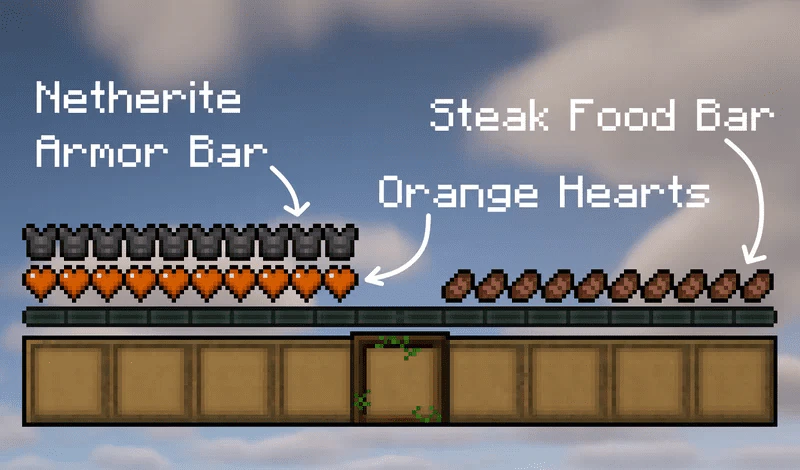
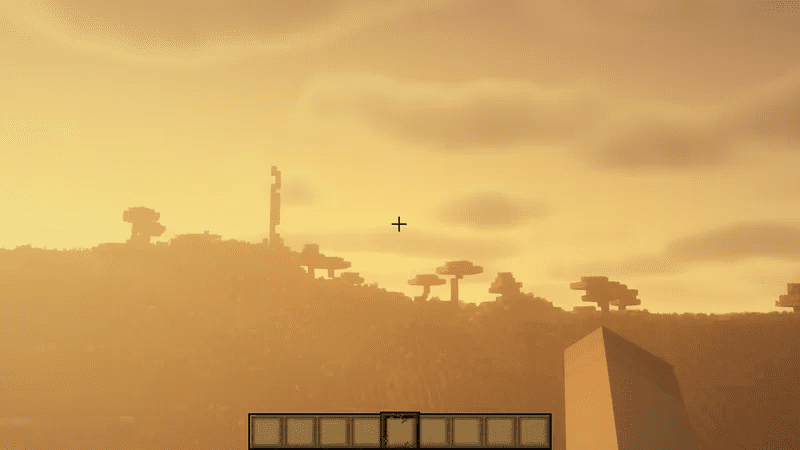
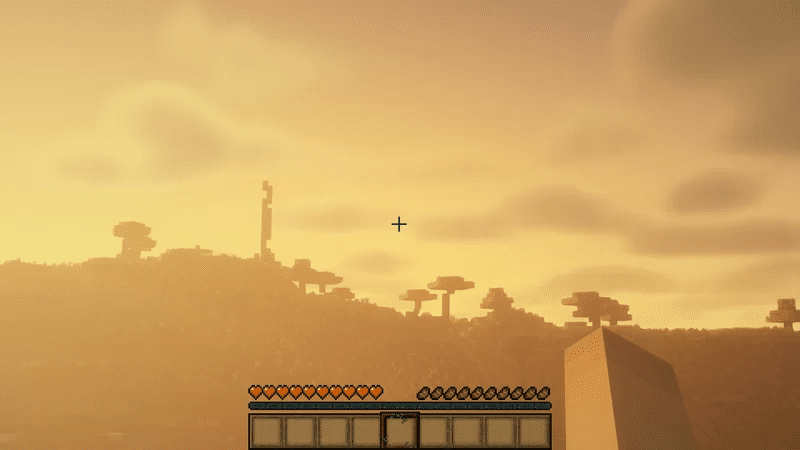
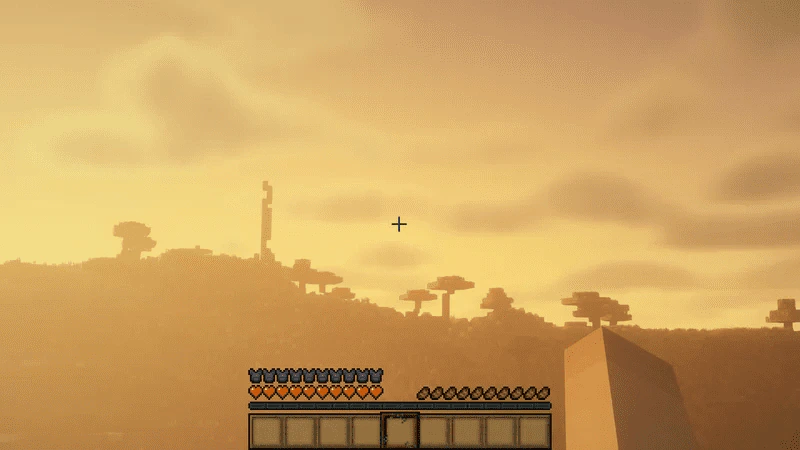
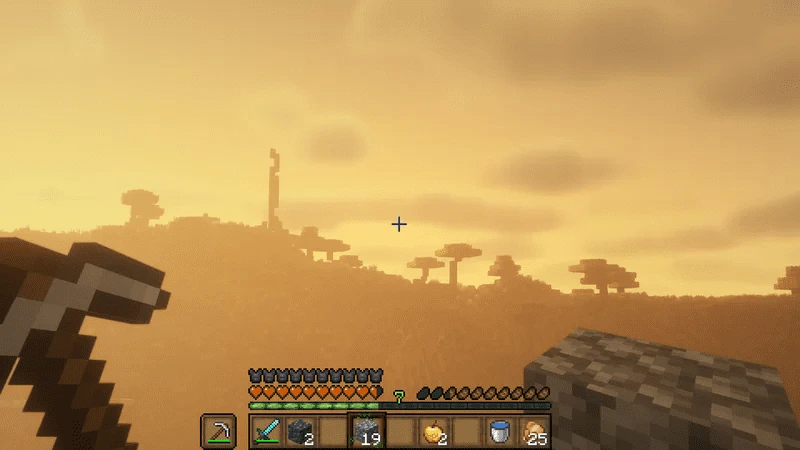
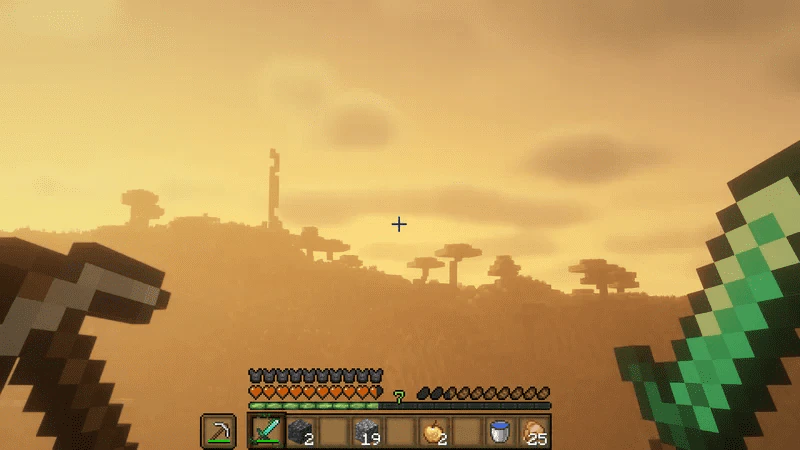
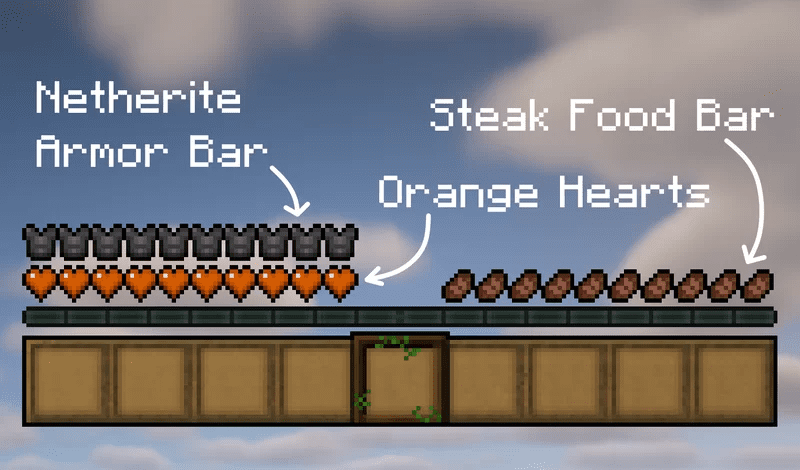
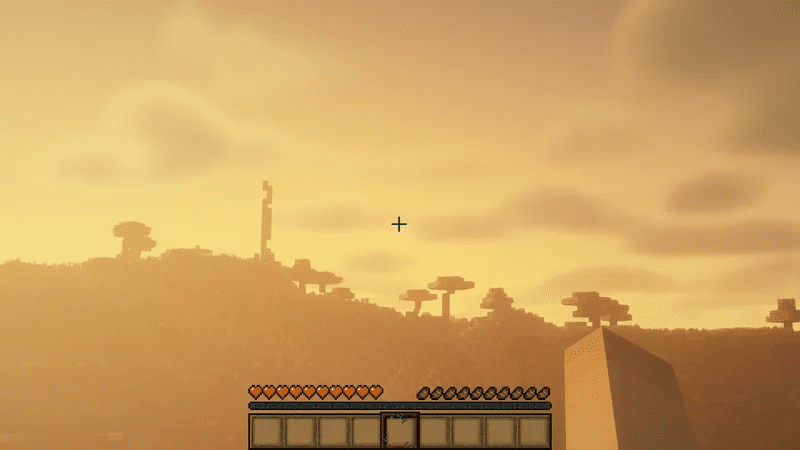
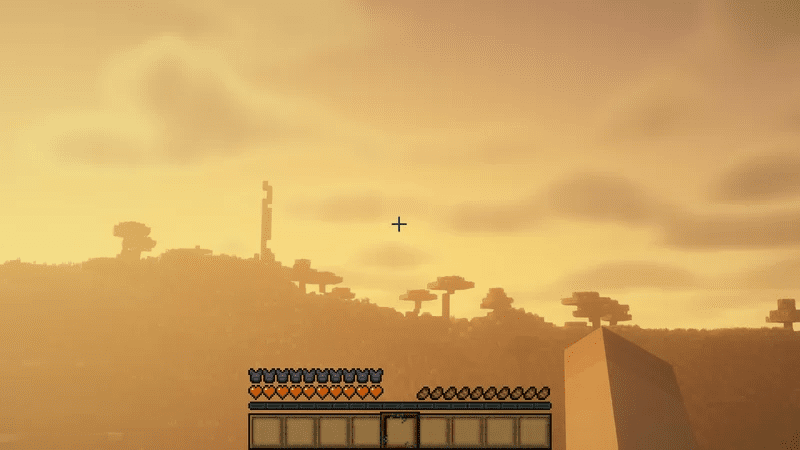
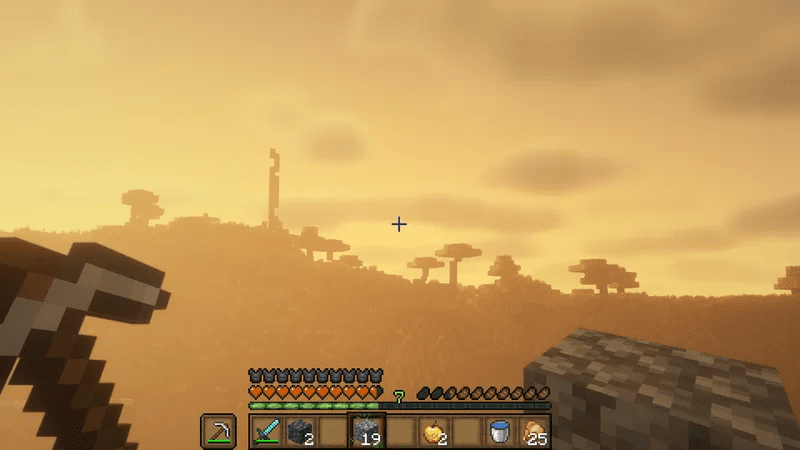
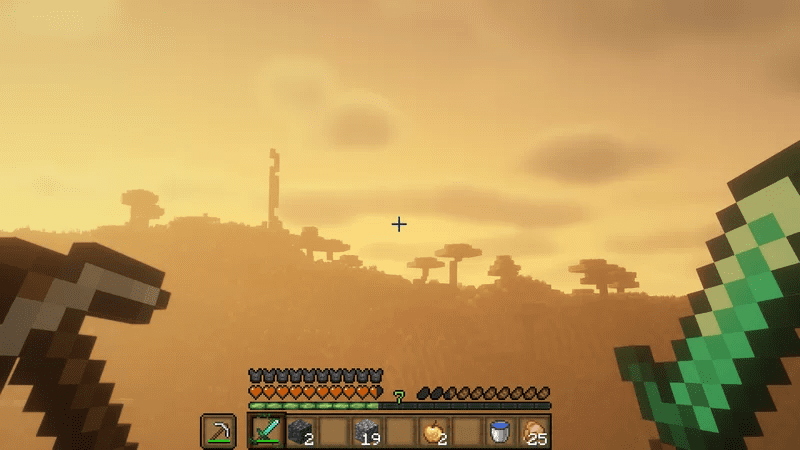
Explorer Hotbar Texture Pack retextures your hotbar as well as your health, hunger, and heart icons.
Modified Elements:
- Hotbar (Wooden)
- Food bar (Steak)
- Armor bar (Netherite)
- Heart bar (Orange hearts)
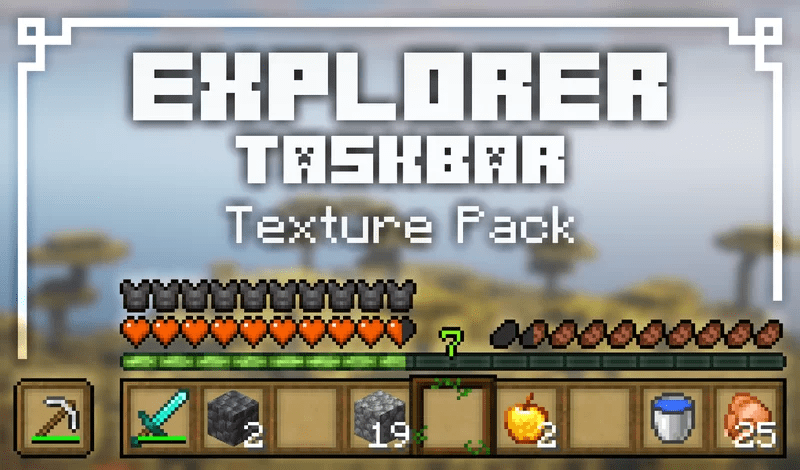
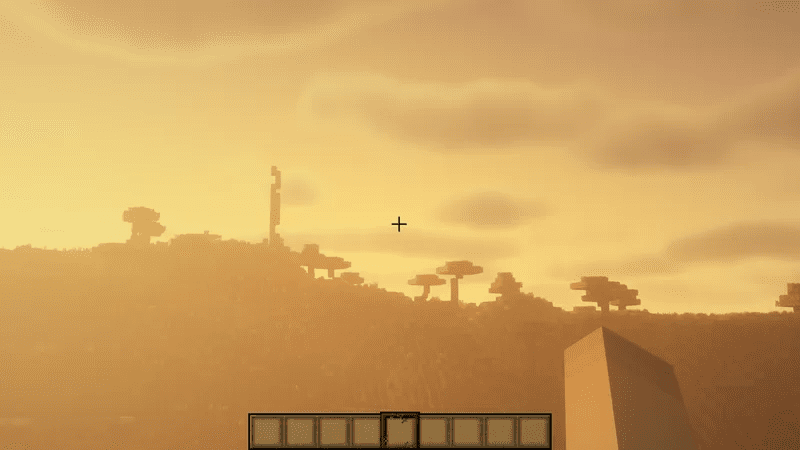
Screenshots:
Explorer Hotbar Texture Pack Download Links
For Java Edition 1.19.3
For Minecraft PE/Bedrock 1.19
mcpack: Download from server 1 – Download from server 2
Quick facts
- Edition: Minecraft Bedrock
- File type: .mcpack
- Minecraft versions listed: 1.19, 1.19.3
- How to install: Download the .mcpack. → Open it — Minecraft imports it under Resource Packs. → Activate it in Global Resources, or for one world under Resource Packs → Available.
- Where to get it: In MCModsHub, or directly above on this page.
Install steps are the general flow for this file type — How to install Minecraft Bedrock texture packs walks through it step by step.
Explorer Hotbar Texture Pack (1.19) – MCPE/Bedrock is a free Minecraft Bedrock texture pack. Compatible with Minecraft 1.19, 1.19.3. Download it and open it directly in the game.