CodeBreaker Client (1.19) – Better UI, FPS Boost, Low Fire
Bedrock texture pack listed for Minecraft 1.16–1.19. File opened and checked on 19 Sep 2026; installs from the MC Bedrock Mods app on Android.
The creator and developer of the CodeBreaker "Client" have decided to transform it into a user interface (UI), as it is a more effective approach. Despite…
⬇ Download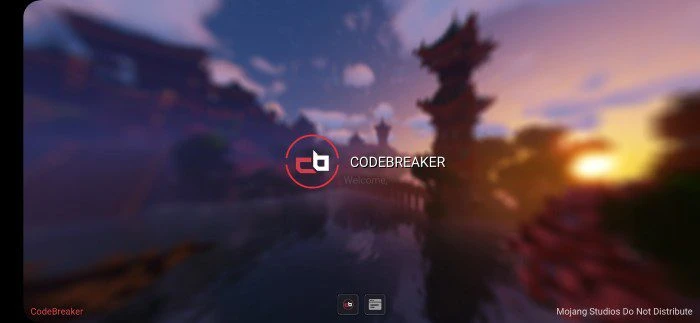
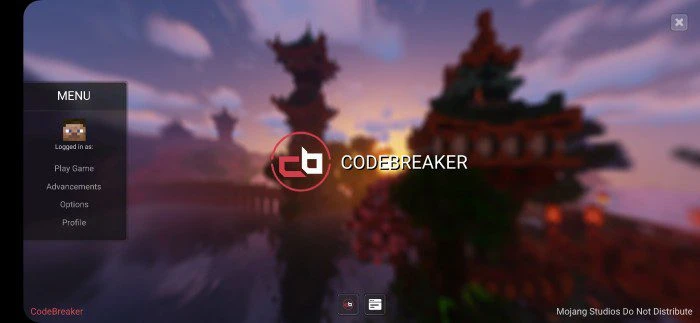
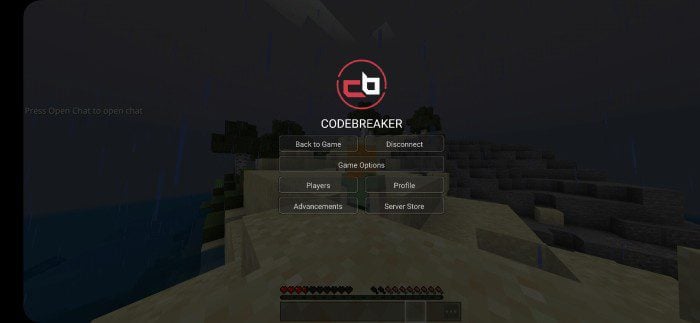
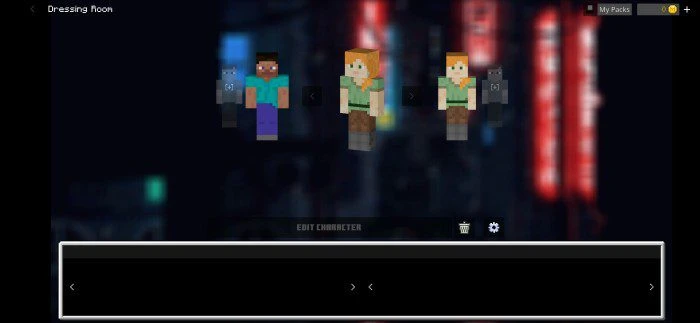
The creator and developer of the CodeBreaker “Client” have decided to transform it into a user interface (UI), as it is a more effective approach. Despite the change, it still offers exciting modifications to your game, adding a unique touch to Minecraft. CodeBreaker Client takes inspiration from the Java Cheatbreaker, particularly the theme, but the UI is entirely distinctive.
Features:
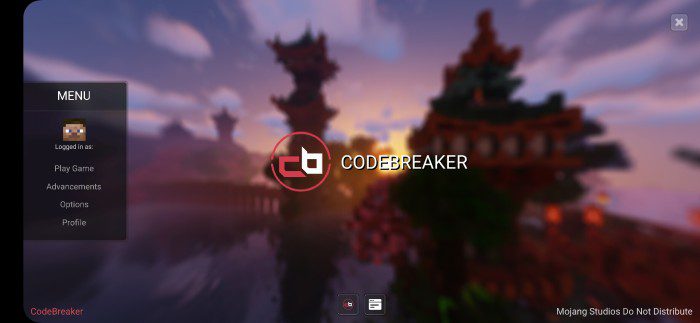
CodeBreaker UI Preview:
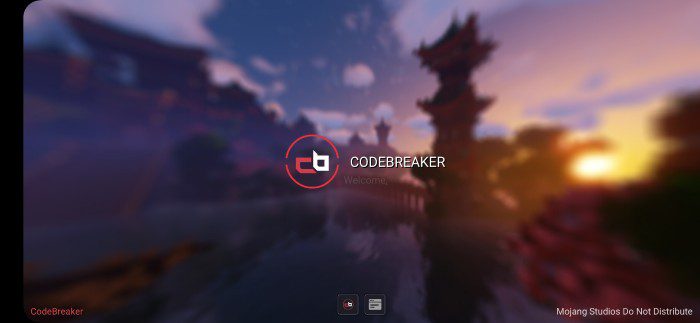
Introduction animation when you open the game:
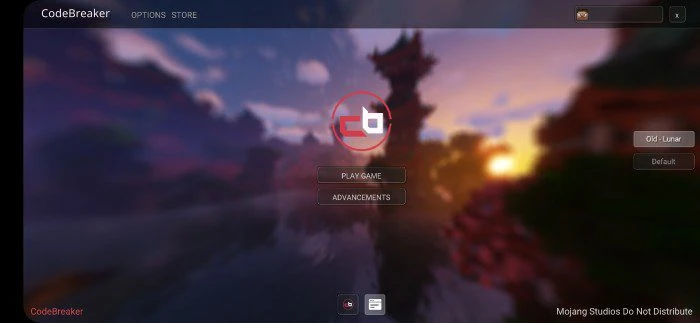
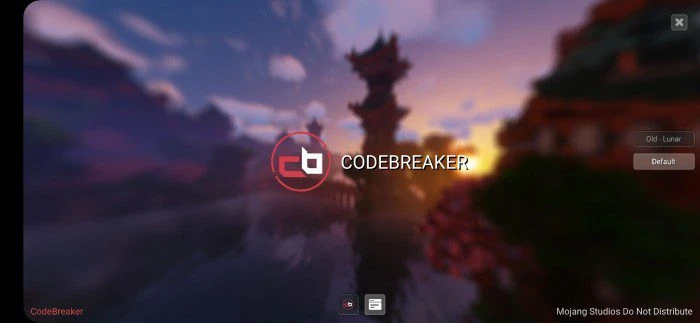
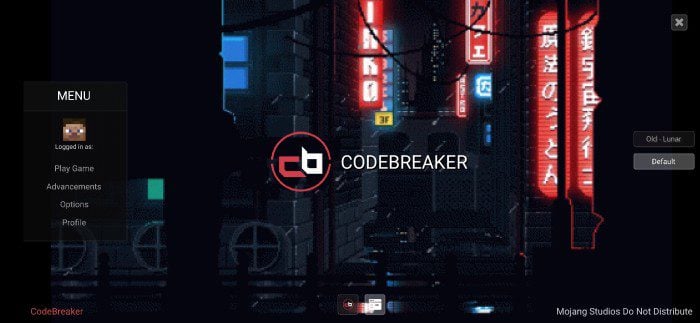
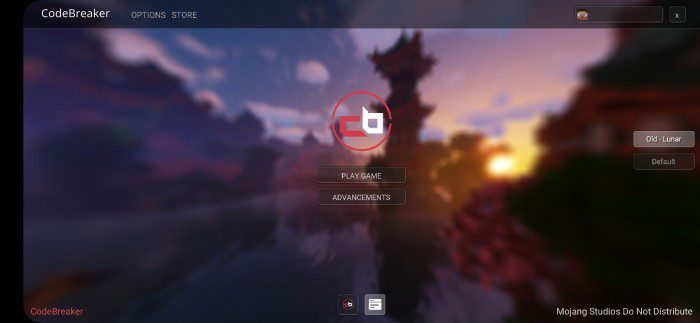
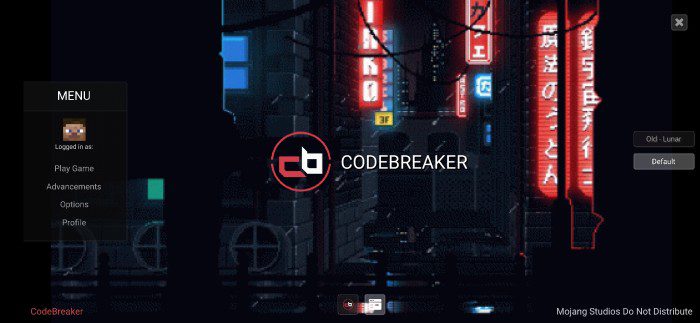
Be able to choose from 2 different main menus UI presets:
- Old:
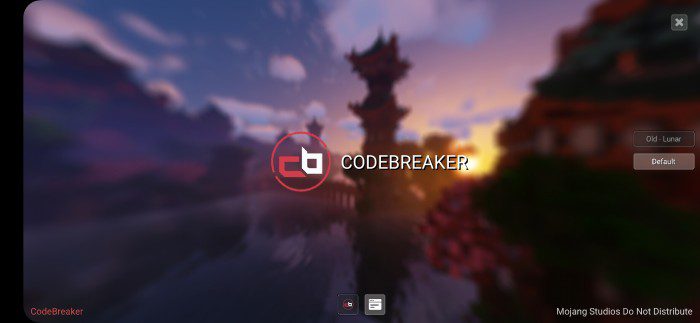
- Default -press the title to pop up the menu:
- Different pause screen:
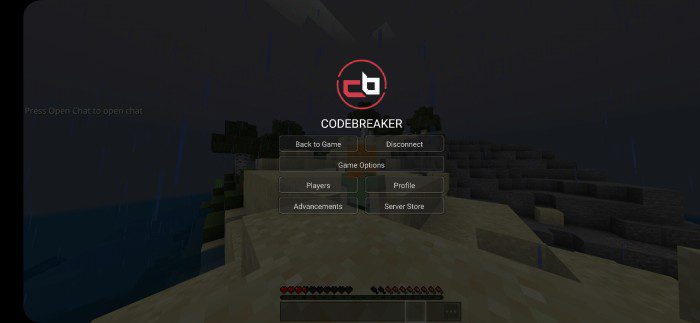
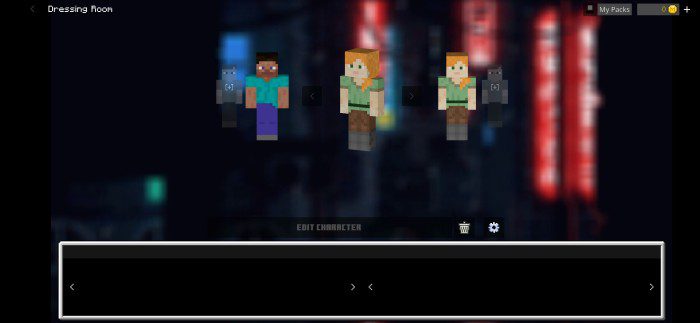
Some texture changes:
- Clean transparent play screen, profile screen
- Clean inventory screens with an icon on the bottom right
- Clean bottom chat
- Music on the menu (free to use lofi music)
- Clean animated elements (logo icon)
- And more to see in-game
CodeBreaker Menu Modifier:
- A pack that allows you to change the background into cool animated backgrounds (place above the UI)
- There are 3 other background options for you to discover.
CodeBreaker Client Download Links
For Minecraft PE/Bedrock 1.19
UI Pack: Download from server 1 – Download from server 2
Menu Modifier: Download from server 1 – Download from server 2
- Edition: Minecraft Bedrock
- File type: .mcpack
- Minecraft version listed: 1.19
- How to install: Download the .mcpack. → Open it — Minecraft imports it under Resource Packs. → Activate it in Global Resources, or for one world under Resource Packs → Available.
- Where to get it: In MCModsHub, or directly above on this page.
Install steps are the general flow for this file type — How to install Minecraft Bedrock texture packs walks through it step by step.
- Pack type: .mcaddon — behaviour and resource pack in one file
- Manifest requires Minecraft 1.16.0 or newer
- Complete pack — everything it depends on is inside the file
- Download link checked 17 Jun 2026 — working
- Mirrored on our own servers — the download does not depend on the original host
These come from our own check of the pack file, not from the source page.