
Luma Allays Texture Pack (1.21.5) – Java/Bedrock
Bedrock texture pack listed for Minecraft 1.21. Installs from the MC Bedrock Mods app on Android.
⬇ Download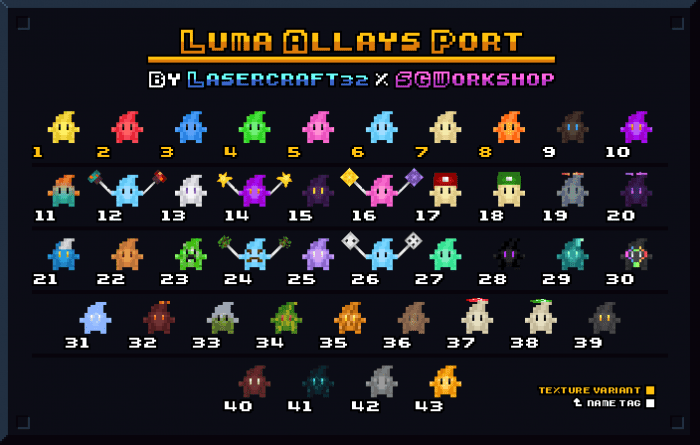
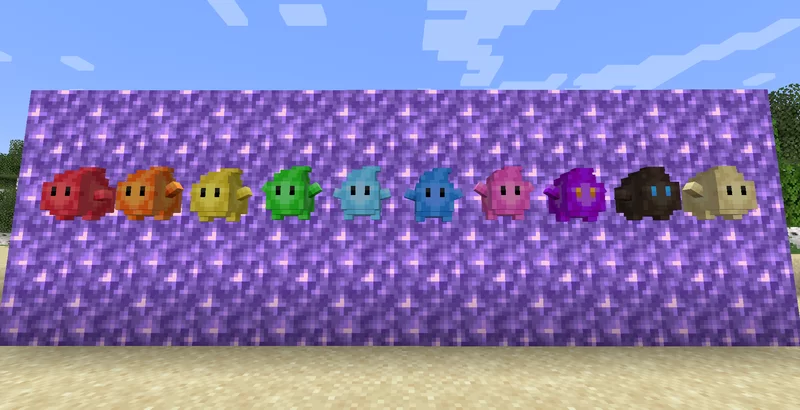
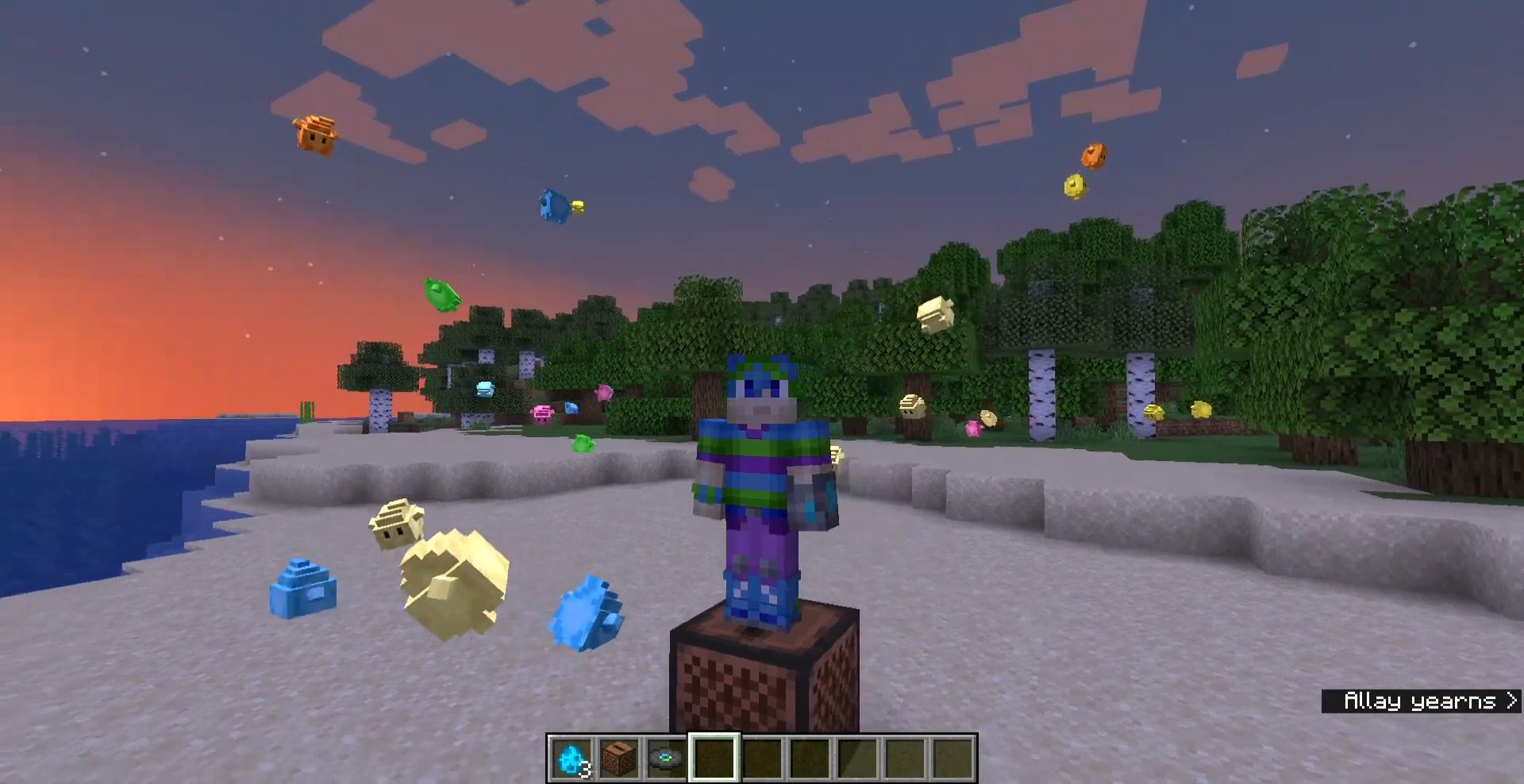
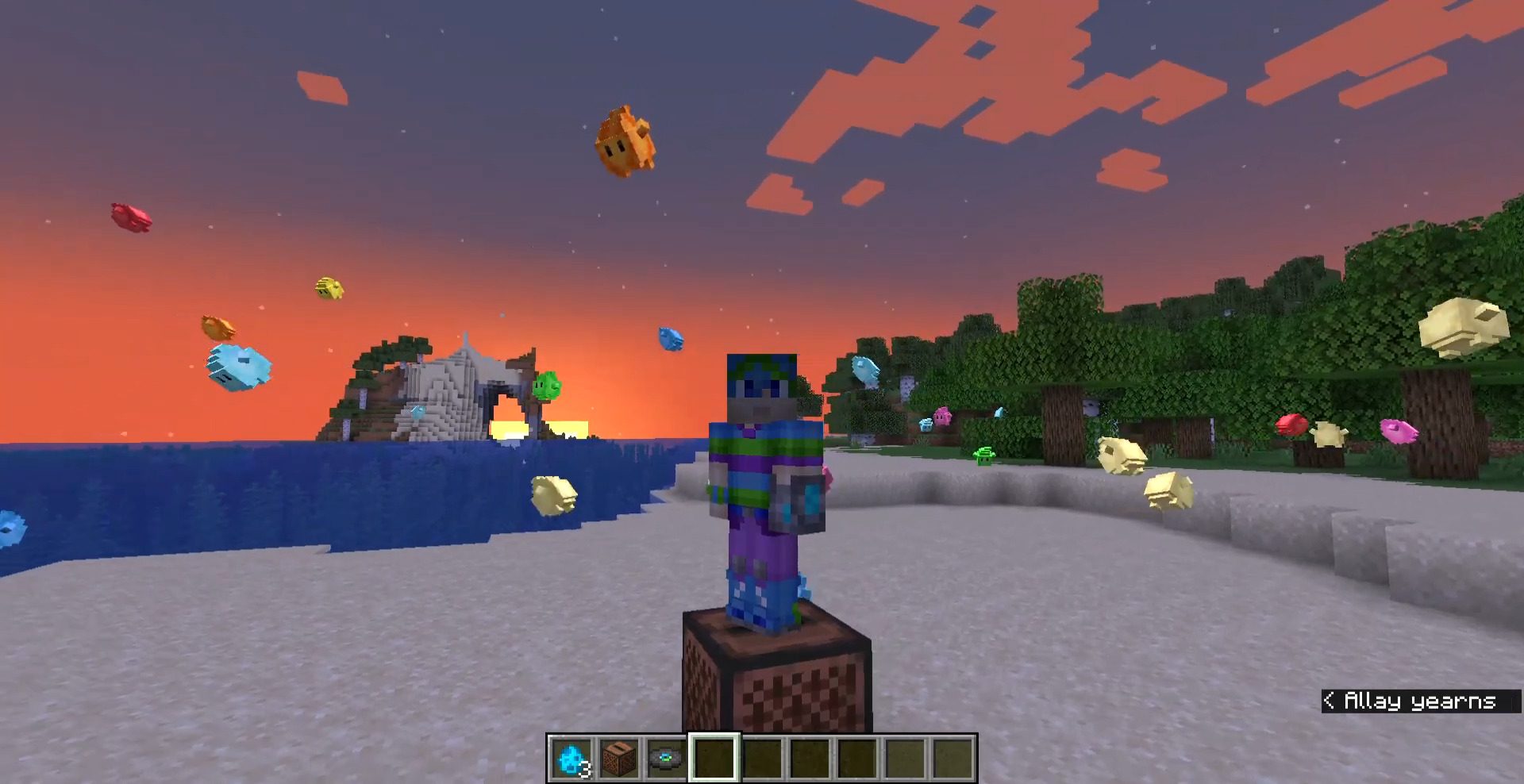
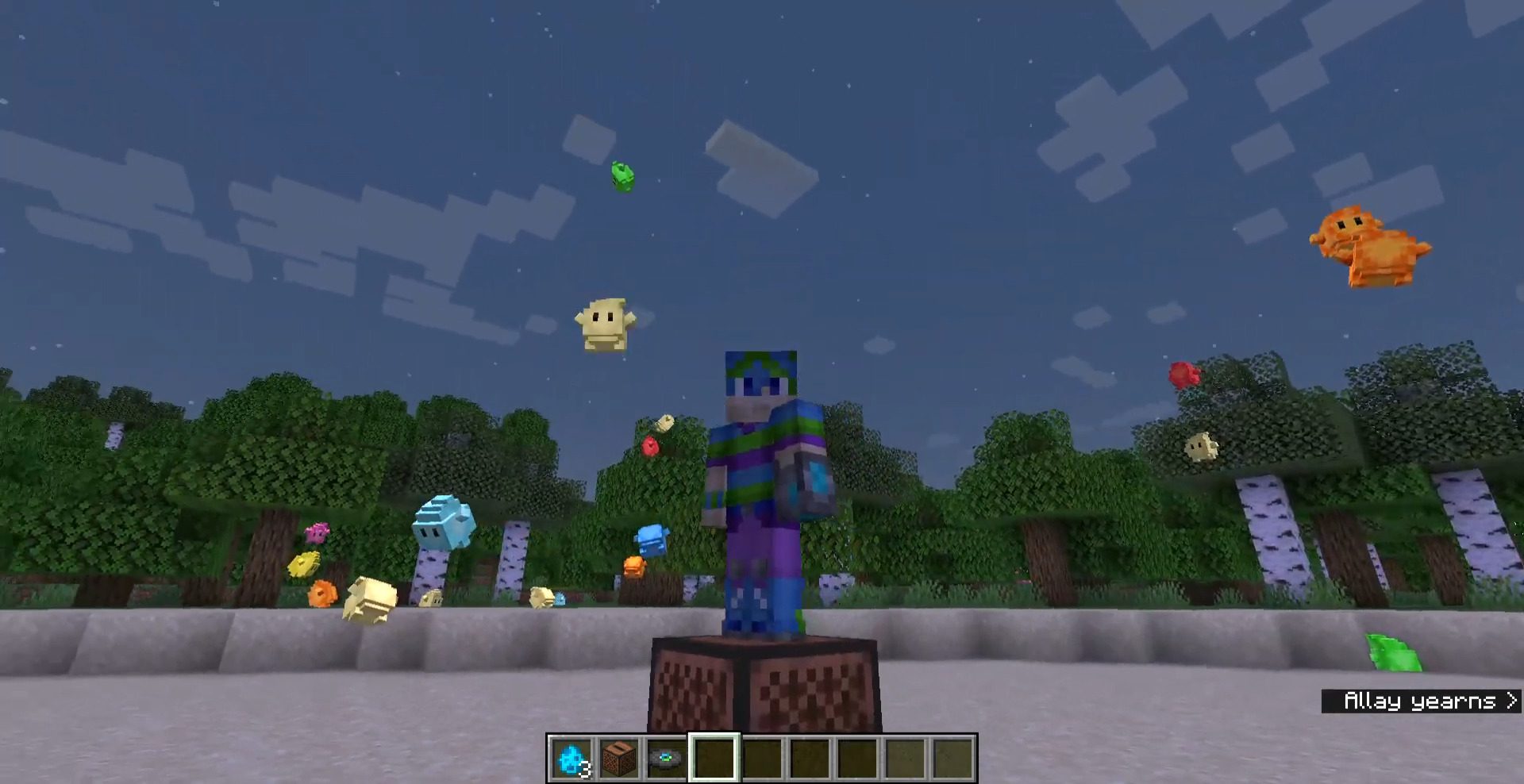
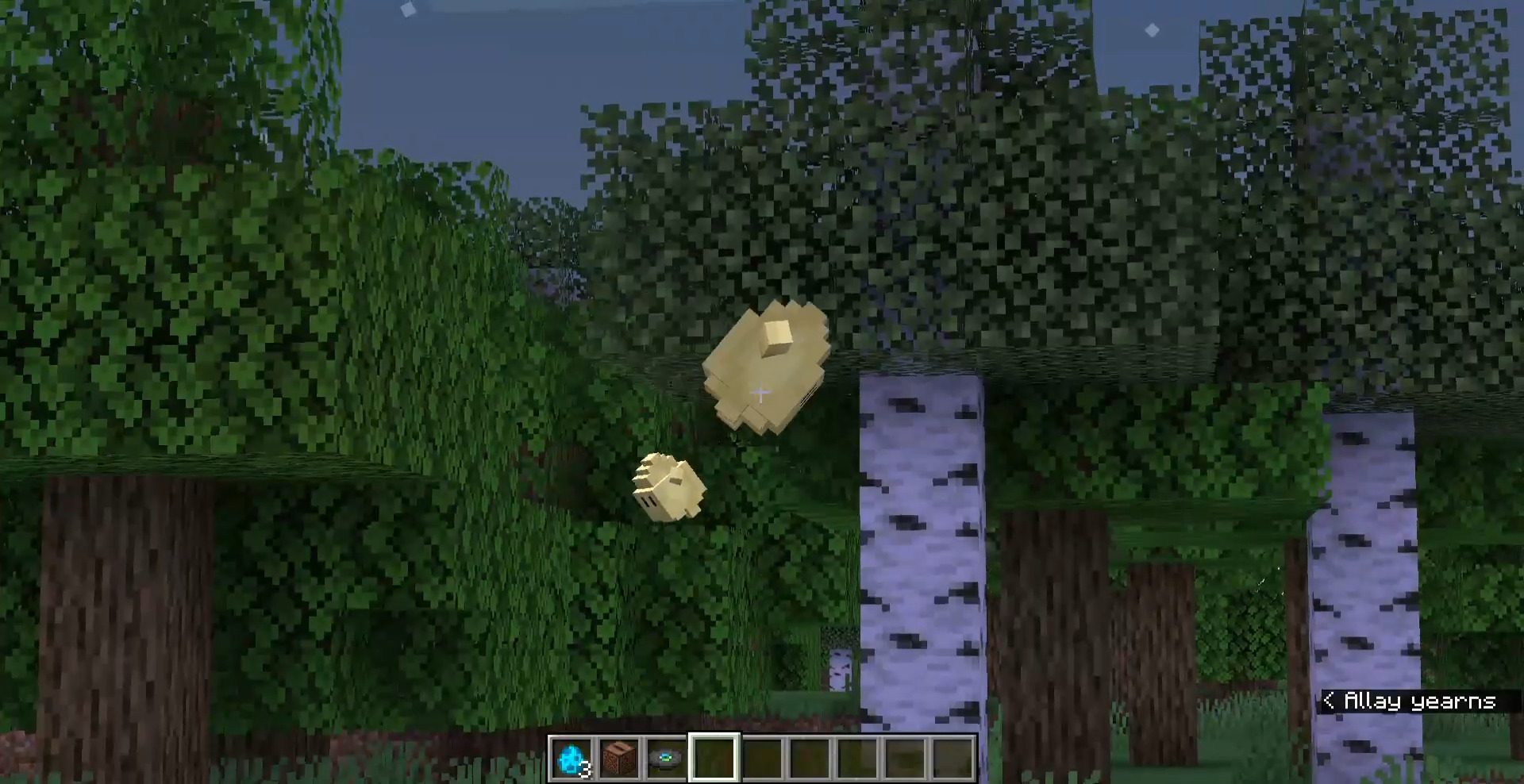
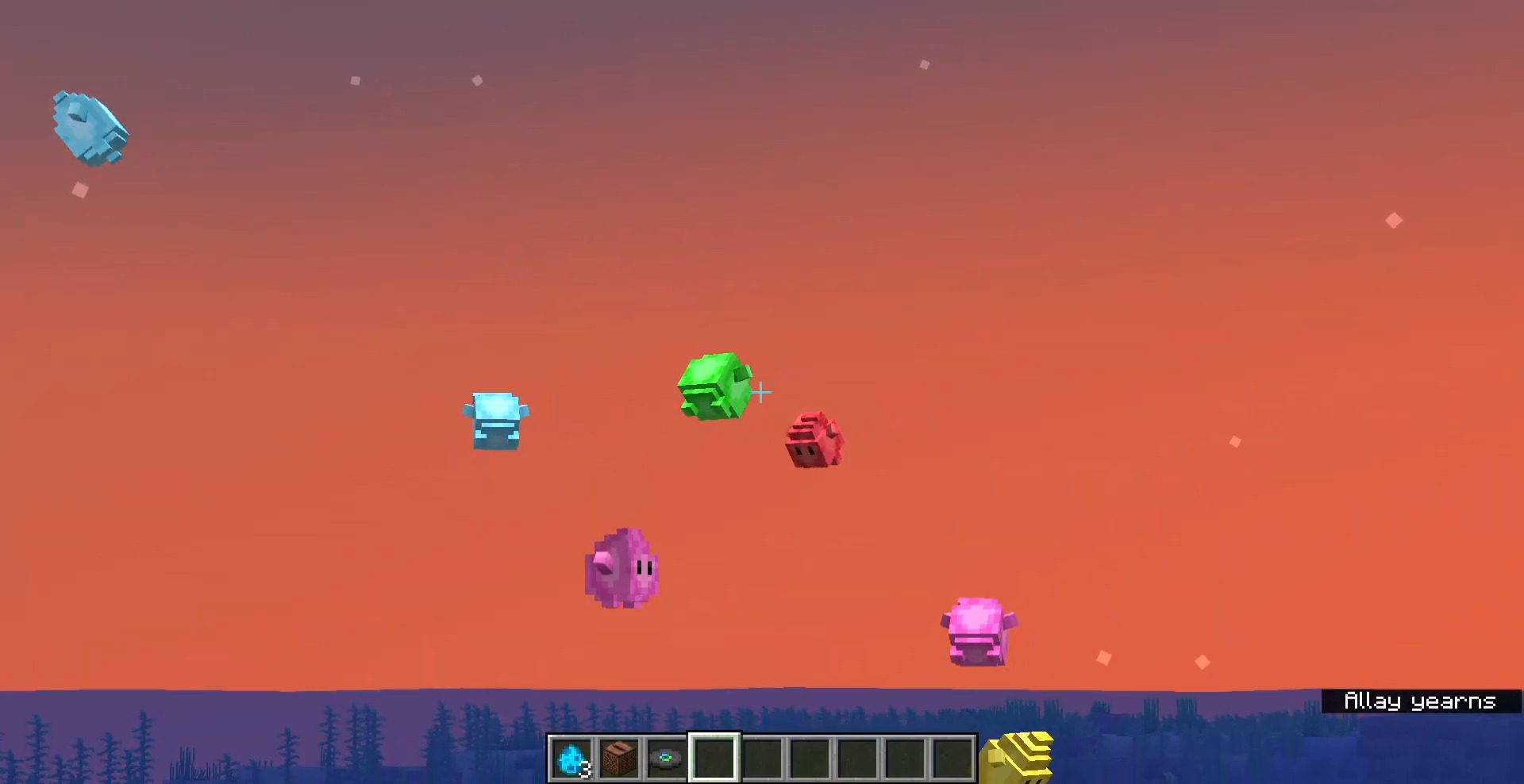
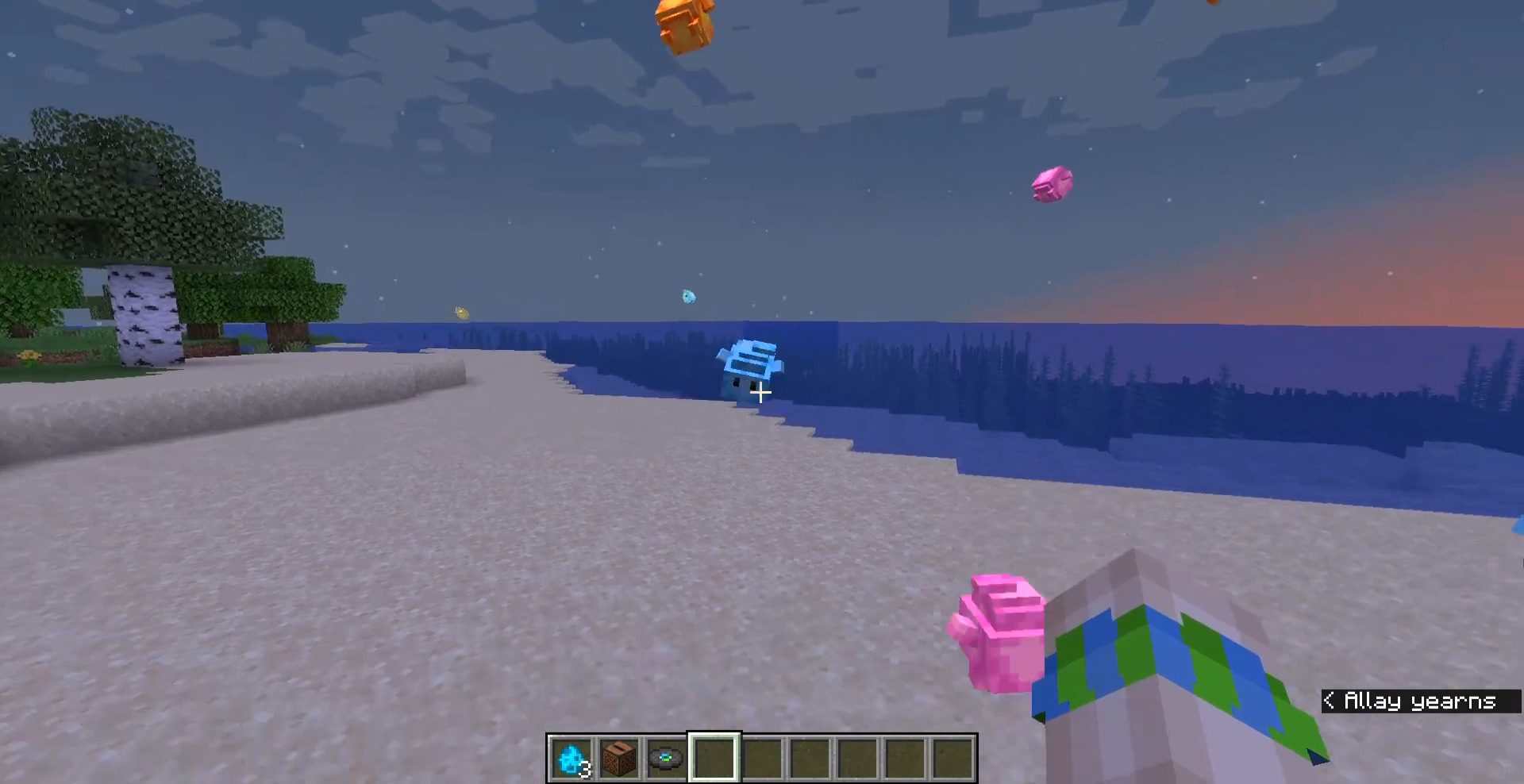
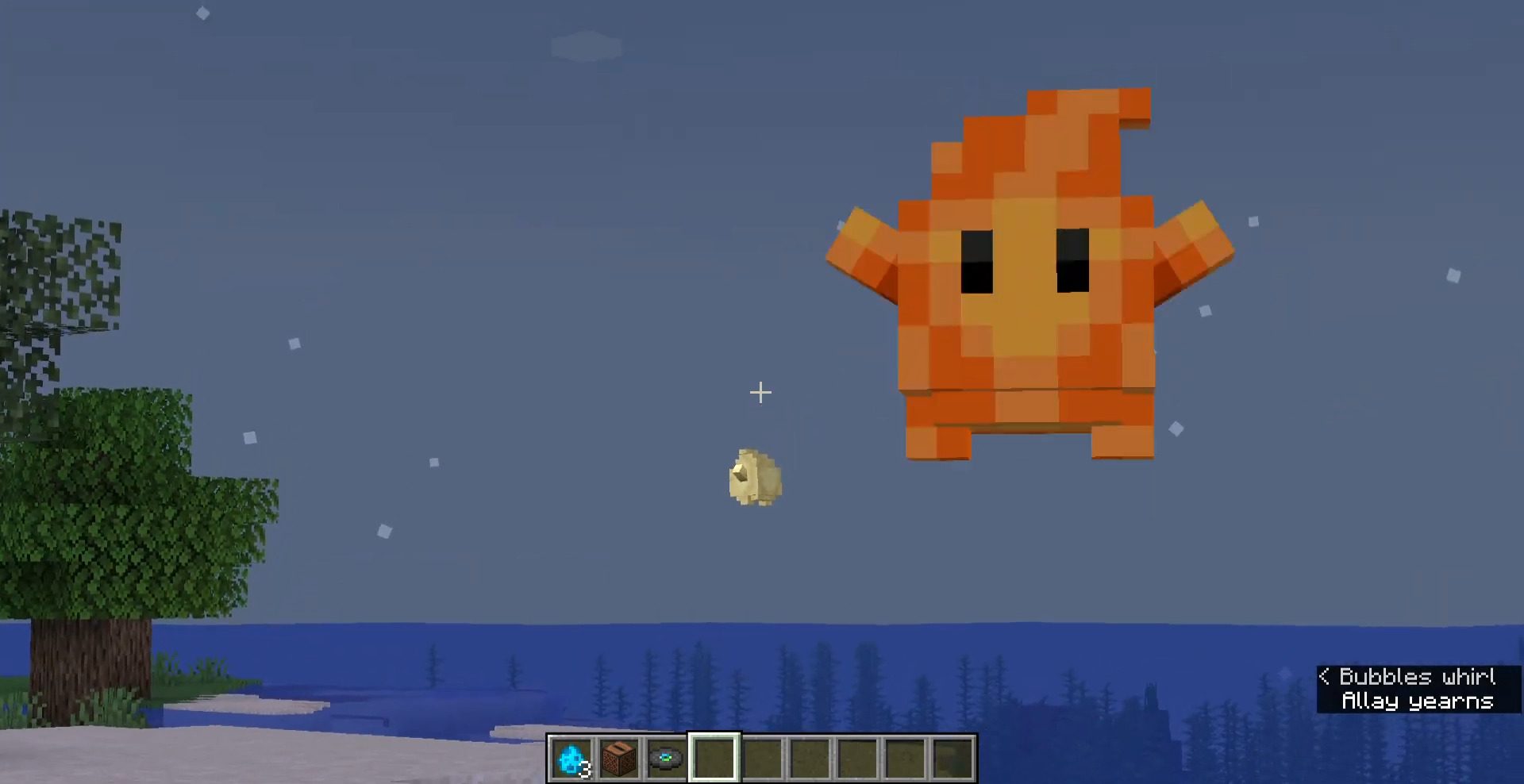
Luma Allays Texture Pack utilizes the render controls to provide eight Luma variations that replace the Allay. But that’s not all – you can use name tags to change the textures and create over 40 Luma variations! Additionally, these Lumas feature adorable sound effects.
Features:
In this resource pack the Allays are replaced by the Luma from Mario Galaxy. They can appear in up to 8 colors naturally, but with the power of name tags, you can have over 40! All different and full of colors. If you want to see all the available names, you can go here below:
Variations and Nametags:
Show More- yellow
- red
- blue
- green
- pink
- light blue
- apricot / peach
- co star / co-star / orange
- polari / dark
- purple
- oxidized / copper
- lumalee / shop
- lunar / white / luna / moon
- tico / comet / star
- rift / timeriftette / timerift / time
- hungry / starbit
- mario / mario cap / red cap / mario hat / red hat
- luigi / luigi cap / green cap / luigi hat / green hat
- moai / flaming moai / flamingmoai / moyai / flaming
- shadow / shadow moai / shadowmoai / shadowmoyai / shadow moyai
- all mart / allmart / all-mart
- cookie / biscuit
- creeper / aw man
- lumberlee / lumber / lumberjack
- amethyst / geode / crystal
- chance cube / chance / dice
- cyan / teal / aqua
- ender / end
- glow / glow squid / bioluminescent
- liber / libercraft / liberland
- ice / frozen / icey / frost
- magma / lava / fire
- lush / mossy / spore / nature
- melon / watermelon / lumelon / meluma
- jack-o-lantern / jack-o-luma / jack o lantern / jack o luma / pumpkin
- muddy / mud
- super mushroom / red mushroom / super shrooma / super-shrooma
- 1-up mushroom / green mushroom / 1-up shrooma / 1up shrooma / 1up mushroom / 1up / 1-up
- netherite
- red velvet / red-velvet / velvet
- sculk / deep-dark / deep dark / warden
- stone / statue / weeping / weeping angel
- wax / honey / honeycomb / bee
- * Note that you have to make use of the name tags and rename them in the anvils.
- * Names must be written exactly as they are below. Take the reference image with the enumeration.
- * The ‘/’ are separators. Multiple names can be used for a single texture. Choose the one that suits you best.
- * If you have a hard time naming the Luma, give them an item other than the name tag and when they have that item in hand, give them the name.
Screenshots:
Installation Note:
Warning: Do not overlay resource bundles that occupy “allay.entity.json”, “allay.geo.json”, “allay.render_controllers.json”, or allay textures to avoid problems. Note that you also have “[en_US, en_GB, es_ES, es_MX]” animations, sounds, and texts, however, these will not affect you.
Luma Allays Texture Pack Download Links
For Java Edition 1.19.4, 1.19.2
16x: Download from server 1 – Download from server 2 (Require Optifine to work)
For Minecraft PE/Bedrock 1.21.5
mcpack: Download from server 1 – Download from server 2
- Edition: Minecraft Bedrock
- File type: .mcpack
- Minecraft version listed: 1.21.5
- How to install: Download the .mcpack. → Open it — Minecraft imports it under Resource Packs. → Activate it in Global Resources, or for one world under Resource Packs → Available.
- Where to get it: In MCModsHub, or directly above on this page.
Install steps are the general flow for this file type — How to install Minecraft Bedrock texture packs walks through it step by step.
Luma Allays Texture Pack (1.21.5) – Java/Bedrock is a free Minecraft Bedrock texture pack. Compatible with Minecraft 1.21.5. Download it and open it directly in the game.