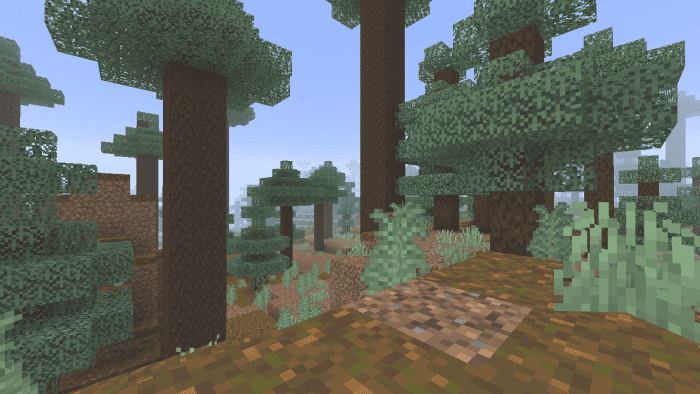
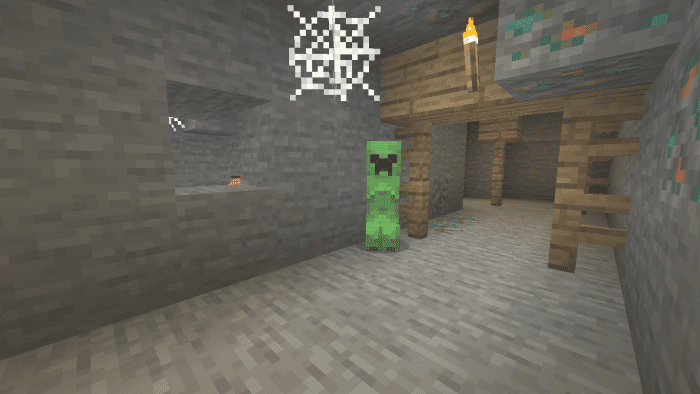
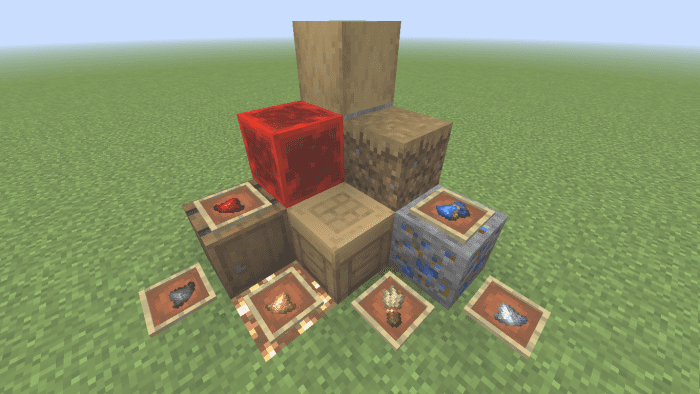
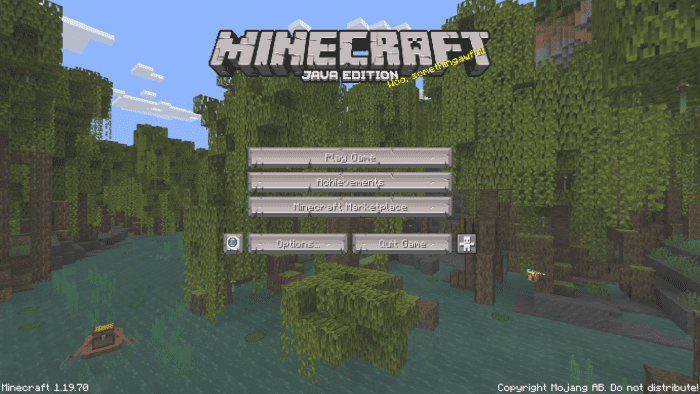
Reworked Texture Pack aims to modify the appearance of various components in the Minecraft universe, including blocks, items, mobs, particles, and interfaces, much like any other texture pack. You have complete control over whether or not to incorporate these new visuals into your gameplay, and you can assess the modifications by examining the accompanying screenshots. Trying the pack out for yourself would be a more effective way to understand its numerous updates, as it would be impractical to describe each one individually.
Features:
Changes:
Blocks
- Updated Decorated Pots
- Tweaked Barrel Textures
- Updated Crafting Table
- Tweaked Open and Closed Conduit
- Tweaked Dirt, Coarse Dirt, and Dirt with roots textures
- Tweaked Enchanting Table Texture
- Tweaked Grass, Podzol, Grass Path, and Mycelium sides textures
- Updated Redstone Block
- Updated Spruce Log
- Tweaked Oak Plank texture
- Updated Stripped Oak Log
Items
- Tweaked Pottery Shards
- Updated Redstone Dust, Glowstone Dust, Sugar, and Gunpowder
- Updated Lapis Lazuli
- Updated Diamond
- Updated Brush Item
Entities
- The Piglins are getting an update to show you who’s in charge in the Nether
- The Creepers have been updated ending emaciated and wanting to blow you up
- Zombies now are Bouldering Zombies
Particles
- Effect particles have been retexture
UI
- Retextured Experience Bar, Boss Bar, and Camel Dash Bar
- Updated ”New Item Icon”
- The Wither Effect icon now is more
- Hearts and Hunger icons have been improved
Pack
- Compatibility with Vanilla Deluxe: Java UI
Important
- Most of the textures are still in beta. Therefore we must take into account that in the future they will be changed, in addition, some textures are unfinished and others are temporary (The Zombies and the Piglin Brute are an example of this)
Screenshots:
Reworked Texture Pack Download Links
For Minecraft PE/Bedrock 1.19
mcpack: Download from server 1 – Download from server 2
- Edition: Minecraft Bedrock
- File type: .mcpack
- Minecraft version listed: 1.19
- How to install: Download the .mcpack. → Open it — Minecraft imports it under Resource Packs. → Activate it in Global Resources, or for one world under Resource Packs → Available.
- Where to get it: In MCModsHub, or directly above on this page.
Install steps are the general flow for this file type — How to install Minecraft Bedrock texture packs walks through it step by step.
- Pack type: .mcaddon — behaviour and resource pack in one file
- Manifest requires Minecraft 1.19.0 or newer
- Complete pack — everything it depends on is inside the file
- Download size: 2.8 MB
- Download link checked 17 Jun 2026 — working
- Mirrored on our own servers — the download does not depend on the original host
These come from our own check of the pack file, not from the source page.