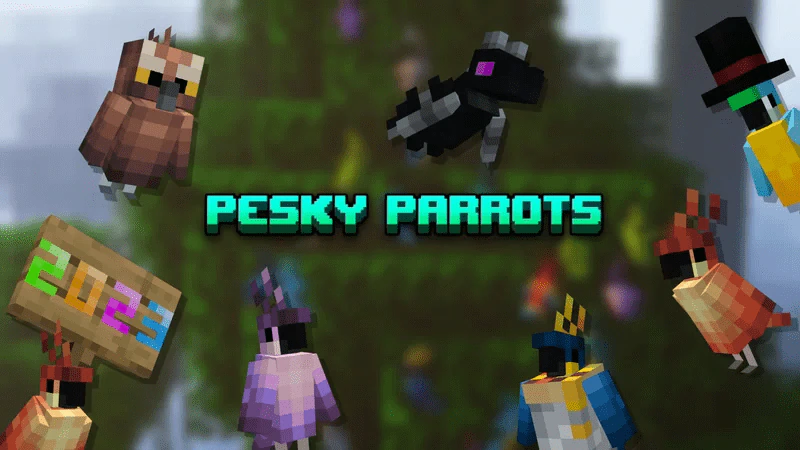
Pesky Parrots Texture Pack (1.19) – MCPE/Bedrock
Bedrock texture pack listed for Minecraft 1.19. File opened and checked on 5 Oct 2026; installs from the MC Bedrock Mods app on Android.
⬇ Download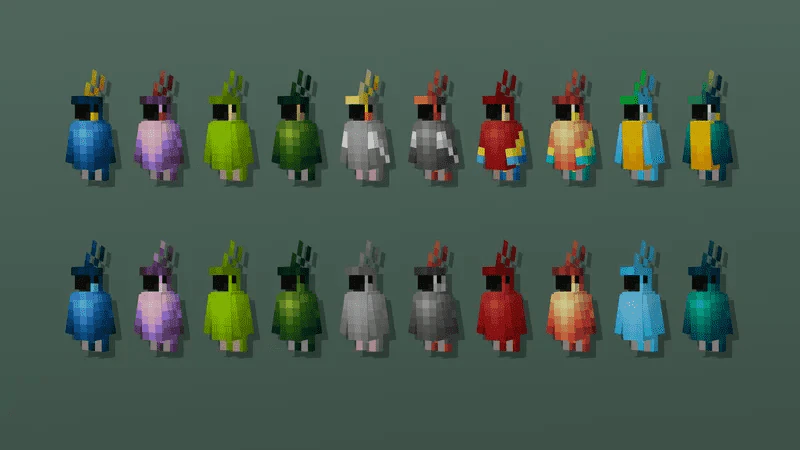
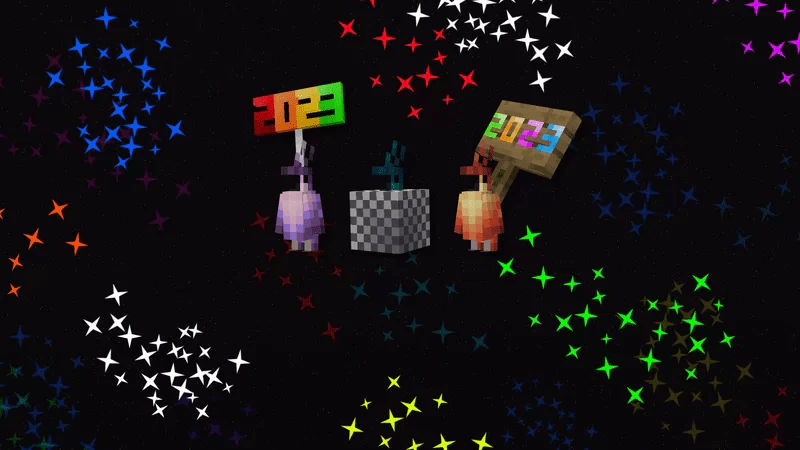
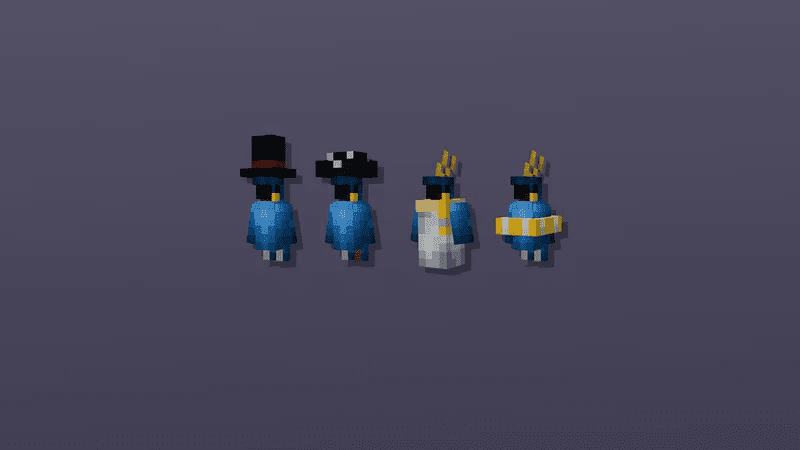
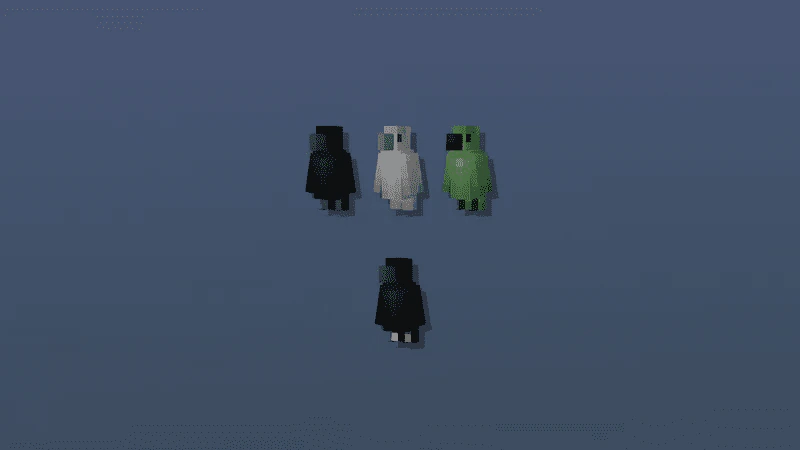
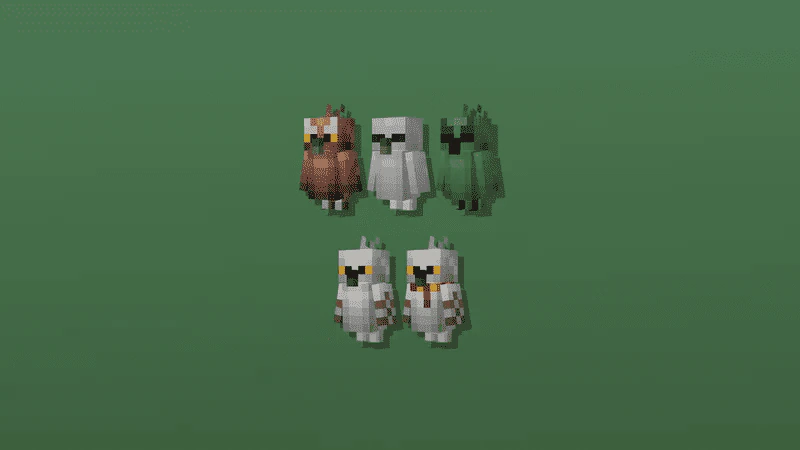
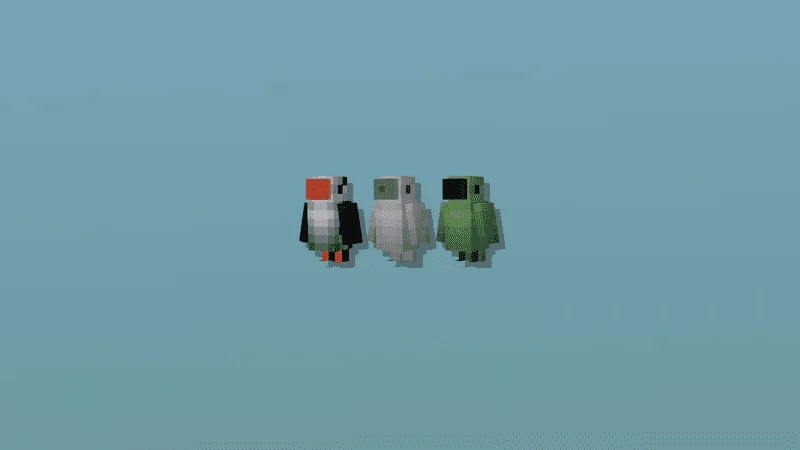
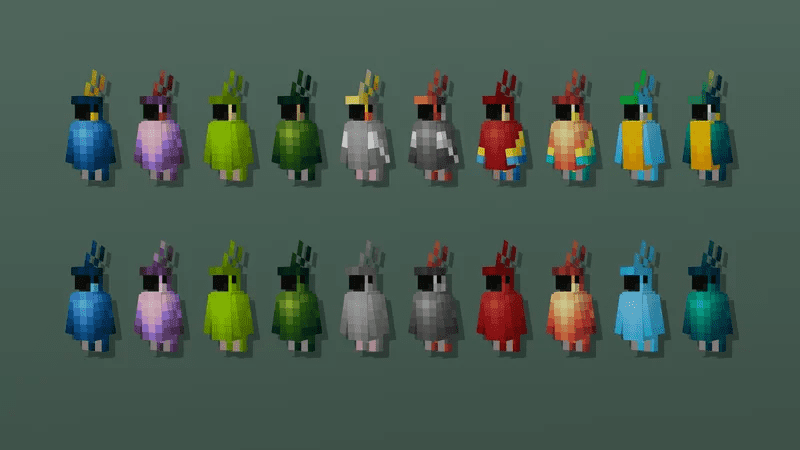
Pesky Parrots Texture Pack introduces a considerable amount of troublemaking to Minecraft’s Parrots as it brings in a plethora of fresh color options for them. The new colors available are Amethyst, Dark Green, Dark Grey, Peach, and Teal, each with variations featuring additional colors and patterns. Furthermore, the pack offers some named variants that retain the original color of the named Parrot.
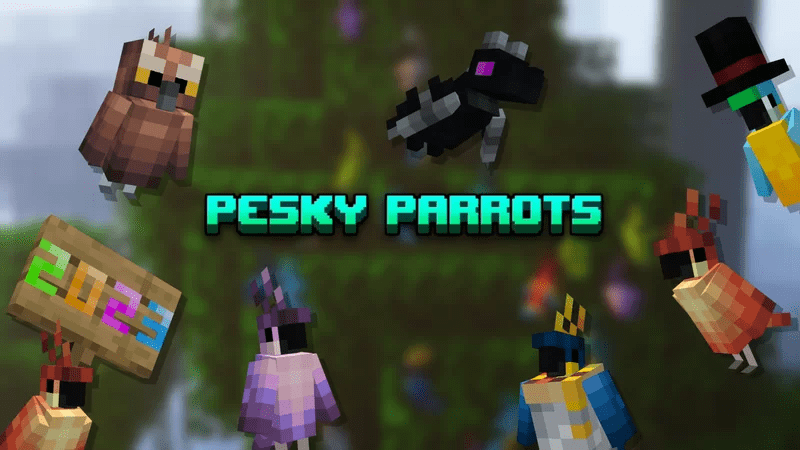
Features:
Normal Parrots:
Retextured vanilla variants with newly added variants that are obtainable using nametags.
Nametags:
- “Blue Parrot 2”
- “Blue Parrot 3”
- “Green Parrot 2”
- “Green Parrot 3”
- “Green Parrot 4”
- “Grey Parrot 2”
- “Grey Parrot 3”
- “Grey Parrot 4”
- “Red Blue Parrot 2”
- “Red Blue Parrot 3”
- “Red Blue Parrot 4”
- “Yellow Blue Parrot 2”
- “Yellow Blue Parrot 3”
- “Yellow Blue Parrot 4”
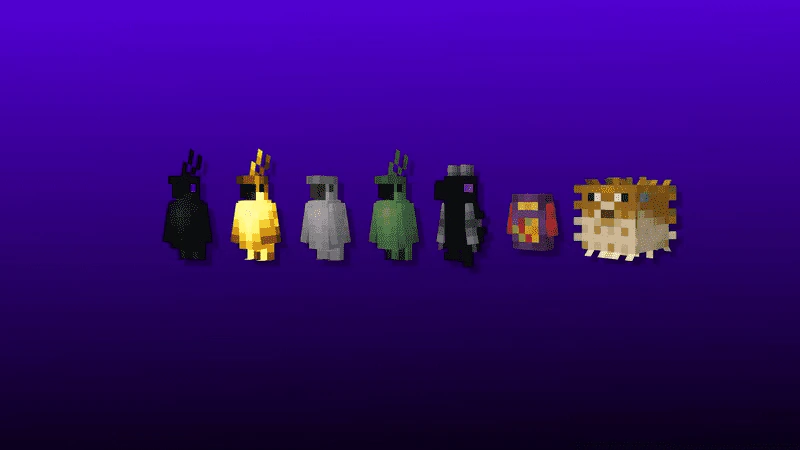
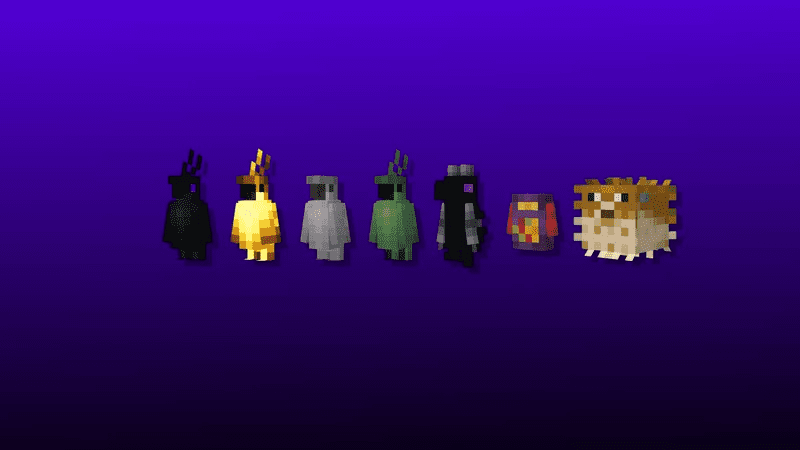
Special Parrots:
Nametags:
- “Ender Parrot”
- “Glowy”
- “Skeletal Parrot”
- “Zombified Parrot”
- “Ender Dragon”
- “Takis”
- “Pufferfish”
Nametags:
- “Golden Parrot”
- “Golden Mr. Seedyton”
- “Golden Polly”
- “Golden Birdrito
- “Golden Floatie”
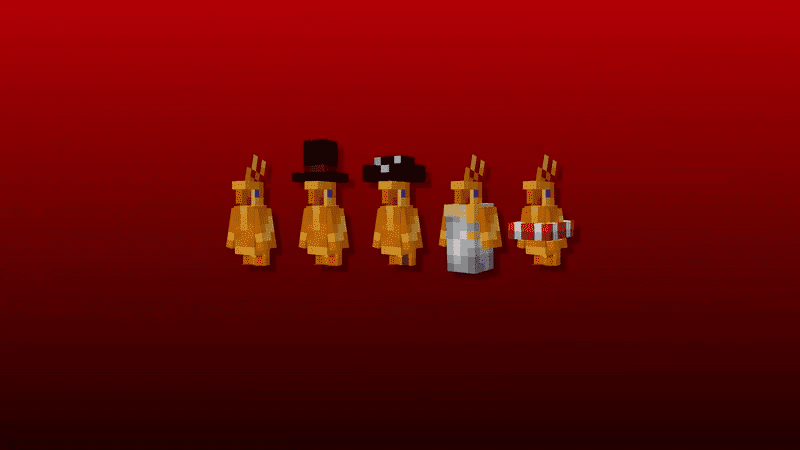
Nametags:
- “Ballon”
- “Disco”
- “New Year”
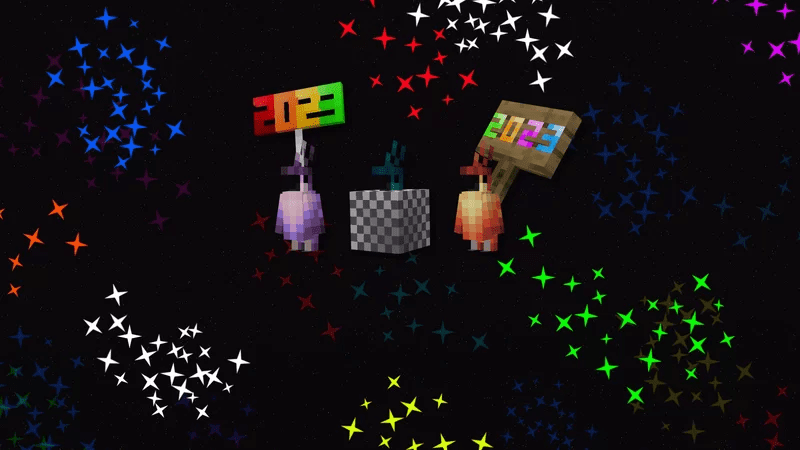
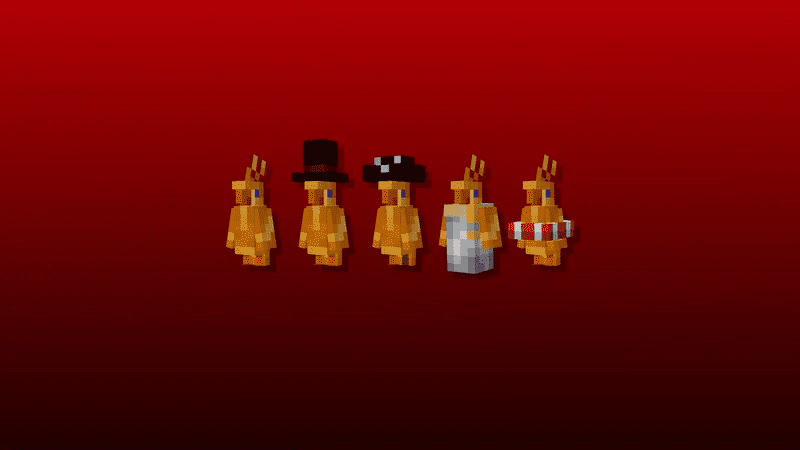
Costume Variants:
Can be used in vanilla parrots (the color of the parrot will not be affected).
Nametags:
- “Mr. Seedyton”
- “Polly”
- “Birdrito”
- “Floatie 1”
- “Floatie 2”
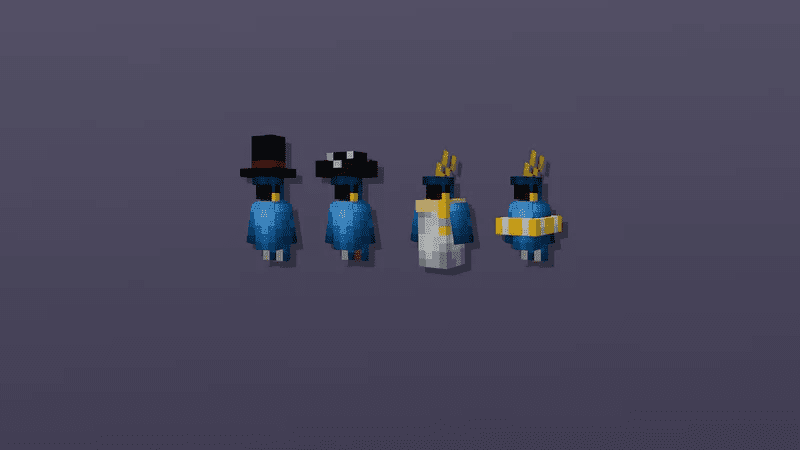
Other Bird Types:
Nametags:
- “Crow”
- “Skeletal Crow”
- “Zombified Crow”
- “Canuck”
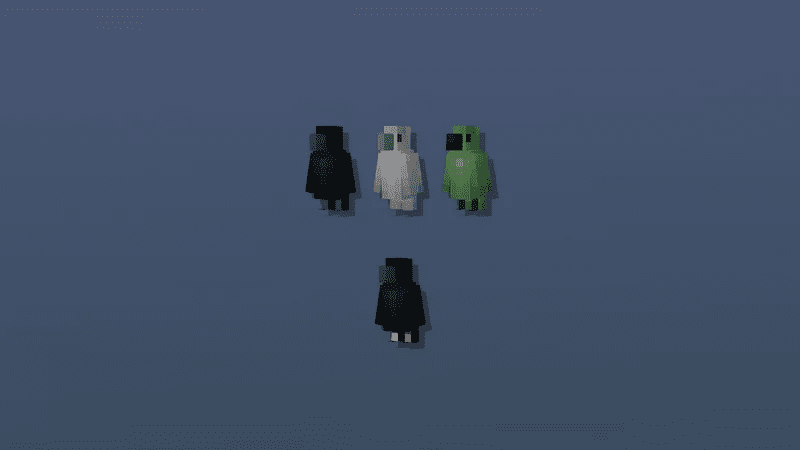
Nametags:
- “Owl”
- “Skeletal Owl”
- “Zombified Owl”
- “Hedwig”
- “Hedwig 2”
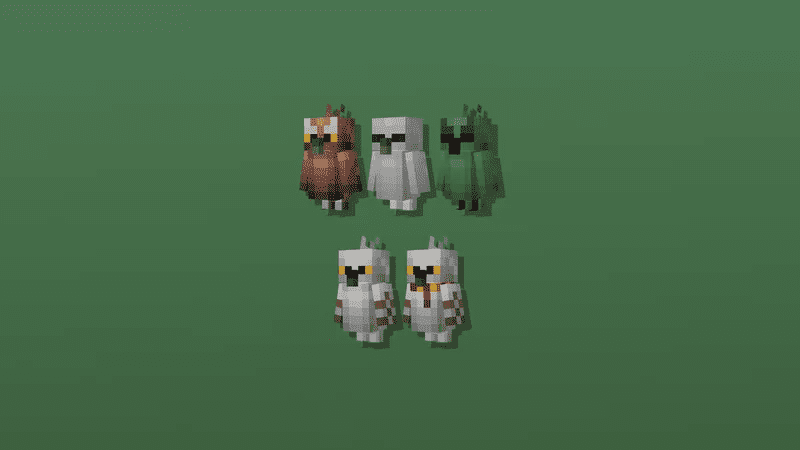
Nametags:
- “Puffin”
- “Skeletal Puffin”
- “Zombified Puffin”
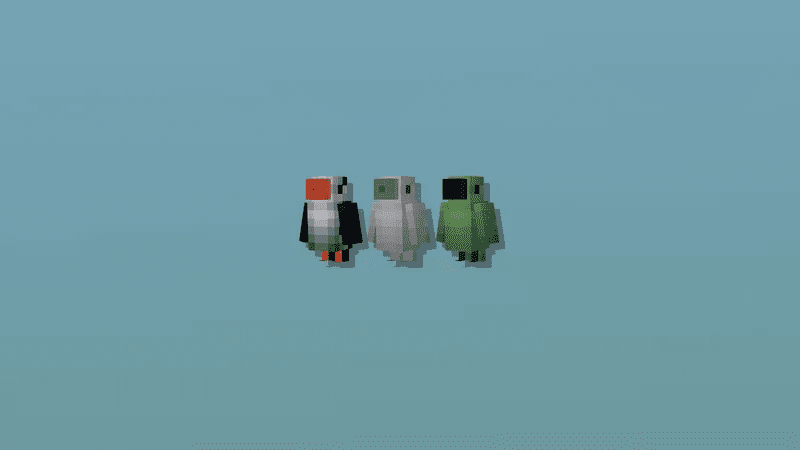
Screenshots:
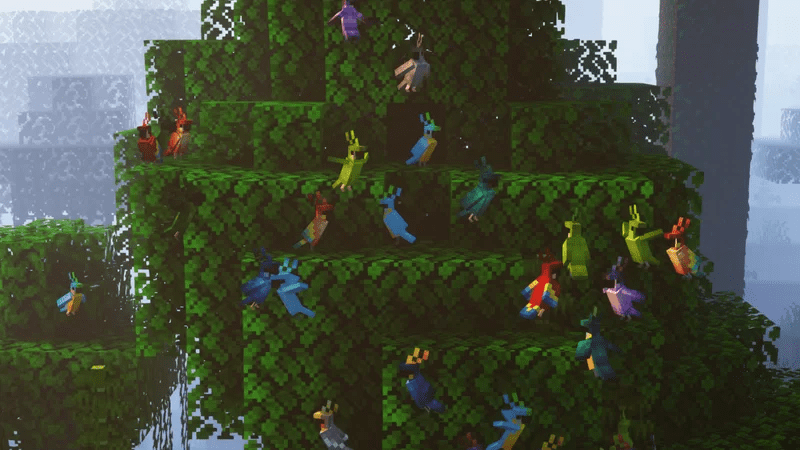
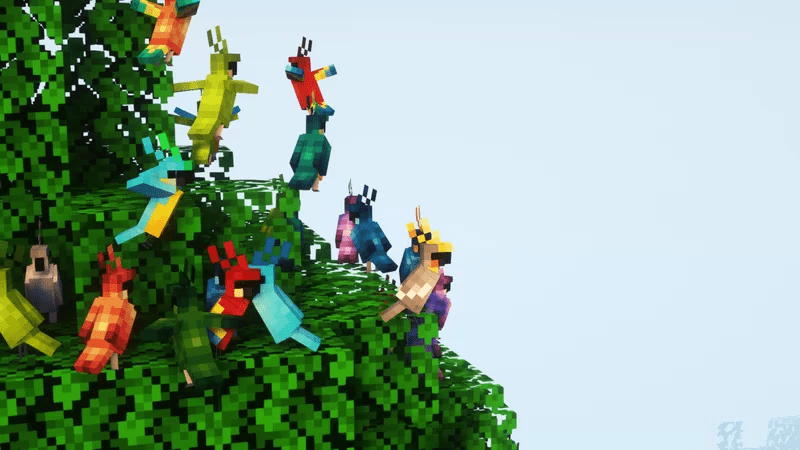
- Put a name tag on an anvil. Rename it like this: “Golden Parrot.” Make sure the first letter of the name is uppercase, be aware of the spaces, and don’t include the quotes (“”). Use the nametag on a tamed/untamed parrot and finish!
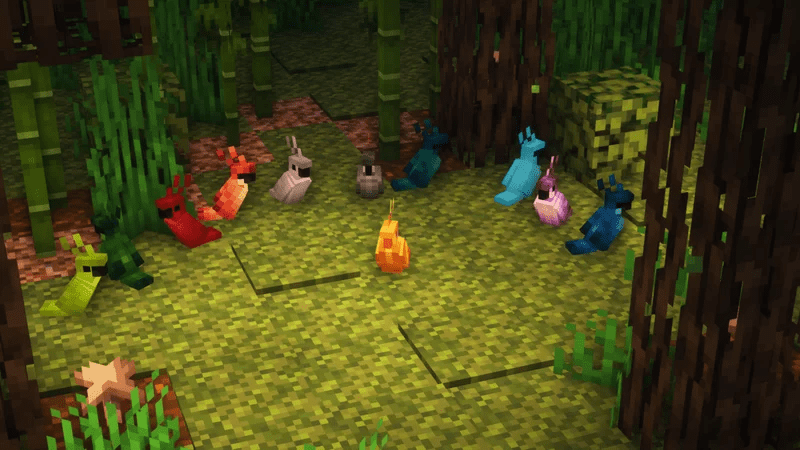
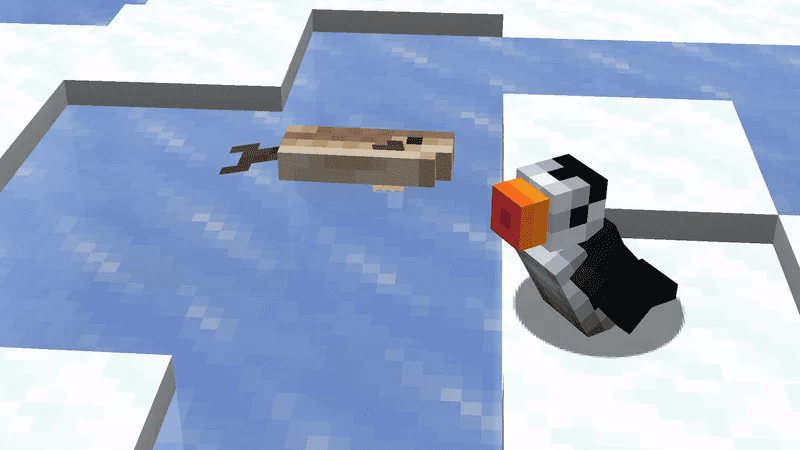
Pesky Parrots Texture Pack Download Links
For Java Edition
For Minecraft PE/Bedrock 1.19
mcpack: Download from server 1 – Download from server 2
- Edition: Minecraft Bedrock
- File type: .mcpack
- Minecraft version listed: 1.19
- How to install: Download the .mcpack. → Open it — Minecraft imports it under Resource Packs. → Activate it in Global Resources, or for one world under Resource Packs → Available.
- Where to get it: In MCModsHub, or directly above on this page.
Install steps are the general flow for this file type — How to install Minecraft Bedrock texture packs walks through it step by step.
- Pack type: .mcpack — a single pack
- Manifest requires Minecraft 1.19.0 or newer
- Complete pack — everything it depends on is inside the file
- Download size: 304 KB
- Download link checked 17 Jun 2026 — working
- Mirrored on our own servers — the download does not depend on the original host
These come from our own check of the pack file, not from the source page.