Cherry Blossom Texture Pack (1.19) – MCPE/Bedrock
Bedrock texture pack listed for Minecraft 1.19. File opened and checked on 8 Oct 2026; installs from the MC Bedrock Mods app on Android.
⬇ Download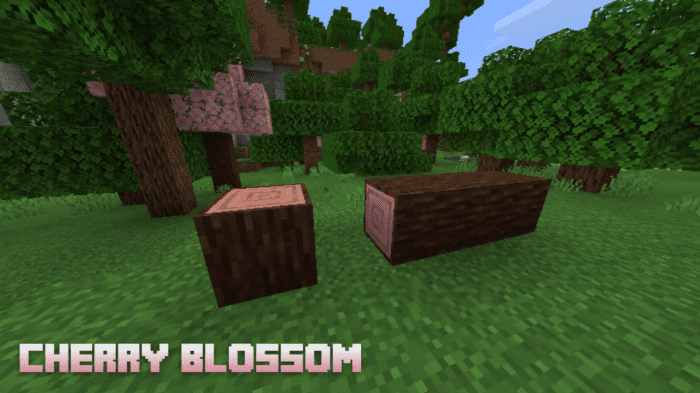
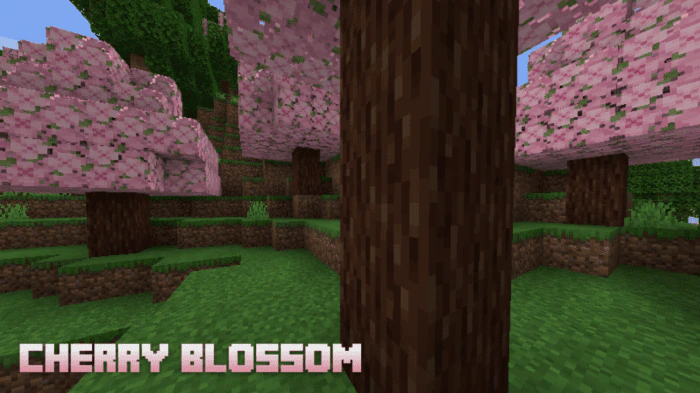
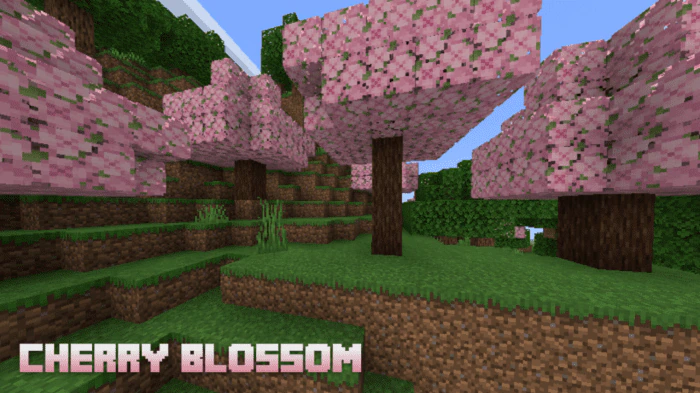
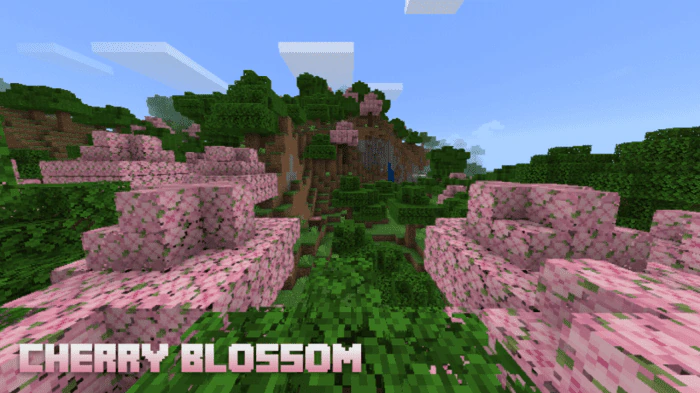
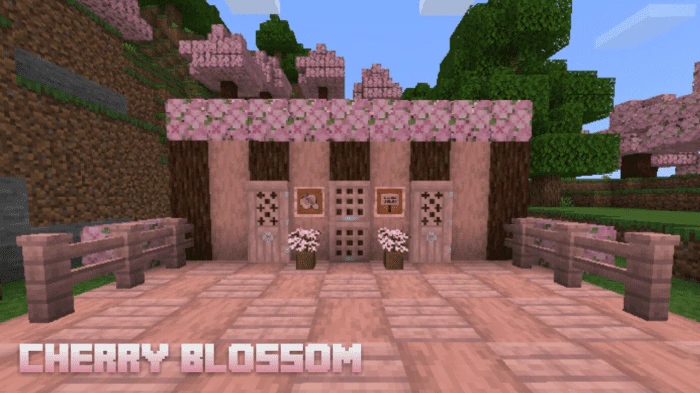
Cherry Blossom Texture Pack replaces the Birch Tree and its associated items, including wood, boats, and logs, with a cherry blossom theme. In addition to replacing blocks and objects, this pack also renames the “Birch” tree to “Cherry”. This only happens in Spanish and English, other languages do not have this small detail.
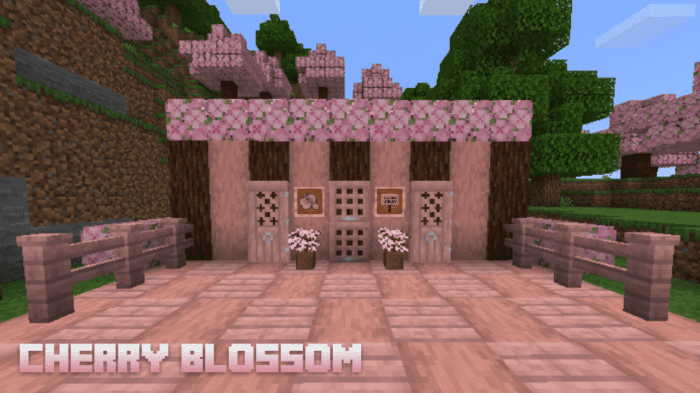
Screenshots:
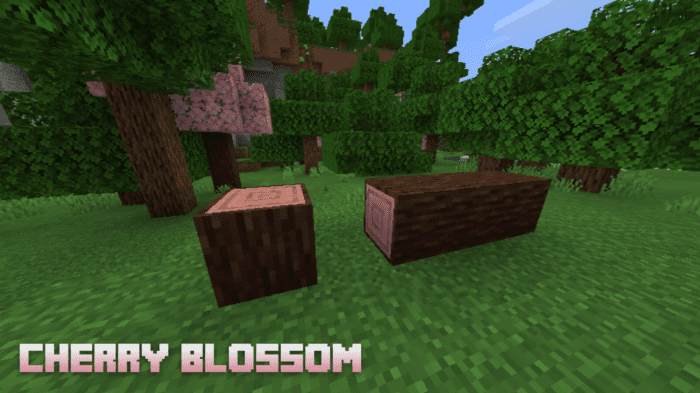
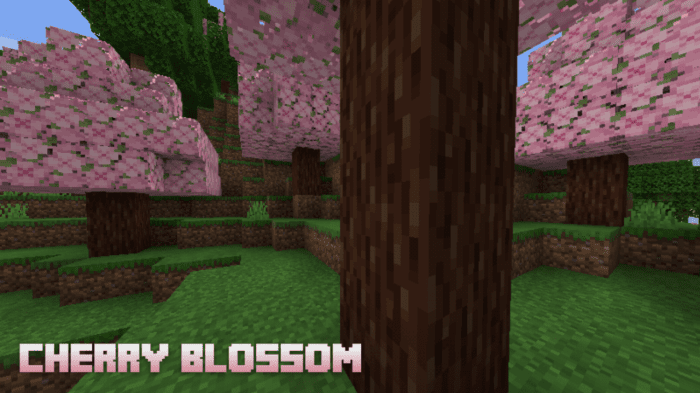
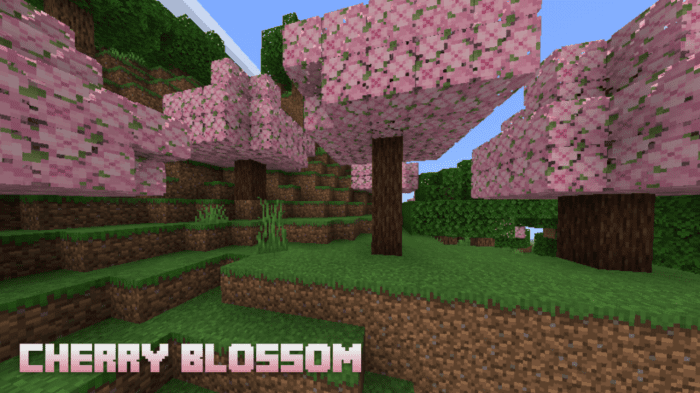
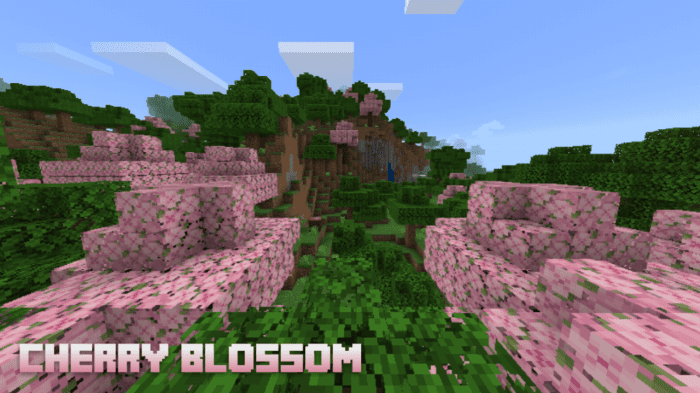
Cherry Blossom Texture Pack Download Links
For Minecraft PE/Bedrock 1.19
Zip: Download from server 1 – Download from server 2
mcpack: Download from server 1 – Download from server 2
- Edition: Minecraft Bedrock
- File type: .mcpack
- Minecraft version listed: 1.19
- How to install: Download the .mcpack. → Open it — Minecraft imports it under Resource Packs. → Activate it in Global Resources, or for one world under Resource Packs → Available.
- Where to get it: In MCModsHub, or directly above on this page.
Install steps are the general flow for this file type — How to install Minecraft Bedrock texture packs walks through it step by step.
- Pack type: .mcpack — a single pack
- Complete pack — everything it depends on is inside the file
- Download link checked 17 Jun 2026 — working
- Mirrored on our own servers — the download does not depend on the original host
These come from our own check of the pack file, not from the source page.