Optifine BE (1.19) – Best Lag Fix for MCPE/Bedrock
Bedrock texture pack listed for Minecraft 1.14–1.19. File opened and checked on 21 Sep 2026; installs from the MC Bedrock Mods app on Android.
⬇ Download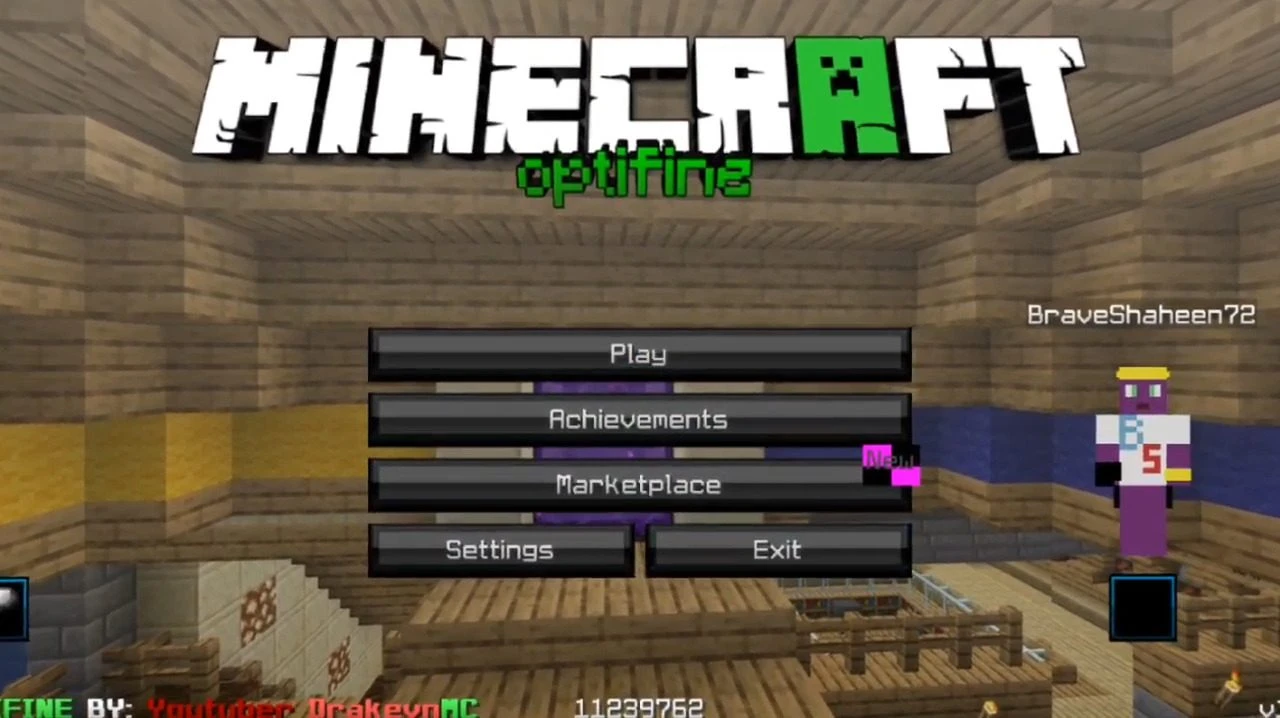
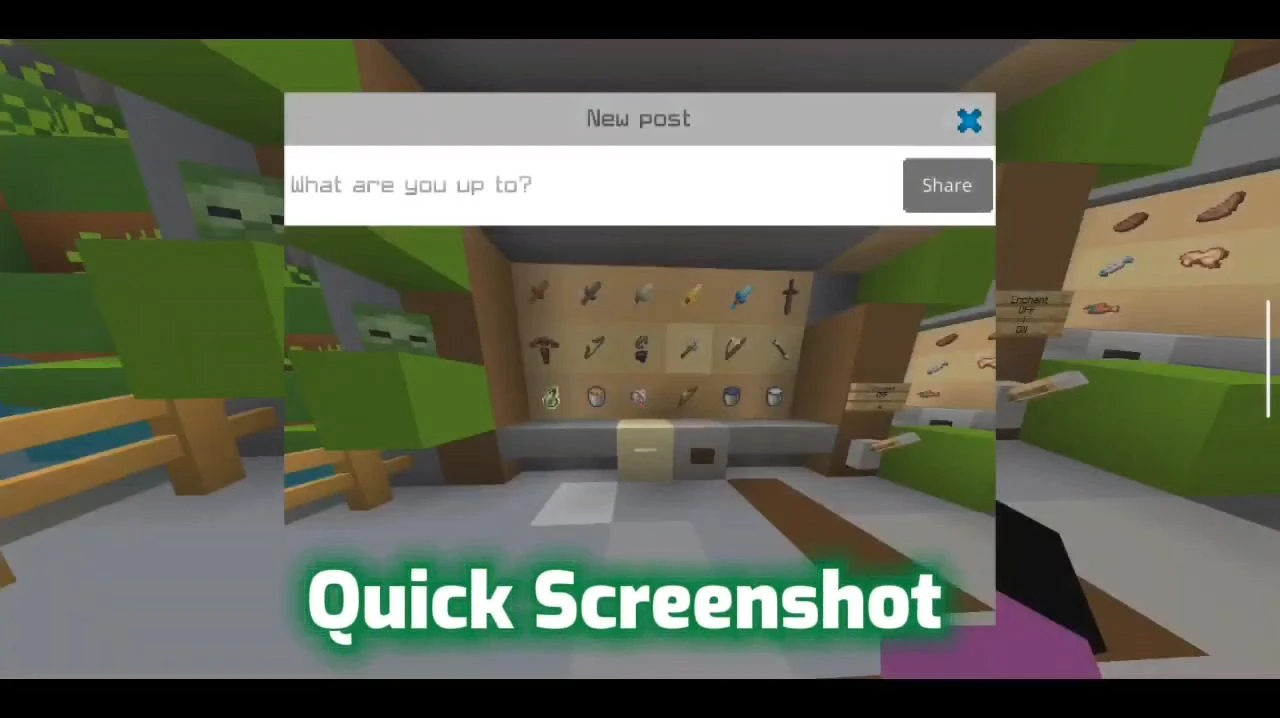
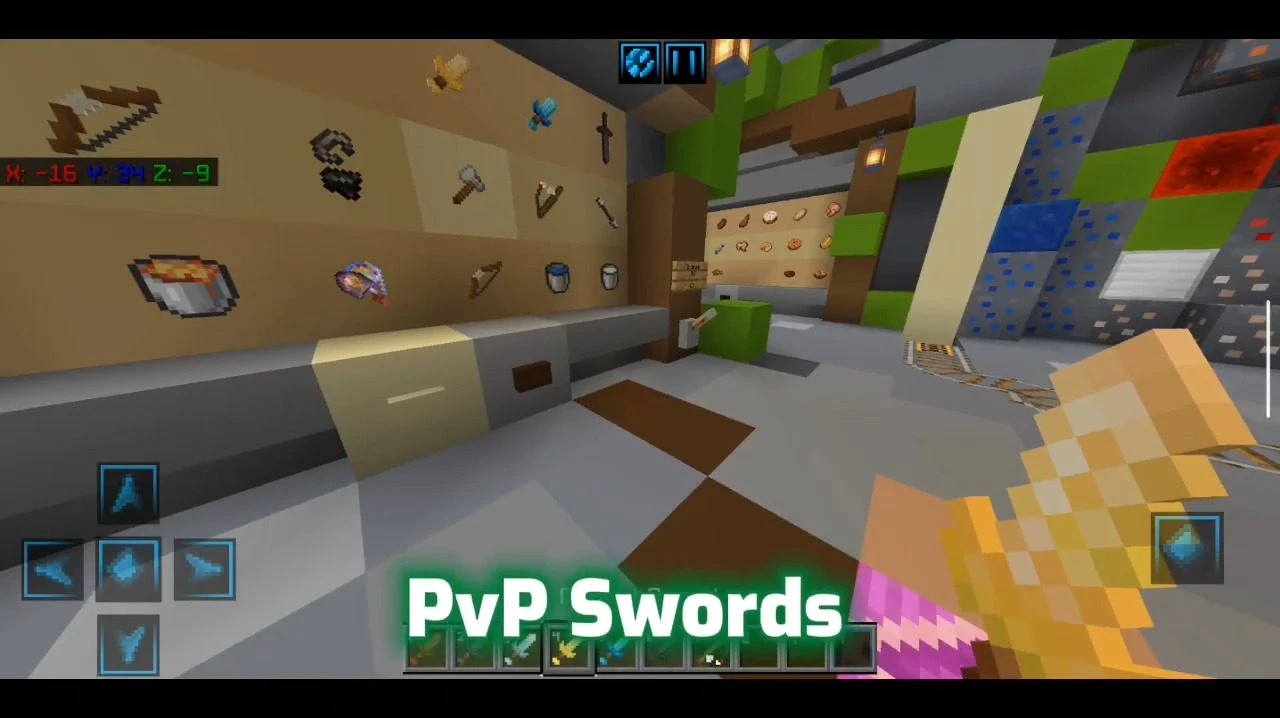
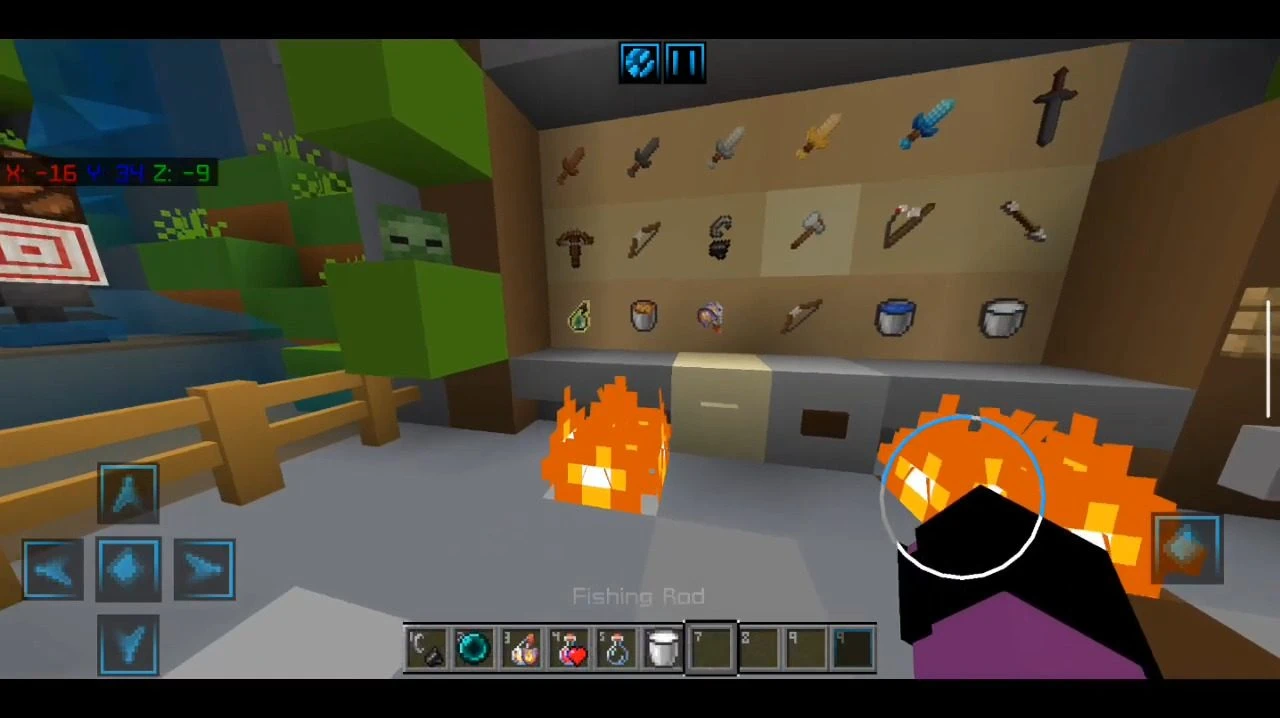
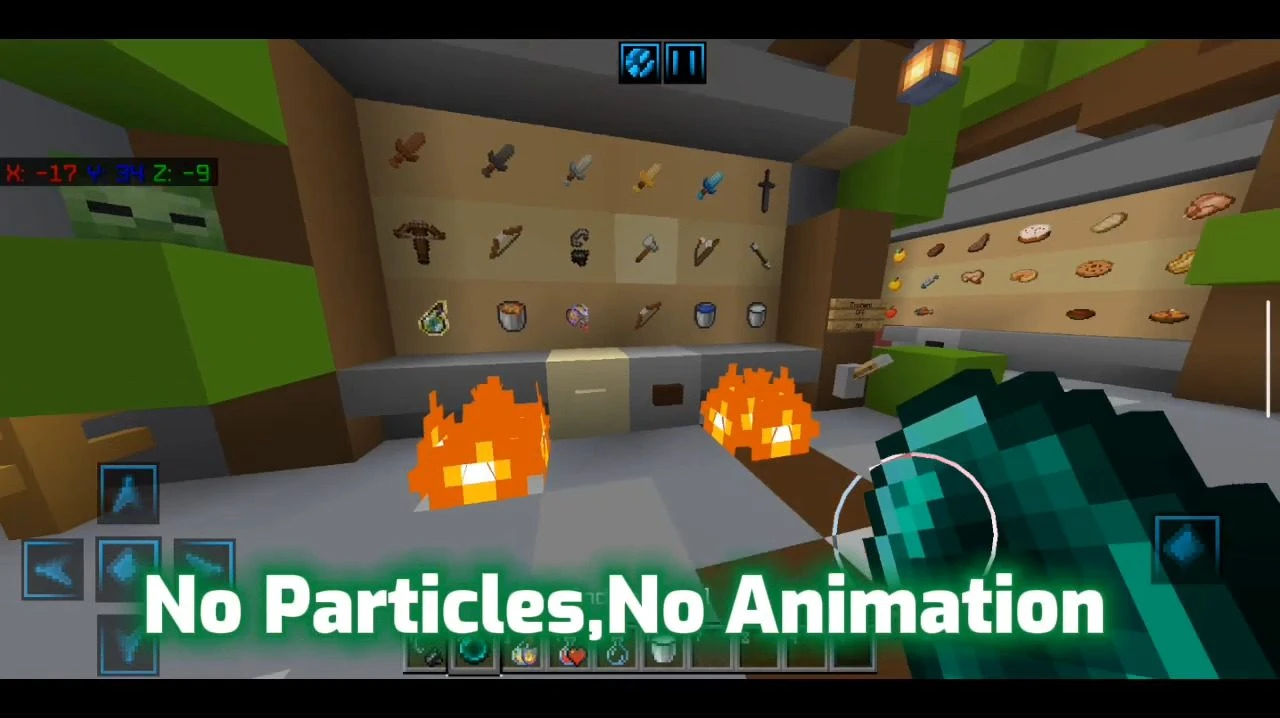
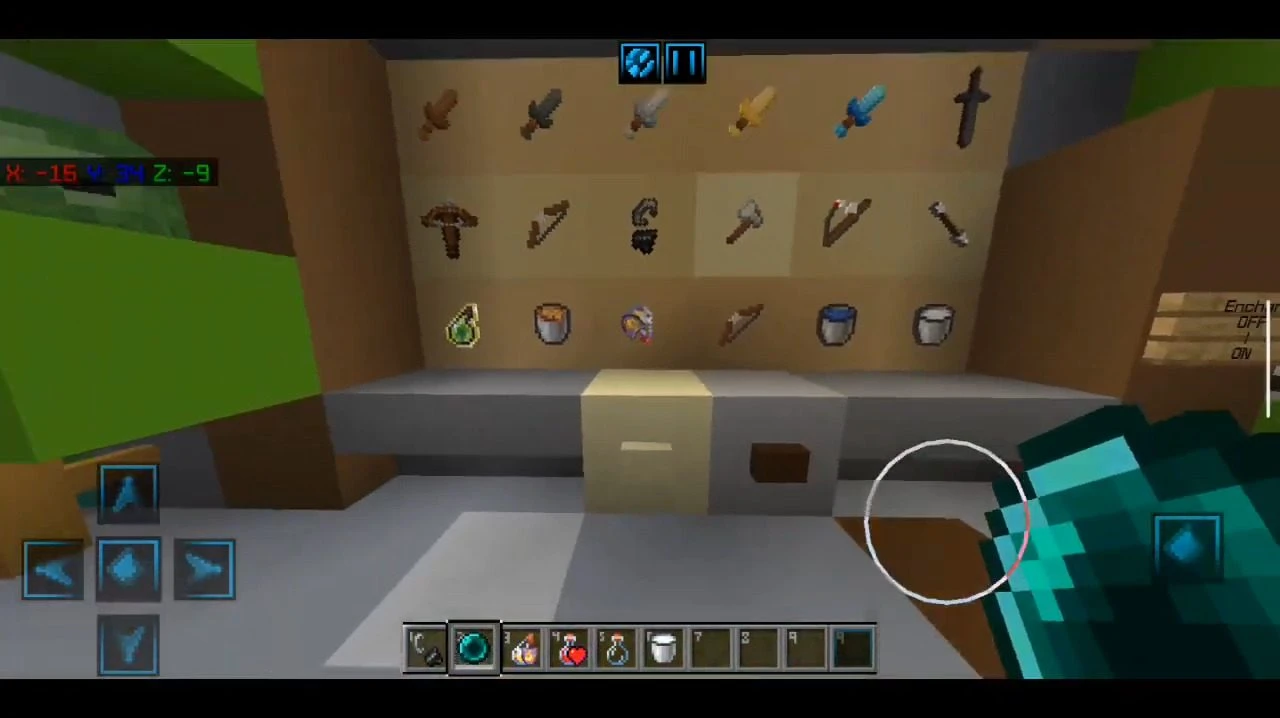
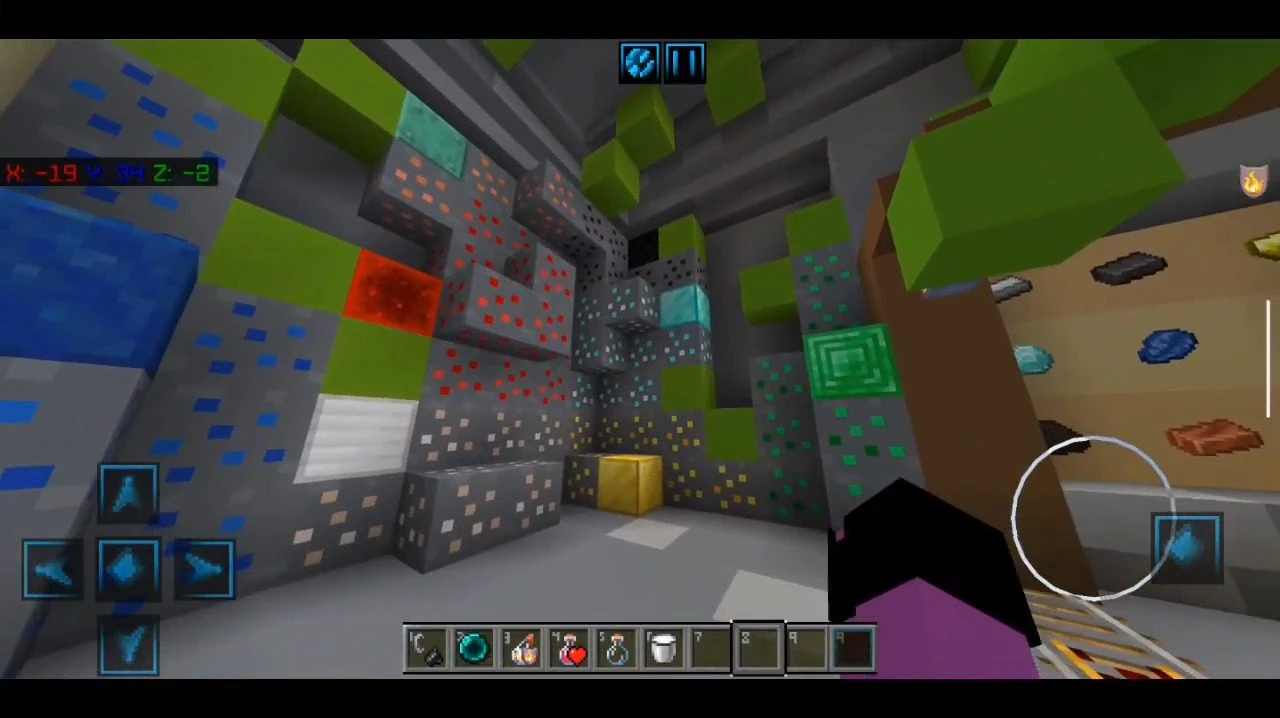
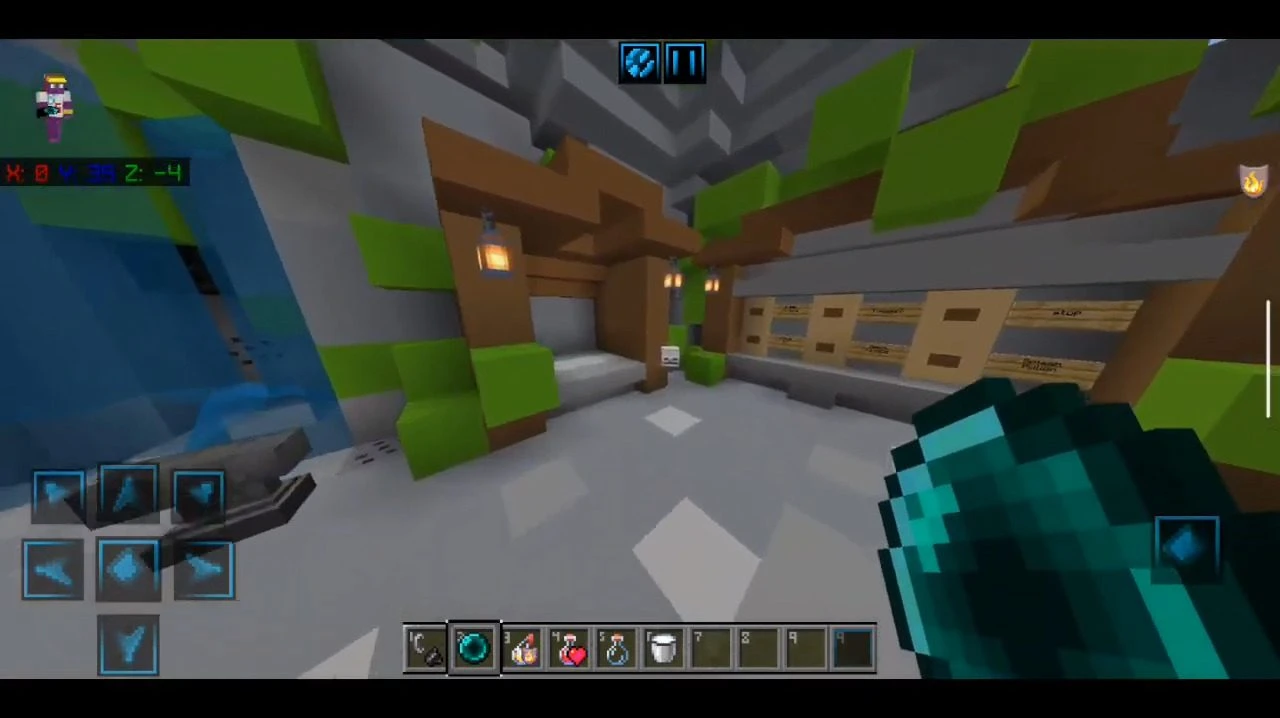
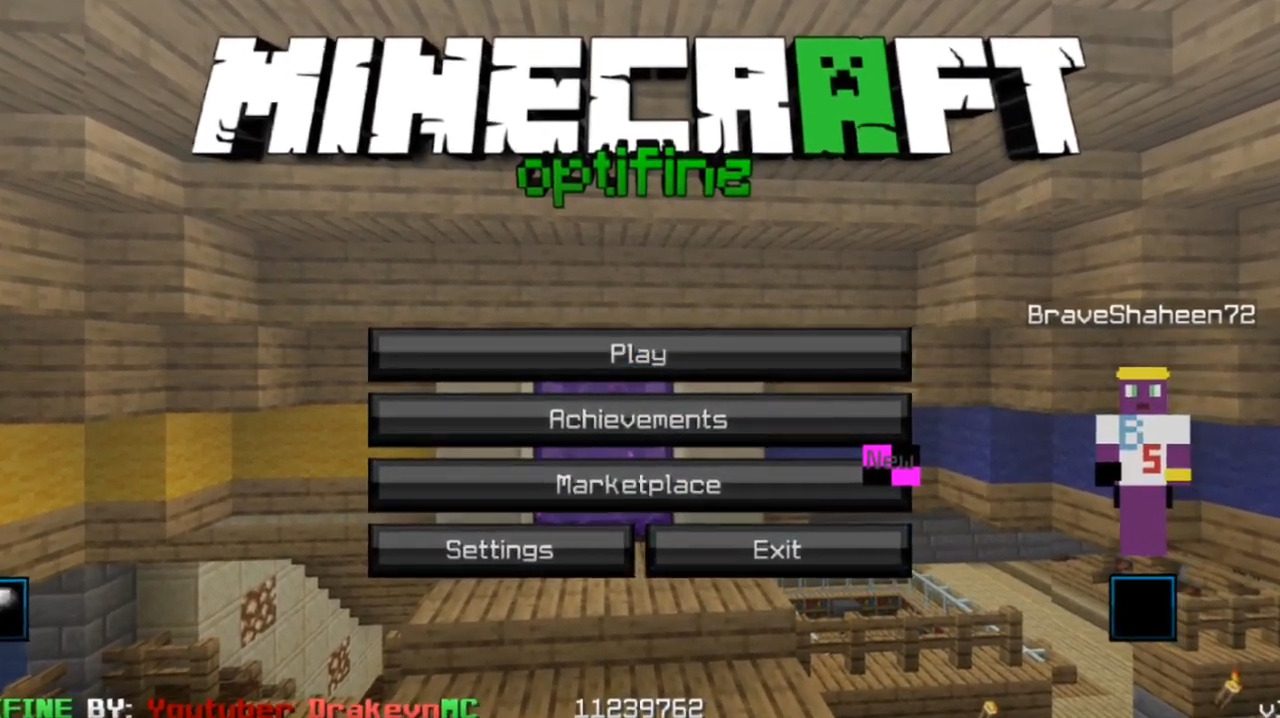
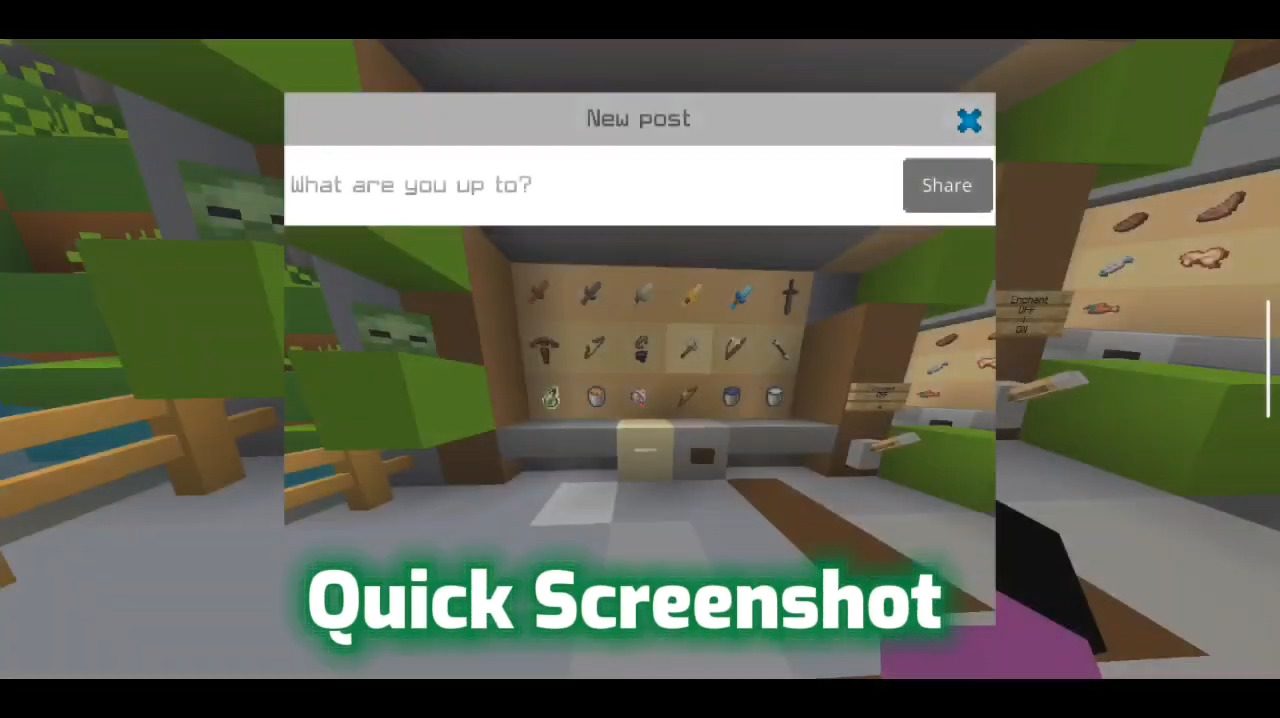
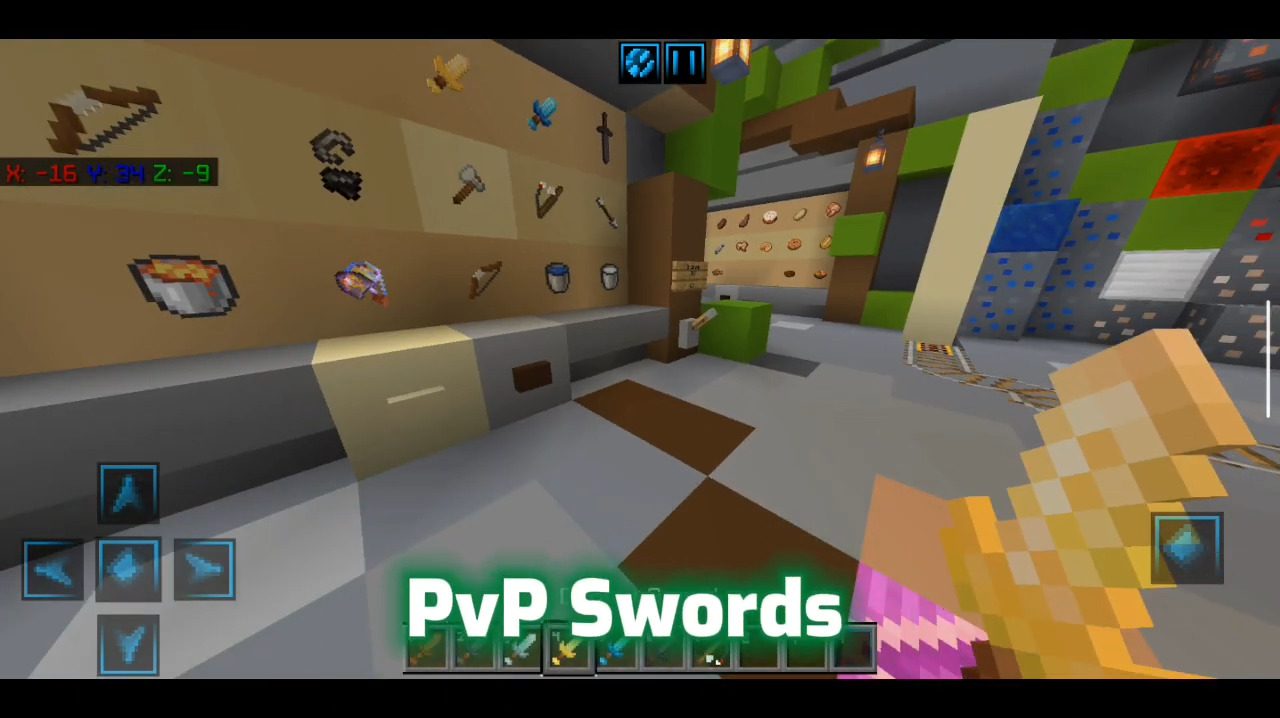
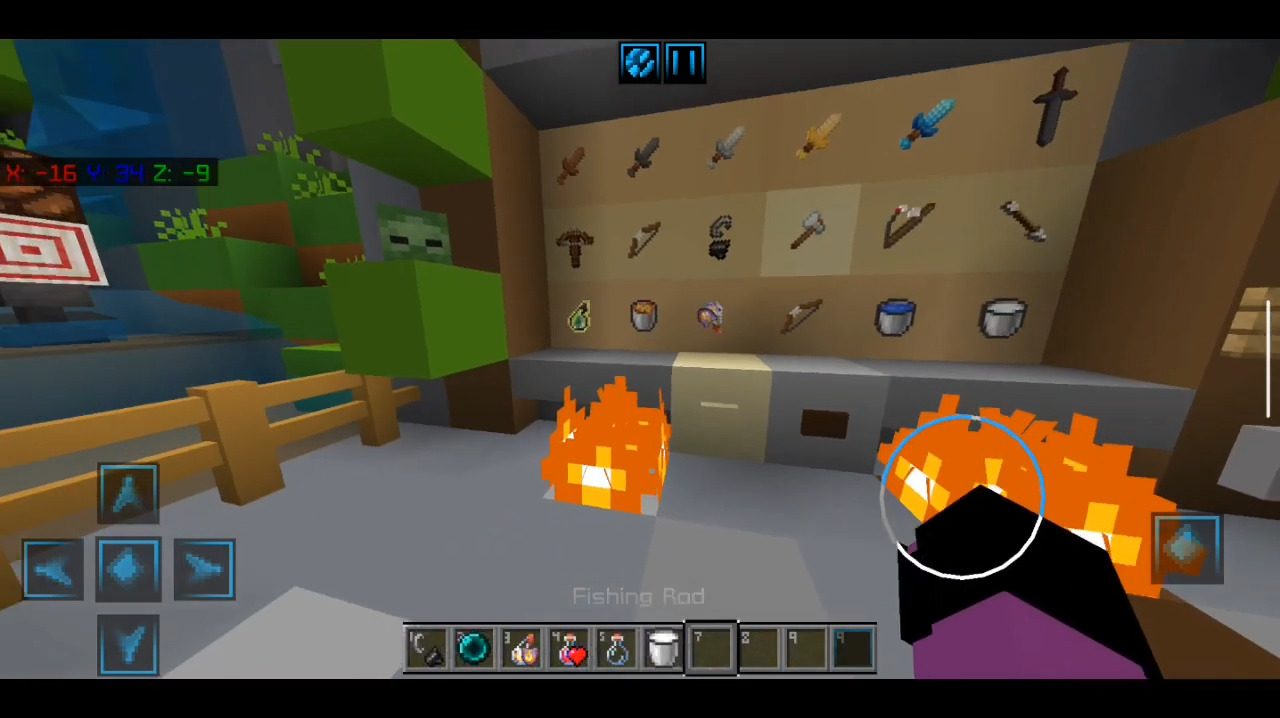
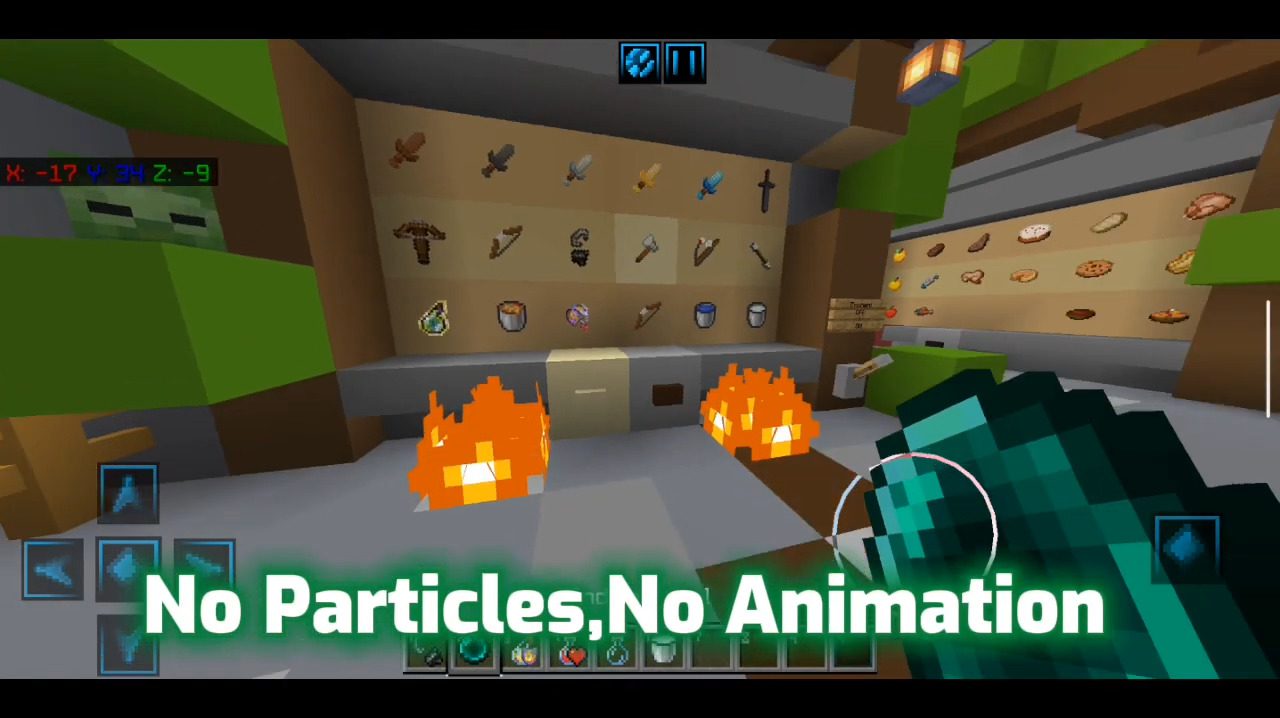
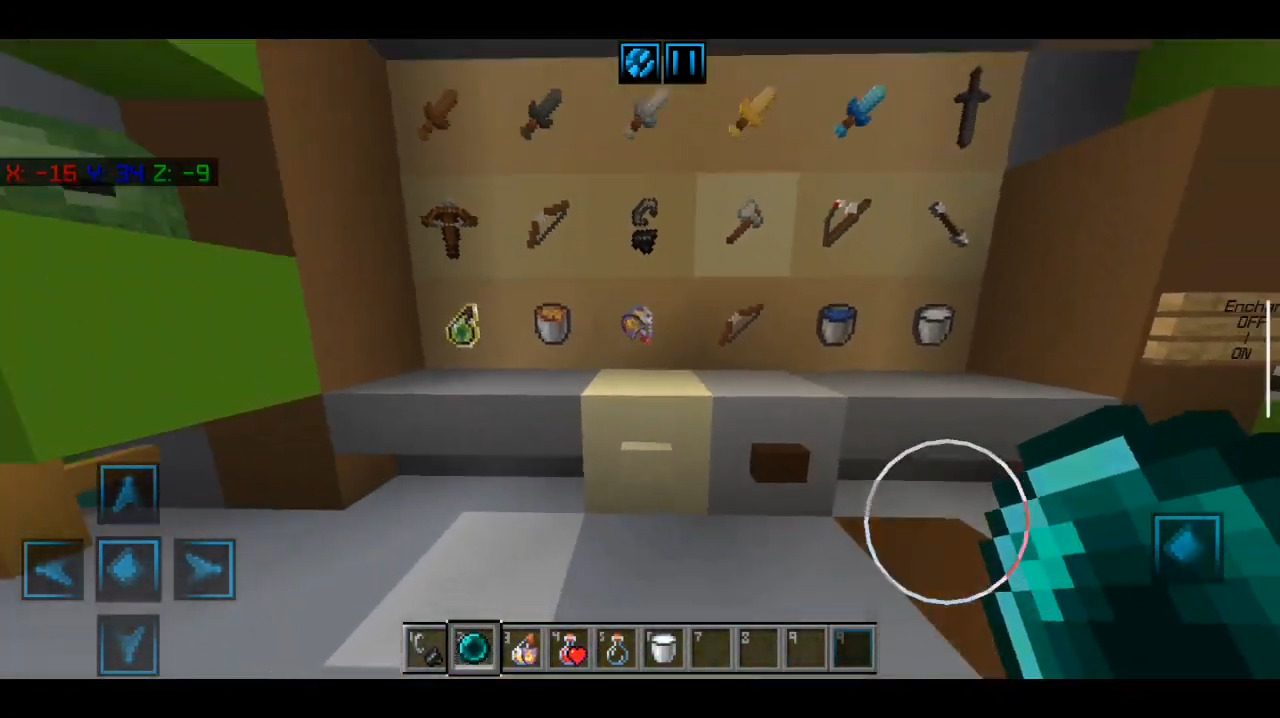
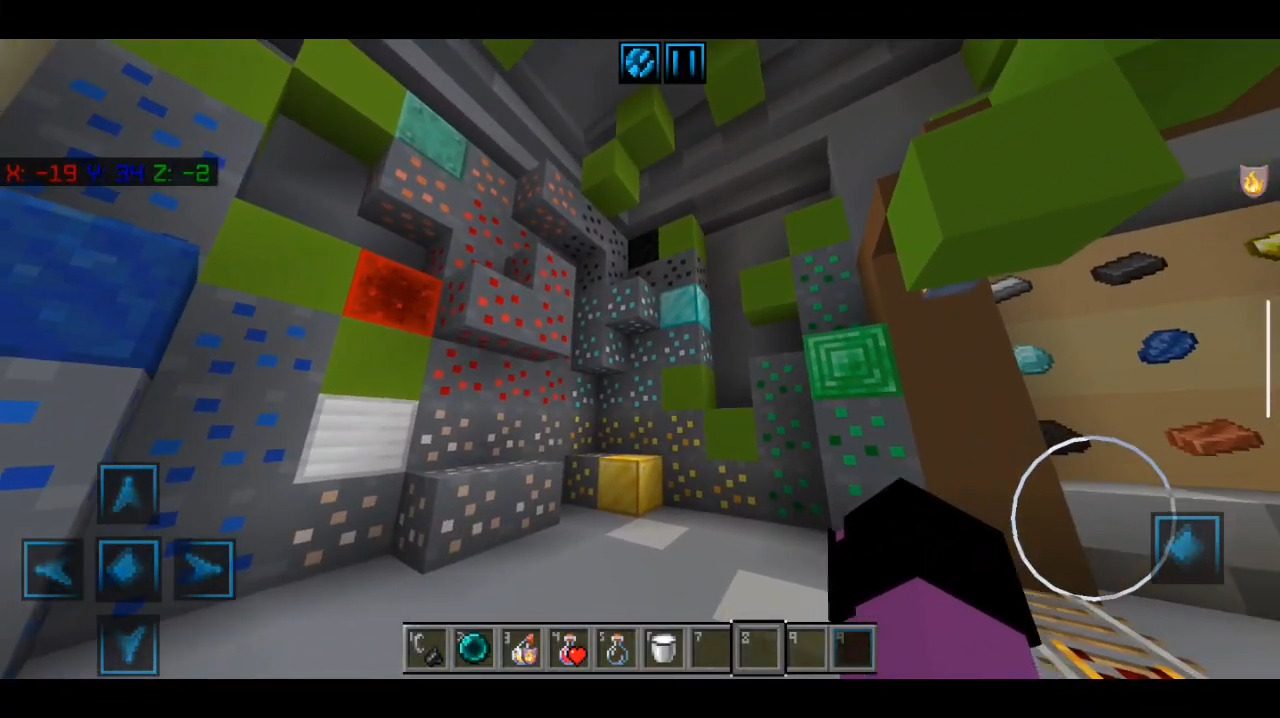
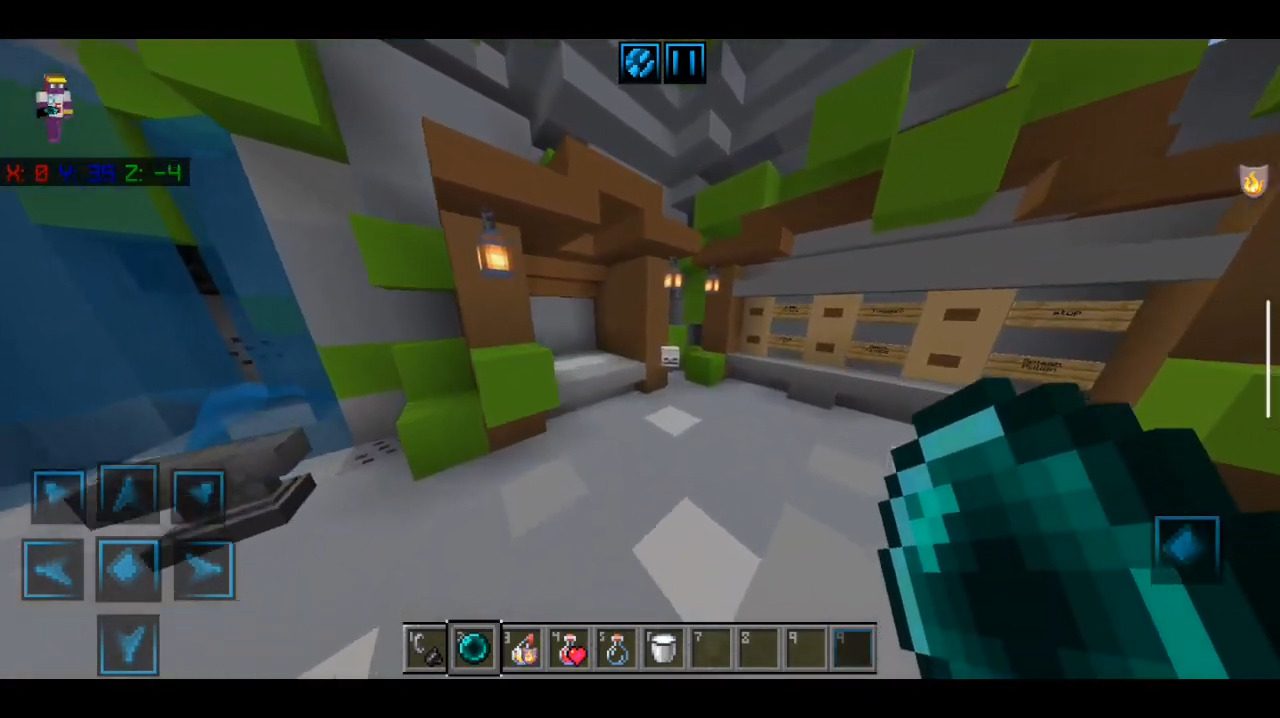
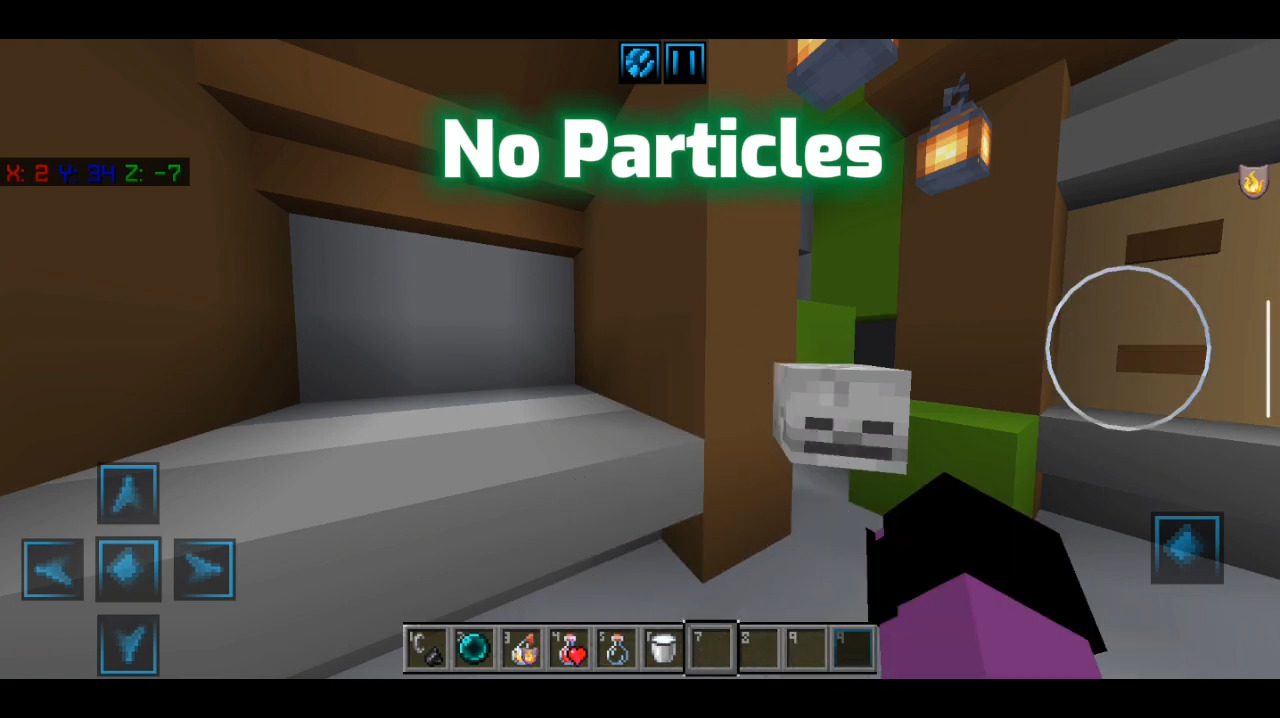
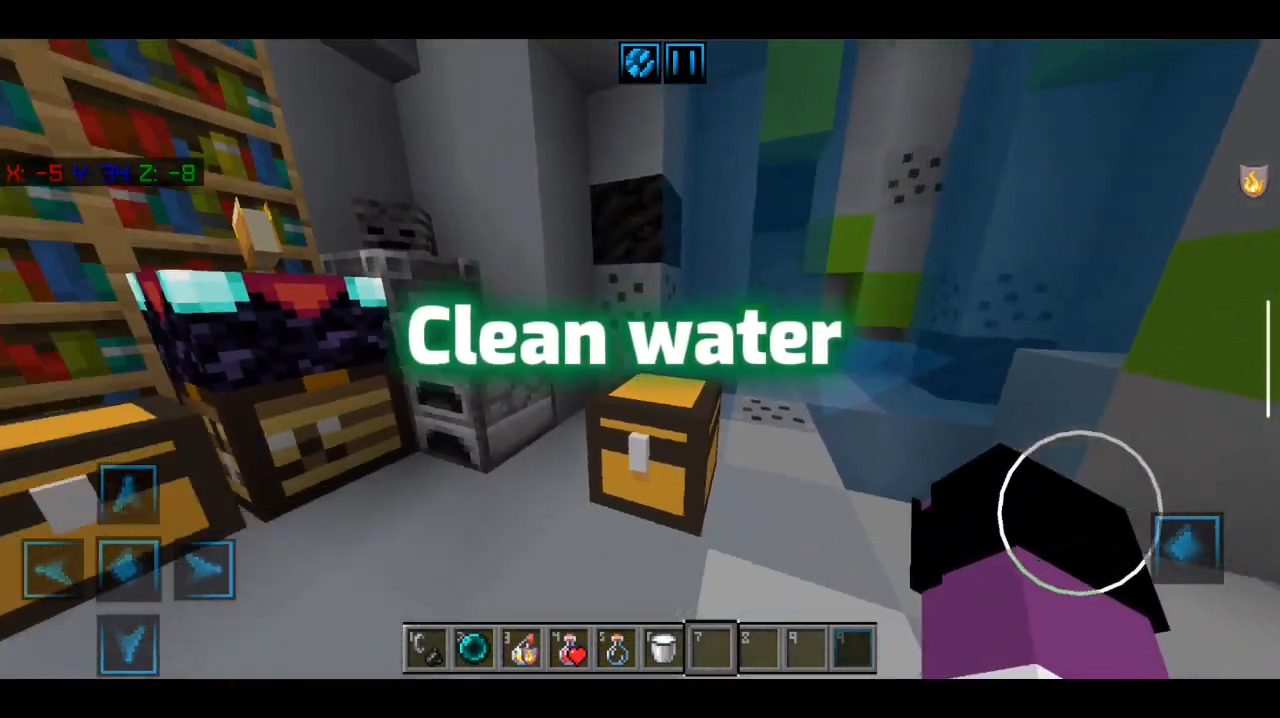
We often read that this client reduces lag, and the other Optifine boosts FPS, but is that true? The truth is that very few optifine do that, but most of the FPS comes from using simple textures like 8×8 or 4×4. Optifine BE is a new client for MCPE/Bedrock that comes with many amazing features like FPS Boost, Quick Chat, PvP Swords, Low Fire, No Particles, No Animation, Clean Water, etc. If you are a PvP enjoyer, you should not miss this pack.
Screenshots:
Optifine BE Download Links
You may also like
For Minecraft PE/Bedrock 1.19
mcpack: Download from server 1 – Download from server 2
- Edition: Minecraft Bedrock
- File type: .mcpack
- Minecraft version listed: 1.19
- How to install: Download the .mcpack. → Open it — Minecraft imports it under Resource Packs. → Activate it in Global Resources, or for one world under Resource Packs → Available.
- Where to get it: In MCModsHub, or directly above on this page.
Install steps are the general flow for this file type — How to install Minecraft Bedrock texture packs walks through it step by step.
- Pack type: .mcaddon — behaviour and resource pack in one file
- Manifest requires Minecraft 1.14.0 or newer
- Complete pack — everything it depends on is inside the file
- Download link checked 17 Jun 2026 — working
- Mirrored on our own servers — the download does not depend on the original host
These come from our own check of the pack file, not from the source page.