Colormap Reimagined Texture Pack (1.19) – Java/Bedrock
Bedrock texture pack listed for Minecraft 1.19. Installs from the MC Bedrock Mods app on Android.
⬇ Download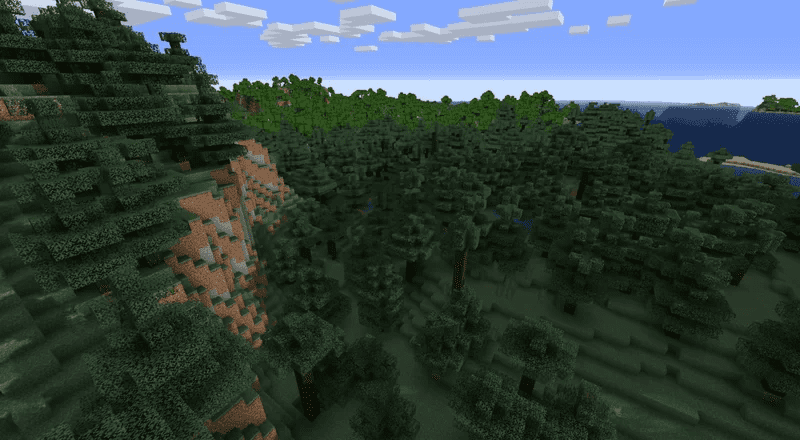
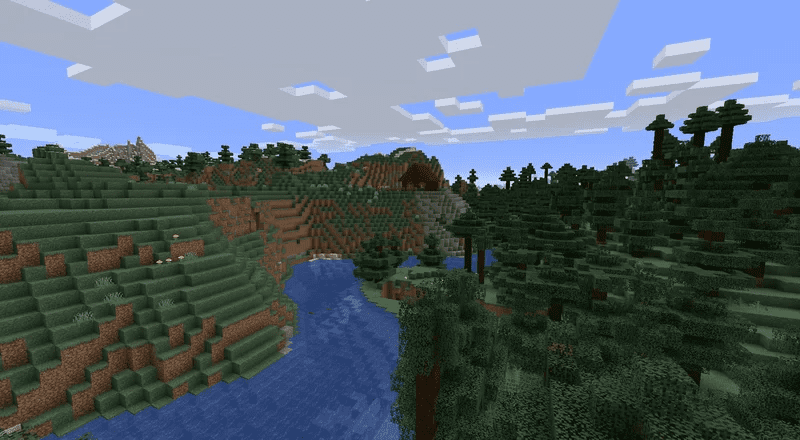
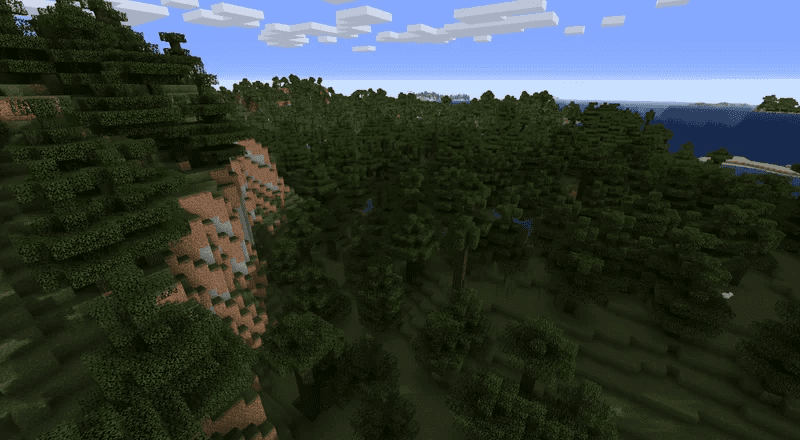
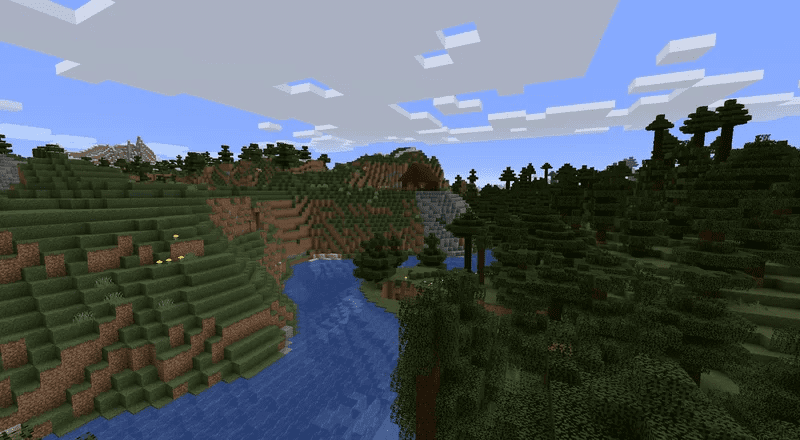
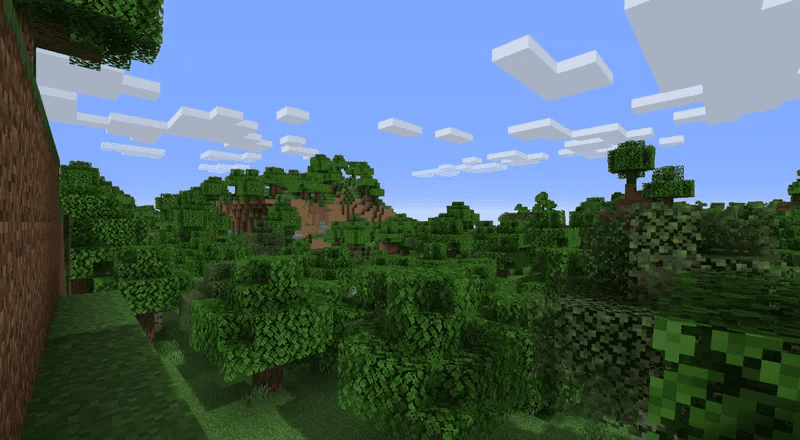
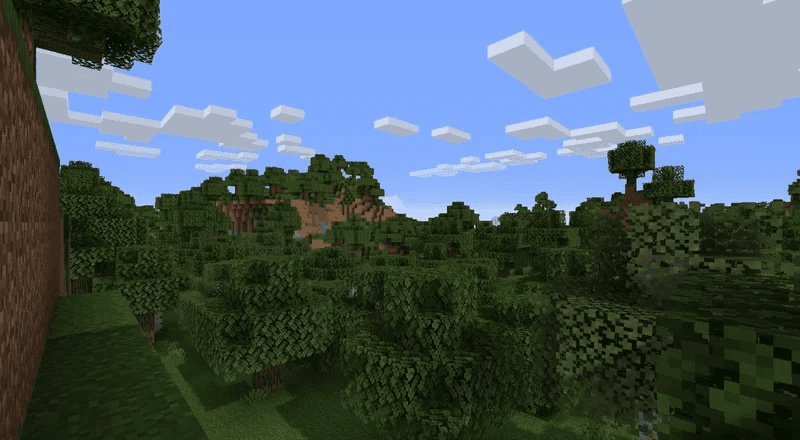
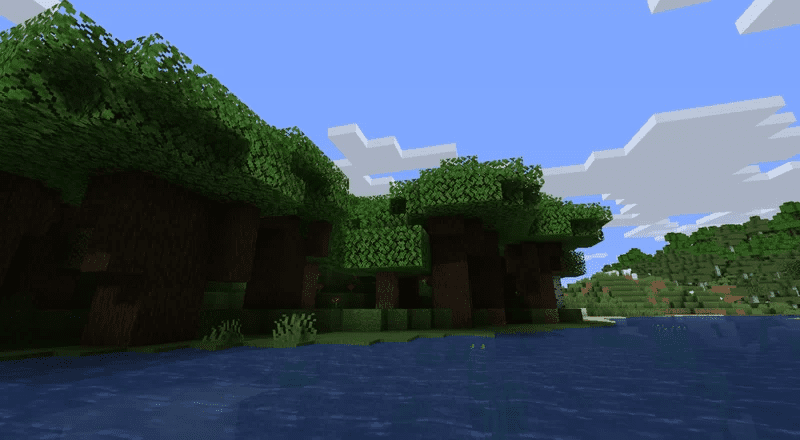
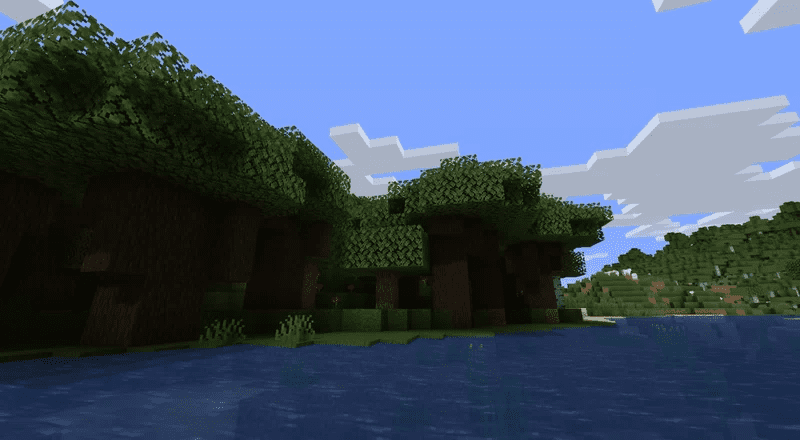
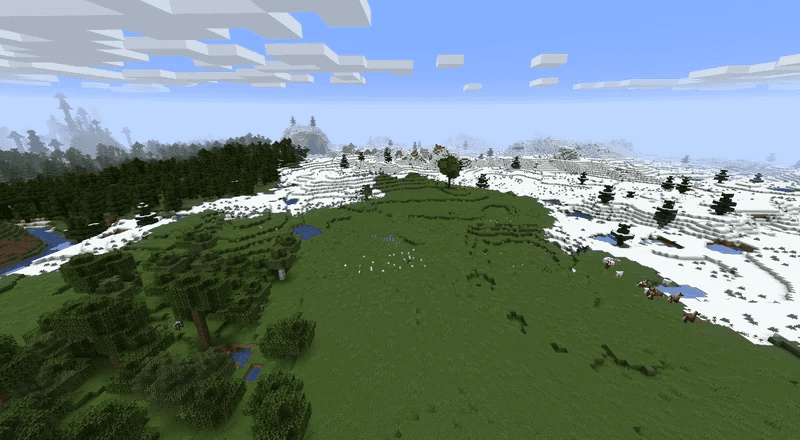
Have you ever felt like the current Minecraft colormap is too vibrant? Are you having trouble finding a colormap that tones down the colors without making other changes? Do you dislike the current cold look of all taigas when they’re supposed to be mossy and moist? Don’t worry, we’ve got you covered! Colormap Reimagined Texture Pack stays true to Minecraft’s colors while softening them and blending them better into the terrain. This colormap even makes cold taigas and regular taigas look different, just as they should.
Screenshots:
Spruce Biome
Before:
After:
Oak Forest
Before:
After:
Dark Oak Forest
Before:
After:
Snow Biome
Before:
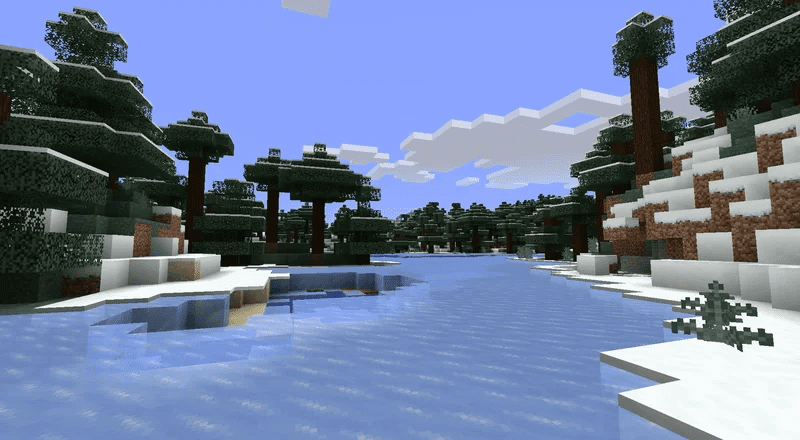
After:
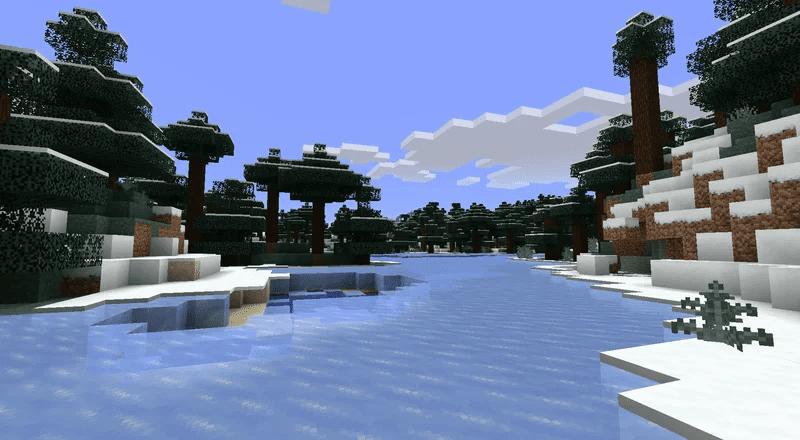
Plains Biome
Before:
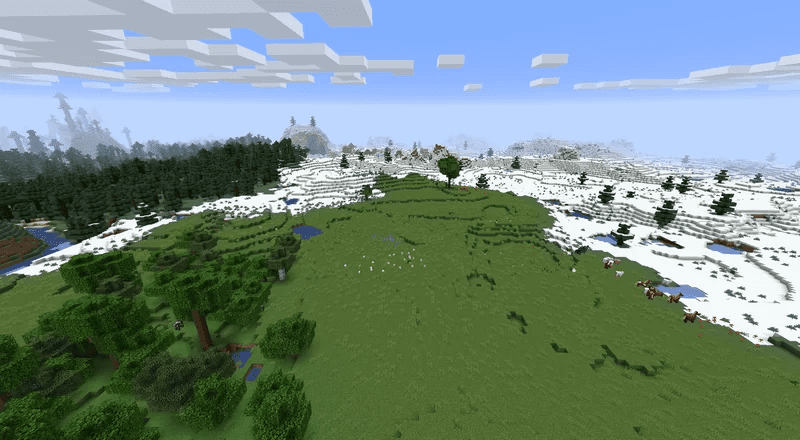
After:
Colormap Reimagined Texture Pack Download Links
For Java Edition 1.16.5
For Minecraft PE/Bedrock 1.19
mcpack: Download from server 1 – Download from server 2
- Edition: Minecraft Bedrock
- File type: .mcpack
- Minecraft version listed: 1.19
- How to install: Download the .mcpack. → Open it — Minecraft imports it under Resource Packs. → Activate it in Global Resources, or for one world under Resource Packs → Available.
- Where to get it: In MCModsHub, or directly above on this page.
Install steps are the general flow for this file type — How to install Minecraft Bedrock texture packs walks through it step by step.
Colormap Reimagined Texture Pack (1.19) – Java/Bedrock is a free Minecraft Bedrock texture pack. Compatible with Minecraft 1.19. Download it and open it directly in the game.