Red & Blue Night Texture Pack (1.19) – MCPE/Bedrock Custom Sky
Bedrock texture pack listed for Minecraft 1.16–1.19. File opened and checked on 23 Sep 2026; installs from the MC Bedrock Mods app on Android.
Red & Blue Night Texture Pack [Custom SKY] is a realistic texture pack designed to be very realistic and replace the default Minecraft sky texture. This…
⬇ Download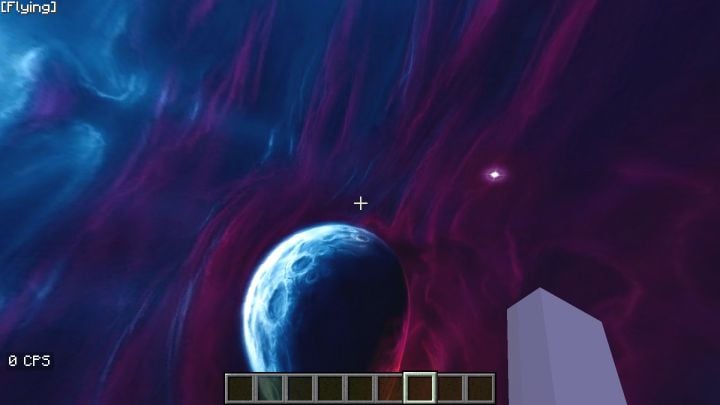
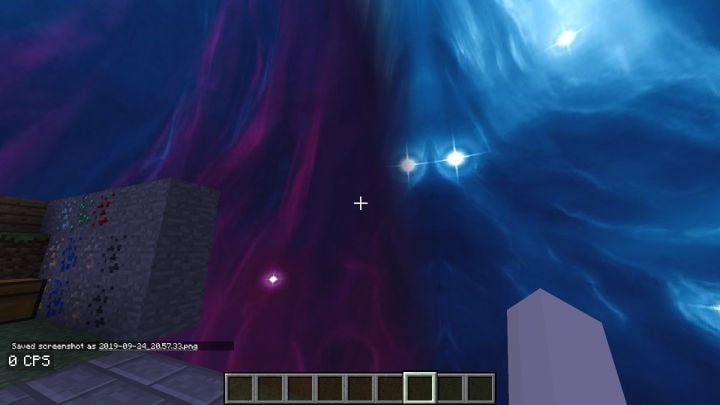
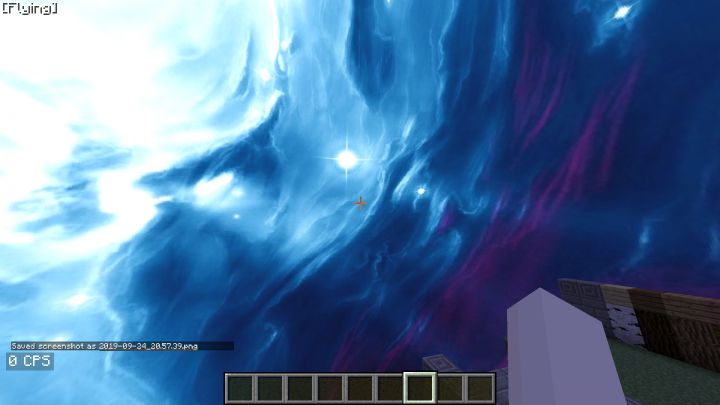
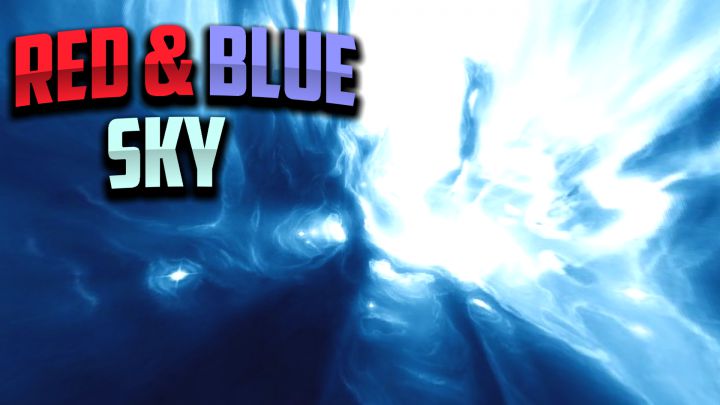
Red & Blue Night Texture Pack [Custom SKY] is a realistic texture pack designed to be very realistic and replace the default Minecraft sky texture. This pack replaces your sky with an incredibly realistic and very immersive blue sky, mixed with blue and red colors, and a giant planet in the center.
Features:
With this texture pack, you can change the sky in your Minecraft and make it more beautiful and realistic!
- Custom Sky
- Ultra HD
- Planets and Galaxies
Screenshots:
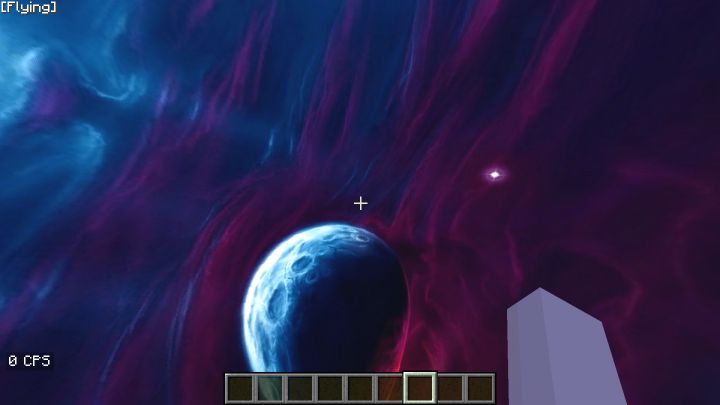
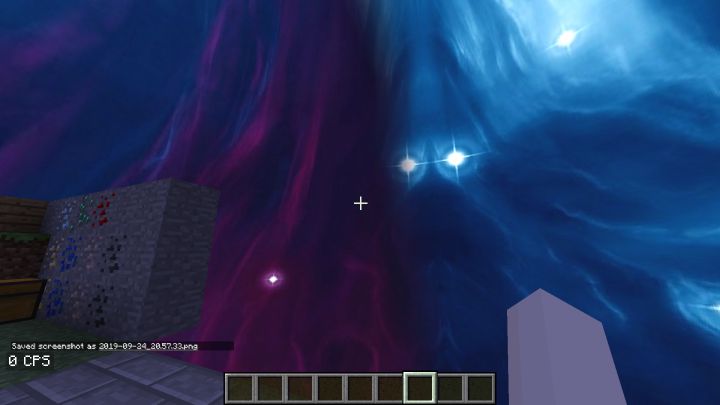
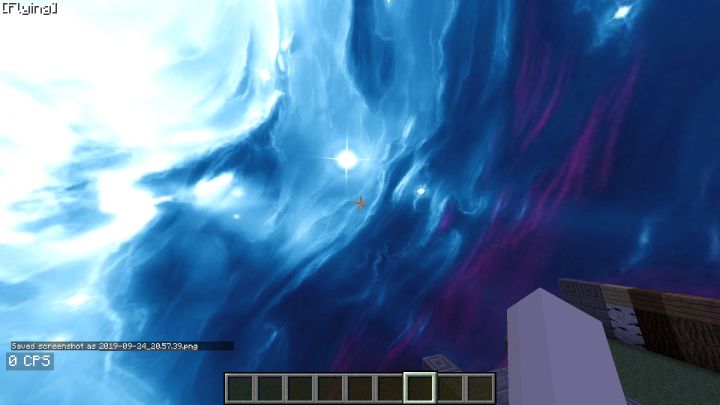
Red & Blue Night Texture Pack Download Links
For Minecraft PE/Bedrock 1.19
mcpack: Download from server 1 – Download from server 2
- Edition: Minecraft Bedrock
- File type: .mcpack
- Minecraft version listed: 1.19
- How to install: Download the .mcpack. → Open it — Minecraft imports it under Resource Packs. → Activate it in Global Resources, or for one world under Resource Packs → Available.
- Where to get it: In MCModsHub, or directly above on this page.
Install steps are the general flow for this file type — How to install Minecraft Bedrock texture packs walks through it step by step.
- Pack type: .mcpack — a single pack
- Manifest requires Minecraft 1.16.0 or newer
- Complete pack — everything it depends on is inside the file
- Download size: 4.4 MB
- Download link checked 17 Jun 2026 — working
- Mirrored on our own servers — the download does not depend on the original host
These come from our own check of the pack file, not from the source page.