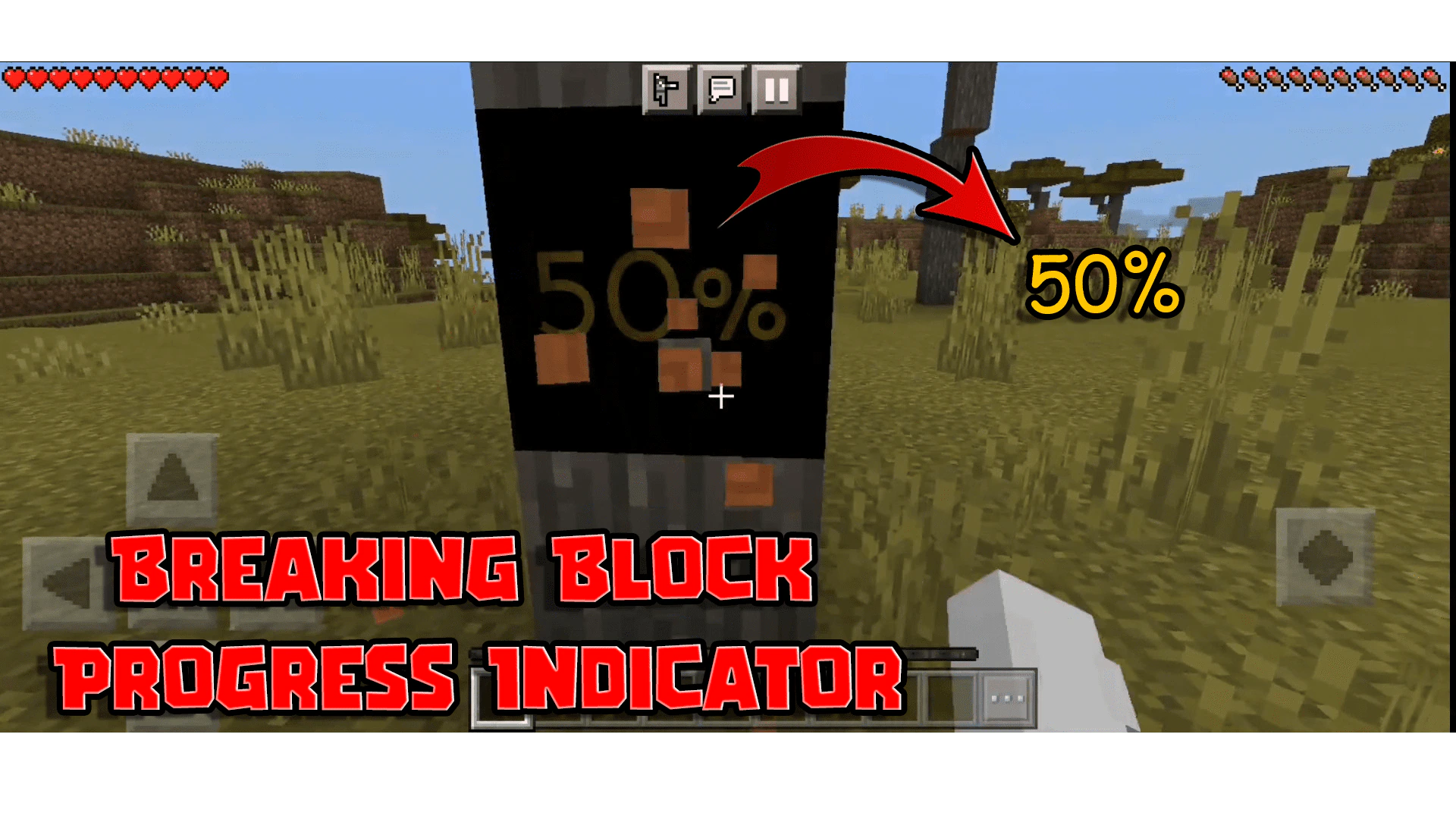
Breaking Block Progress Indicator Texture Pack (1.19) – MCPE/Bedrock
Bedrock texture pack listed for Minecraft 1.13–1.19. File opened and checked on 11 Sep 2026; installs from the MC Bedrock Mods app on Android.
⬇ Download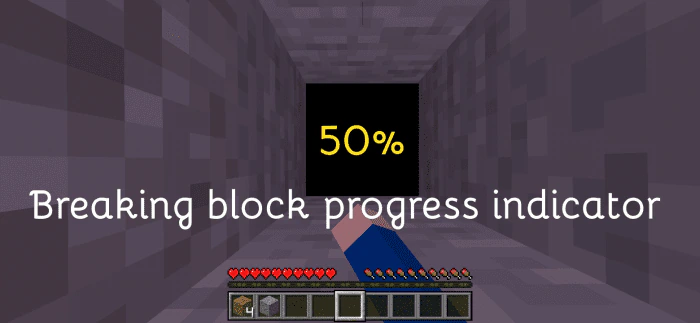
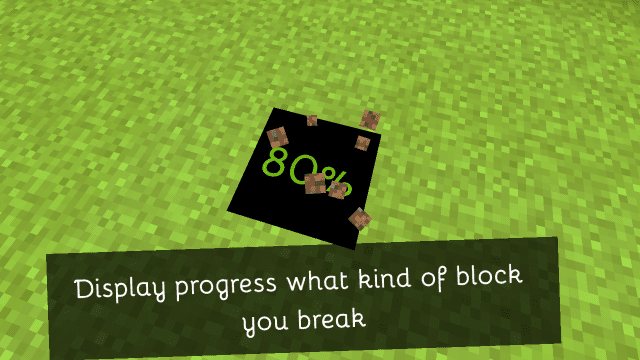
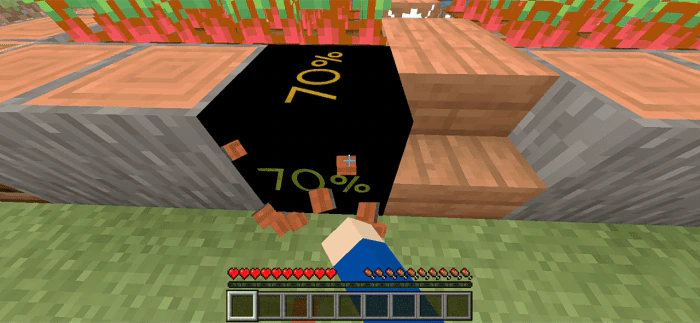
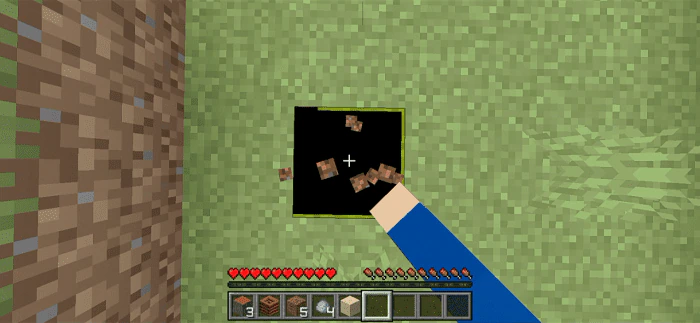
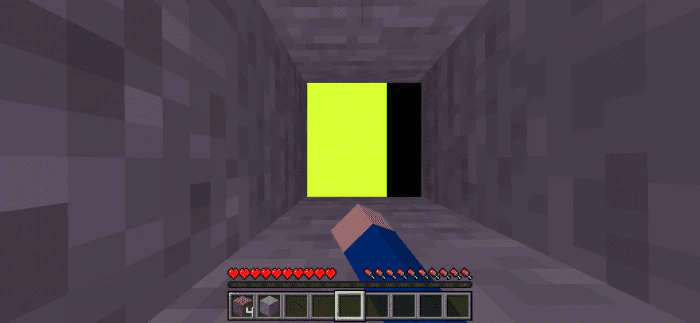
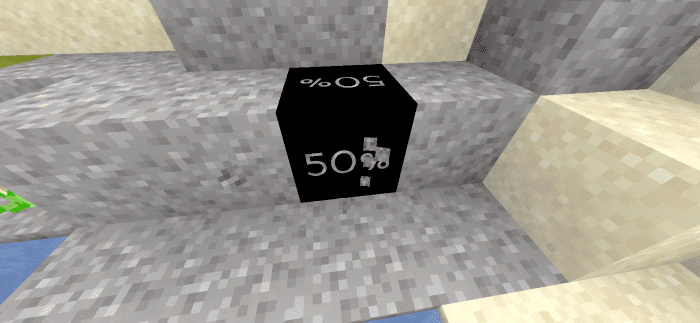
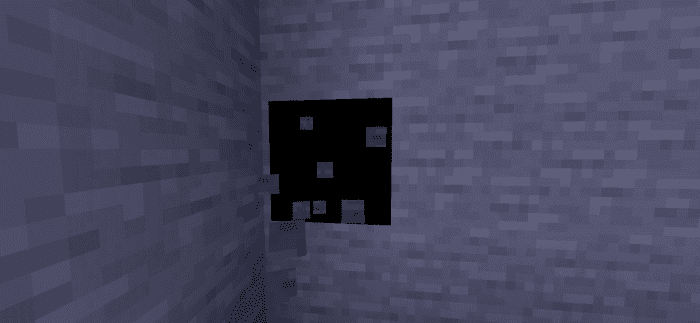
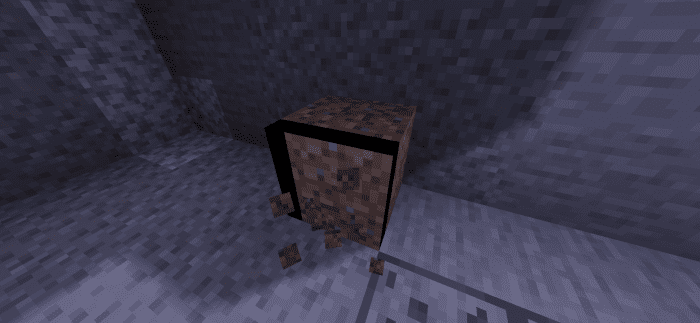
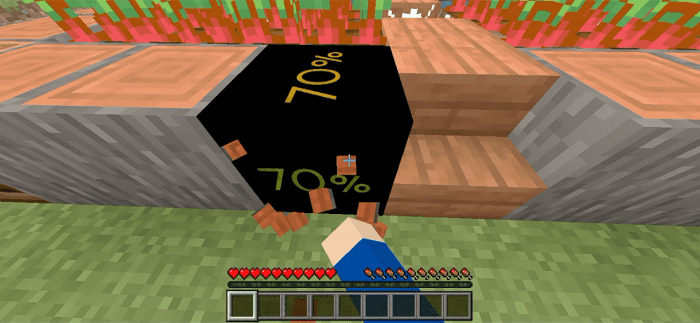
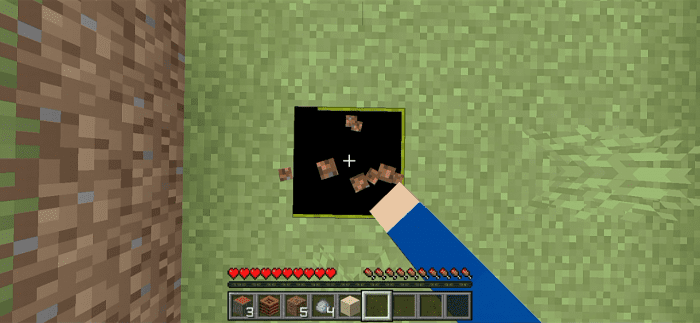
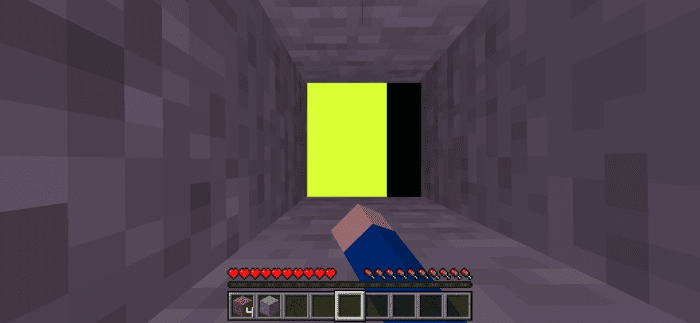
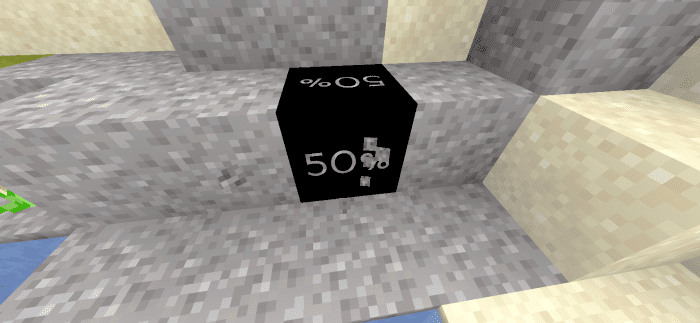
Breaking Block Progress Indicator Texture Pack is a texture pack with new destroy block animation textures that you’ve never seen before! It’s great if you like to improve the look in percentage, highlighter, or bar.
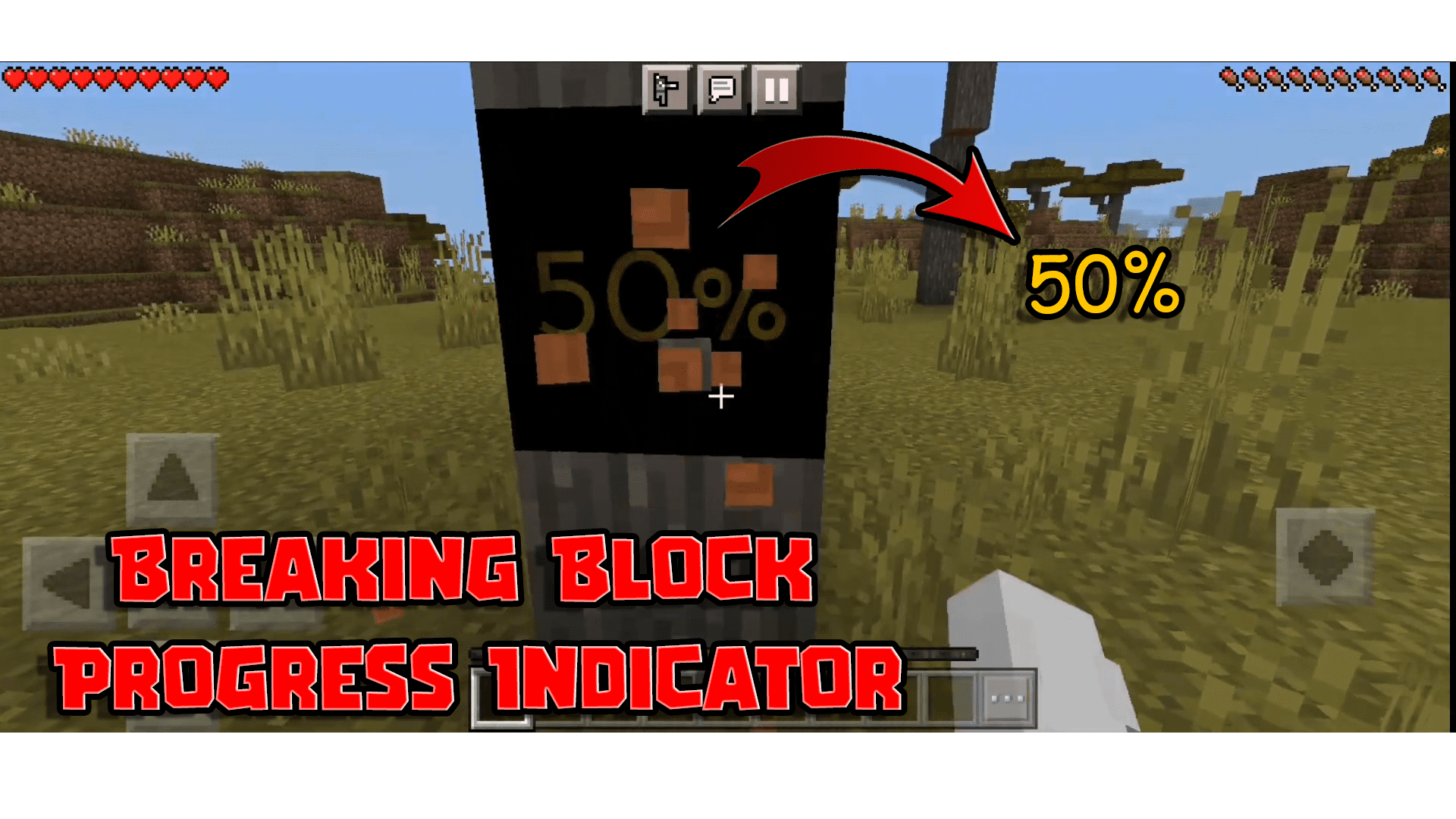
Features:
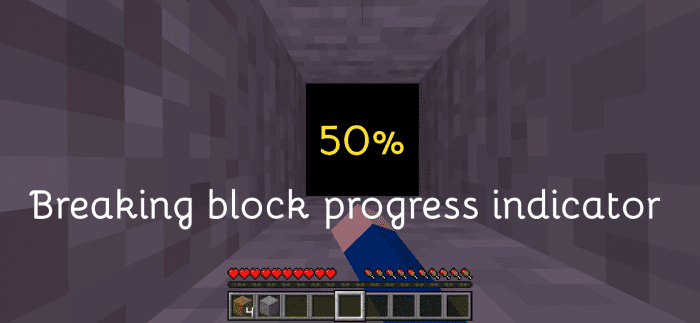
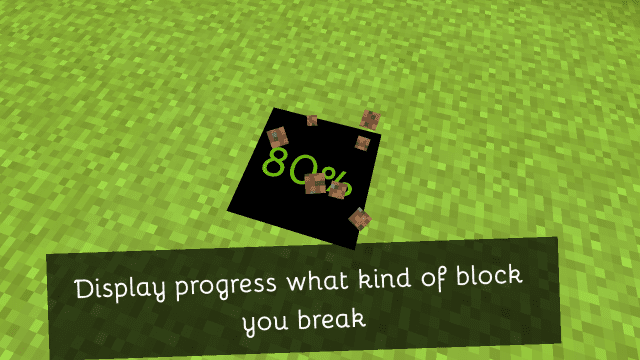
Breaking Block Progress Indicator Texture Pack is a default improving texture pack of breaking block animation. The new default texture pack has a crack and this one has displayed percentage, highlighter, or bar. So basically it’s breaking the block indicator as well as the new Minecraft textures.
Screenshots:
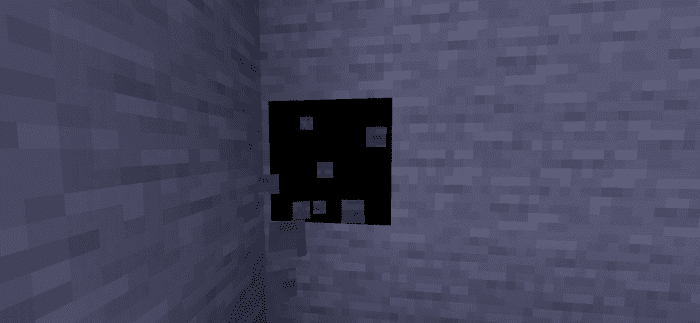
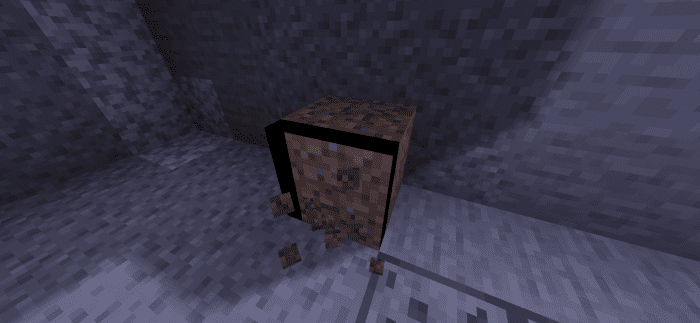
Aspects:
- Open Global Resources in Settings.
- Single Click the Breaking Progress Indicator Pack.
- Click the settings icon.
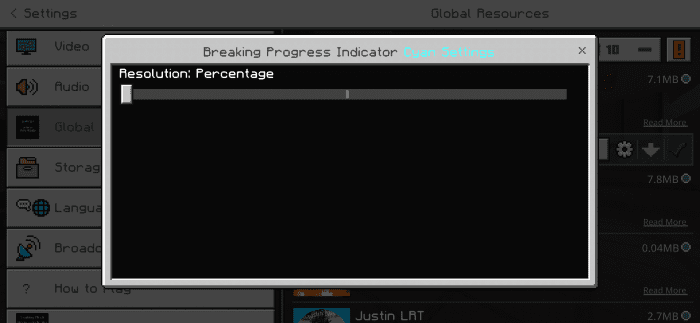
- Select your aspects and click the X button
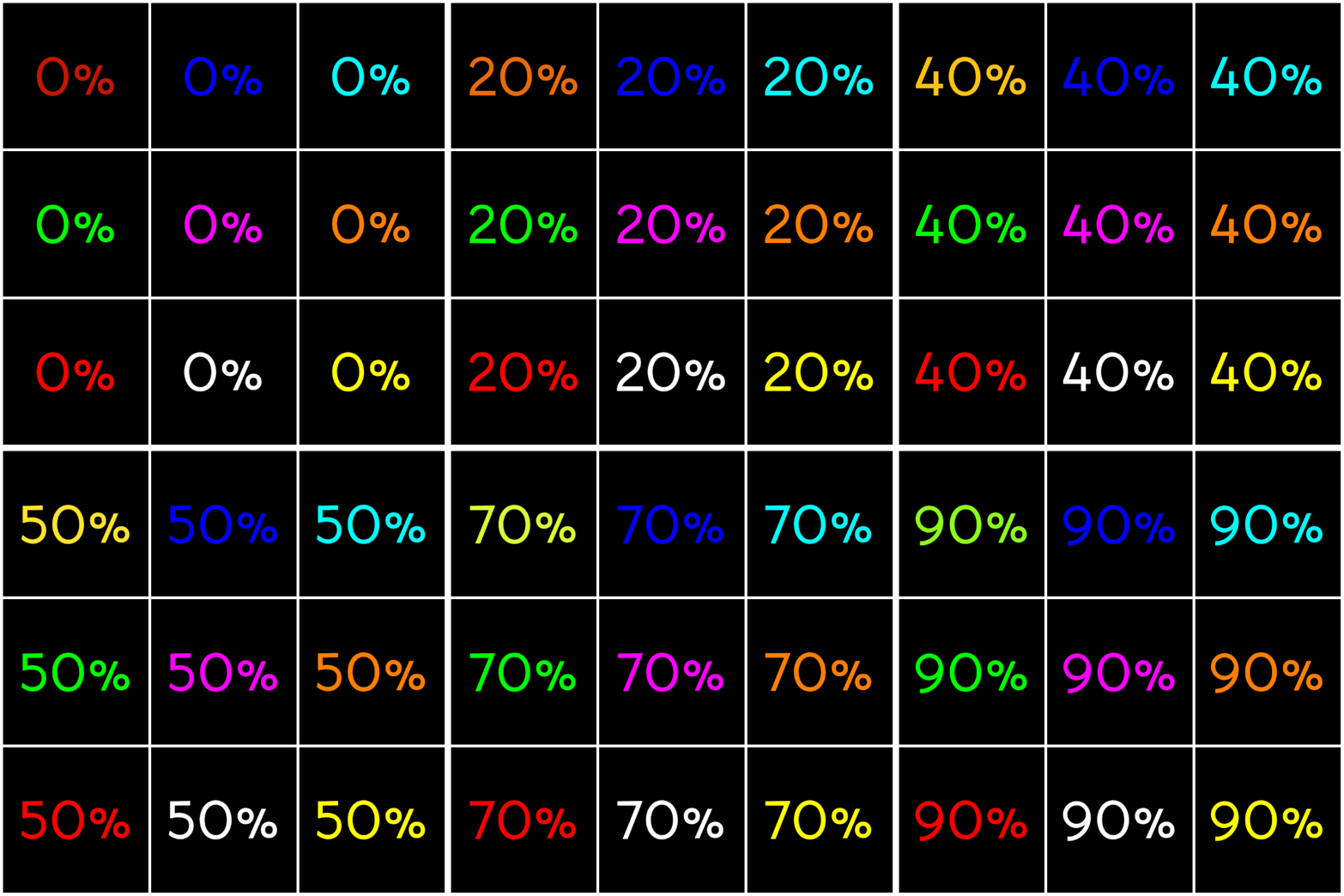
This is the Percentage Aspects:
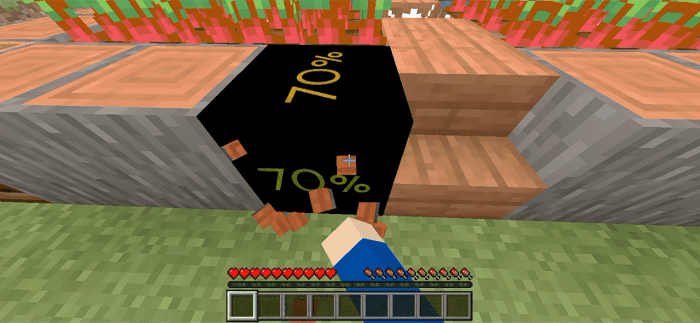
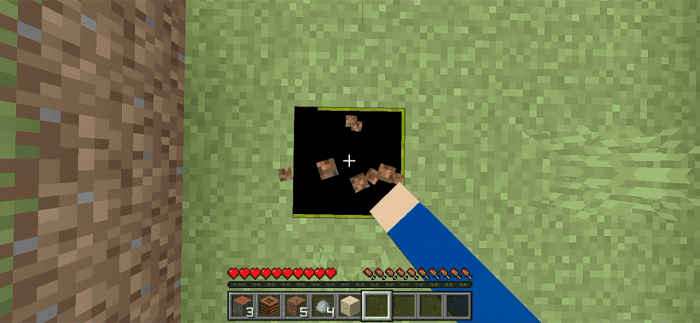
This is Highlighter Aspects:

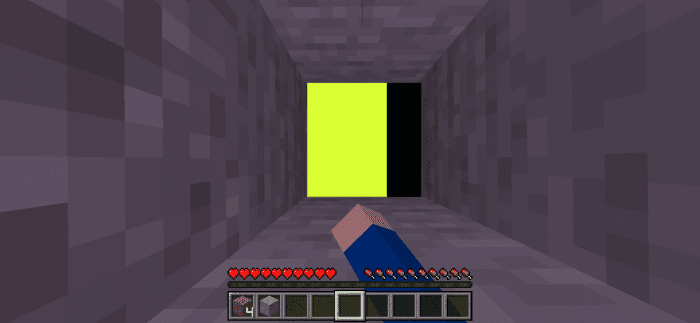
This is Bar Aspects:

Resolution:
What is the resolution for each aspect?
The Percentage (including the transparent variant) Aspects has a resolution of 512×512, so if you are using low-end devices all textures will decrease by 2 (e.g. 16×16 then it lowered to 8×8 to save memory)
The Highlighter and Bar (including the transparent variant) Aspects have a resolution of 100×100.
And the Color Aspects has a resolution of 1×1 but it looks clear.
Color variants:
These 9 color variants can use as you want, it’s colorful, right? It has cyan, magenta, orange, red, white, yellow, green, blue, and colored (red to green). Your favorite color is here! Try it now.
Installation Note:
- Some devices or Minecraft versions are needed to restart to change the aspects
- If you using low-end devices you receive the low-memory message
Breaking Block Progress Indicator Texture Pack Download Links
For Minecraft PE/Bedrock 1.19
Blue: Download from server 1 – Download from server 2
Colored: Download from server 1 – Download from server 2
Cyan: Download from server 1 – Download from server 2
Green: Download from server 1 – Download from server 2
Magenta: Download from server 1 – Download from server 2
Orange: Download from server 1 – Download from server 2
Red: Download from server 1 – Download from server 2
White: Download from server 1 – Download from server 2
Yellow: Download from server 1 – Download from server 2
- Edition: Minecraft Bedrock
- File type: .mcpack
- Minecraft version listed: 1.19
- How to install: Download the .mcpack. → Open it — Minecraft imports it under Resource Packs. → Activate it in Global Resources, or for one world under Resource Packs → Available.
- Where to get it: In MCModsHub, or directly above on this page.
Install steps are the general flow for this file type — How to install Minecraft Bedrock texture packs walks through it step by step.
- Pack type: .mcaddon — behaviour and resource pack in one file
- Manifest requires Minecraft 1.13.0 or newer
- Complete pack — everything it depends on is inside the file
- Download size: 10.2 MB
- Download link checked 17 Jun 2026 — working
- Mirrored on our own servers — the download does not depend on the original host
These come from our own check of the pack file, not from the source page.