Dark Mode UI Texture Pack (1.19) – MCPE/Bedrock
Bedrock texture pack listed for Minecraft 1.19. File opened and checked on 27 Sep 2026; installs from the MC Bedrock Mods app on Android.
⬇ Download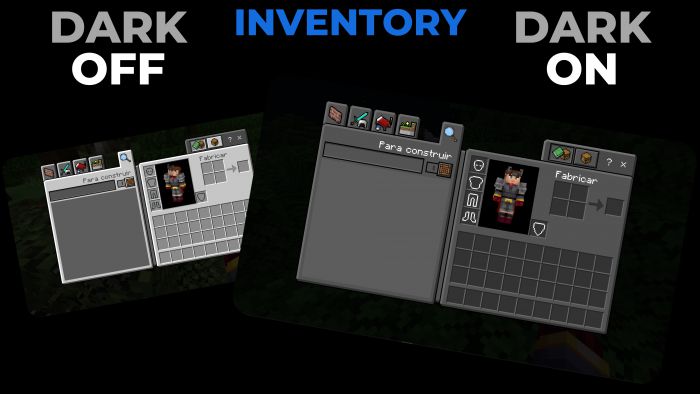
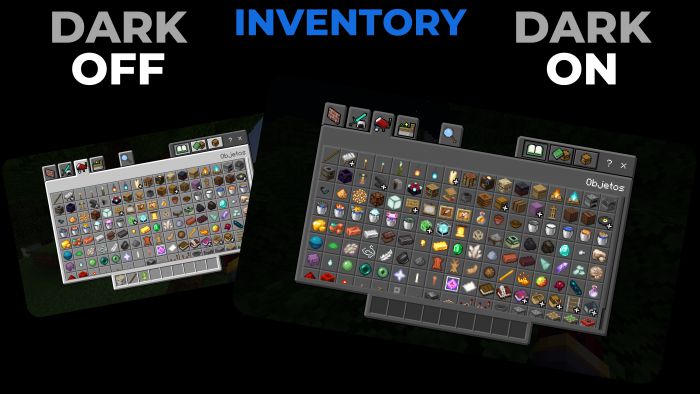
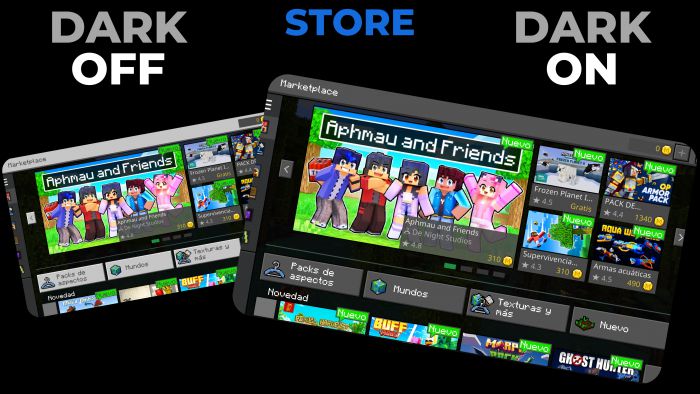
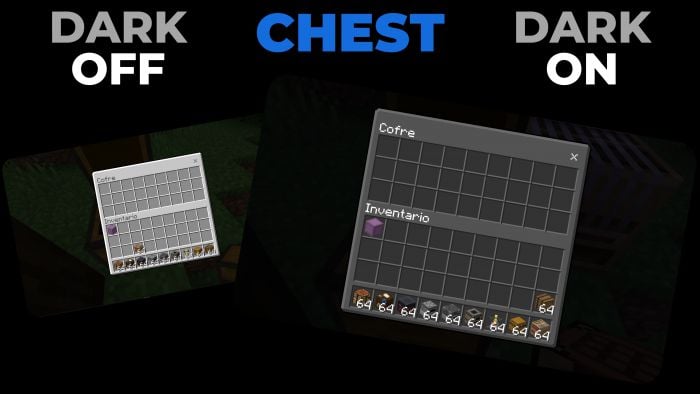
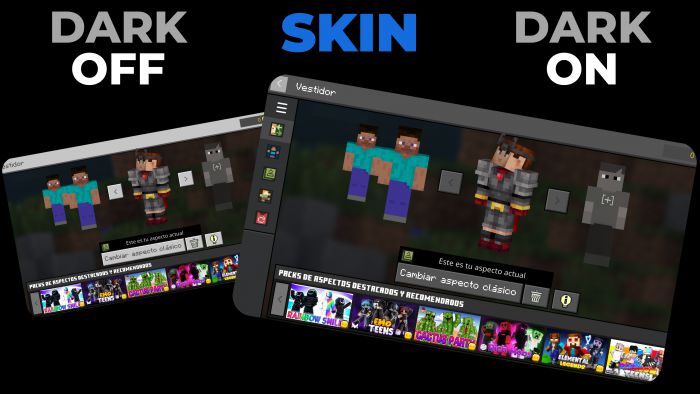
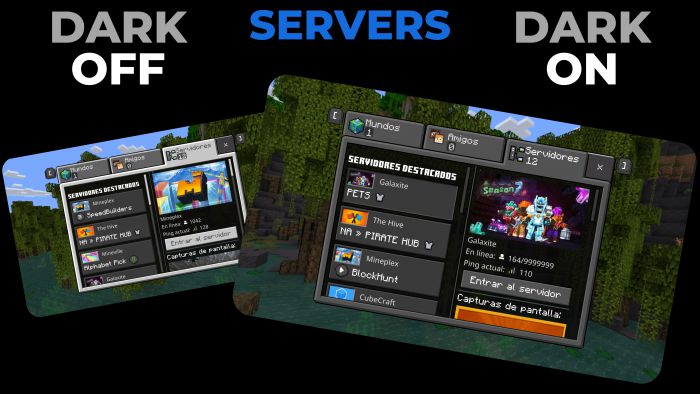
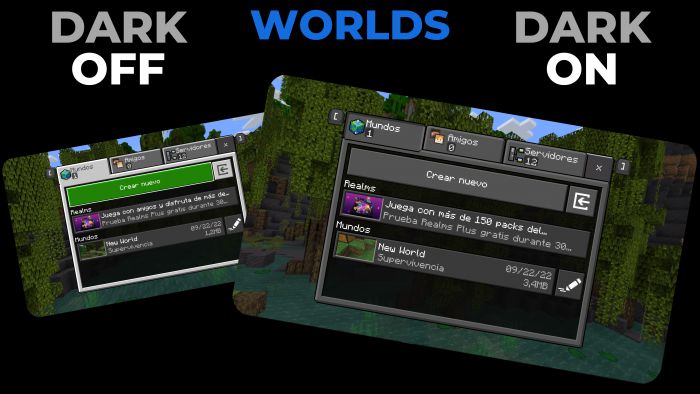
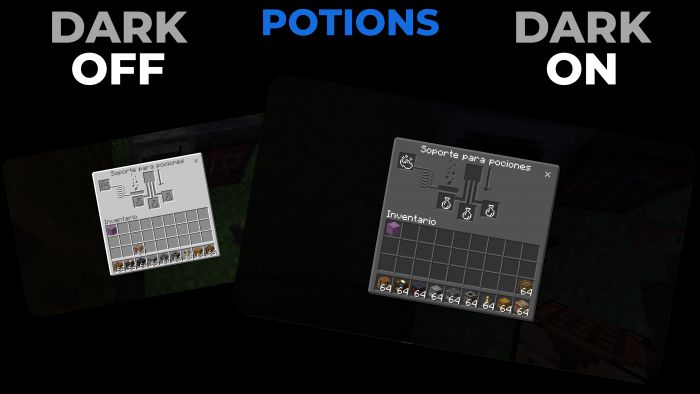
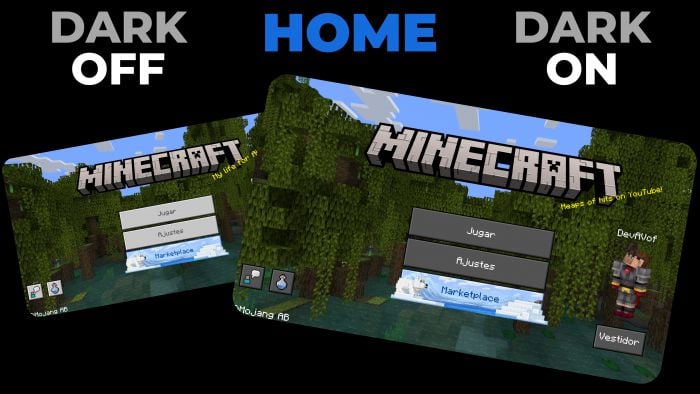
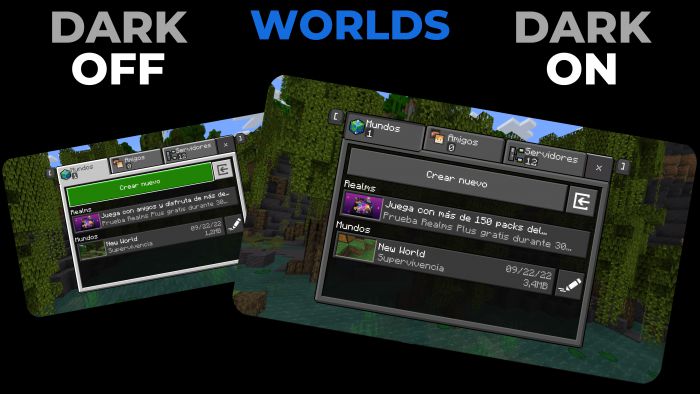
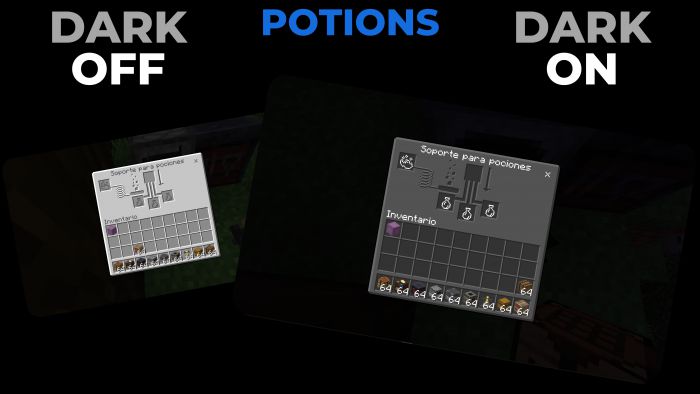
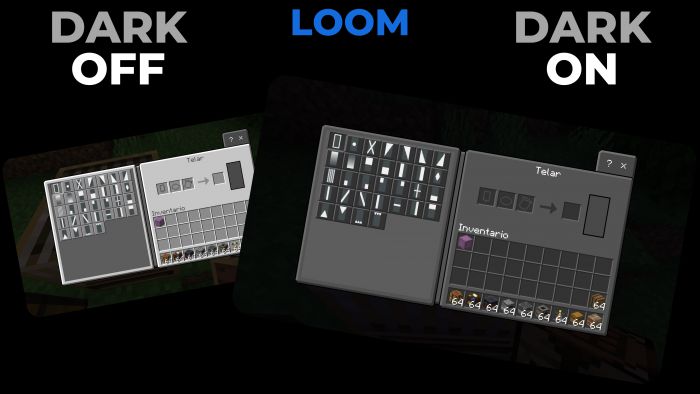
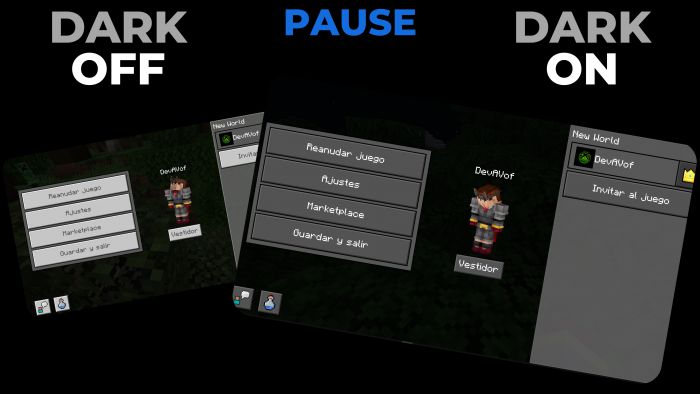
The dark mode for Minecraft bedrock is missing a dark mode for the game, whether you like to have all the apps or programs in dark mode or at night, you don’t want the Minecraft interface to burn your eyes, whichever Dark Mode UI Texture Pack or addon you will like.
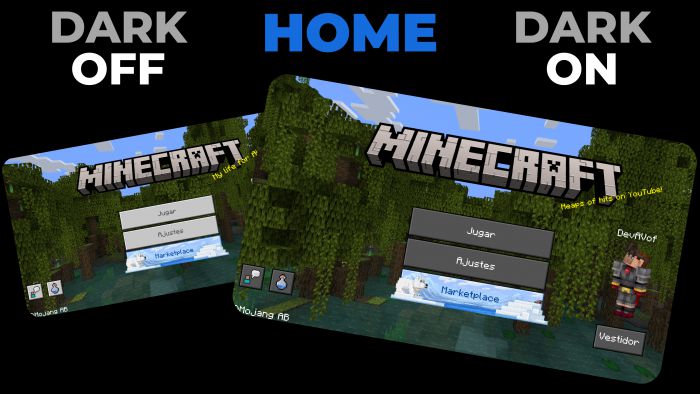
Features:
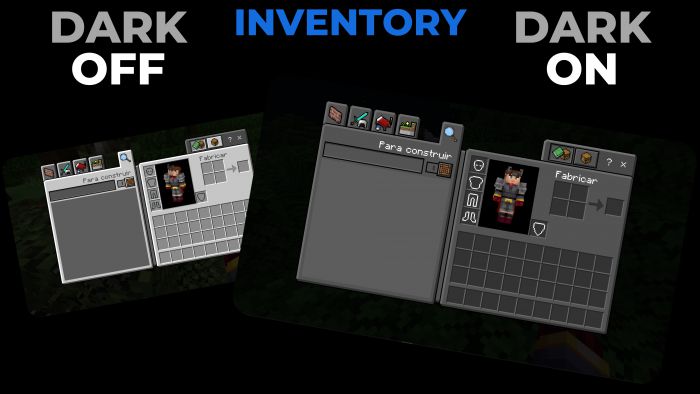
Survival Inventory
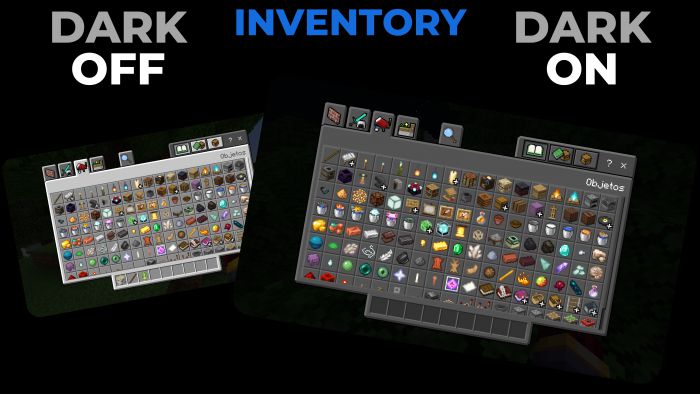
Creative Inventory
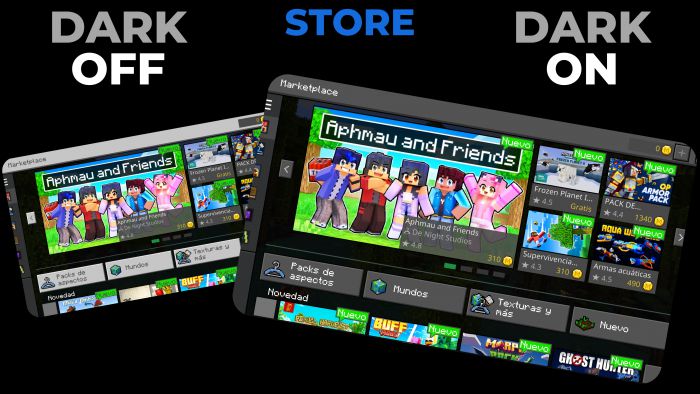
Store
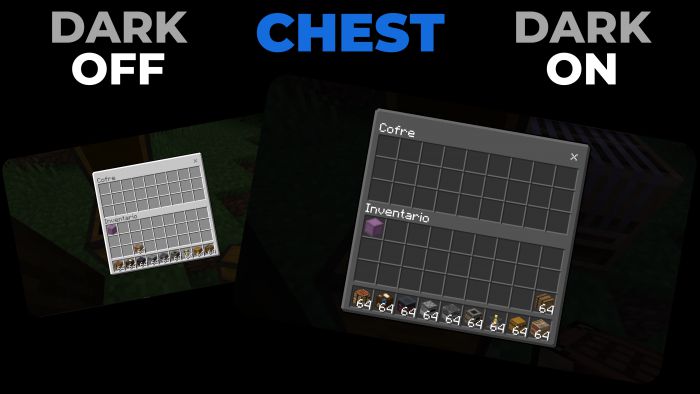
Chest
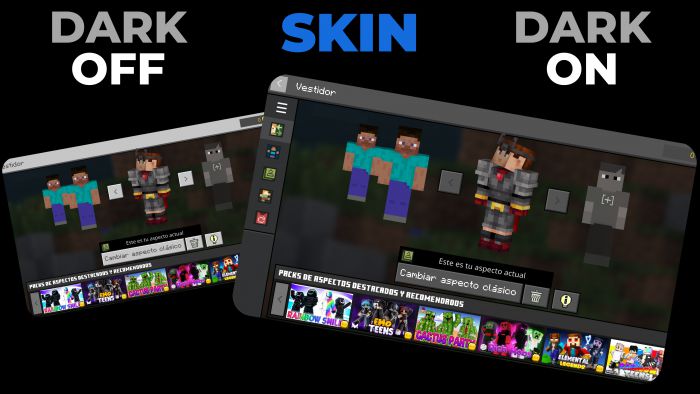
Skin
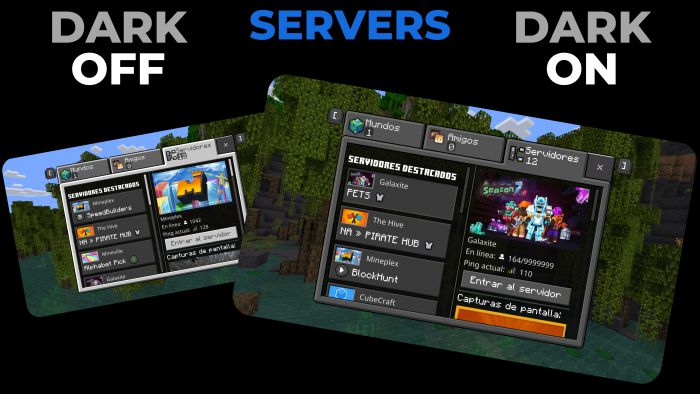
Servers
Worlds
Potions
Loom
Pause
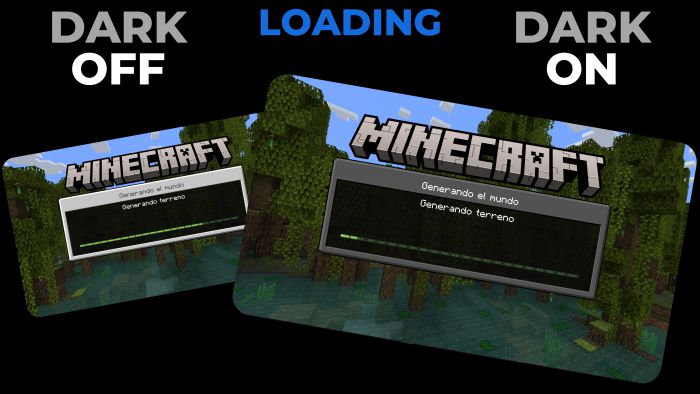
Loading
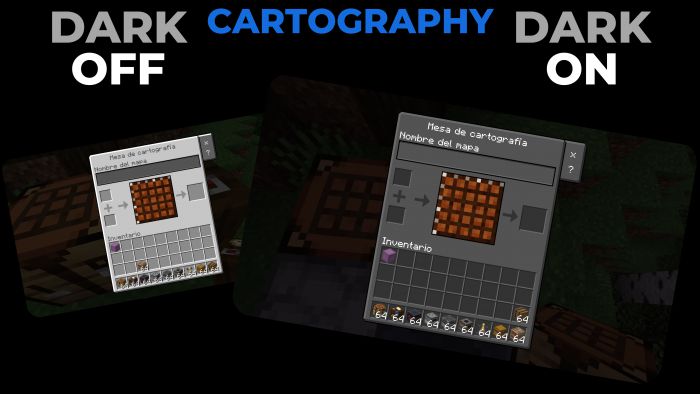
Cartography
Installation Note:
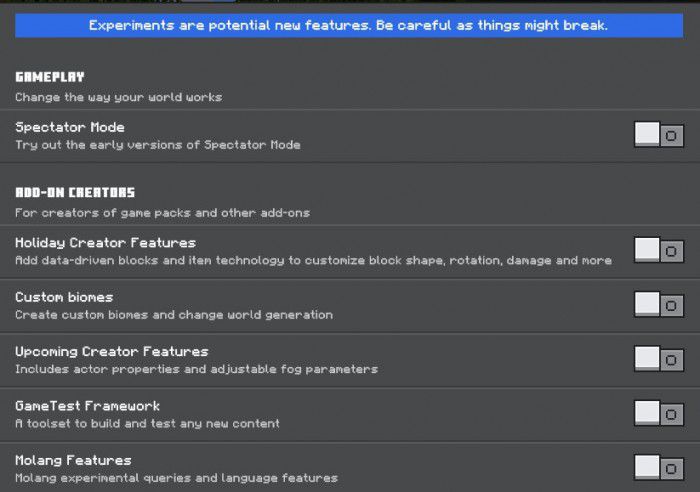
- This Texture Pack is tested on Android and iOS phones also on Windows 10 and 11 and because of how Minecraft Bedrock works it should work on all versions of the on different platforms it works with all addons and texture packs you don’t need to activate the experimental features.
Dark Mode UI Texture Pack Download Links
For Minecraft PE/Bedrock 1.19
mcpack: Download from server 1 – Download from server 2
- Edition: Minecraft Bedrock
- File type: .mcpack
- Minecraft version listed: 1.19
- How to install: Download the .mcpack. → Open it — Minecraft imports it under Resource Packs. → Activate it in Global Resources, or for one world under Resource Packs → Available.
- Where to get it: In MCModsHub, or directly above on this page.
Install steps are the general flow for this file type — How to install Minecraft Bedrock texture packs walks through it step by step.
- Pack type: .mcaddon — behaviour and resource pack in one file
- Manifest requires Minecraft 1.19.0 or newer
- Complete pack — everything it depends on is inside the file
- Download link checked 17 Jun 2026 — working
- Mirrored on our own servers — the download does not depend on the original host
These come from our own check of the pack file, not from the source page.