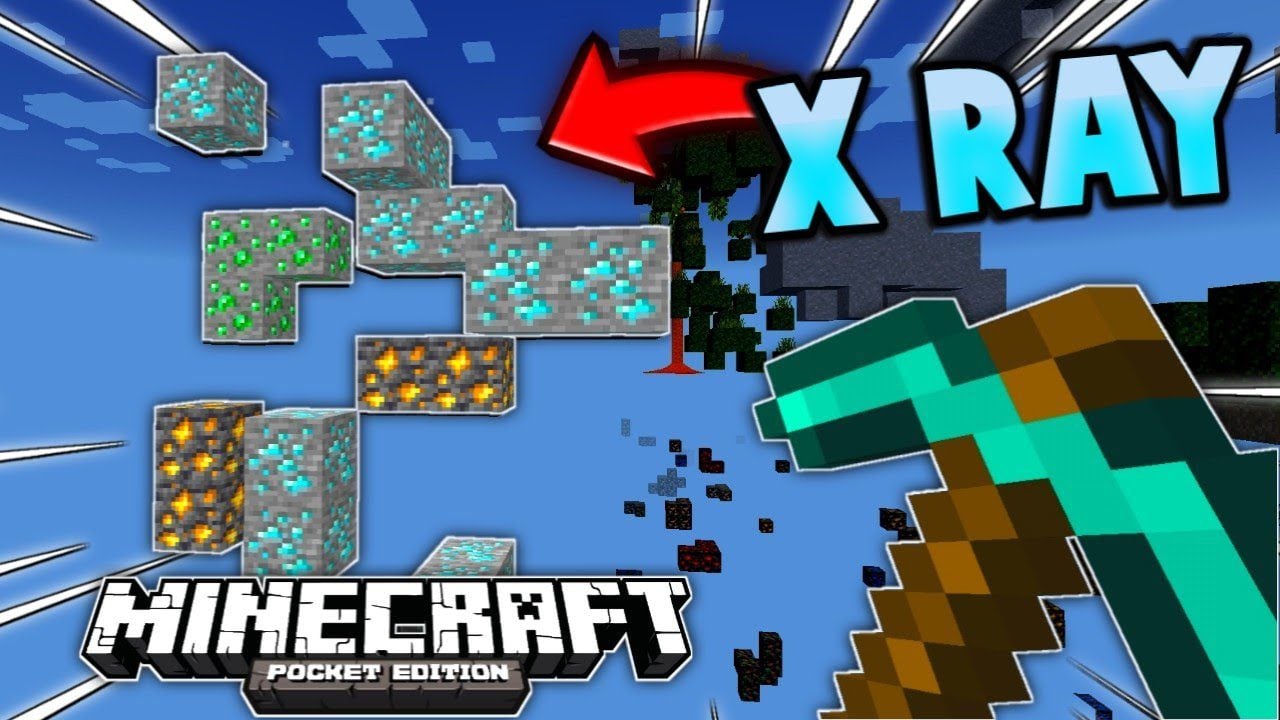
X-Ray Texture Pack (26.x, 1.21) – MCPE/Bedrock Edition
Bedrock texture pack listed for Minecraft 1.8–1.21. File opened and checked on 31 Aug 2026; installs from the MC Bedrock Mods app on Android.
If you ever thought, it's hard to find those Diamonds or Caves, or you are playing on a server but you can't find any Bases, fear no more! Just use d6b's…
⬇ Download

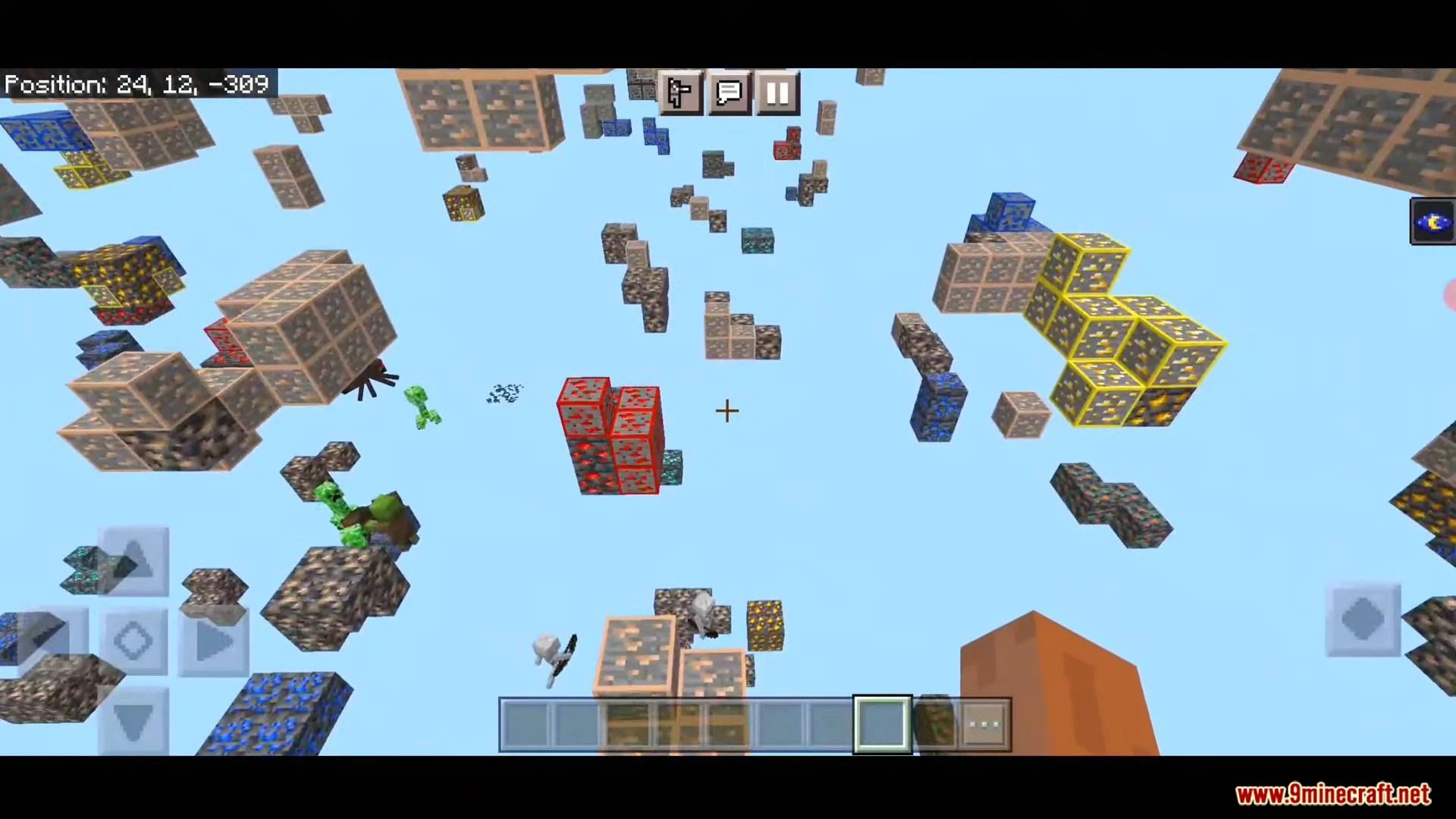
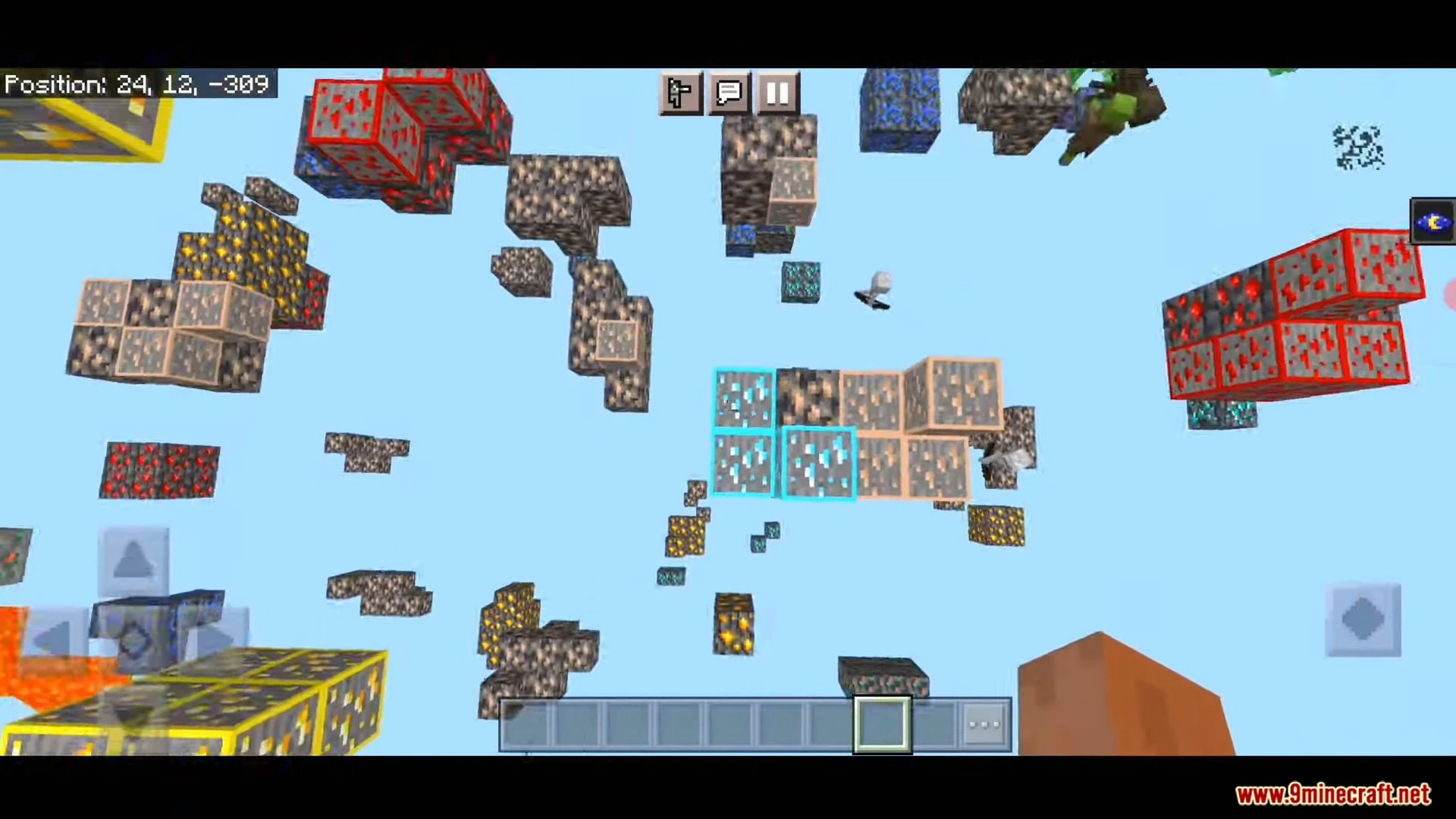
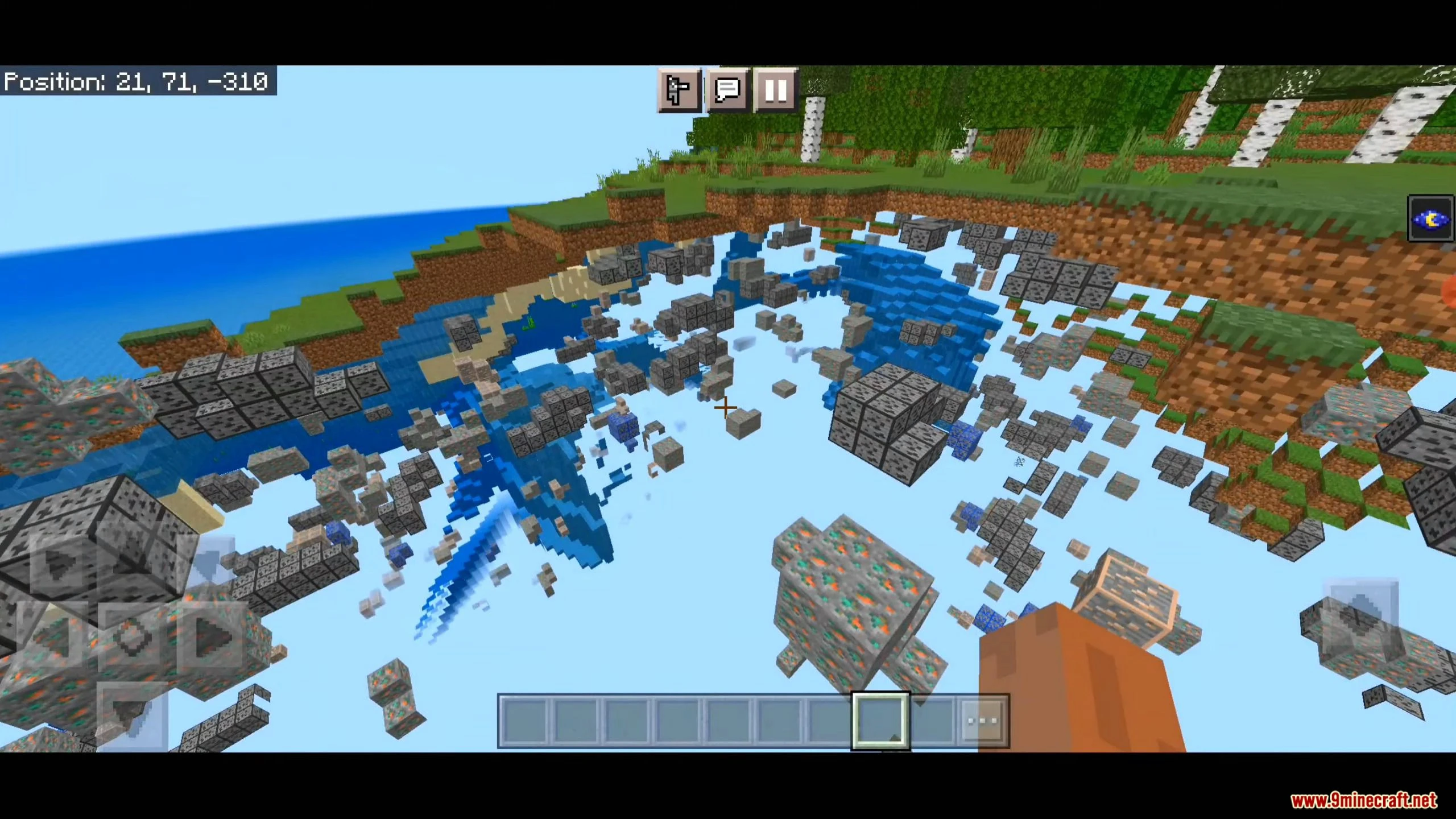
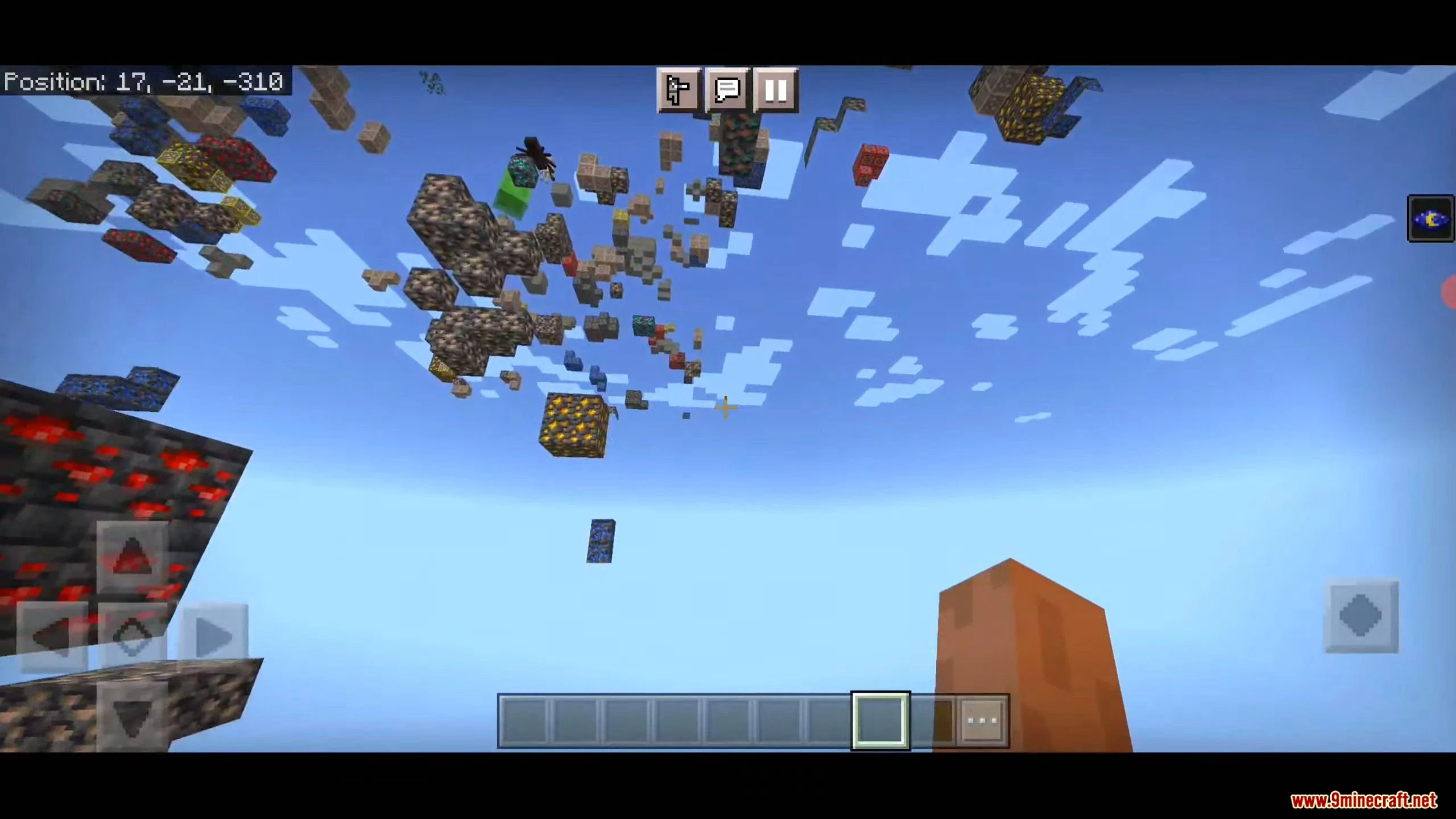
If you ever thought, it’s hard to find those Diamonds or Caves, or you are playing on a server but you can’t find any Bases, fear no more! Just use d6b’s X-Ray Texture Pack, it’s easy to install and customize with lots of different variations! Work well in MCPE 1.19.
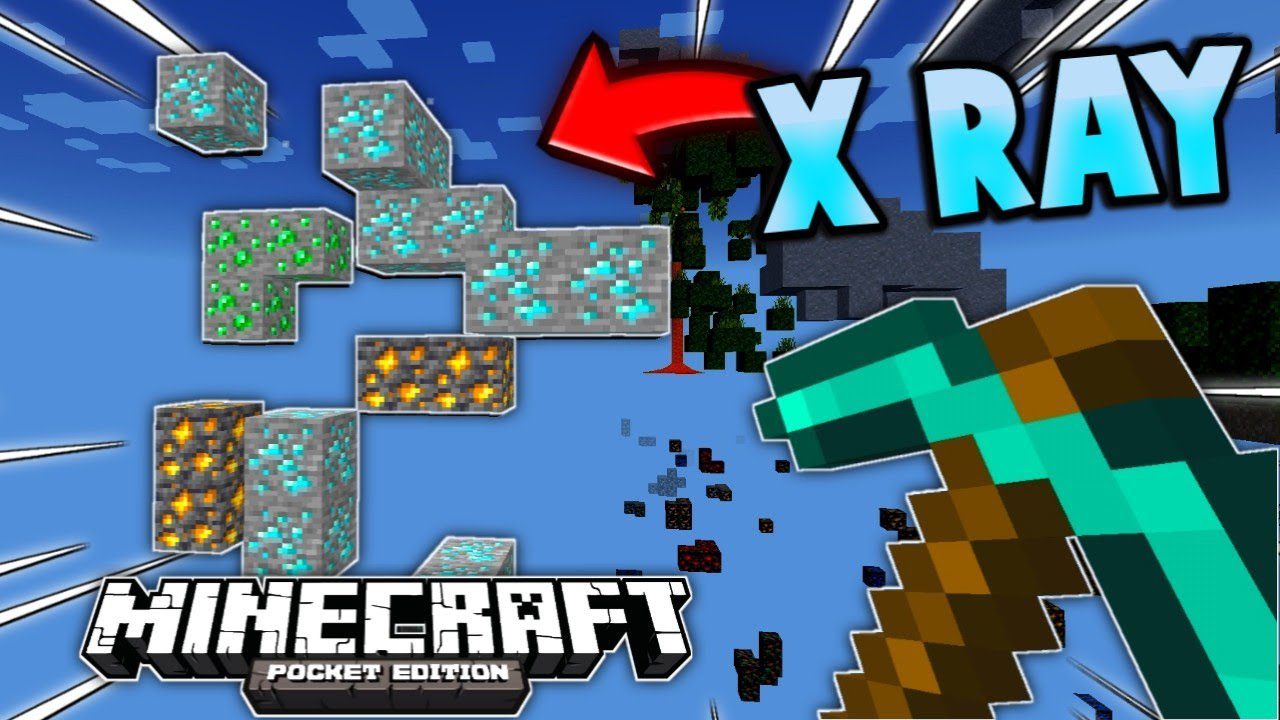
Features:
Warning: Before you install this mod, use it at your own risk; on some servers, using an X-Ray addon is punishable.
Setup:
To get it working, just install and apply the pack (Installation Guide down below) and it will automatically be set to Classic X-Ray. If you want to change the mode, click the little gear icon for the Texture Pack options.

Now you can change the type of X-Ray using the Slider. As of right now, there are 18 different Variations for each ore individually and more, with more coming in the Future

(these are not all variants of the X-Ray, there are many more to discover when using the pack)
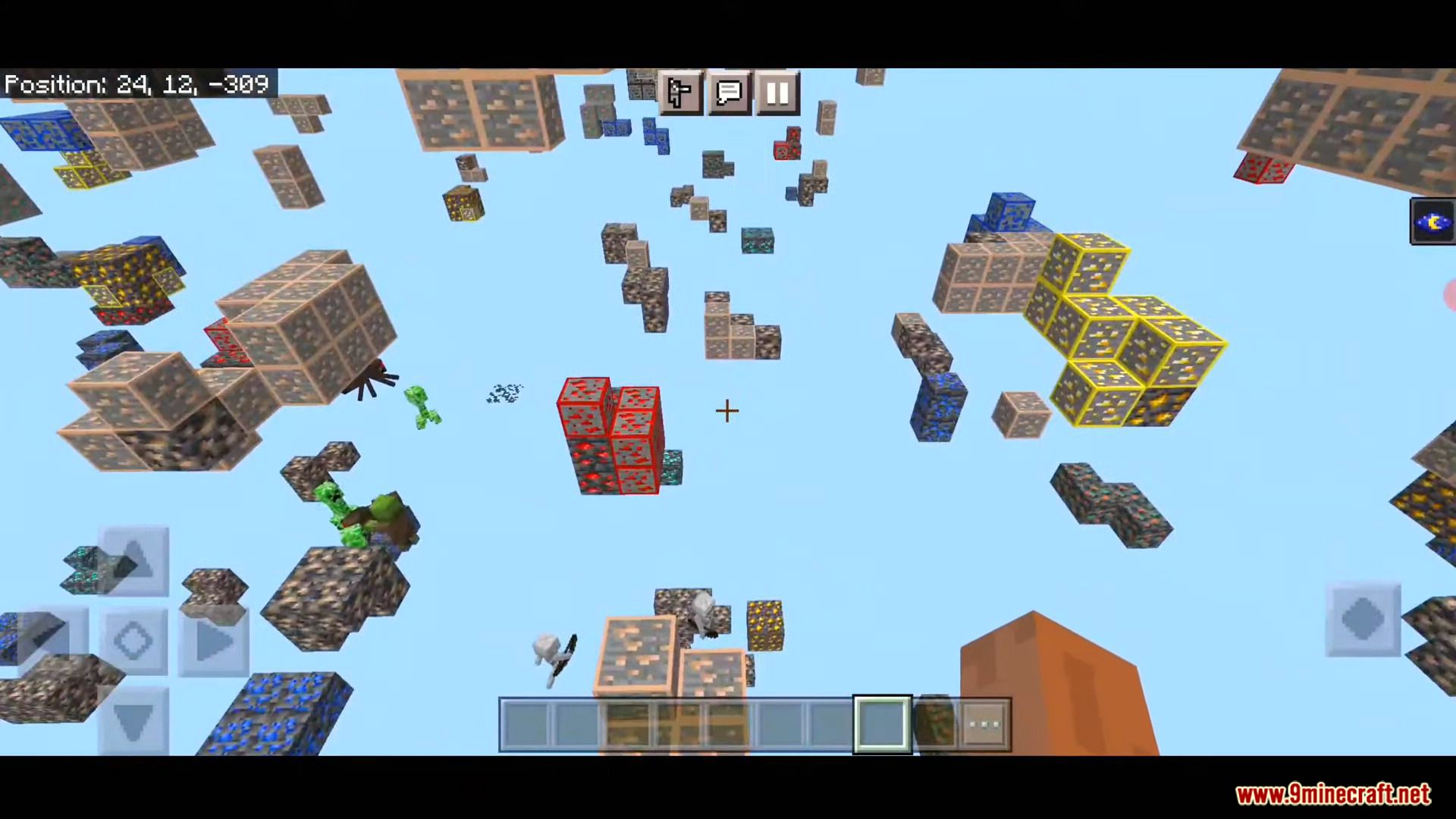
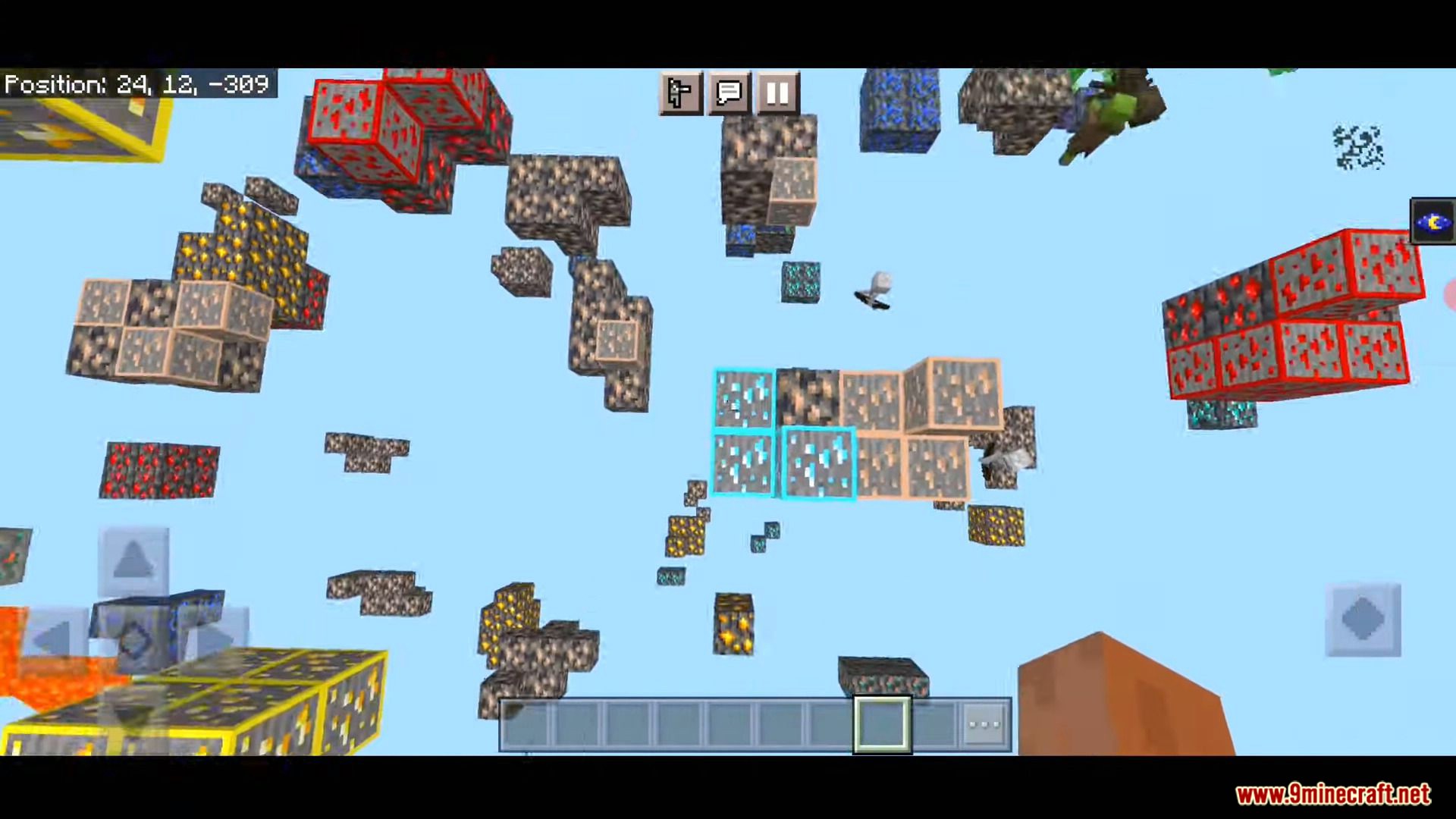
Screenshots:
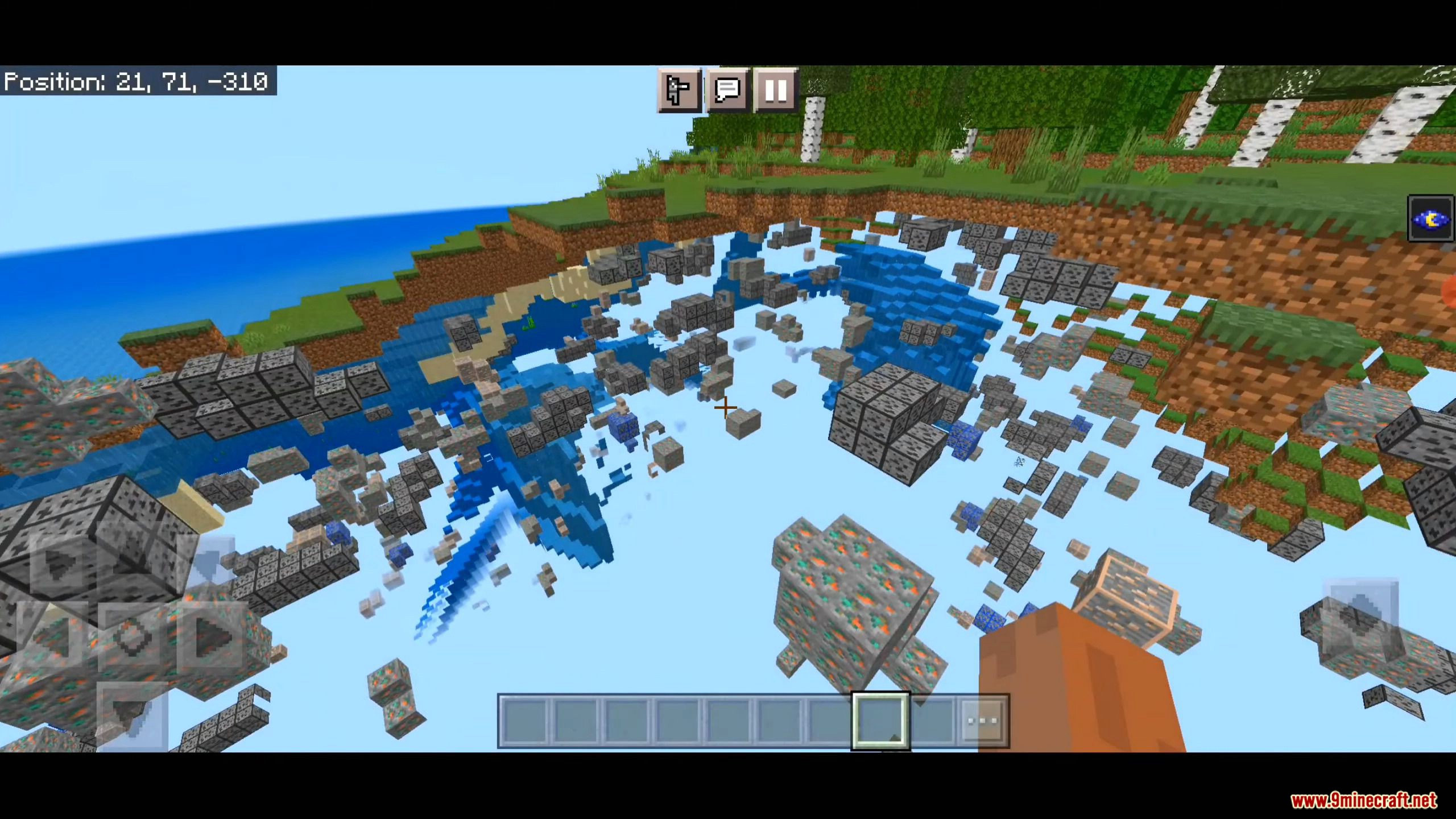
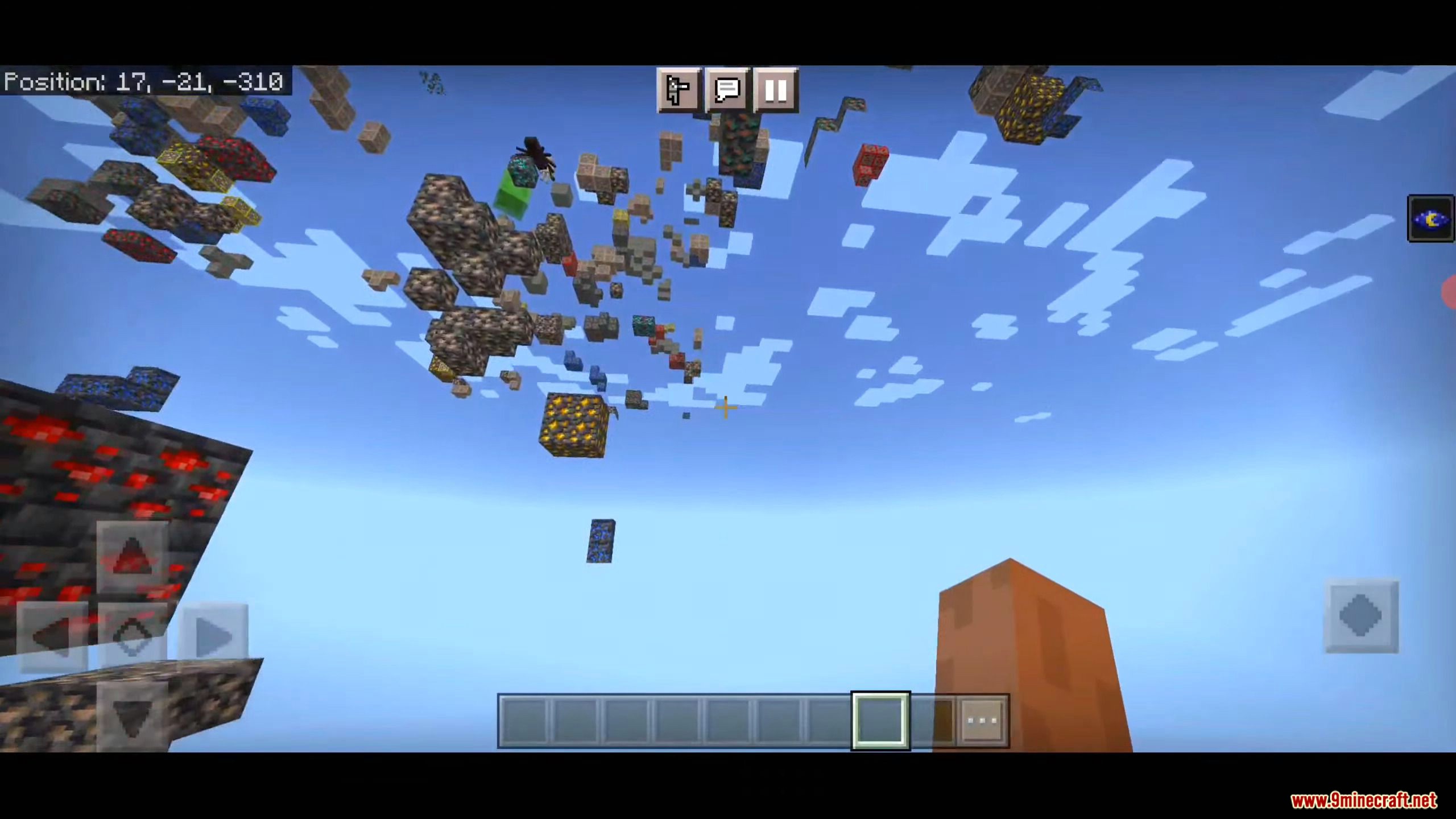
d6b’s X-Ray Texture Pack Download Links
For Minecraft PE/Bedrock 1.19, 1.18 (Work well in 1.19)
Tips: Sometimes you need to restart your game fully for the x-ray to take effect.
Download from server 1 – Download from server 2 (Support RTX Beta)
- Edition: Minecraft Bedrock
- File type: .mcpack
- Minecraft versions listed: 1.21, 1.19
- How to install: Download the .mcpack. → Open it — Minecraft imports it under Resource Packs. → Activate it in Global Resources, or for one world under Resource Packs → Available.
- Where to get it: In MCModsHub, or directly above on this page.
Install steps are the general flow for this file type — How to install Minecraft Bedrock texture packs walks through it step by step.
- Pack type: .mcaddon — behaviour and resource pack in one file
- Manifest requires Minecraft 1.8.0 or newer
- Download link checked 12 Jul 2026 — working
- Mirrored on our own servers — the download does not depend on the original host
These come from our own check of the pack file, not from the source page.