Texture packsBedrock
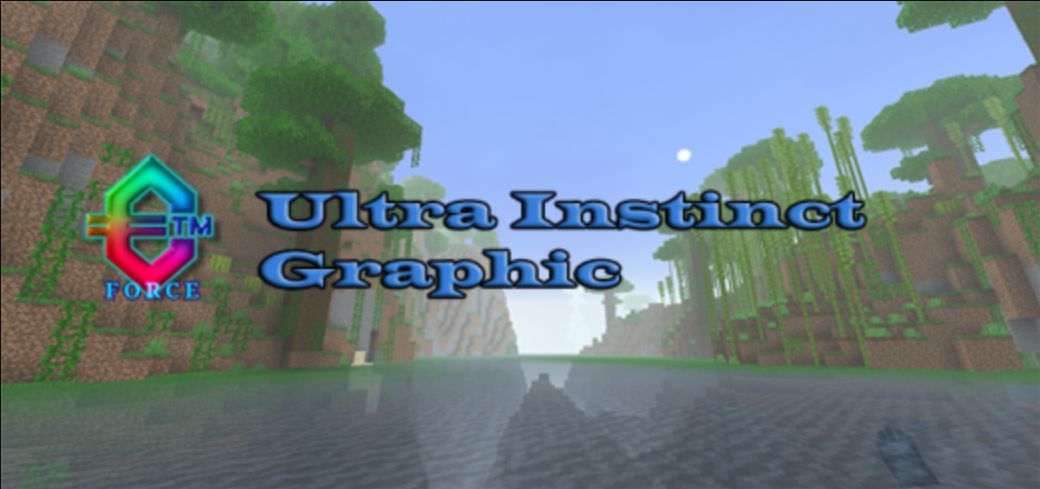
Ultra Instinct Graphic (1.19) – MCPE/Bedrock Resource Pack
Bedrock texture pack listed for Minecraft 1.19. File opened and checked on 28 Sep 2026; installs from the MC Bedrock Mods app on Android.
⬇ Download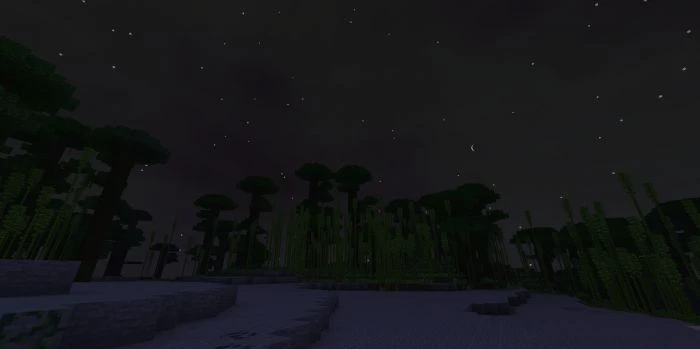
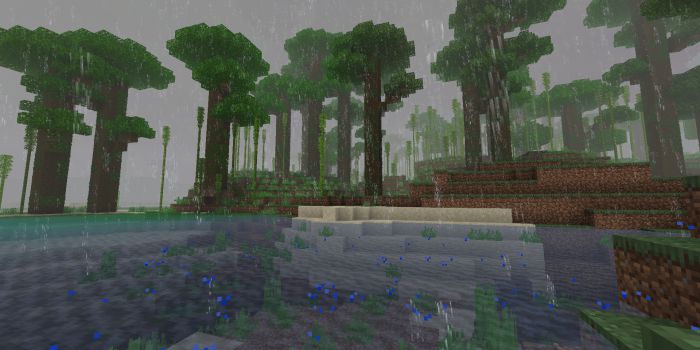
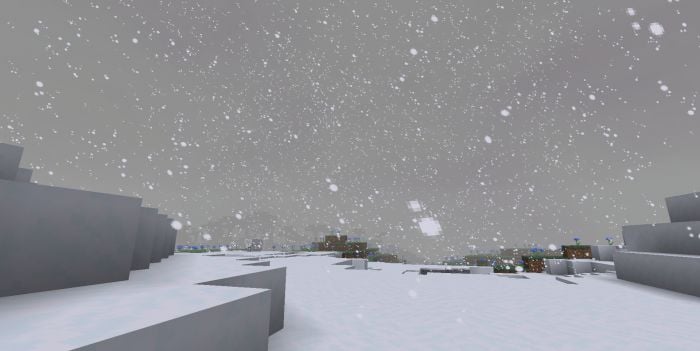
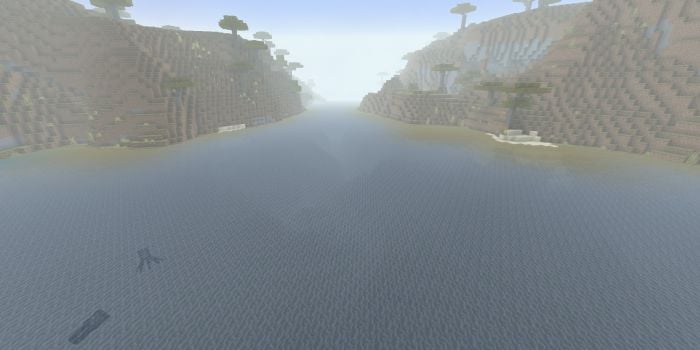
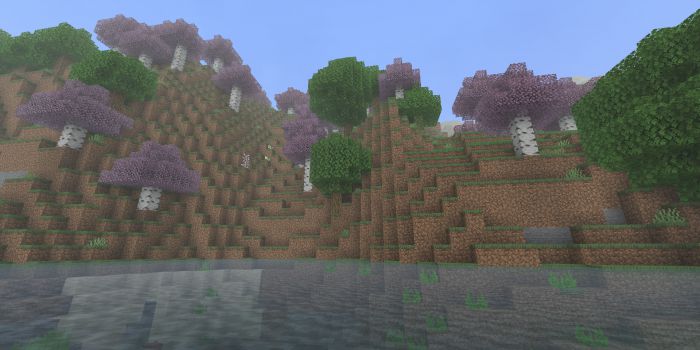
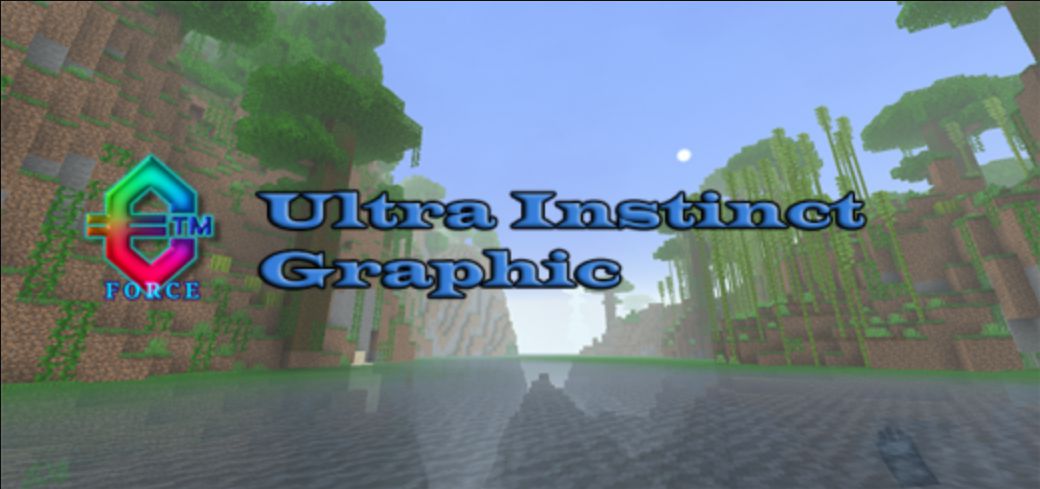
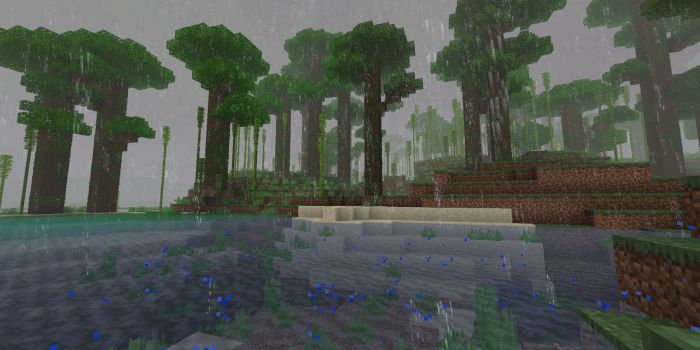
Ultra Instinct Graphic is a resource Pack that contains Texture, Fog, environment, and many more. This pack is a texture for Minecraft Bedrock Edition, not shaders and it runs smoothly on android and windows 10.
Features:
- Nether Fog (Basalt, Warped, Crimson)
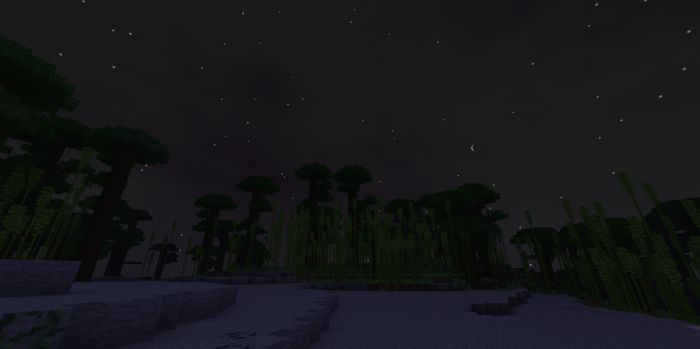
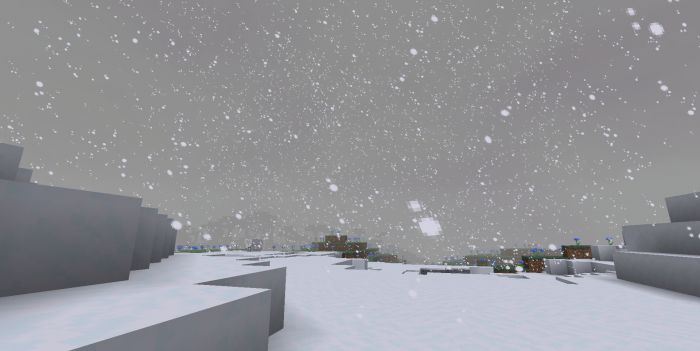
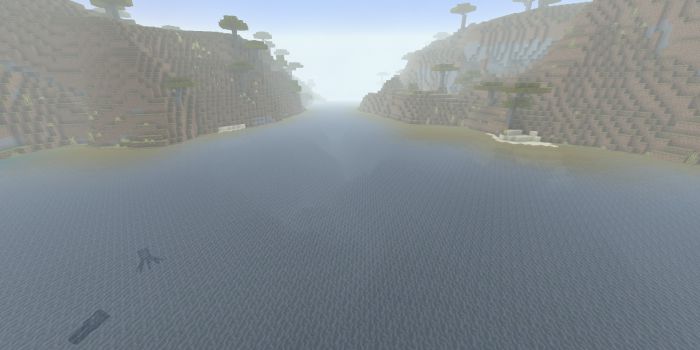
- New Overworld Fog (All Biome)
- New Weather
- Cave Fog
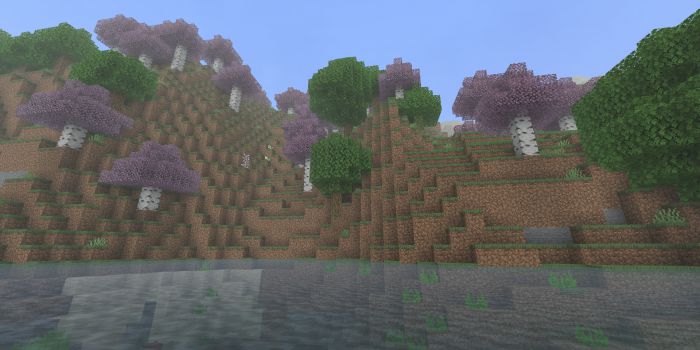
- Better Environment
- Realistic Water (if you’re in the deep sea, the water is not transparent)
- Colormap
- Many more!
Screenshots:
Installation Note:
Android :
- Download the file zip or mcpack.
- If mcpack, click the file then select run with Minecraft.
- If zip, extract then copy.
- Open folder android/data/com.mojang.minecraftpe/files/games/com.mojang/resourcepacks (paste into resource_packs folder).
Windows 10 :
- Download the file zip or mcpack.
- If it’s mcpack, click the file it will automatically install.
- If zip, extract then copy.
- Type %localappdata% in the search field next to the windows/start icon.
- Open the folder named packages.
- Open folder Microsoft.MinecraftUWP8wek……/LocalState/games/com.mojang/resource_packs (paste into resource_packs folder).
Ultra Instinct Graphic Download Links
For Minecraft PE/Bedrock 1.19
mcpack: Download from server 1 – Download from server 2
Quick facts
- Edition: Minecraft Bedrock
- File type: .mcpack
- Minecraft version listed: 1.19
- How to install: Download the .mcpack. → Open it — Minecraft imports it under Resource Packs. → Activate it in Global Resources, or for one world under Resource Packs → Available.
- Where to get it: In MCModsHub, or directly above on this page.
Install steps are the general flow for this file type — How to install Minecraft Bedrock texture packs walks through it step by step.
File checked by MCModsHub
- Pack type: .mcaddon — behaviour and resource pack in one file
- Manifest requires Minecraft 1.19.0 or newer
- Complete pack — everything it depends on is inside the file
- Download link checked 17 Jun 2026 — working
- Mirrored on our own servers — the download does not depend on the original host
These come from our own check of the pack file, not from the source page.