Visible Realm Settings and Bonus Options Pack (26.x, 1.21) – MCPE/Bedrock
Bedrock texture pack listed for Minecraft 1.16–1.21. File opened and checked on 26 Sep 2026; installs from the MC Bedrock Mods app on Android.
⬇ Download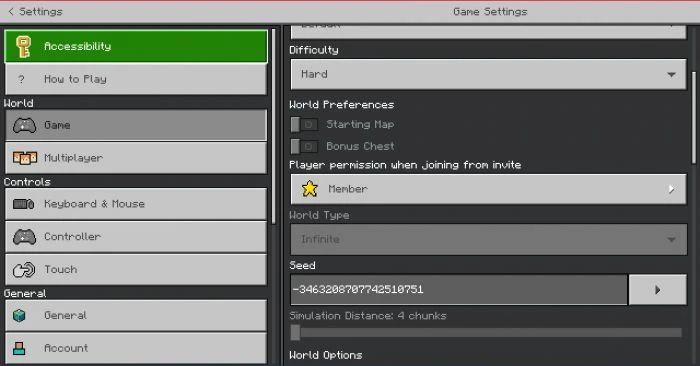
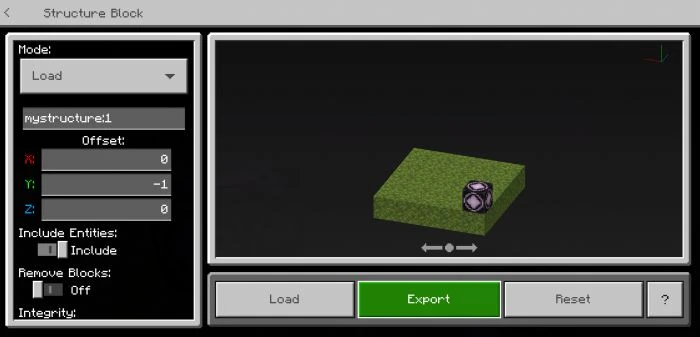
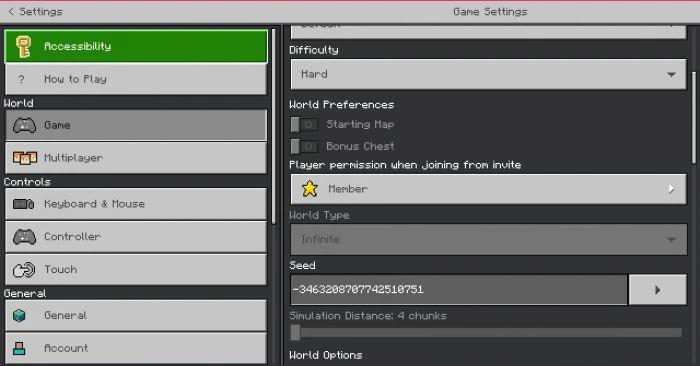
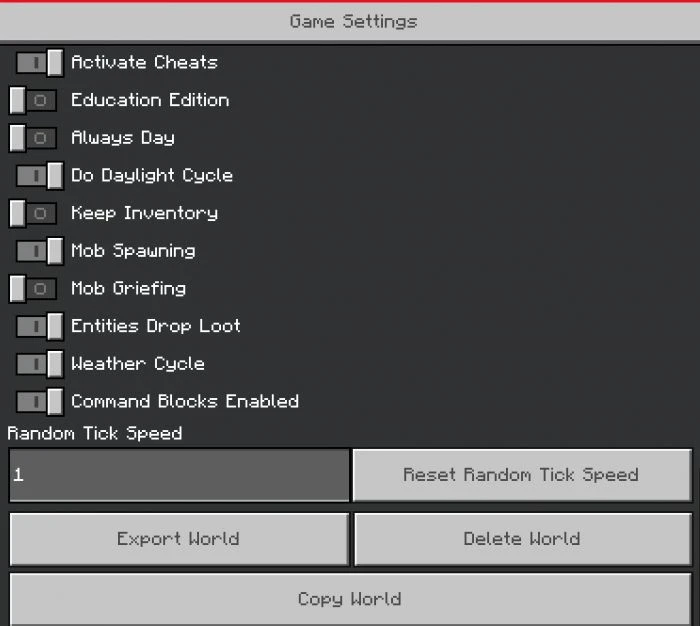
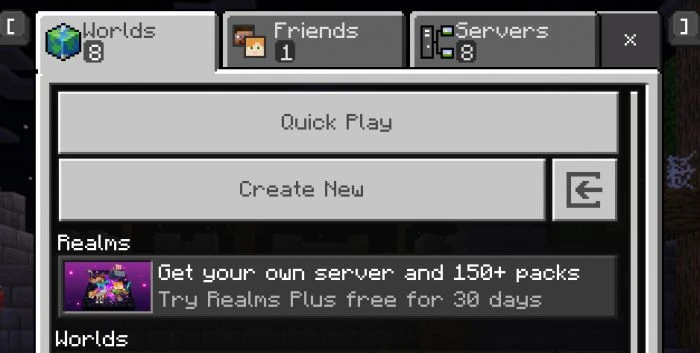
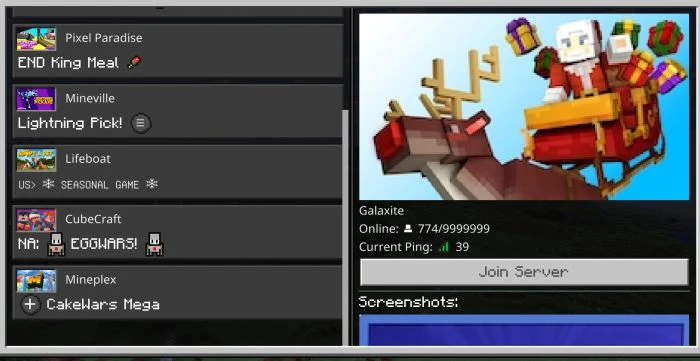
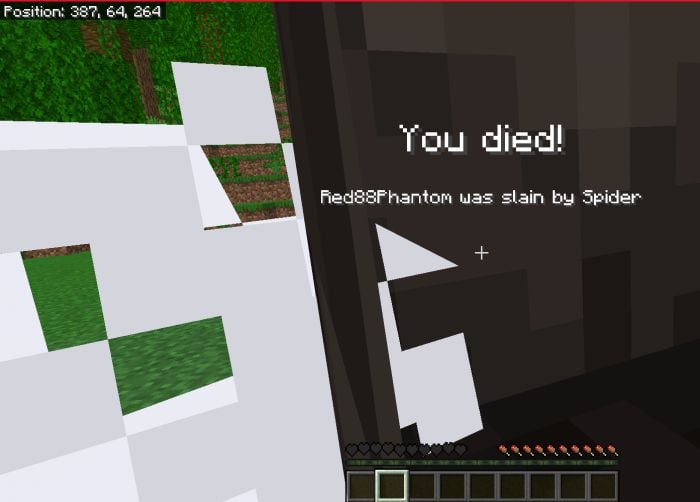
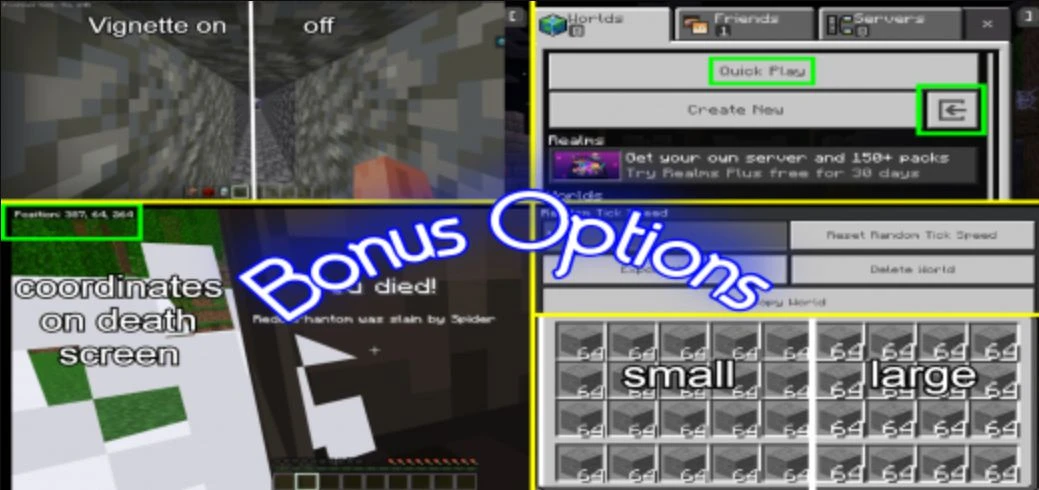
Visible Realm Settings and Bonus Options Pack contain several tweaks to different user interfaces. You can hide your coordinates to take screenshots of your builds without cropping them, keep specific screens on when you are attacked in survival mode, export a structure on Android or iOS, instantly make a creative mode world, see your coordinates when you die, or find the seed of a realm you plat on.
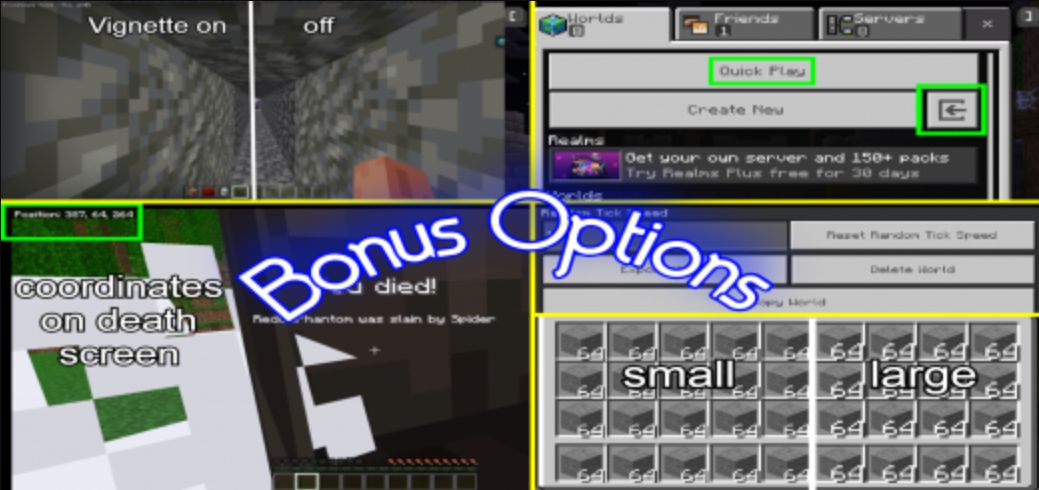
Features:
There is a total of 9 different packs:
Visible realm settings
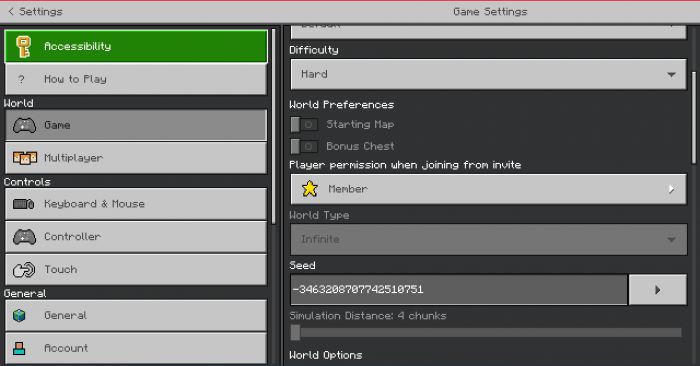
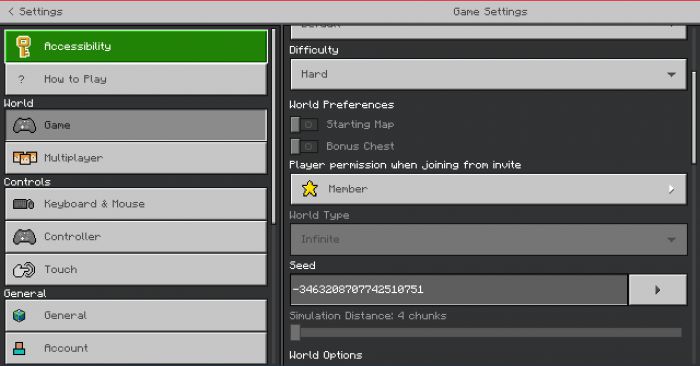
- Shows the world settings and seed on a realm. Since this enables realm world settings, it also adds to the regular settings screen.
No Automatic screen closing
- Prevents menus like inventory, chest, chat, and sign editing from closing when you take damage.
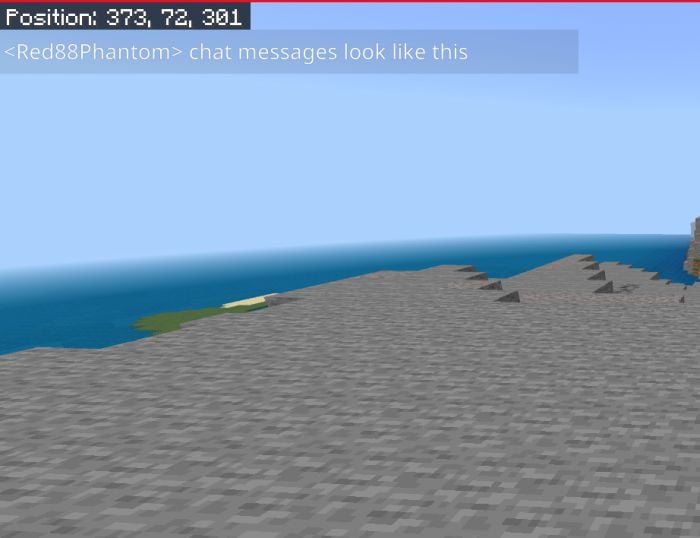
Chat Message Tweaks
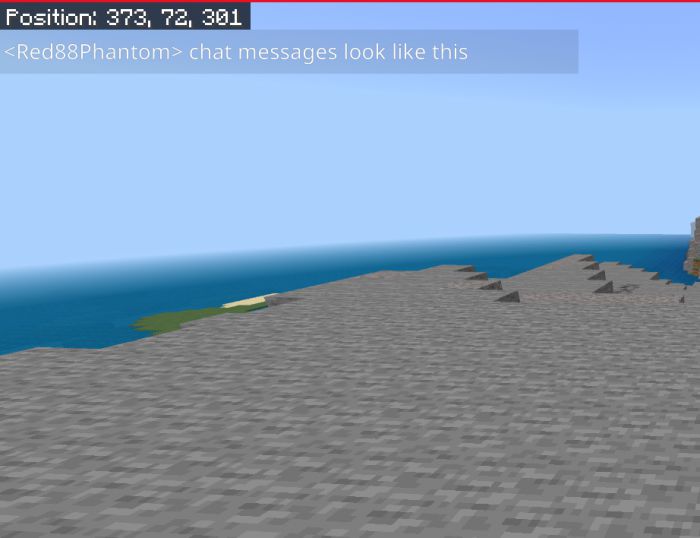
- Changes transparency level for chat messages and the chat menu and shortens how long the messages are displayed in the HUD screen
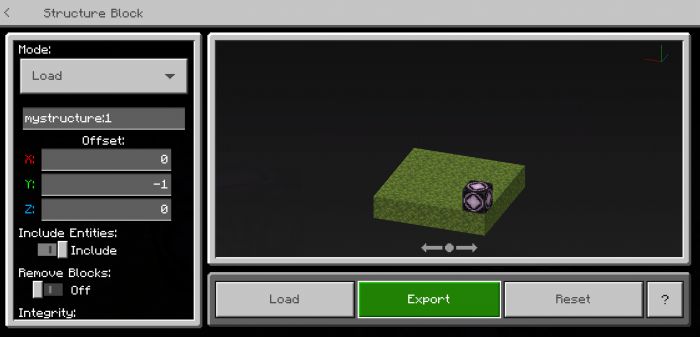
Export world buttons + copyable seed
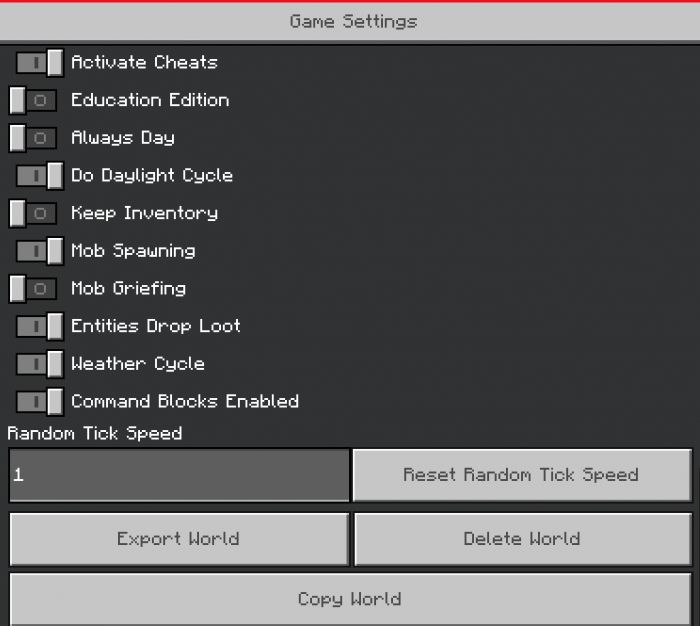
Enables export world and export structure for mobile players and allows you to select the seed in world settings to copy.
To select the seed and copy it, do the following:
- Keyboard users: click the text box, then use CONTROL+A and CONTROL+C
- Mobile users: use an app like G Board to select text and copy
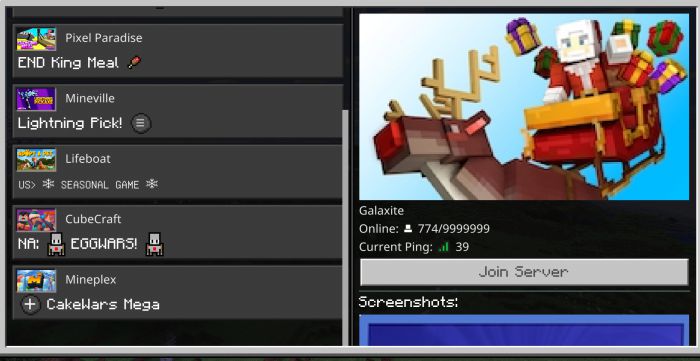
Quick play and Add server button unlocked for console
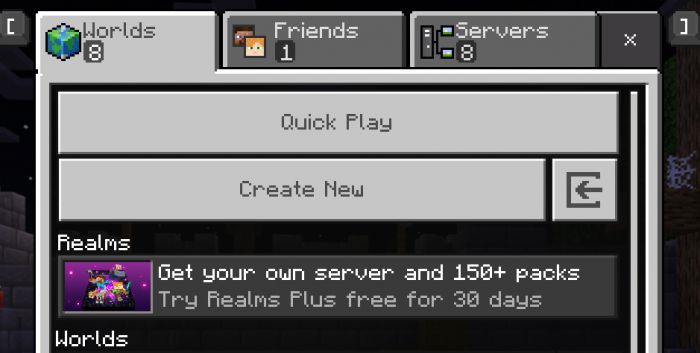
- This pack adds a quick play button, and an import world button, and should be able to unlock the add server button for people who play on Xbox, Nintendo switch, ps4, etc.
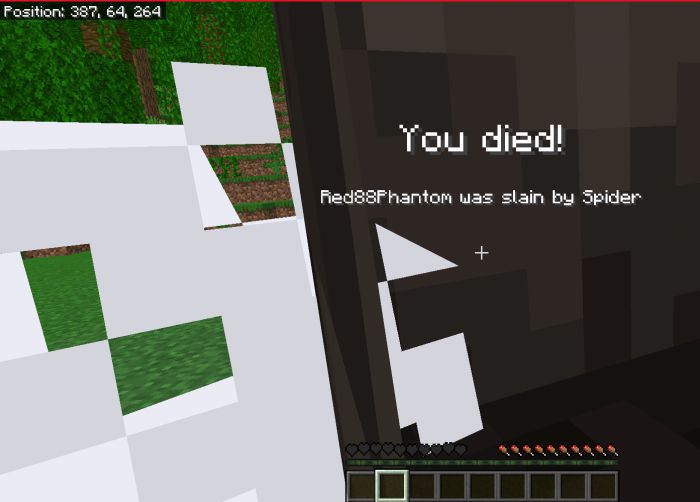
Death Screen Coordinates
- Never lose your death point again with this! Requires screen animations to be turned on in video settings.
- Note: other screen animations are affected by this due to limitations.
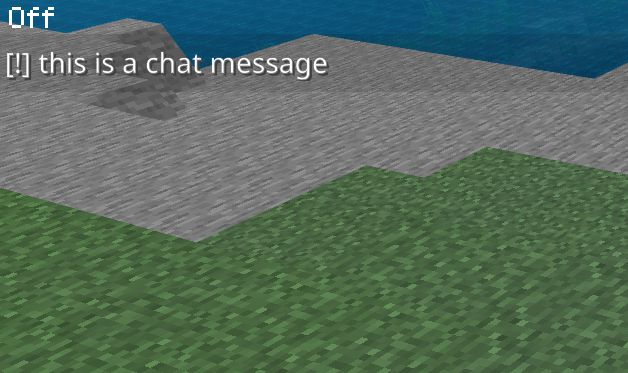
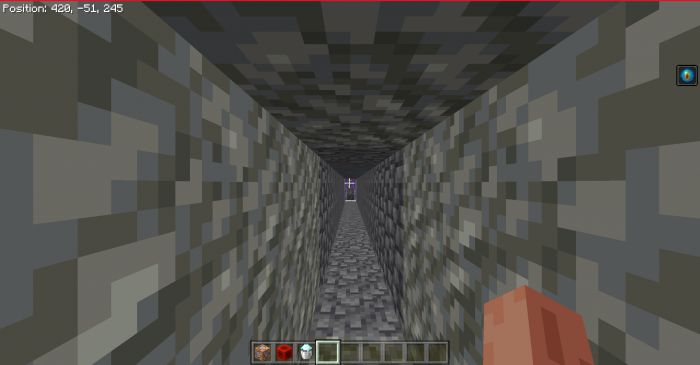
Disable coordinates
- Changes “Position: x, y, z” to “Off” and makes the black box transparent.
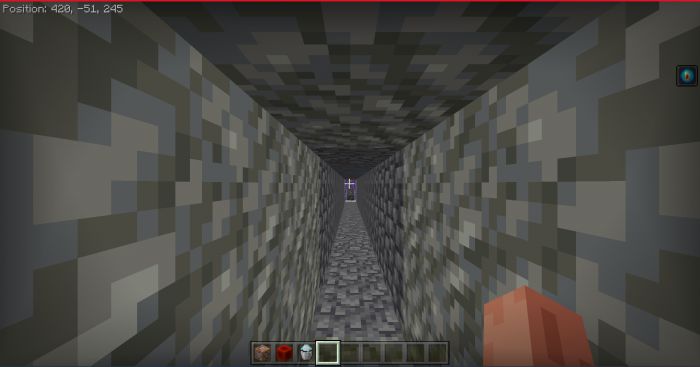
Disable vignette
- Turns off the vignette that appears when fancy graphics are enabled
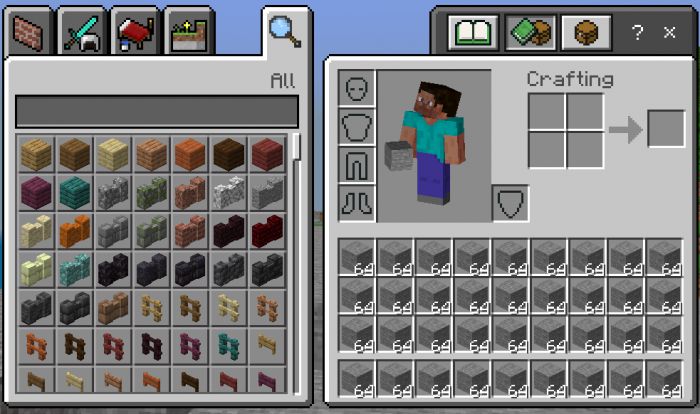
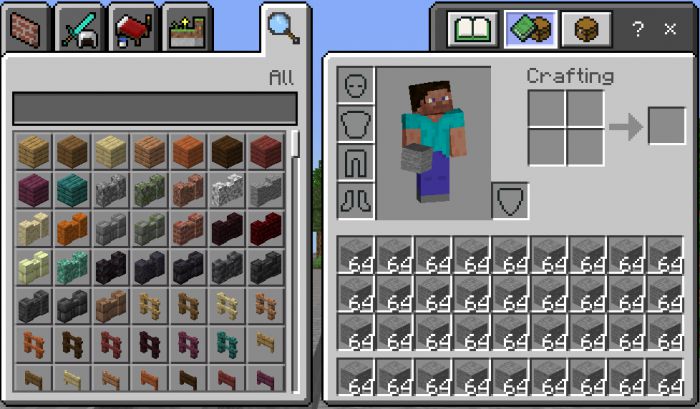
Small Stack Count
- Shrinks the text for the item stack count. Also works in pocket UI and any screen that shows item stacking.
How to add servers on Xbox:
Use this template for the file in games/com.mojang/minecraftpe/external_servers.txt:
format: server number:servername:ipaddress:port:0
Example:
- 1:servername:0.0.0.0:19132:0
- 2:servername:0.0.0.0:19132:0
Or try entering this link in your browser:
-
minecraft:?addExternalServer=Lifeboat|sg.lbsg.net:19132
Visible Realm Settings and Bonus Options Pack Download Links
For Minecraft PE/Bedrock 1.19
mcaddon: Download from server 1 – Download from server 2
- Edition: Minecraft Bedrock
- File type: .mcpack
- Minecraft version listed: 1.21
- How to install: Download the .mcpack. → Open it — Minecraft imports it under Resource Packs. → Activate it in Global Resources, or for one world under Resource Packs → Available.
- Where to get it: In MCModsHub, or directly above on this page.
Install steps are the general flow for this file type — How to install Minecraft Bedrock texture packs walks through it step by step.
- Pack type: .mcaddon — behaviour and resource pack in one file
- Manifest requires Minecraft 1.16.0 or newer
- Complete pack — everything it depends on is inside the file
- Download link checked 17 Jun 2026 — working
- Mirrored on our own servers — the download does not depend on the original host
These come from our own check of the pack file, not from the source page.