Texture packsBedrock
Mini Tools + PvP Mode (26.x, 1.19) – for MCPE/Bedrock Bedwars
Do you need a pack to make tools smaller? You are entering an appropriate pack. Not only make tools smaller but it is also provided for the PvP mode. For…
⬇ DownloadOpen in MCModsHubGet it on Google Play →Do you need a pack to make tools smaller? You are entering an appropriate pack. Not only make tools smaller but it is also provided for the PvP mode. For more details, check Mini Tools + PvP Mode.
Features:
Mini Tools:
- You can adjust the tool size as you want:
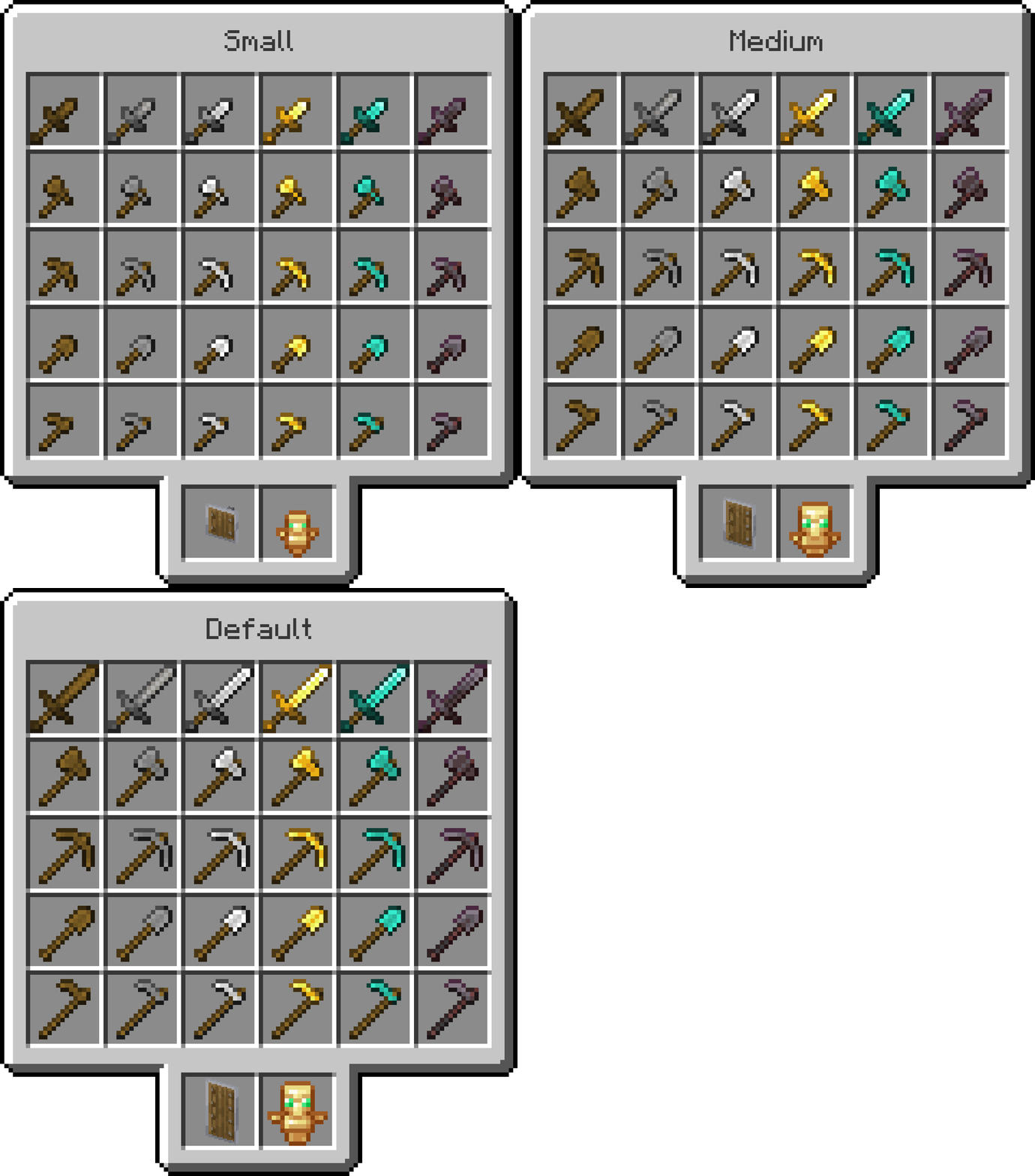
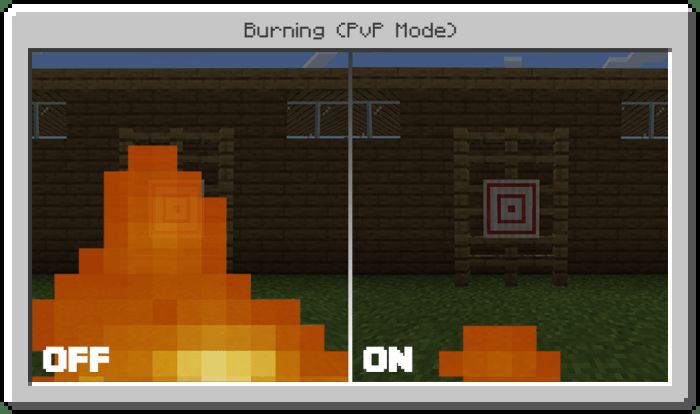
PvP Mode:
- This is the difference between On and Off in PvP mode
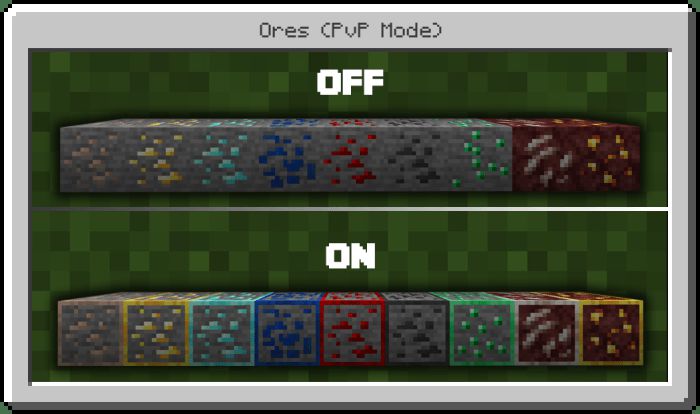
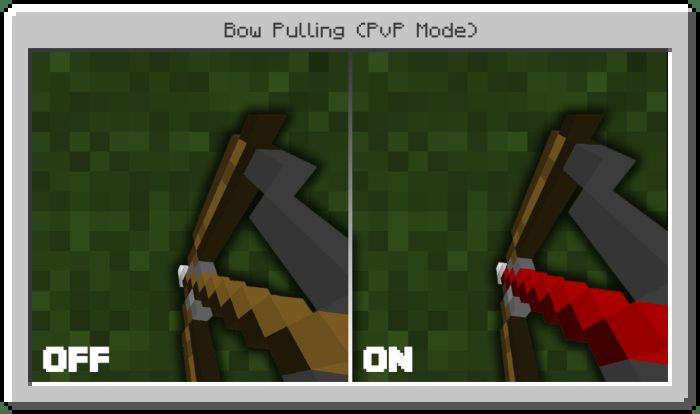
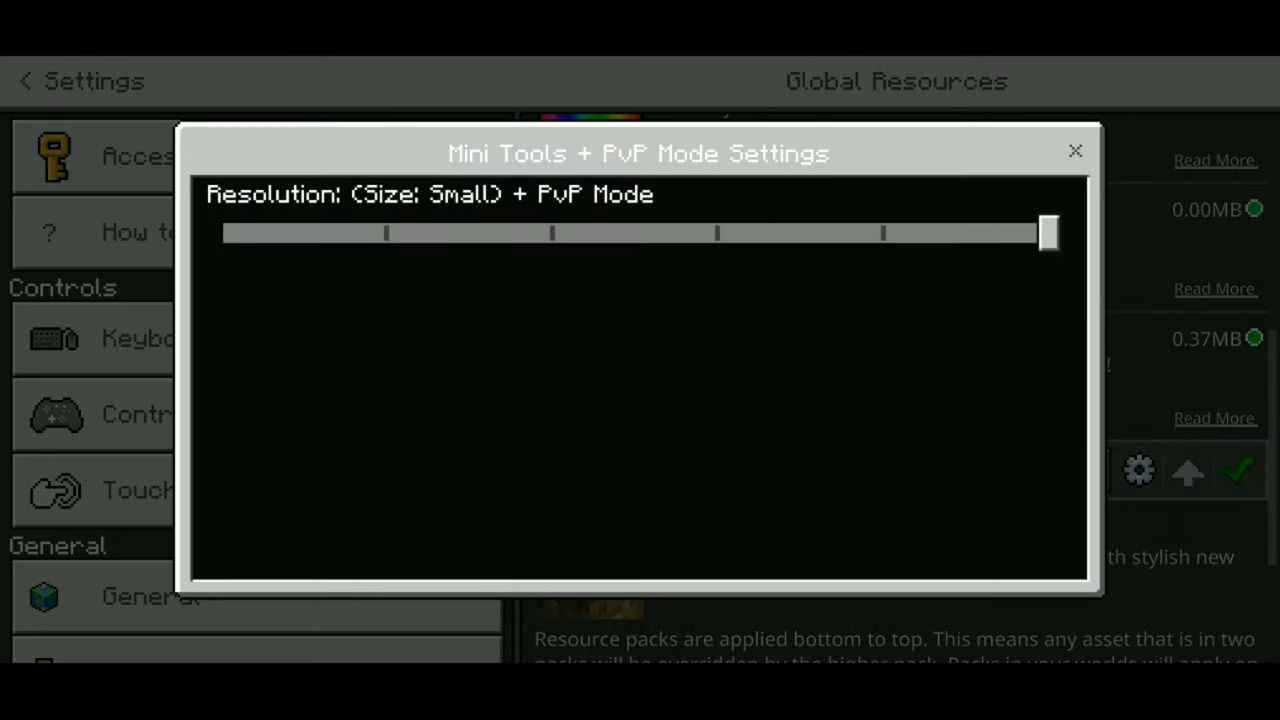
Subpacks supported:
Mini Tools + PvP Mode Download Links
For Minecraft PE/Bedrock 1.19
mcpack: Download from server 1 – Download from server 2
Verified by MCModsHub
- Pack type: .mcaddon — behaviour and resource pack in one file
- Manifest requires Minecraft 1.16.0 or newer
- Complete pack — everything it depends on is inside the file
- Download link checked 17 Jun 2026 — working
- Mirrored on our own servers — the download does not depend on the original host
These come from our own check of the pack file, not from the source page.
Explore more