Better HUD Pack (1.19) – MCPE/Bedrock
Bedrock texture pack listed for Minecraft 1.19. File opened and checked on 29 Sep 2026; installs from the MC Bedrock Mods app on Android.
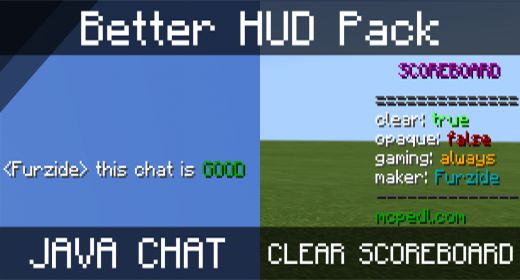
Better HUD Pack aims to Improve the Look of Minecraft's HUD. It improves the general look of the interface you see in-game and improves various things…
⬇ Download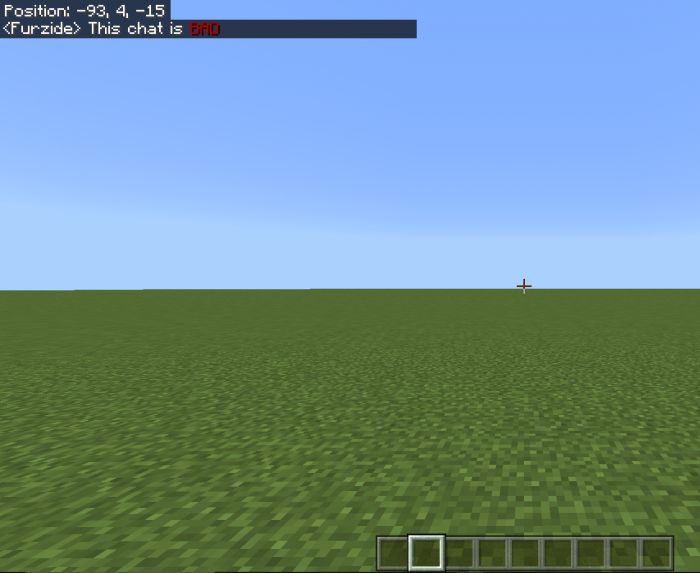
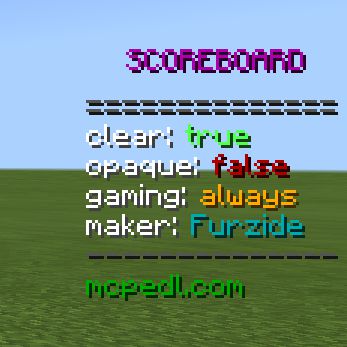
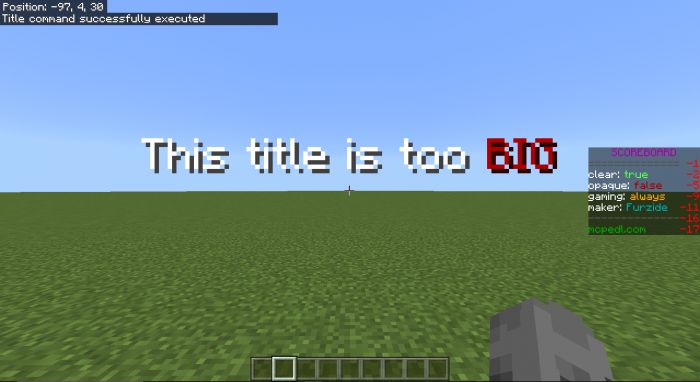
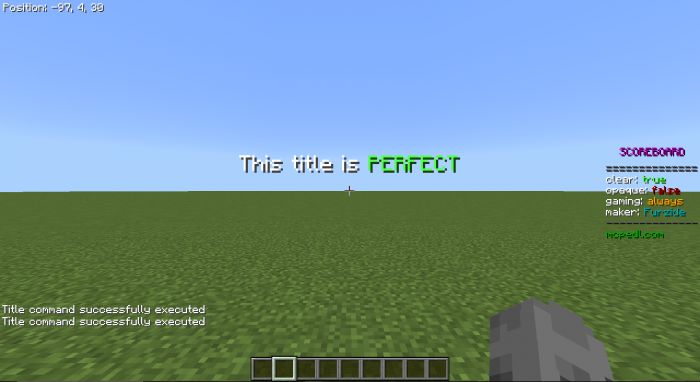
Better HUD Pack aims to Improve the Look of Minecraft’s HUD. It improves the general look of the interface you see in-game and improves various things like the Chat, The Scoreboard, and Most Text elements on the display. With this pack, the author has improved a shed load of UI elements, mainly the ones that display when you are seeing on-screen at all times. He also has improved the look of the chat, scoreboard, titles, subtitles, and coordinates and added various quality-of-life fixes.
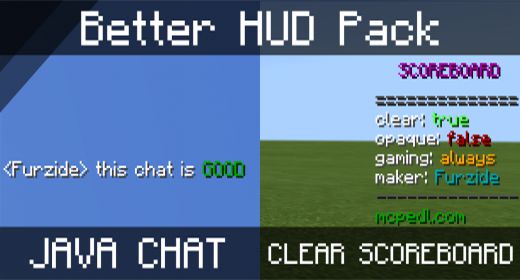
Features:
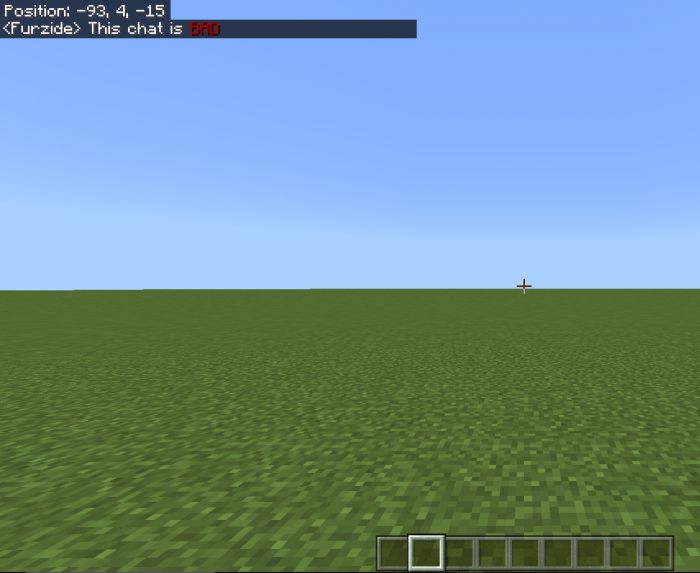
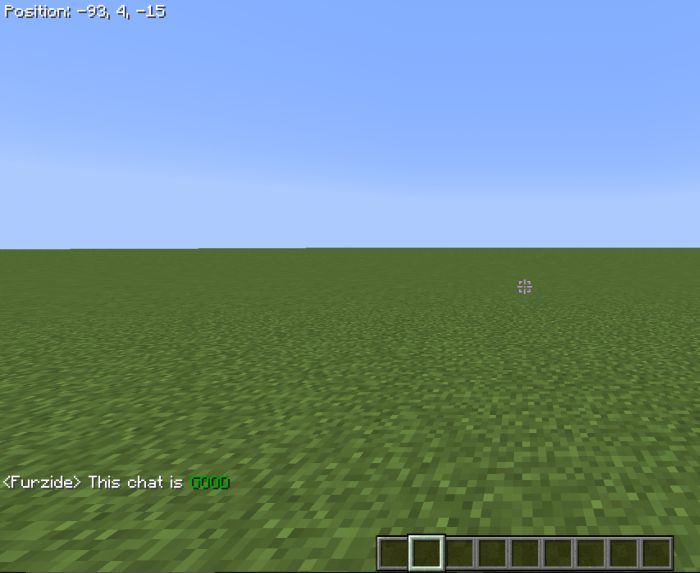
- Lowered the Chat and Changed its size to match the Java edition.
- Made the Chat fully transparent.
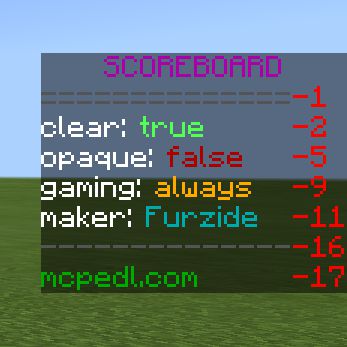
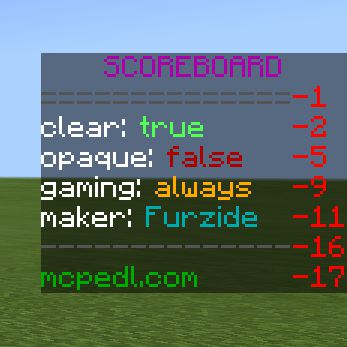
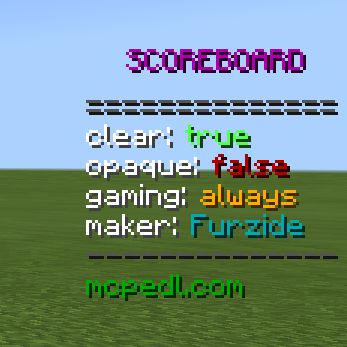
- Removed the numbers from the scoreboard.
- Made the scoreboard fully transparent.
- Adjusted and improved the scoreboard text padding and position, and added a text-shadow.
- Removed the dark background from the chat screen, and added a text-shadow.
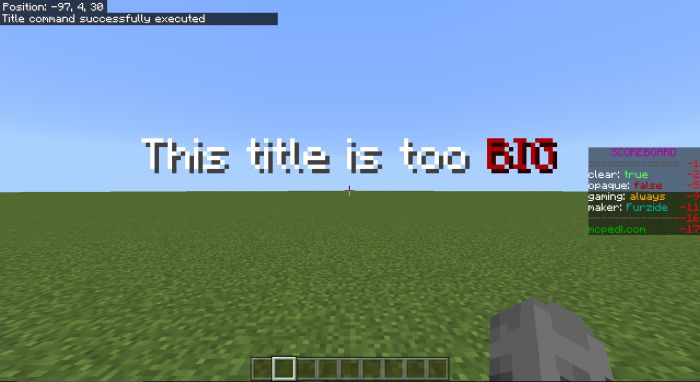
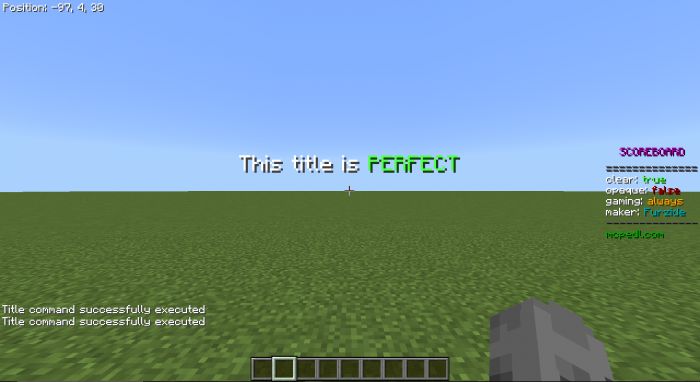
- Adjusted the size of titles and subtitles to take up less space on the screen.
- Removed the profanity filter from as many elements as I could.
- Made the Hotbar and hearts fully opaque to match the Java edition.
- Made coordinates transparently.
- You can now type while taking damage.
Screenshots:
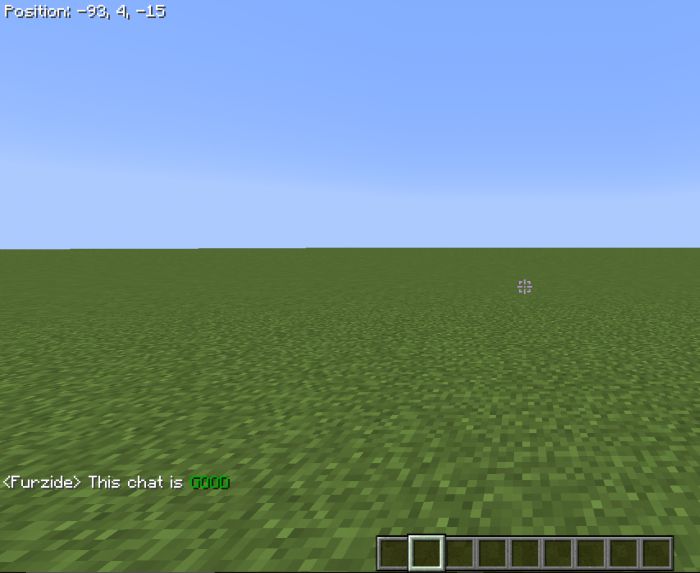
Chat:
Before
After
Scoreboard:
Before
After
Titles:
Before
After
Installation Note:
- You can change the supported Minecraft versions using the subpack.
- Make sure you are using either 1.12 or the latest Minecraft version.
Supported Devices:
- Win10
- Xbox
- Ps4
- Android
- iOS
Better HUD Pack Download Links
For Minecraft PE/Bedrock 1.19
mcpack: Download from server 1 – Download from server 2
- Edition: Minecraft Bedrock
- File type: .mcpack
- Minecraft version listed: 1.19
- How to install: Download the .mcpack. → Open it — Minecraft imports it under Resource Packs. → Activate it in Global Resources, or for one world under Resource Packs → Available.
- Where to get it: In MCModsHub, or directly above on this page.
Install steps are the general flow for this file type — How to install Minecraft Bedrock texture packs walks through it step by step.
- Pack type: .mcpack — a single pack
- Complete pack — everything it depends on is inside the file
- Download size: 18 KB
- Download link checked 17 Jun 2026 — working
- Mirrored on our own servers — the download does not depend on the original host
These come from our own check of the pack file, not from the source page.