Texture packsBedrock
Modules+ Client (1.19) – Work on Any Server
Bedrock texture pack listed for Minecraft 1.19–1.21. File opened and checked on 20 Sep 2026; installs from the MC Bedrock Mods app on Android.
⬇ Download
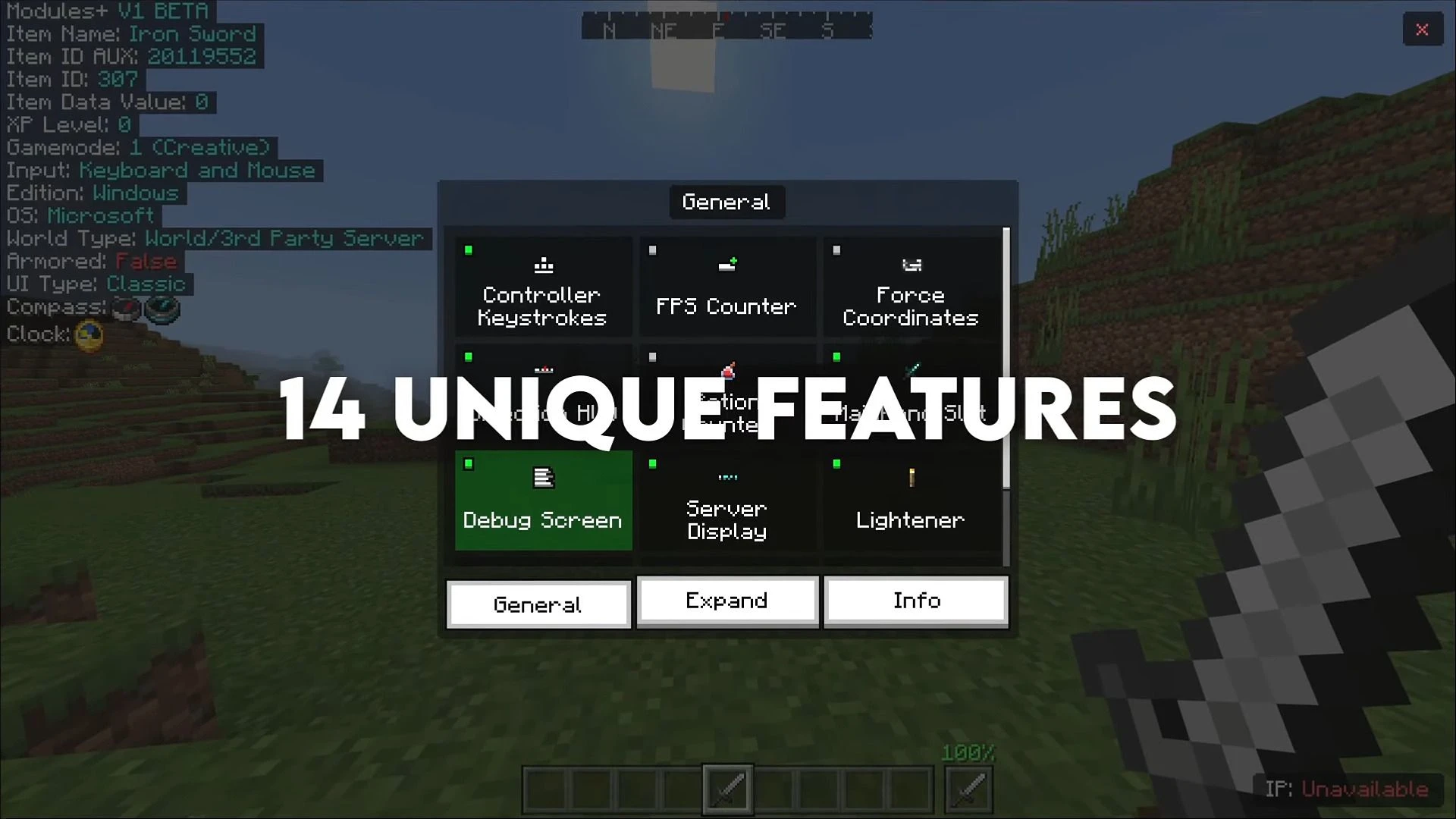
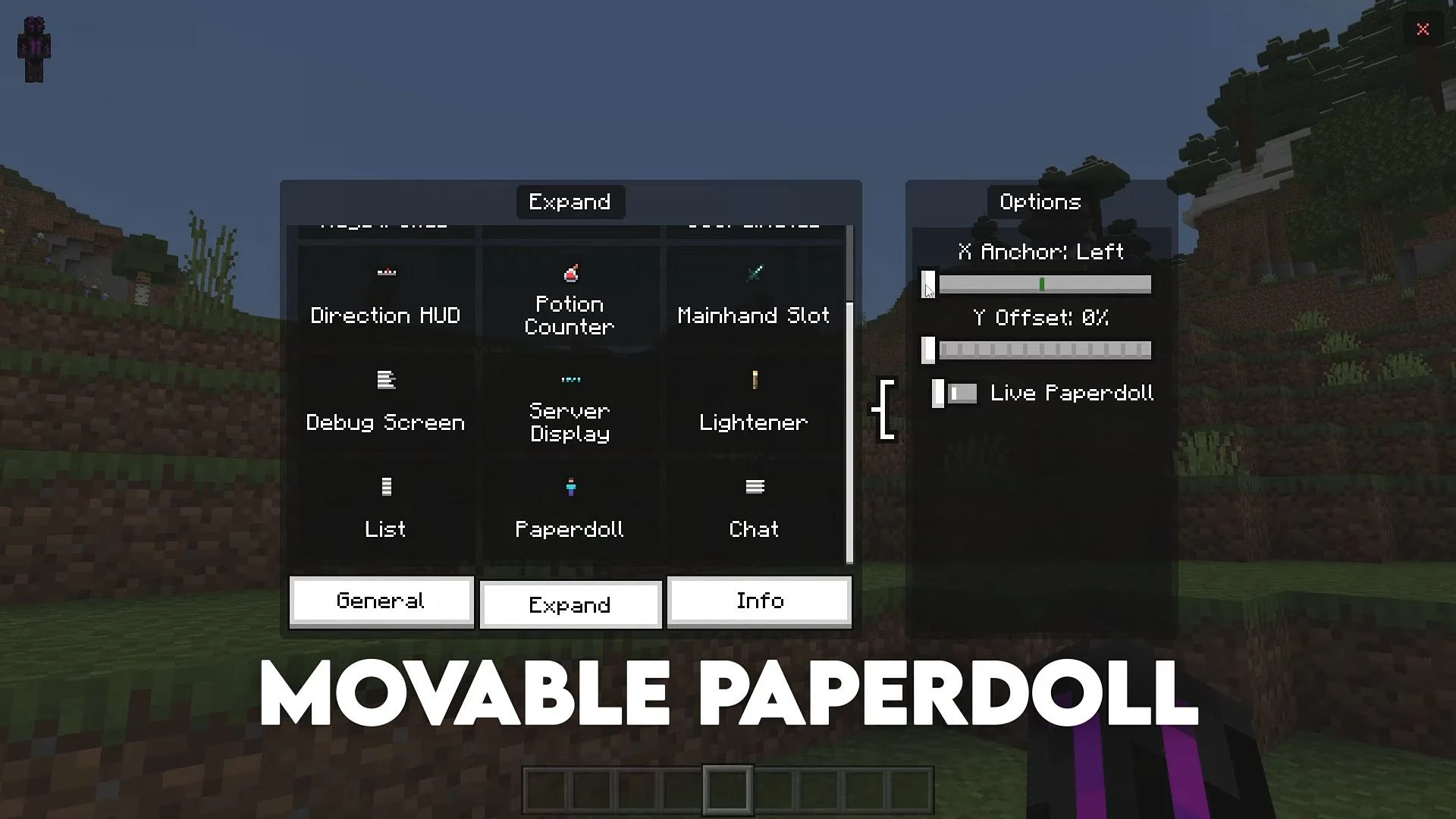
Modules+ Client is a new amazing resource pack, which means it works with achievements and on all servers. This pack will work on any device with 1.19.30+ (iOS, Android & Windows 10).
Features:
- Works on any device (iOS, Android & Windows 10).
- Works on any server.
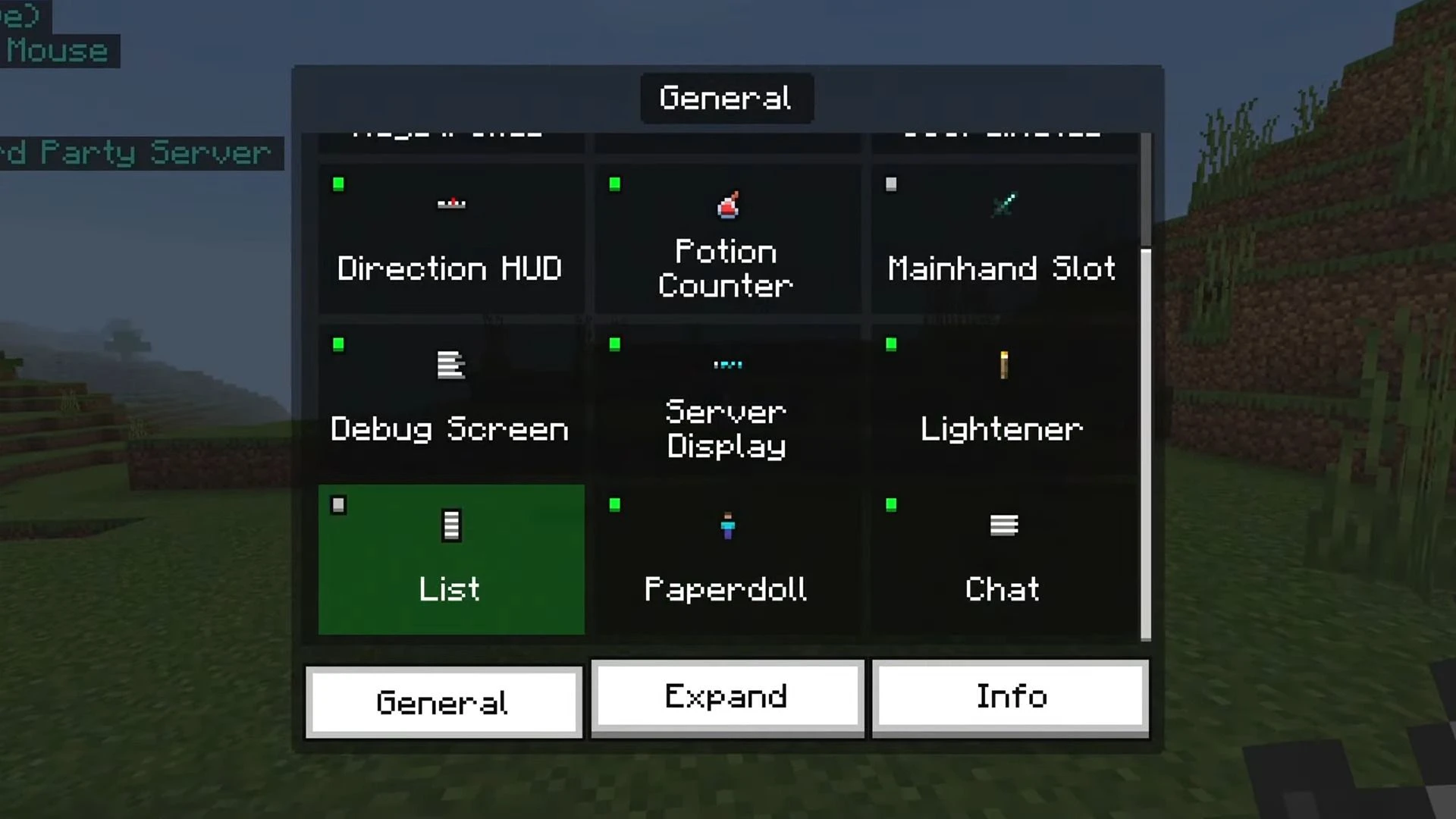
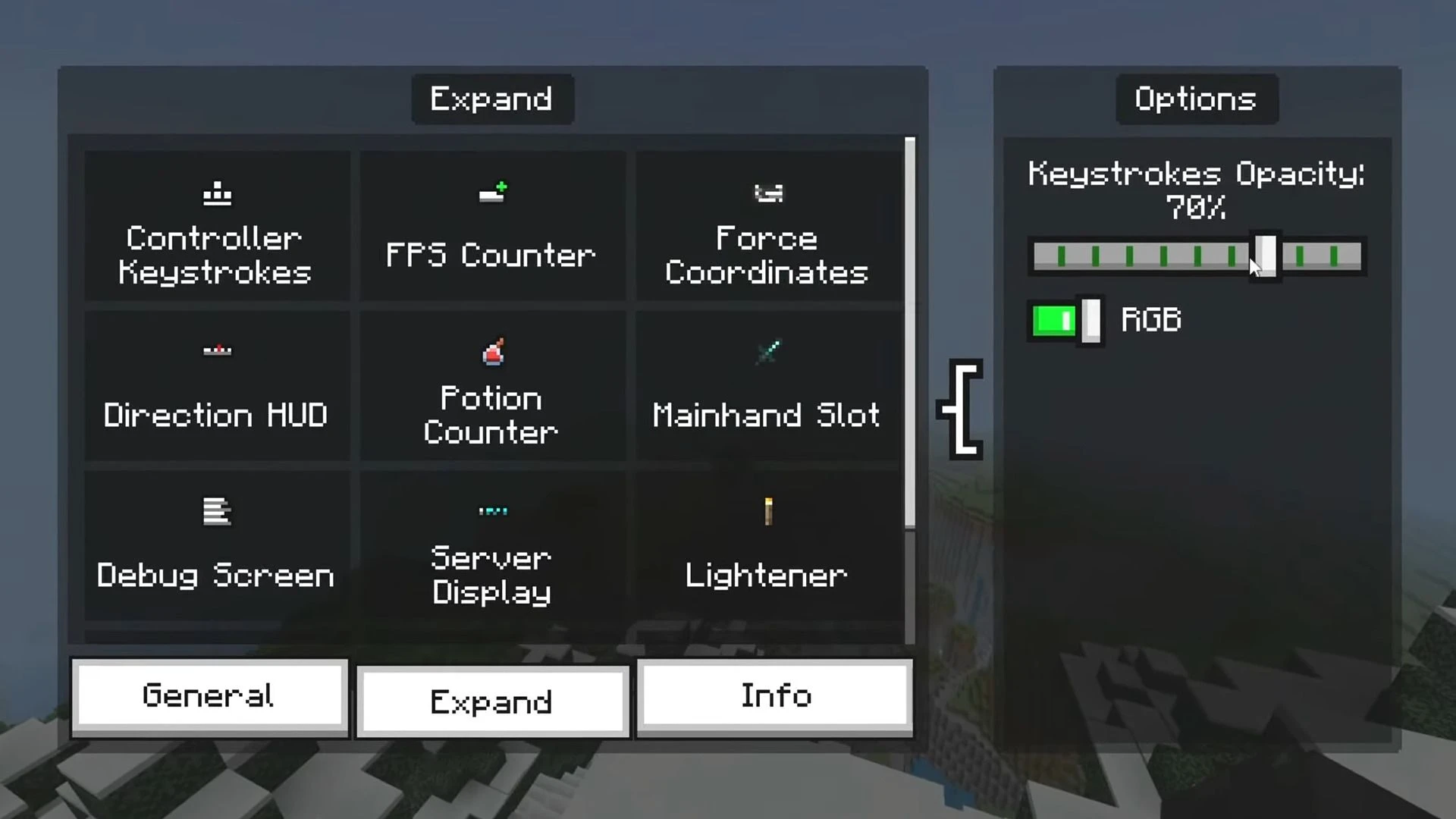
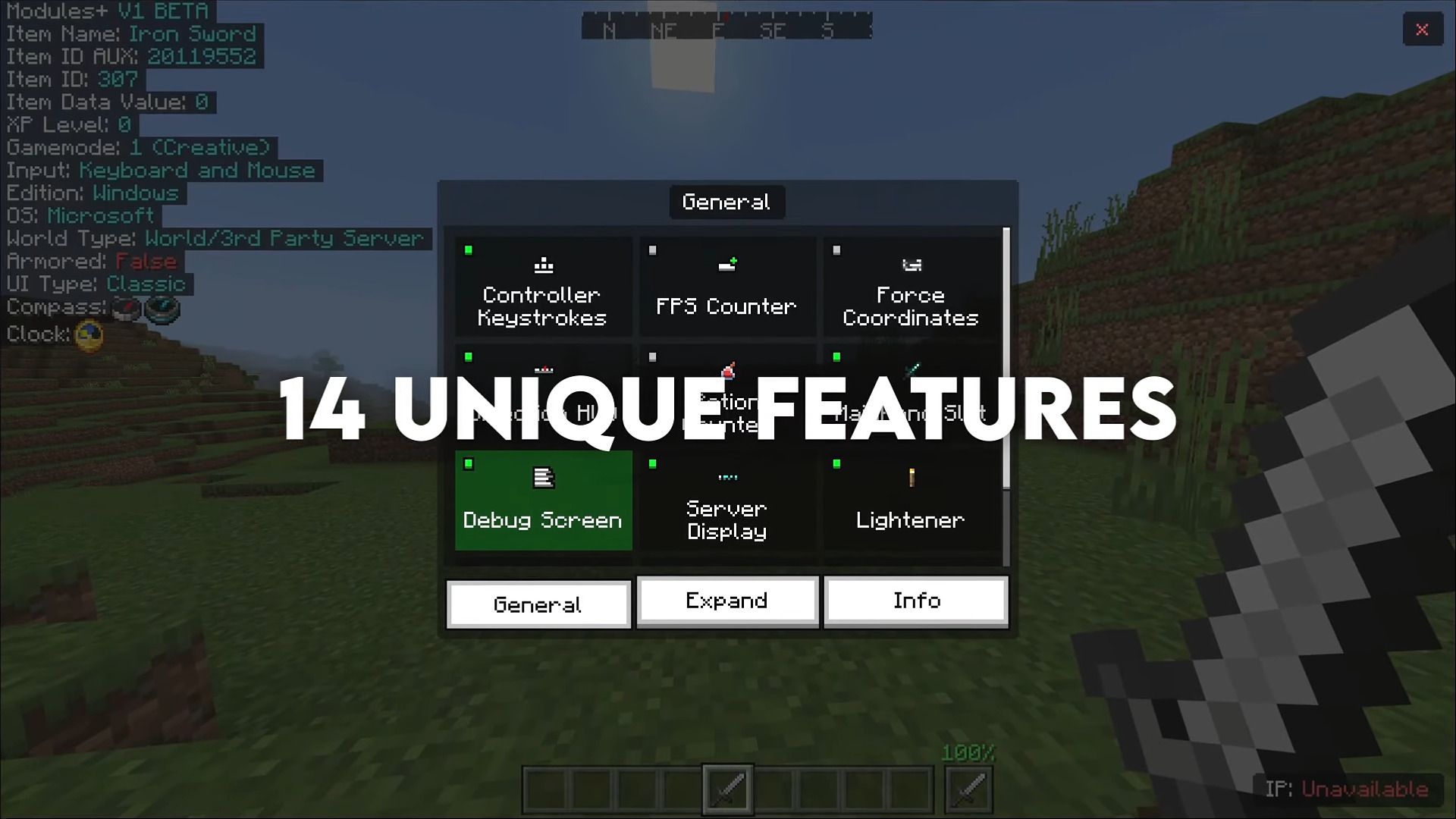
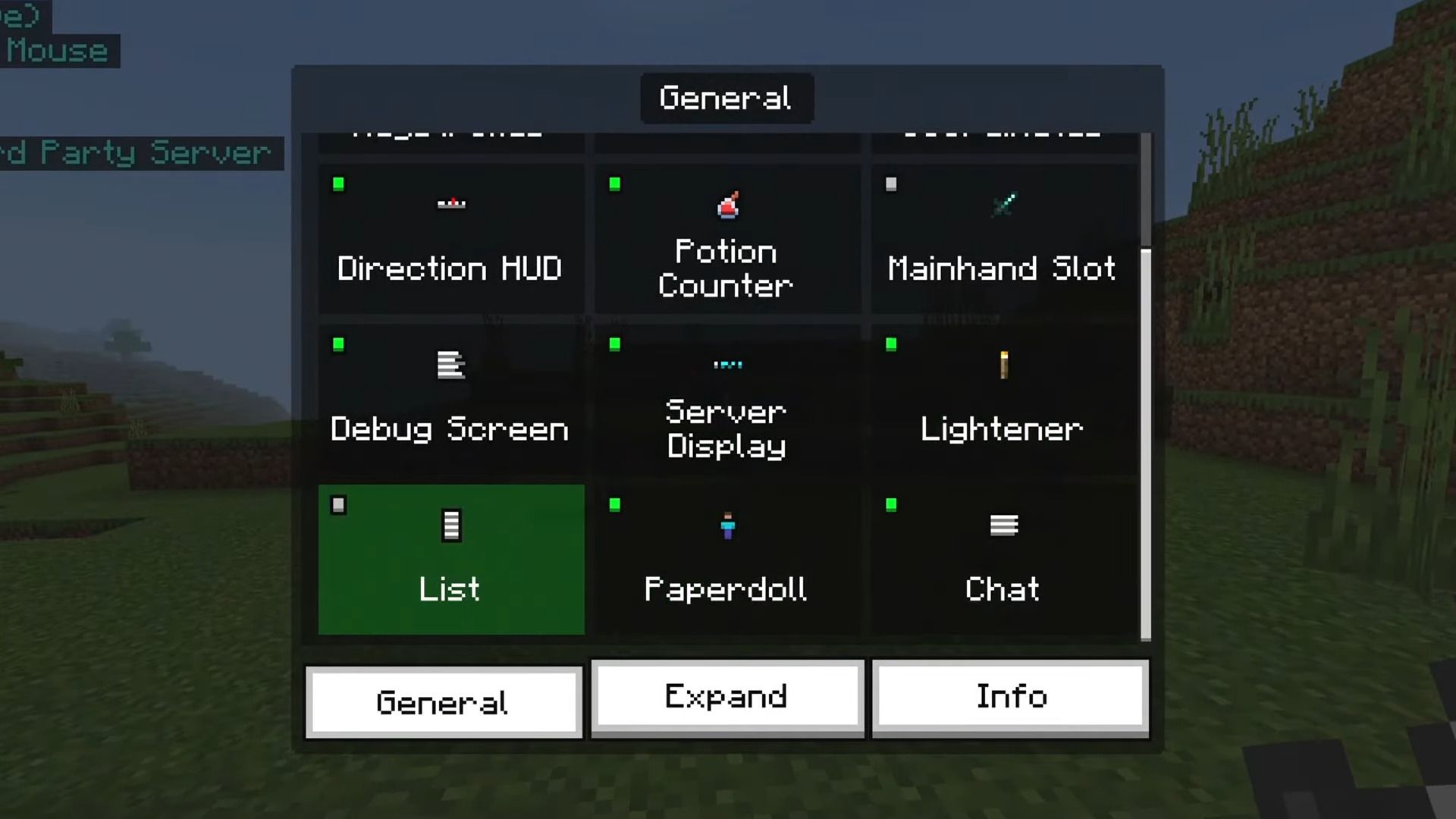
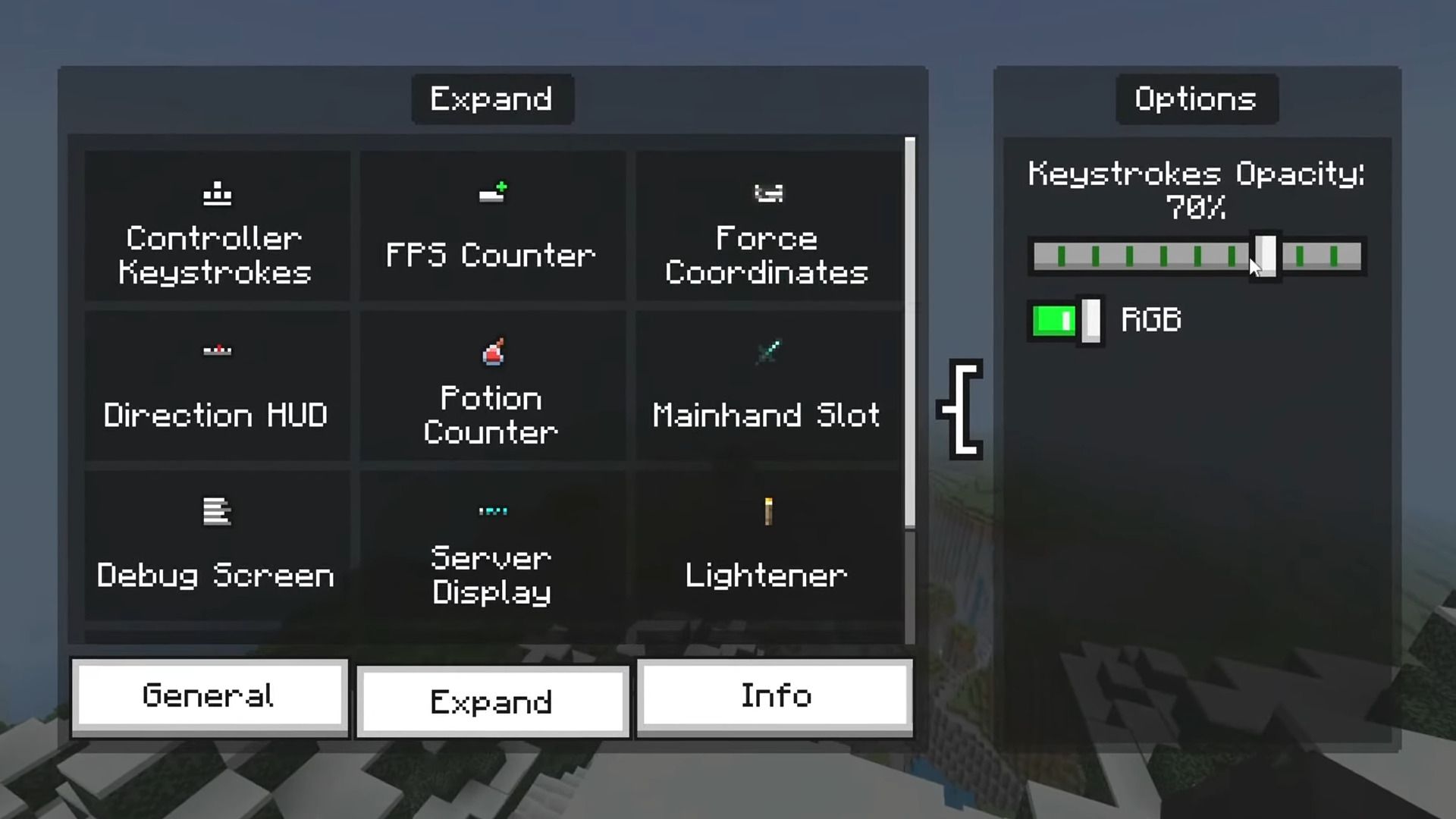
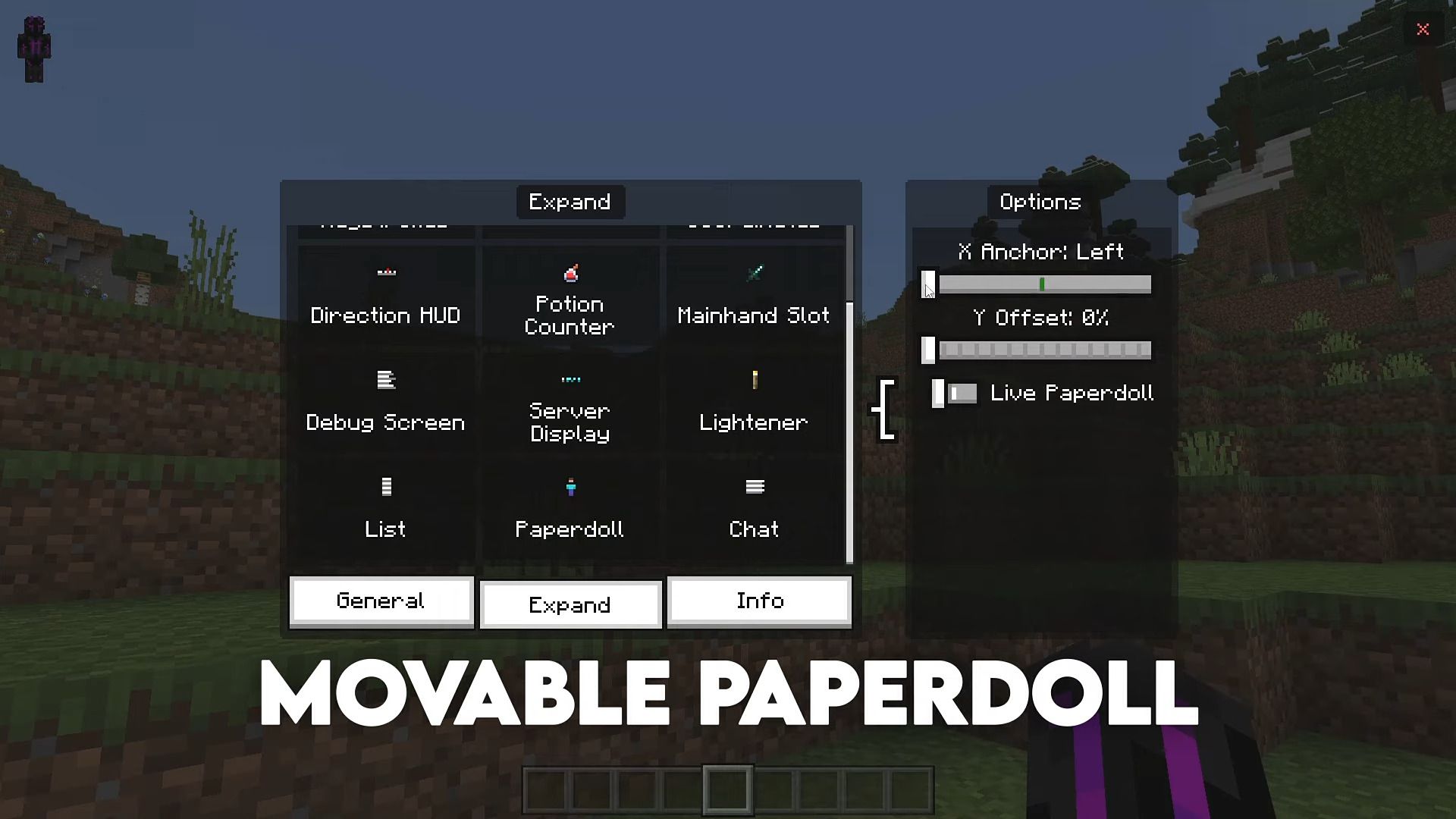
- Super clean UI, best Mod Menu.
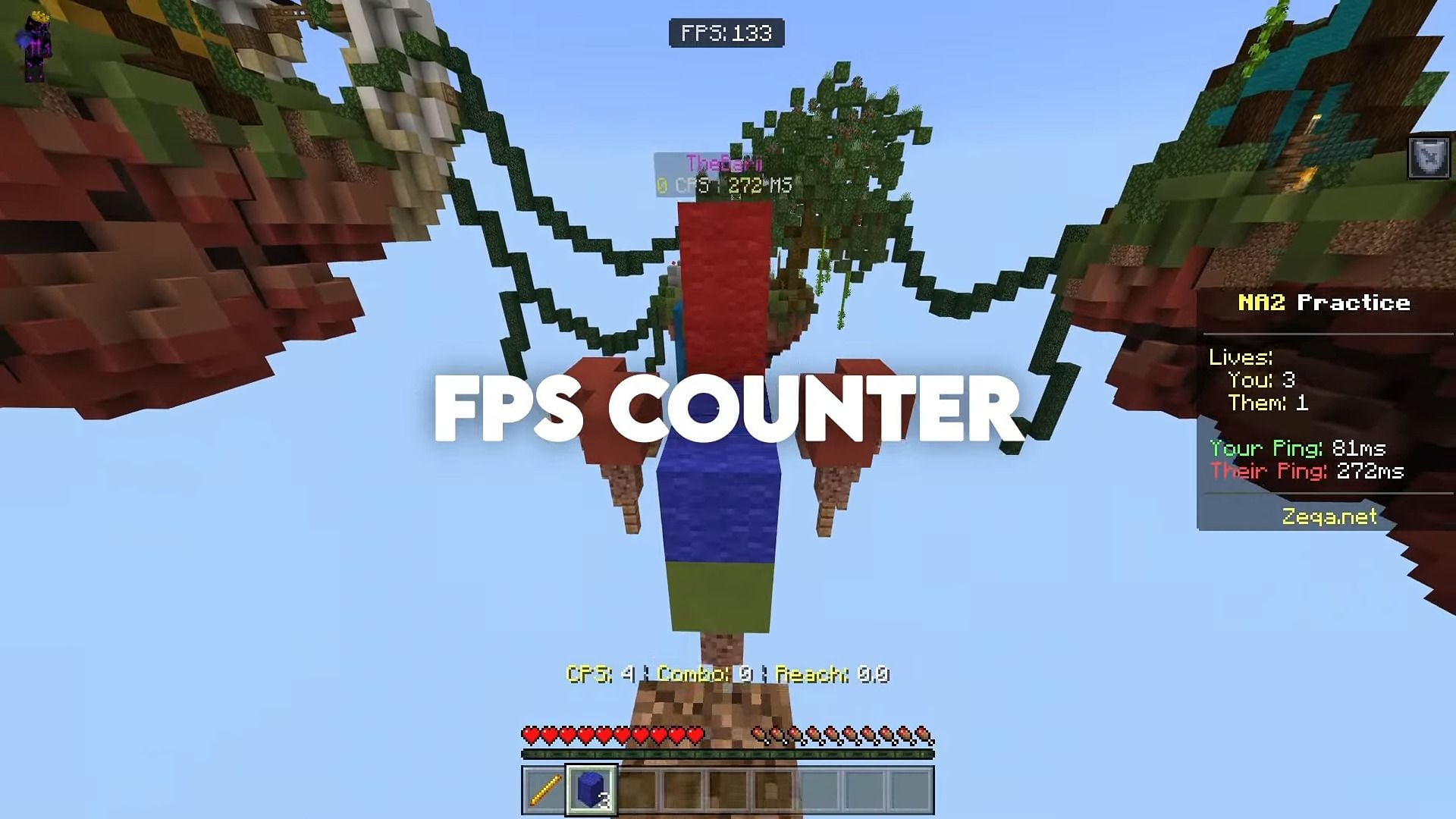
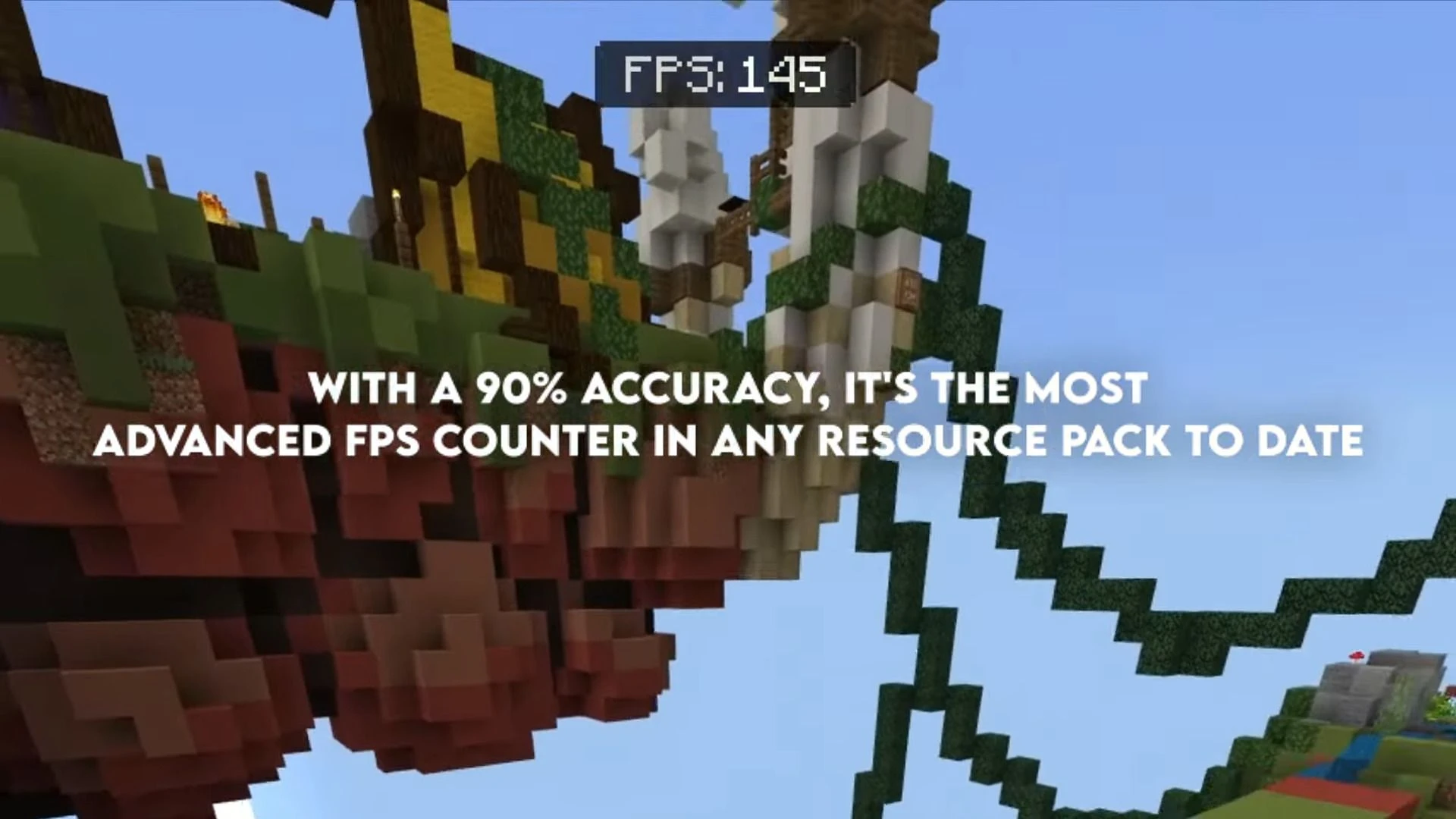
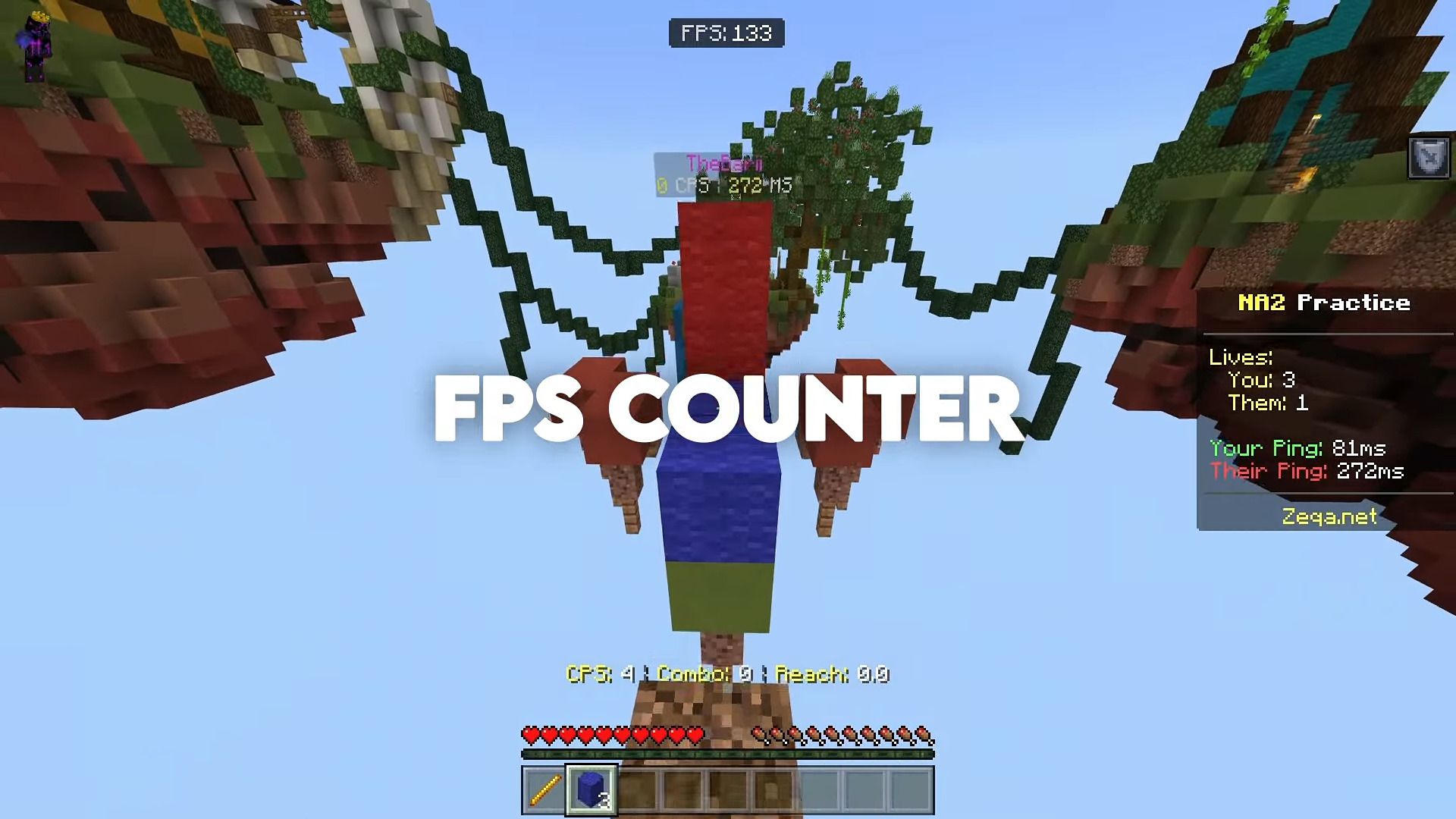
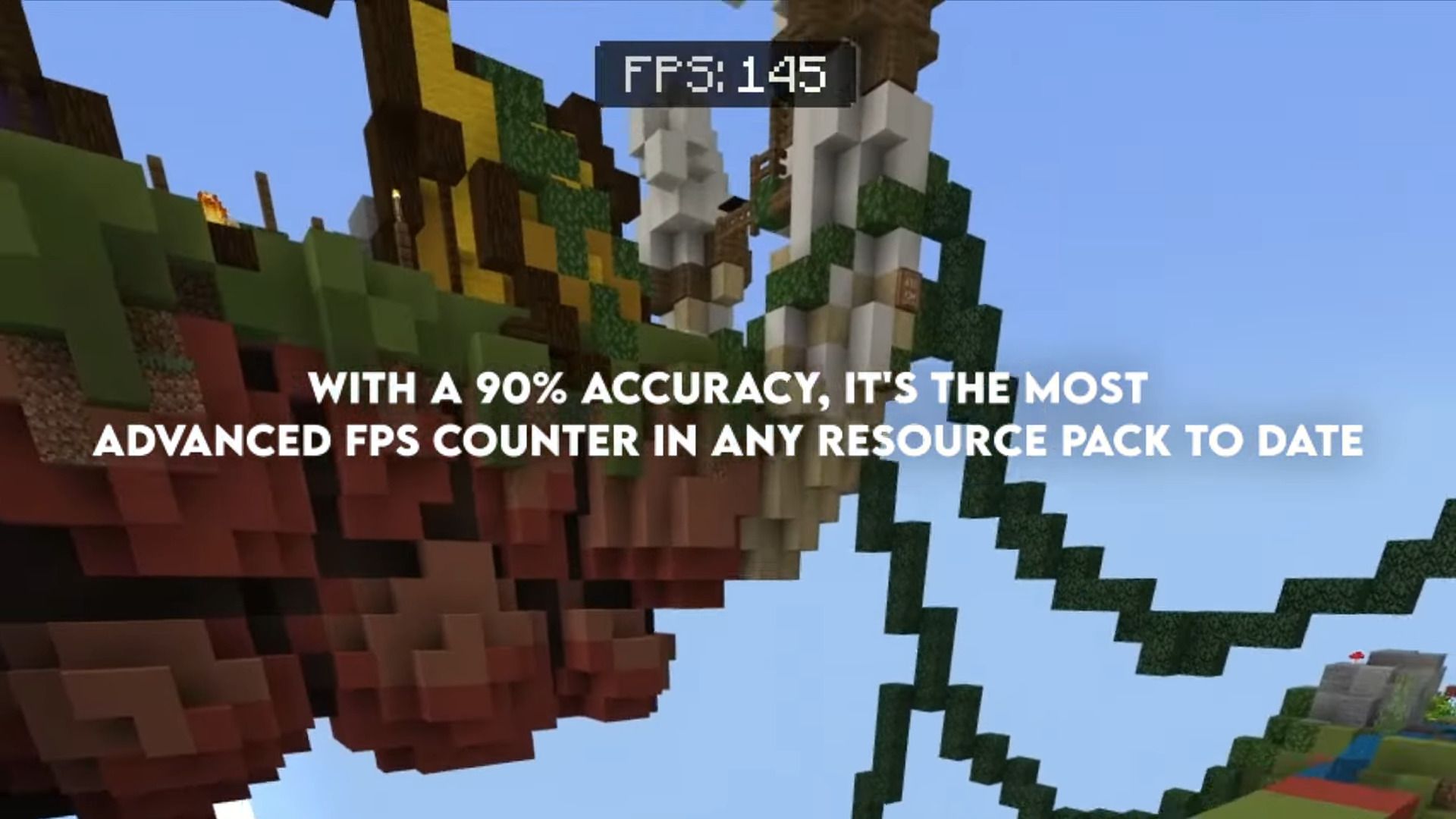
- 90% accuracy FPS counter, this is the most advanced FPS counter in any resource pack to date.
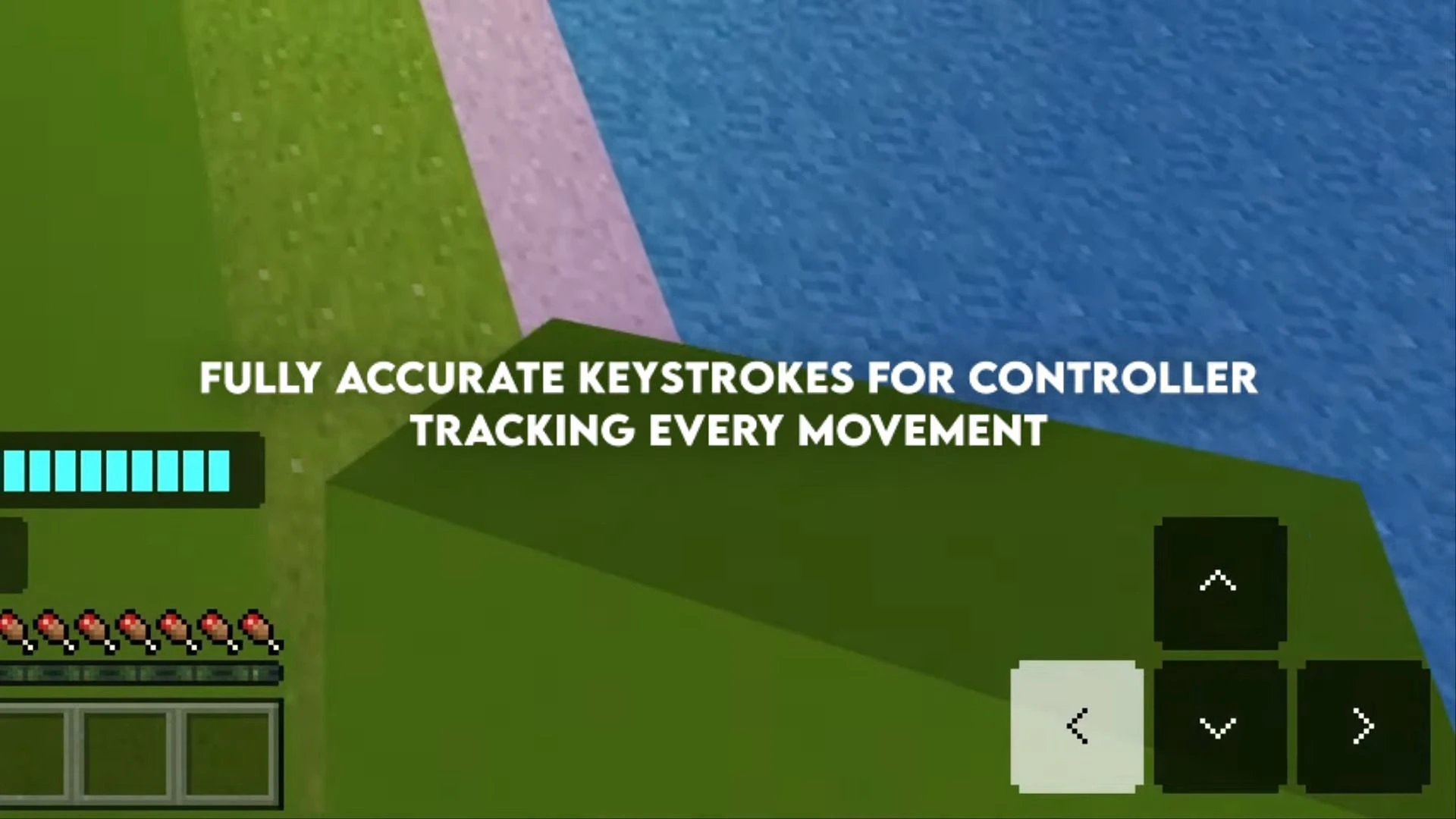
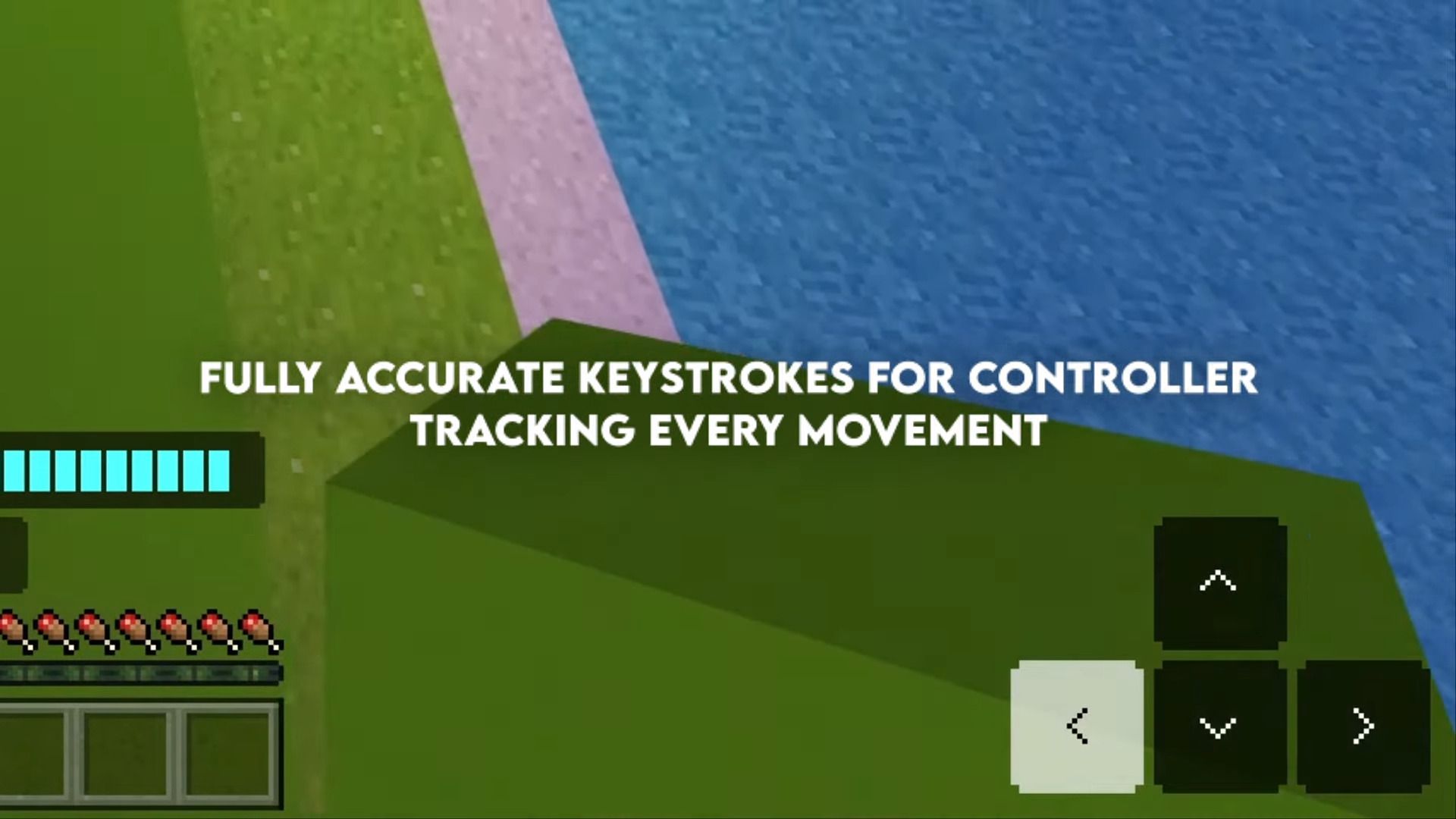
- Fully accurate keystrokes for controller tracking every movement. (Bonus: RGB Keystrokes, 0 -> 100% Opacity Keystrokes)
- Moveable paper doll.
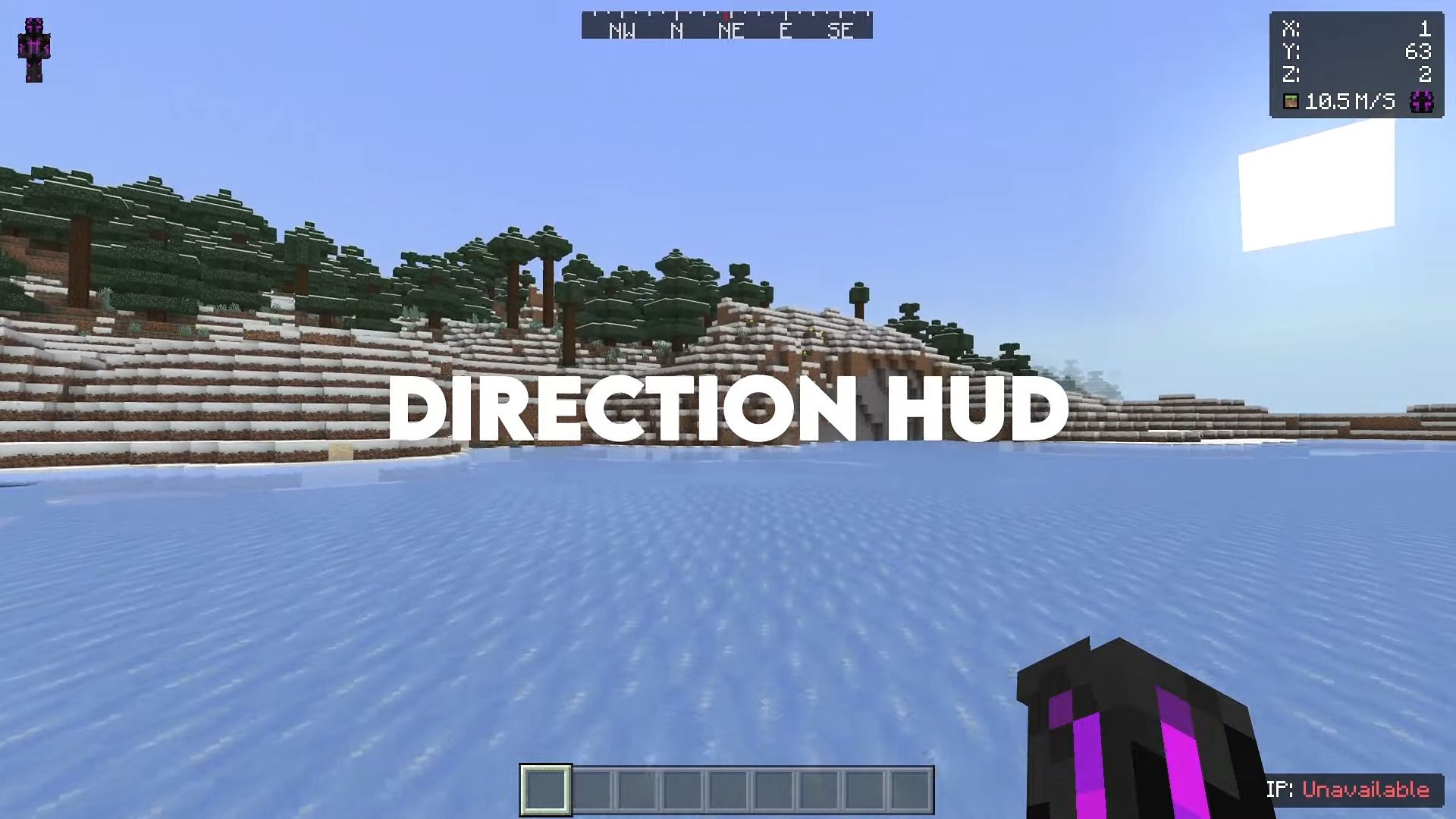
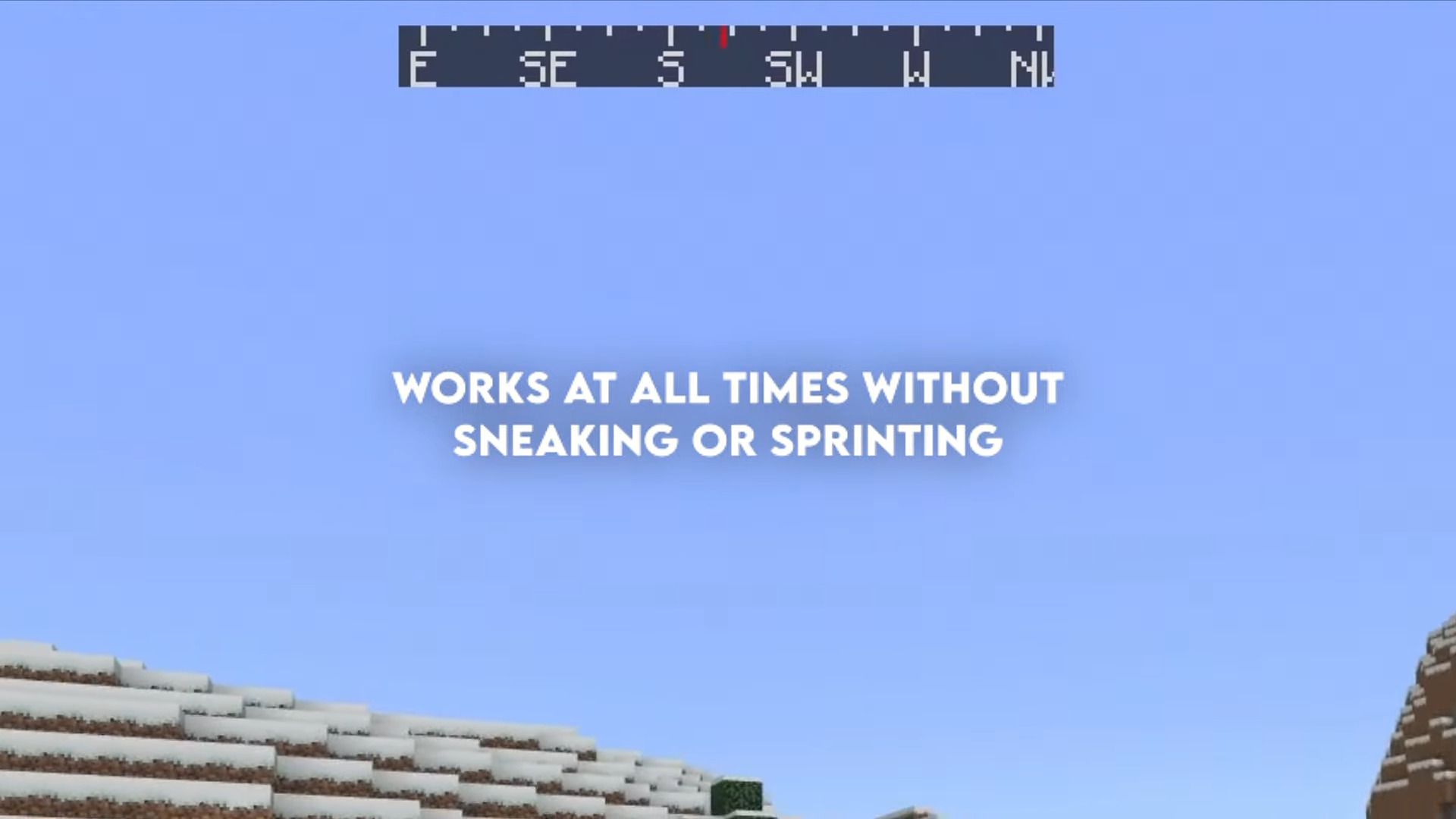
- Direction HUD work at all times without sneaking or sprinting.
- Debug screen.
- Force Coordinates.
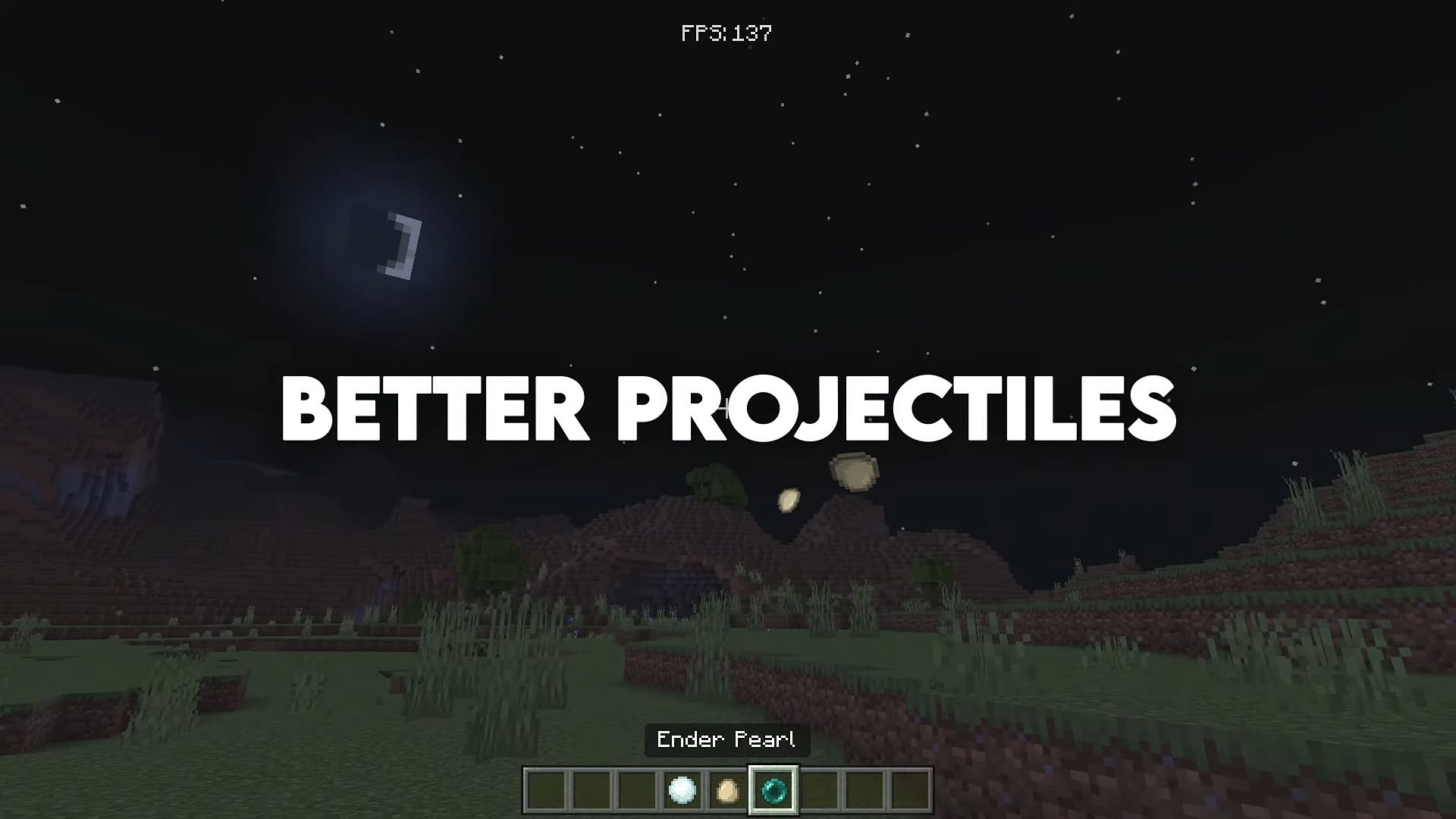
- Better projectiles.
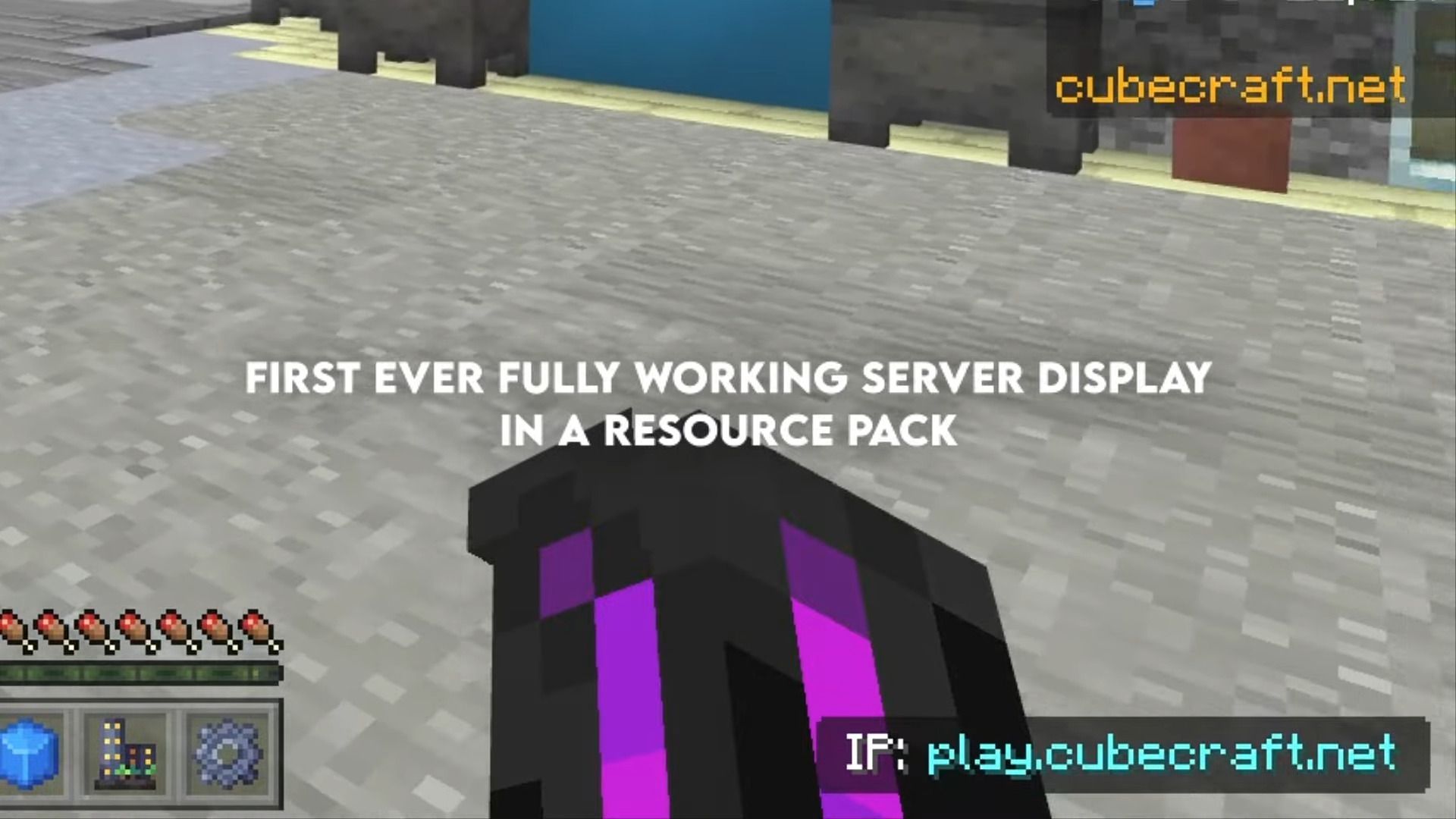
- First ever fully working server display in a resource pack.
- And many more!
Screenshots:
Modules+ Client Download Links
You may also like
For Minecraft PE/Bedrock 1.19
Modules+ V1: Download from Server 1
Modules+ Preset Loader V1: Download from Server 1
Quick facts
- Edition: Minecraft Bedrock
- File type: .mcpack
- Minecraft versions listed: 1.19, 1.19.30
- How to install: Download the .mcpack. → Open it — Minecraft imports it under Resource Packs. → Activate it in Global Resources, or for one world under Resource Packs → Available.
- Where to get it: In MCModsHub, or directly above on this page.
Install steps are the general flow for this file type — How to install Minecraft Bedrock texture packs walks through it step by step.
File checked by MCModsHub
- Pack type: .mcpack — a single pack
- Manifest requires Minecraft 1.21.0 or newer
- Complete pack — everything it depends on is inside the file
- Download link checked 17 Jun 2026 — working
- Mirrored on our own servers — the download does not depend on the original host
These come from our own check of the pack file, not from the source page.