X-Ray Vision Texture Pack (1.26+) – MCPE/Bedrock
Bedrock texture pack listed for Minecraft 1.19–26.x. File opened and checked on 30 Sep 2026; installs from the MC Bedrock Mods app on Android.
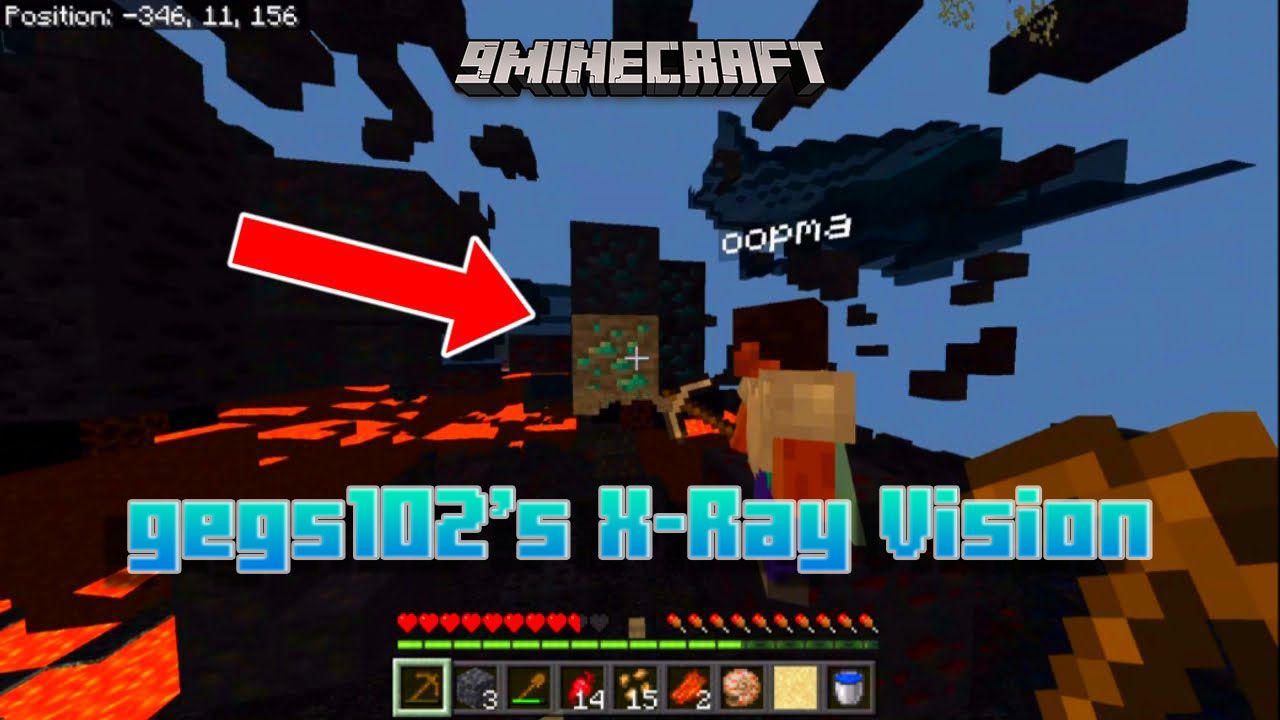
gegs102's X-Ray Vision Texture Pack allows you to find any ore for example coal, iron, gold, diamond, and others without having to spend time. This pack…
⬇ Download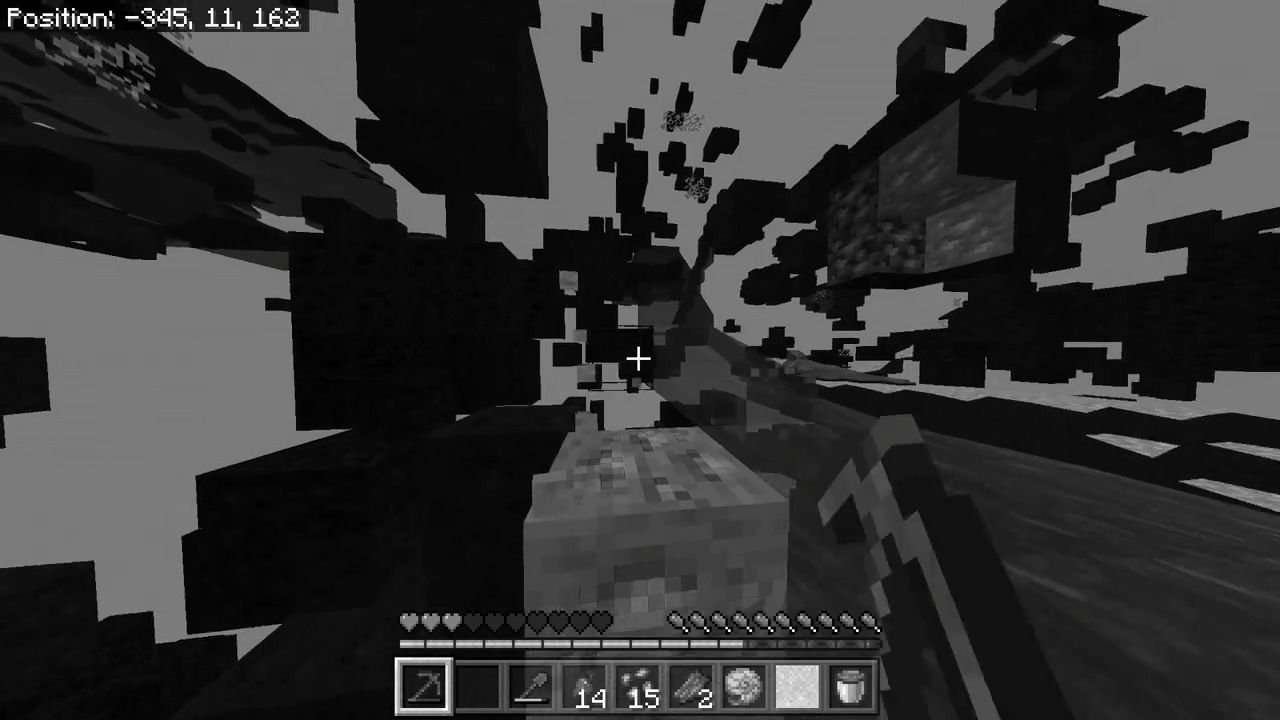
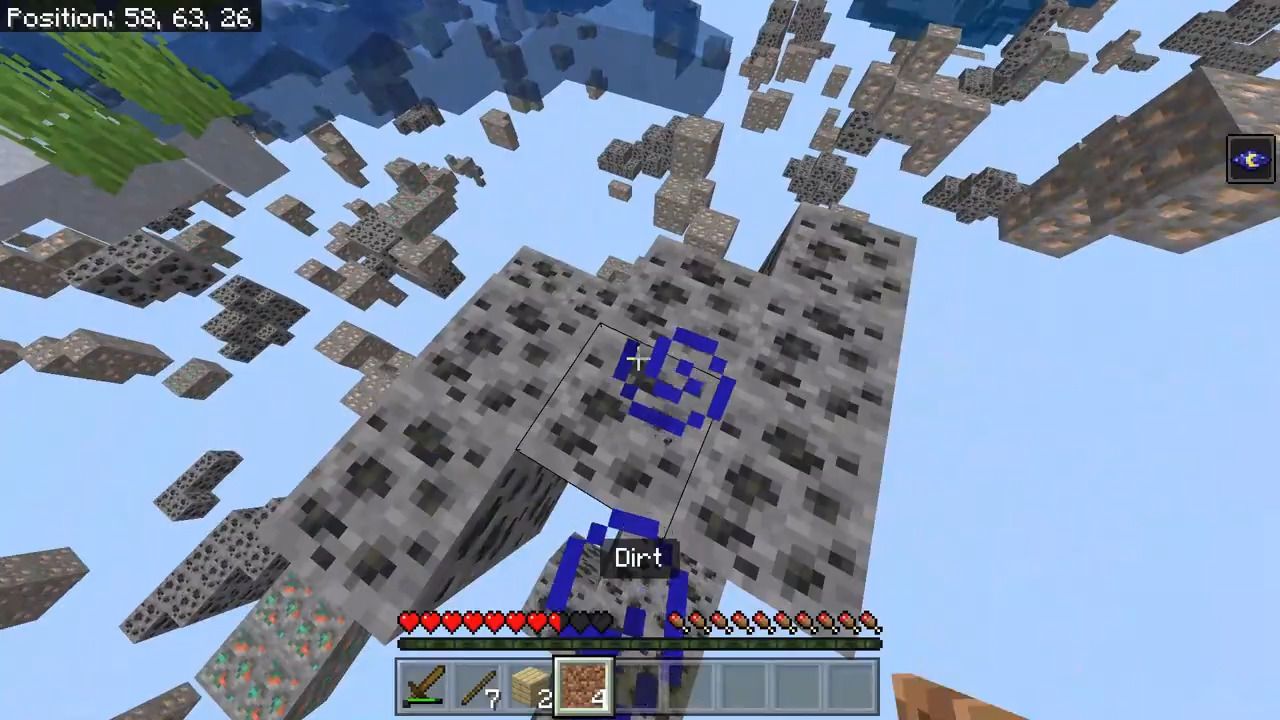
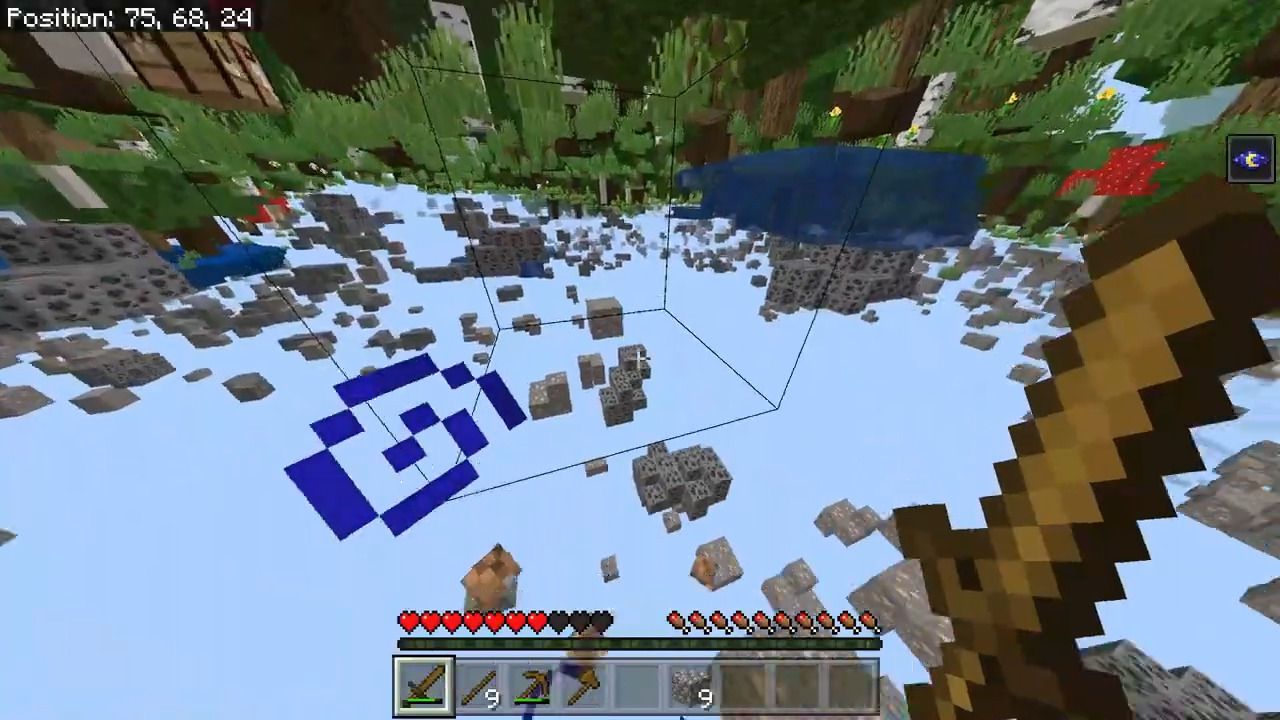
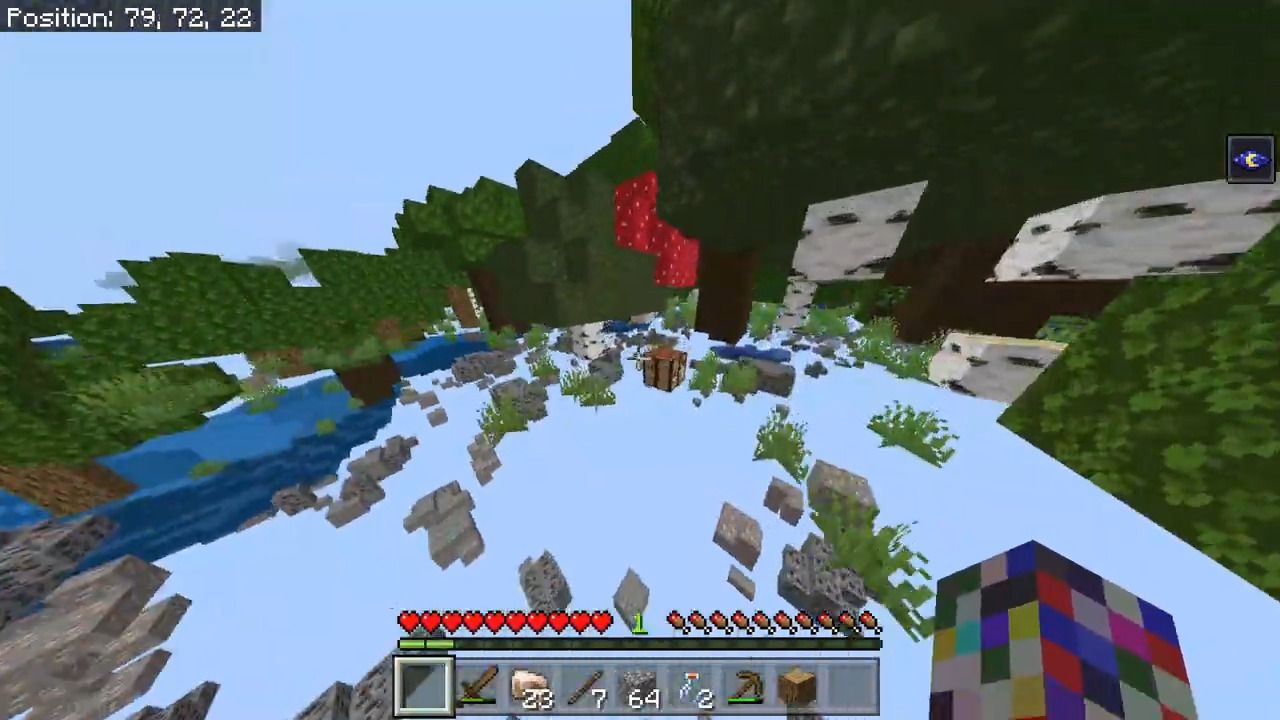
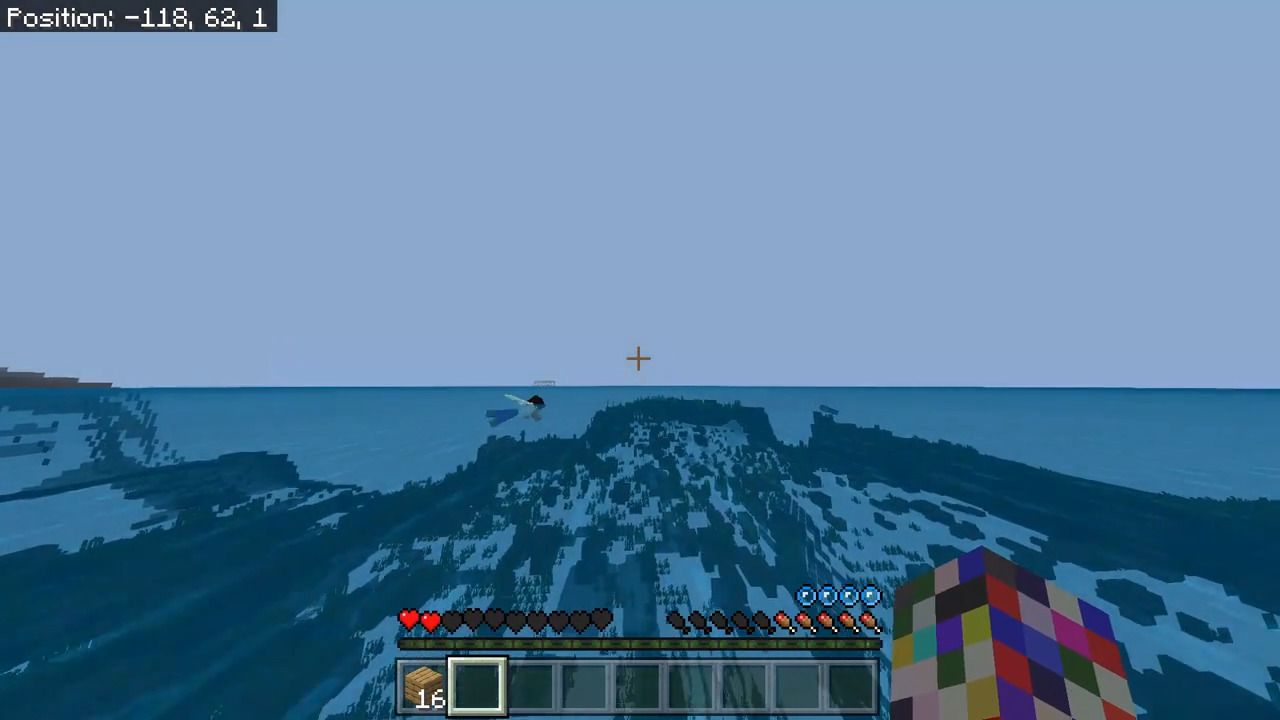
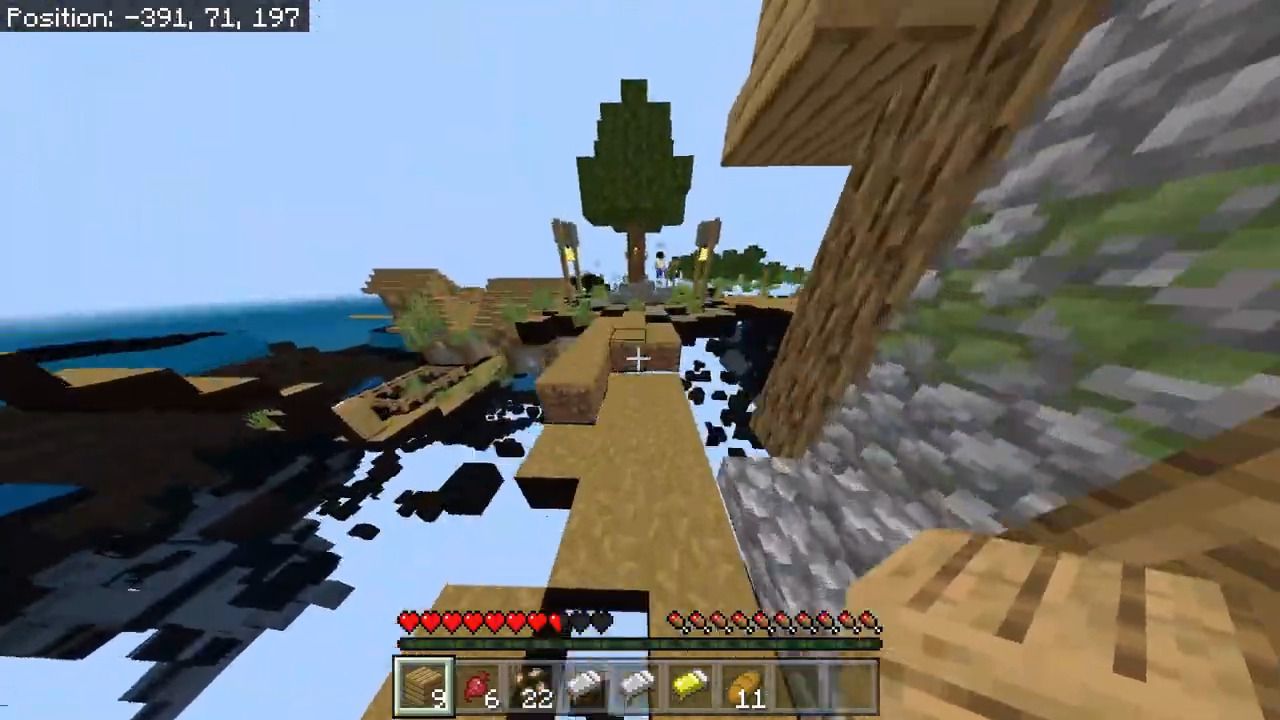
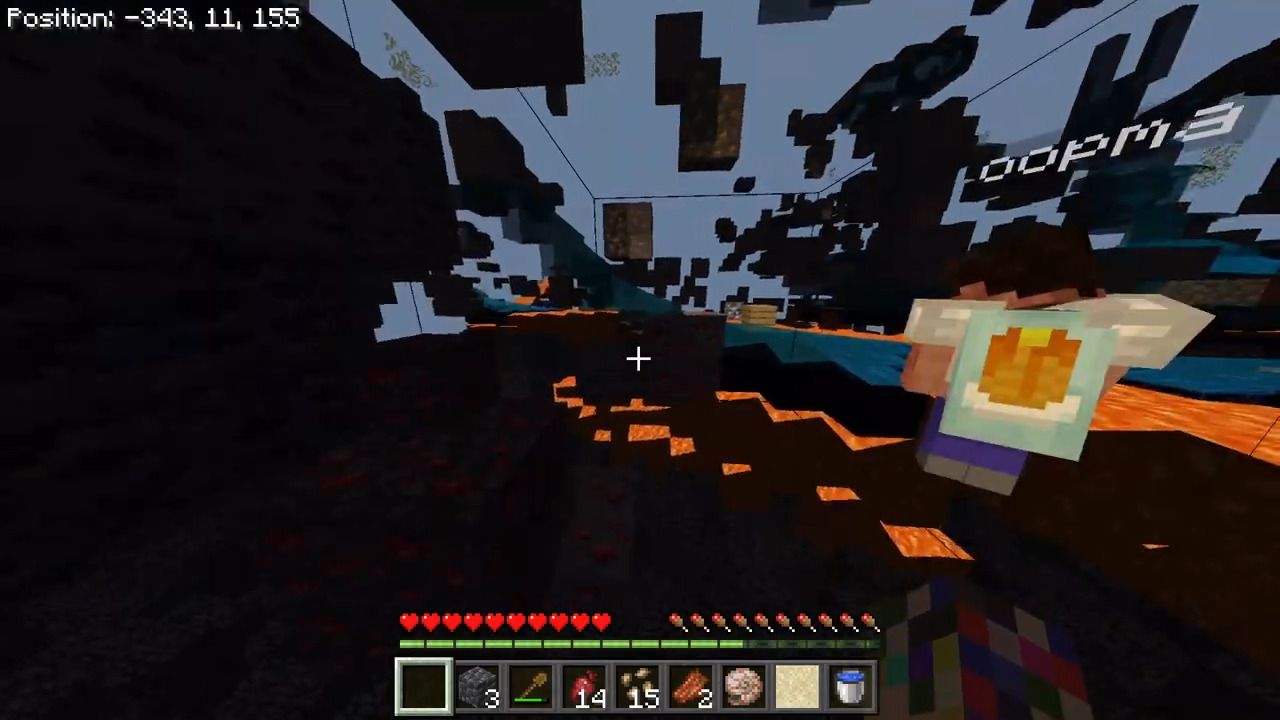
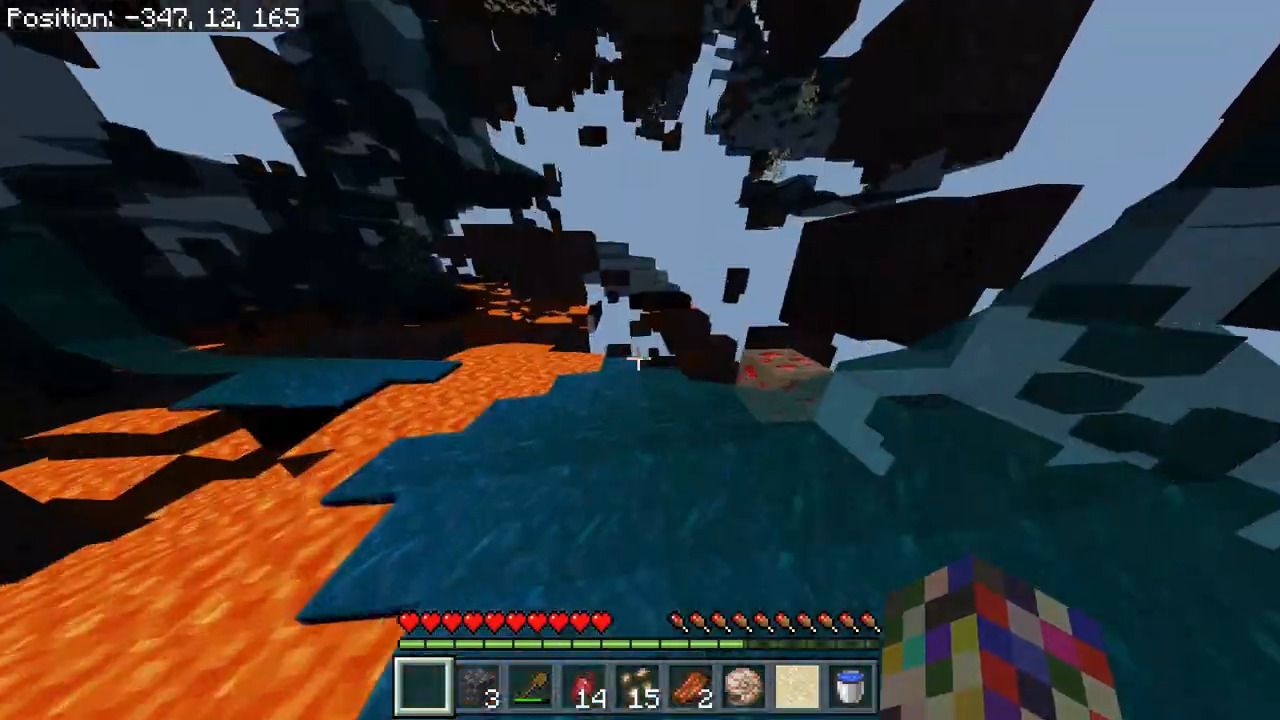
gegs102’s X-Ray Vision Texture Pack allows you to find any ore for example coal, iron, gold, diamond, and others without having to spend time. This pack works in the Overworld and in the Nether.
Features:
How to use X-Ray:
- You must turn on the texture pack first.
- Requires Night Vision Potion to see from the dark.
Showing ores:
- Coal
- Iron
- Gold
- Diamond
- Lapis Lazuli
- Emerald
- Redstone
- Ancient Debris
Hidden blocks:
- Stone
- Granite
- Diorite
- Andesite
- Deepslate
- Grass
- Dirt
There are more hidden blocks in the pack.
Screenshots:
Installation Note:
- Make sure you turn on the texture pack first.
- It’s a little dark, you should turn up your brightness.
gegs102’s X-Ray Vision Texture Pack Download Links
For Minecraft PE/Bedrock 1.19
mcpack: Download from server 1 – Download from server 2
- Edition: Minecraft Bedrock
- File type: .mcpack
- Minecraft version listed: 1.26
- How to install: Download the .mcpack. → Open it — Minecraft imports it under Resource Packs. → Activate it in Global Resources, or for one world under Resource Packs → Available.
- Where to get it: In MCModsHub, or directly above on this page.
Install steps are the general flow for this file type — How to install Minecraft Bedrock texture packs walks through it step by step.
- Pack type: .mcpack — a single pack
- Manifest requires Minecraft 1.19.31 or newer
- Complete pack — everything it depends on is inside the file
- Download link checked 17 Jun 2026 — working
- Mirrored on our own servers — the download does not depend on the original host
These come from our own check of the pack file, not from the source page.