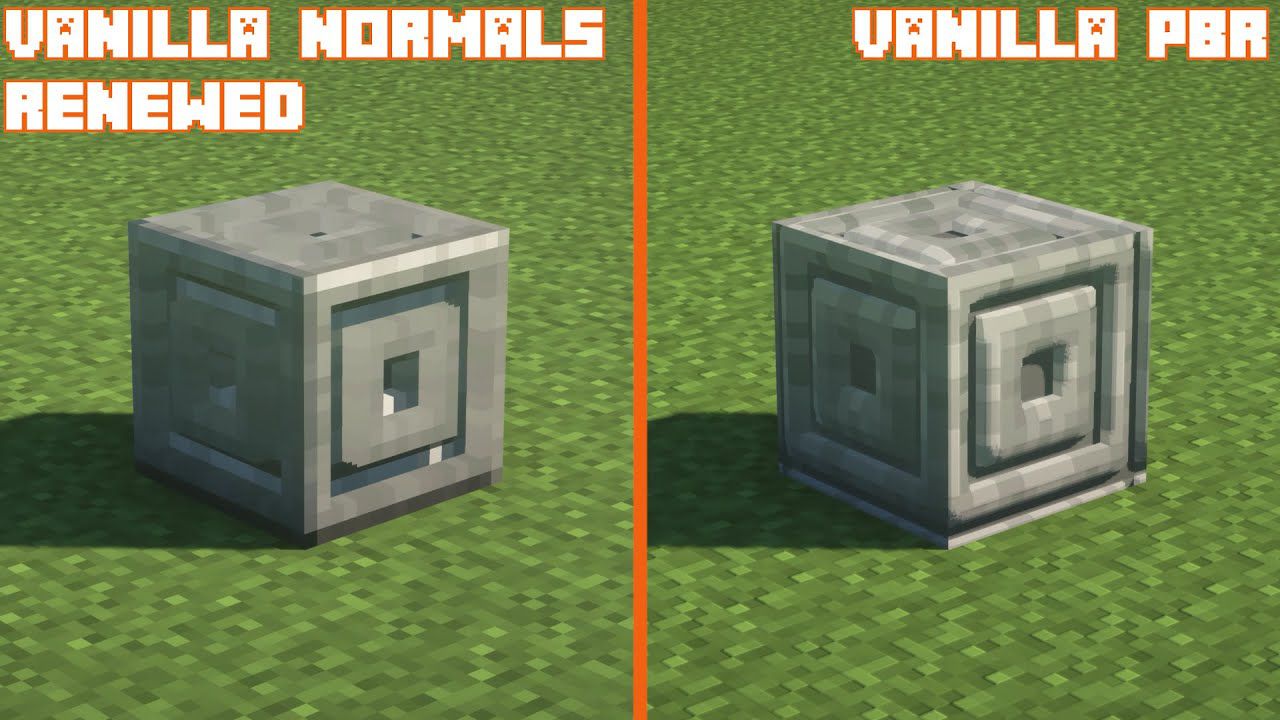
Vanilla Normal Renewed Texture Pack (1.18) – PBR Support
Vanilla Normal Renewed Texture Pack is a PBR texture pack based on vanilla Minecraft textures. When used with one of the shaders supporting PBR it can…
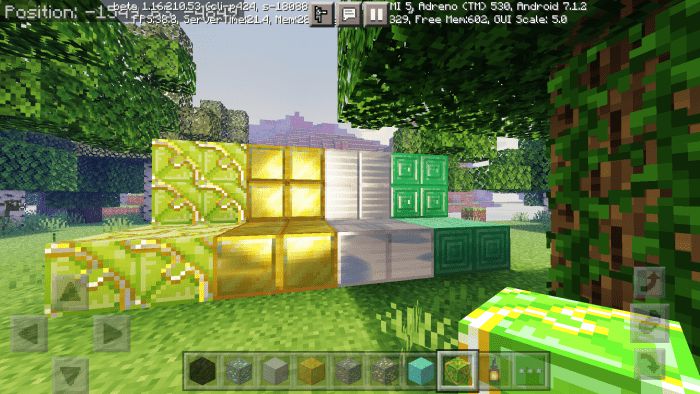
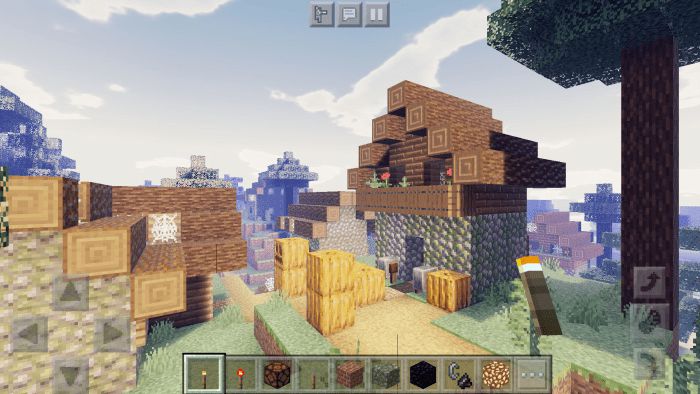
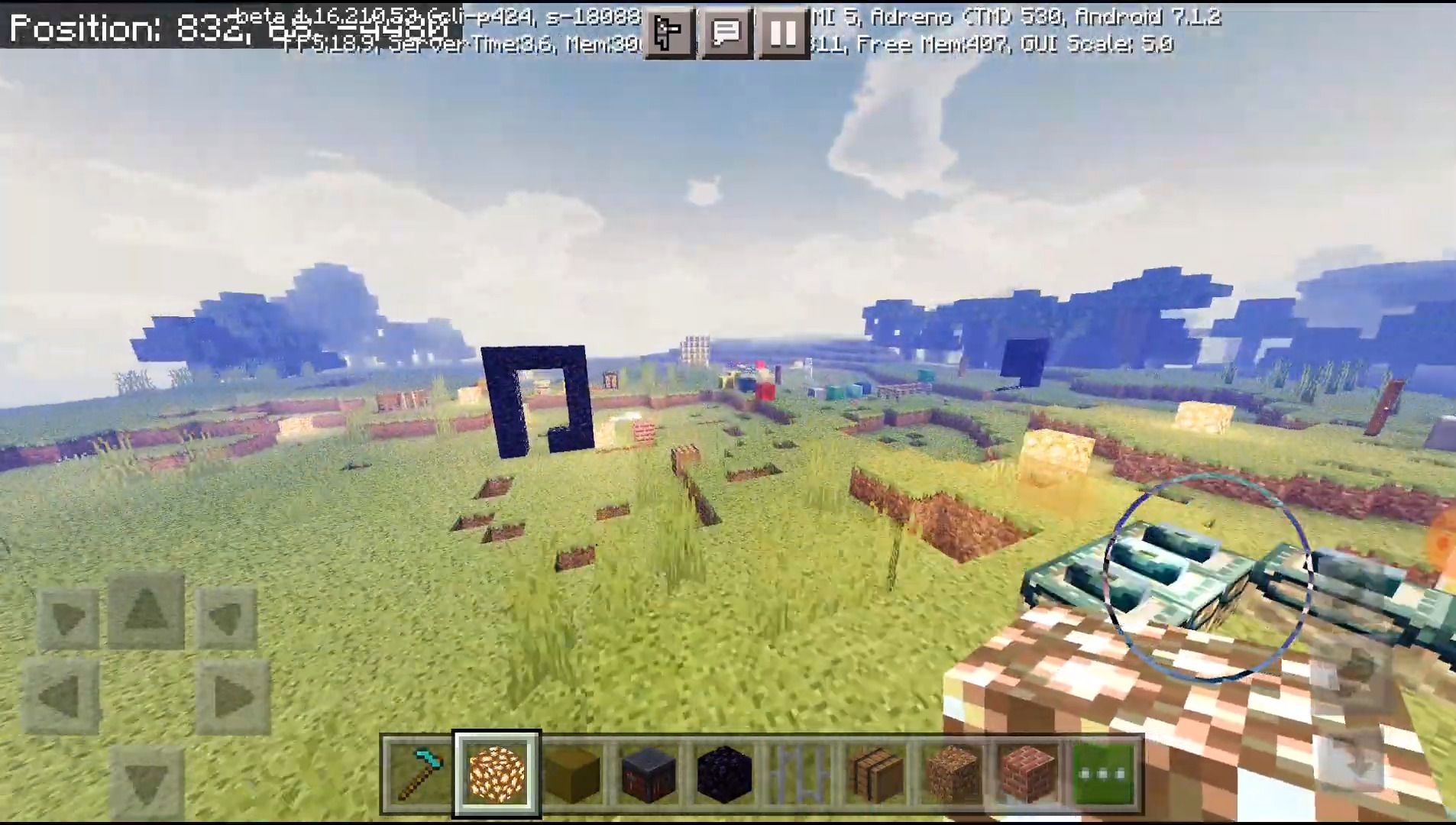
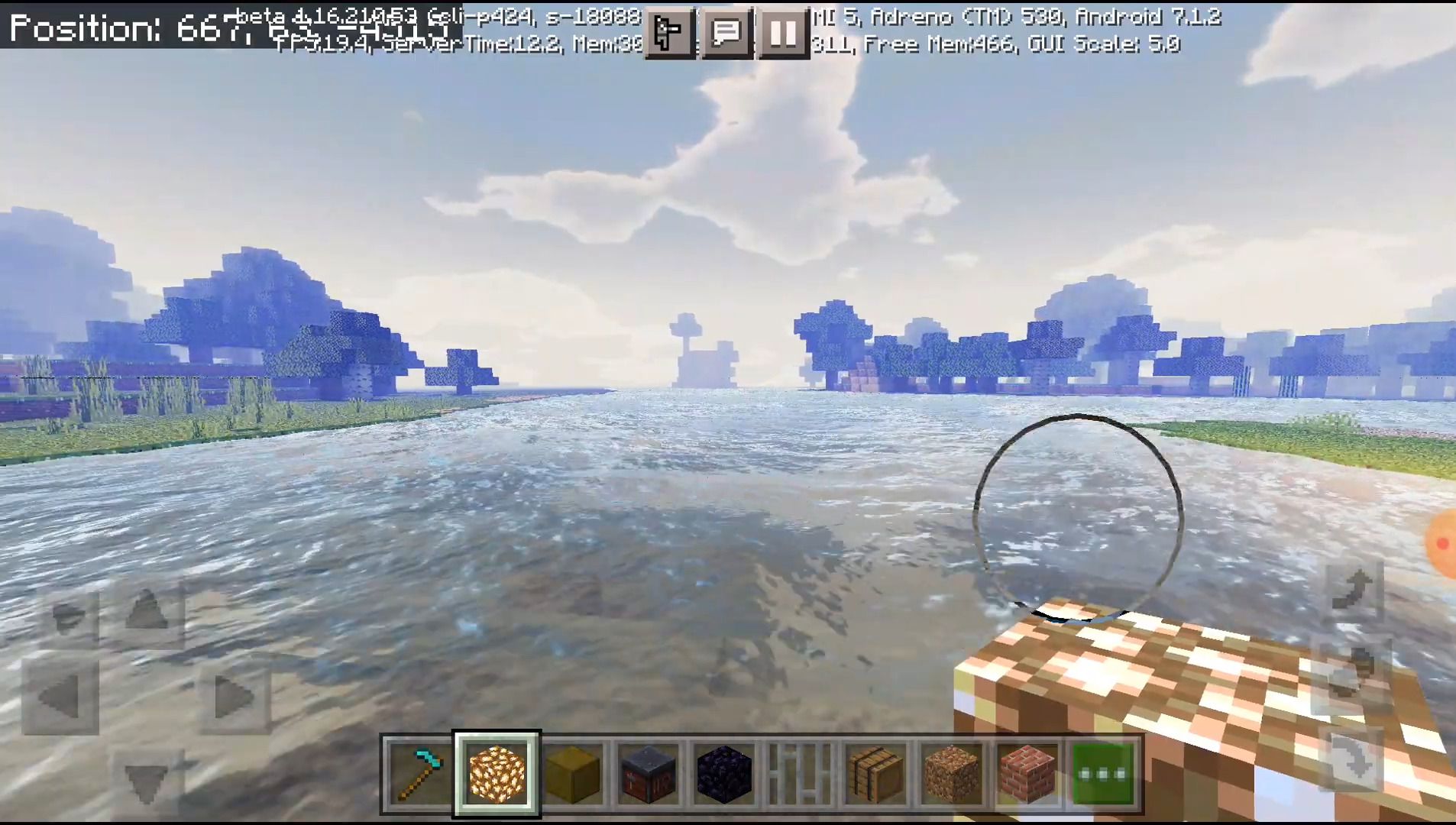
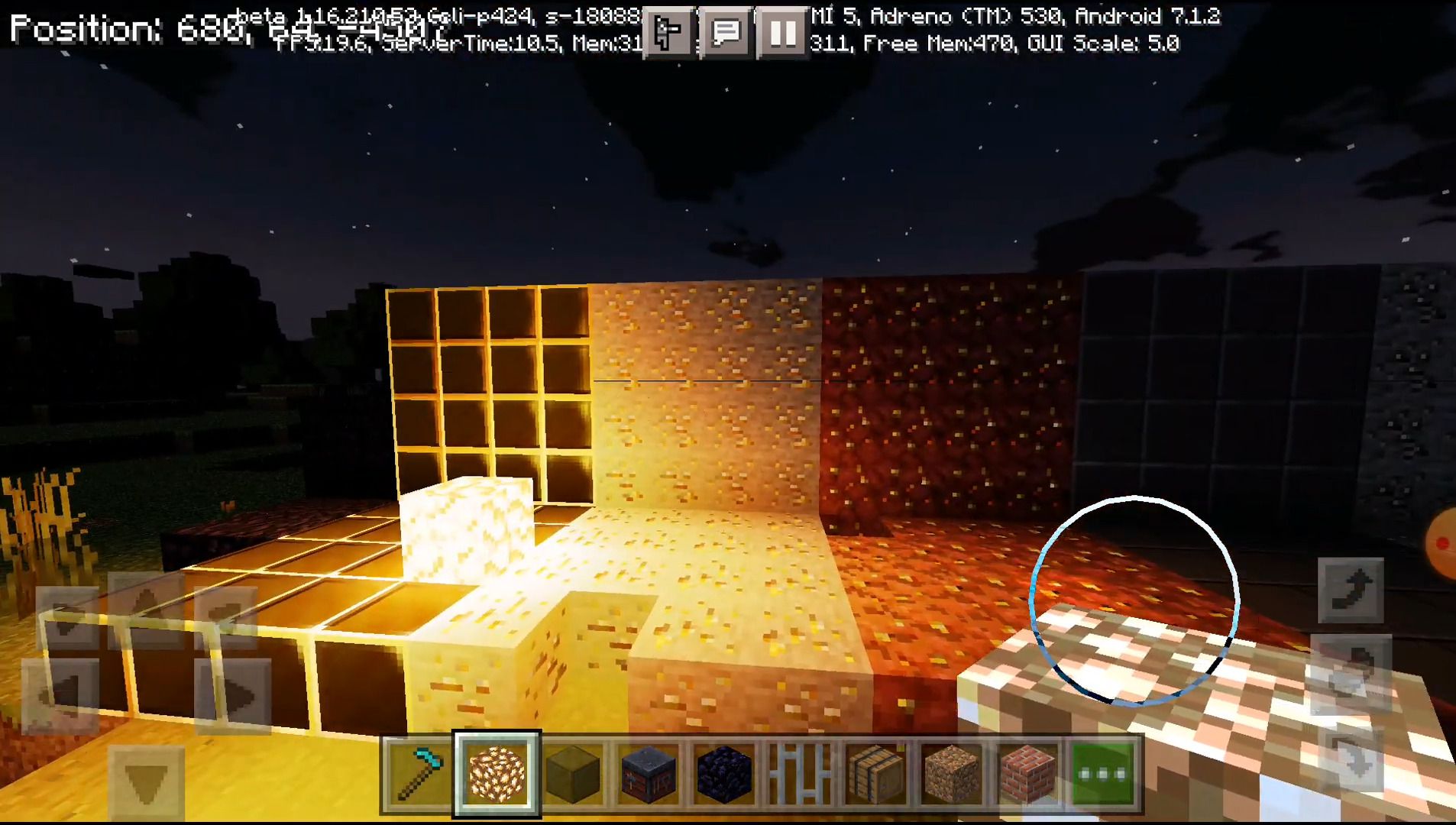
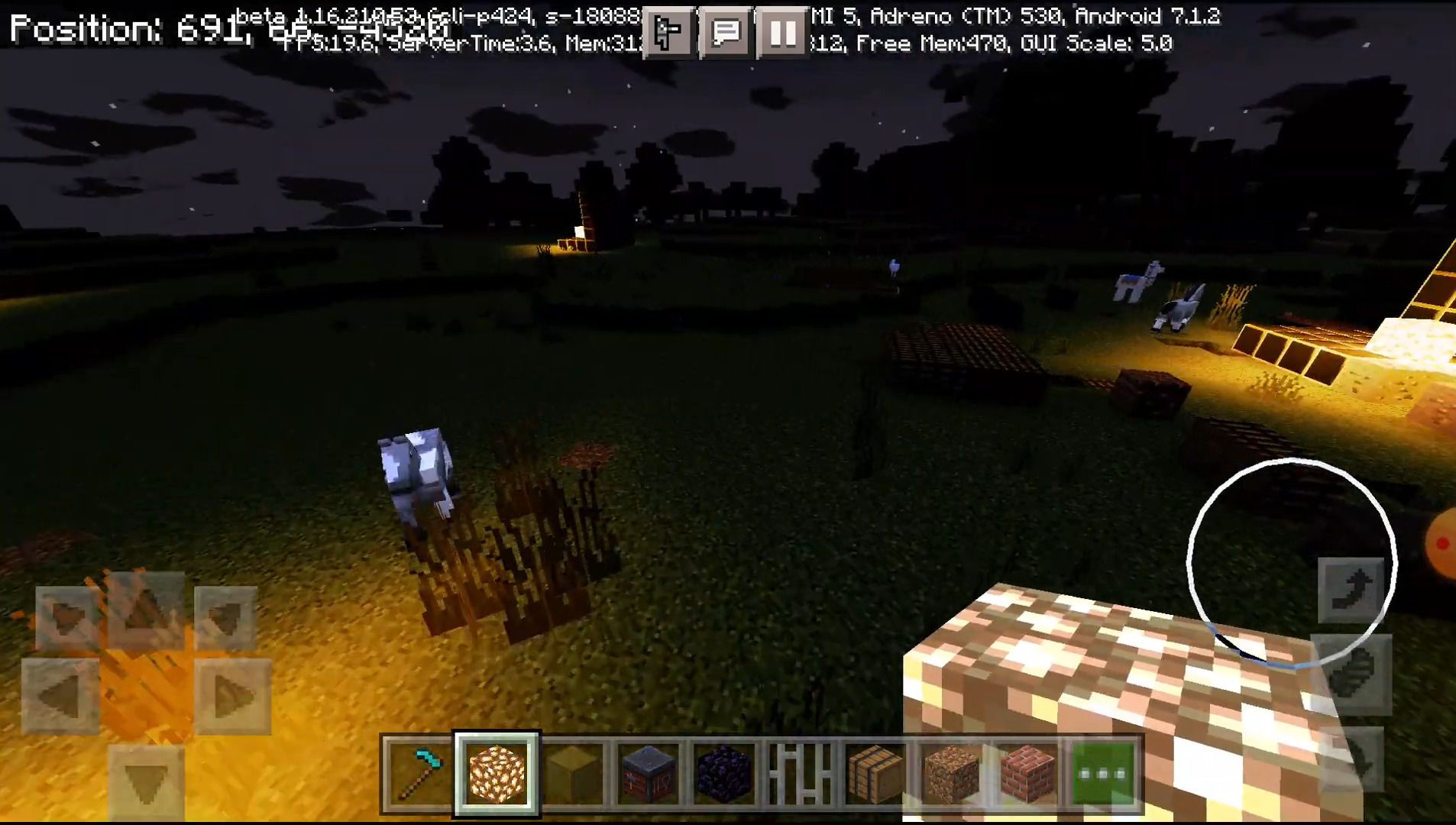
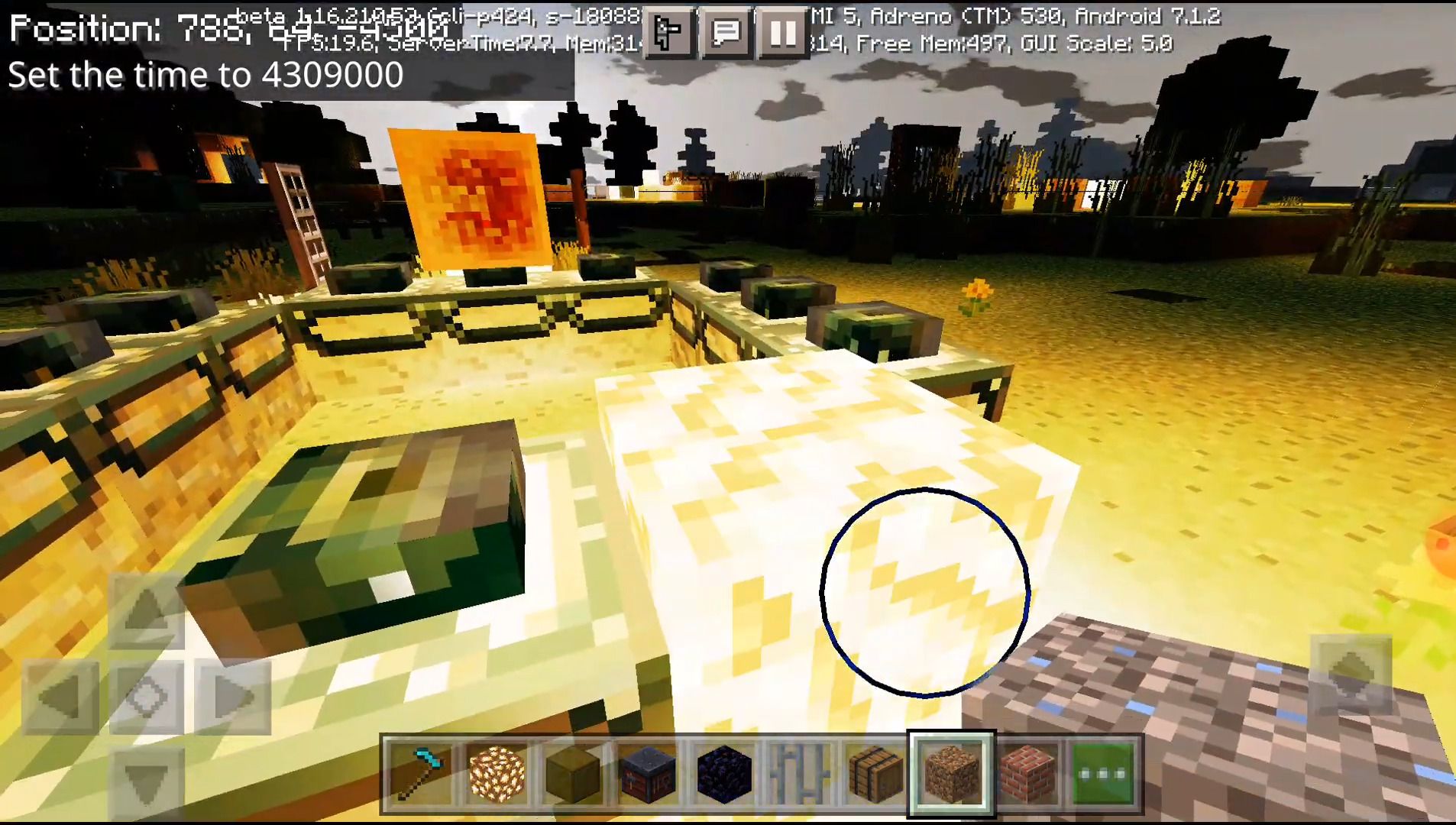
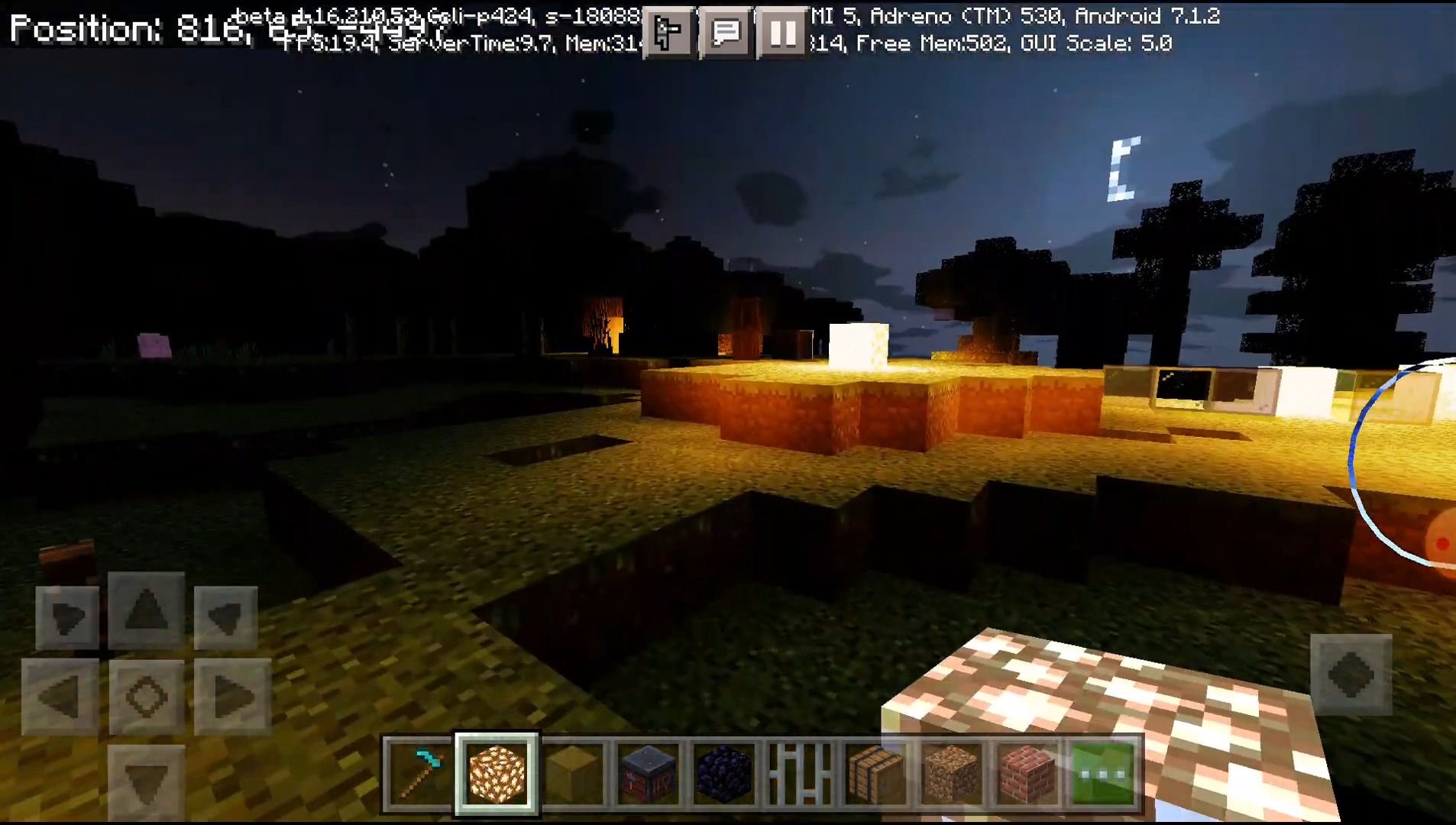
⬇ DownloadOpen in MCModsHubGet it on Google Play →Vanilla Normal Renewed Texture Pack is a PBR texture pack based on vanilla Minecraft textures. When used with one of the shaders supporting PBR it can bring a more accurate look to different materials. Metal and glass get nice reflections. Stones and bricks get awesome relief.
Features:
Textures have relief information, which helps to calculate the correct interaction with light. Smoothness information allows making different materials like stone, metal or glass look a lot more accurate.
Smooth surfaces now have the correct information to compute reflections.
Screenshots:
Installation Note:
- Install a shader supporting normal and specular mapping. If you don’t know which one, you can try (OSBES Shader or YSSBE Shader)
- Download Vanilla Normal Renewed Texture Pack.
- Open the downloaded .mcpack file using Minecraft
- Enable a shader with PBR support first
- Enable a VNRBE second
- Go to the main menu and wait for import
- Restart Minecraft!!!
- Done.
Vanilla Normal Renewed Texture Pack Download Links
You may also like
For Minecraft PE/Bedrock 1.18
mcpack: Download from Server 1
- Pack type: .mcaddon — behaviour and resource pack in one file
- Complete pack — everything it depends on is inside the file
- Download link checked 17 Jun 2026 — working
- Mirrored on our own servers — the download does not depend on the original host
These come from our own check of the pack file, not from the source page.