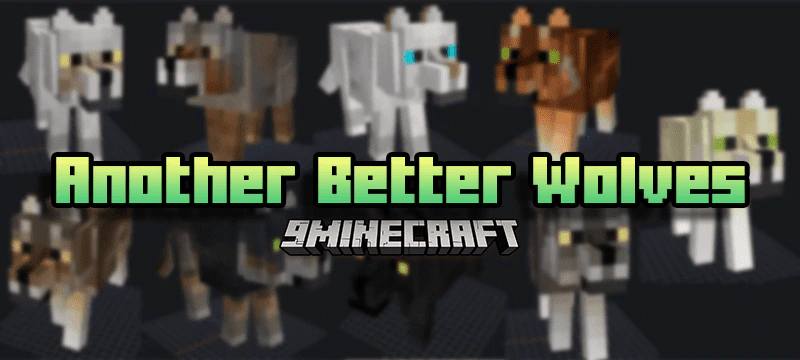
Another Better Wolves Texture Pack (1.19) – MCPE/Bedrock
Bedrock texture pack listed for Minecraft 1.16–1.19. File opened and checked on 26 Sep 2026; installs from the MC Bedrock Mods app on Android.
Minecraft is a cube game, but that doesn't mean those cubes have details. This texture pack is made so that the wolf feels like Minecraft vanilla but with…
⬇ Download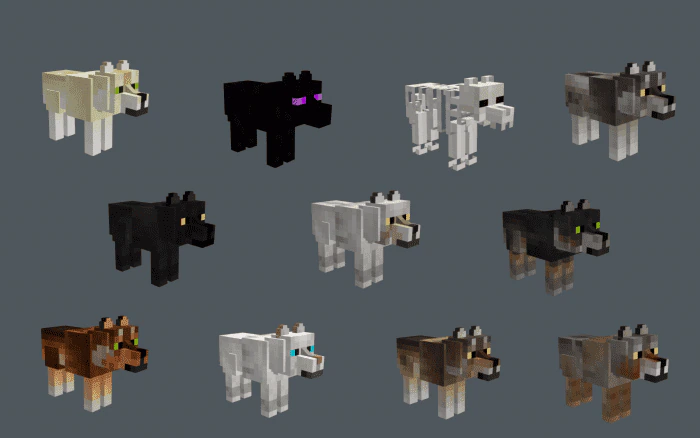
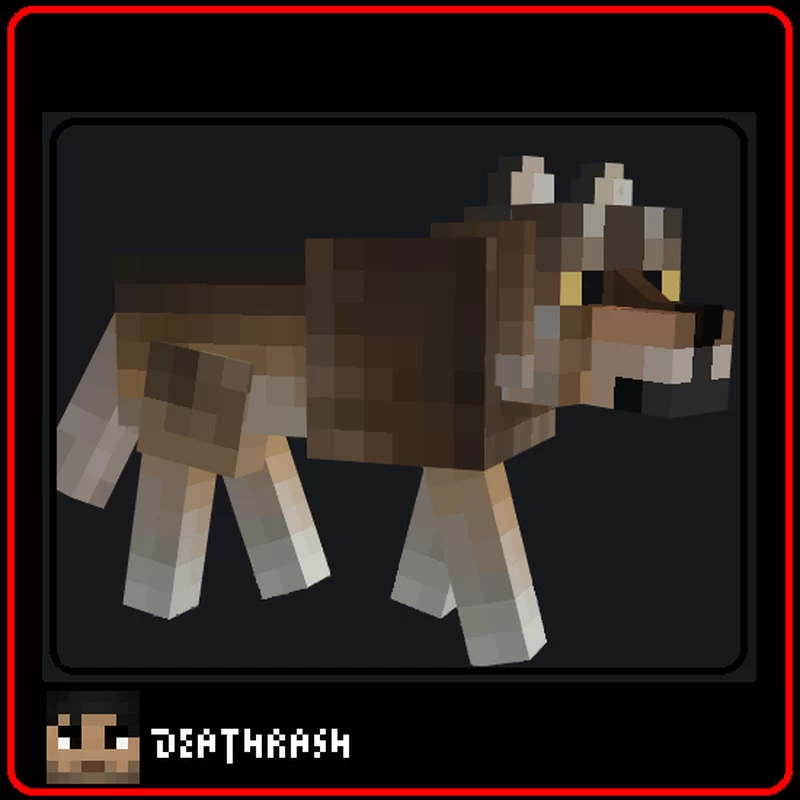
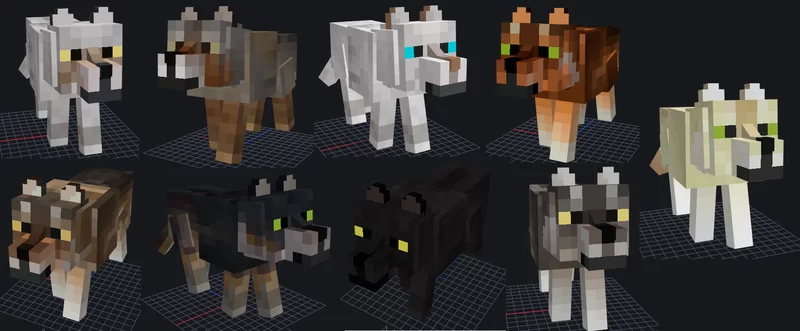
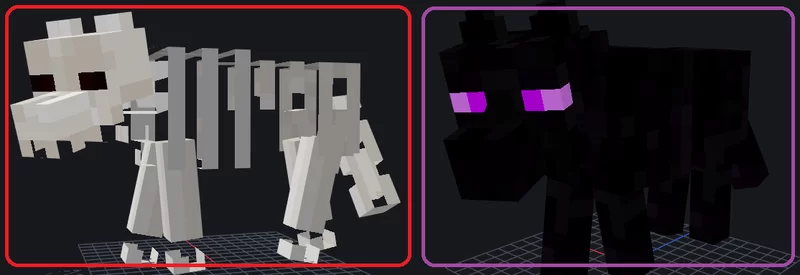
Minecraft is a cube game, but that doesn’t mean those cubes have details. This texture pack is made so that the wolf feels like Minecraft vanilla but with a different touch and not so square. If you like vanilla aesthetics but you want your wolf to be different without being so realistic or even ugly, this pack is for you. Another Better Wolves Texture Pack was originally made by DE4THTR4SH for Java Edition and was ported by Parzival_ to Bedrock Edition.
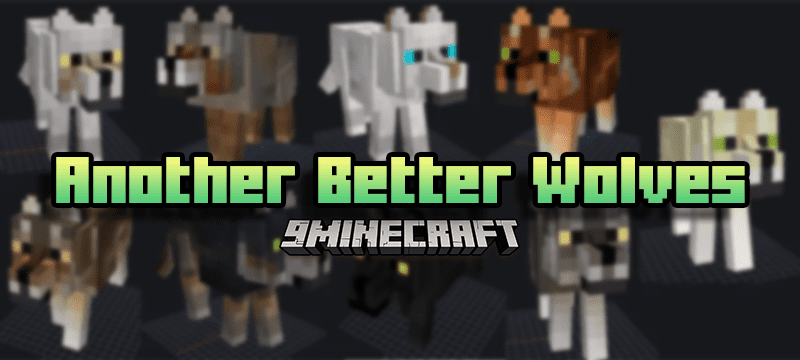
Features:
- 11 Randomized wolf texture variants
- All variants are obtainable using nametags
Nametags:
(Note that textures are randomized every time a chunk reloads. You can only retain the textures using nametags.)
- “Default”
- “Coffee”
- “White”
- “Black”
- “Blue Gray”
- “Brown Gray”
- “Gray”
- “Orange”
- “Vanilla”
- “Ender”
- “Crossbones”
Screenshots:
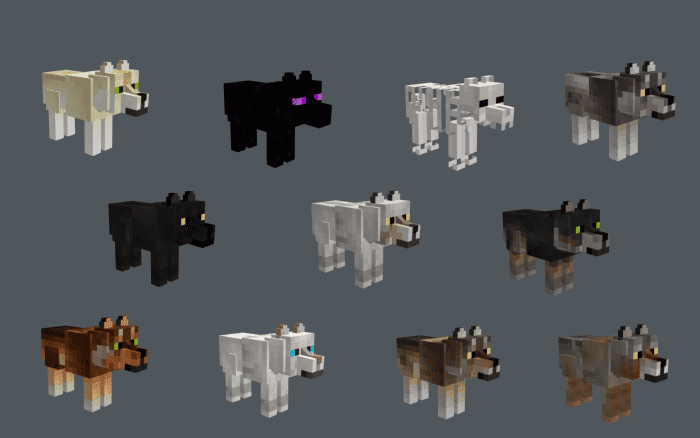
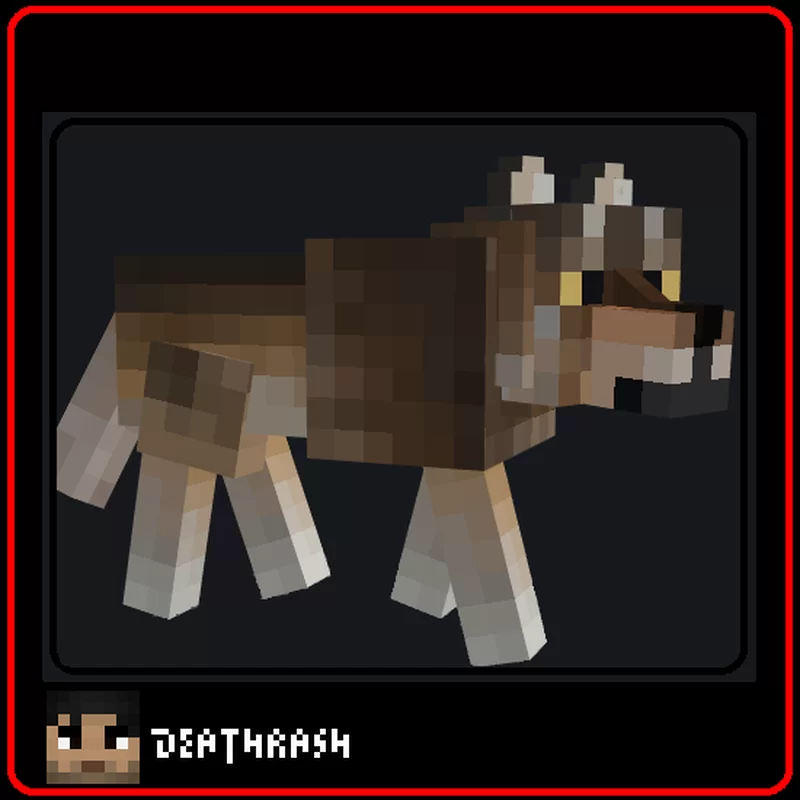
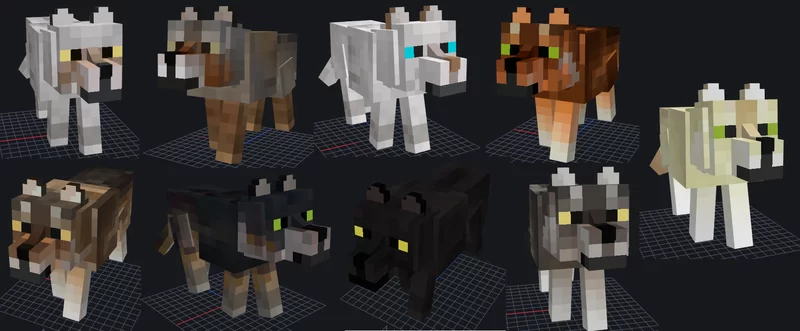
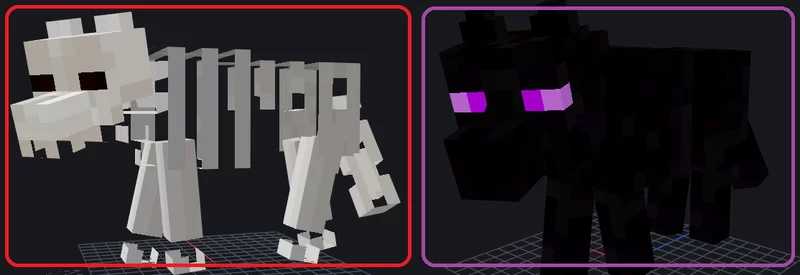
Another Better Wolves Texture Pack Download Links
For Minecraft PE/Bedrock 1.19
mcpack: Download from Server 1
- Edition: Minecraft Bedrock
- File type: .mcpack
- Minecraft version listed: 1.19
- How to install: Download the .mcpack. → Open it — Minecraft imports it under Resource Packs. → Activate it in Global Resources, or for one world under Resource Packs → Available.
- Where to get it: In MCModsHub, or directly above on this page.
Install steps are the general flow for this file type — How to install Minecraft Bedrock texture packs walks through it step by step.
- Pack type: .mcpack — a single pack
- Manifest requires Minecraft 1.16.0 or newer
- Complete pack — everything it depends on is inside the file
- Download size: 110 KB
- Download link checked 17 Jun 2026 — working
- Mirrored on our own servers — the download does not depend on the original host
These come from our own check of the pack file, not from the source page.