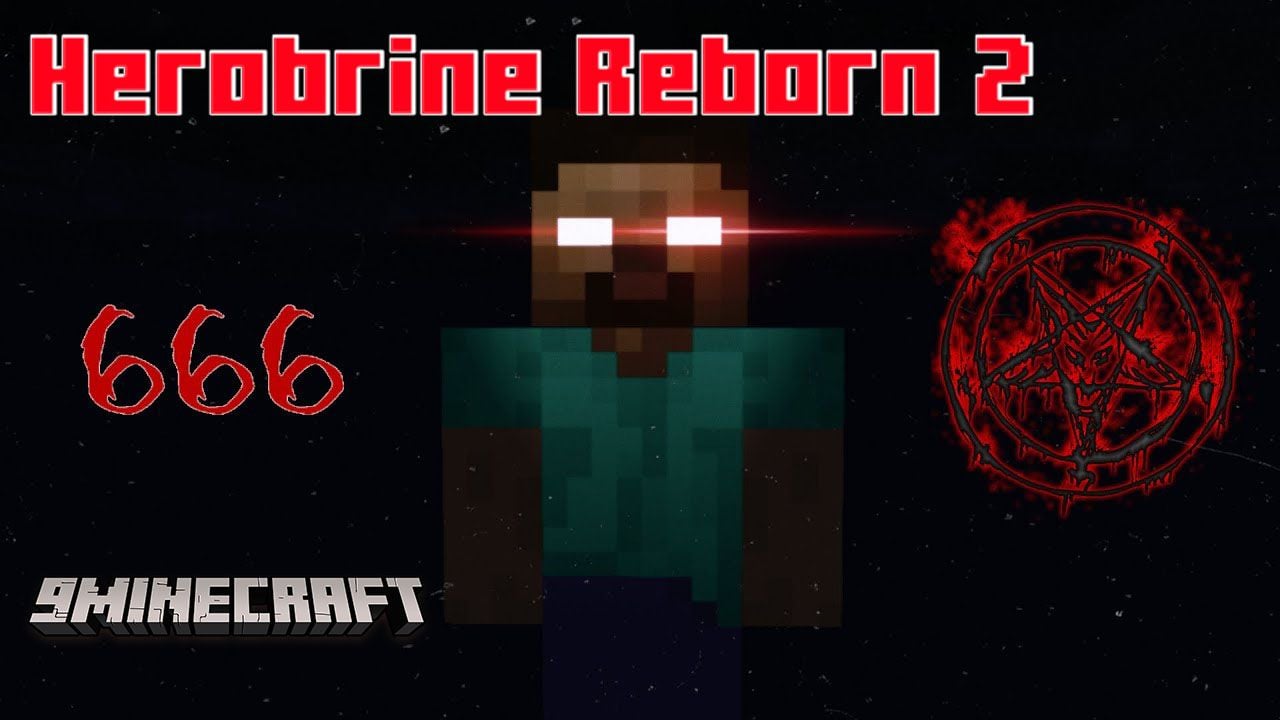
Herobrine Reborn 2 Texture Pack (1.19) – MCPE/Bedrock
Bedrock texture pack listed for Minecraft 1.16–1.19. File opened and checked on 22 Sep 2026; installs from the MC Bedrock Mods app on Android.
⬇ Download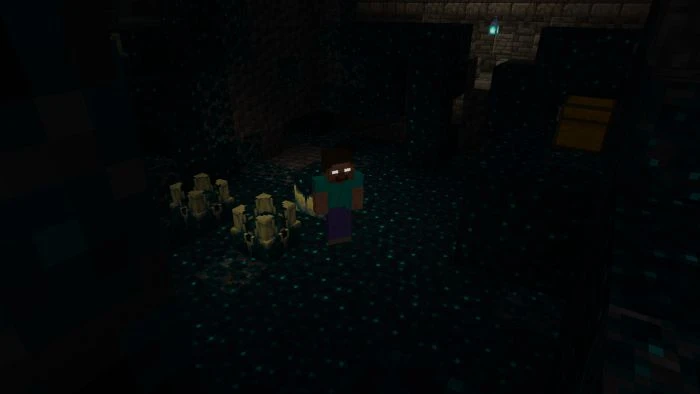
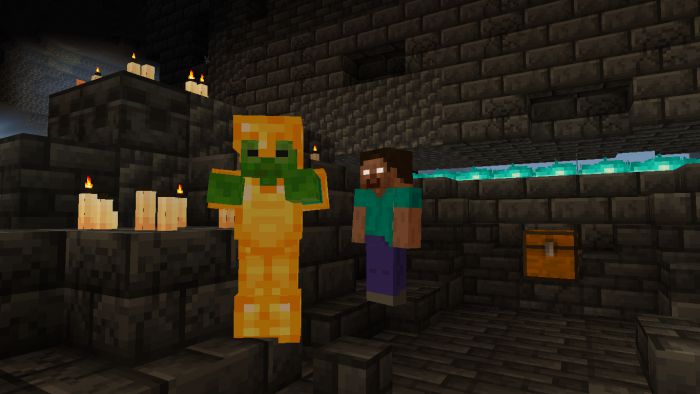
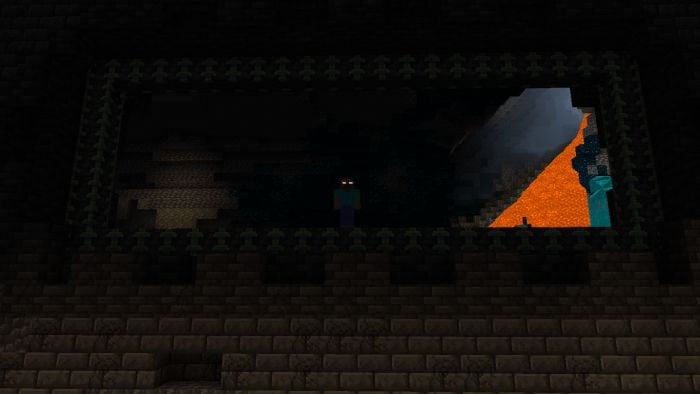
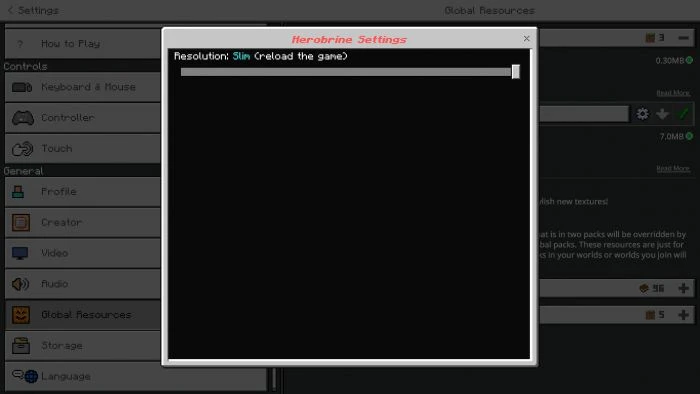
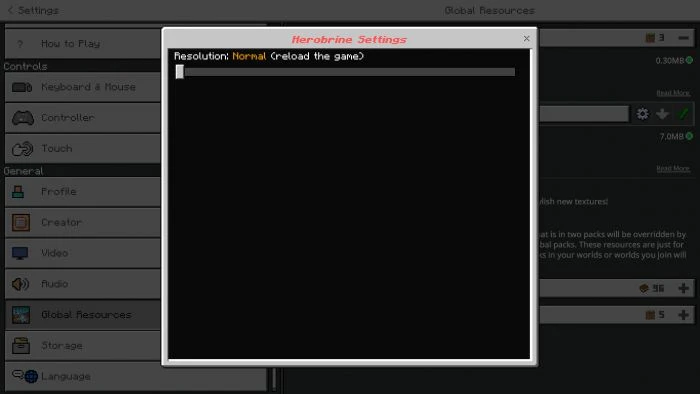
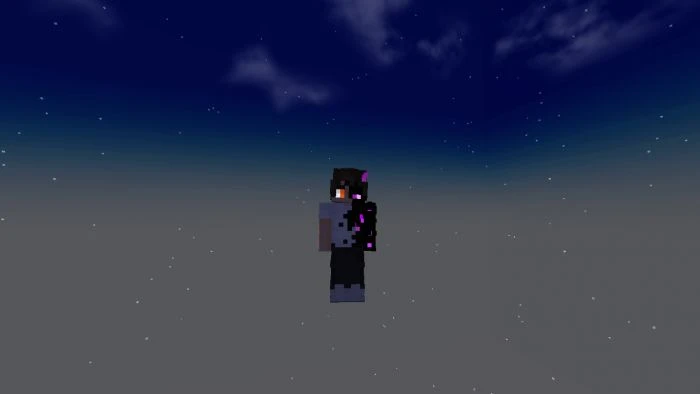

The most famous legend of Minecraft – Herobrine – is known to all users who have logged into the game at least once. For a long time, newbies were really afraid that this monster might look at them, although in the classic game it never existed. With Herobrine Reborn 2 Texture Pack, he will appear in the blocky world as the Warden and you should be ready for this.
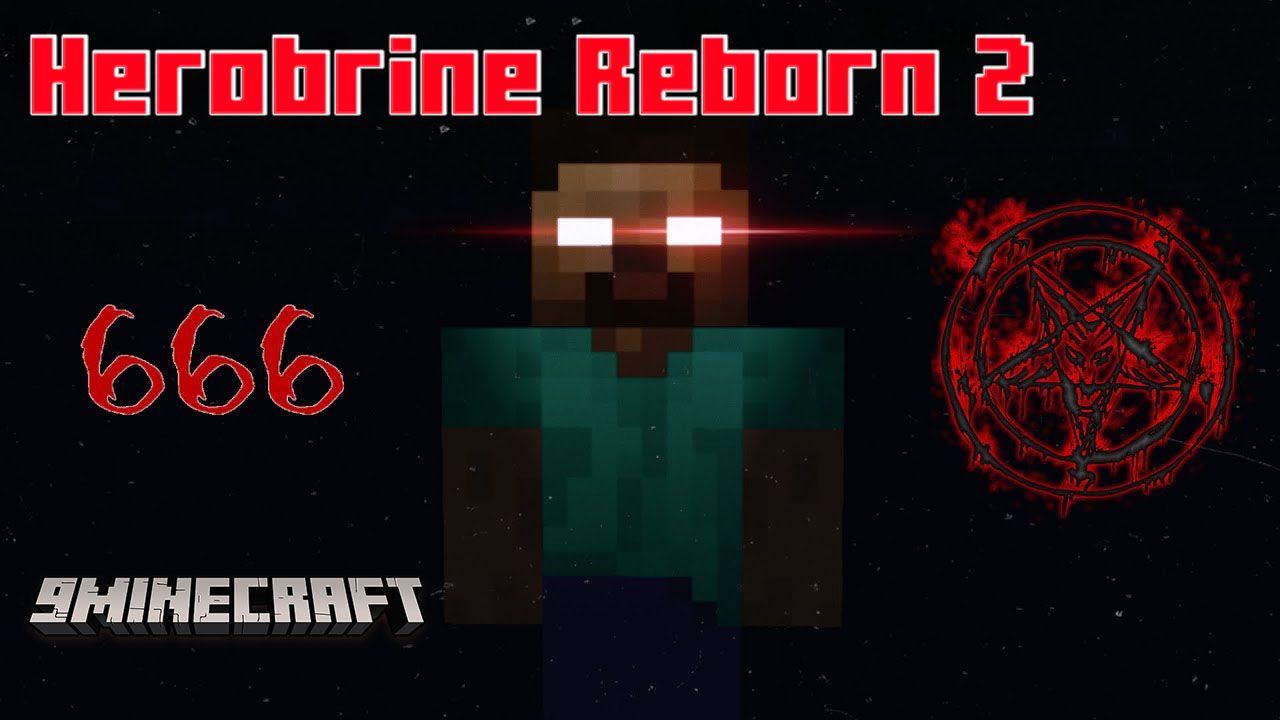
Features:
- Herobrine Reborn is a texture pack that turns warden into Herobrine… it will make your adventure even more challenging!
- This pack changes the warden to Herobrine but does not change the sound and animation of the warden.
- Supports using your skin!
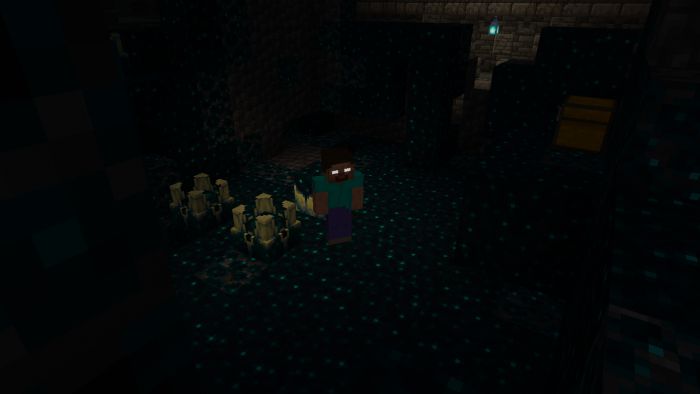
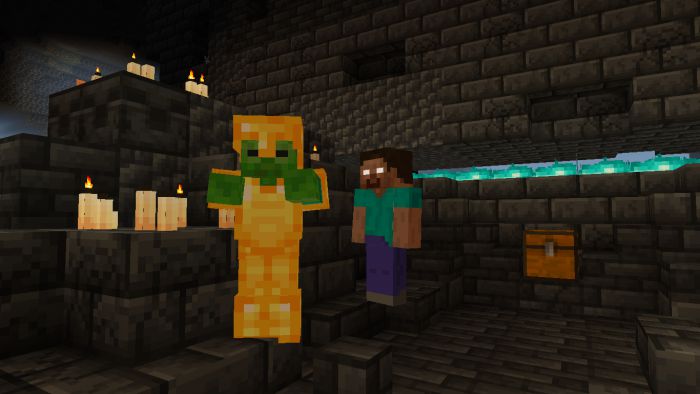
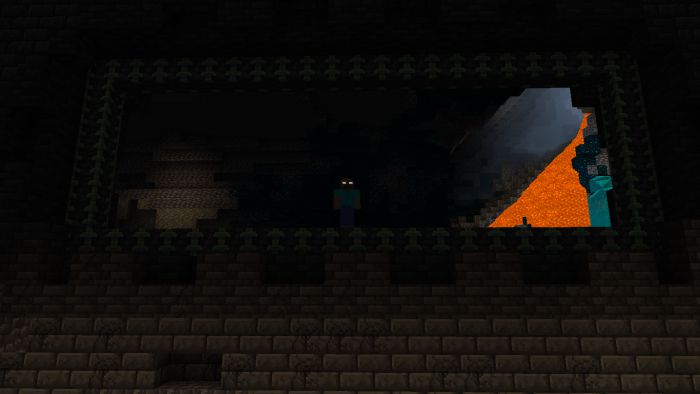
- New Steve & Alex skins
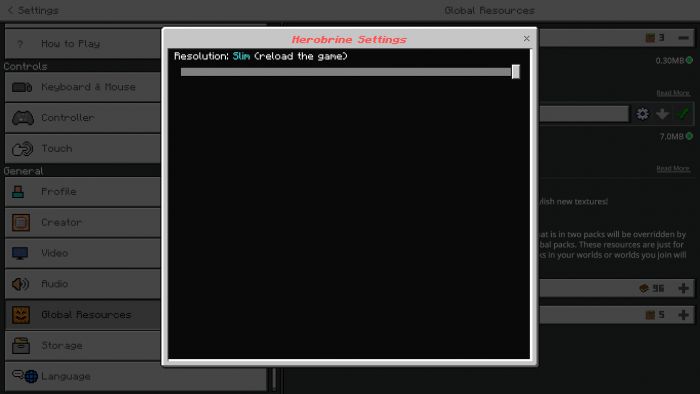
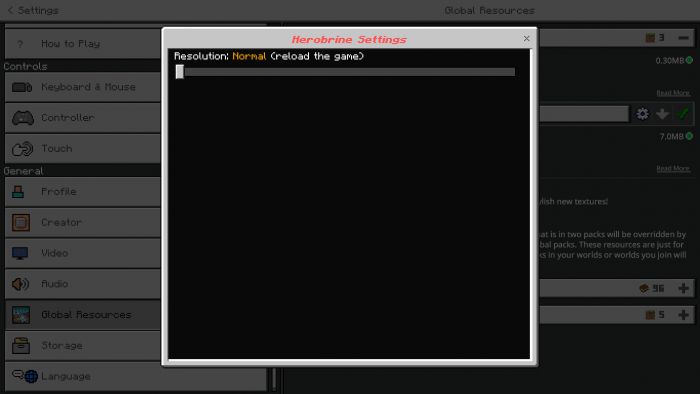
- You can customize the herobrine skin with your skin!
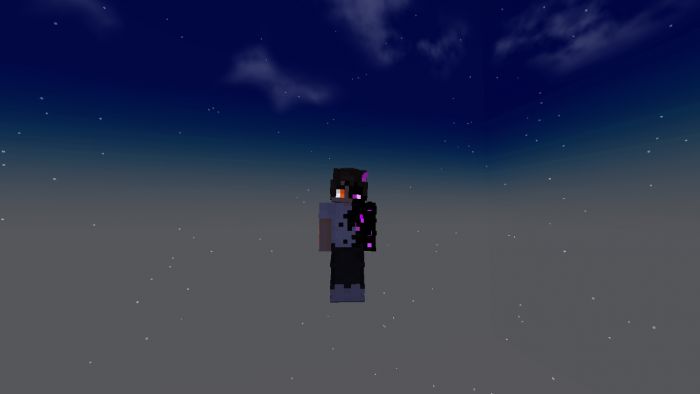
- How to change “herobrine” skin to your skin

- Herobrine has warden-like animation, it’s pretty scary…
Herobrine Reborn 2 Texture Pack Download Links
For Minecraft PE/Bedrock 1.19
mcpack: Download from Server 1 – Download from Server 2
- Edition: Minecraft Bedrock
- File type: .mcpack
- Minecraft version listed: 1.19
- How to install: Download the .mcpack. → Open it — Minecraft imports it under Resource Packs. → Activate it in Global Resources, or for one world under Resource Packs → Available.
- Where to get it: In MCModsHub, or directly above on this page.
Install steps are the general flow for this file type — How to install Minecraft Bedrock texture packs walks through it step by step.
- Pack type: .mcaddon — behaviour and resource pack in one file
- Manifest requires Minecraft 1.16.20 or newer
- Complete pack — everything it depends on is inside the file
- Download link checked 17 Jun 2026 — working
- Mirrored on our own servers — the download does not depend on the original host
These come from our own check of the pack file, not from the source page.