
Texture packsBedrock
Enhanced Fog With Care (26.x, 1.19) – Texture Pack for MCPE
Bedrock texture pack listed for Minecraft 1.17–1.19. File opened and checked on 29 Sep 2026; installs from the MC Bedrock Mods app on Android.
⬇ Download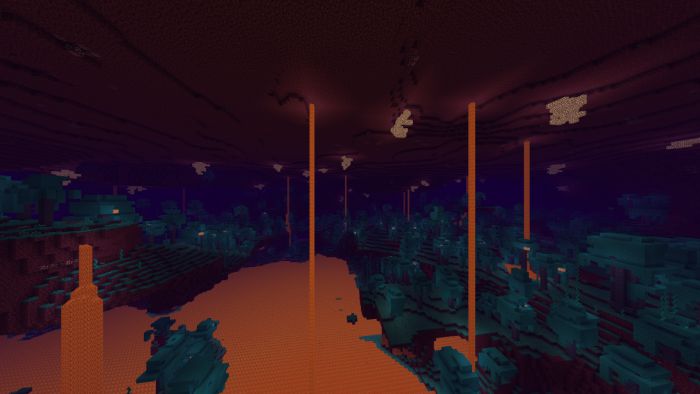
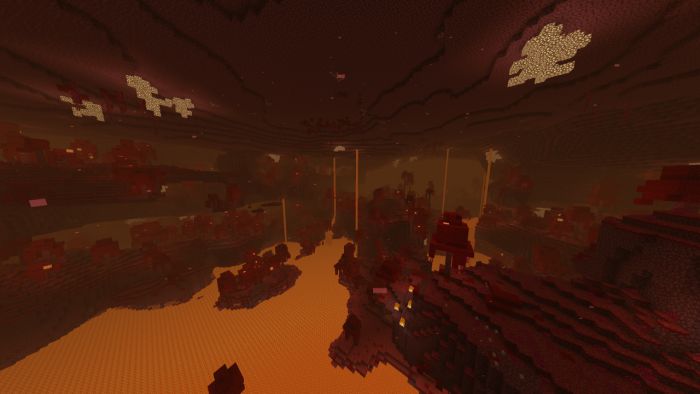
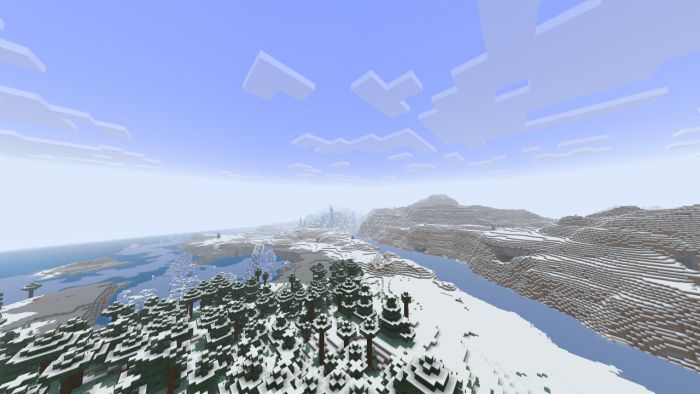
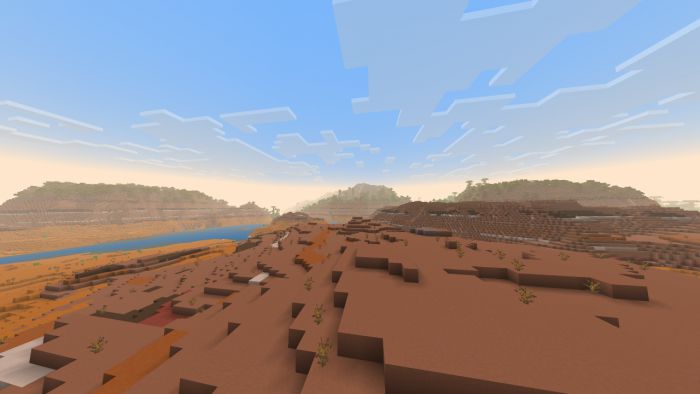
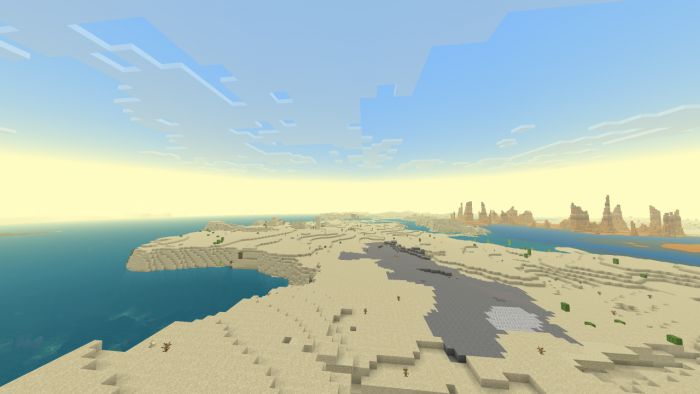
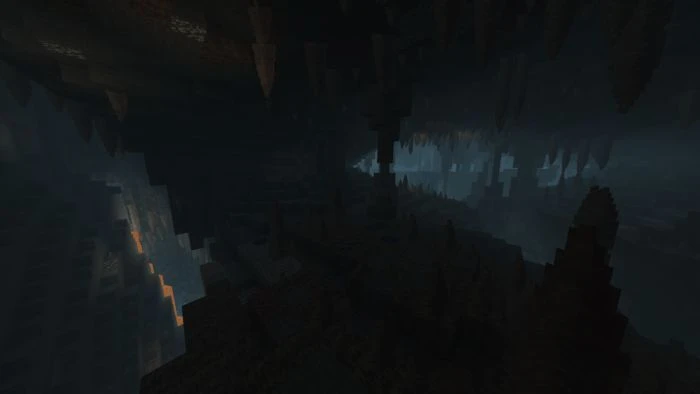
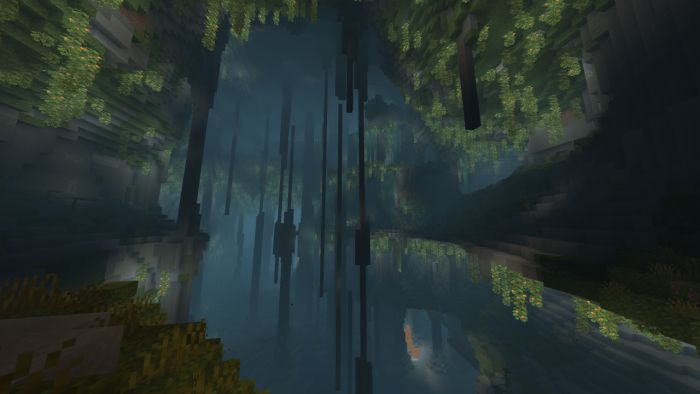
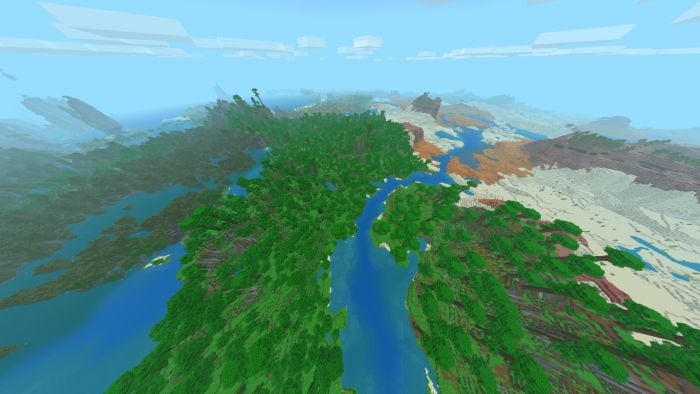
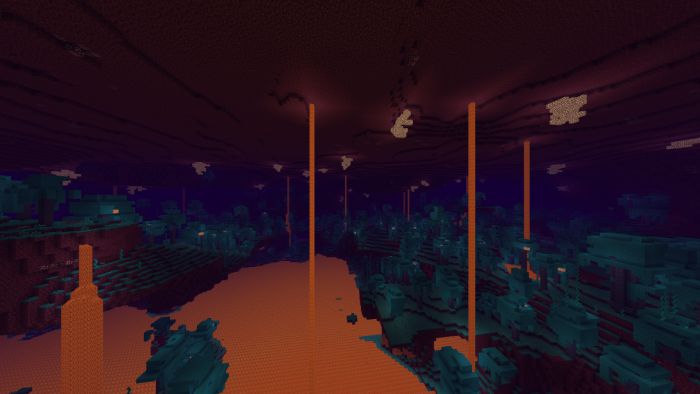
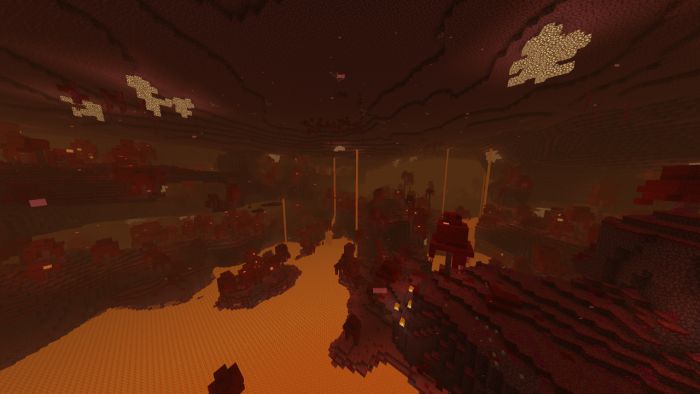
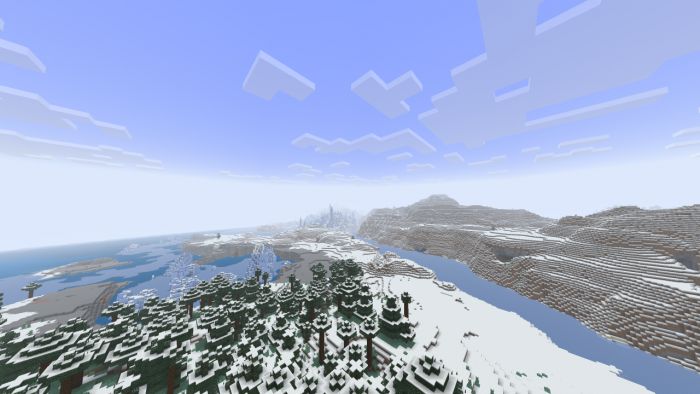
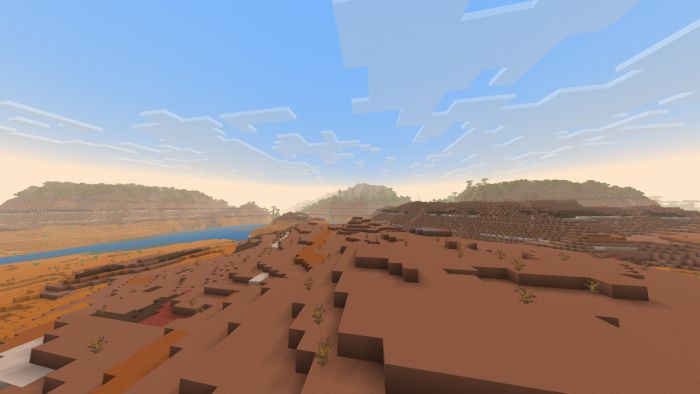
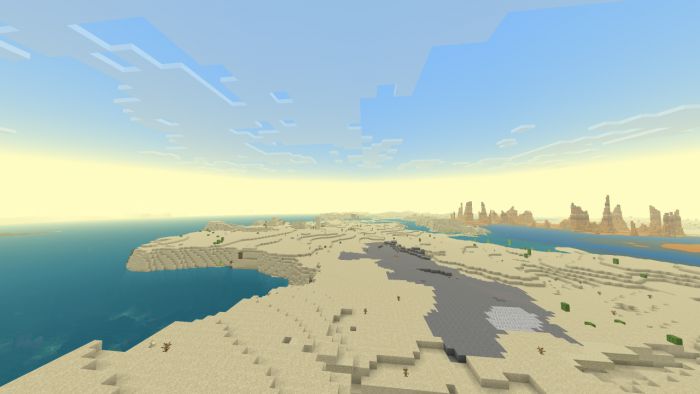
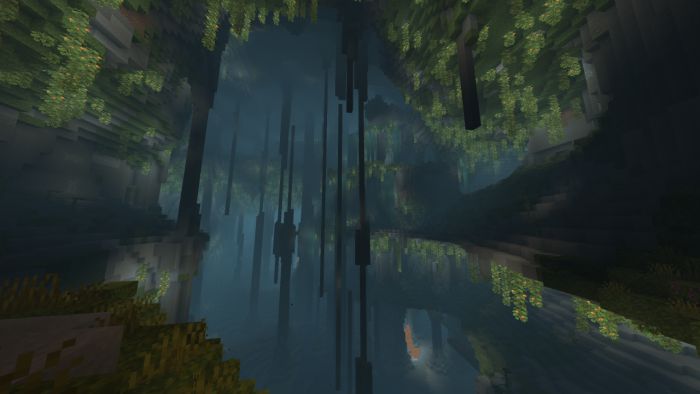
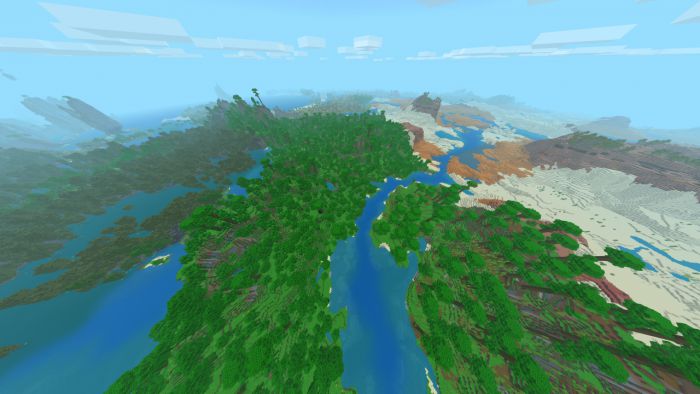
Enhanced Fog With Care changes the look of fog and matches the colors to the biome environment. Water color and surrounding environment aspects and color tones have been improved and enhanced to improve the general look of Minecraft giving the game a much more vibrant and Quality look.

Features:
- New fog look and colors
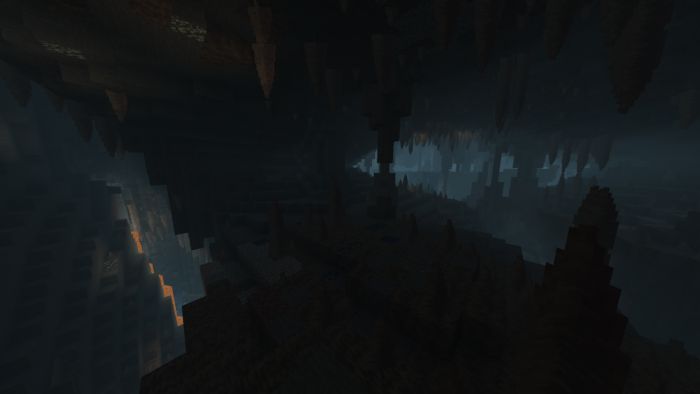
- Deep dark is now more dark
- Night vision Are Advised.
- New sun and moon
- New colormaps of grass and foliage
- New water surface colorsn- Weather particals are more transparent and natural
- End sky fuzz removed to match fog
- Clouds are more transparent
- Options for thick or normal fog during rain
- New Options to toggle sun and moon to the vanilla look
Screenshots:
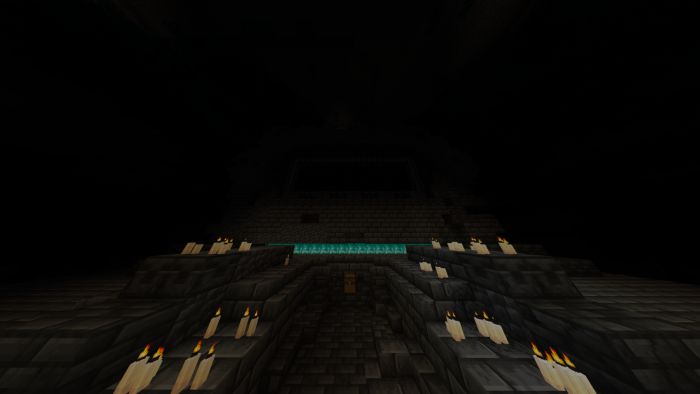
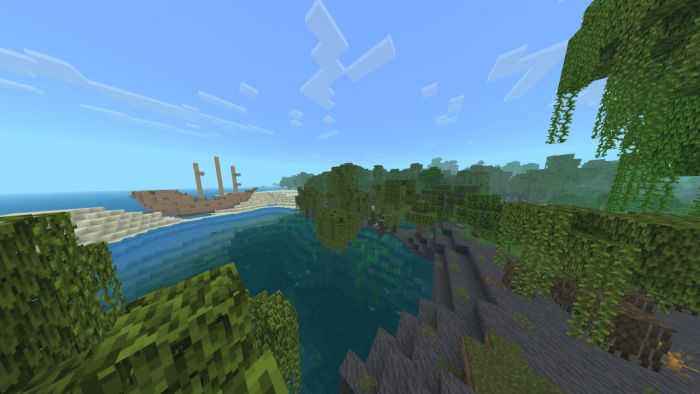
Enhanced Fog With Care Download Links
For MCPE/Bedrock 1.19, 1.18
Quick facts
- Edition: Minecraft Bedrock
- File type: .mcpack
- Minecraft version listed: 1.19
- How to install: Download the .mcpack. → Open it — Minecraft imports it under Resource Packs. → Activate it in Global Resources, or for one world under Resource Packs → Available.
- Where to get it: In MCModsHub, or directly above on this page.
Install steps are the general flow for this file type — How to install Minecraft Bedrock texture packs walks through it step by step.
File checked by MCModsHub
- Pack type: .mcpack — a single pack
- Manifest requires Minecraft 1.17.30 or newer
- Complete pack — everything it depends on is inside the file
- Download link checked 17 Jun 2026 — working
- Mirrored on our own servers — the download does not depend on the original host
These come from our own check of the pack file, not from the source page.