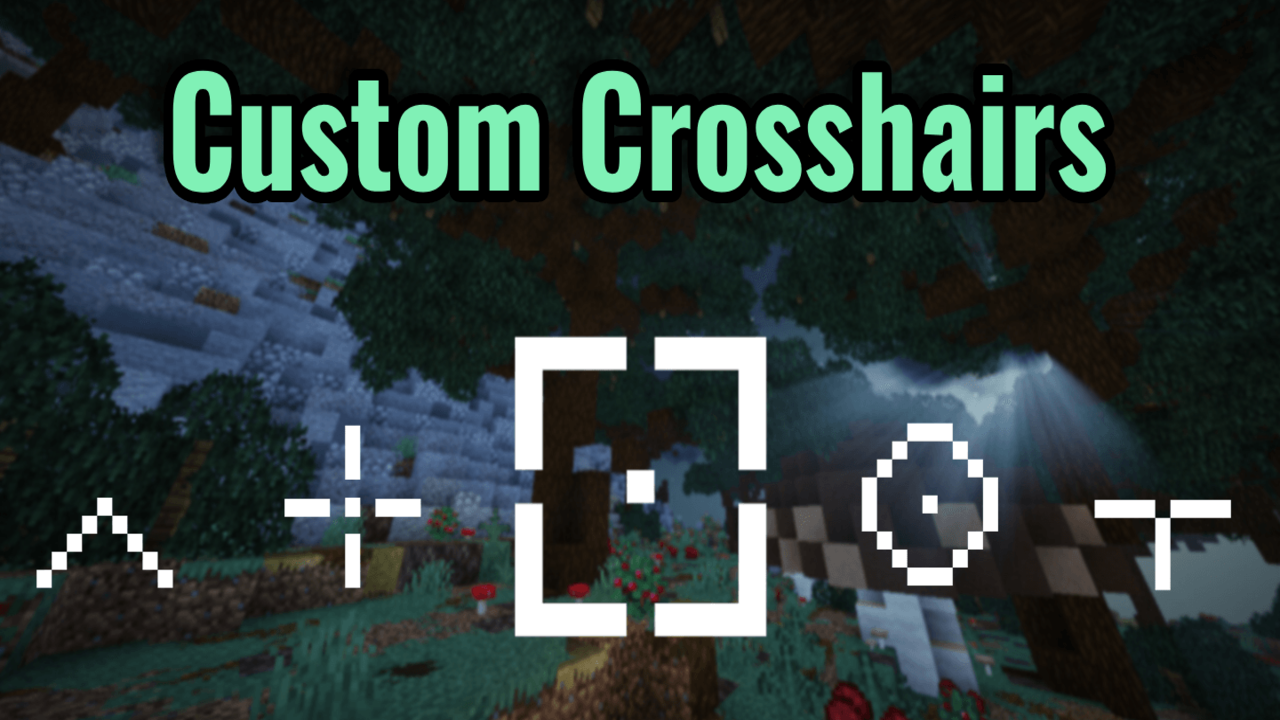
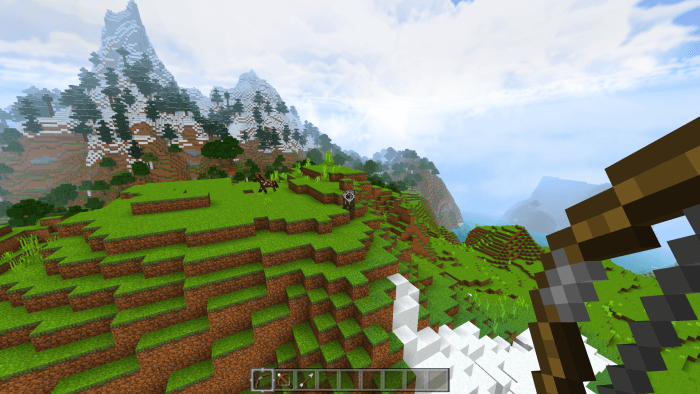
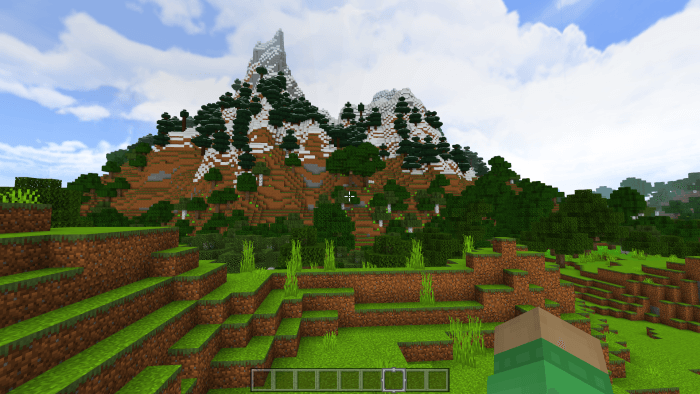
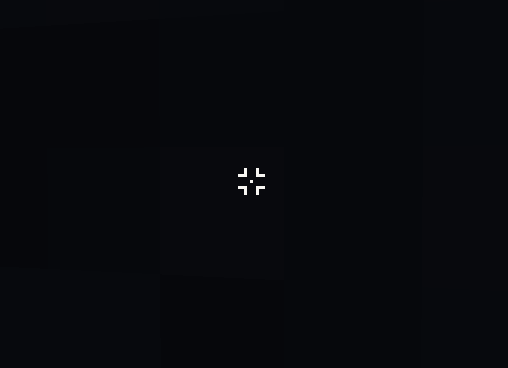
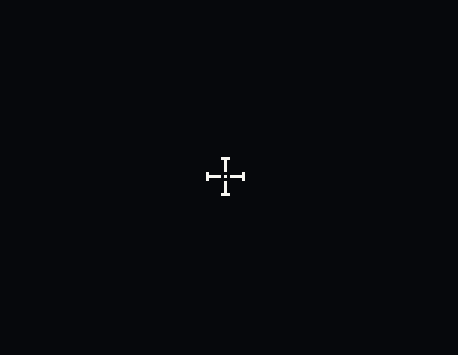
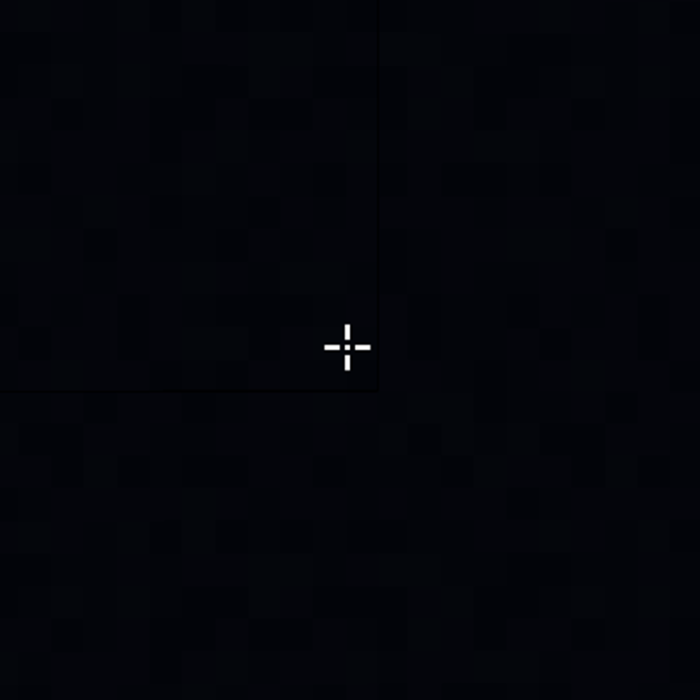
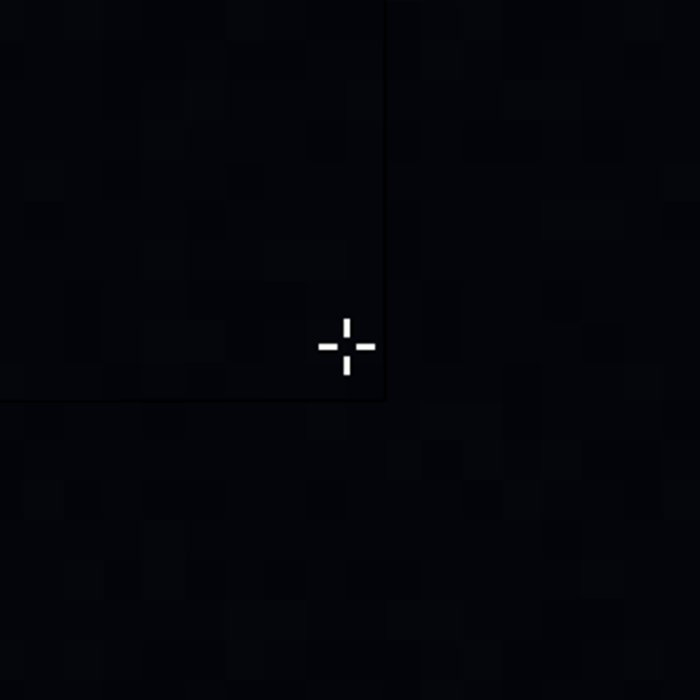
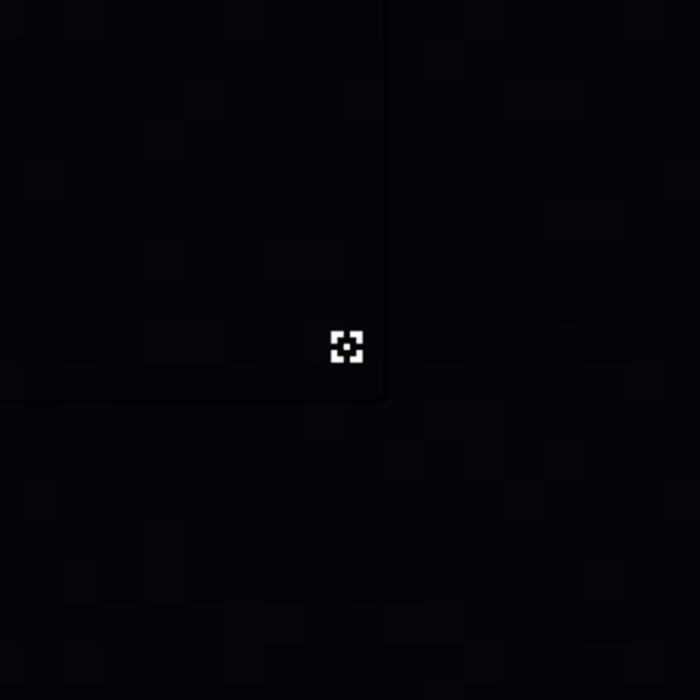
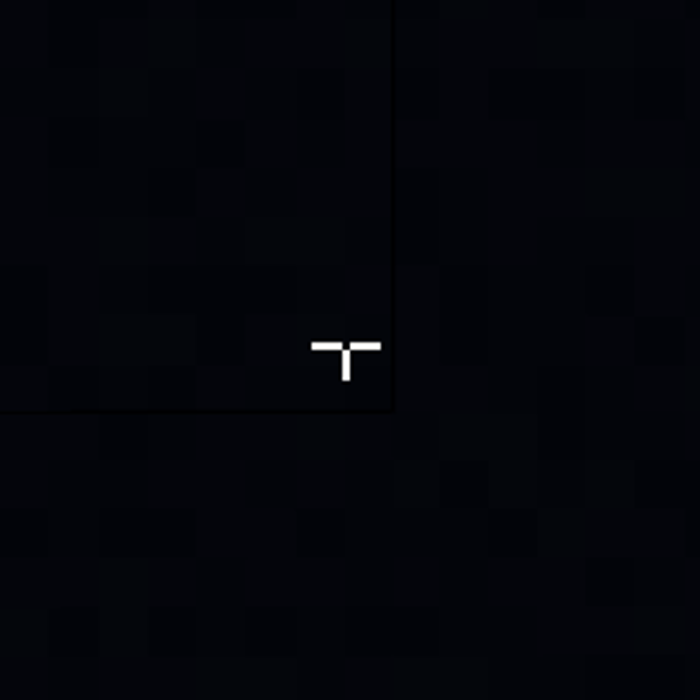
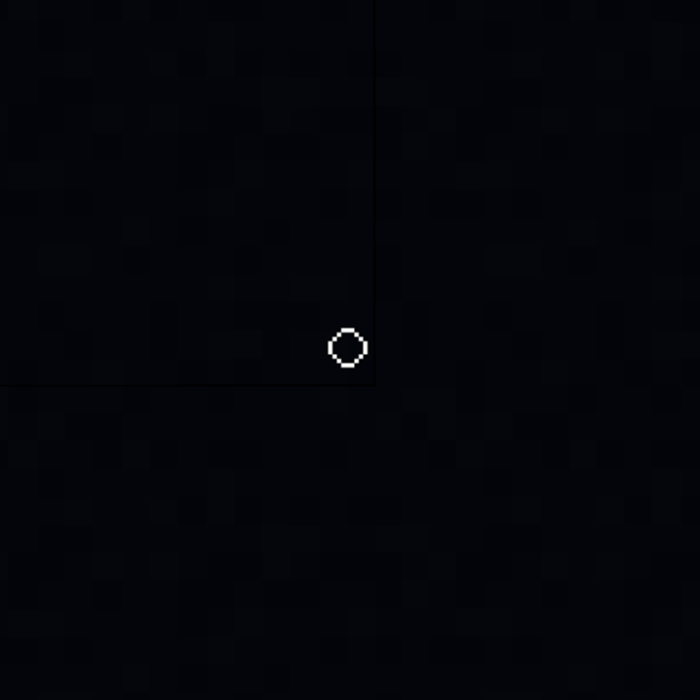
Custom Crosshairs Texture Pack adds many new crosshair textures into the game, which can be customized through subpack settings. The default crosshair is the ‘arrow with a dot.’ If you enable it and leave it as is, this crosshair will function smoothly without causing any lag on low-end devices.
Credit: Mod MCPE Official Page
Screenshots:
Custom Crosshairs Texture Pack Download Links
For Minecraft PE/Bedrock 1.21, 1.20
Custom Crosshairs Texture Pack Download Links
Quick facts
- Edition: Minecraft Bedrock
- File type: .mcpack
- Minecraft versions listed: 1.21, 1.20
- How to install: Download the .mcpack. → Open it — Minecraft imports it under Resource Packs. → Activate it in Global Resources, or for one world under Resource Packs → Available.
- Where to get it: Opens on the file's original source — not every file is mirrored on our own servers.
Install steps are the general flow for this file type — How to install Minecraft Bedrock texture packs walks through it step by step.
Custom Crosshairs Texture Pack (1.21, 1.20) – MCPE/Bedrock is a free Minecraft Bedrock texture pack. Compatible with Minecraft 1.21, 1.20. Download it and open it directly in the game.