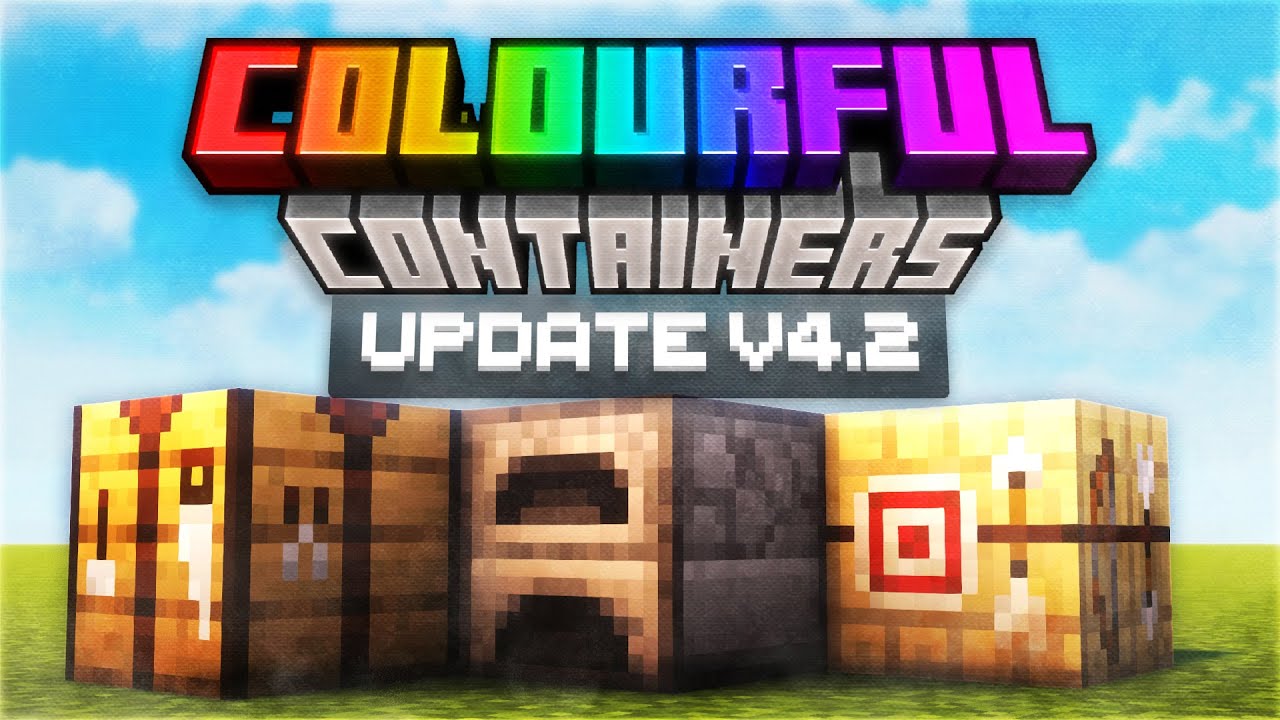
Colorful Containers GUI Pack (26.30+, 1.21) – Java/Bedrock
Bedrock texture pack listed for Minecraft 1.21. Installs from the MC Bedrock Mods app on Android.
⬇ Download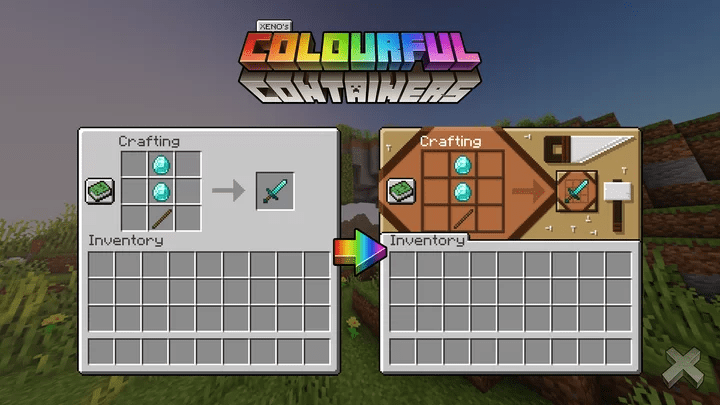
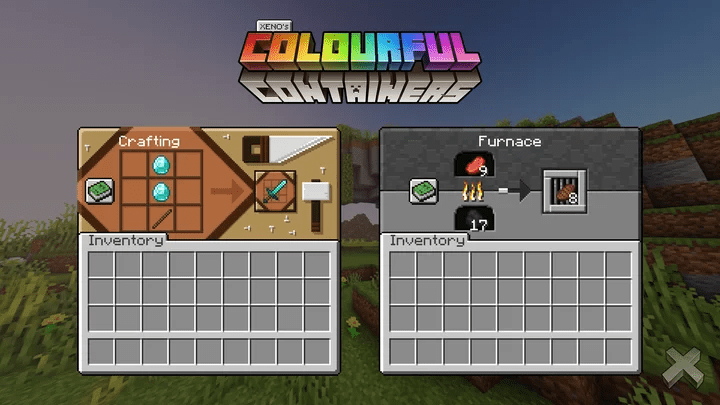
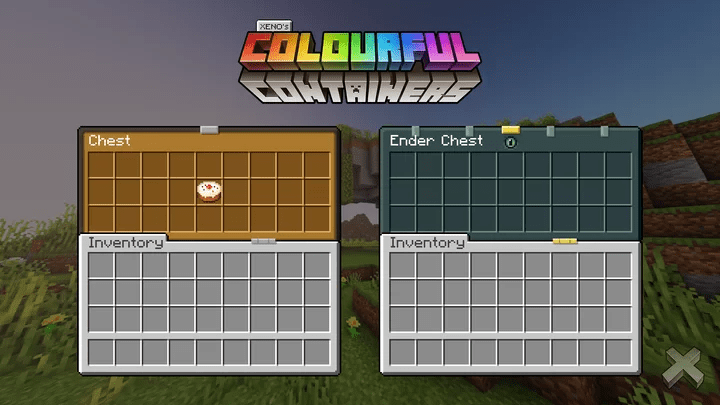
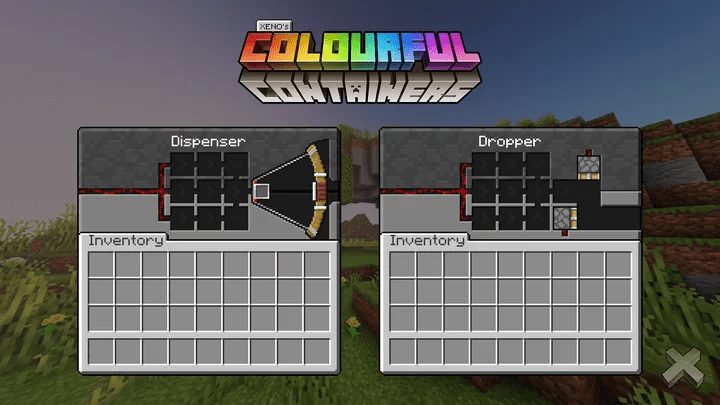
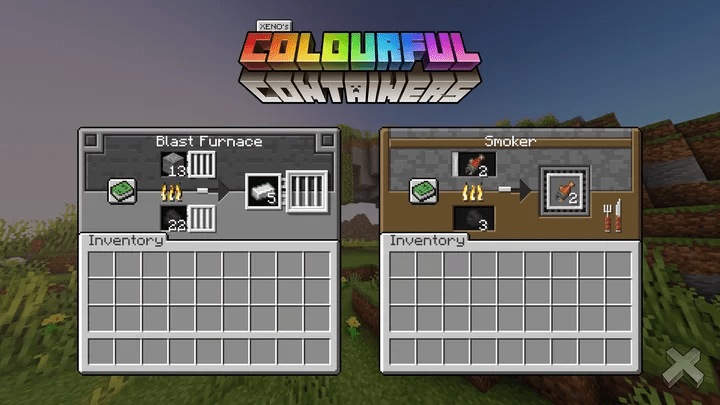
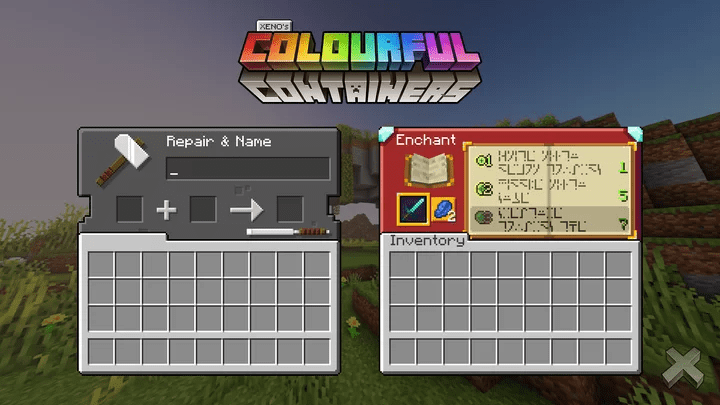
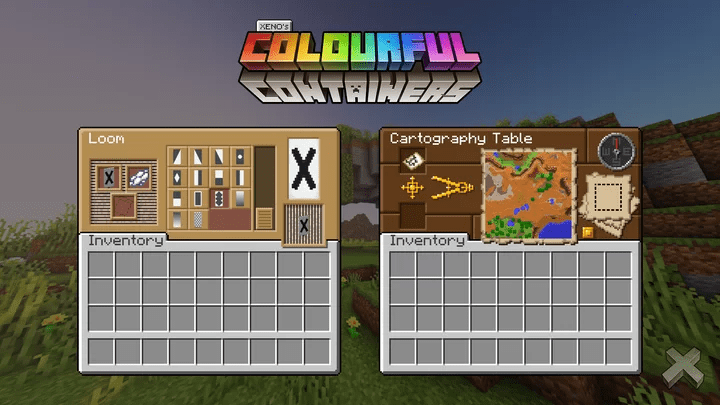
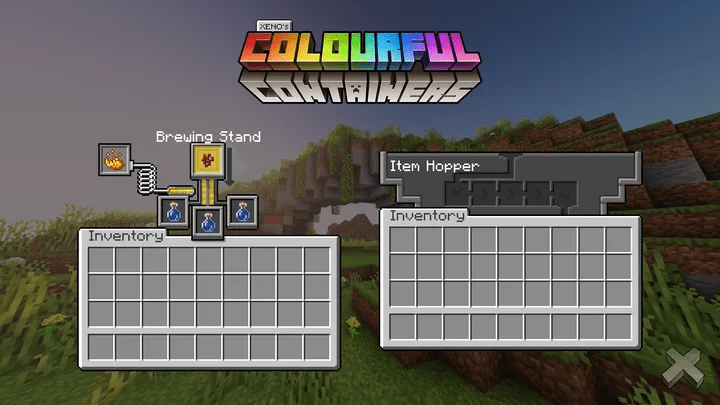
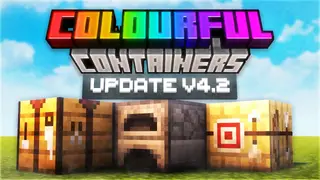
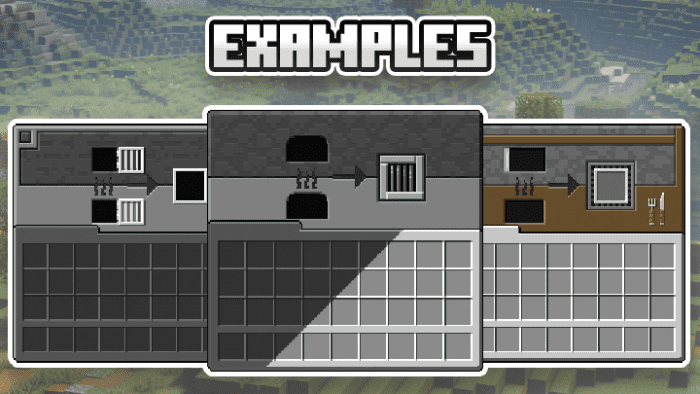
Colorful Containers GUI Pack changes the Minecraft container GUI completely. It gives new and unique designs to all of the original textures that match the containers well. With this pack, you’ll get a new look for all of your Minecraft GUIs. Colorful Containers is a texture pack that changes the Minecraft container GUI completely. It gives new and unique designs to all of the original textures that match the containers well. The textures are made to be both nice to look at and useful. You won’t see these textures anywhere else, making it a special addition to your Minecraft experience. Install the pack easily and enjoy the amazing change in your Minecraft gameplay. If you want to improve your Minecraft GUIs, the Colorful Containers texture pack is a great choice. With its pretty textures, you’ll have more fun playing Minecraft than before.
Features:
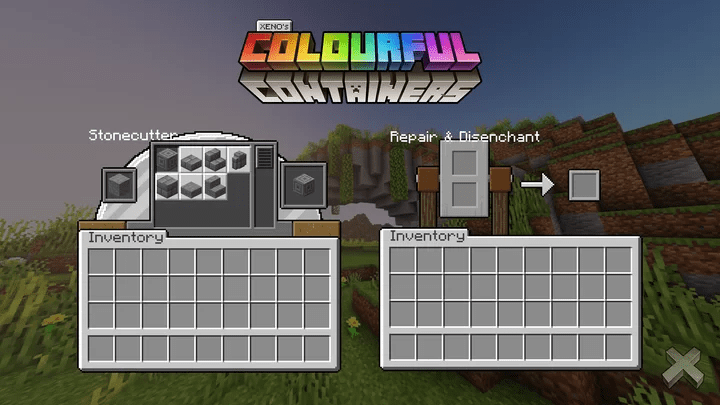
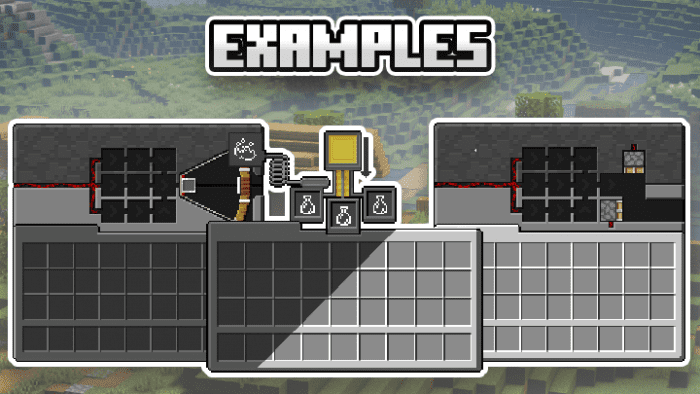
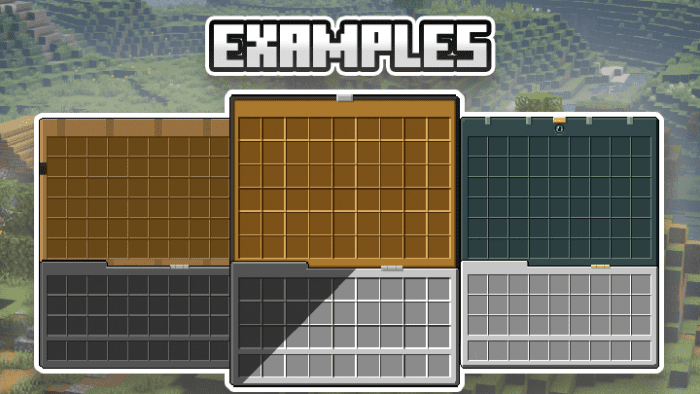
This texture pack replaces all Minecraft Container GUIs. Some of these textures have animated textures as well. Colorful Containers also has a dark mode option.
The GUIs list:
- Crafting Table
- Cartography Table – Animated
- Smithing Table
- Furnace
- Blast Furnace
- Smoker
- Brewing Stand
- Anvil
- Grindstone
- Enchanting Table – Animated
- Chests
- Ender Chest – Animated
- Barrel
- Shulker Box
- Beacon
- Stone Cutter
- Hoppers
- Dropper
- Dispenser
- Loom
- Villagers/Wondering Traders
Screenshots:
Colorful Containers GUI Pack Download Links
For Java Edition 1.15.2 (Optifine Required)
For Minecraft PE/Bedrock 1.21
mcpack: Download from server 1 – Download from server 2
For Minecraft PE/Bedrock 1.20
mcpack: Download from server 1 – Download from server 2
For Minecraft PE/Bedrock 1.19
mcpack: Download from server 1 – Download from server 2
- Edition: Minecraft Bedrock
- File type: .mcpack
- Minecraft version listed: 1.21
- How to install: Download the .mcpack. → Open it — Minecraft imports it under Resource Packs. → Activate it in Global Resources, or for one world under Resource Packs → Available.
- Where to get it: In MCModsHub, or directly above on this page.
Install steps are the general flow for this file type — How to install Minecraft Bedrock texture packs walks through it step by step.
- Download size: 1.9 MB
- Download link checked 17 Jun 2026 — working
- Mirrored on our own servers — the download does not depend on the original host
These come from our own check of the pack file, not from the source page.