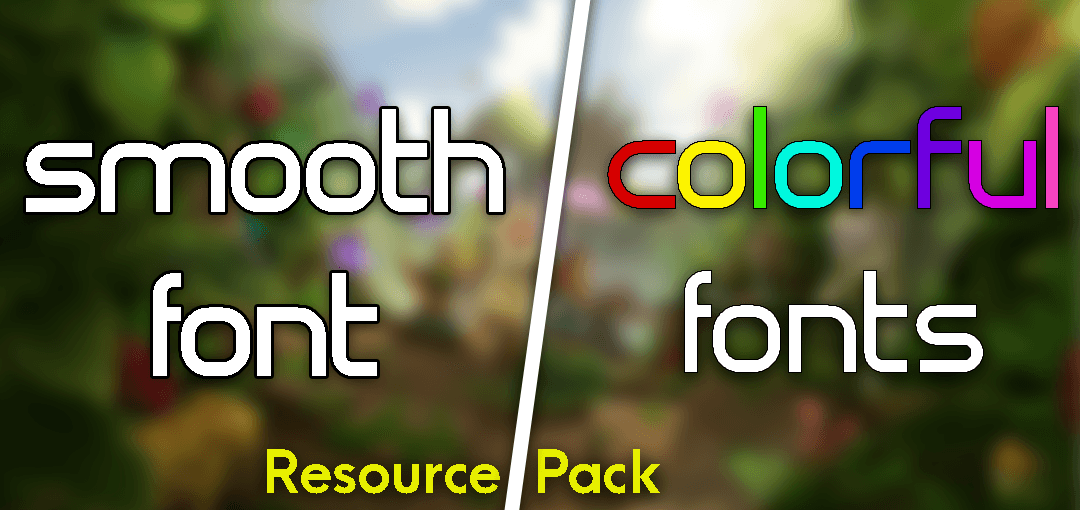
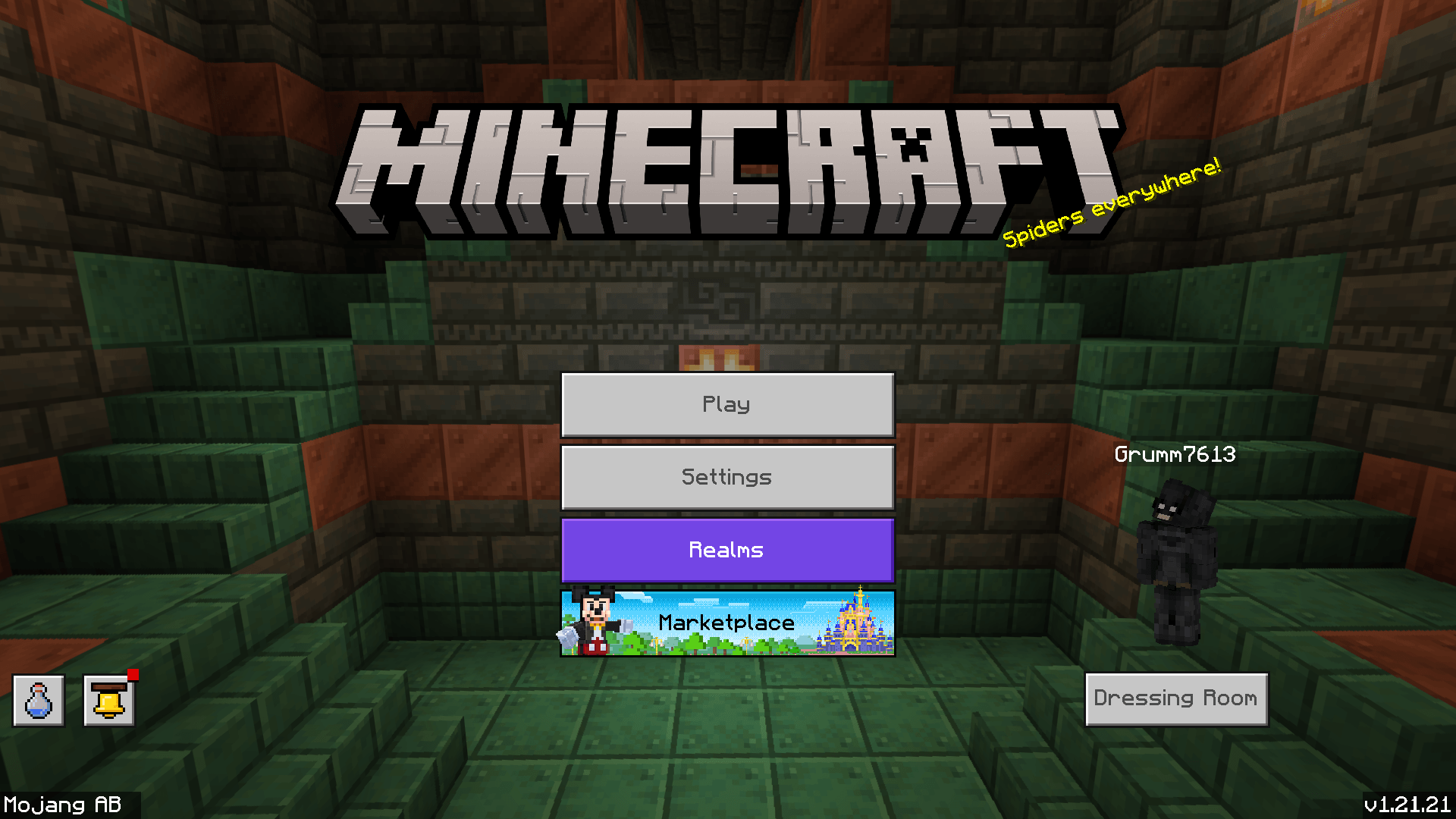
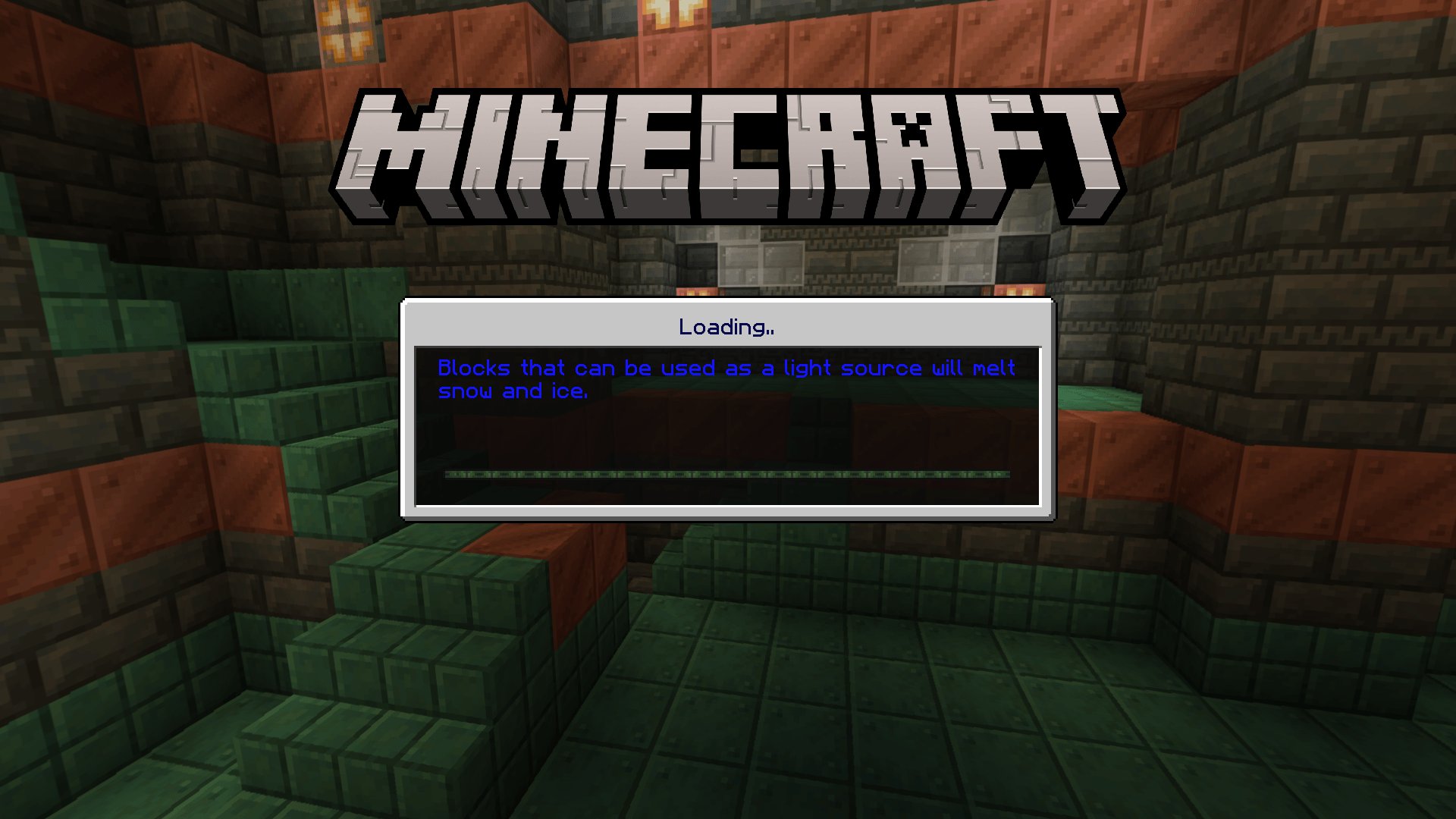
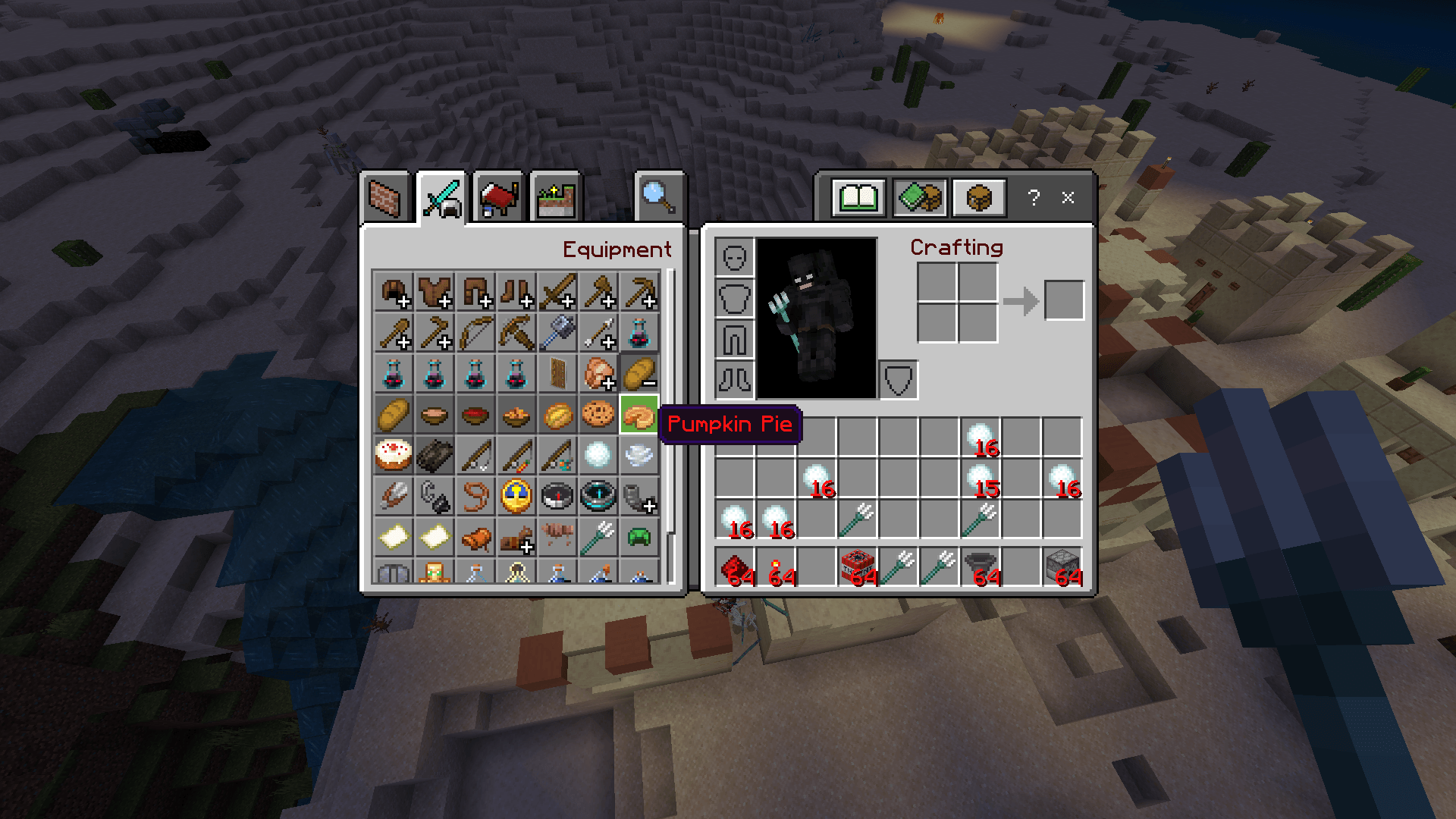
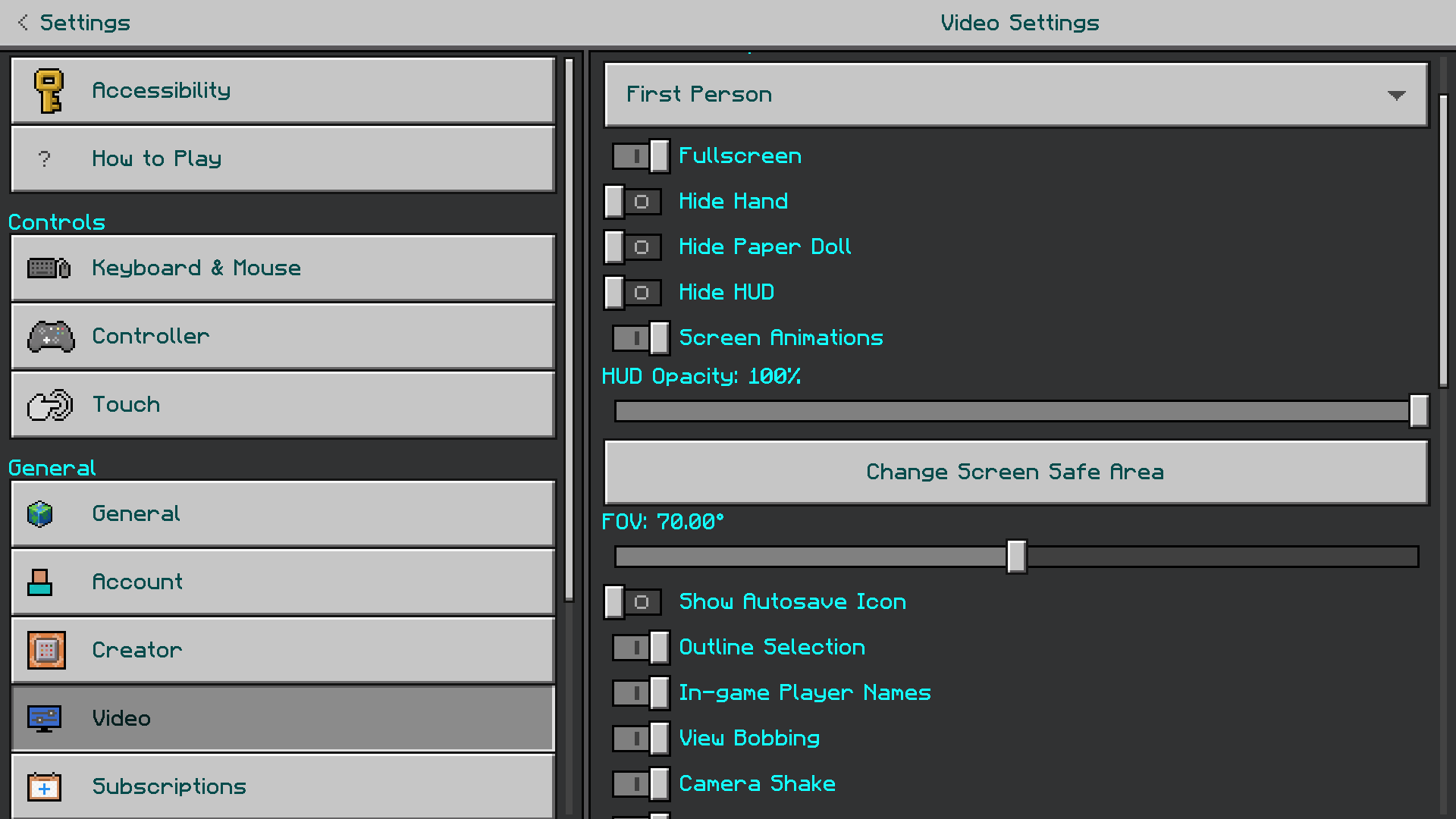
The classic Minecraft font fits well with the game’s UI and overall concept. But let’s be honest, we all love trying new things-new fonts, new features, and more. That’s the purpose of this resource pack. Smooth & Colorful Fonts Pack introduces a custom smooth font that looks clear and smooth while still fitting the classic Minecraft UI. Plus, it offers colored fonts that can be switched from the subpacks setting. Currently, it includes 10 different colored fonts.
Features:
Compatibility:
This texture pack supports all the versions of MCPE from 1.16 to the latest (1.21 right now). It works on both Minecraft bedrock and Minecraft pocket edition. It is also compatible with other texture packs (but make sure you place this above any texture pack that edits font texture). Also as it is just a resource pack, You don’t need cheats enabled or experimental features.
Screenshots:
Smooth & Colorful Fonts Pack Download Links
For Minecraft PE/Bedrock 1.21, 1.20
Smooth and Colorful Fonts Pack Download
- Edition: Minecraft Bedrock
- File type: .mcpack
- Minecraft versions listed: 1.21, 1.20
- How to install: Download the .mcpack. → Open it — Minecraft imports it under Resource Packs. → Activate it in Global Resources, or for one world under Resource Packs → Available.
- Where to get it: Opens on the file's original source — not every file is mirrored on our own servers.
Install steps are the general flow for this file type — How to install Minecraft Bedrock texture packs walks through it step by step.
Smooth & Colorful Fonts Pack (1.21, 1.20) – MCPE/Bedrock is a free Minecraft Bedrock texture pack. Compatible with Minecraft 1.21, 1.20. Download it and open it directly in the game.