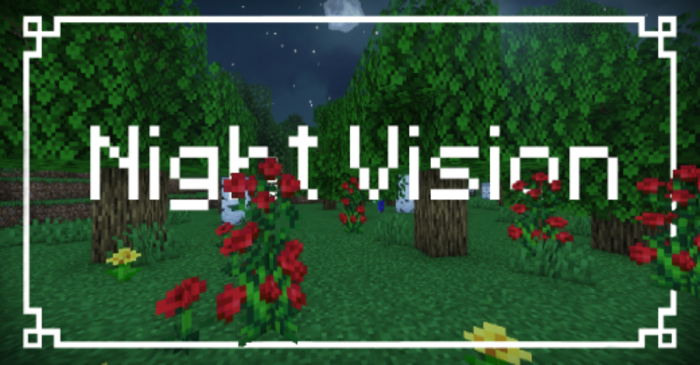
Night Vision Texture Pack (1.26, 1.21) – Fullbright & Gamma for MCPE/Bedrock
Bedrock texture pack listed for Minecraft 1.19–26.x. File opened and checked on 25 Sep 2026; installs from the MC Bedrock Mods app on Android.
⬇ Download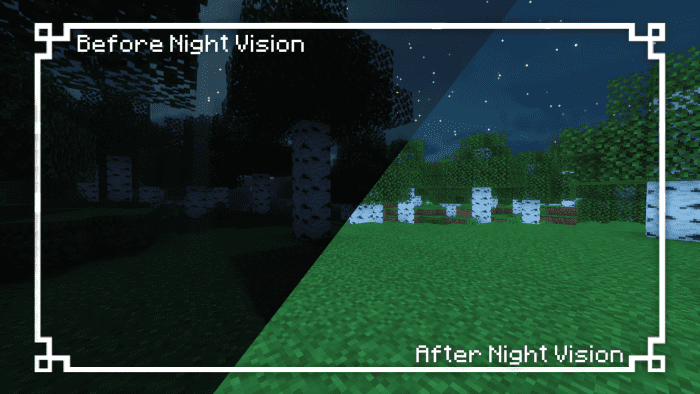

Night Vision Texture Packwill grant you and everyone in the realm with infinite night vision, as it repeatedly applies the night vision effect. However, it comes with a trade-off as achievements will be disabled.
Features:
- The Night Vision Pack (gamma) addon gives the night vision effect repeatedly, resulting in infinite night vision for the user and others in the realm. The addon automatically grants the night vision effect upon respawning, making it more convenient than using commands. Cheats don’t need to be enabled to use this addon. However, enabling it will disable achievements.
Screenshots:
The brightness is very good, here is the image comparing before and after using Night Vision Addon:
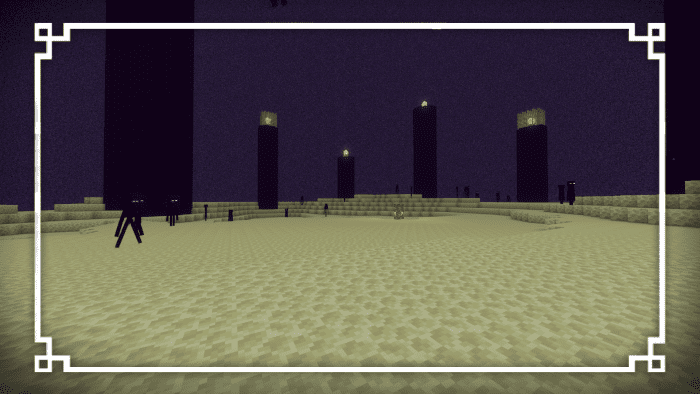
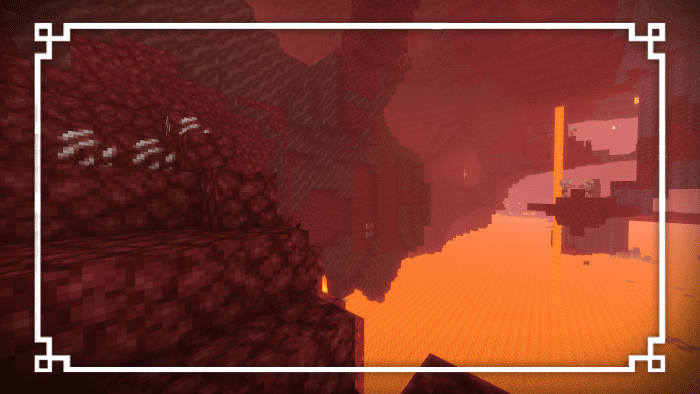
Other dimensions are places where you’ll barely see any difference in brightness:
Prerequisites:
Bring the brightness slider up to 100% for optimal brightness:
You must apply the night vision pack in the World Settings:
Android:
- Download the night vision using one of the links below.
- Find the night vision pack file on your device.
- If the file extension is .mcpack then open it with minecraft.
- If it’s not then change the Night Vision.zip to Night Vision.mcpack.
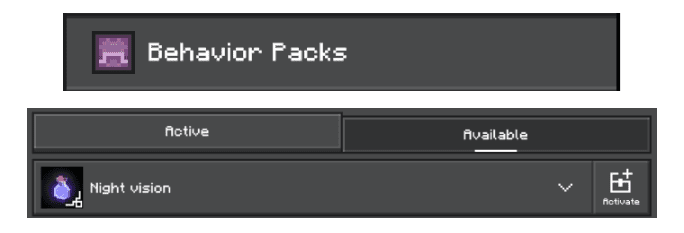
- Go to your world settings and click on the behavior packs section.
- Click on available and activate the night vision pack.
iOS:
- Download the night vision using one of the links below.
- Find the night vision pack file on your device.
- If the file extension is .mcpack then open it with minecraft.
- If it’s not then change the Night Vision.zip to Night Vision.mcpack.
- Go to your world settings and click on the behavior packs section.
- Click on available and activate the night vision pack.
Window:
- Download the night vision using one of the links below.
- Run the “Night Vision.mcpack“
- Minecraft should say “Night Vision was successfully imported”.
- Go to your world settings and click on the behavior packs section.
- Click on available and activate the night vision pack.
Night Vision Texture Pack Download Links
For Minecraft PE/Bedrock 1.211
mcpack: Download from server 1 – Download from server 2
For Minecraft PE/Bedrock 1.20
mcpack: Download from server 1 – Download from server 2
For Minecraft PE/Bedrock 1.19
mcpack: Download from server 1 – Download from server 2
- Edition: Minecraft Bedrock
- File type: .mcpack
- Minecraft versions listed: 1.26, 1.21
- How to install: Download the .mcpack. → Open it — Minecraft imports it under Resource Packs. → Activate it in Global Resources, or for one world under Resource Packs → Available.
- Where to get it: In MCModsHub, or directly above on this page.
Install steps are the general flow for this file type — How to install Minecraft Bedrock texture packs walks through it step by step.
- Pack type: .mcpack — a single pack
- Manifest requires Minecraft 1.19.0 or newer
- Complete pack — everything it depends on is inside the file
- Download size: 42 KB
- Download link checked 17 Jun 2026 — working
- Mirrored on our own servers — the download does not depend on the original host
These come from our own check of the pack file, not from the source page.