ESP Texture Pack | Chest esp, Mobs esp, Player esp, Beds esp, etc
Can't find the Buried reassures? Wanna find your friends all hidden treasures? Well if yes, then you are on the right place. Introducing the ESP texture…
⬇ Download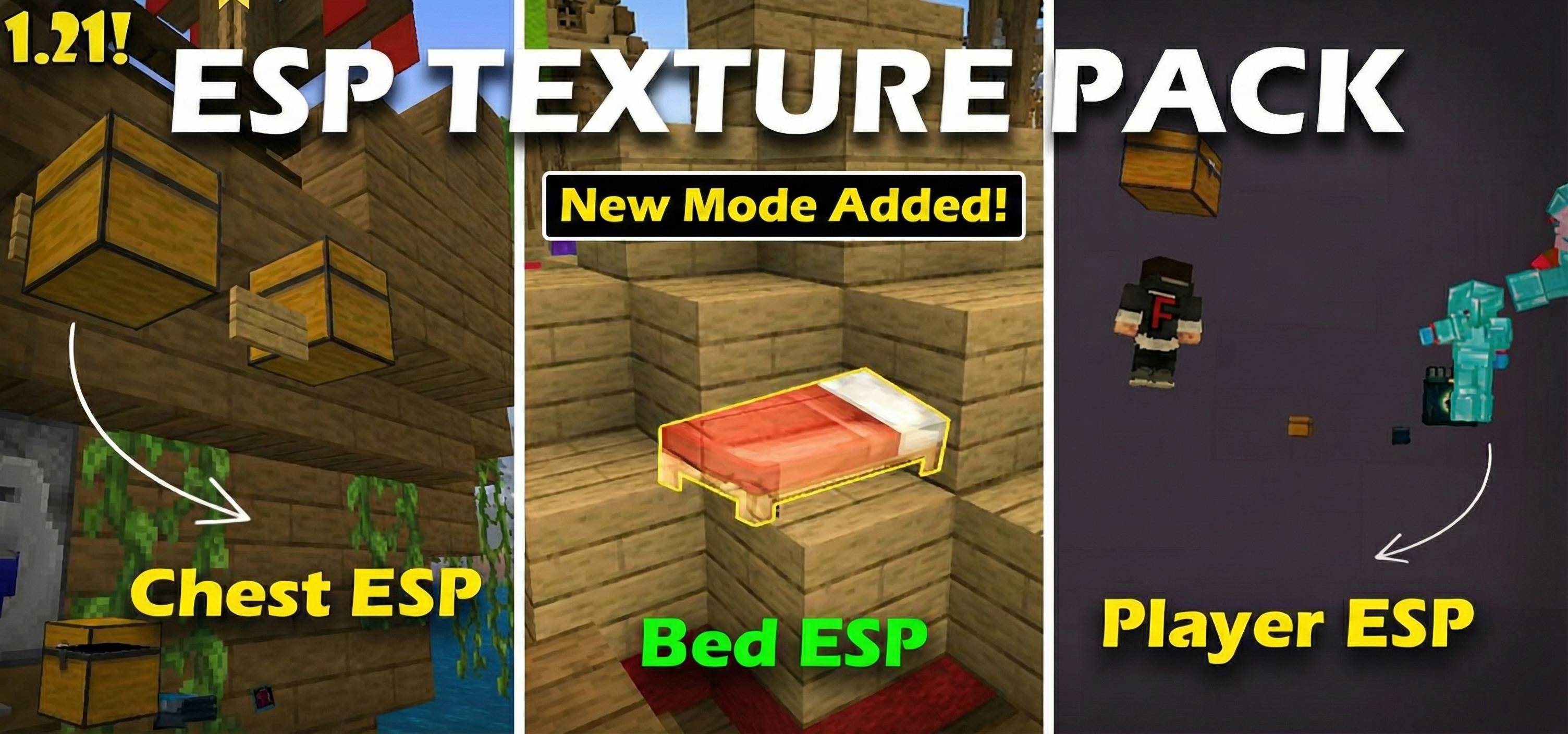
Want to host a powerful and reliable Minecraft or Hytale server?
Get started with Godlike click here
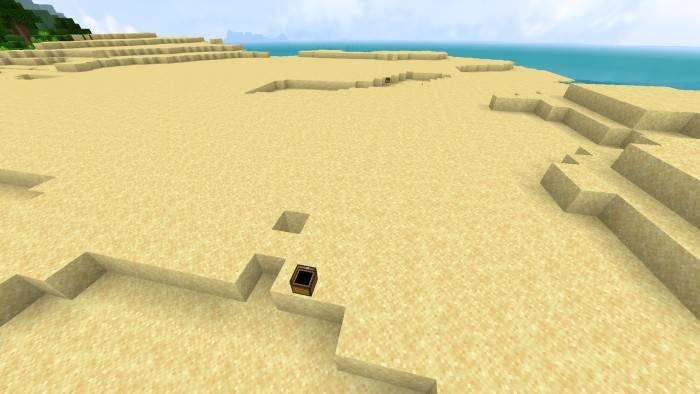
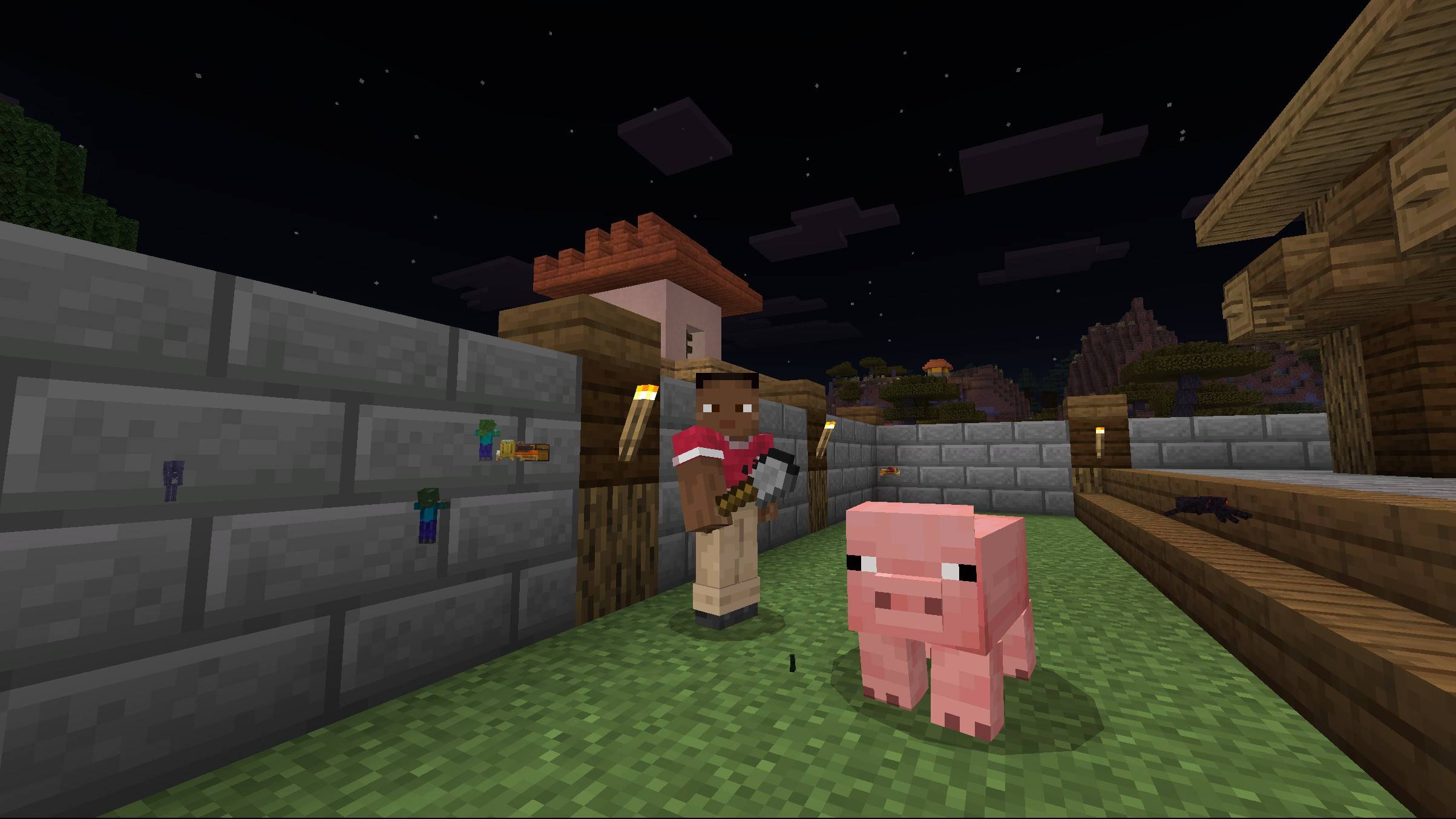
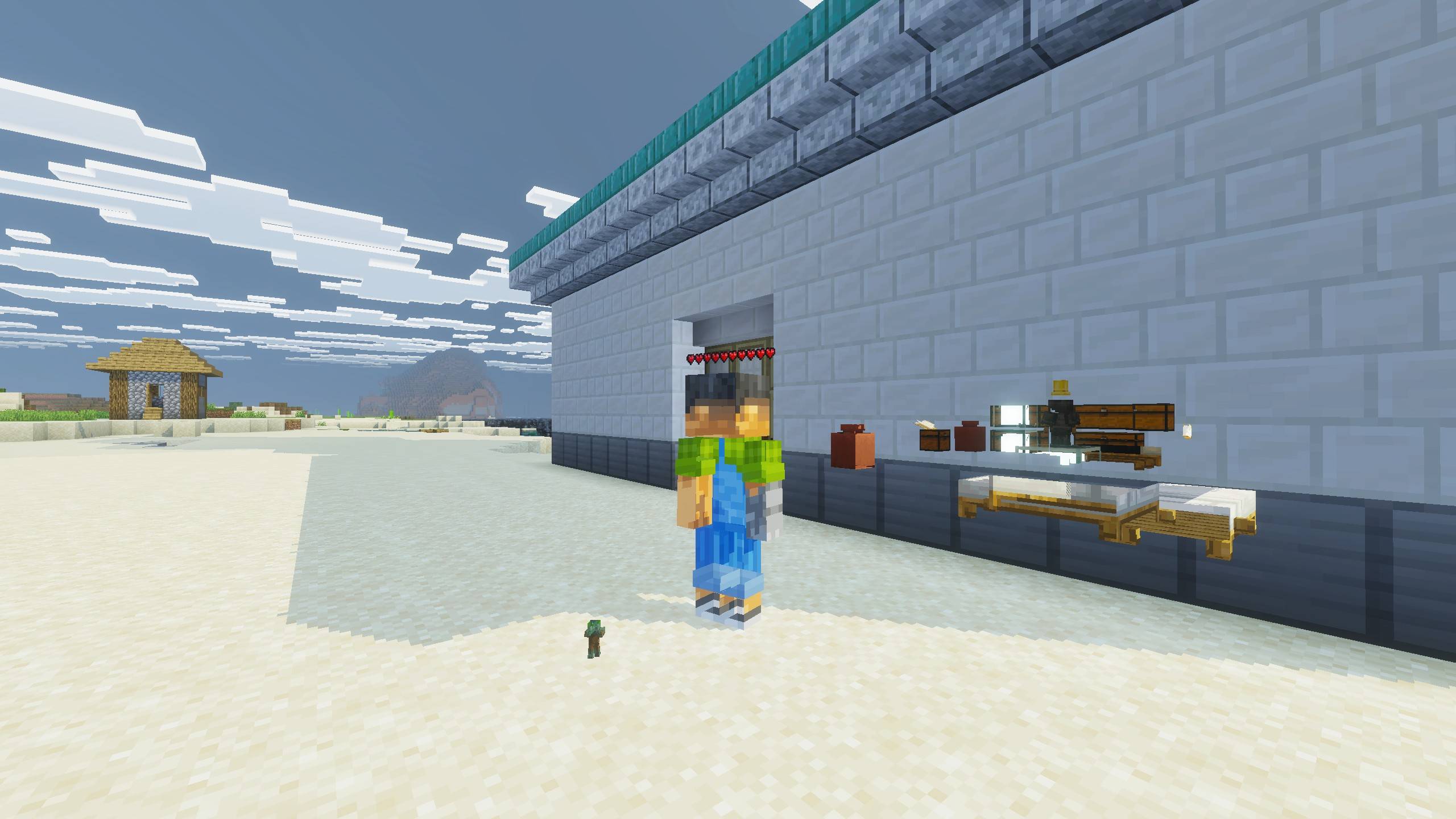
This resource pack/texture pack enables you to spot entities, storages, beds, etc through blocks. this is very useful resource pack for both survival as well as multiplayer survival. With this texture pack you can you can even find structures like Mineshaft, buried treasures, shipwreck, ocean ruin and many more as you can see the chests they contain.
- ESP Default: ESP applies to all entities like Players, Mobs, Chest, bed, etc. + Player health bar (new)
- ESP Minimal: ESP applies to only enties that have strategic value. eg. Hostile mobs, players, chests, bed etc. + Player health bar (new)
- ESP Minimal Singleplayer: Same as `ESP Minimal` But with player ESP disabled
Method to use ESP with the vibrant visuals:
1. Enable "Allow in-game Graphics Mode Switching" under Video Settings. (You cant enable this option when you are in-game, So enable it from Main menu).
2. Enter inside the world or Server. Then go into the settings, under video Settings.
3. Select Fancy or Simple Graphics mode if not already. And Then go back to the game.
4. Now again go to settings under video setiings, And now you can enable the Vibrant visuals mode now.
After this the ESP will work without any issue!
Note: You will have to do (from step 2) every time you exit and re-open Minecraft.
Video Showcase
1. You are allowed to make video on the addon but give credits in video description.
2. You are allowed to use it in your project, but only with my permission. Discord username: grumm7613
3. You are not allowed to publish the texture on any other website and claim it as yours.
Join My Discord Server: https://discord.gg/Wvst4znsgk
Download the New Bedrock Manager application to easily install and manage your minecraft addons, worlds and more!
Download Now! (Windows only, android in future) 
Enjoy!
 👉 Click the banner or [start here] to get going.
Use code MODMCPE40 and unlock your 40% discount instantly.
- Edition: Minecraft Bedrock
- File type: .mcpack
- Minecraft versions listed: 1.20.40, 1.21.30, 1.21.50
- How to install: Download the .mcpack. → Open it — Minecraft imports it under Resource Packs. → Activate it in Global Resources, or for one world under Resource Packs → Available.
- Where to get it: In MCModsHub, or directly above on this page.
Install steps are the general flow for this file type — How to install Minecraft Bedrock texture packs walks through it step by step.
- Pack type: .mcpack — a single pack
- Complete pack — everything it depends on is inside the file
- Download size: 406 KB
- Download link checked 3 Aug 2026 — working
These come from our own check of the pack file, not from the source page.


