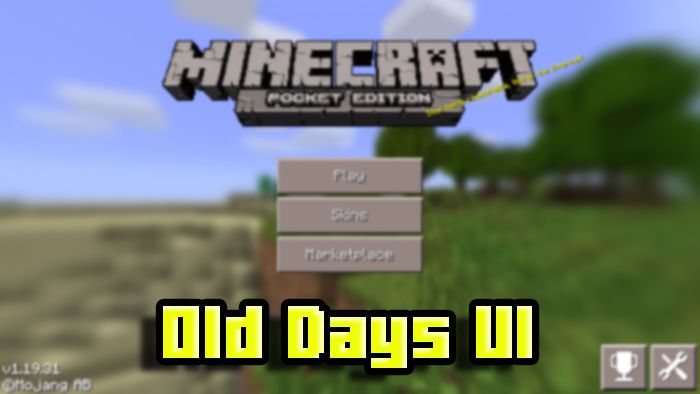
VDX: Old Days UI Pack (1.26+, 1.21) – MCPE/Bedrock
Bedrock texture pack listed for Minecraft 1.21–26.x. File opened and checked on 20 Sep 2026; installs from the MC Bedrock Mods app on Android.
⬇ Download
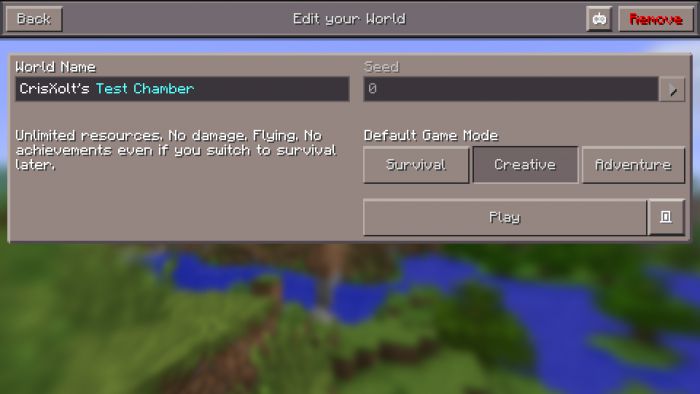
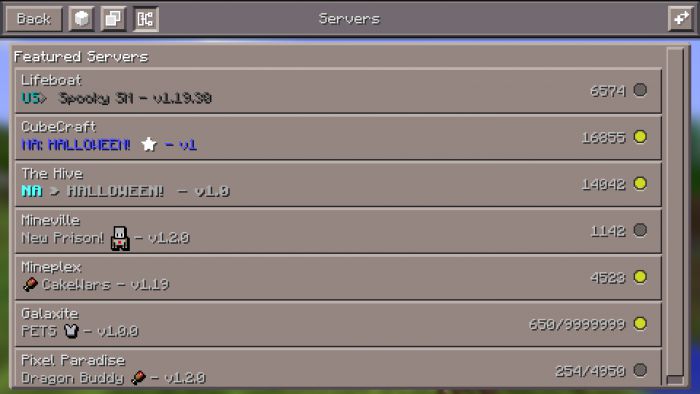
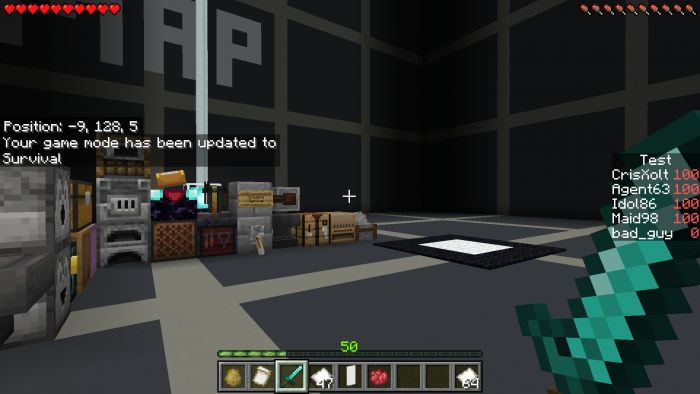
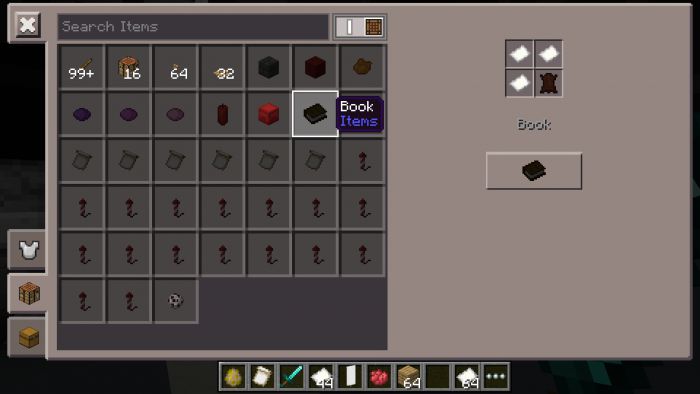
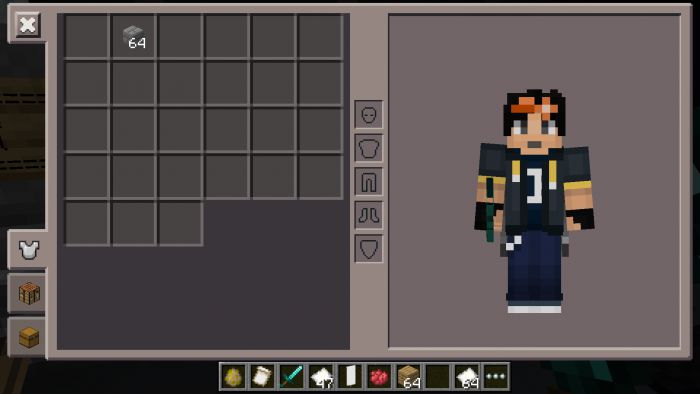
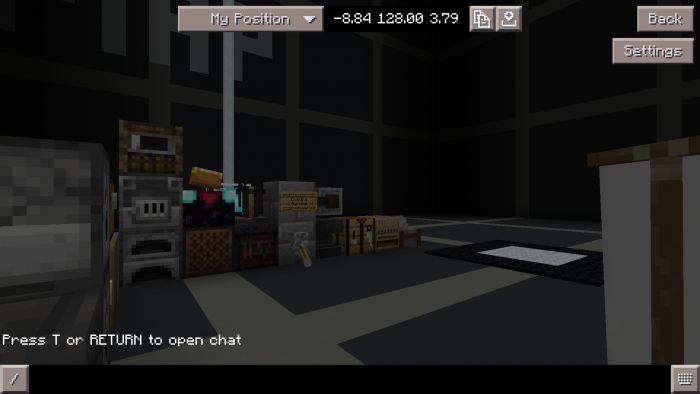
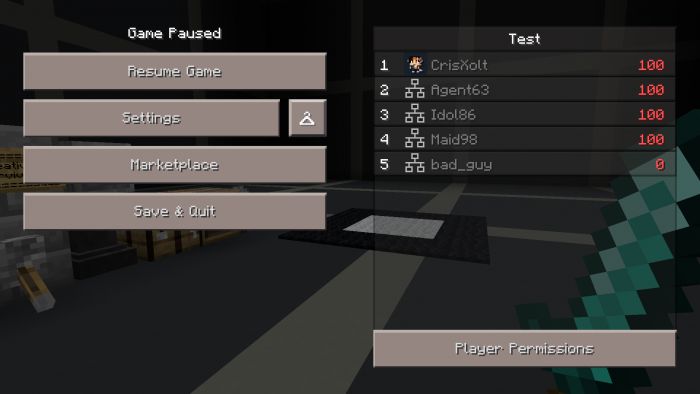
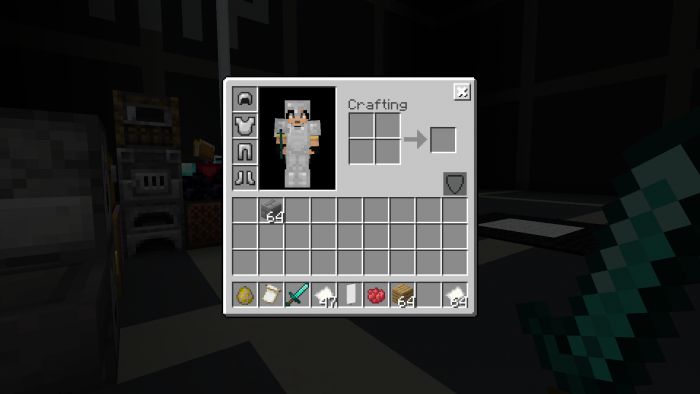
VDX: Old Days UI Pack brings back some old pocket/desktop UI designs from 2015 to the current version of Minecraft Bedrock (Before Minecraft PE/Win 10 Edition)! Some UI screens will be styled, others will be 70% accurate about previous UI design.
Supported Versions:
Minecraft Bedrock 1.26.30 and later. Resource pack only – no Experimental Features required.
Features:
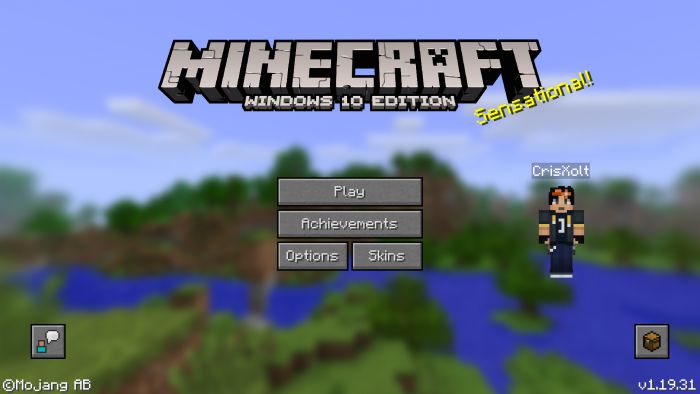
- Start screen
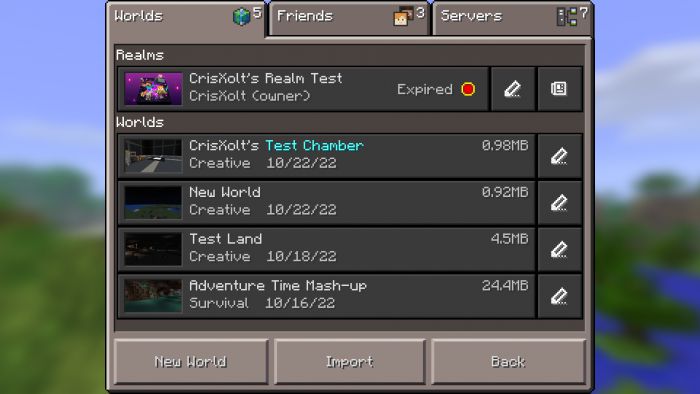
- Play screen
- Add external server screen
- World template screen
- Create and edit world screen
- Settings screen
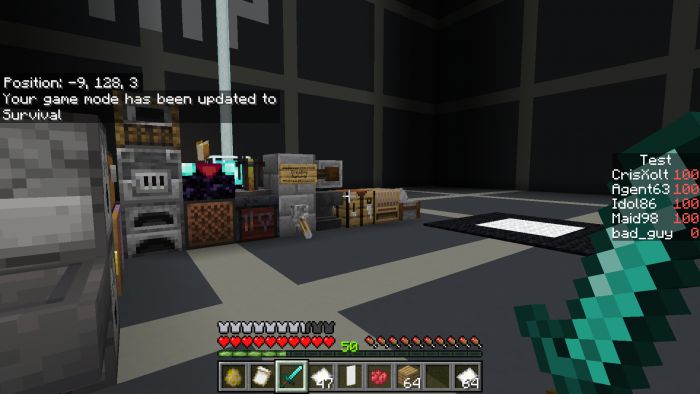
- HUD screen
- Inventory Screens Pocket
- Chat screen
- Pause screen
- Skin picker screen
- Start screen Desktop
- Play screen Desktop
- Inventory Screens Desktop
- Some dialogs screen
Pocket UI Screenshots:
Desktop UI Screenshots:
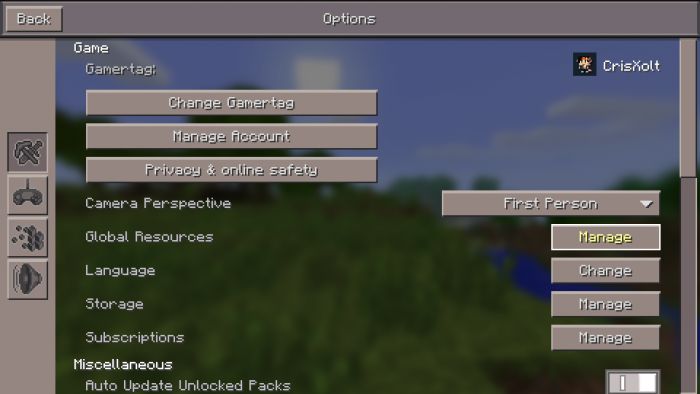
How to deactivate this add-on?
- It’s easy, just go to options and click the button where it says: “Manage”.
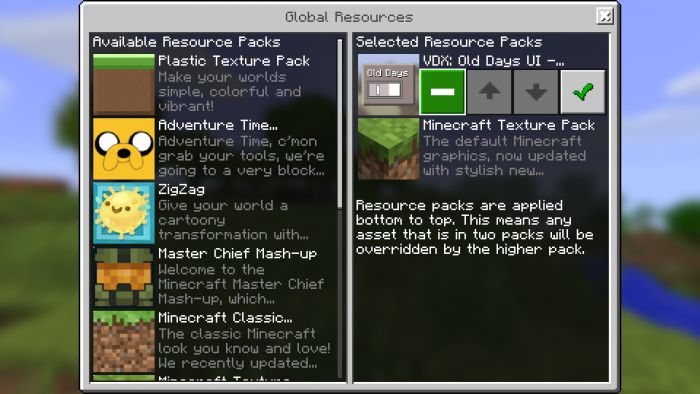
- And then this screen comes out and you can deactivate this. That’s all!
Installation Note:
- This resource pack is not compatible with others with modified UI, not even the VDX: Java UI.
- The modified create world screen can’t work anymore due new UI engine (can’t be changed through resource packs).
VDX: Old Days UI Pack Download Links
For Minecraft PE/Bedrock 1.21
Desktop UI (Main Pack): Download from server 1 – Download from server 2
Mixed UI: Download from server 1 – Download from server 2
PvP UI: Download from server 1 – Download from server 2
For Minecraft PE/Bedrock 1.20
mcpack: Download from server 1 – Download from server 2
For Minecraft PE/Bedrock 1.19
mcpack: Download from server 1 – Download from server 2
- Edition: Minecraft Bedrock
- File type: .mcpack
- Minecraft versions listed: 1.26, 1.21, 1.26.30
- How to install: Download the .mcpack. → Open it — Minecraft imports it under Resource Packs. → Activate it in Global Resources, or for one world under Resource Packs → Available.
- Where to get it: In MCModsHub, or directly above on this page.
Install steps are the general flow for this file type — How to install Minecraft Bedrock texture packs walks through it step by step.
- Pack type: .mcpack — a single pack
- Manifest requires Minecraft 1.21.0 or newer
- Complete pack — everything it depends on is inside the file
- Download size: 1.5 MB
- Download link checked 17 Jun 2026 — working
- Mirrored on our own servers — the download does not depend on the original host
These come from our own check of the pack file, not from the source page.