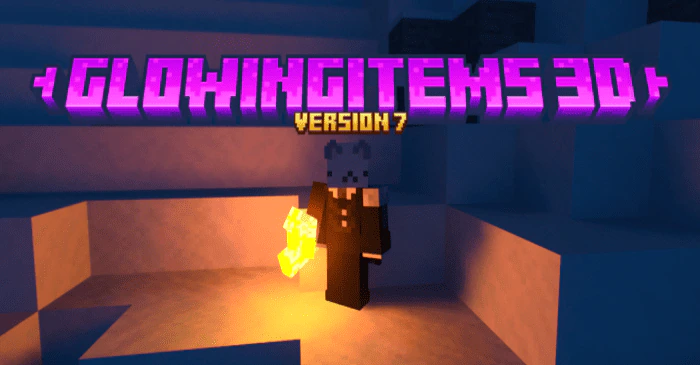
GlowingItems 3D Texture Pack (1.26+, 1.21) – For BetterRTX
Bedrock texture pack listed for Minecraft 1.18–26.x. File opened and checked on 20 Sep 2026; installs from the MC Bedrock Mods app on Android.
⬇ Download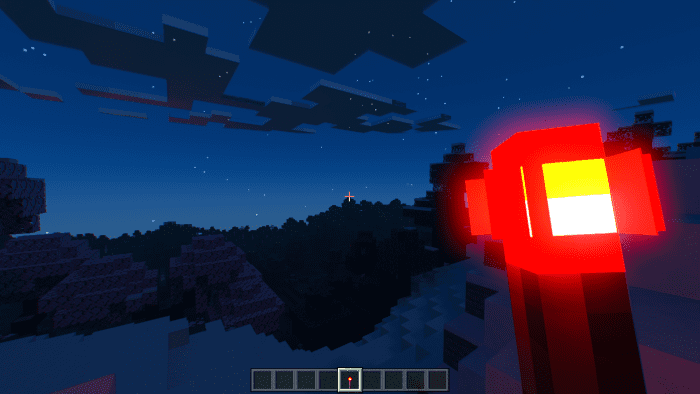
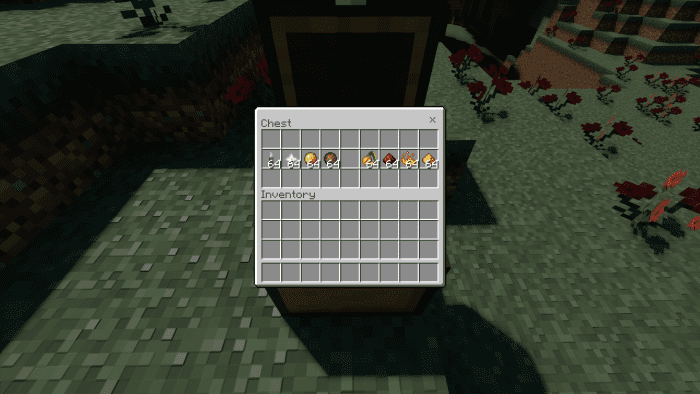
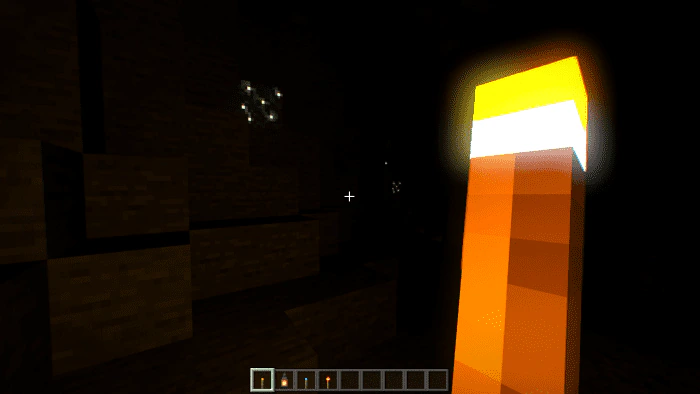
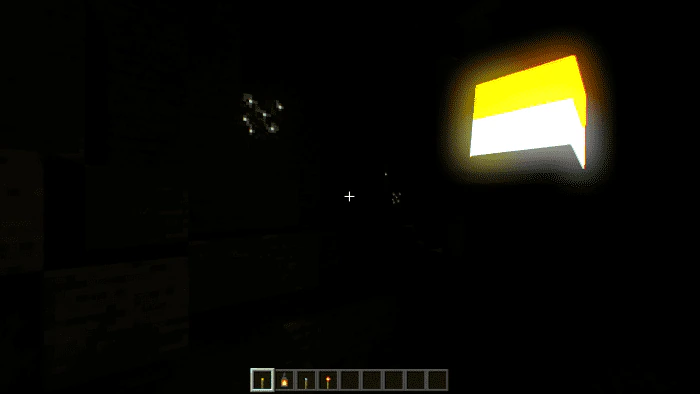
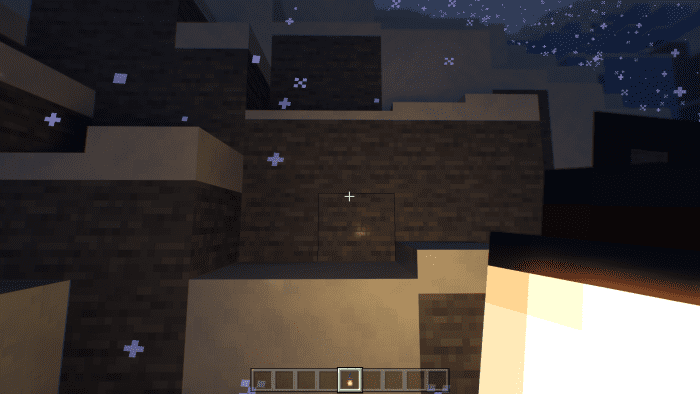
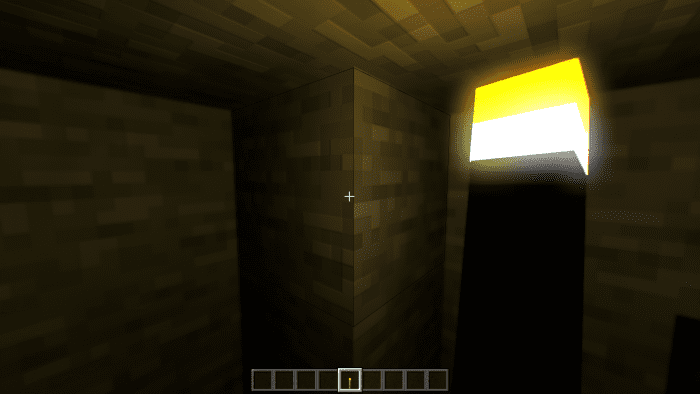
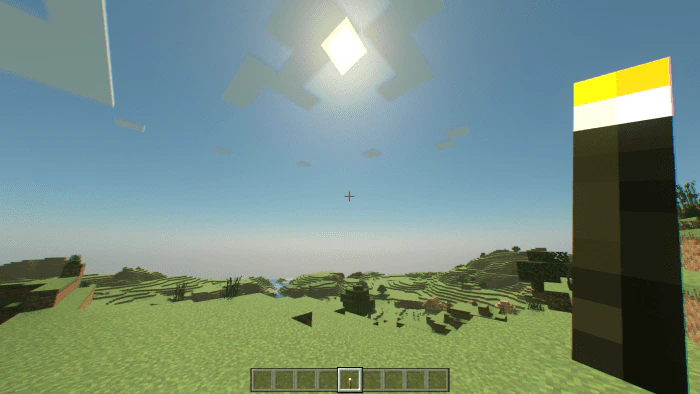
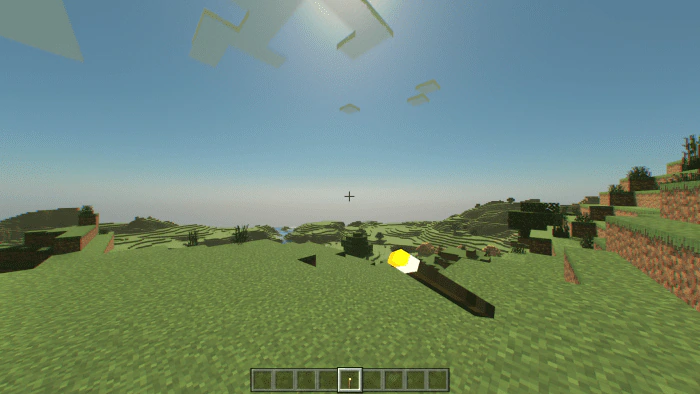
GlowingItems 3D Texture Pack enables torches and items to emit light while held in hand, using the features from Better RTX (Prizma Preset). This means that you can now explore dark caves with more light in RTX, simply by holding a torch or lantern!
Supported Versions:
Minecraft Bedrock 1.26.30 and later. Resource pack only – no Experimental Features required.

Features:
GlowingItems 3D is a pack that enhances RTX by changing and improving how it works. To use this pack, you need to install Better RTX (Prizma or Experimental Preset or Kelly’s), which is a mod that is required for GlowingItems 3D to function.
Glowing Torches V5 allows you to use a handheld torch or lantern as a light source without having to install a behavior pack. This feature uses the capabilities of Better RTX, allowing dark places to be dimly lit by a torch you are holding, making it much easier to traverse the dark places of RTX Minecraft.
This pack also has eight main settings, each with its own unique features:
(To change these select the resource pack select the “gear” symbol and choose which setting you would prefer)
Glowing Items + New Torches: Same as V6 Torch but the torches now fully resemble their block form.

V6 Torch: Same as V5 Torch but there are now 8 items that now glow.
(These are all items that may glow)

V5 Torch: Same as V4 Torch but Torches now have very improved brightness. (Top new, bottom old.)


V4 Torch: Similar to V3 Torches but now with Lanterns that are very bright.

V3 Torch: Makes torches larger and similar to the block torch, as well as puts torch closer to the normal held position.

V2 Torch: Makes torches larger to allow them to emit more light and puts them on the side of the screen. (Also has a Vibrant version)

V1 Torch: Keeps torches’ default size and tilts them towards the center of the screen.

Giga Torch: Makes torches 100 times larger, literally lights everything, and has properties of V2 Torch.

Joke Torches
Ultimate Giga Torch: Really oversized torch.

Ultimate Giga Torch+: Really Really oversized torch. (Best in RTX render distance 20+)

Duck: Makes torches a duck.

Screenshots:


Installation Note:
- Make sure you install the Prizma Preset or the Kelly’s Preset of BetterRTX.
GlowingItems 3D Texture Pack Download Links
For Minecraft PE/Bedrock 1.21, 1.20
mcpack: Download from server 1 – Download from server 2
For Minecraft PE/Bedrock 1.20, 1.19
mcpack: Download from server 1 – Download from server 2
- Edition: Minecraft Bedrock
- File type: .mcpack
- Minecraft versions listed: 1.26, 1.21, 1.26.30
- How to install: Download the .mcpack. → Open it — Minecraft imports it under Resource Packs. → Activate it in Global Resources, or for one world under Resource Packs → Available.
- Where to get it: In MCModsHub, or directly above on this page.
Install steps are the general flow for this file type — How to install Minecraft Bedrock texture packs walks through it step by step.
- Pack type: .mcaddon — behaviour and resource pack in one file
- Manifest requires Minecraft 1.18.0 or newer
- Complete pack — everything it depends on is inside the file
- Download size: 684 KB
- Download link checked 17 Jun 2026 — working
- Mirrored on our own servers — the download does not depend on the original host
These come from our own check of the pack file, not from the source page.