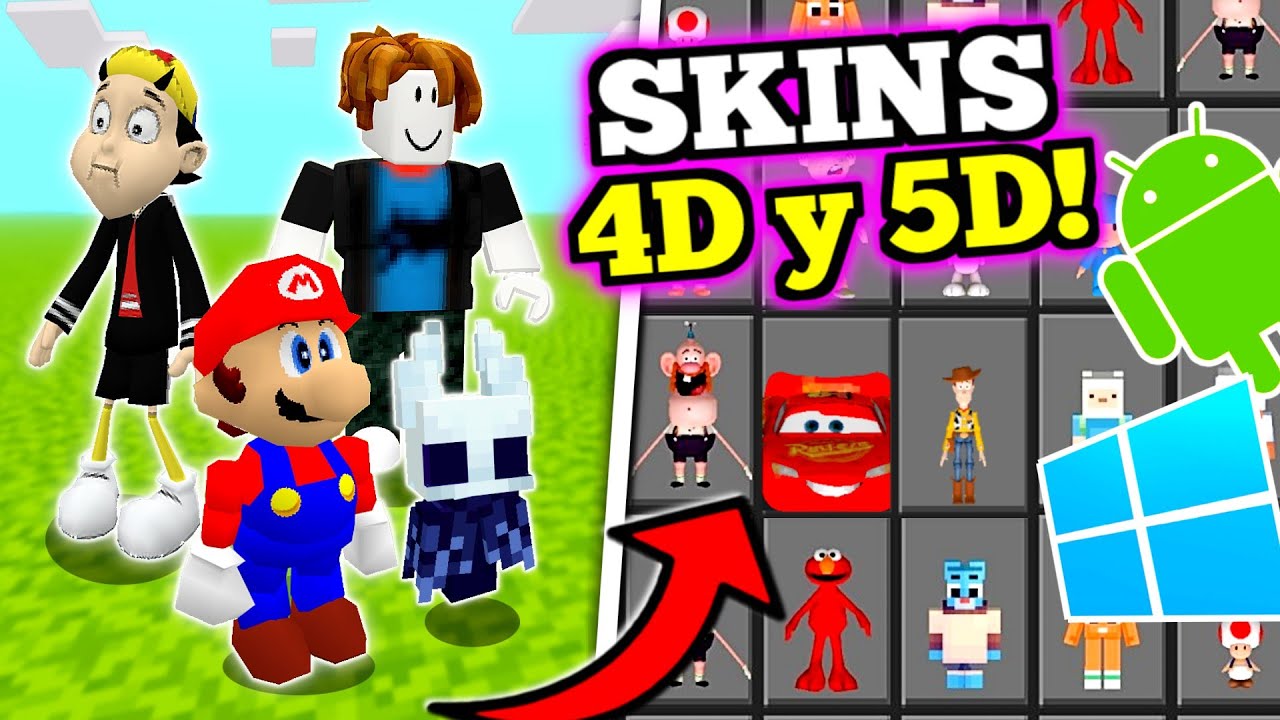
Premium 5D Skin Pack Replacer (26.x, 1.21) – 500+ Animated Characters for MCPE
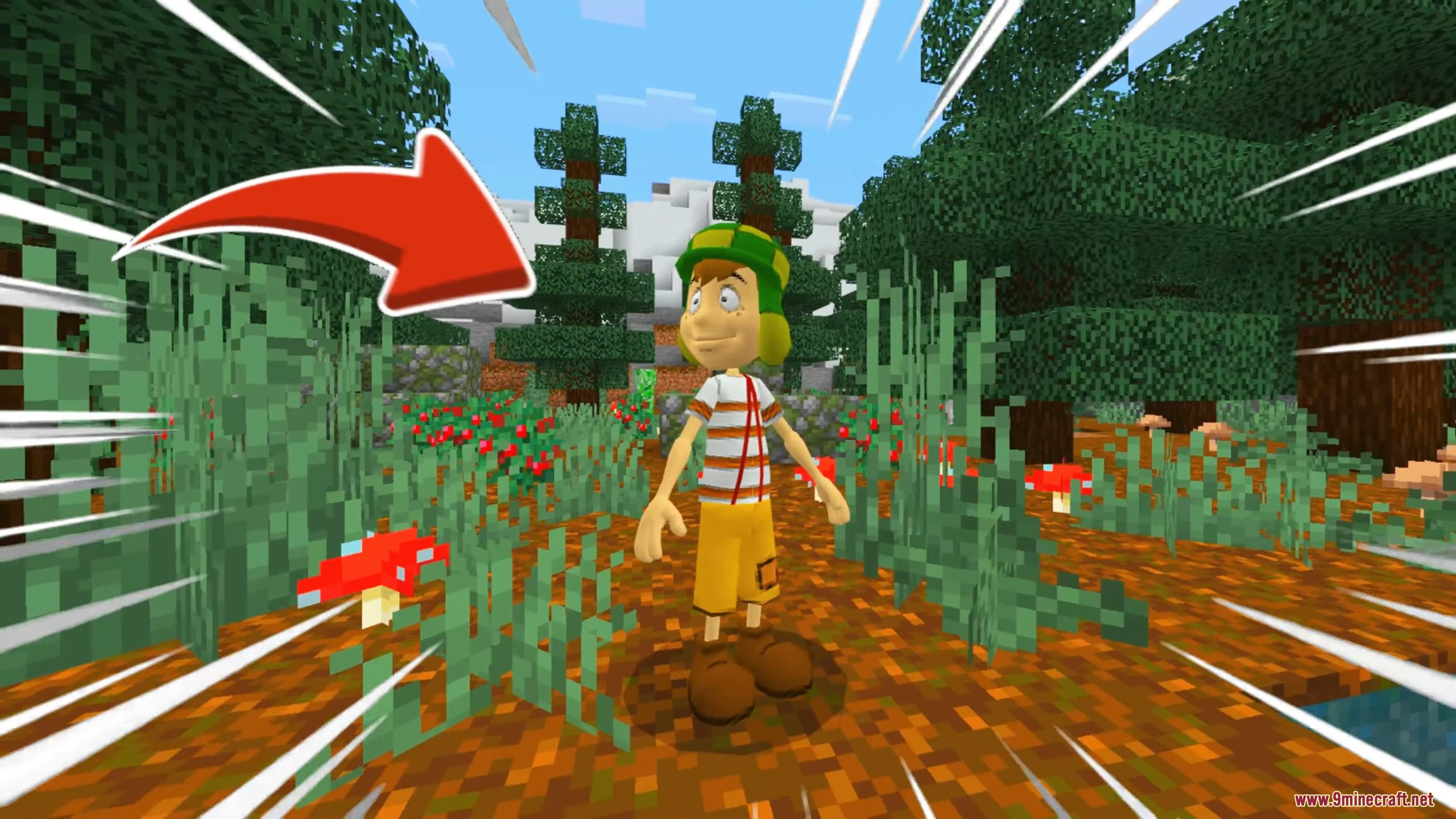
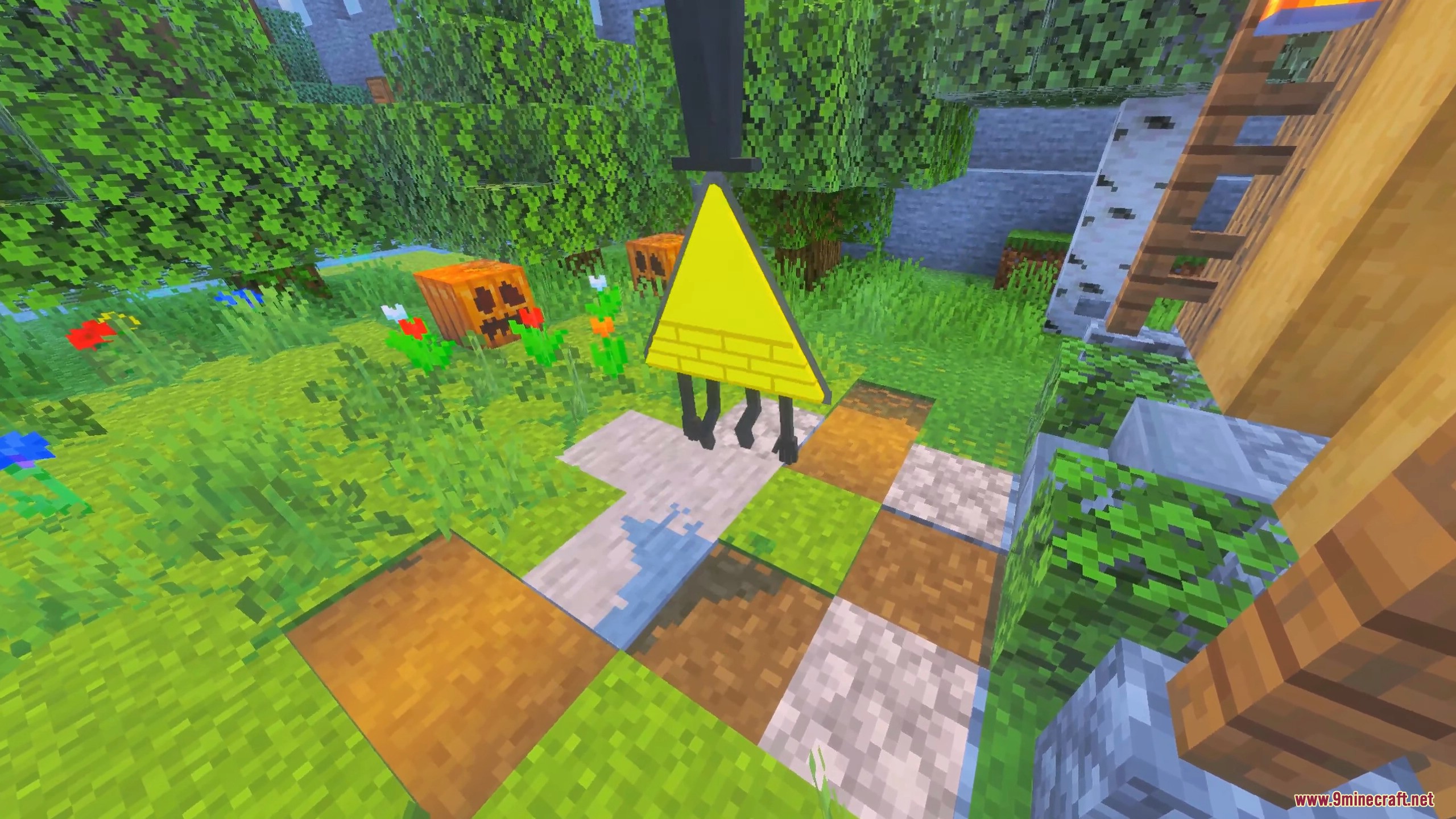
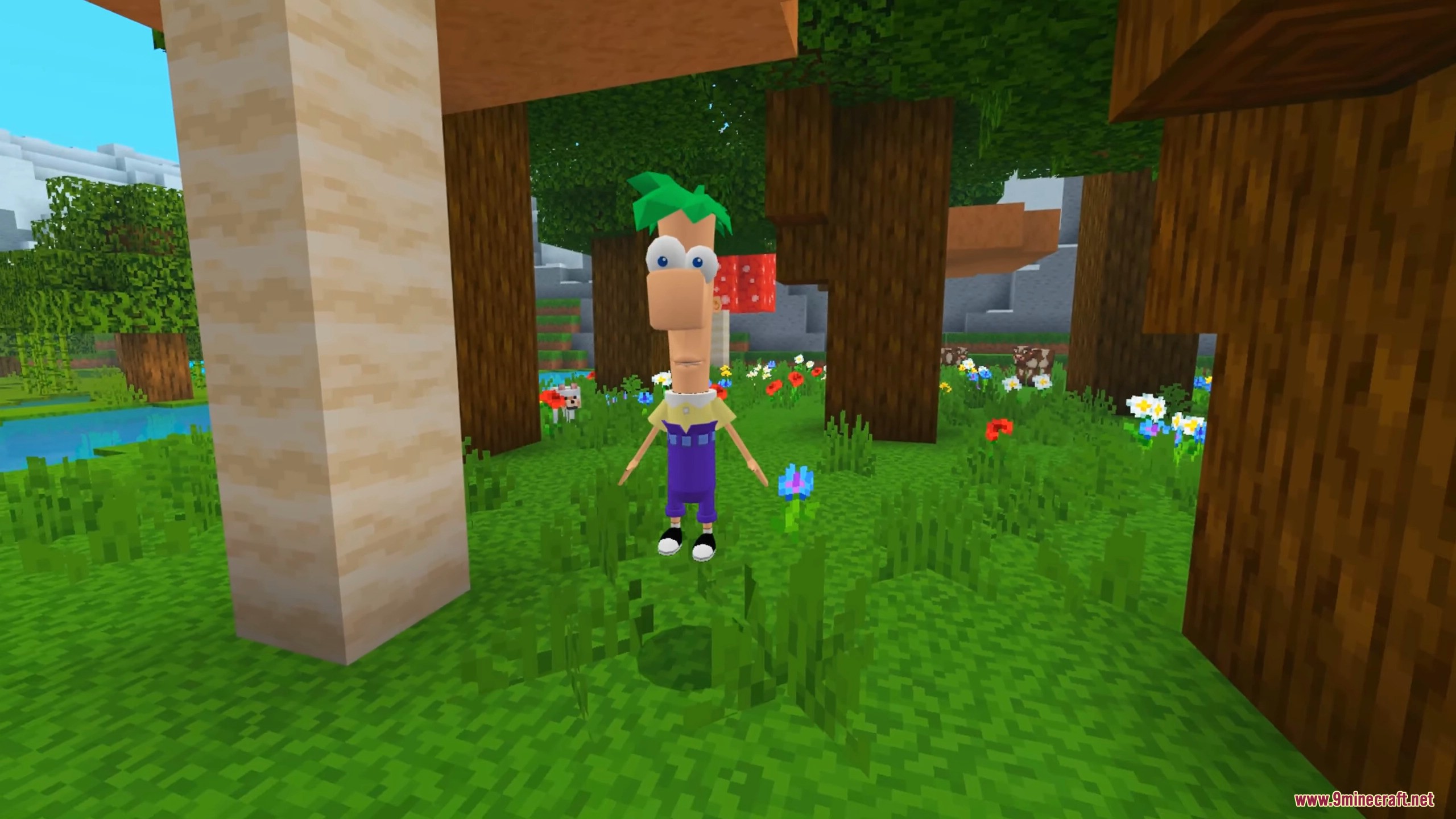
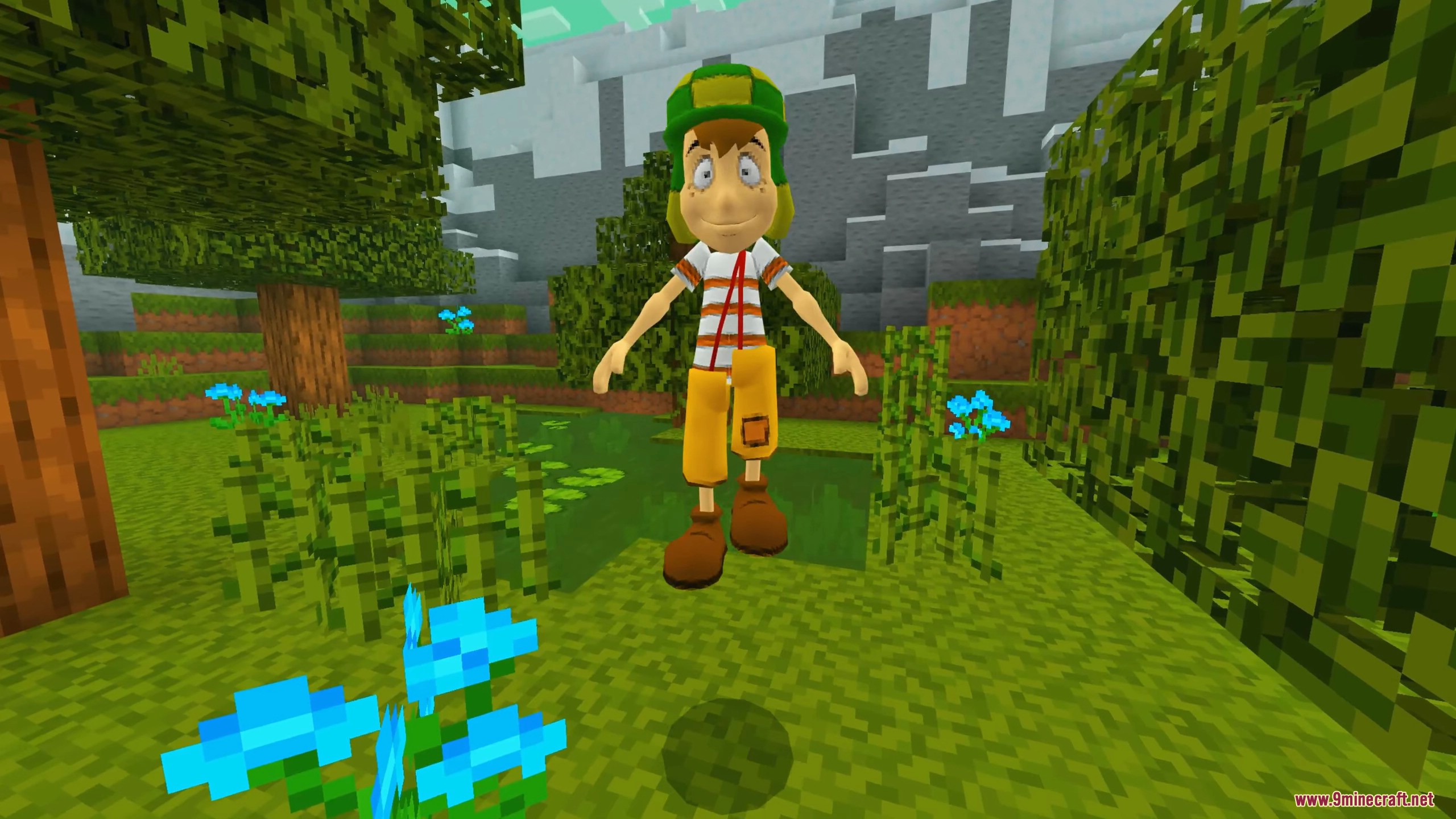
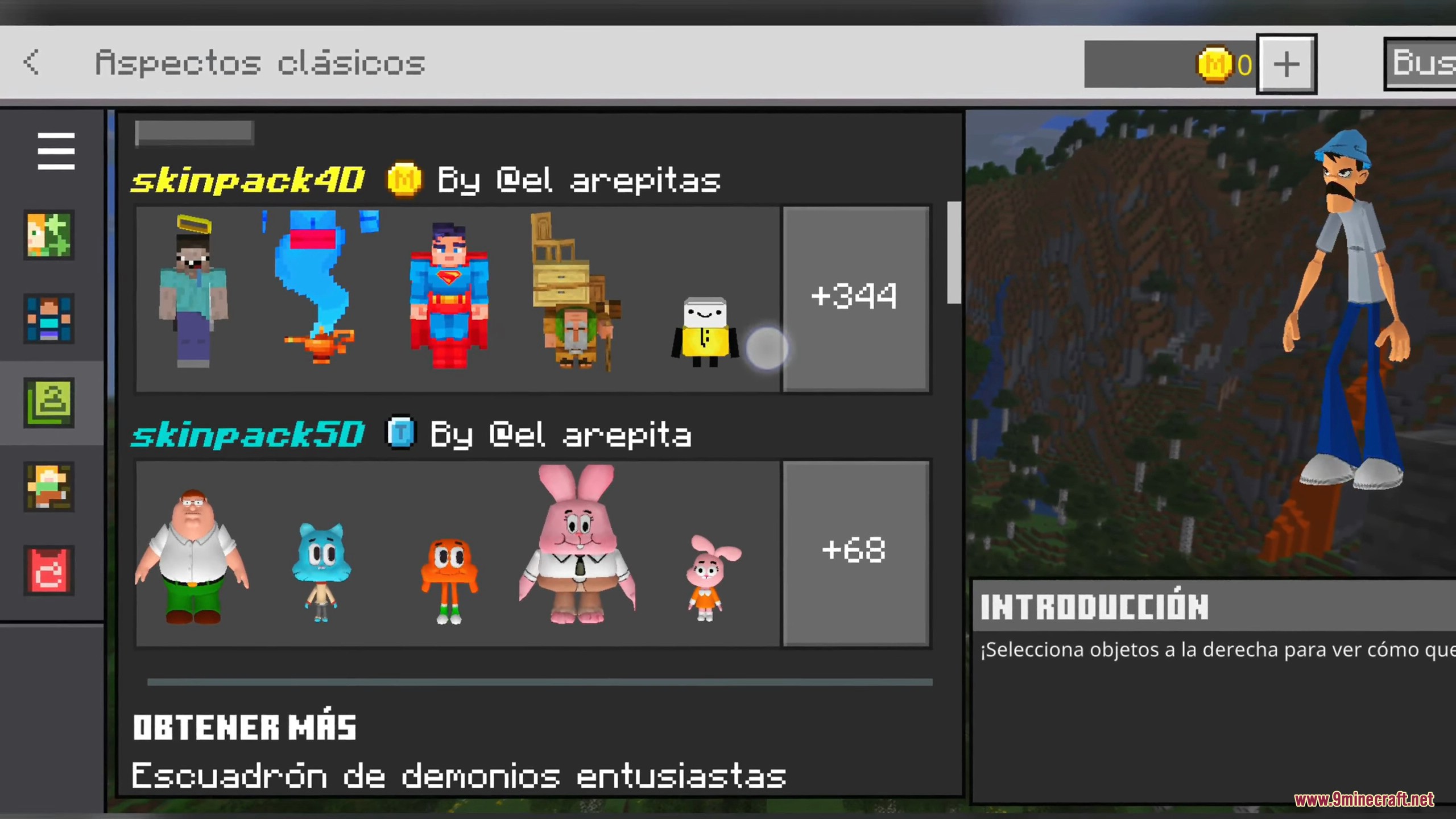
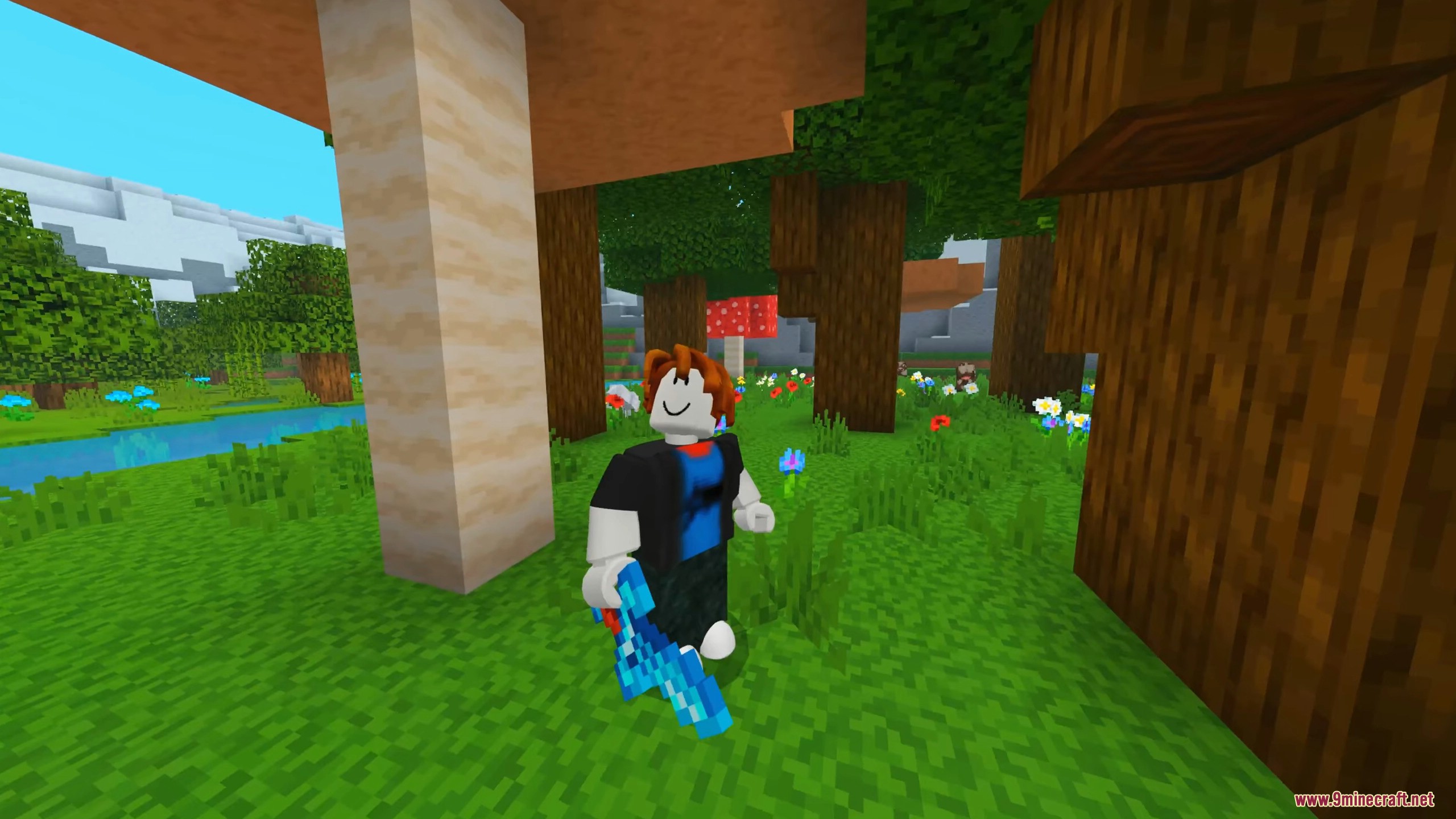
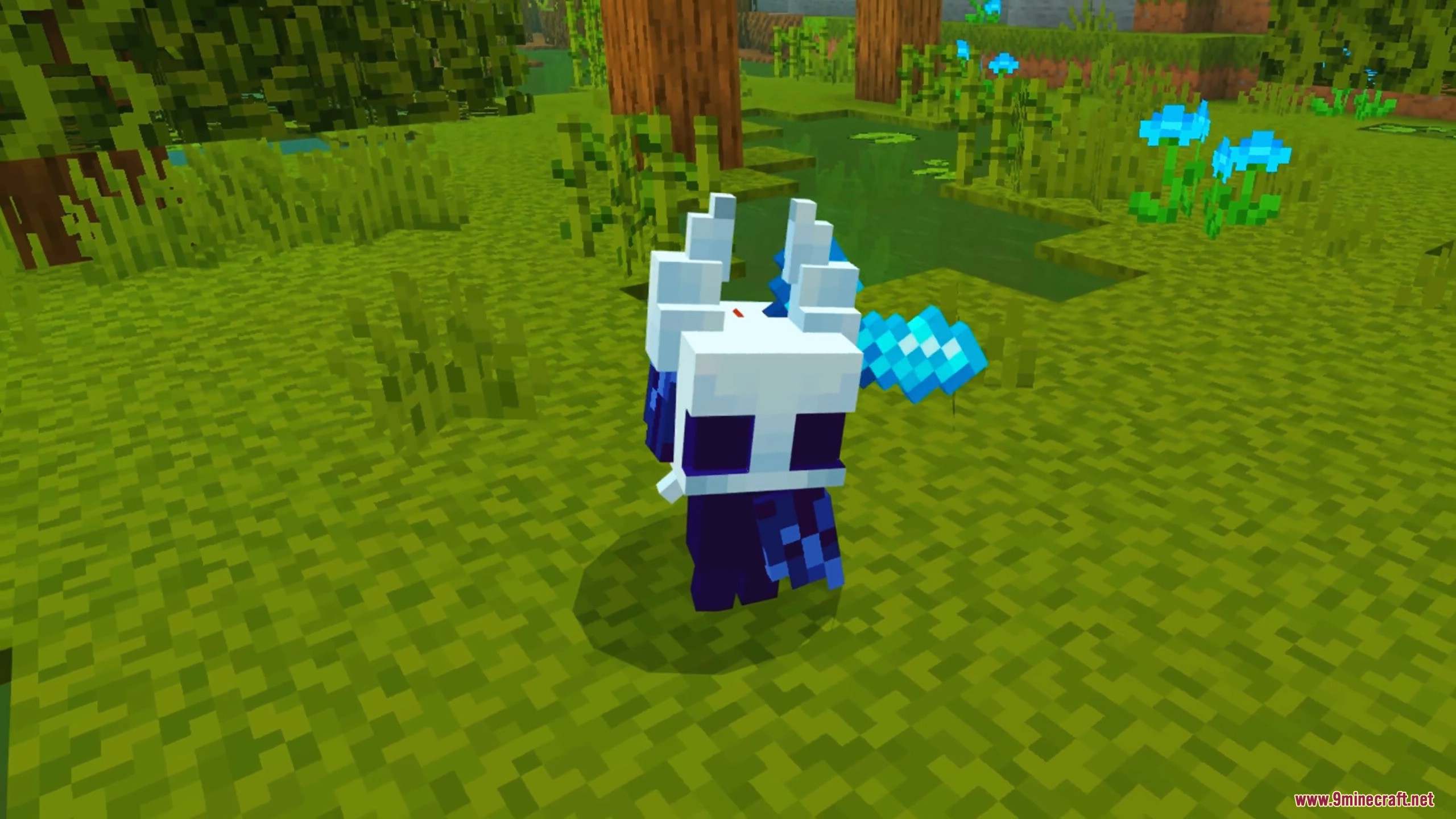
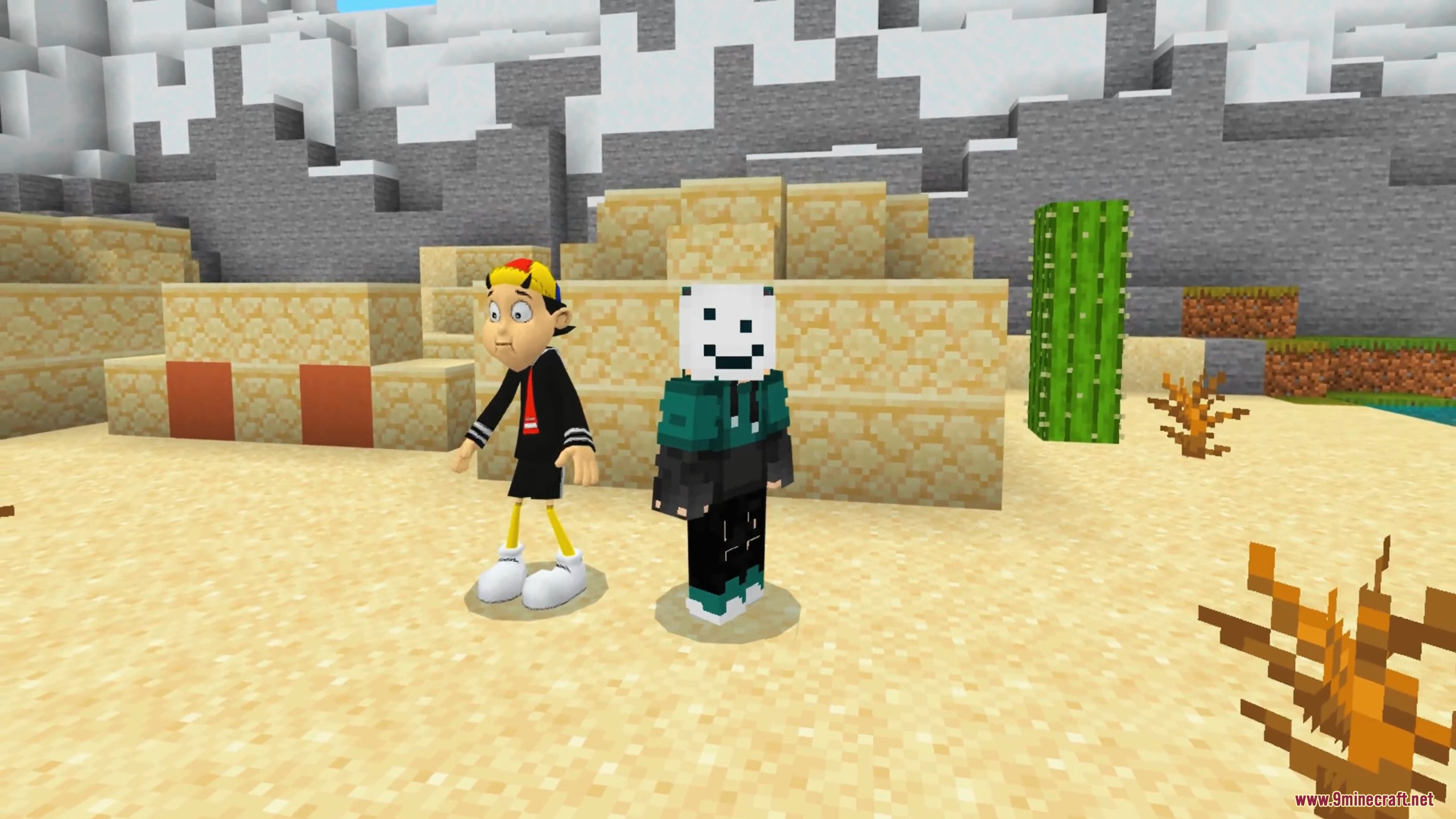
Premium 5D Skin Pack Replacer is an advanced skin pack technique that swaps the contents of a free Bedrock marketplace skin pack with a much larger custom collection – giving you hundreds of 4D, 5D, and animated characters that look like premium marketplace content. Three different replacer bundles are available, ranging from a massive 470-character collection of animals, mobs and fantasy figures to a compact 18-skin round-toy themed set. This is the method most often used on iOS where the official client does not allow direct .mcpack imports with custom geometry.
Features:
- 470 animated 5D skins – animals, mobs, community characters, fantasy figures, and meme designs. The largest of the three bundles.
- 18 round-toy 4D skins – a compact pack with stylized round-headed characters and unique custom geometry.
- 30 mixed 4D and 5D skins – a separate creator pack that overrides a different host slot, so you can run it alongside one of the other two bundles.
- Works on iOS, Android, and Windows 10 / 11 Bedrock using only the official Minecraft client – no APK modification or external launcher required.
- Uses the standard Bedrock
premium_cacheoverride technique. Once installed, the new skins appear inside the existing host pack slot in your Dressing Room. - All skins ship with hidden armor mode where applicable, so equipped armor will not visually clash with the custom character outfit.
How to Install:
- Open Minecraft and go to the in-game Marketplace.
- For the 470-skin and 18-skin bundles, search for and download the free Timeless Toys Skins host pack. For the 30-skin bundle, install the matching free host pack (any creator skin pack with a custom UUID will do – see the section below for details).
- Fully close Minecraft after the host pack finishes downloading.
- Open your file manager and navigate to the Bedrock premium cache directory:
- Windows 10/11:
%localappdata%\Packages\Microsoft.MinecraftUWP_8wekyb3d8bbwe\LocalState\premium_cache\skin_packs\ - iOS (with file access via Filza or a launcher’s Files integration):
/var/mobile/Containers/Data/Application/<Minecraft UUID>/Library/Application Support/mcpelauncher/games/com.mojang/premium_cache/skin_packs/ - Android:
/storage/emulated/0/Android/data/com.mojang.minecraftpe/files/premium_cache/skin_packs/
- Windows 10/11:
- Inside
skin_packsyou will see a folder named after the host pack’s UUID. Open it. - Download and extract the replacer ZIP file. Copy every file from inside the extracted folder into the host pack UUID folder – overwrite when prompted.
- Launch Minecraft again. Open the Dressing Room and find the host pack under the Owned tab. The skin grid will now show the new replaced characters instead of the original ones.
- Pick any character and press Equip.
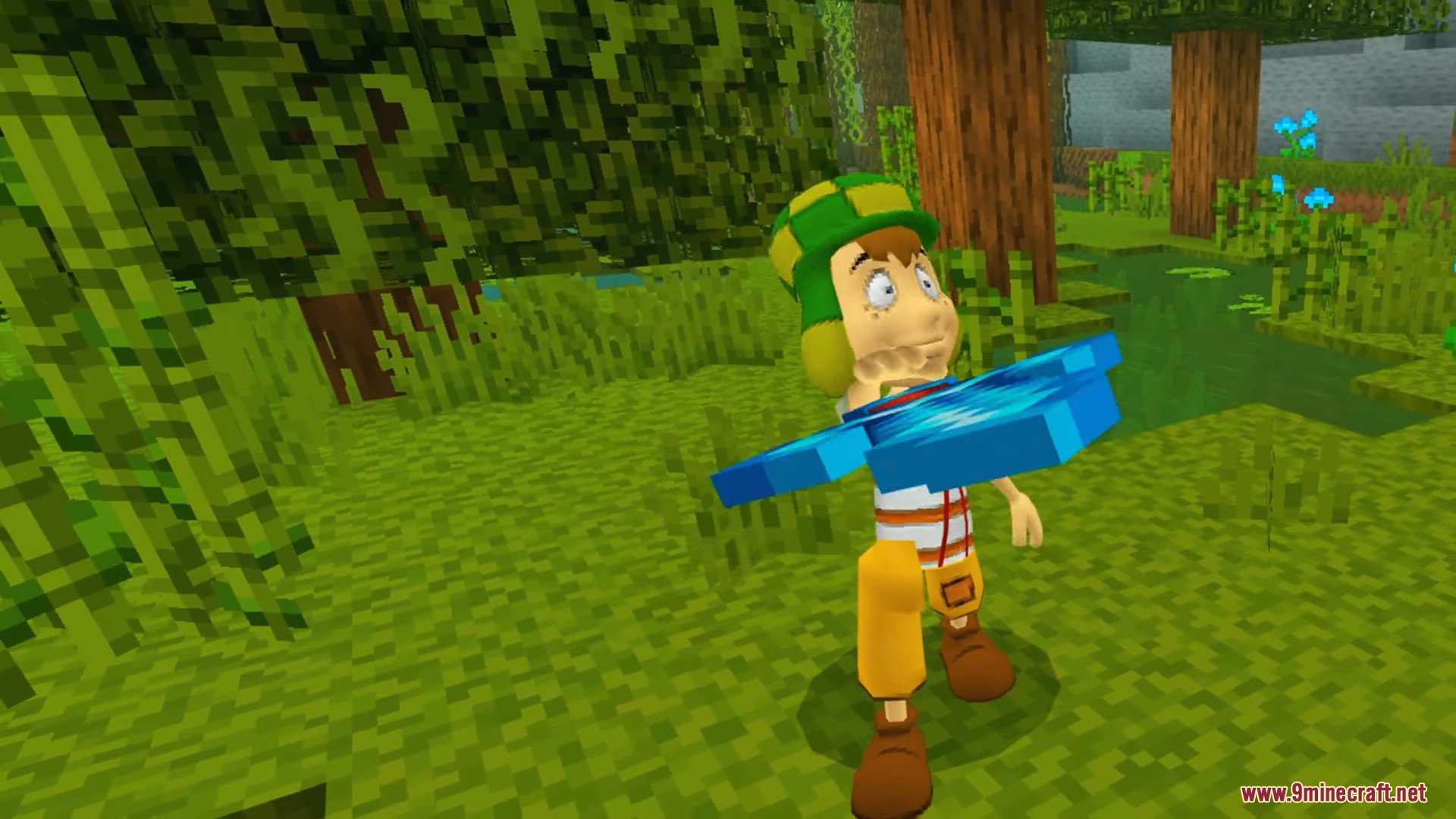
Screenshots:
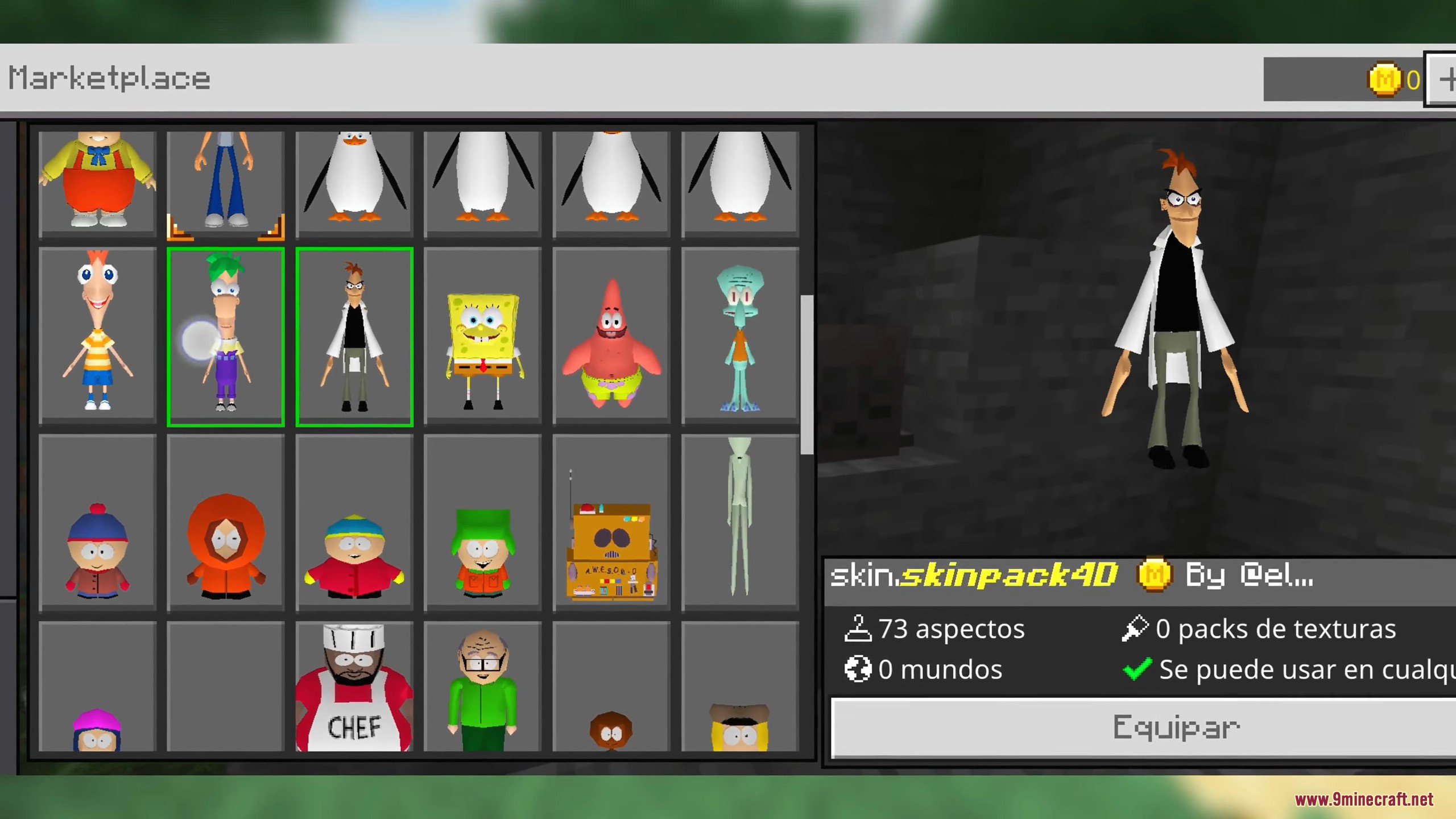
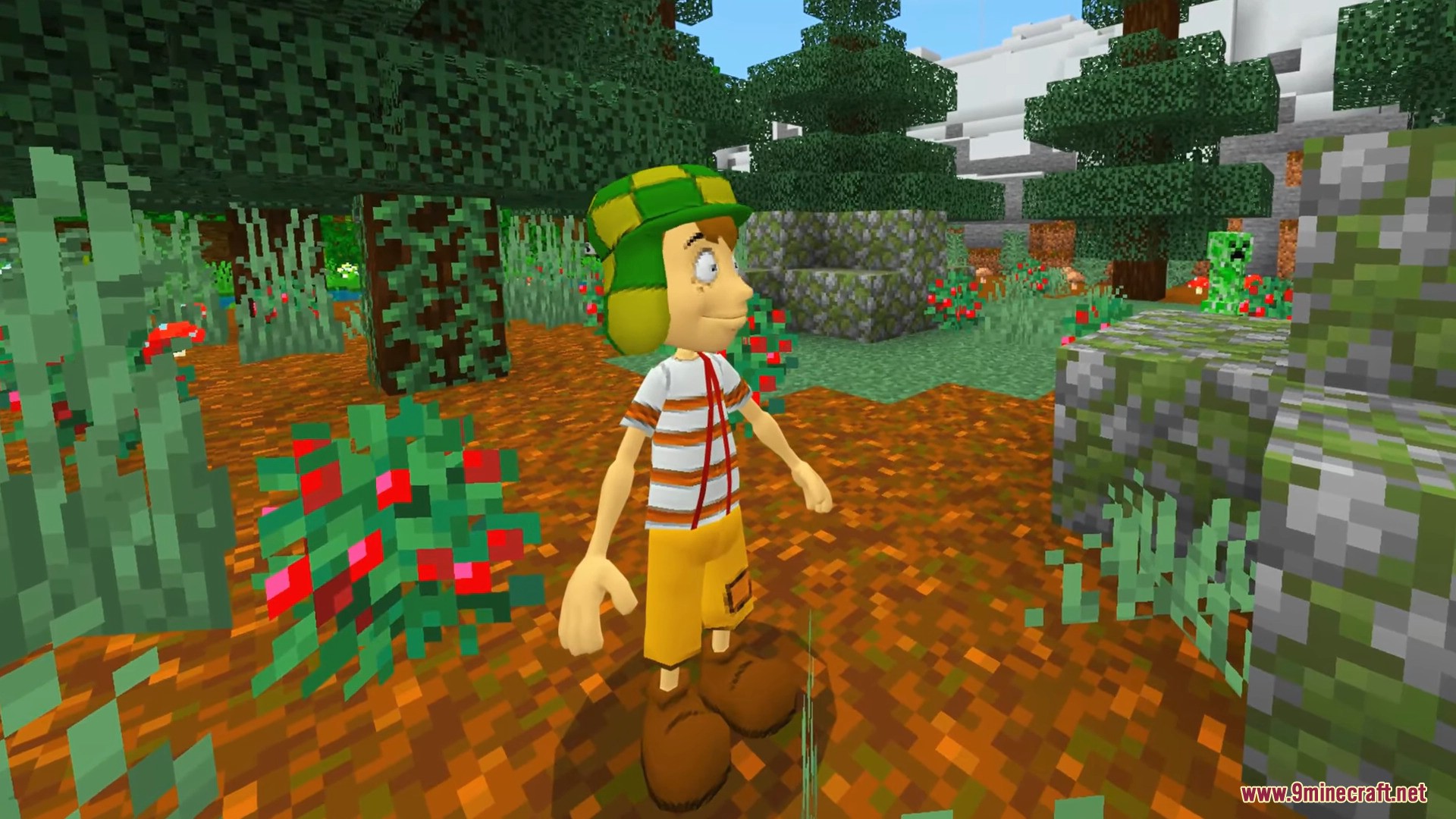
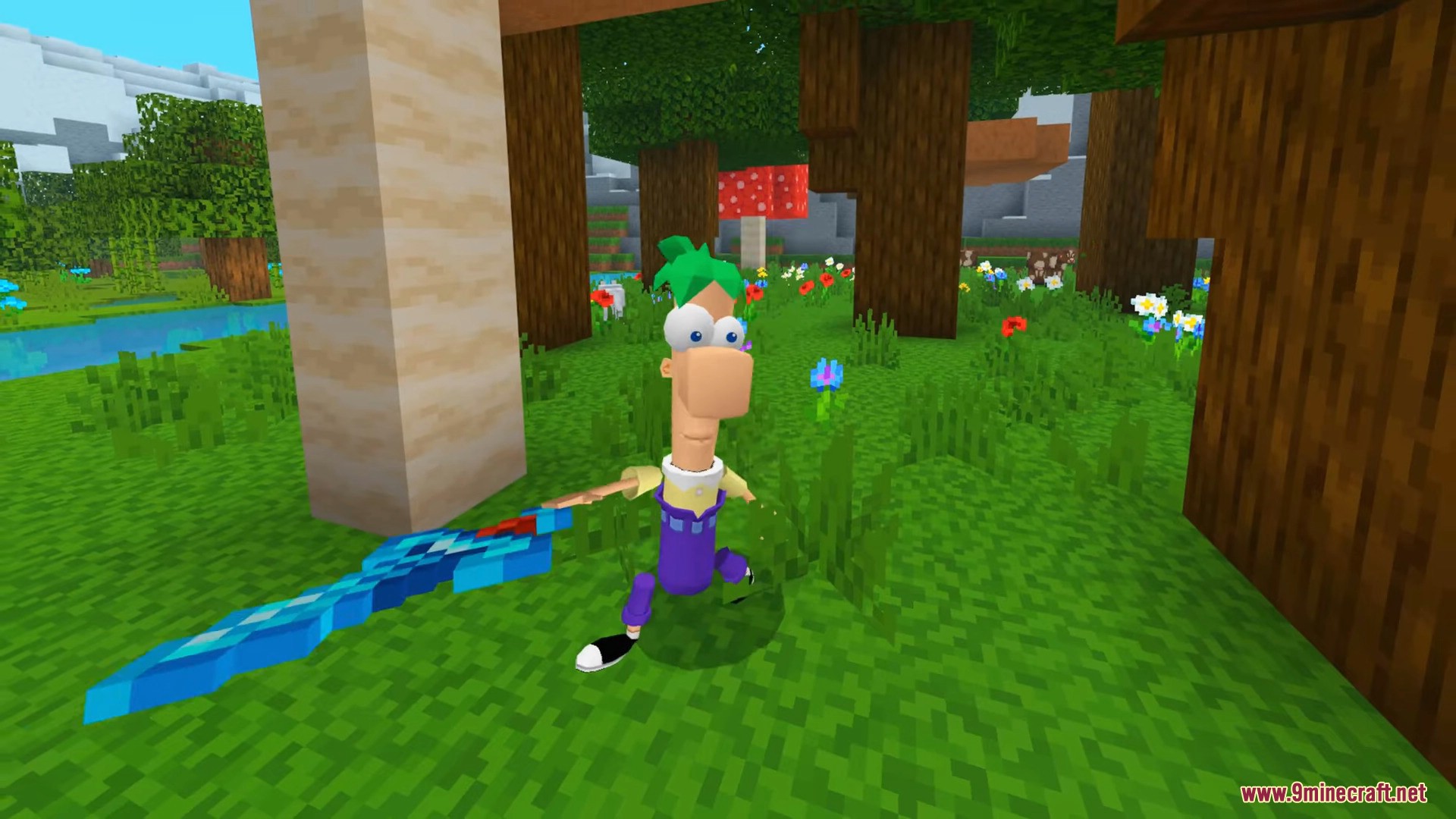
Which Bundle Should You Pick?
- 470-Skin 5D Animated (72 MB) – Recommended. Largest collection by far, with animals, mobs, fantasy figures, and animated characters. Replaces the Timeless Toys host slot.
- 18-Skin Round Toy (15 MB) – Compact pack with round-headed stylized characters. Also replaces the Timeless Toys host slot, so you can run only one of these two at a time.
- 30-Skin Mixed 4D & 5D (25 MB) – Uses its own separate host slot, so you can install it in addition to one of the two bundles above.
Before You Install:
- Disable Trusted Skins in Settings → Profile → Trusted Skins. Bedrock 1.19 and newer block non-marketplace custom geometry by default. This step is required for the 4D and 5D models to render correctly.
- Always close Minecraft fully before copying files into
premium_cache. The game caches the pack contents in memory at launch and will overwrite your changes if it is running. - The 470-skin and 18-skin bundles share the same host pack UUID. If you install one over the other, the previous bundle’s files will be replaced. Back up the host folder first if you want to switch back later.
- iOS users need a way to access the Minecraft app sandbox. The two common methods are Filza on a jailbroken device, or a third-party launcher with built-in Files app integration.
Important Notes:
- This technique modifies cached files belonging to a Marketplace pack you own. It does not redistribute paid content – it replaces the textures and geometry inside a pack you have legitimately downloaded.
- If Minecraft re-downloads the original host pack (this can happen after a major Marketplace update), simply repeat the install steps.
- Multiplayer note: On most public servers other players will see your character with the standard Steve or Alex model because the custom geometry is rendered client-side only. On strict anti-cheat servers your own first-person view will still be correct.
- For simpler install methods, see our other skin pack guides:
- 4D Custom Skin Mod APK – Android one-tap install, no marketplace required.
- Custom Geometry Skin Pack – universal
.mcpackimport for Android, iOS, and Windows. - Hidden Armor 4D Skin Pack – Windows-only direct folder drop.
- 4D Skin Geometry Loader – native Android mod for use with LeviLauncher or Ambient Launcher.
Premium 5D Skin Pack Replacer Download Links
- Edition: Minecraft Bedrock
- File type: .mcpack
- Minecraft version listed: 1.21
- How to install: Download the .mcpack skin pack. → Open it — Minecraft imports it. → Open the Dressing Room and select the skin.
- Where to get it: In MC Skins, or directly above on this page.
Install steps are the general flow for this file type — How to apply a custom Minecraft skin walks through it step by step.
- Pack type: .mcaddon — behaviour and resource pack in one file
- Complete pack — everything it depends on is inside the file
- Download size: 71.9 MB
- Download link checked 22 Jul 2026 — working
- Mirrored on our own servers — the download does not depend on the original host
These come from our own check of the pack file, not from the source page.