Custom Geometry Skin Pack (26.x, 1.21) – 80+ Anime and Asian Style 4D Characters
Bedrock skin pack listed for Minecraft 1.21. File opened and checked on 3 Nov 2026; installs from the MC Skins app on Android.
⬇ Download


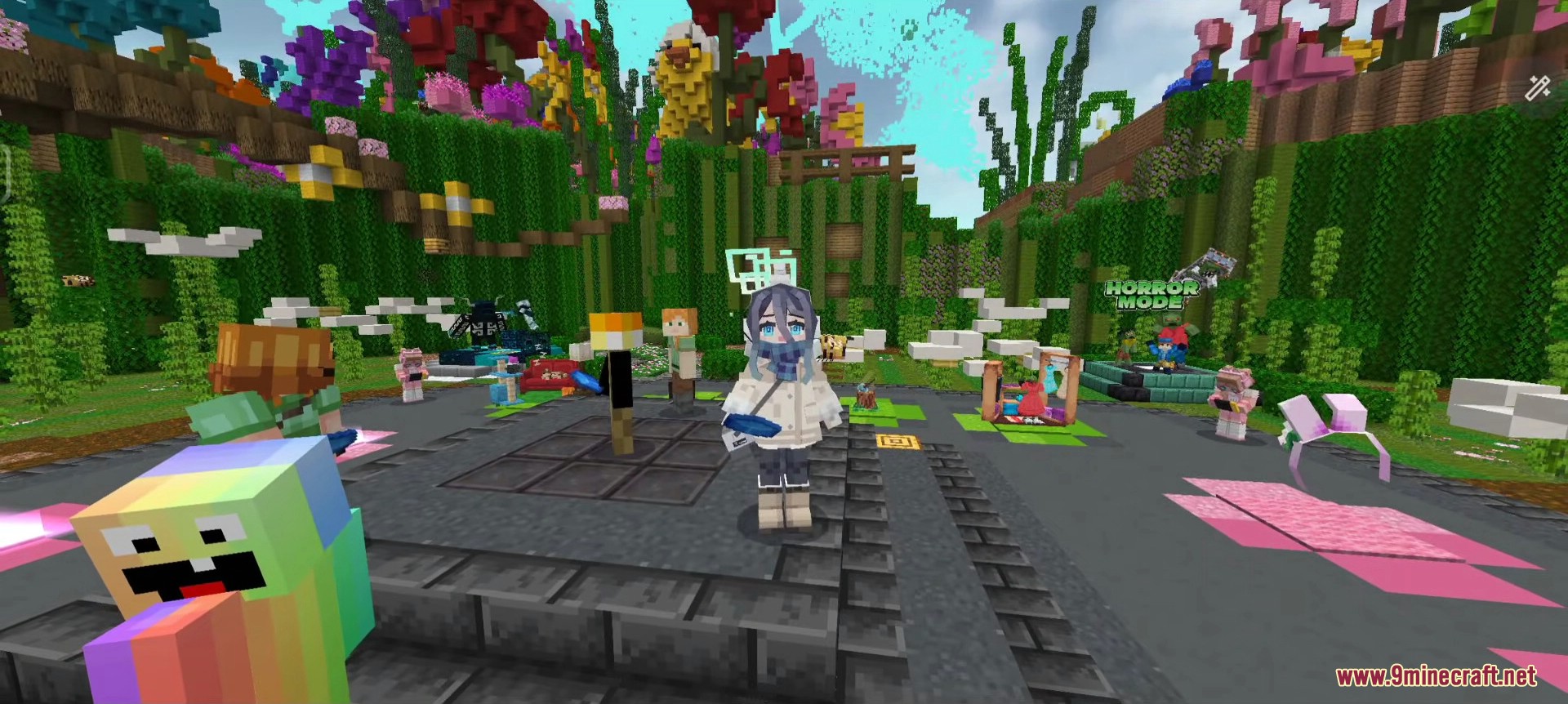
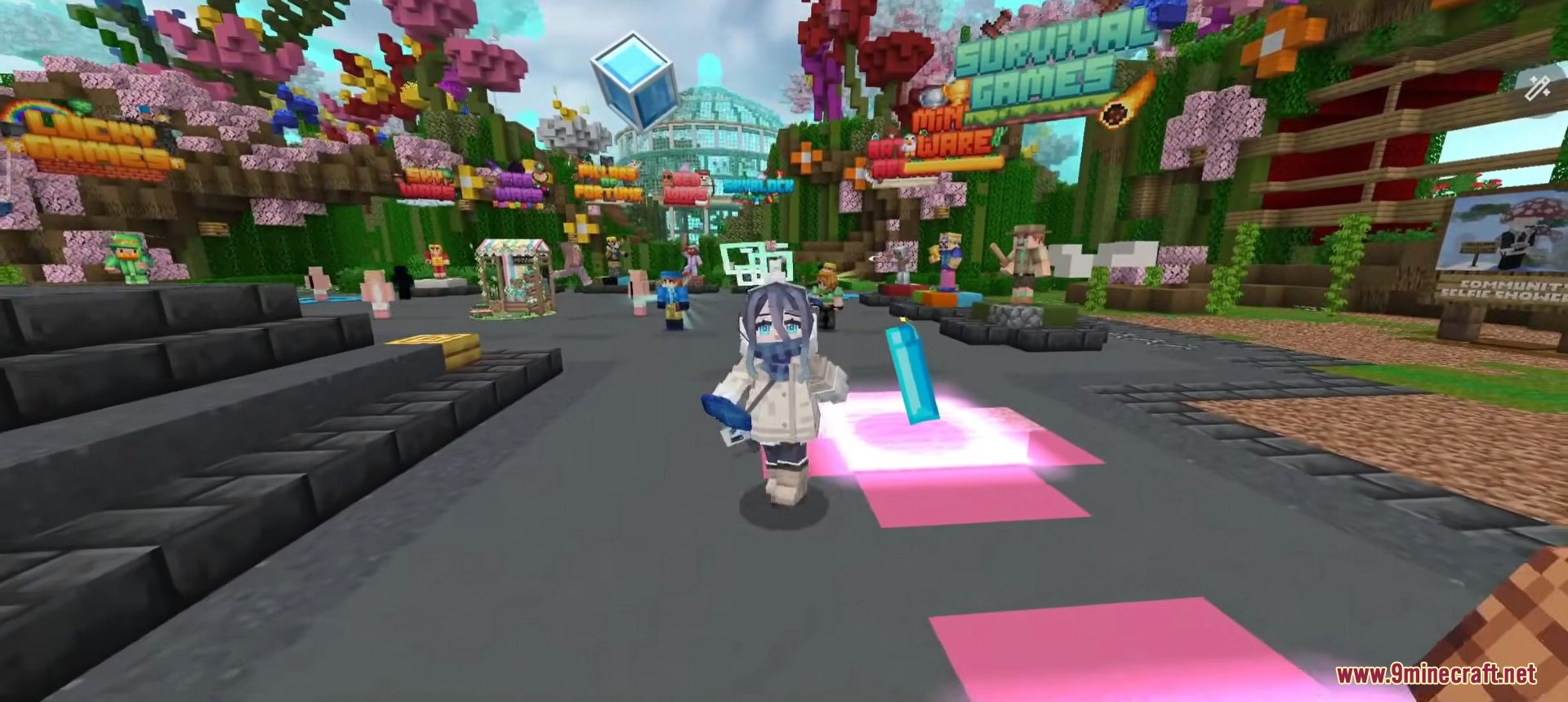
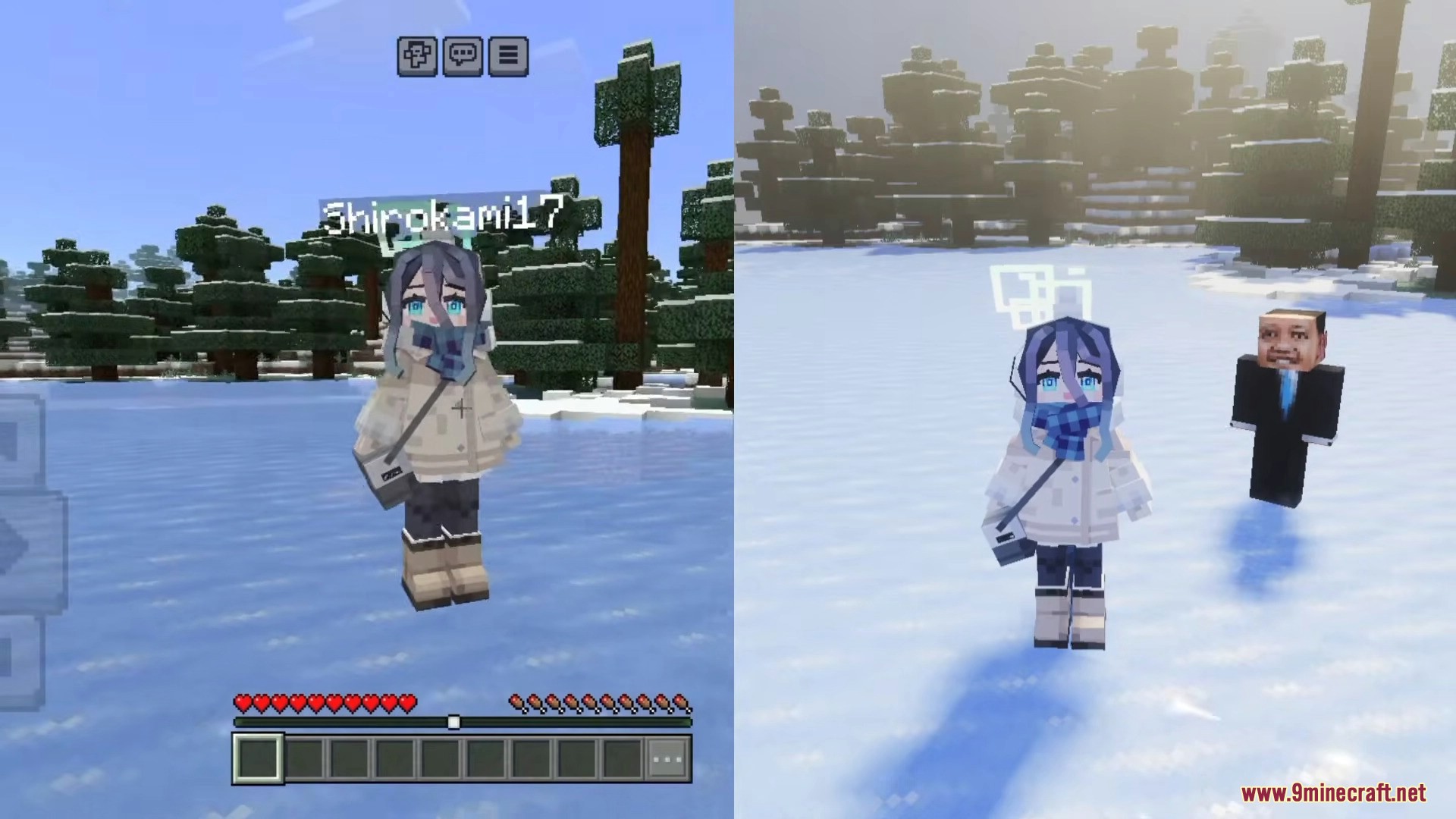
Custom Geometry Skin Pack is a portable Minecraft Pocket Edition skin collection that ships in the standard .mcpack format – meaning you can install it with a single tap on Android, iOS, or Windows Bedrock without modifying your Minecraft client. The pack uses true 4D custom geometry, so every character has volumetric hair, dresses, accessories, and hidden-armor body shapes that go well beyond the flat default player model. Two separate packs are available so you can mix and match, or use only the one that fits your style.
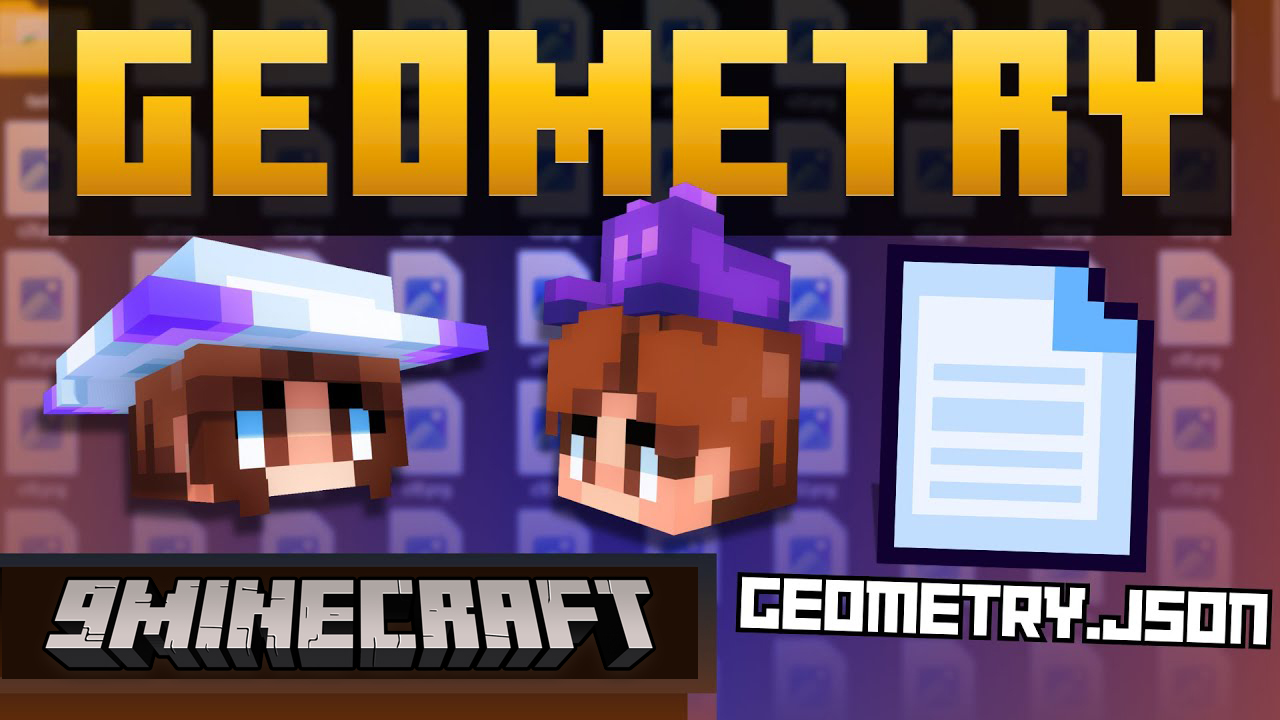
Features:
- Main pack: 67 custom 4D characters with hidden armor, anime and Asian styling, plus 18 extra slim-model variants for quick switching.
- Wave 1 pack: 16 additional 4D characters with their own unique geometry, including one skin with a built-in phantom flying animation.
- Distributed as standard
.mcpackfiles – tap the file and Minecraft imports it automatically into the Dressing Room. - Works on Windows 10/11 Bedrock, Android, and iOS versions of Minecraft Pocket Edition.
- The two packs use different unique IDs, so you can install both side by side without conflicts.
- All textures use
hide_armor: true– your armor will not visually clash with the custom outfits. - Lightweight: under 15 MB combined, compared to hundreds of megabytes for modded APK alternatives.
How to Use:
- Download one or both
.mcpackfiles from the links below to your device. - Tap the downloaded file. Minecraft Pocket Edition will launch automatically and import the skin pack into the Dressing Room.
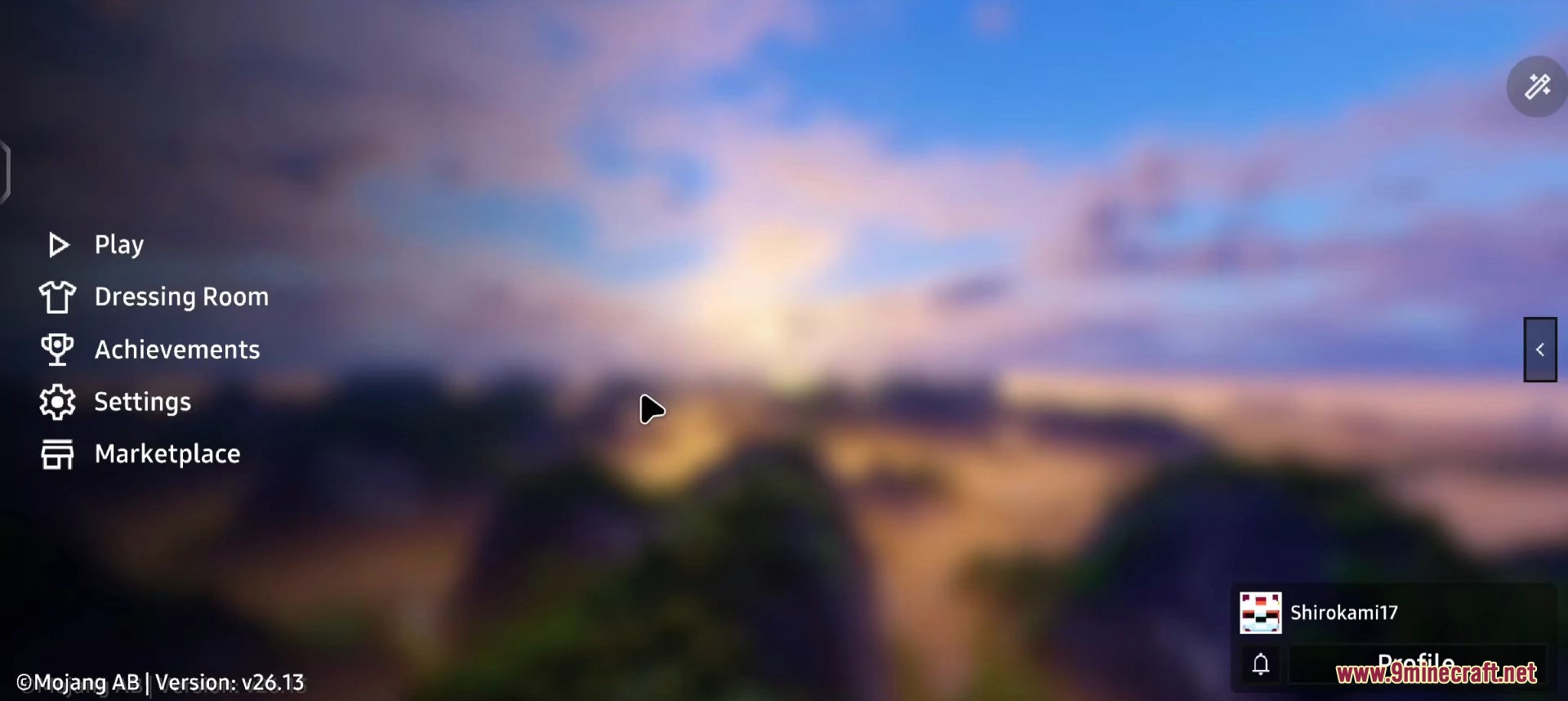
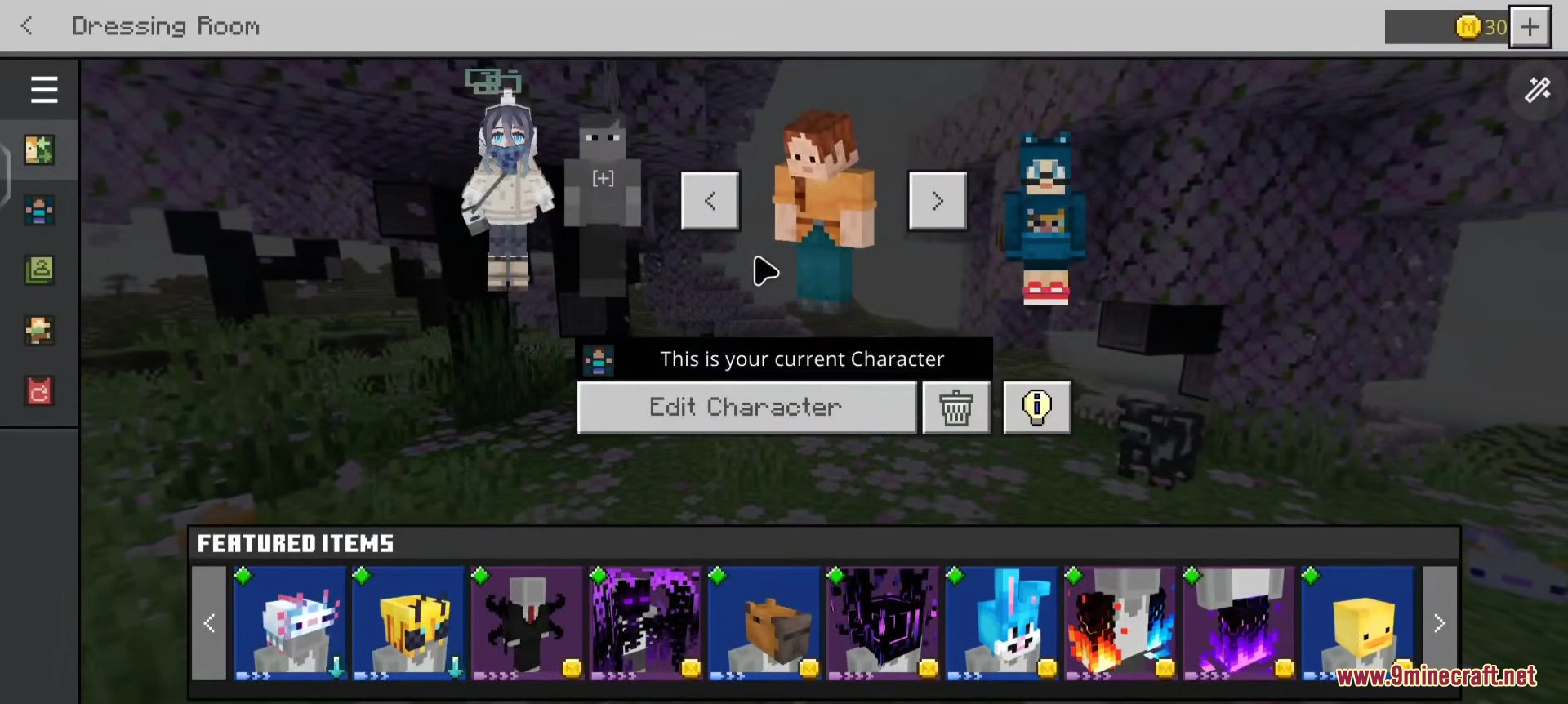
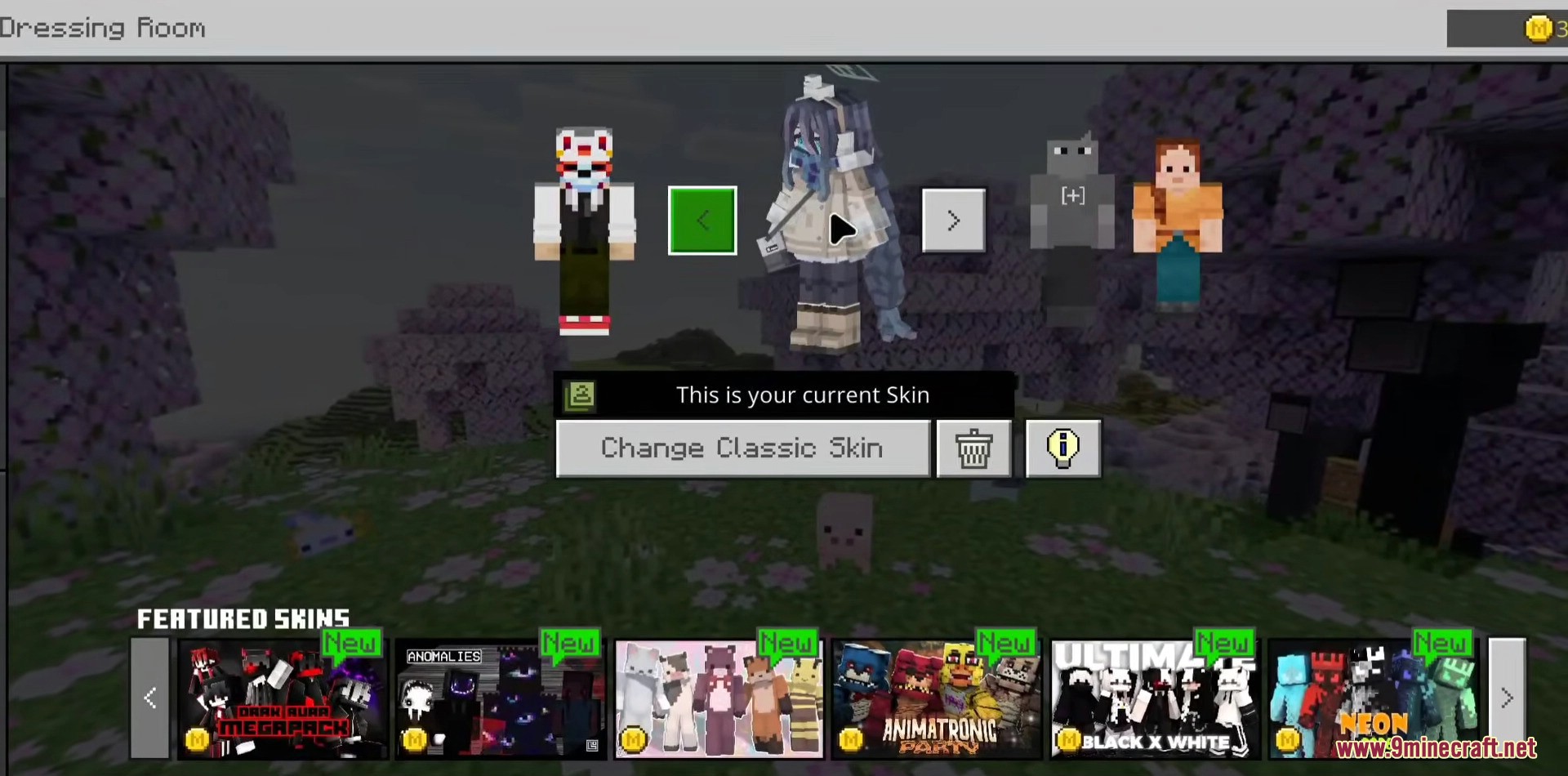
- Open the Dressing Room from the Minecraft main menu.
- Switch to the Classic Skins tab – the newly imported pack will appear at the top.
- Tap any character thumbnail to preview it, then press Equip to apply.
- Join any world or server and your 4D character will be visible to compatible clients.
Screenshots:
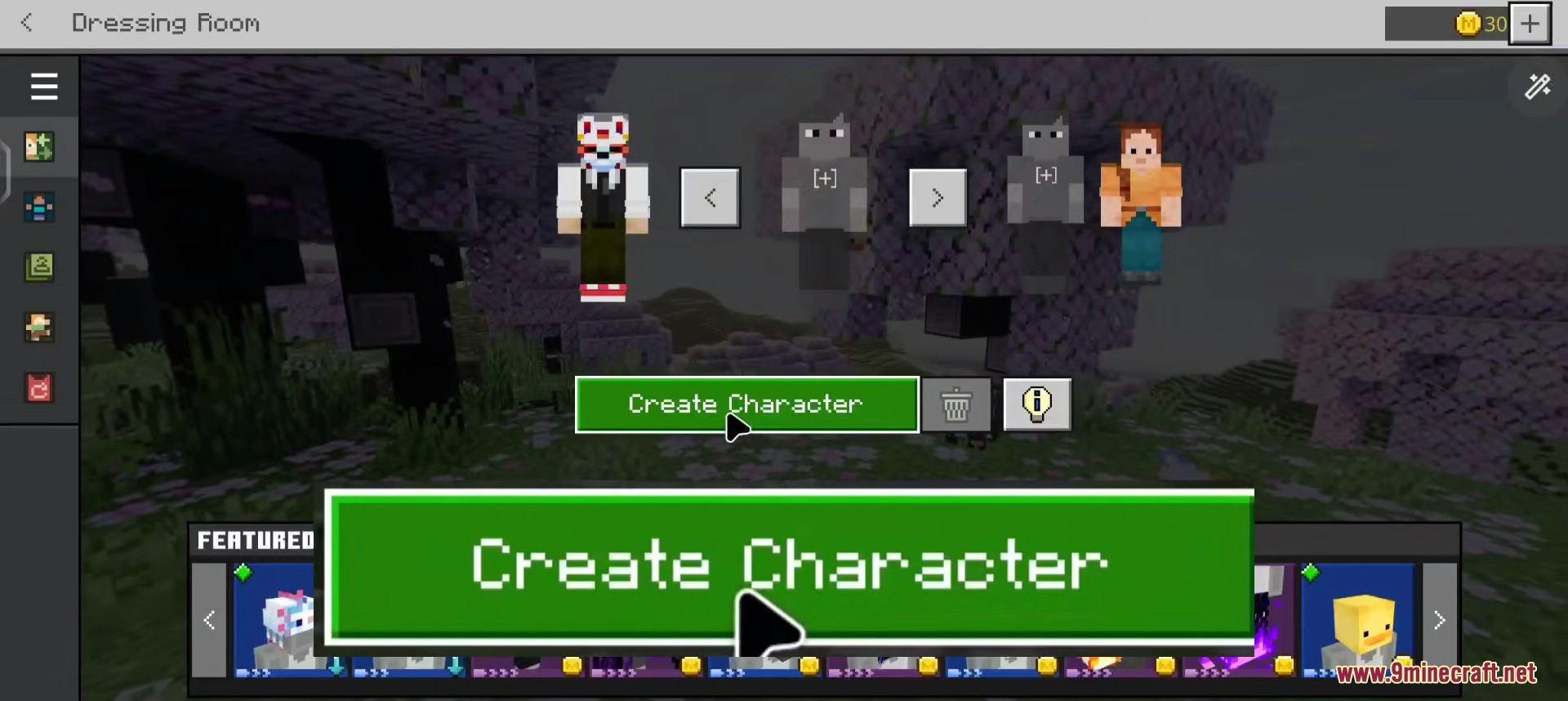
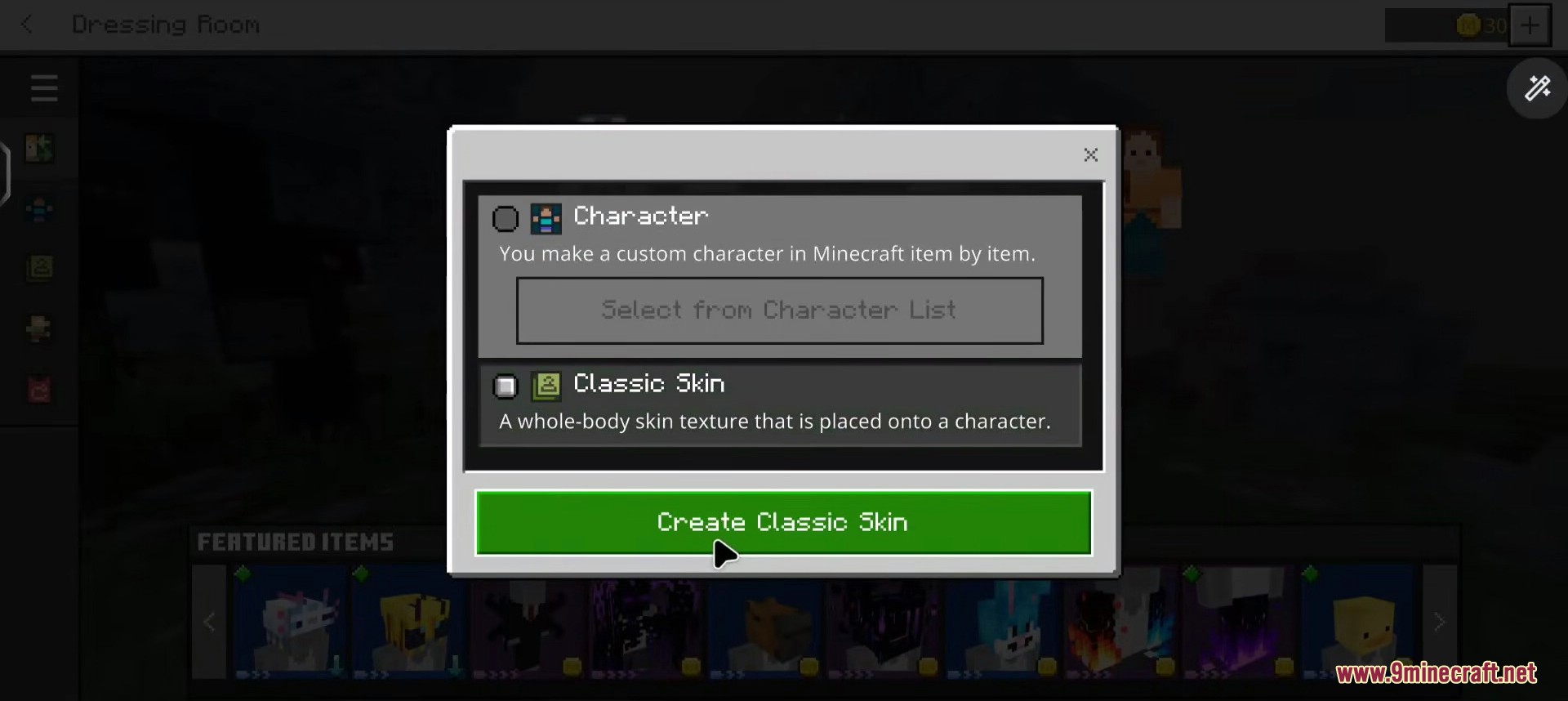
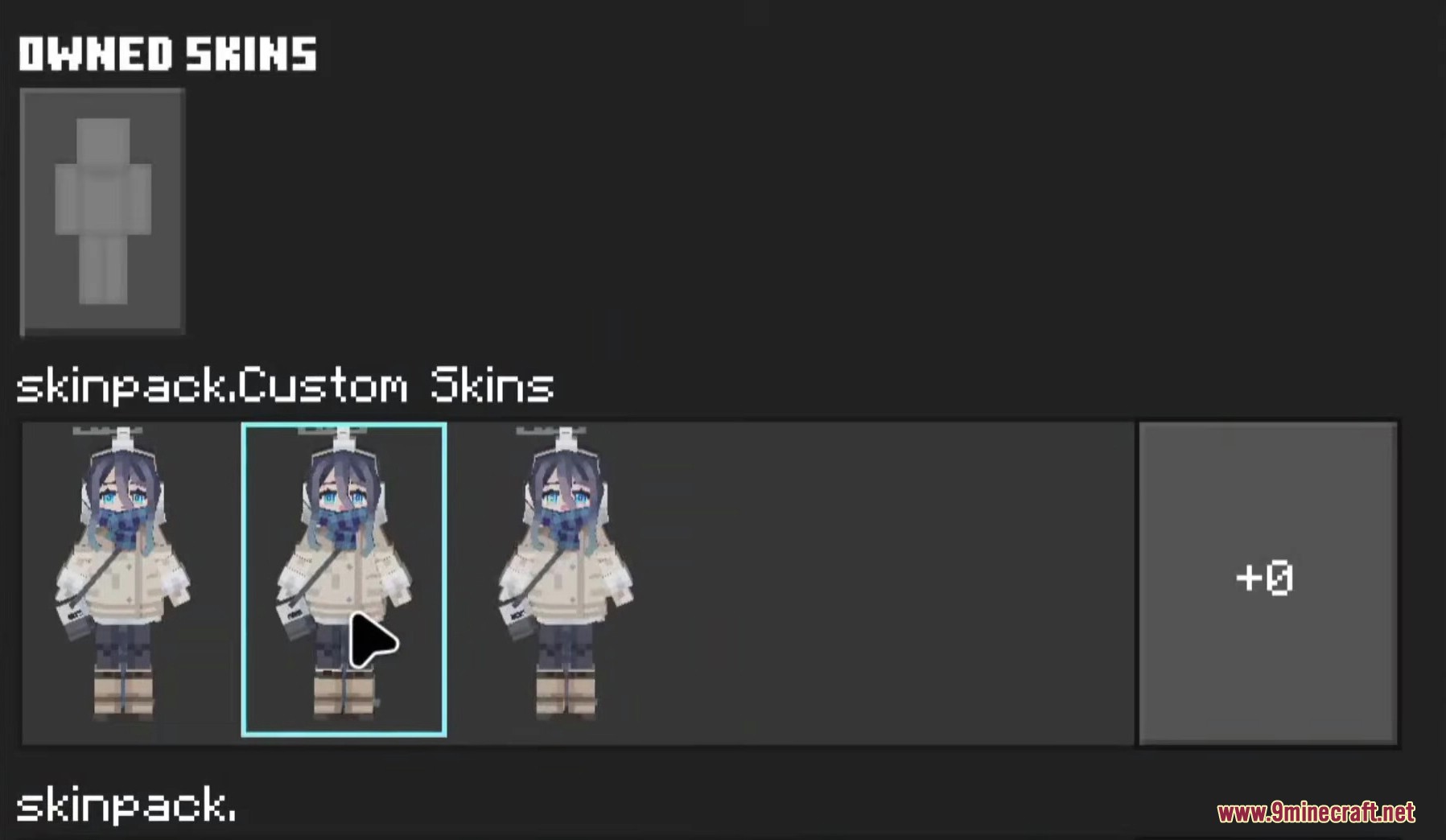
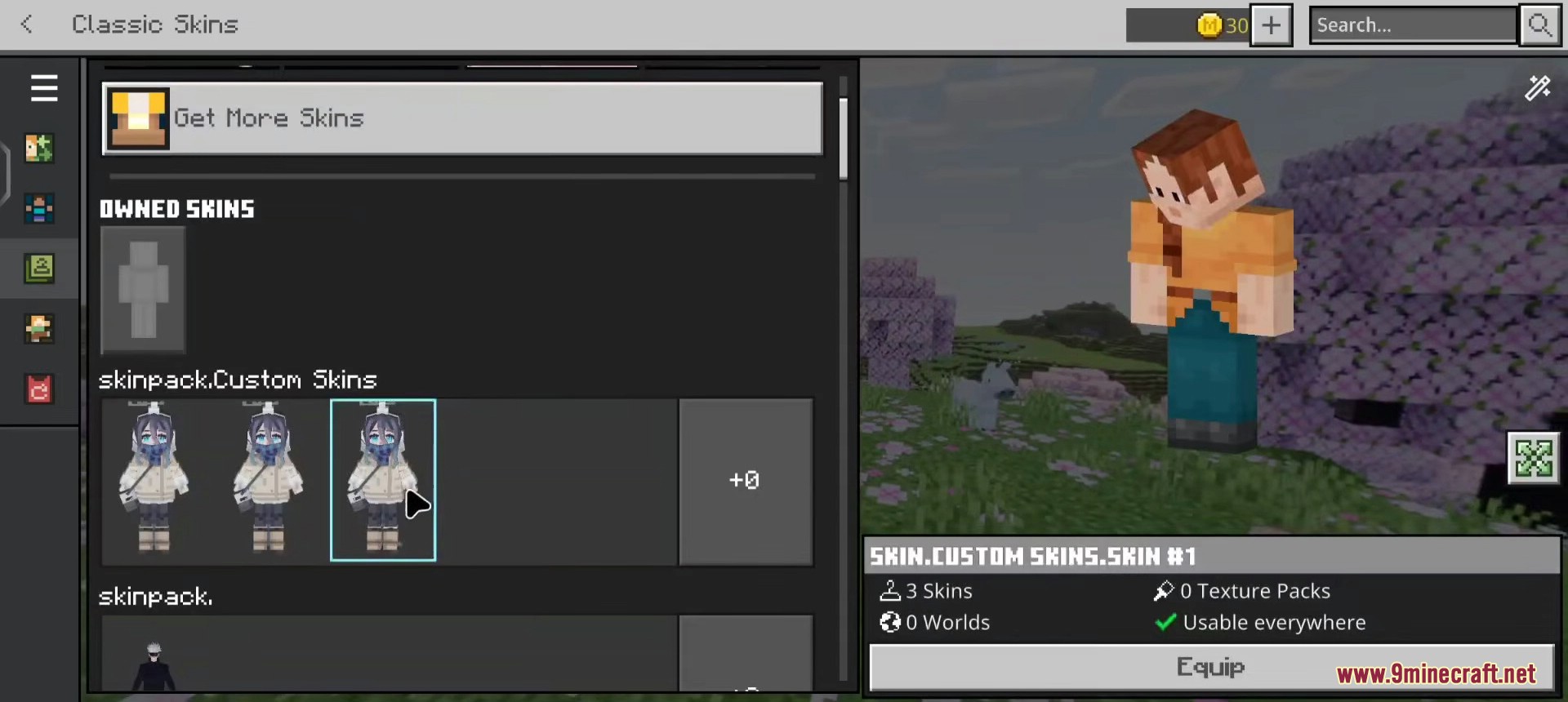
Before You Install:
- Disable Trusted Skins in Settings → Profile → Trusted Skins. This setting is ON by default since Bedrock 1.19 and will block any non-marketplace custom geometry from rendering correctly. Required on every platform.
- Windows 10/11 Bedrock users can use this pack with no extra setup beyond disabling Trusted Skins.
- Android users on stock Minecraft Pocket Edition will see the 2D texture but the 4D geometry will not render. To get the full 4D effect, install our 4D Skin Geometry Loader native mod together with the LeviLauncher APK.
- If you do not want to deal with extra launchers on Android, our 4D Custom Skin Mod APK bundles the same custom geometry library directly inside the Minecraft client – single-tap install, no launcher required.
Which Pack Should You Pick?
- 67-Skins Main Pack – Recommended. The largest collection with the widest variety of anime, lolita, witch, and Asian-style 4D characters, plus 18 standard slim variants.
- Wave 1 Pack (16 skins) – A smaller curated set with unique geometry not present in the main pack, including one character with a phantom flying animation.
- You can install both packs at the same time – they use different unique IDs and will appear as separate sections in your Dressing Room.
Important Notes:
- Some animation mods for Bedrock (emote and dance addons) can conflict with custom geometry rendering and may crash the game when switching skins. Disable other animation mods if you experience crashes.
- On strict anti-cheat servers (Hive, certain PvP realms), custom geometry may be rejected by the server. Your character will fall back to the standard model for other players on that server.
- For Windows 10/11 Bedrock players who want a pre-extracted folder version they can drop directly into the
skin_packsdirectory, see the Hidden Armor 4D Skin Pack for Windows Bedrock. - If you already own a marketplace skin pack and want to override its slot with a much larger 5D collection (470+ characters), see our Premium Skin Pack Replacer guide.
Custom Geometry Skin Pack Download Links
- Edition: Minecraft Bedrock
- File type: .mcpack
- Minecraft version listed: 1.21
- How to install: Download the .mcpack skin pack. → Open it — Minecraft imports it. → Open the Dressing Room and select the skin.
- Where to get it: In MC Skins, or directly above on this page.
Install steps are the general flow for this file type — How to apply a custom Minecraft skin walks through it step by step.
- Pack type: .mcpack — a single pack
- Complete pack — everything it depends on is inside the file
- Download size: 4.8 MB
- Download link checked 22 Jul 2026 — working
- Mirrored on our own servers — the download does not depend on the original host
These come from our own check of the pack file, not from the source page.