SkinsBedrock
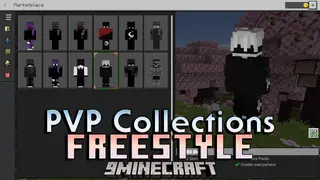
PVP Collections Freestyle Skin Pack (26.x) – Dark Outfits For PVP Combat
Minecraft Bedrock skin pack. File opened and checked on 19 Sep 2026; installs from the MC Skins app on Android.
⬇ Download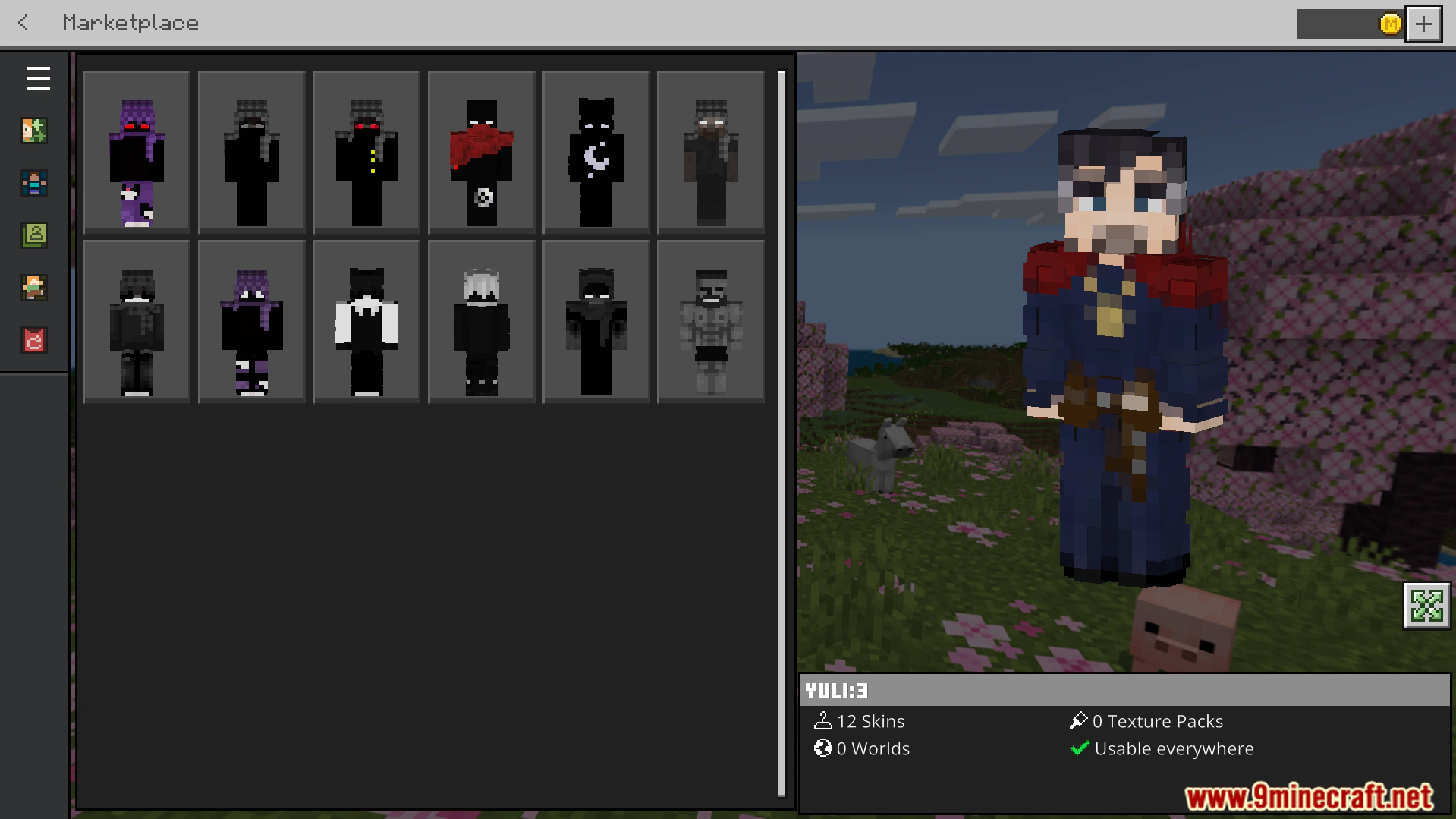
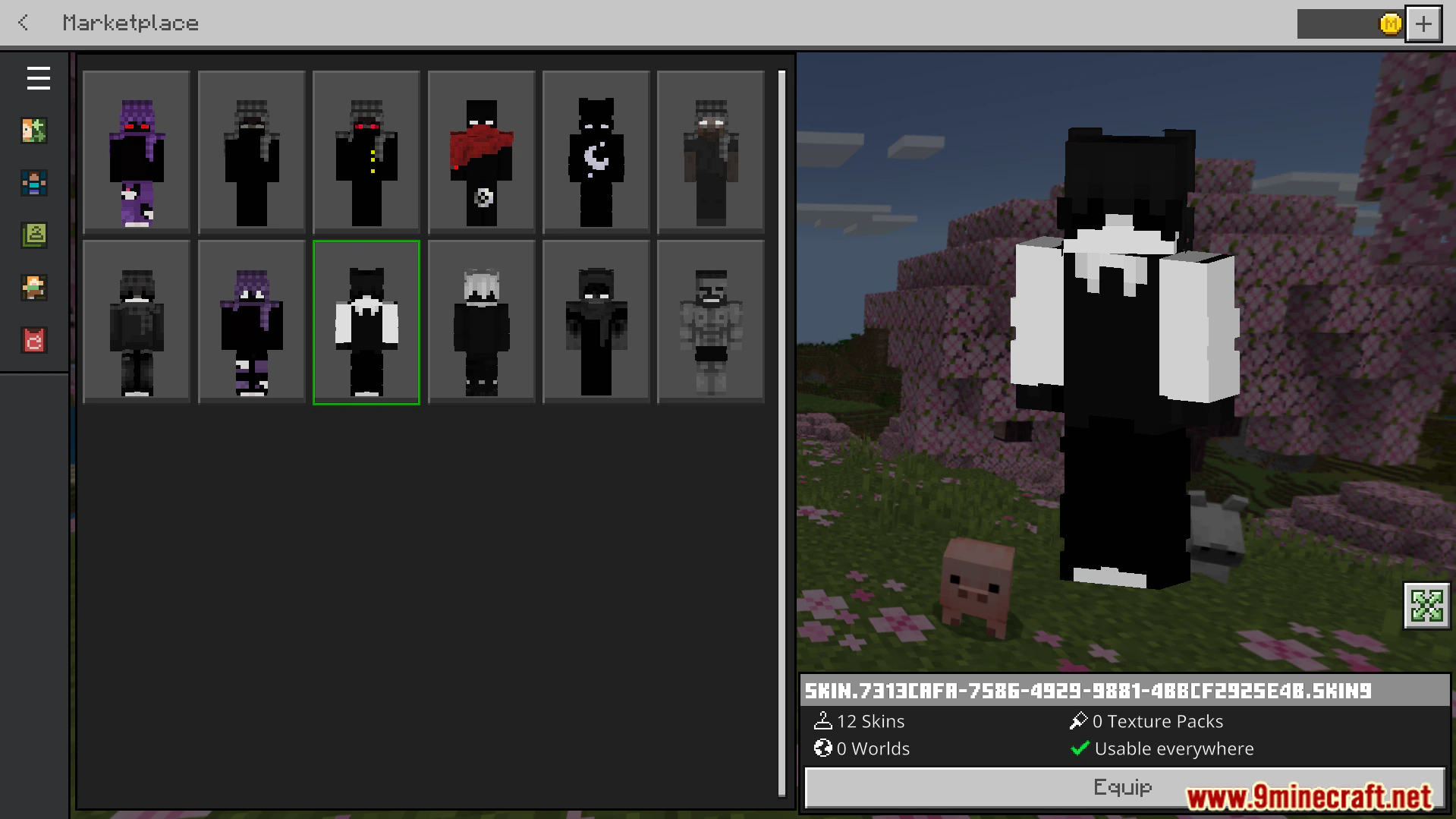
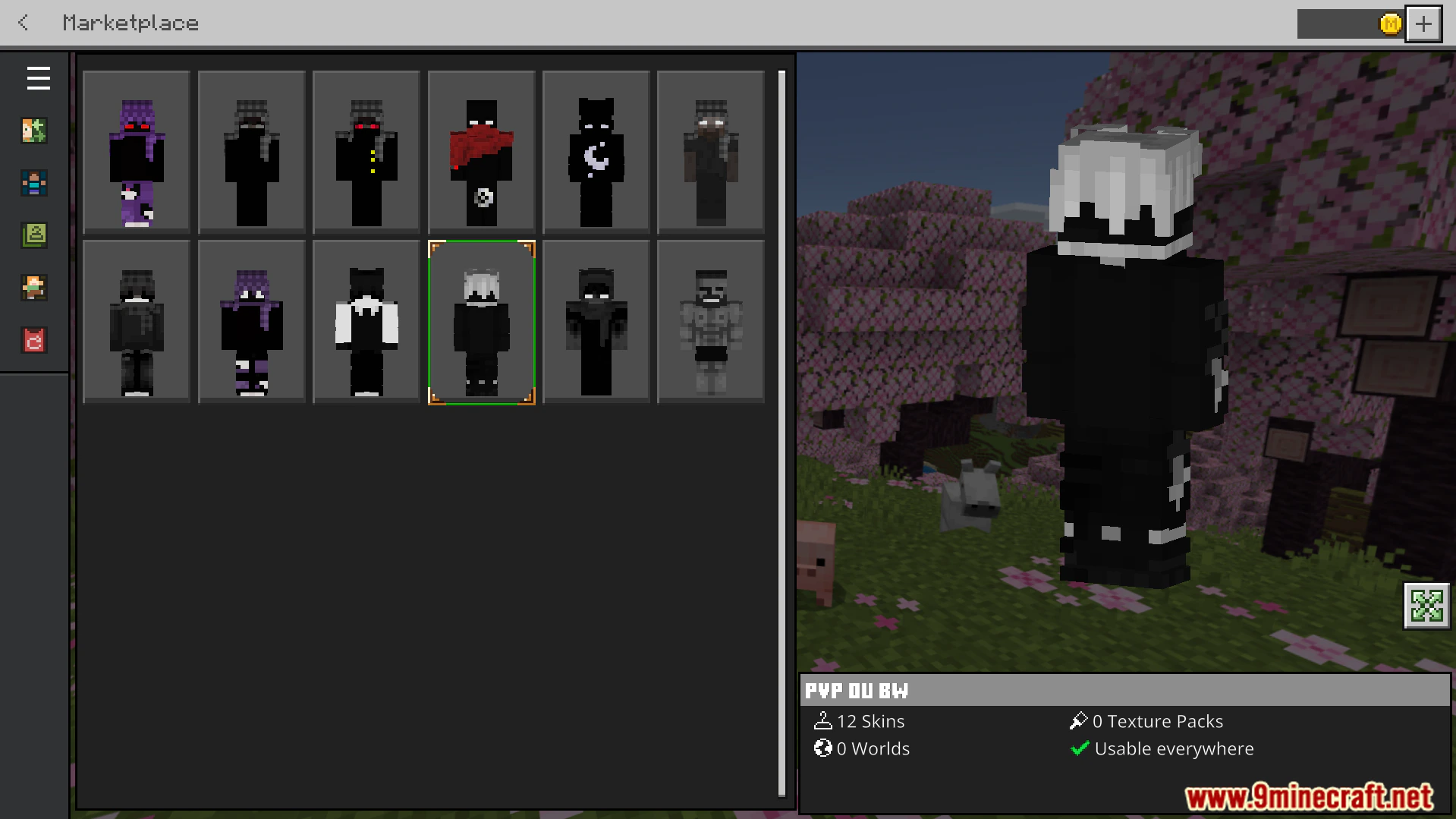
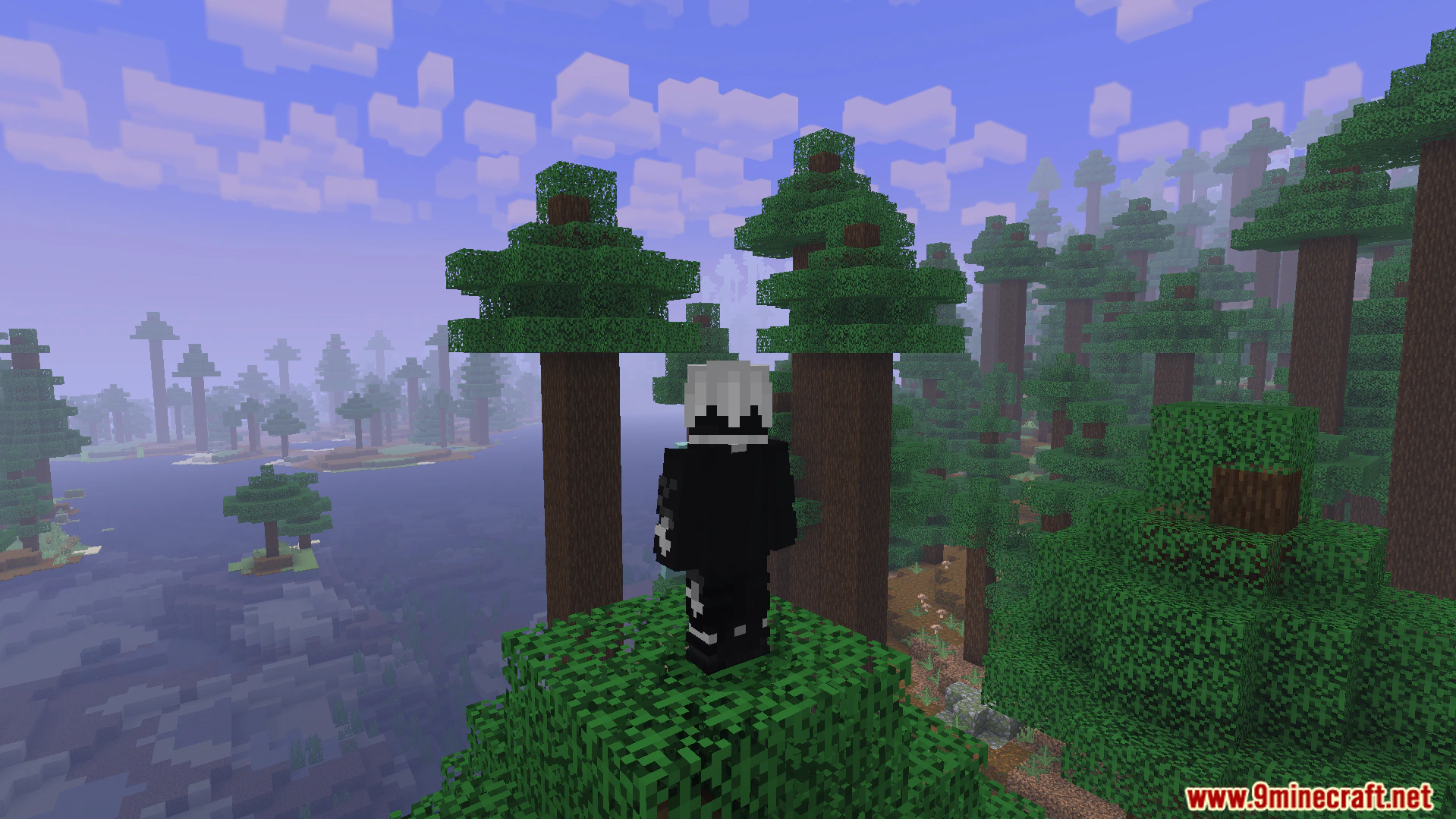
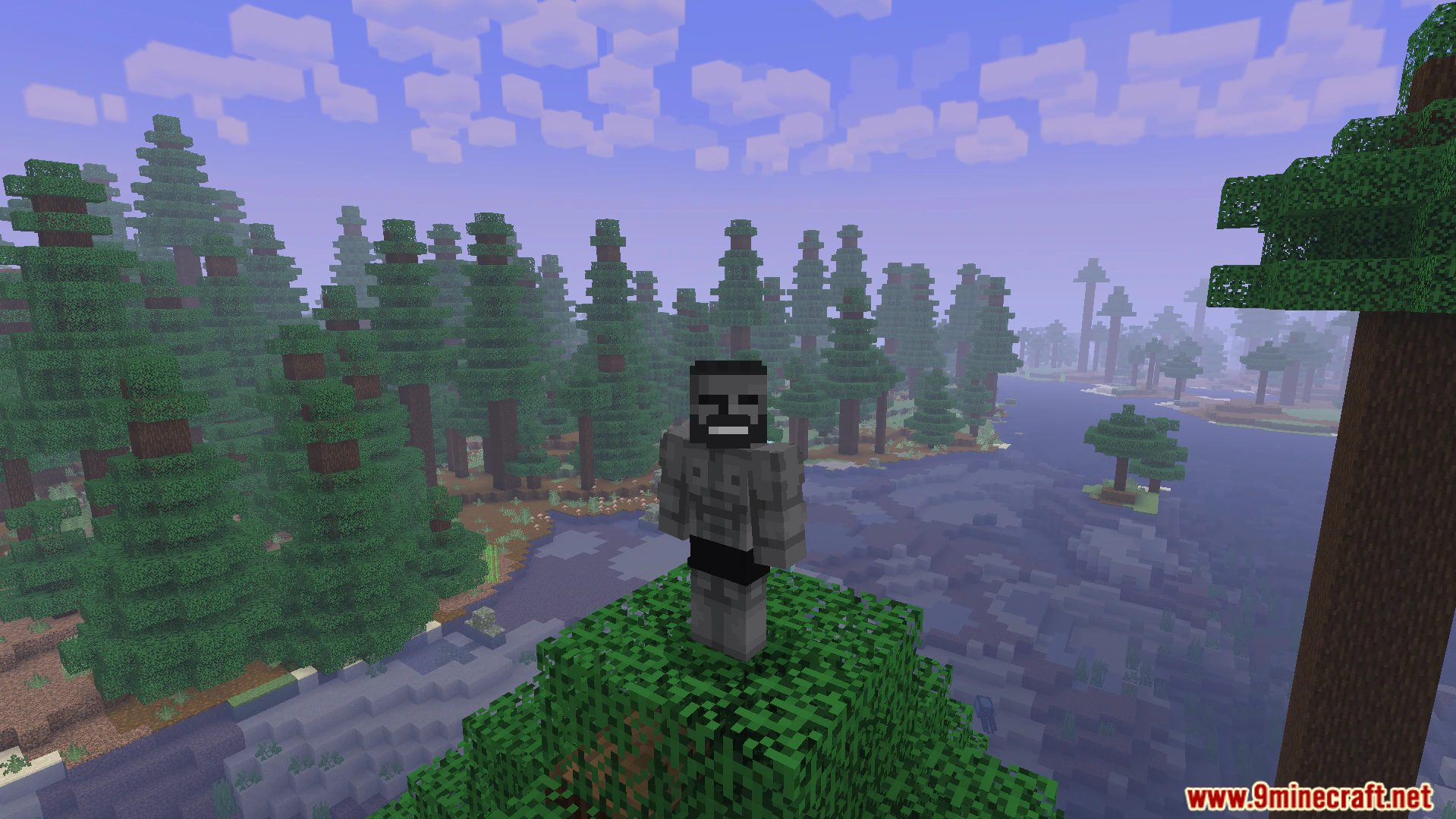
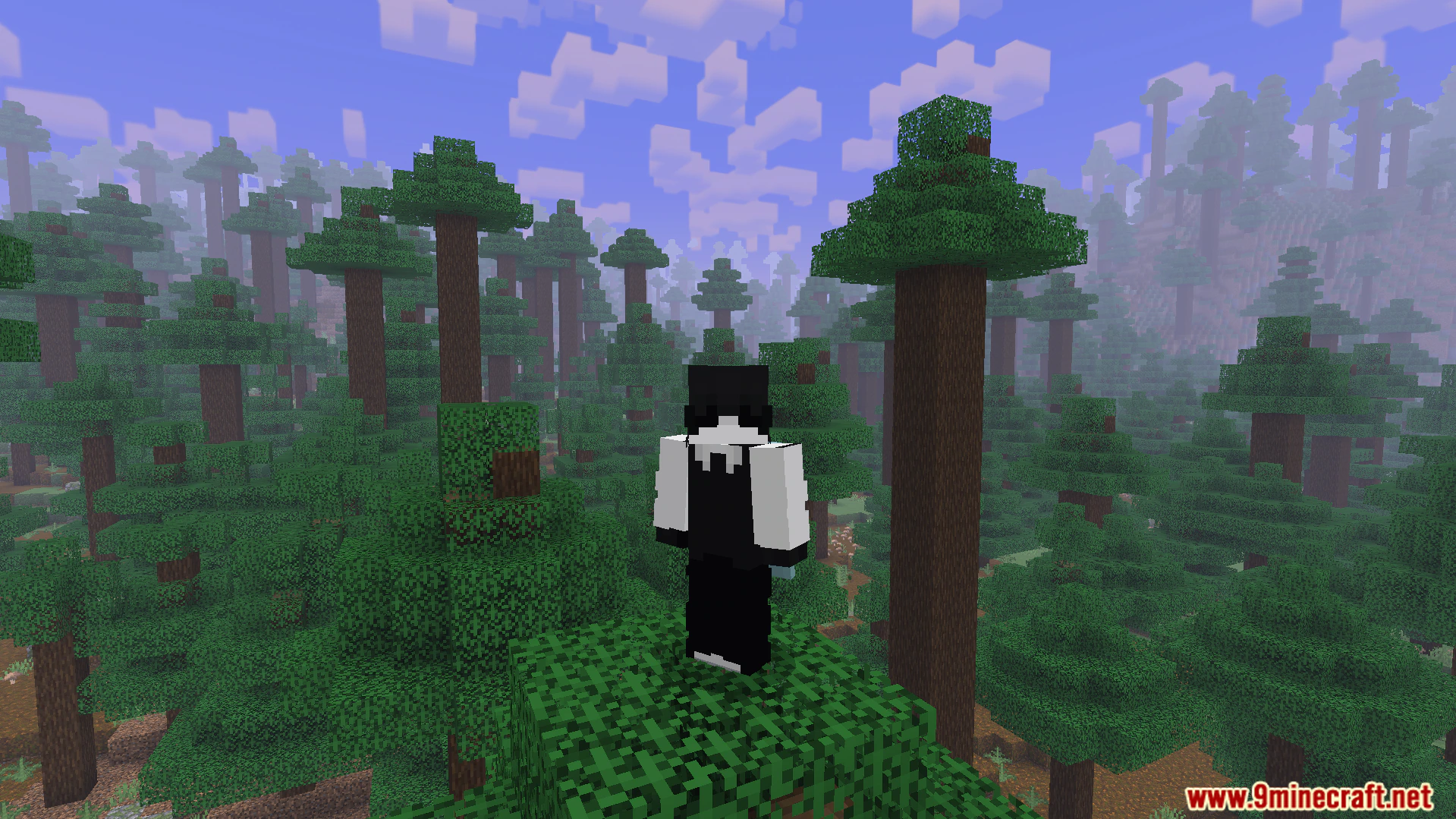
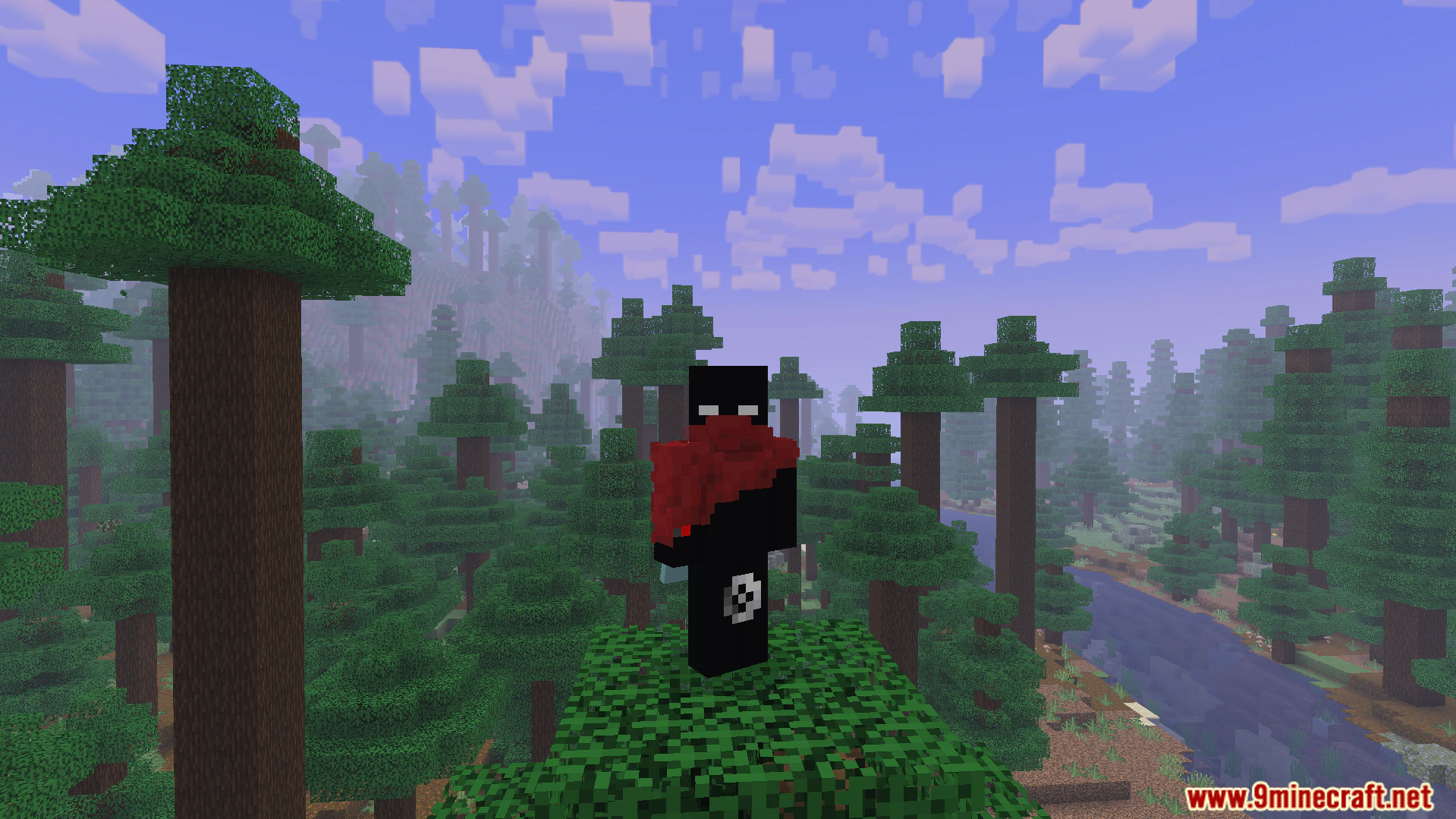
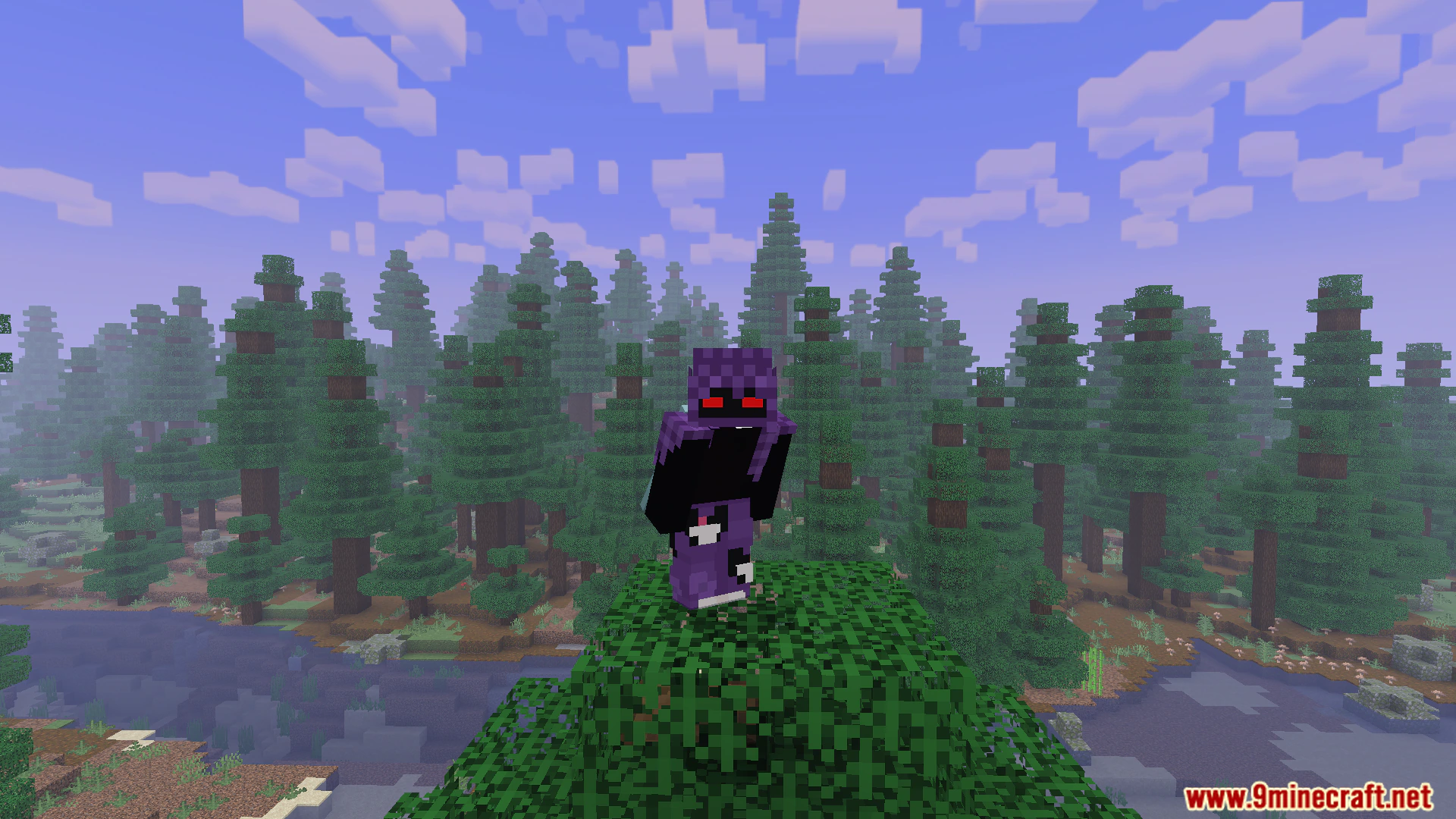
PVP Collections Freestyle Skin Pack gives you a fresh set of outfits for your next battle. This pack adds clean visuals with dark tones and bold accents to your game. It helps you stand out and stay visible during fast combat matches.
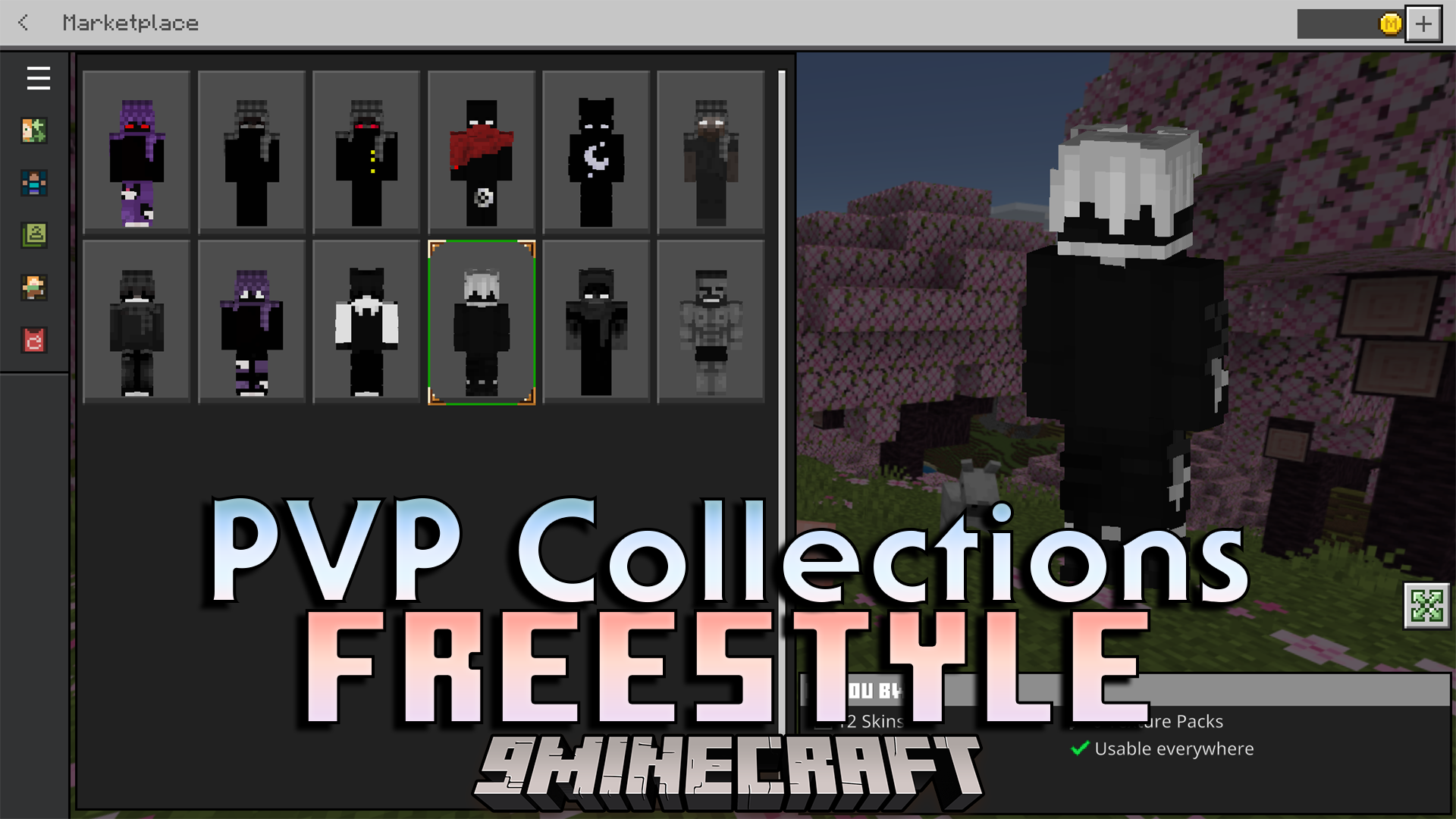
Features:
- Adds dark-themed outfits for players.
- Includes bold accent colors.
- Features clean and simple designs.
- Improves visibility during fast fights.
- Works great for competitive gameplay.
Screenshots:
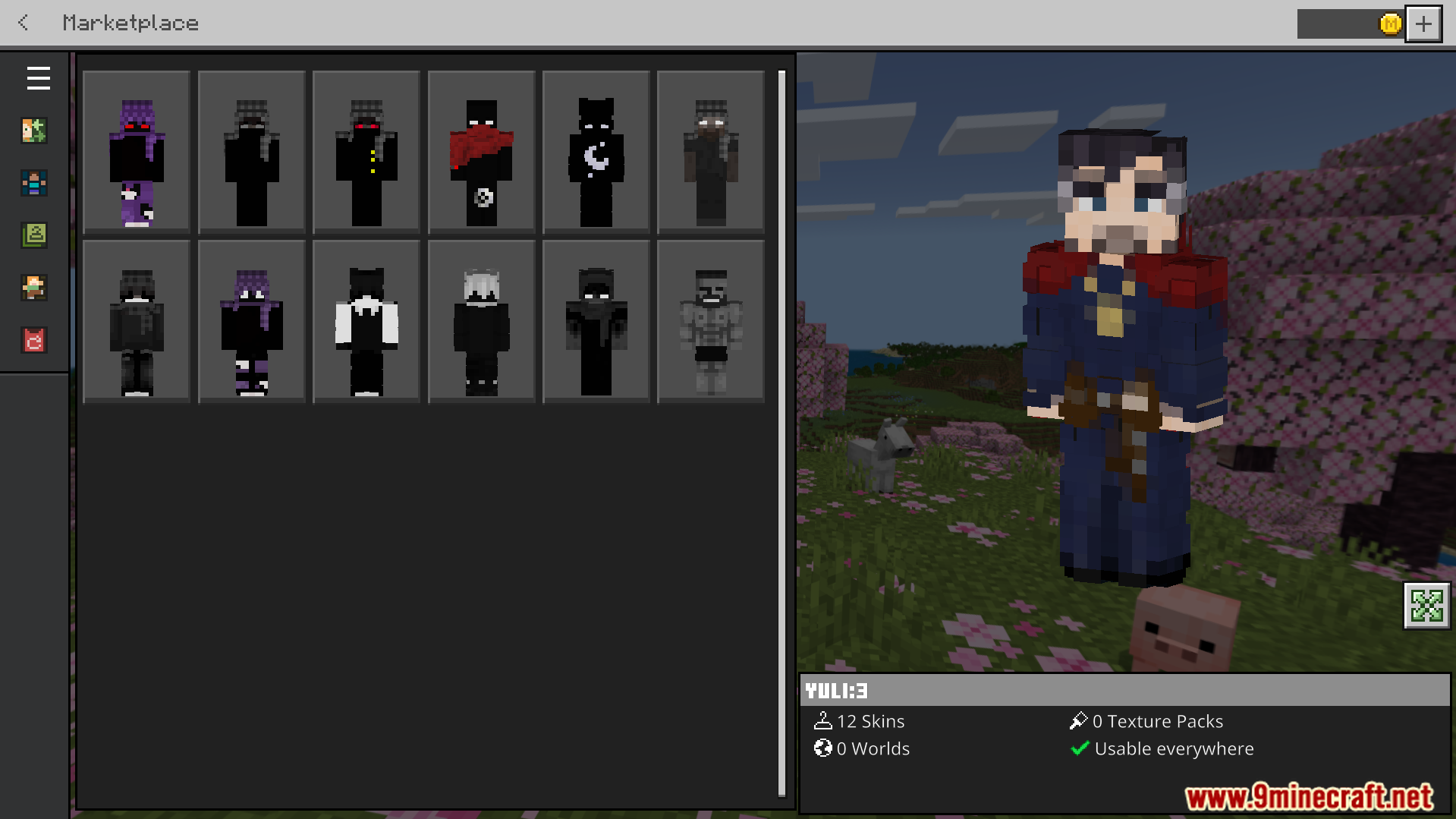
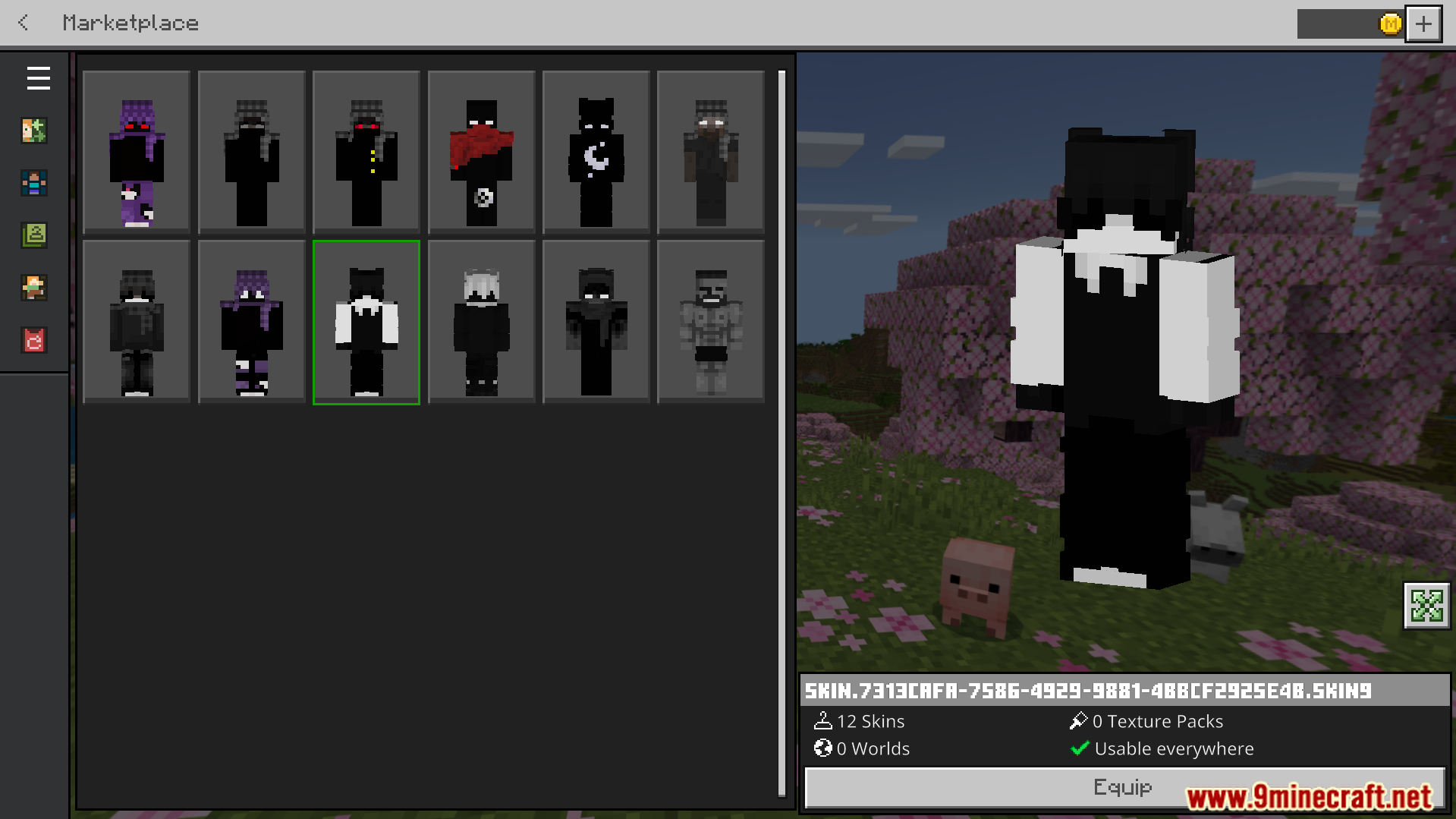
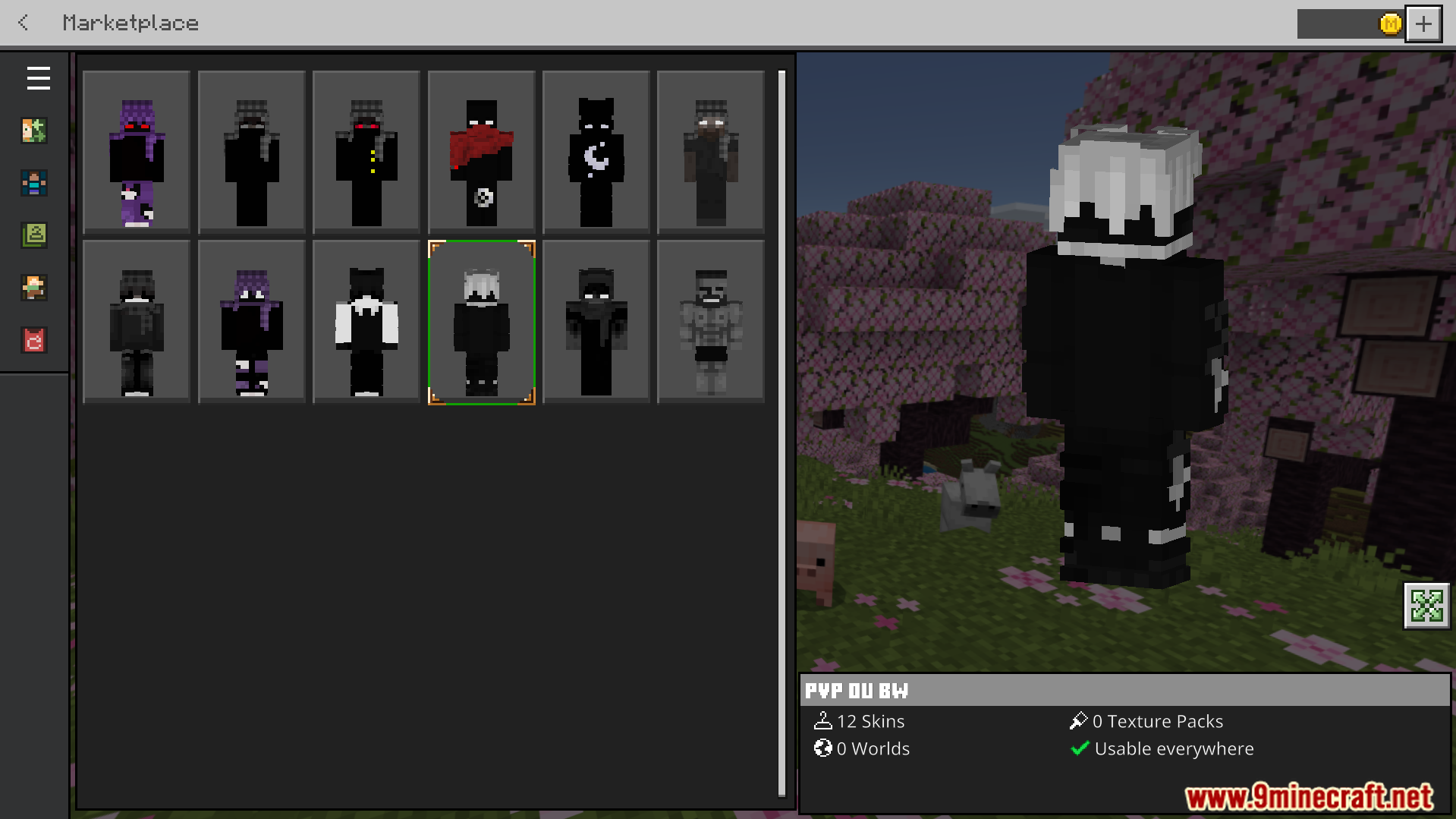
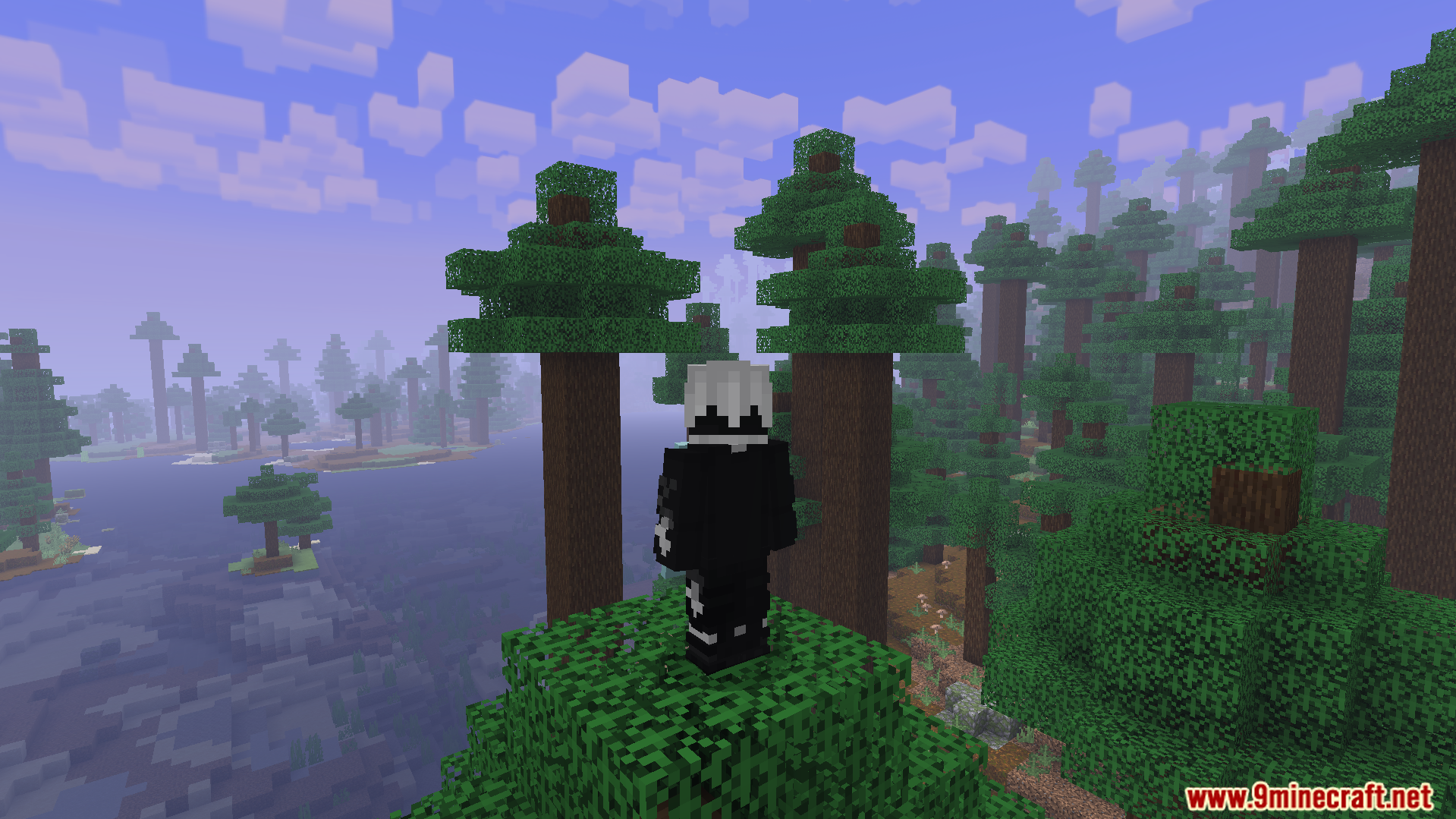
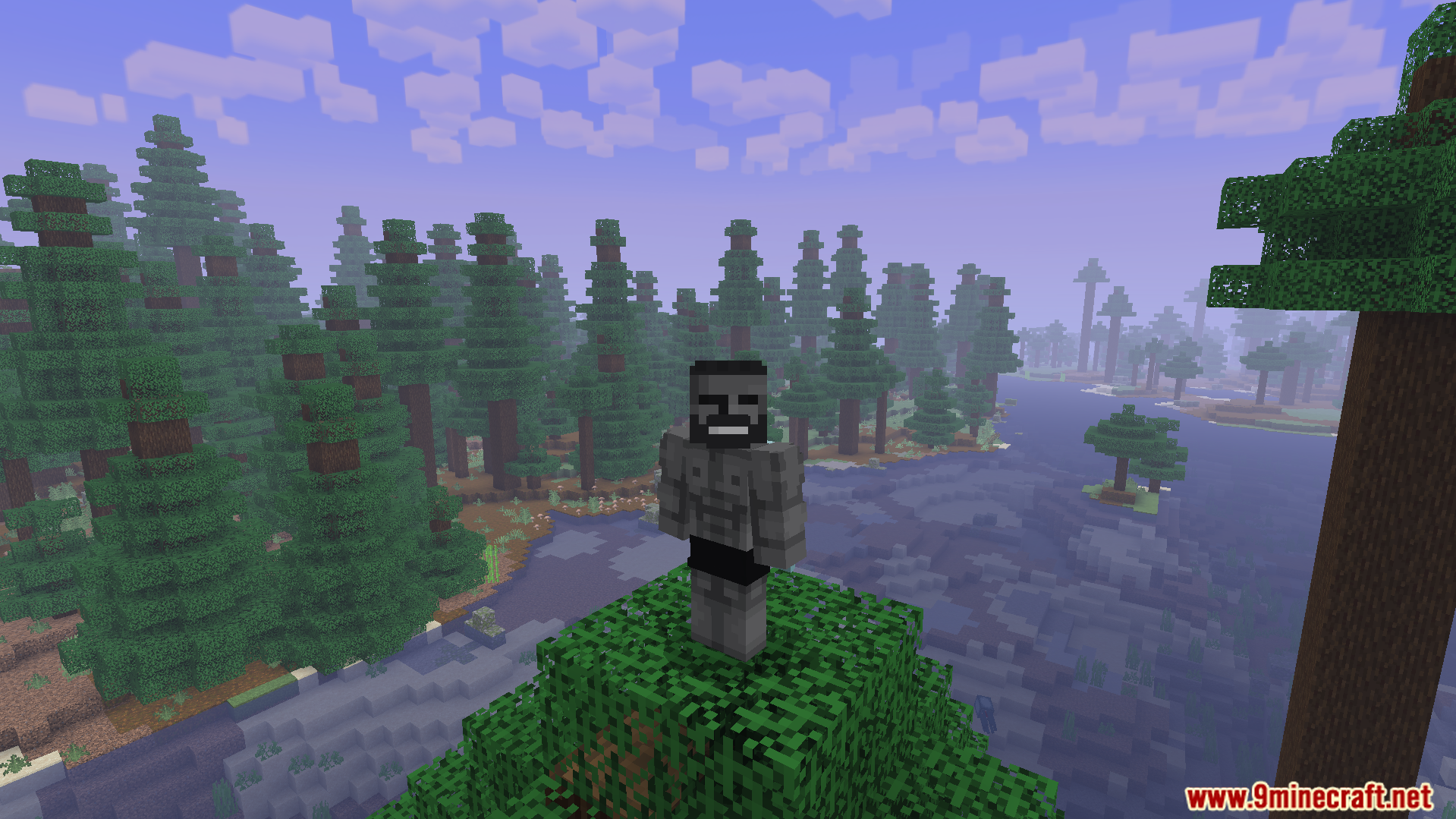
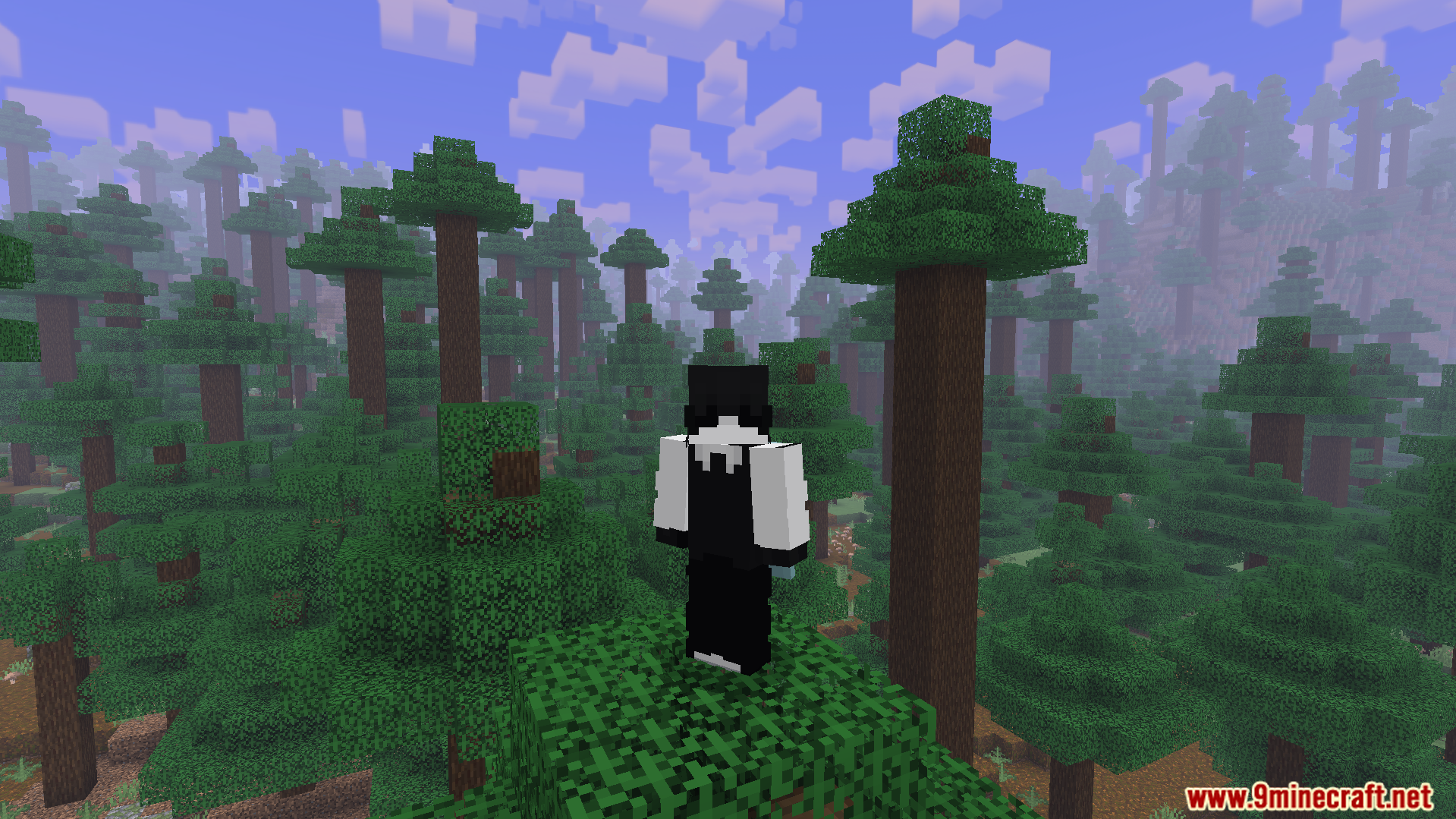
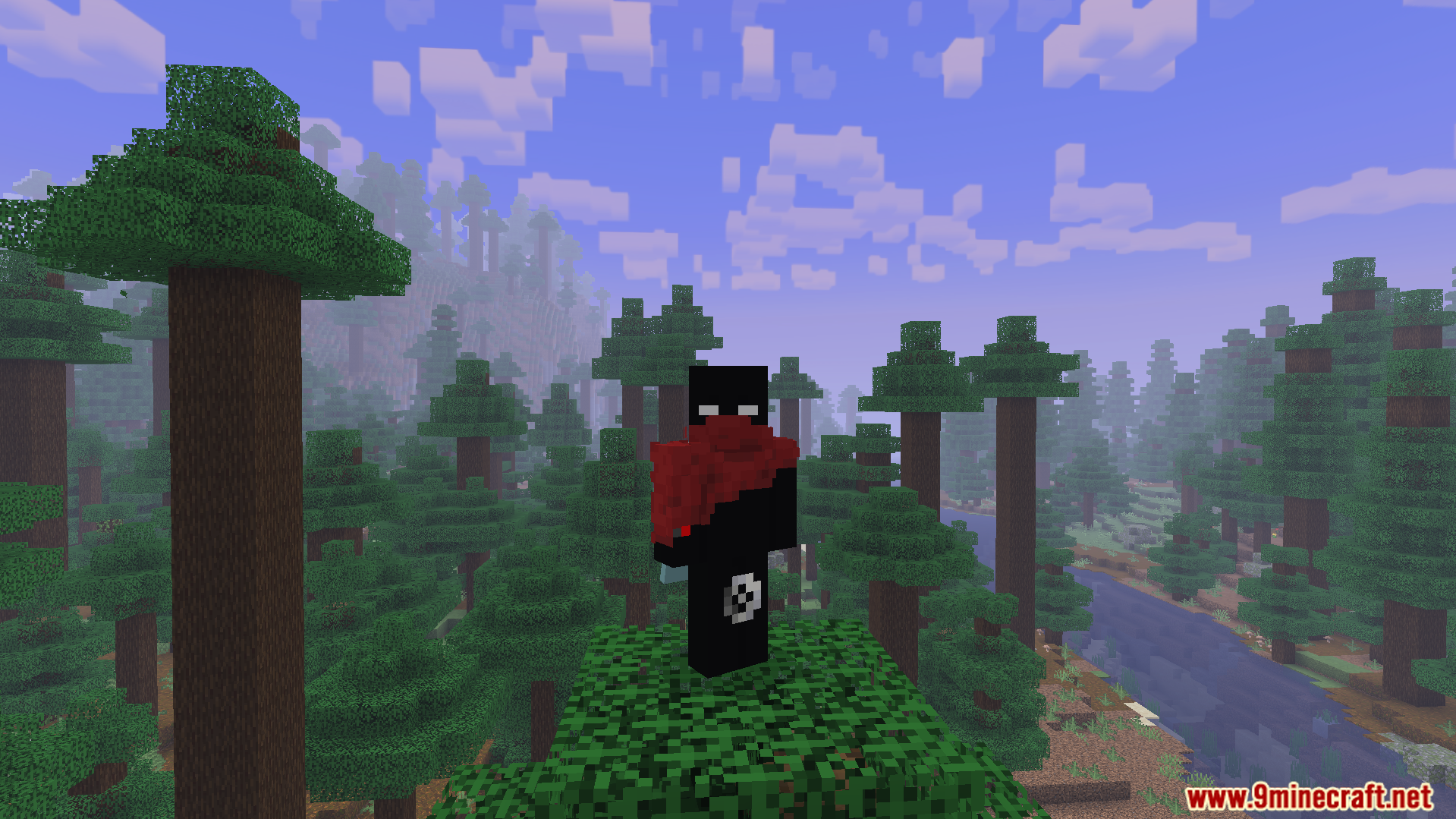
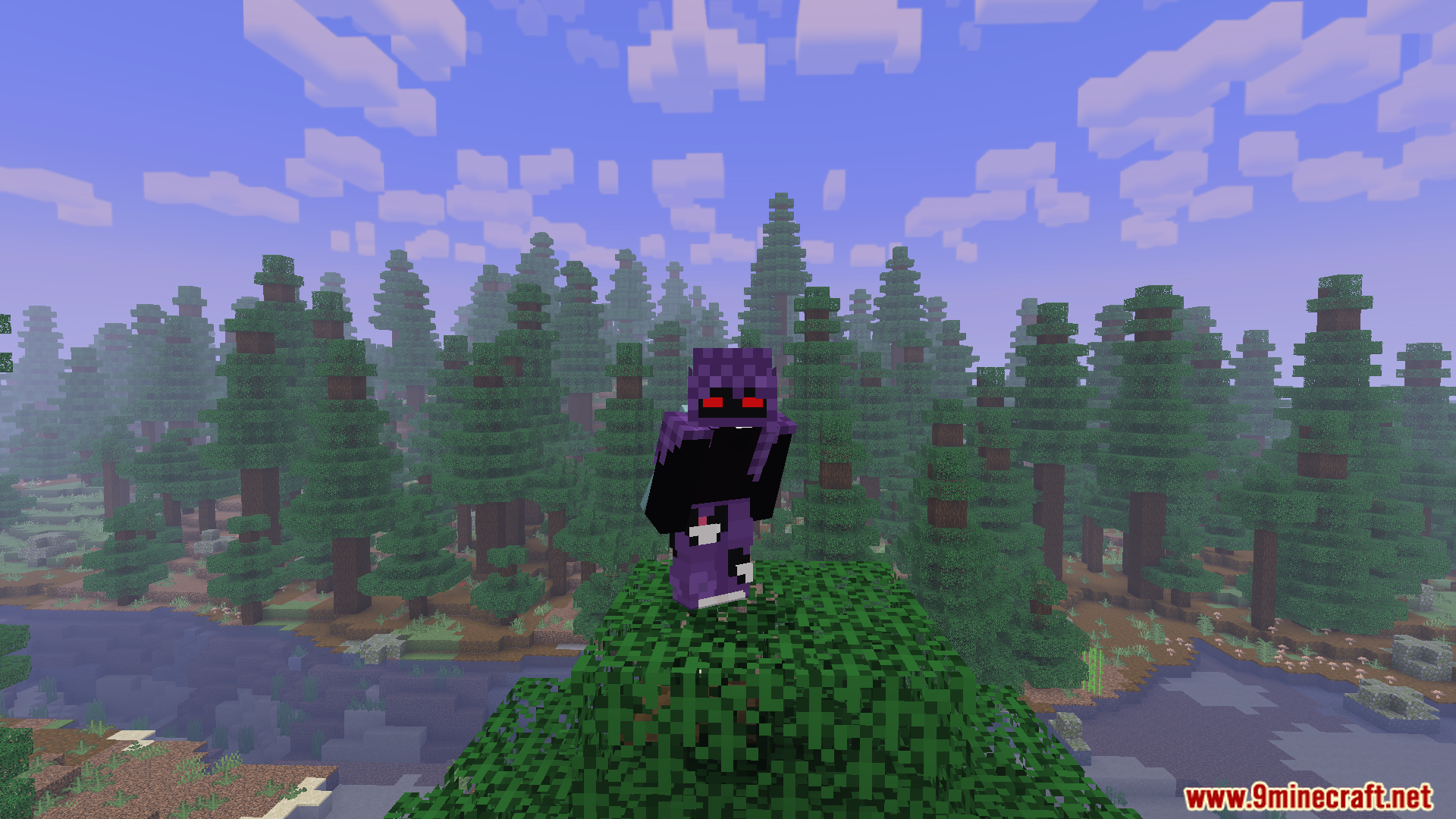
PVP Collections Freestyle Skin Pack Download Links
Quick facts
- Edition: Minecraft Bedrock
- File type: .mcpack
- How to install: Download the .mcpack skin pack. → Open it — Minecraft imports it. → Open the Dressing Room and select the skin.
- Where to get it: In MC Skins, or directly above on this page.
Install steps are the general flow for this file type — How to apply a custom Minecraft skin walks through it step by step.
File checked by MCModsHub
- Pack type: .mcaddon — behaviour and resource pack in one file
- Complete pack — everything it depends on is inside the file
- Download size: 22 KB
- Download link checked 22 Jul 2026 — working
- Mirrored on our own servers — the download does not depend on the original host
These come from our own check of the pack file, not from the source page.