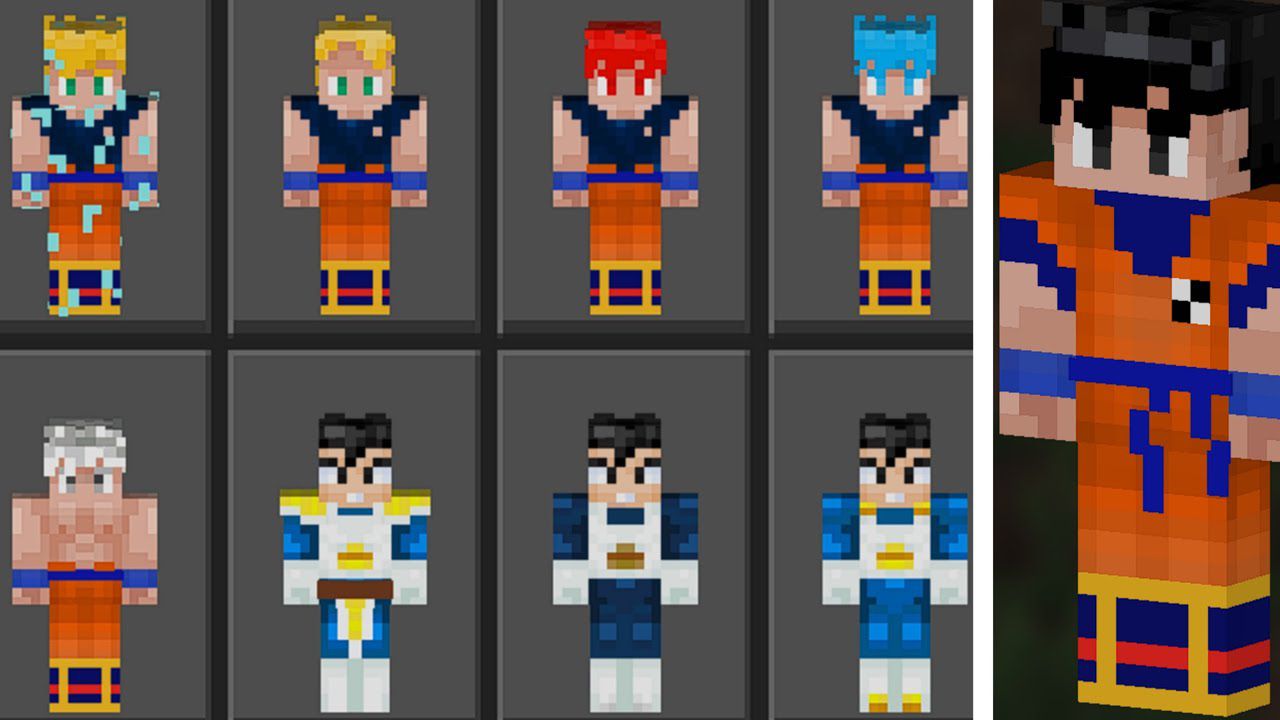
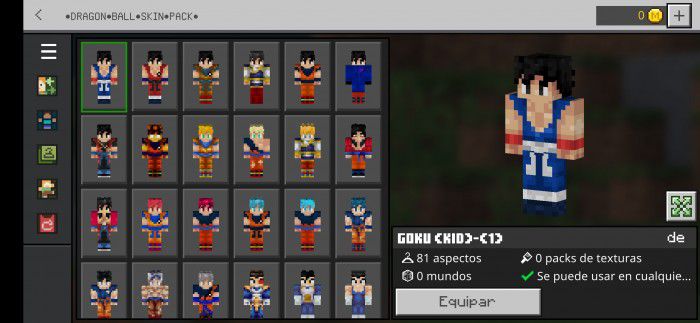
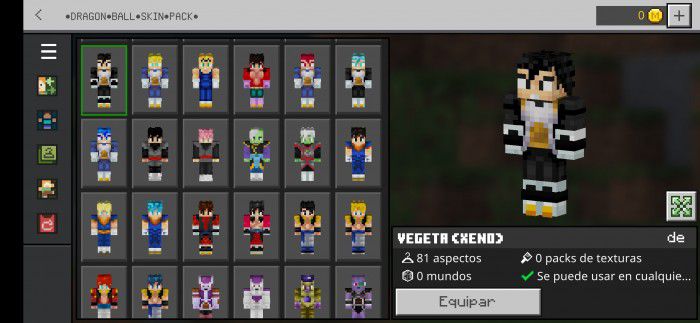
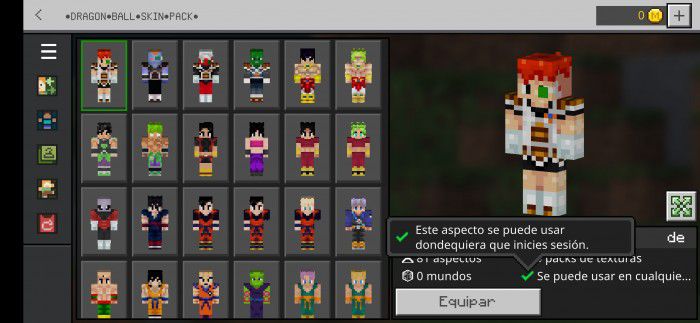
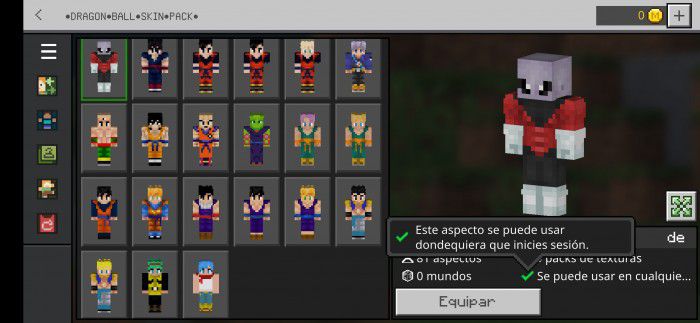
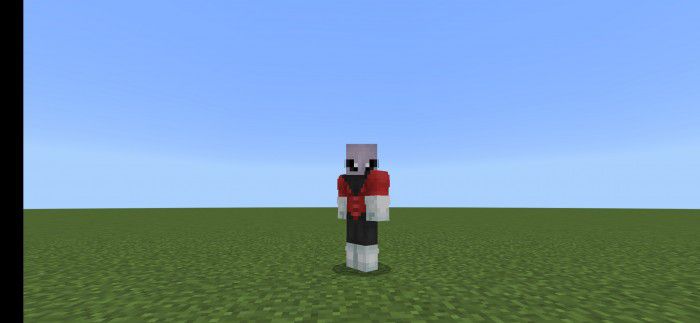
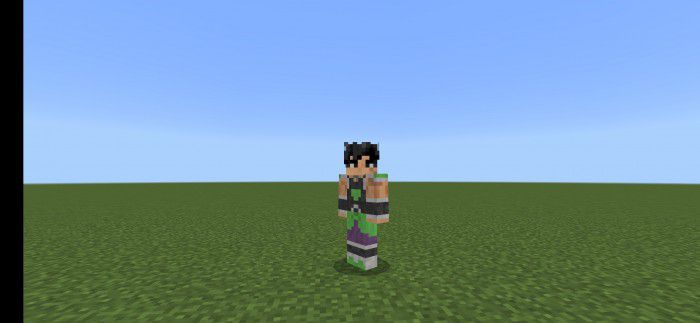
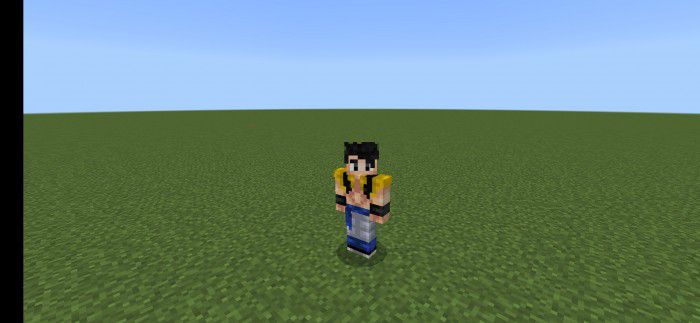
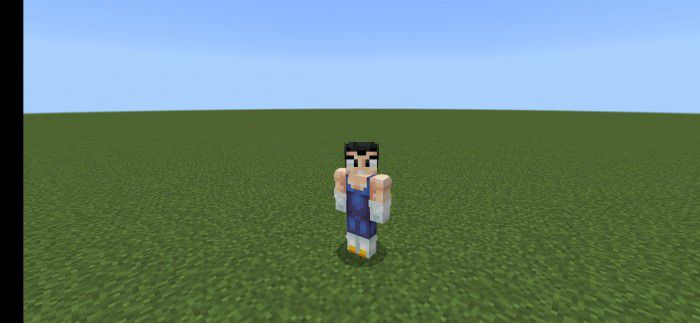
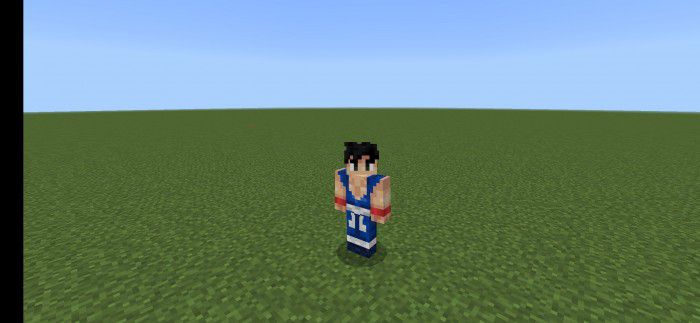
DragonBall Skin Pack contains Dragon Ball Super and Dragon Ball Z Skins. More than 76 skins now and more skins packs soon in the future update! Let’s enjoy Goku, Gohan, Krilin, Vegeta, etc.
Screenshots:
Goku (Kid)
Vegeta (Xeno)
Installation Note:
- Installation steps (.zip): Rename the file “Dragon-Ball-Skin-Pack.zip” to “Dragon-Ball-Skin-Pack.mcpack” and open with the application.
- Installation steps (.mcpack): Open the file “Dragon-Ball-Skin-Pack.mcpack” with the application.
DragonBall Skin Pack Download Links
For Minecraft PE/Bedrock 1.19
mcpack: Download from server 1 – Download from server 2
Quick facts
- Edition: Minecraft Bedrock
- File type: .mcpack
- Minecraft version listed: 1.19
- How to install: Download the .mcpack skin pack. → Open it — Minecraft imports it. → Open the Dressing Room and select the skin.
- Where to get it: In MC Skins, or directly above on this page.
Install steps are the general flow for this file type — How to apply a custom Minecraft skin walks through it step by step.
Verified by MCModsHub
- Pack type: .mcaddon — behaviour and resource pack in one file
- Complete pack — everything it depends on is inside the file
- Download size: 255 KB
- Download link checked 17 Jun 2026 — working
- Mirrored on our own servers — the download does not depend on the original host
These come from our own check of the pack file, not from the source page.