
📦 Commands++
Enhance your Minecraft experience with Commands++ — a powerful utility addon for creators and developers!
This addon introduces custom commands designed to make item manipulation, command binding, and structure creation easier than ever before.
Use these commands to:
- Customize item lore and names
- Bind commands or functions to items
- Simulate explosions
- Create advanced multi-block structures
- Manage player states and effects
- Control world time and entity spawning
- World edit beta features
- Build paths and text with custom tools
📜 Commands List
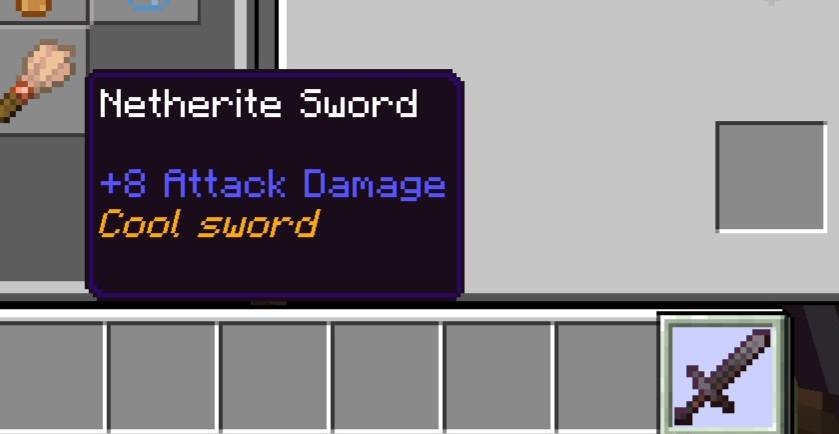
/addLore — Add lore to item
Adds a new line of lore text to the currently held item without replacing existing ones.
Adds a new line of lore text to the currently held item without replacing existing ones.
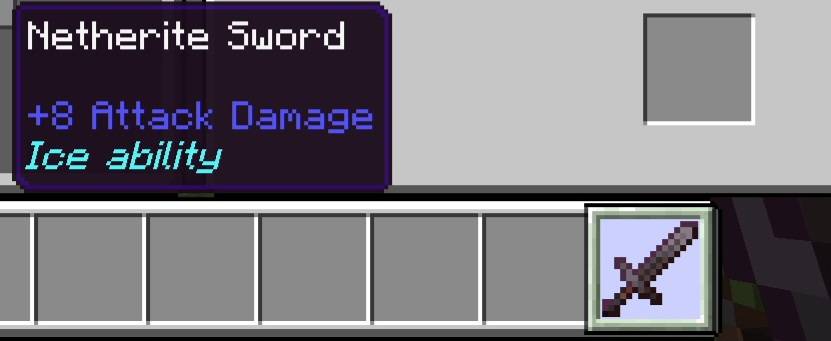
/addlore "§6Cool sword" @s false/setLore — Set lore for item
Replaces all existing lore on the item with the given text.
Replaces all existing lore on the item with the given text.
/setlore "§bIce ability"/bindCommand — Bind command to item
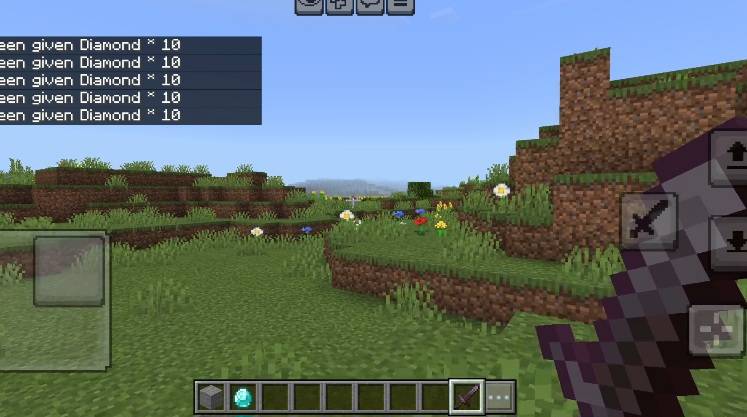
Binds a command to the currently held item. The command runs when the item is used.
Binds a command to the currently held item. The command runs when the item is used.
/bindCommand "give @s diamond 10"/bindFunction — Bind function to item
Attaches a custom function (from a script or behavior pack) to the item.
Attaches a custom function (from a script or behavior pack) to the item.
/bindFunction hello World/explosion — Create explosion
Creates a customizable explosion at a specific location.
Creates a customizable explosion at a specific location.
/explosion 100 ~~~ true true/heal — Heal player
Restores health and/or hunger for targeted players.
Restores health and/or hunger for targeted players.
/heal @s both/setday — Set specific day
Sets the world to a specific day number, useful for triggering day-specific events (Christmas, Halloween, etc.).
Sets the world to a specific day number, useful for triggering day-specific events (Christmas, Halloween, etc.).
/setday 365/spawnentity — Advanced entity spawning
Spawns entities with optional equipment copying, tags, and effects.
Spawns entities with optional equipment copying, tags, and effects.
/spawnentity zombie 5 ~~~ @s "boss,elite" "strength:600:2,speed:1200:1"/god — Toggle god mode
Grants or removes invincibility (Resistance V effect).
Grants or removes invincibility (Resistance V effect).
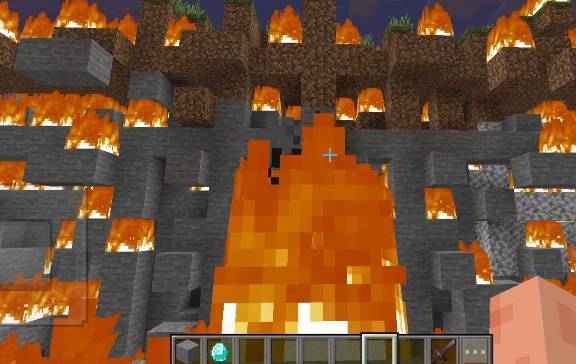
/god @s 24000/burnentity — Set entity on fire
Sets targeted entities on fire for a specified duration.
Sets targeted entities on fire for a specified duration.
/burnentity @e[type=zombie,r=10] 10/knockback — Apply knockback force
Pushes entities away with customizable force and direction.
Pushes entities away with customizable force and direction.
/knockback @e[r=5] 3.0 90 1.0/createMultiBlock — Create special multi block
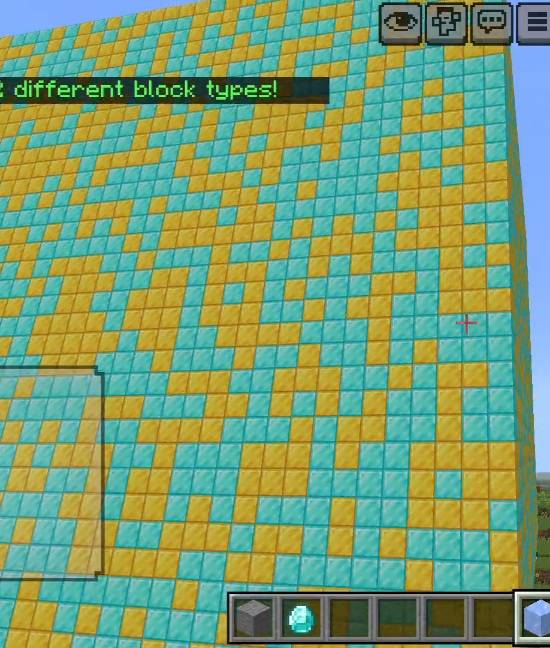
Turns the held item into a "MultiBlock" — a block that places a random block from a list when used.
Initialize MultiBlock:
Turns the held item into a "MultiBlock" — a block that places a random block from a list when used.
Initialize MultiBlock:
/createMultiBlock/addlore "§8 -minecraft:stone"/multiBlockFill — Fill area with MultiBlock
Fills a large area (up to ~350,000 blocks) using a random selection from your MultiBlock list.
Fills a large area (up to ~350,000 blocks) using a random selection from your MultiBlock list.
/multiblockfill ~~~ ~32~32~32/clearlore — Remove all item lore
Clears all lore lines from the currently held item.
Clears all lore lines from the currently held item.
/clearlore/setitemname — Set item display name
Changes the custom name of the item you're holding.
Changes the custom name of the item you're holding.
/setitemname "§dLegendary Blade"/cloneitem — Clone held item
Creates an identical copy of the currently held item and gives it to the player.
Creates an identical copy of the currently held item and gives it to the player.
/cloneitem @s 1 @s 1 10/nv — Night vision
Grants night vision effect to targeted players.
Grants night vision effect to targeted players.
/nv @s 12000/findslot — Smart inventory search
Finds items in your inventory using partial name matching or tag filters. Includes multiple search modes.
Finds items in your inventory using partial name matching or tag filters. Includes multiple search modes.
/findslot sword/durability — Set item durability
Sets the durability of the held item to a specified percentage (0–100%).
Sets the durability of the held item to a specified percentage (0–100%).
/durability 75/getslotitem — Get item info by slot
Shows detailed information about the item in a specific inventory or armor slot.
Shows detailed information about the item in a specific inventory or armor slot.
/getslotitem hotbar 0/addblock — Add block to MultiBlock
Quickly adds a new block to the MultiBlock list using a valid block ID.
Quickly adds a new block to the MultiBlock list using a valid block ID.
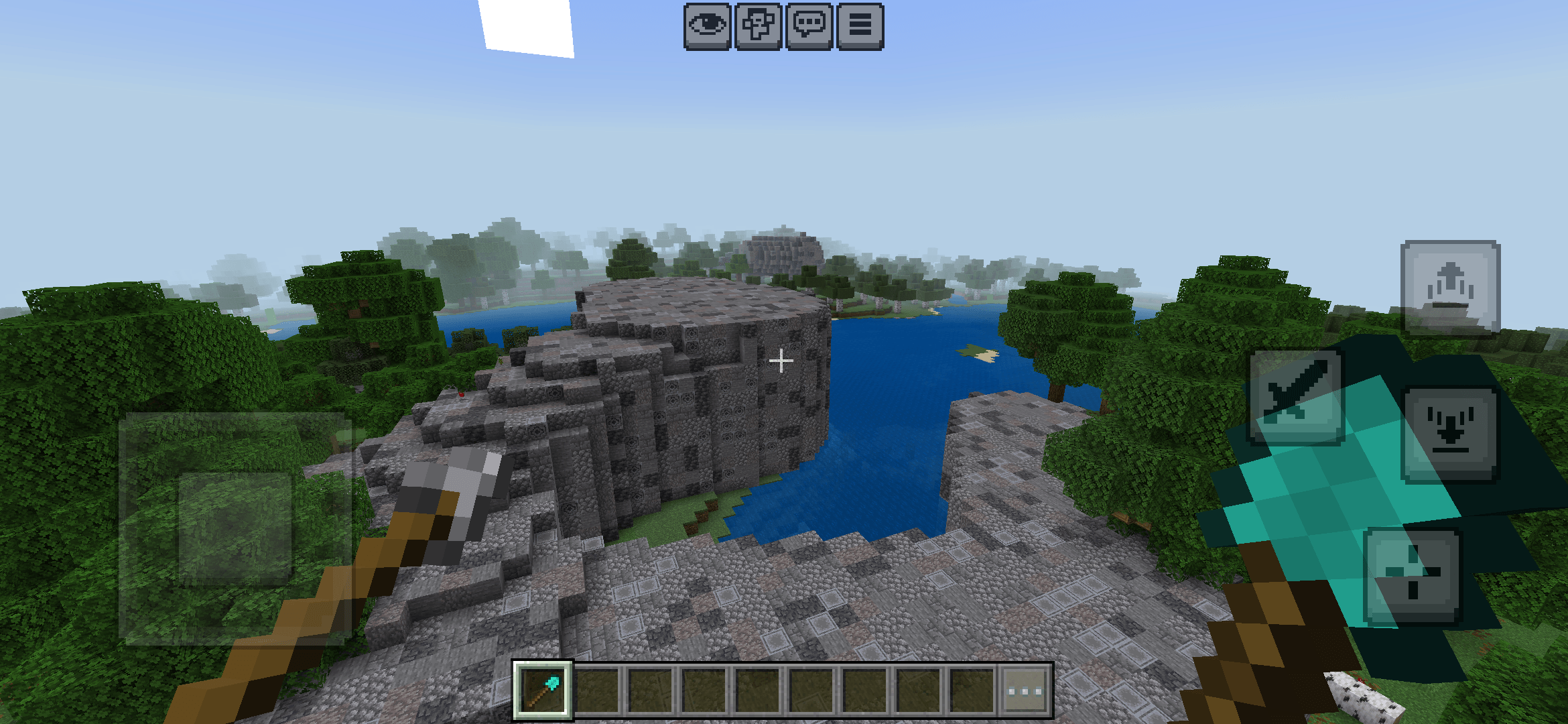
/addblock minecraft:stone/getpathtool — Get path tool
Gives a custom tool that allows you to place waypoints used for auto path building.
Gives a custom tool that allows you to place waypoints used for auto path building.
/getpathtool/buildpath — Build path
Automatically builds a path between waypoints placed by the path tool.
Automatically builds a path between waypoints placed by the path tool.
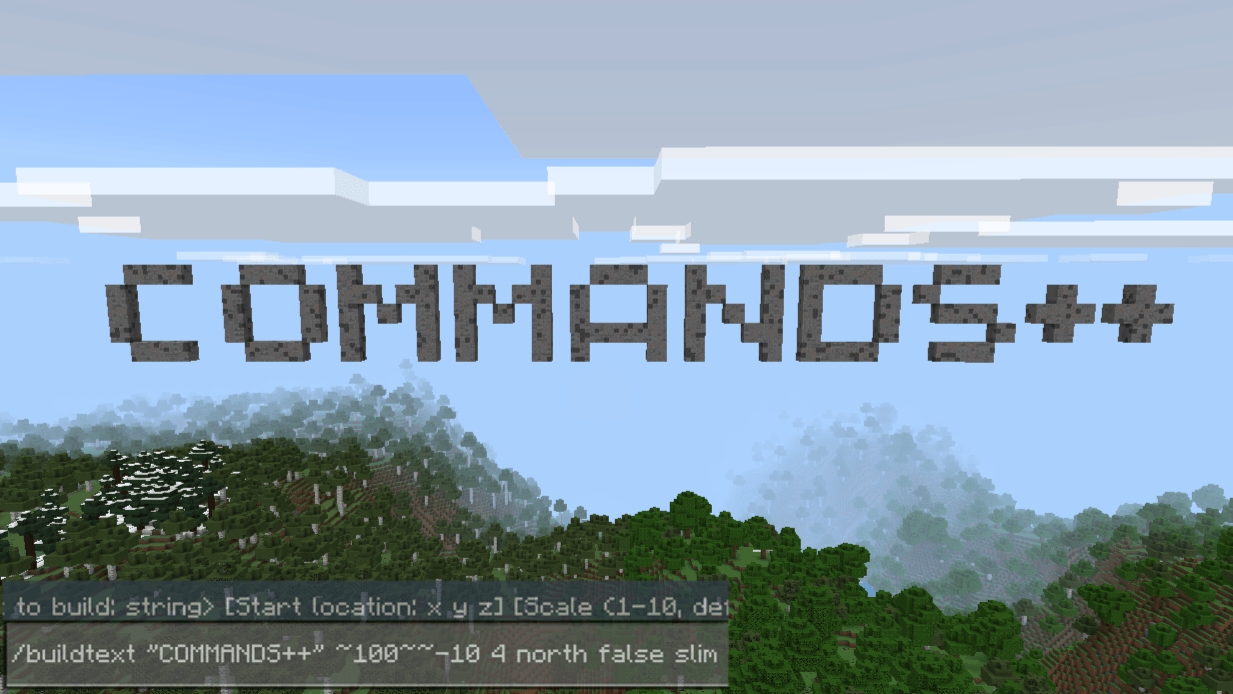
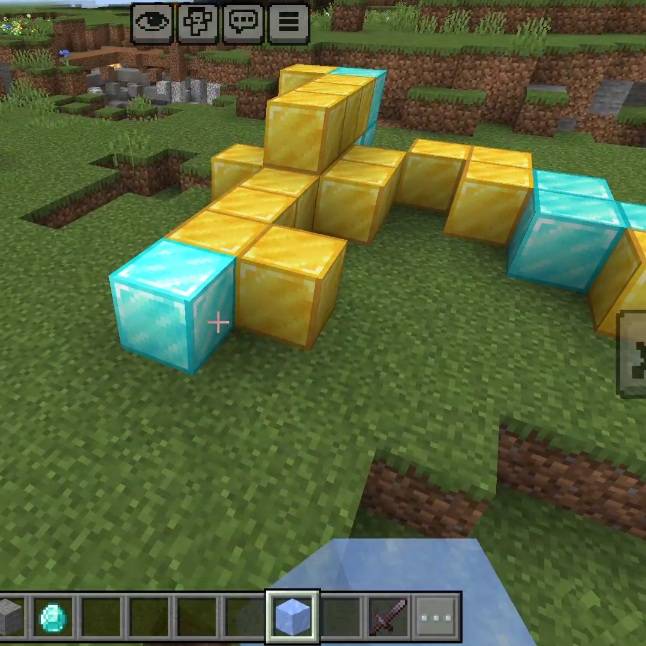
/buildpath/buildtext — Create 3D block text
Generates large block letters forming your message. (Beta feature)
Generates large block letters forming your message. (Beta feature)
/buildtext Hello
💬 Found a bug? Want to suggest features or test new versions? Join the official Discord server
Quick facts
- Edition: Minecraft Bedrock
- File type: .mcpack or .mcaddon
- Minecraft versions listed: 1.21.101, 1.21.100, 1.21.111
- How to install: Download the .mcpack or .mcaddon file. → Open it — Minecraft imports it. → In your world: Behavior Packs → Available → Activate, then the same under Resource Packs.
- Where to get it: Opens on CurseForge — not every file is mirrored on our own servers.
Install steps are the general flow for this file type — How to install Minecraft Bedrock addons & mods walks through it step by step.
Verified by MCModsHub
- Pack type: .mcaddon
- Manifest requires Minecraft 1.21.80 or newer
- Ships one half — this pack asks for another pack that is not included
- Download size: 823 KB
- Download link checked 15 Sept 2026 — working
These come from our own check of the pack file, not from the source page.
Related Bedrock mods
1.21
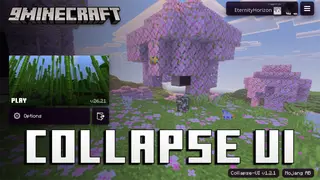
Collapse UI Texture Pack (26.x, 1.21) – Custom Console Style Menus For Bedrock
1.21
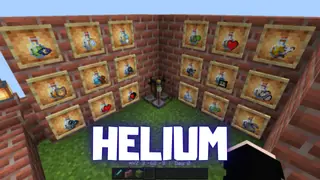
Helium Texture Pack (26.x, 1.21) – MCPE/Bedrock
1.26
Deep Visuals Shader (1.26+) – MCPE/Bedrock
1.26
Newb Shader (1.26+) – MCPE/Bedrock

1.21
Authentic Dynamic Light Addon (26.x, 1.21) – MCPE/Bedrock Mod

1.21