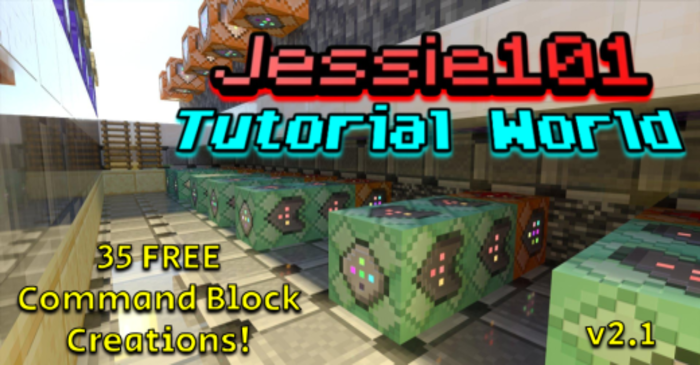
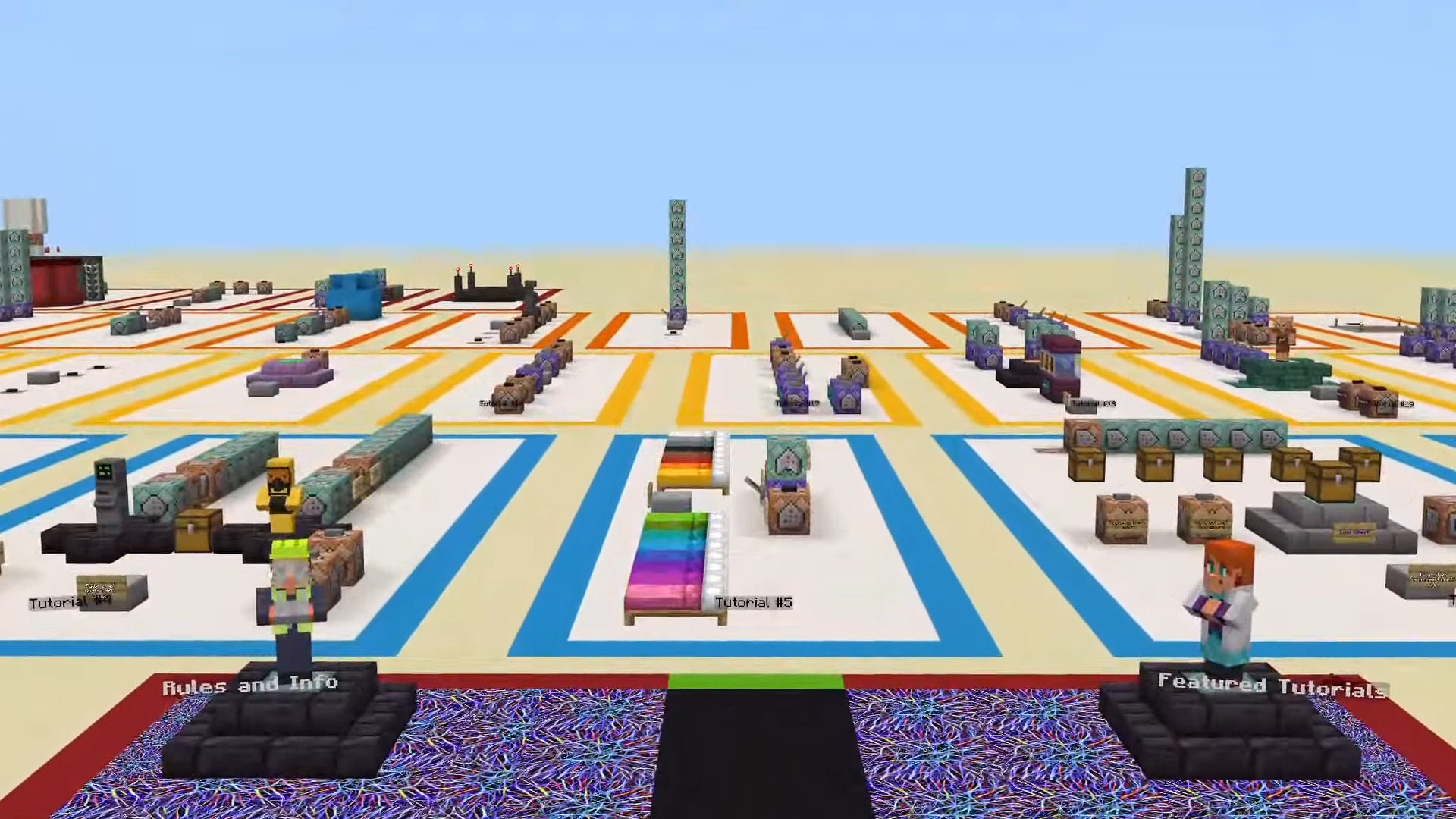
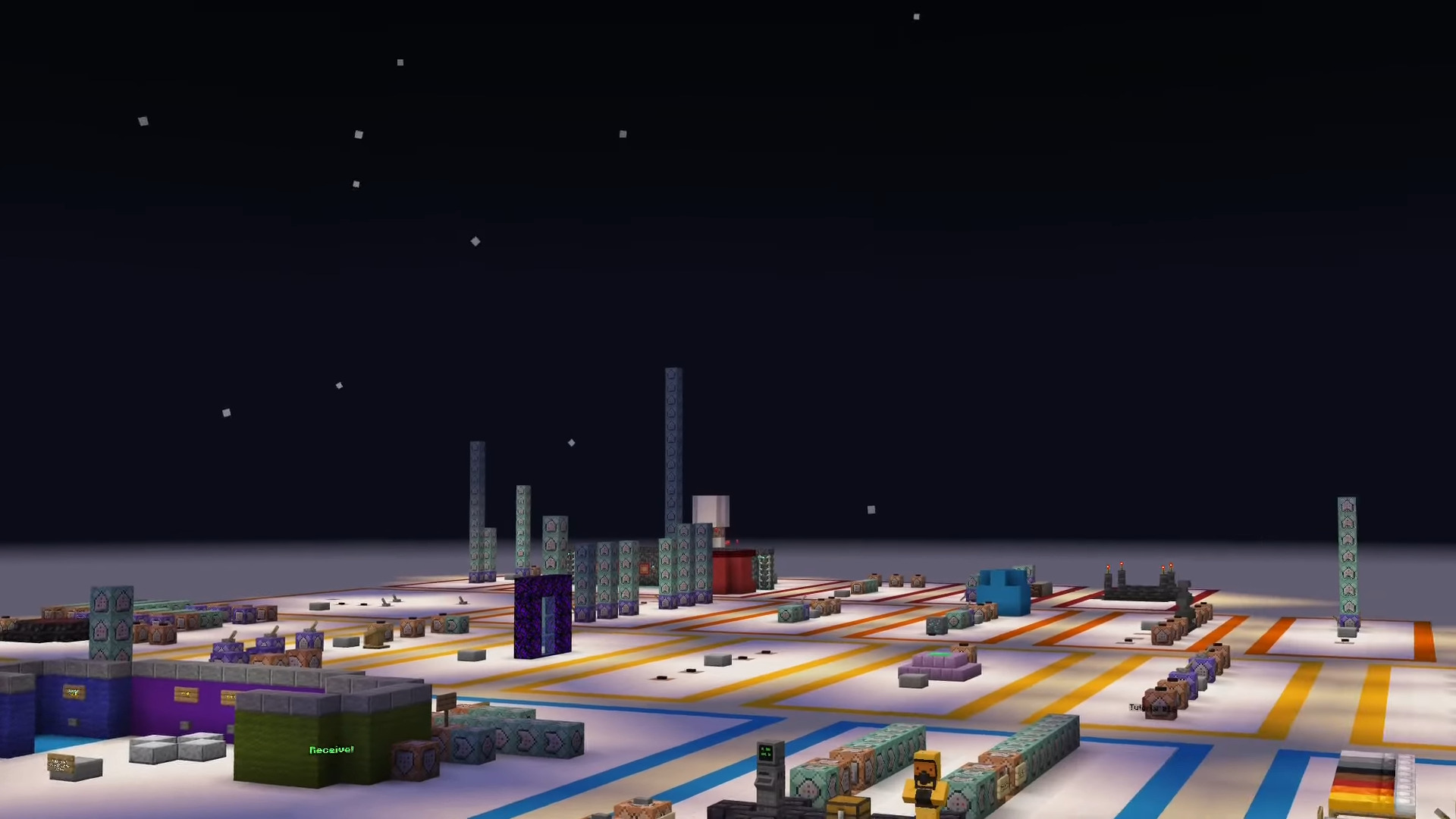
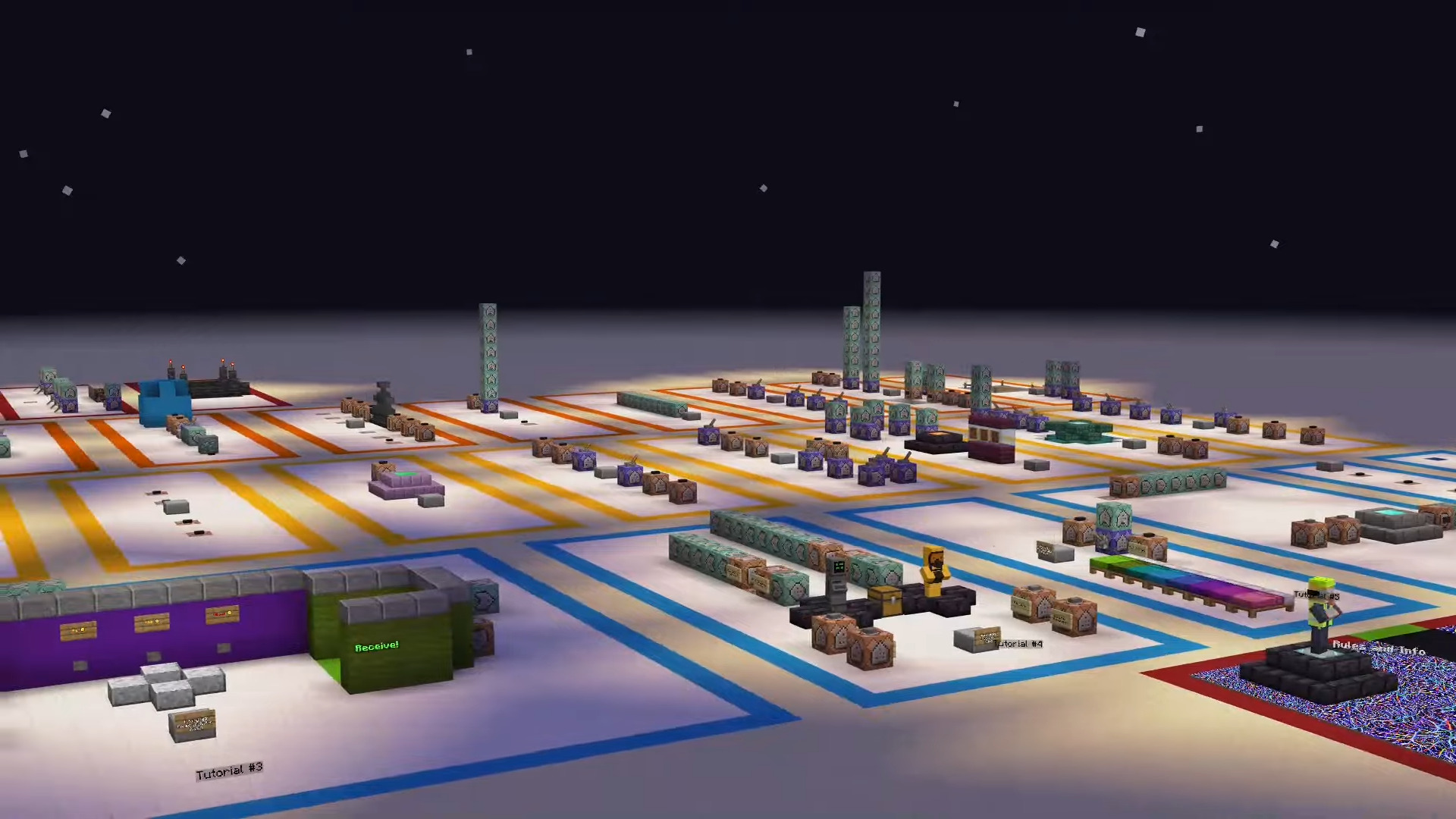
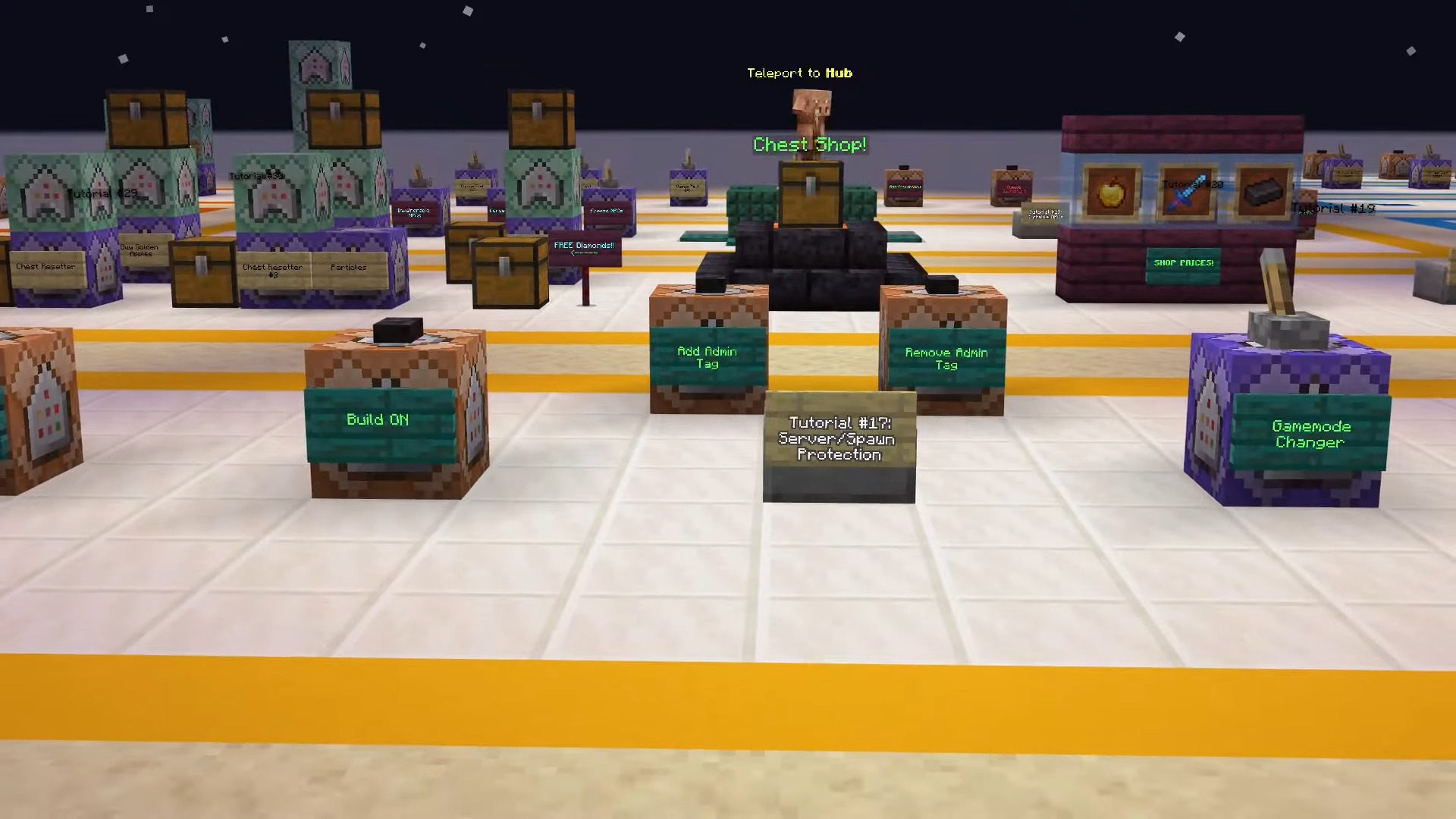
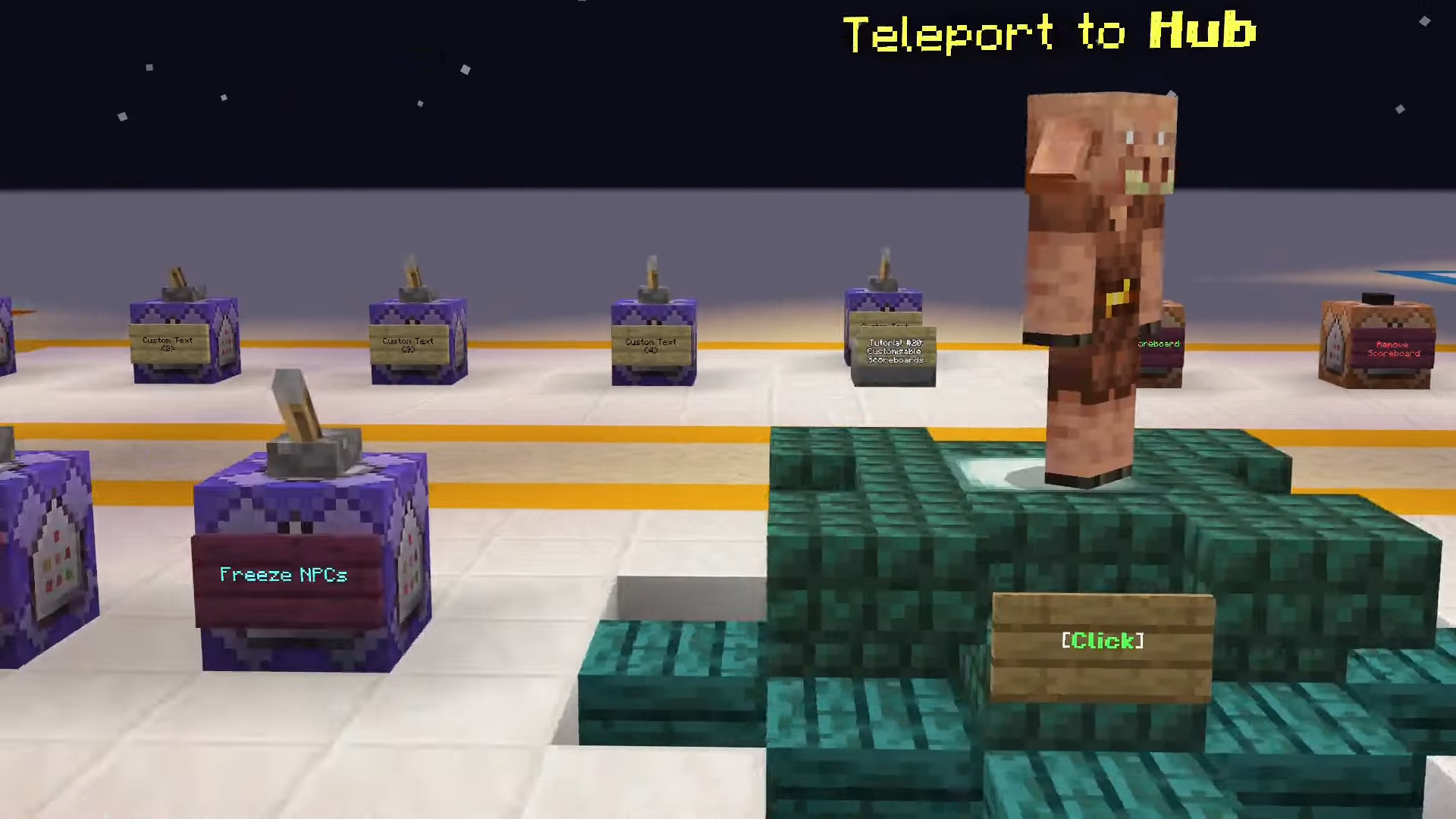
Tutorial World Map consists of all current 35 Command Block Creations available for you to explore. Some of those are Auto-Smelt, Remove Player Offline, Money Transferring System, Custom NPC Shop, One Player Sleep, and Random Chest Loot.
Features:
List of all the Command Block tutorials:
- Auto-Smelt
- Remove Player Offline
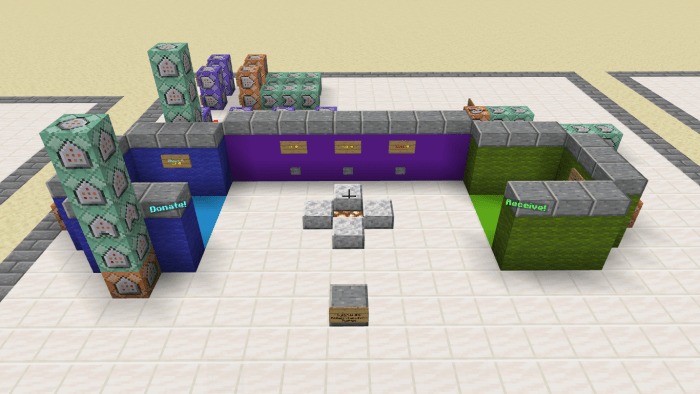
- Money Transferring System
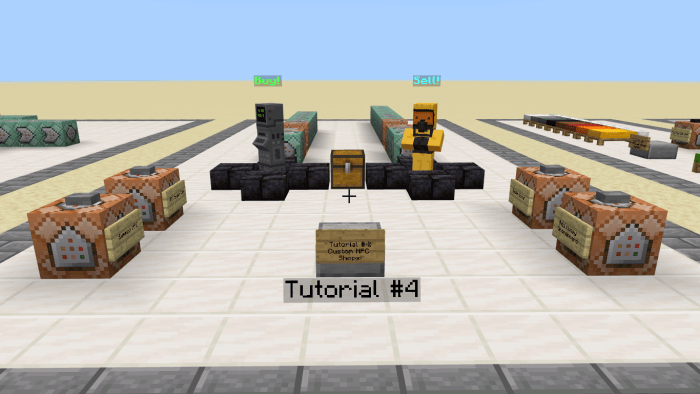
- Custom NPC Shop
- One Player Sleep
- Random Chest Loot
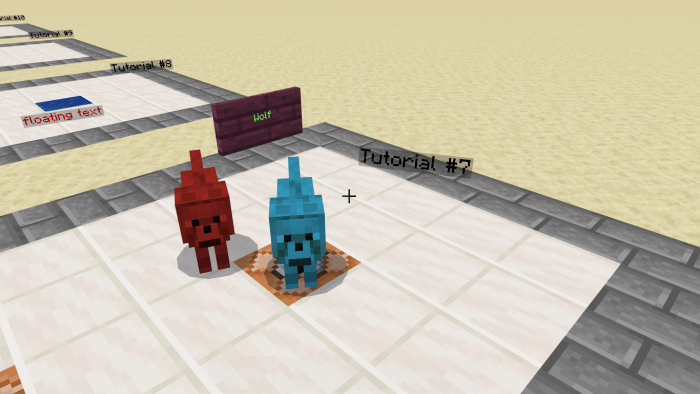
- Cursed Mobs
- Custom Floating Text
- Custom Ranks
- /Sudo (tell raw)
- Server Crates
- Player Tracking Compass
- Custom Portals
- Floating Signs
- Auto-Refilling Chests
- Particle Trails
- Spawn Protection Commands
- Chest Shop
- Clickable Server NPCs
- Customizable Scoreboards
- Throwable Fireballs
- Custom Advancements
- Sharpness 1000
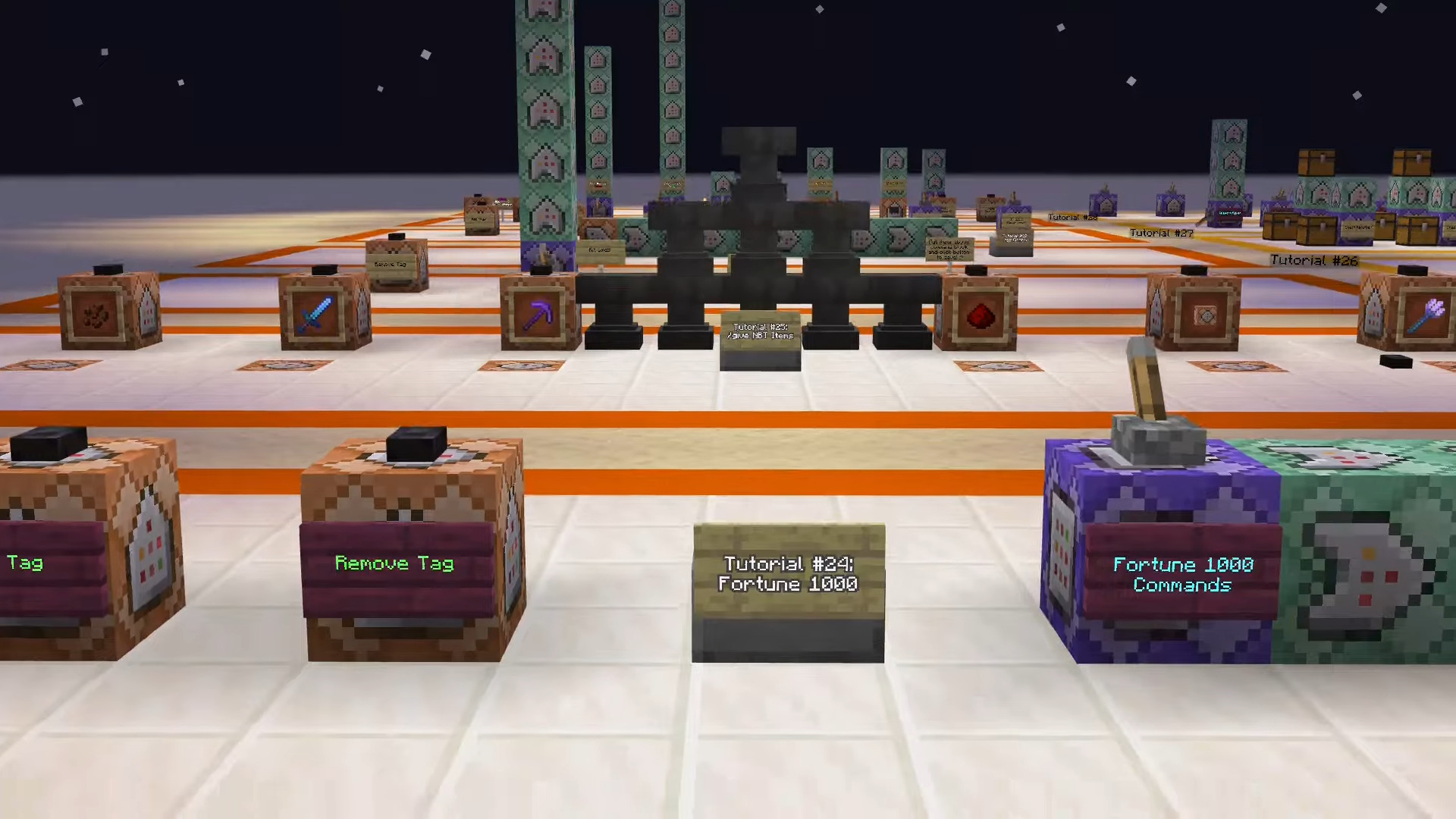
- Fortune 1000
- /give NBT Items
- Starter Kits
- Lagg Clearer
- Scoreboard Timer
- Stop Time
- Tree Capitator
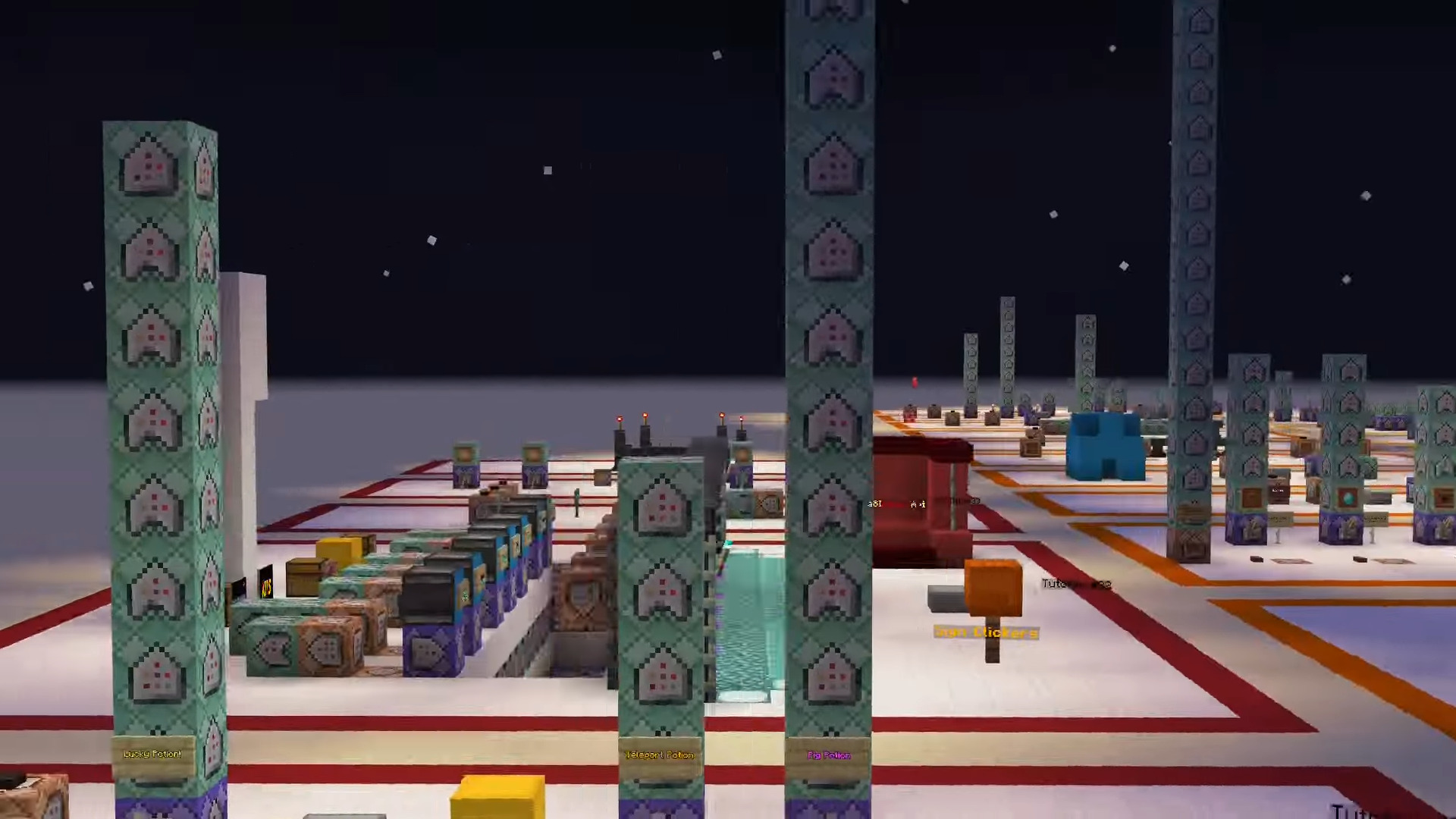
- Custom Potions
- Clickable Signs
- Automated Server Announcements
- Updated Auto-Smelt
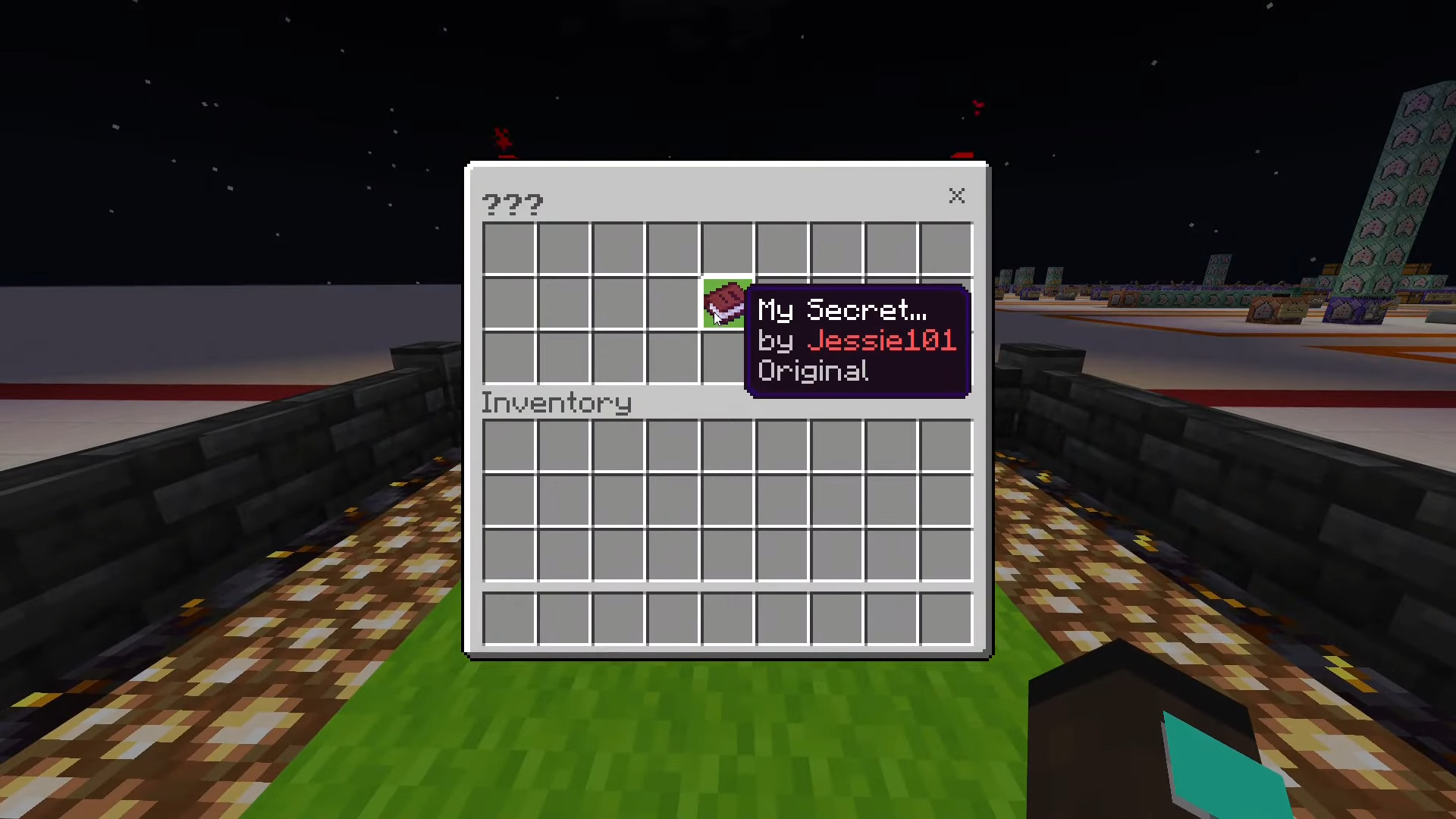
- Jessie101’s Secret
Screenshots:
- Custom NPC Shop:
- Money Transferring System:
- Cursed Mobs:
More screenshots:
Tutorial World Map Download Links
For Minecraft PE/Bedrock 1.21, 1.20
mcworld: Download from server 1 – Download from server 2
Quick facts
- Edition: Minecraft Bedrock
- File type: .mcworld
- Minecraft versions listed: 1.21, 1.20
- How to install: Download the .mcworld file. → Open it — Minecraft imports it as a new world. → Find it in your Worlds list and play.
- Where to get it: In MCModsHub, or directly above on this page.
Install steps are the general flow for this file type — How to install Minecraft Bedrock maps walks through it step by step.
Verified by MCModsHub
- Pack type: .mcworld — a ready-made world
- Manifest requires Minecraft 1.16.20 or newer
- Complete pack — everything it depends on is inside the file
- Download size: 3.5 MB
- Download link checked 17 Jun 2026 — working
- Mirrored on our own servers — the download does not depend on the original host
These come from our own check of the pack file, not from the source page.