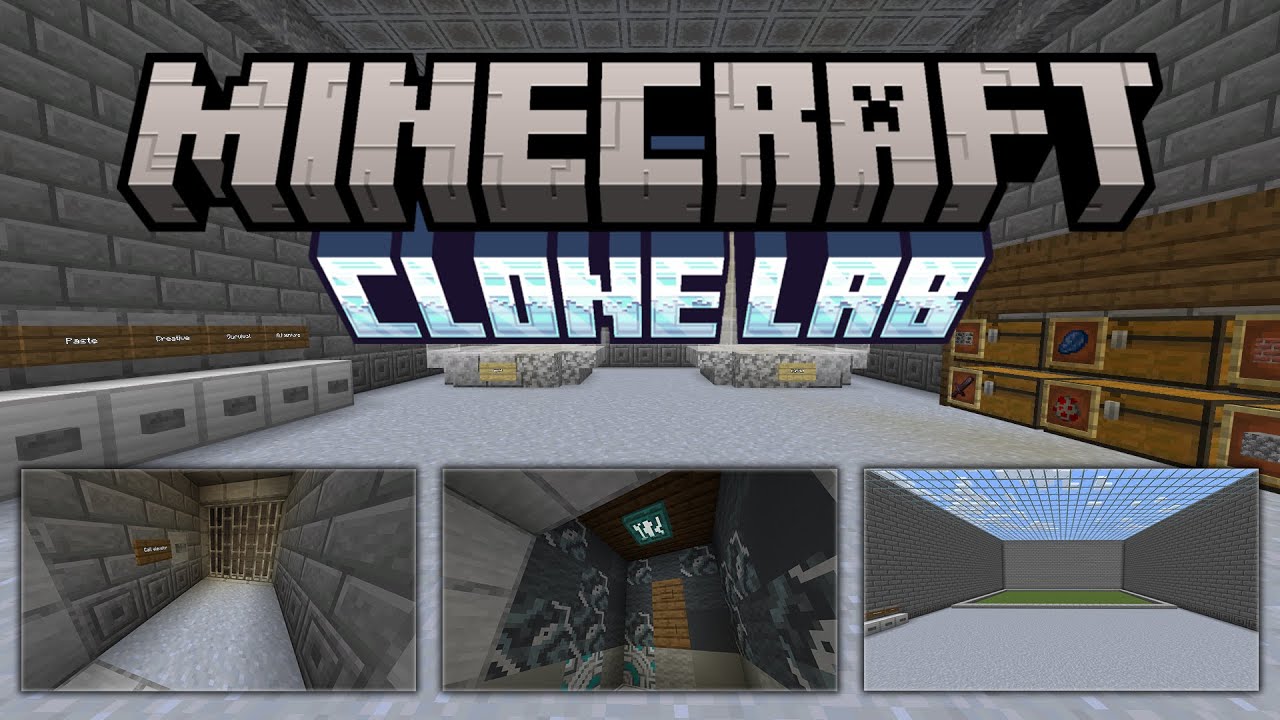
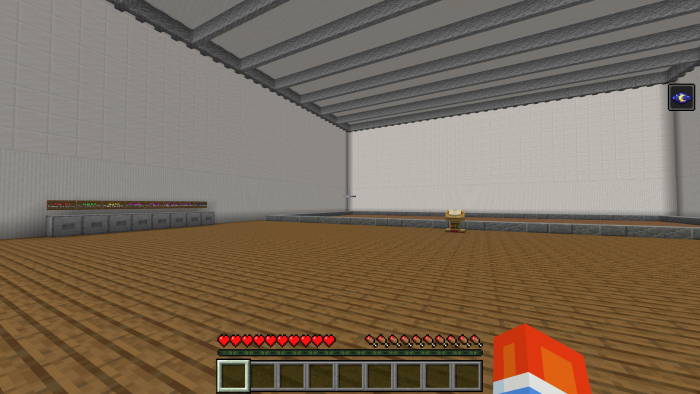
Clone Lab Map is a Minecraft Bedrock Edition map that lets you duplicate blocks, items, and creatures with innovative tools like the Clone Machine, all crafted without the need for additional add-ons or texture packs!
Features:
Clone Machine
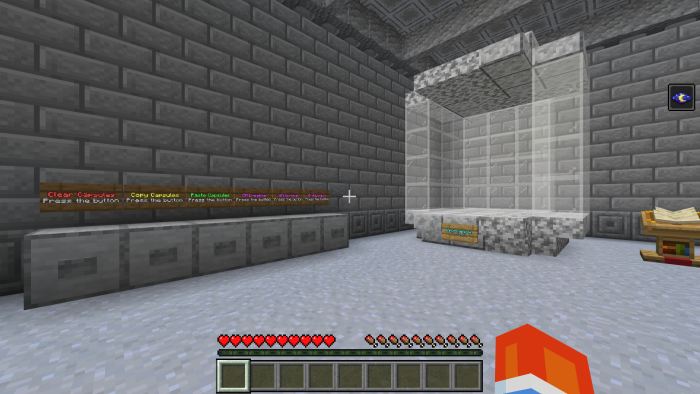
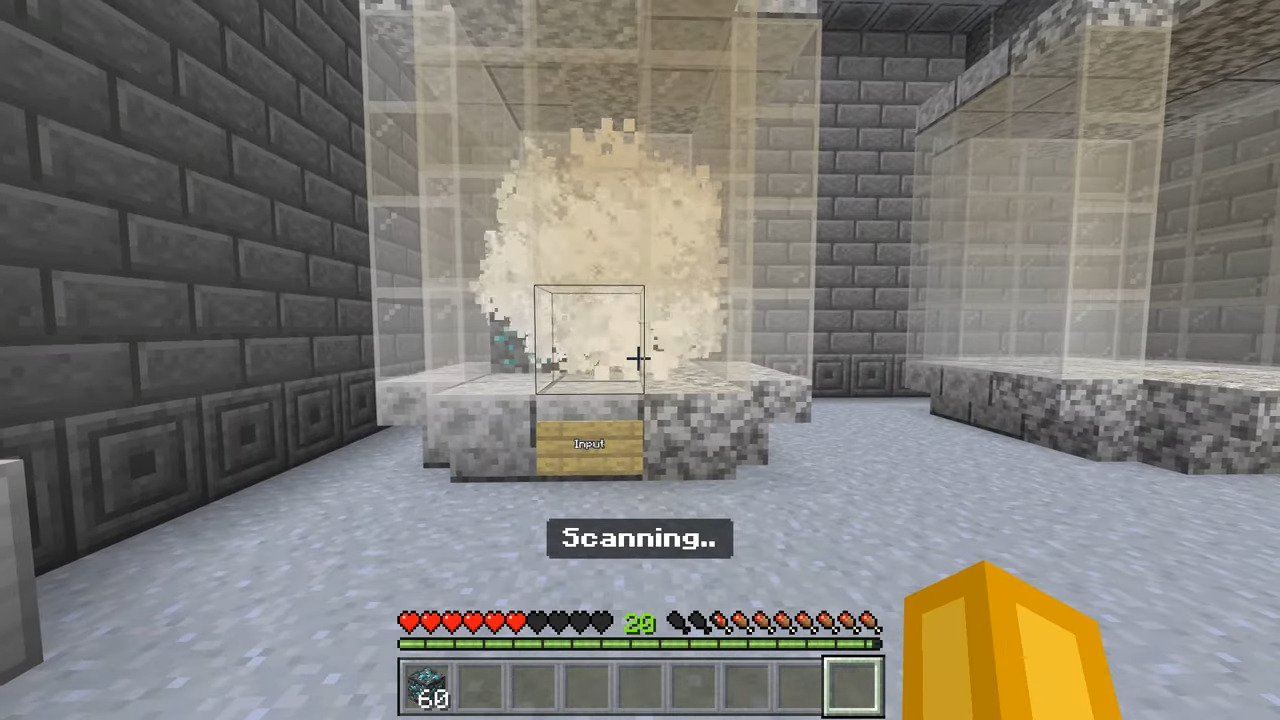
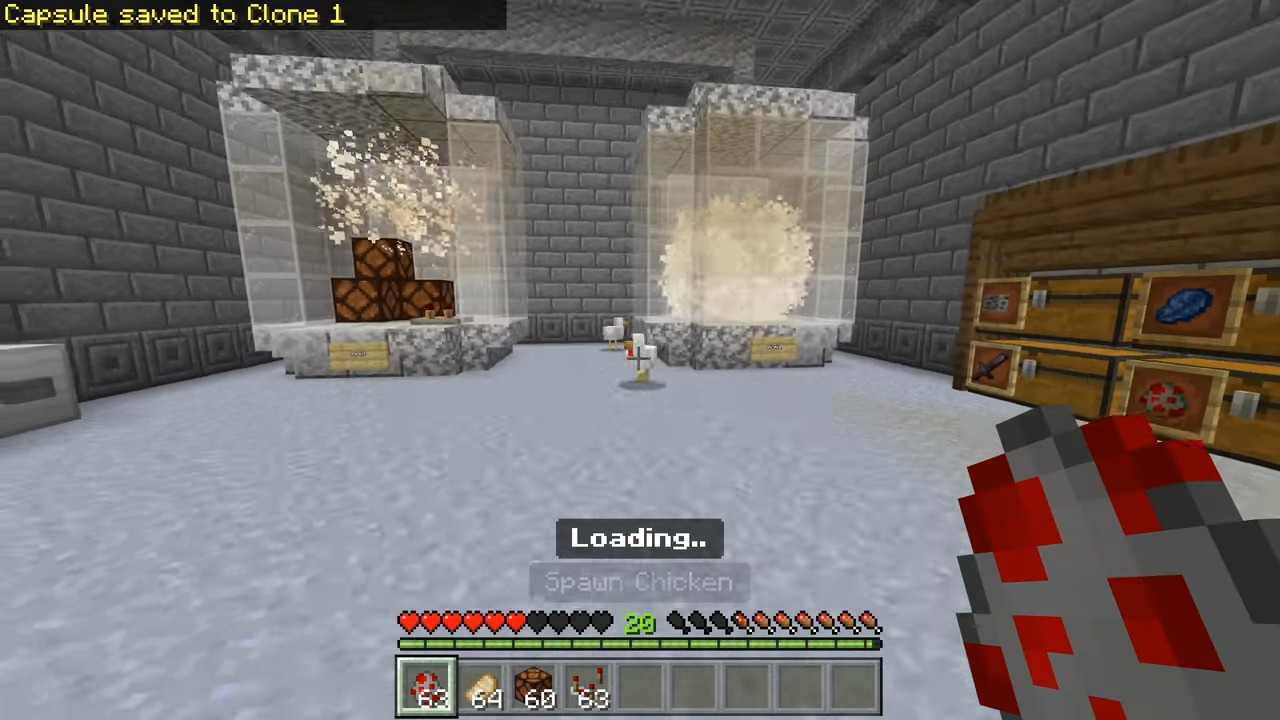
- This device allows you to clone items and block what you put inside of it! Simply put stuff in the Input Capsule and press Copy Capsules! Then you can press Paste Capsule to clone the things to the output capsule!
Slot saver
- This one allows you to save a slot and then paste it later on.
Clone Lab Map Download Links
For Minecraft PE/Bedrock 1.21
mcworld: Download from server 1 – Download from server 2
Quick facts
- Edition: Minecraft Bedrock
- File type: .mcworld
- Minecraft version listed: 1.21
- How to install: Download the .mcworld file. → Open it — Minecraft imports it as a new world. → Find it in your Worlds list and play.
- Where to get it: In MCModsHub, or directly above on this page.
Install steps are the general flow for this file type — How to install Minecraft Bedrock maps walks through it step by step.
Verified by MCModsHub
- Pack type: .mcworld — a ready-made world
- Download size: 158 KB
- Download link checked 17 Jun 2026 — working
- Mirrored on our own servers — the download does not depend on the original host
These come from our own check of the pack file, not from the source page.