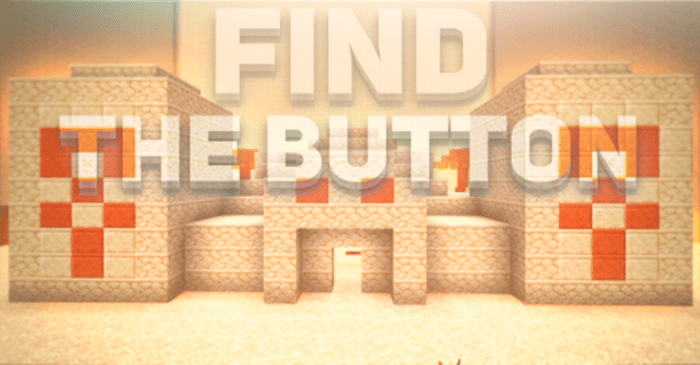
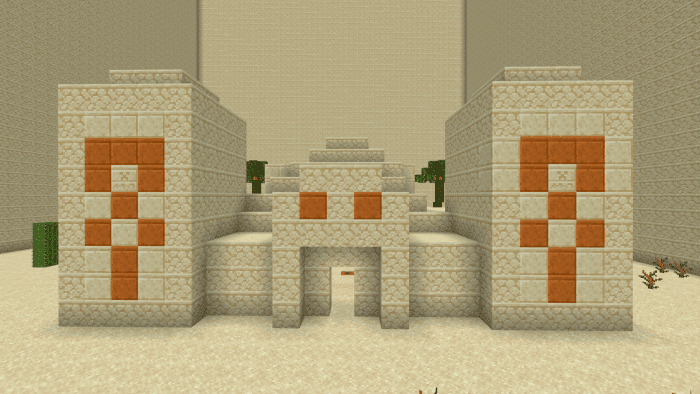
Introducing Find The Button Map, a captivating Minecraft map that will put your resourcefulness to the test as you search for hidden buttons to advance to the next level.
Each level offers a unique and diverse experience, providing a total of 5 exciting challenges to conquer. With distinct stories and atmospheres, you’re sure to enjoy the journey.
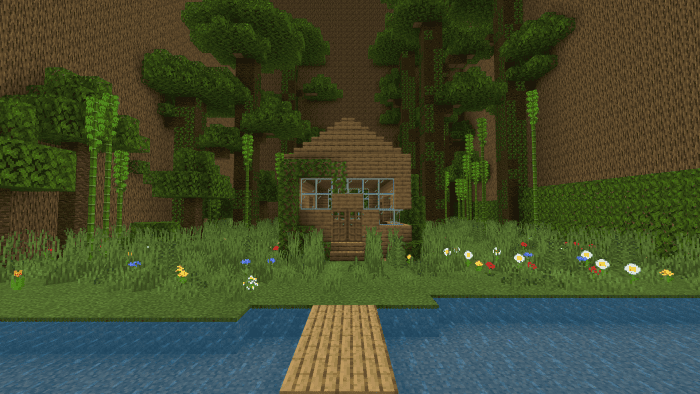
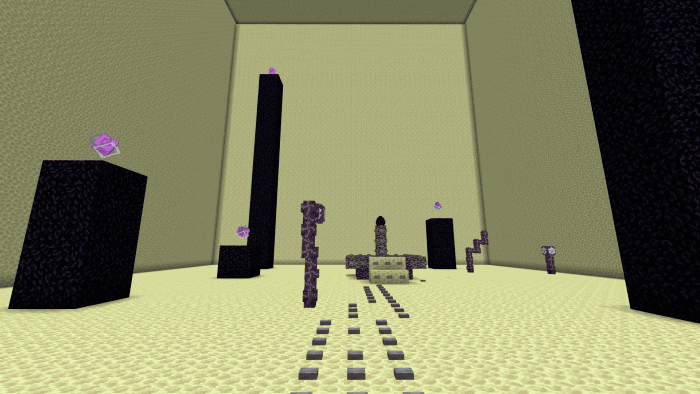
This map was skillfully crafted by Lopio and Atom44ik, ensuring a well-crafted adventure for you to explore. Check out the accompanying screenshots below to get a glimpse of what awaits you.
Embark on this “Find the Button” adventure, where you’ll need to showcase your resourcefulness and keen observation to locate buttons hidden within various Minecraft structures. The path ahead is no walk in the park; it serves as a test, an exciting journey through the world of Minecraft. Prepare to encounter iconic locations from the game as you immerse yourself in this thrilling experience.
Screenshots:
Find The Button Map Download Links
For Minecraft PE/Bedrock 1.20, 1.19
mcworld: Download from server 1 – Download from server 2
- Edition: Minecraft Bedrock
- File type: .mcworld
- Minecraft versions listed: 1.20, 1.19
- How to install: Download the .mcworld file. → Open it — Minecraft imports it as a new world. → Find it in your Worlds list and play.
- Where to get it: In MCModsHub, or directly above on this page.
Install steps are the general flow for this file type — How to install Minecraft Bedrock maps walks through it step by step.
- Pack type: .mcworld — a ready-made world
- Download size: 312 KB
- Download link checked 17 Jun 2026 — working
- Mirrored on our own servers — the download does not depend on the original host
These come from our own check of the pack file, not from the source page.