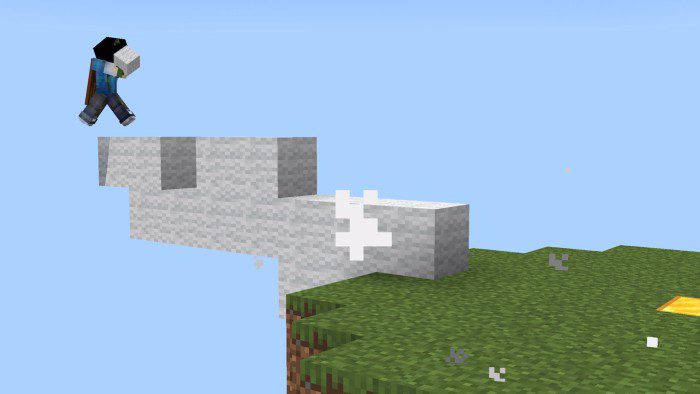
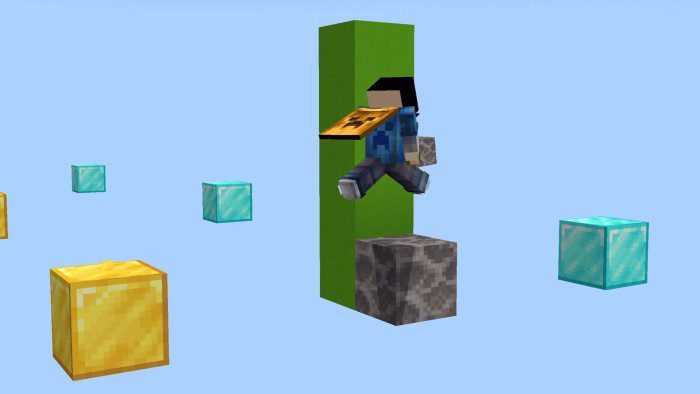
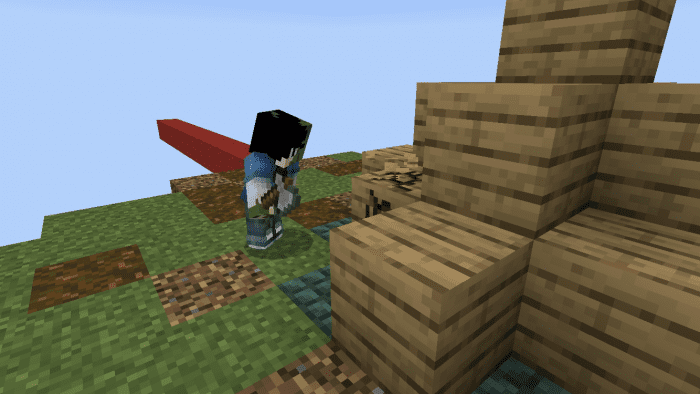
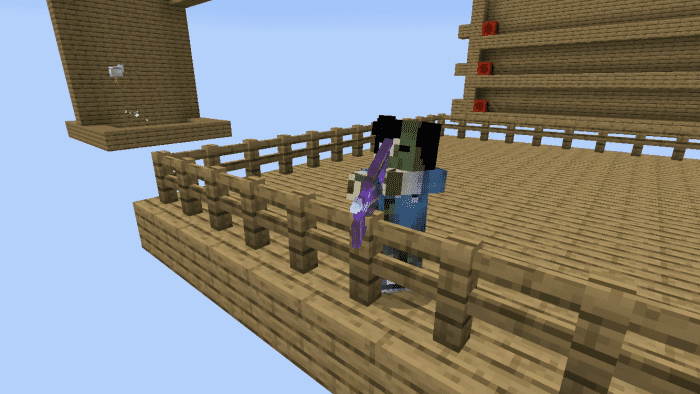
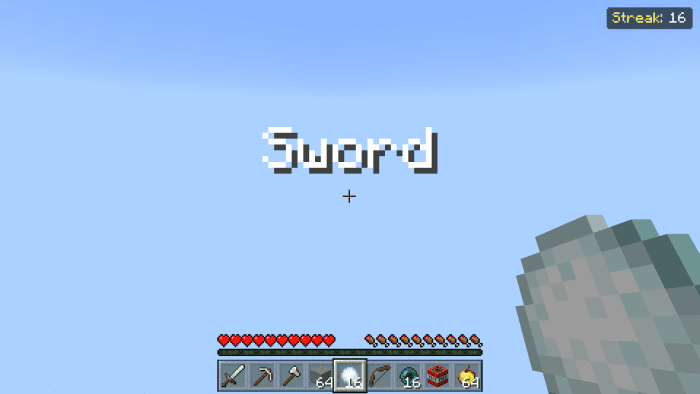
If you are a fan of Minecraft and want to improve your skills in PvP modes like Skywars or Bedwars, you should check out the Laboratory Map for MCPE/Bedrock. This map is designed to help you practice different aspects of PvP, such as Enderpearl clutching, bridging, block extension, treasure breaking and protecting, and more. You can also customize the difficulty and settings of each mode to suit your preferences. Pada’s Laboratory Map has 11 different modes to choose from, each with its own challenges and rewards. You can download the map for free from the link below and start your training today. Whether you want to hone your aim, speed, or strategy, the Laboratory Map for MCPE/Bedrock has something for you. Don’t miss this opportunity to become a better Minecraft player!
Features:
This is the map you always wanted! You can train yourself with 11 different gamemodes.
- Ender pearl Clutch Training: You get an infinite amount of Enderpearls and Blocks so you can clutch
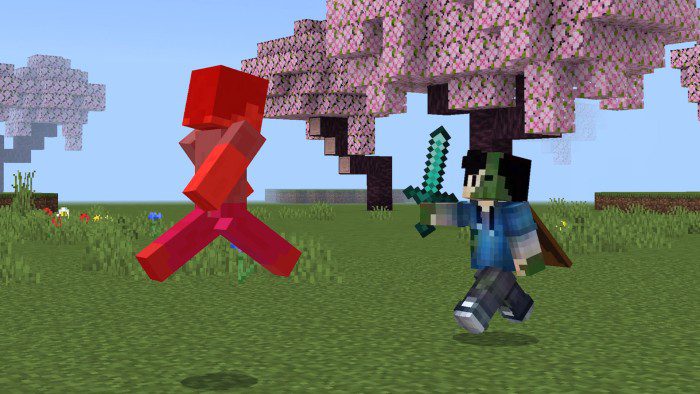
- PvP Training: Train your aim and your Snowball/Egg combos against Customizable PvP Bots!
- Bridging Speed Training: Try to get to the other island as fast as possible!
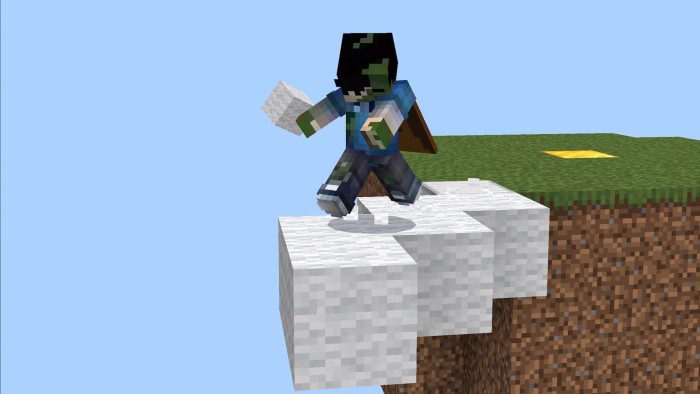
- Block Extension Training: Take your blocks in your hand and try to survive without falling
- Block Parkour: Go to the green side by placing a maximum 2 blocks
- Treasure Breaking: Kill the rabbit in the middle of the protection while avoiding getting hit by zombies
- Bow Aim: Shoot the target by using your bow and arrows
- Hotbar Switching: Select the correct item in your inventory!
- Treasure Protecting: Protect the Treasure as fast as possible!
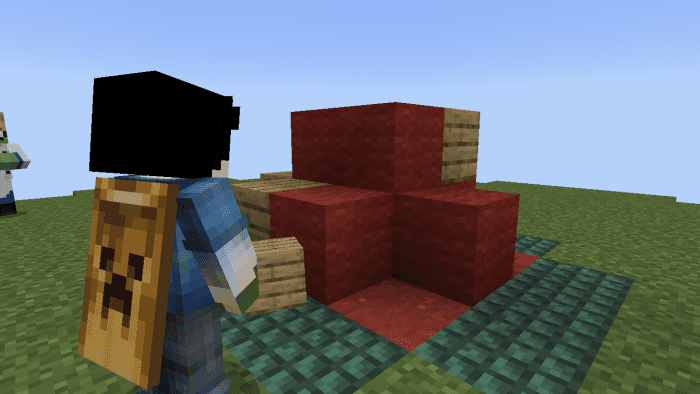
- Chest Looting: Loot the chest as fast as possible! But be careful with the cobwebs…
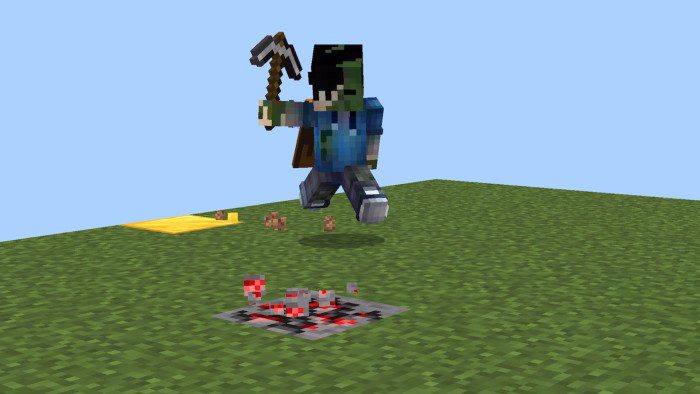
- NEW! Ore Mining: Mine the redstone ore while constantly moving.
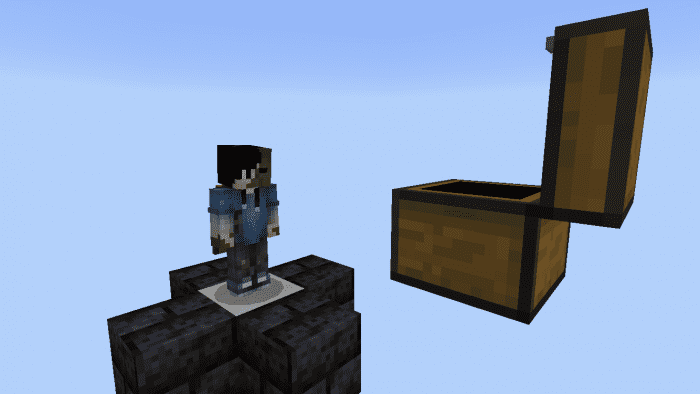
Pada’s Laboratory Map Download Links
For Minecraft PE/Bedrock 1.20, 1.19
mcworld: Download from server 1 – Download from server 2
- Edition: Minecraft Bedrock
- File type: .mcworld
- Minecraft version listed: 1.20
- How to install: Download the .mcworld file. → Open it — Minecraft imports it as a new world. → Find it in your Worlds list and play.
- Where to get it: In MCModsHub, or directly above on this page.
Install steps are the general flow for this file type — How to install Minecraft Bedrock maps walks through it step by step.
- Pack type: .mcworld — a ready-made world
- Manifest requires Minecraft 1.16.0 or newer
- Needs Beta APIs switched on in the world settings
- Complete pack — everything it depends on is inside the file
- Download size: 1.9 MB
- Download link checked 17 Jun 2026 — working
- Mirrored on our own servers — the download does not depend on the original host
These come from our own check of the pack file, not from the source page.