DreamSMP Parkour Map (1.19) – MCPE/Bedrock
If you've been interested in the Minecraft community recently, you may have heard of the famous growing server for content creators that create improv…
⬇ Download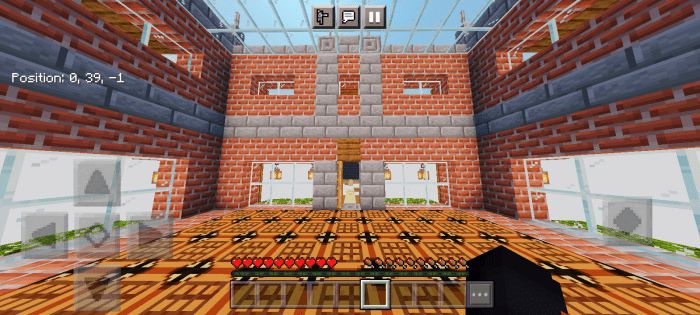
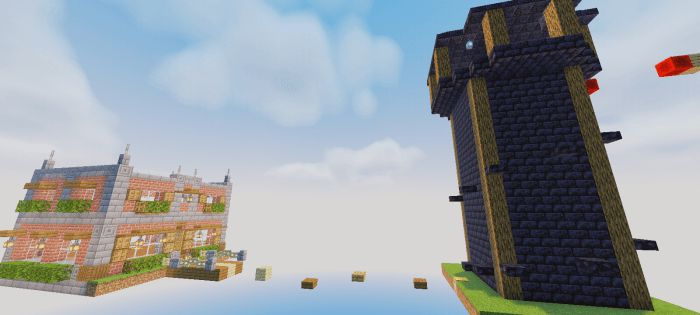
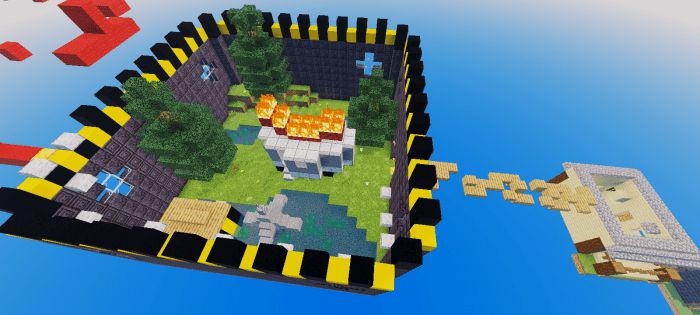
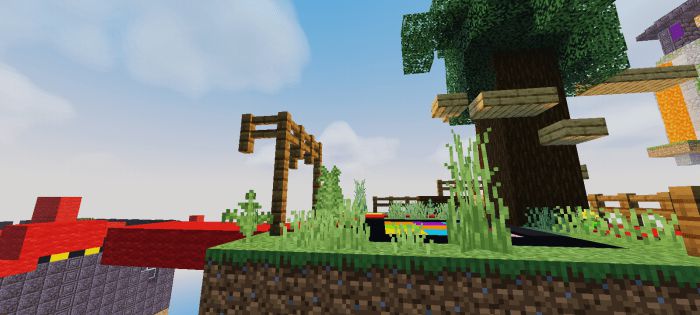
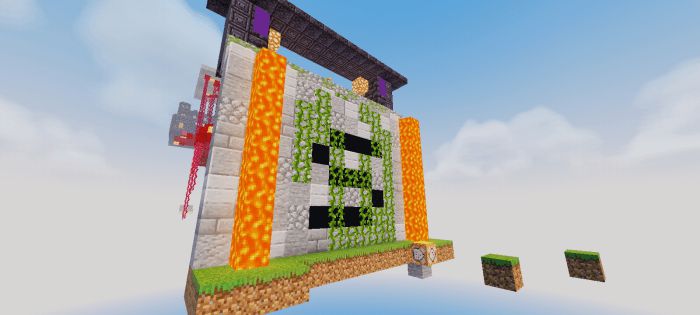
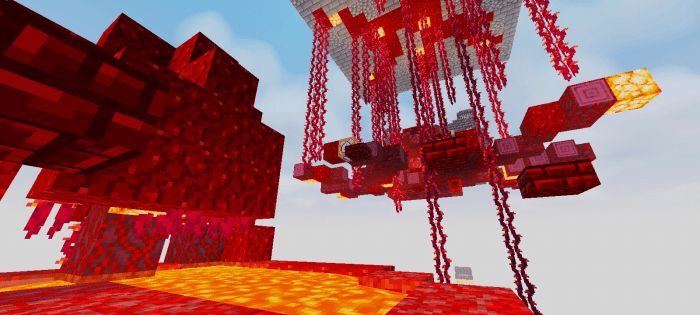
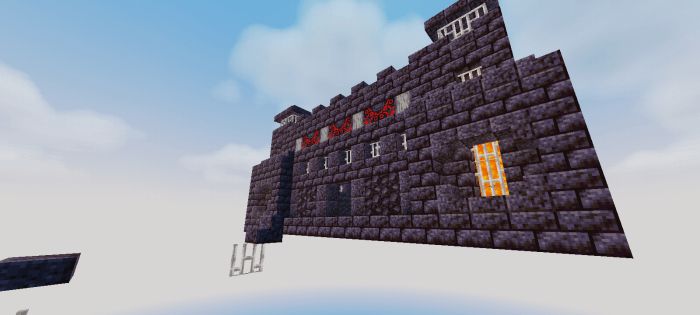
If you’ve been interested in the Minecraft community recently, you may have heard of the famous growing server for content creators that create improv role-playing, DreamSMP. DreamSMP Parkour Map is a collection of iconic and special structures in the server and has been used as a parkour course.
Features:
Joining the world, you spawn in the community house, the first ever build in the DreamSMP, and where everything started. You hop through a few blocks to reach the power tower, which is during the arc of the server before Tommyinnit joined the server.
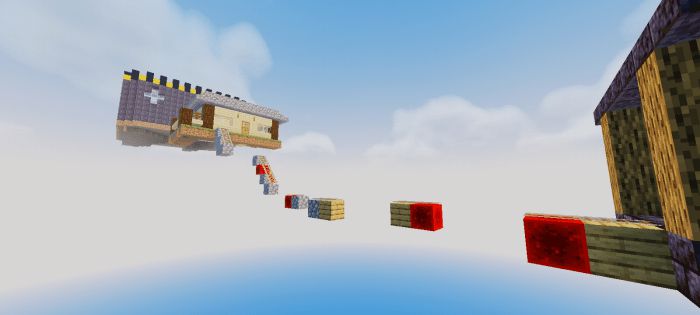
Then above the power tower is a railroad course towards Tommyinnit’s vacation home a few miles behind his home.
Then above the power tower is a railroad course towards Tommyinnit’s vacation home a few miles behind his home.
Behind the vacation house is the prime path leading to the oldest country in the server, L’manburg. A fair minimized recreation compared to the real one, and another course leading to the party island.
The next phase of the map is the podium during the Election arc, as well as the egg being slowly introduced into the plot right after. You can use the vines to your advantage to get up.
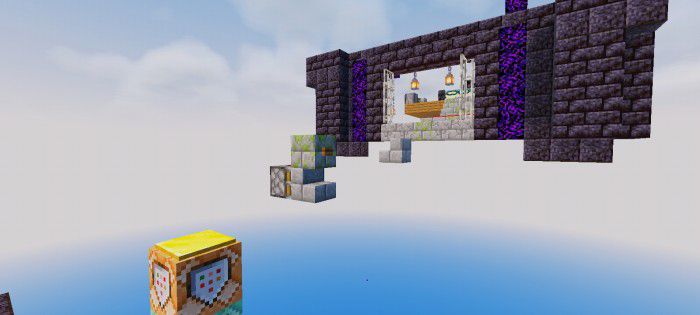
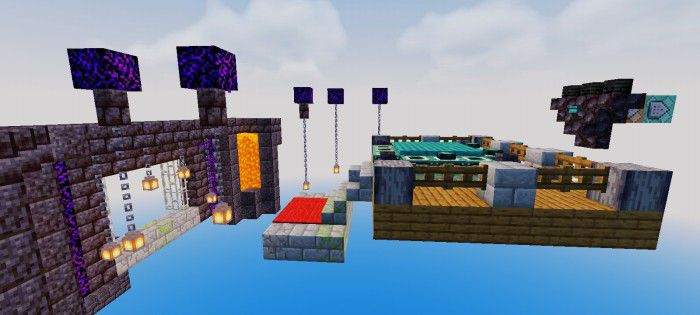
The final phase of the map is the Prison, otherwise known as Pandora’s Vault, a smaller version of it. There are multiple jumps needed to be made in order to get to the end, literally through the Syndicate meeting room. The final course of the map is getting to the ender portal and landing down the finish line.
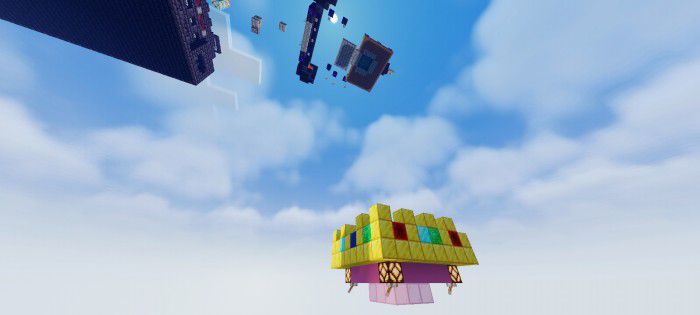
The finish line is a crown beneath the end portal course!
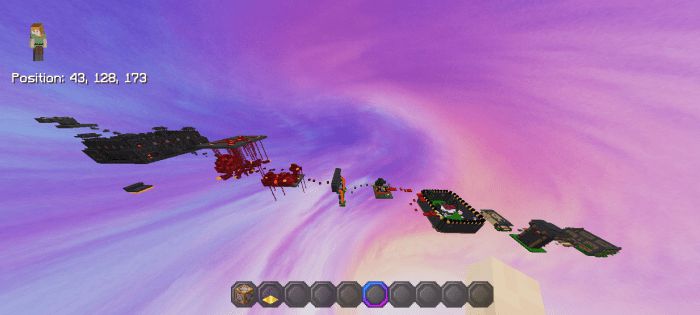
This is the whole map, there are checkpoints on each section that you can use to your advantage!
Installation Note:
- If your downloaded file has ‘.zip’ at the end, rename the file and delete it. Afterward, you can click on the file to import it to Minecraft.
DreamSMP Parkour Map Download Links
For Minecraft PE/Bedrock 1.19
mcworld: Download from server 1 – Download from server 2
- Edition: Minecraft Bedrock
- File type: .mcworld
- Minecraft version listed: 1.19
- How to install: Download the .mcworld file. → Open it — Minecraft imports it as a new world. → Find it in your Worlds list and play.
- Where to get it: In MCModsHub, or directly above on this page.
Install steps are the general flow for this file type — How to install Minecraft Bedrock maps walks through it step by step.
- Pack type: .mcworld — a ready-made world
- Download size: 7.2 MB
- Download link checked 17 Jun 2026 — working
- Mirrored on our own servers — the download does not depend on the original host
These come from our own check of the pack file, not from the source page.