
Material Design HUD
Bedrock texture pack listed for Minecraft 1.11–1.17. File opened and checked on 6 Oct 2026; installs from the MC Bedrock Mods app on Android.
I don't know my version
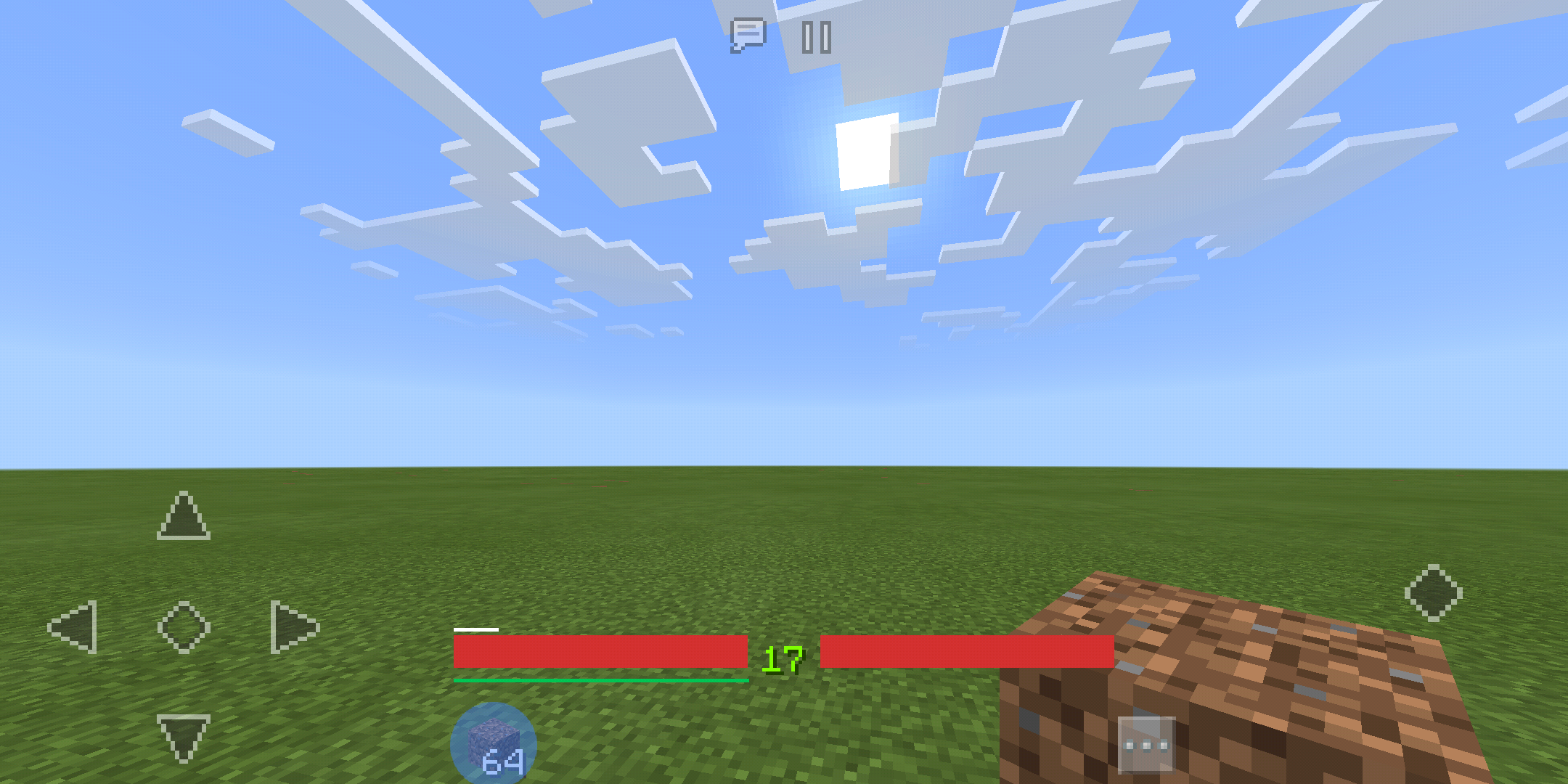
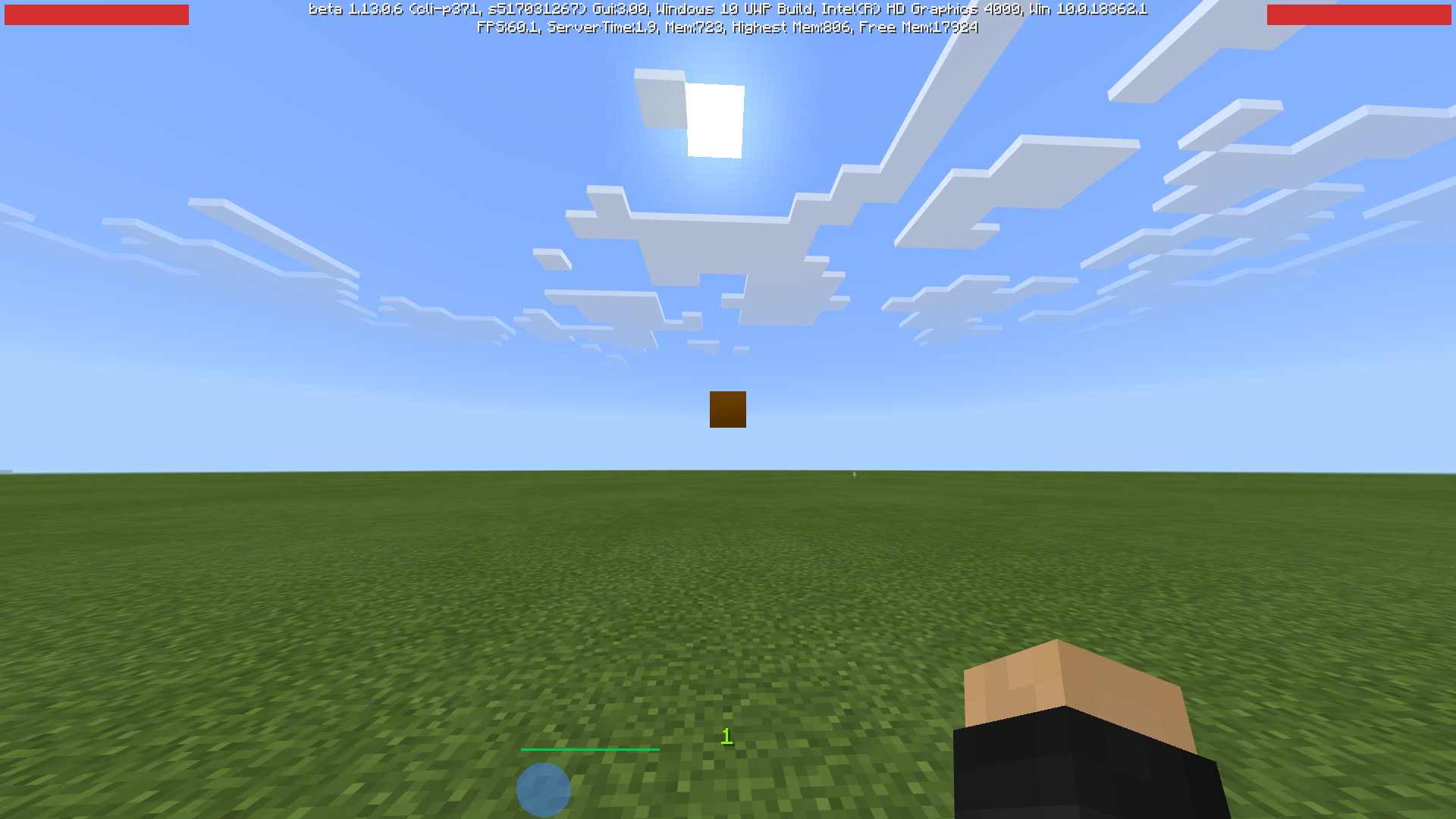
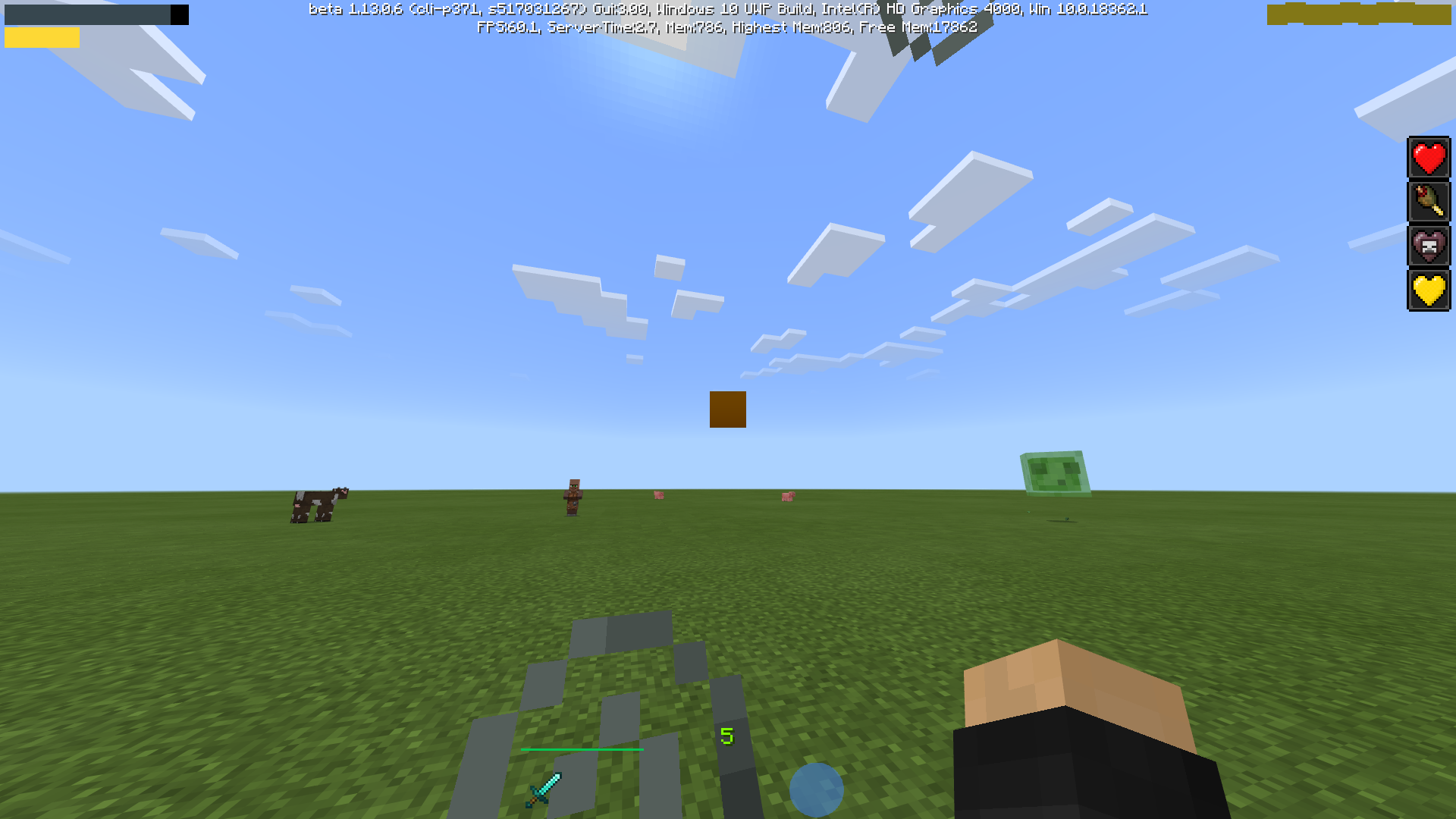
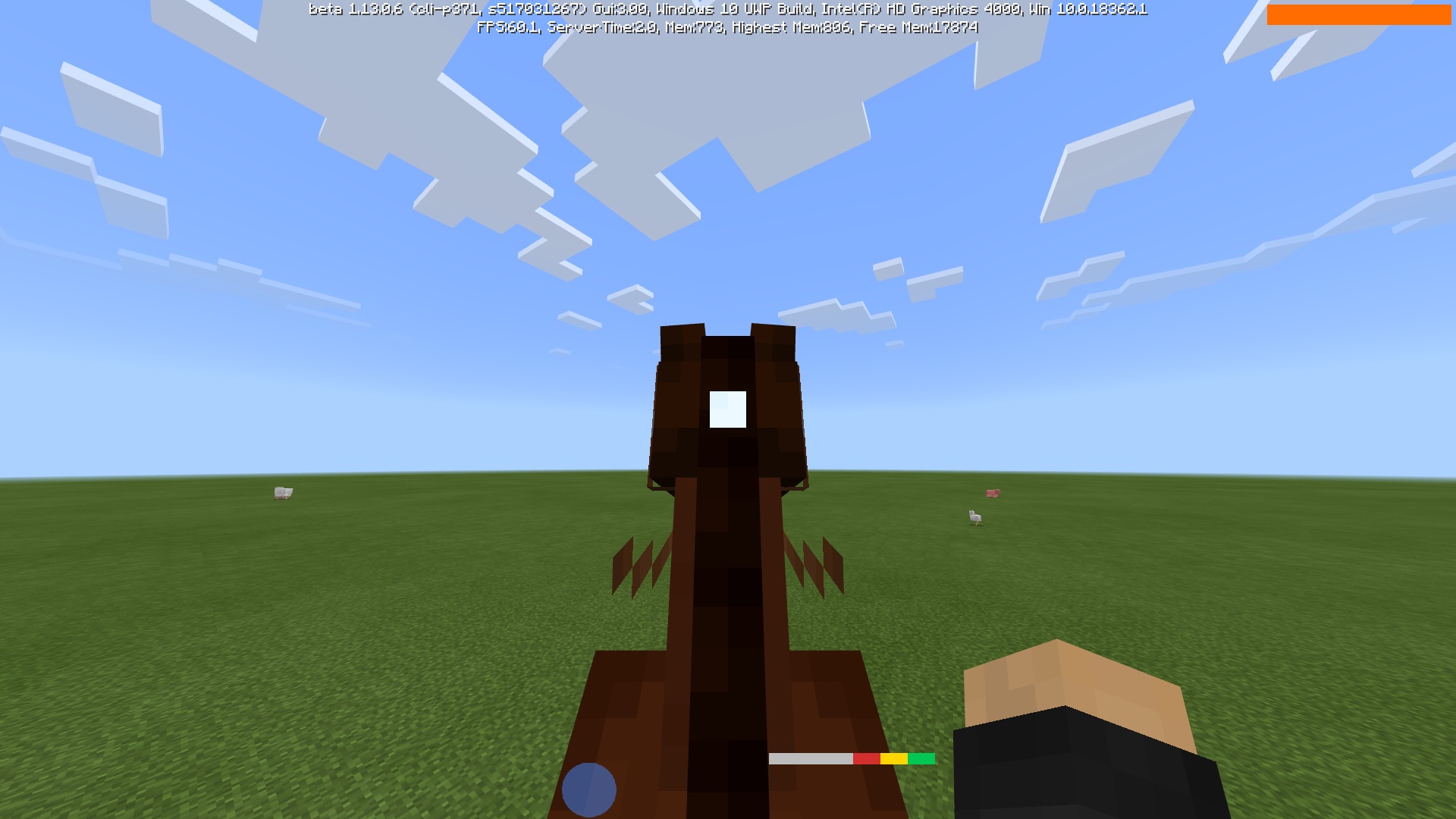
Check the resource pack out for Java Edition! This Bedrock version is currently unmaintained.
A resource pack that makes your HUD look plain and compact, inspired by Google's (Android) Material Design elements and colors. It is compatible with any other resource packs, as it only changes the hotbar and HUD items.
The colors and elements are chosen to be minimalistic and contextual, therefore it is not just a reskin of the default elements. For example, the hunger bar is the same color as health by default, in order to keep it from drawing attention until you actually get hungry. Similarly, the horse jump bar is dynamically colored and resized to fit under it's health bar. For inspiration, I used the progress indicators subsection of material.io.
- Edition: Minecraft Bedrock
- File type: .mcpack
- Minecraft versions listed: 1.17.2, 1.17, 1.17.1
- How to install: Download the .mcpack. → Open it — Minecraft imports it under Resource Packs. → Activate it in Global Resources, or for one world under Resource Packs → Available.
- Where to get it: Opens on CurseForge — not every file is mirrored on our own servers.
Install steps are the general flow for this file type — How to install Minecraft Bedrock texture packs walks through it step by step.
- Pack type: .mcpack — a single pack
- Complete pack — everything it depends on is inside the file
- Download size: 166 KB
- Download link checked 6 Oct 2026 — working
These come from our own check of the pack file, not from the source page.