ShadersBedrock
Phantom Visuals Shader (1.26+) – Warm Tones and Soft Lighting
Bedrock shader pack for the Vibrant Visuals mode listed for Minecraft 1.21–26.x. File opened and checked on 23 Sep 2026; installs from the MC Bedrock Mods app on Android.
⬇ Download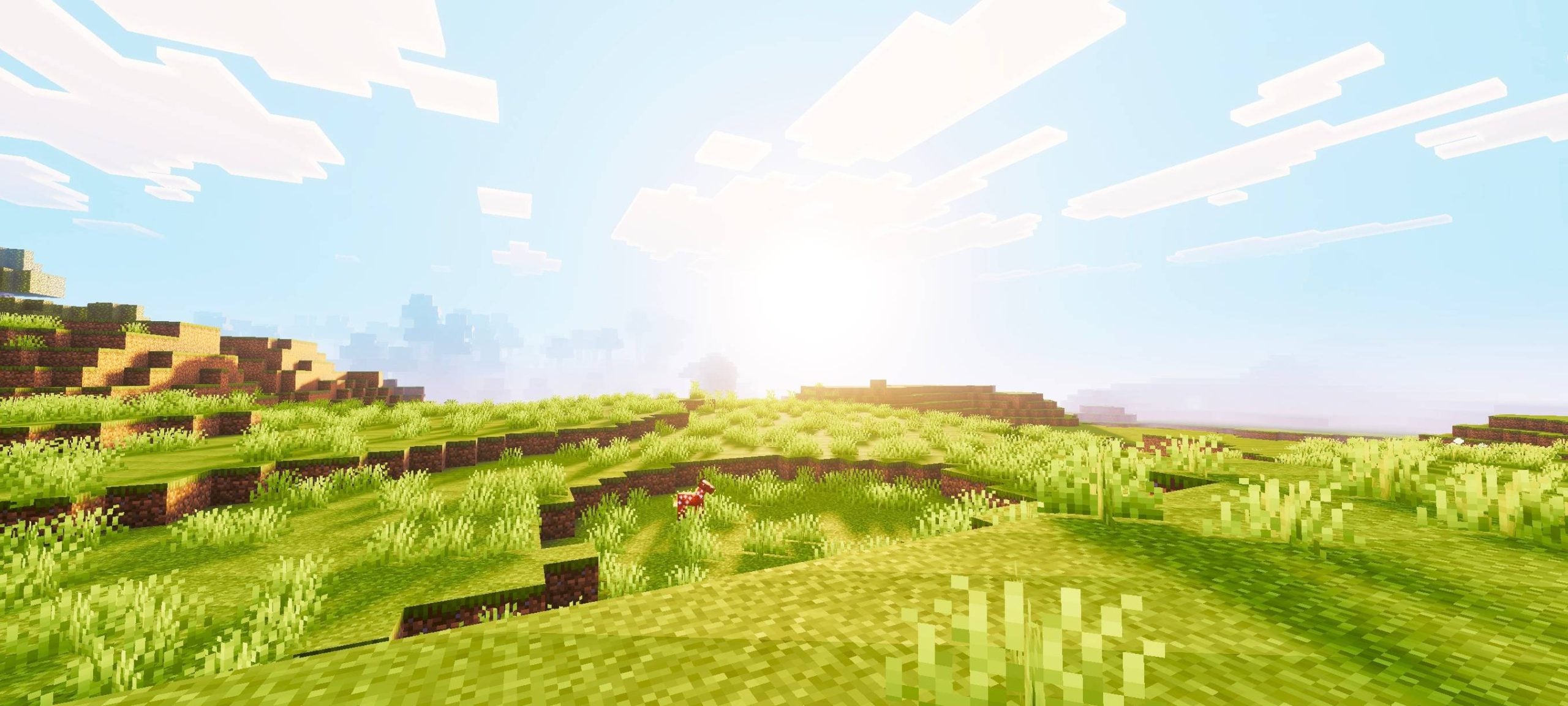
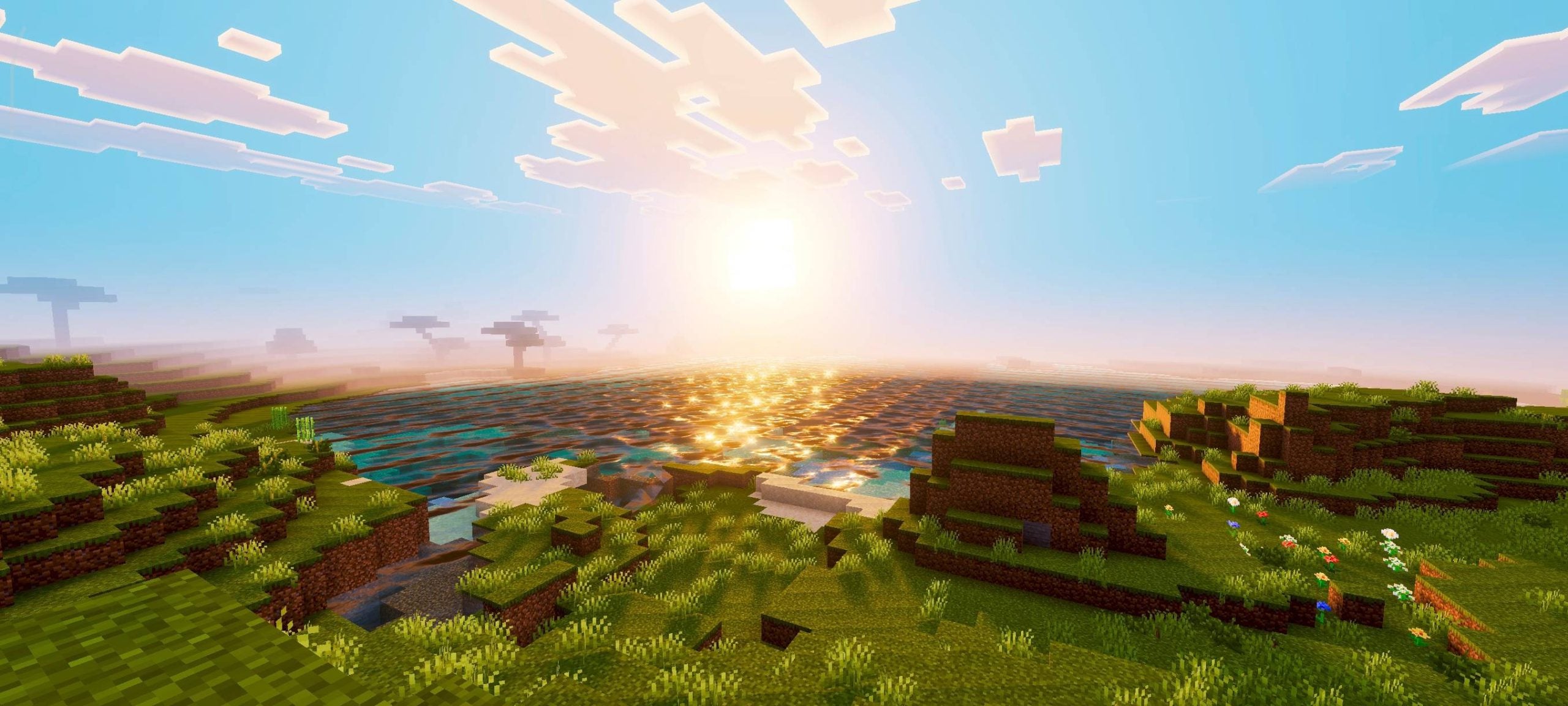
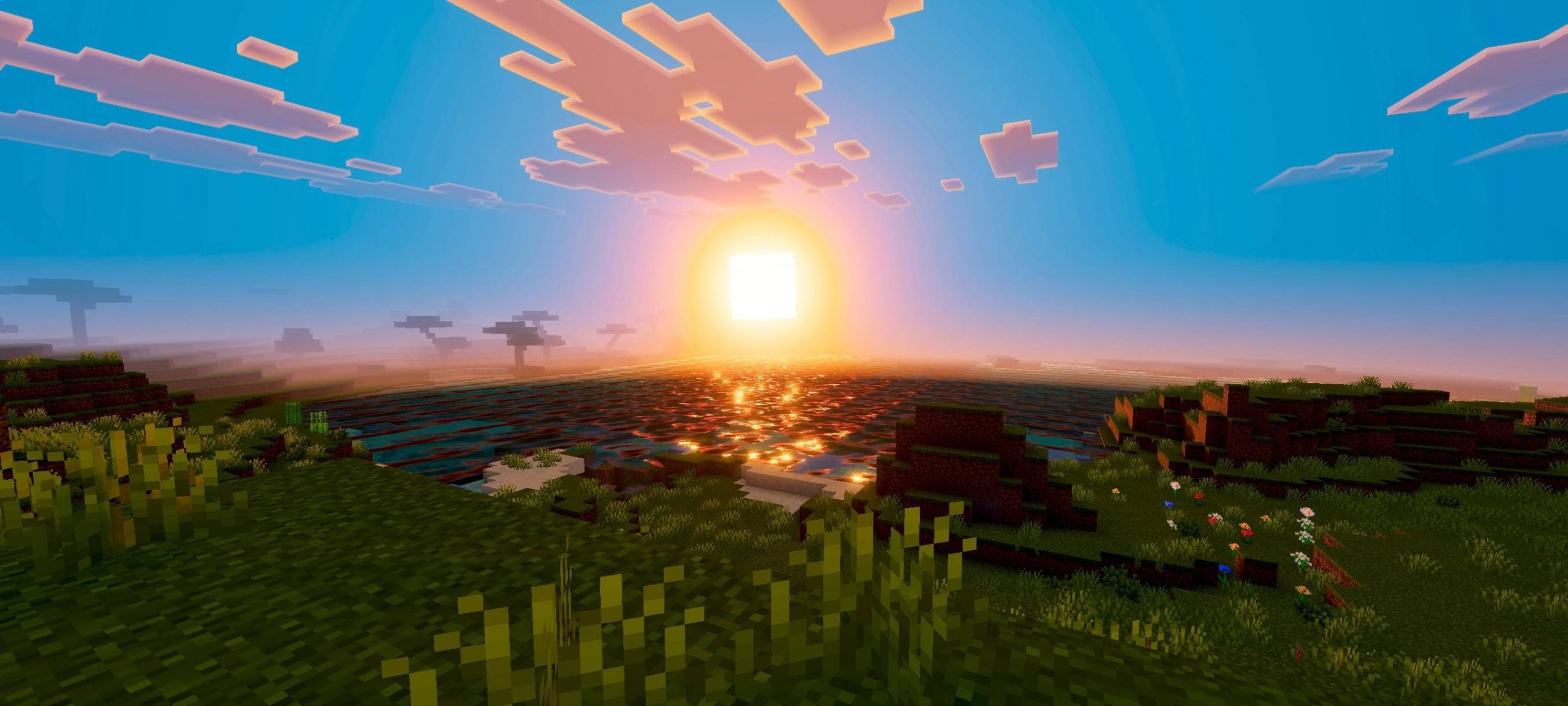
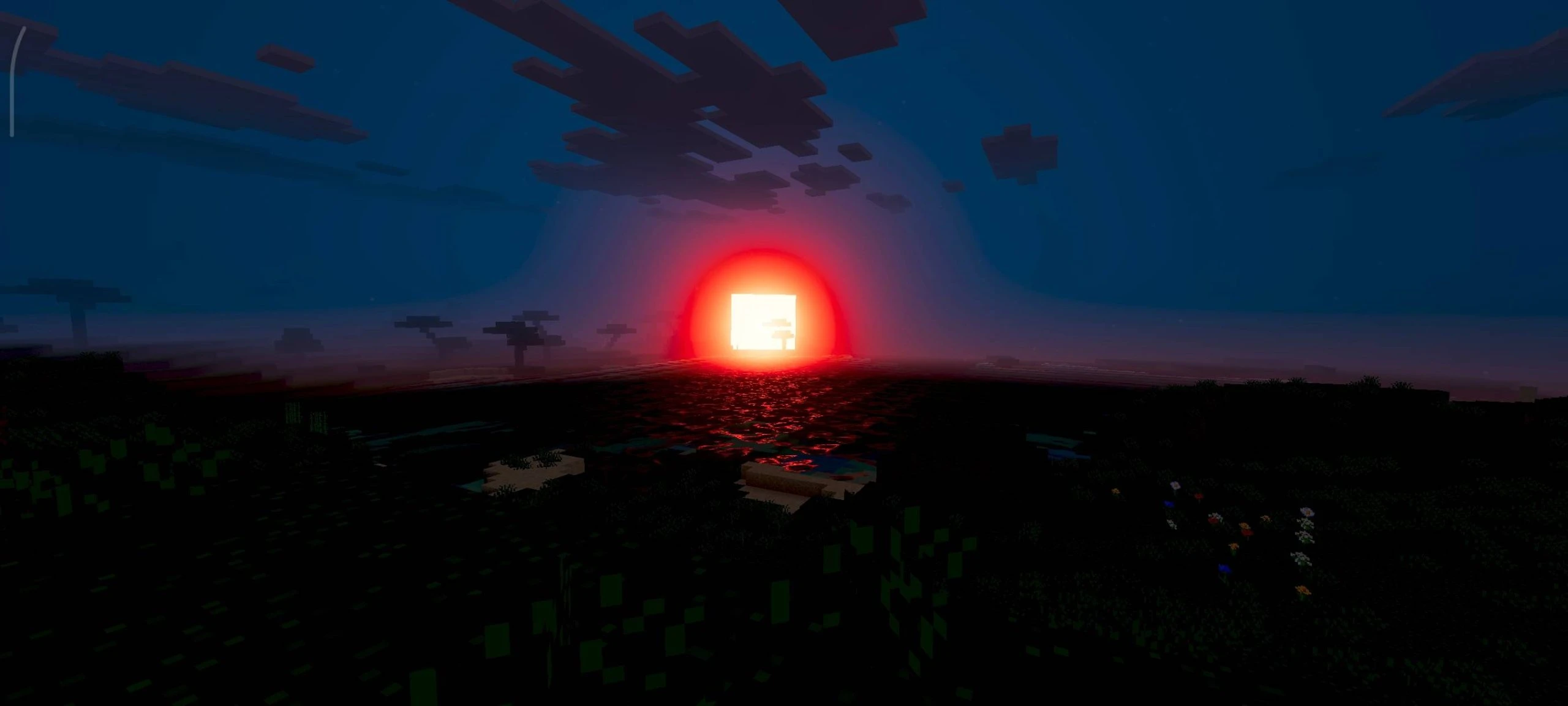
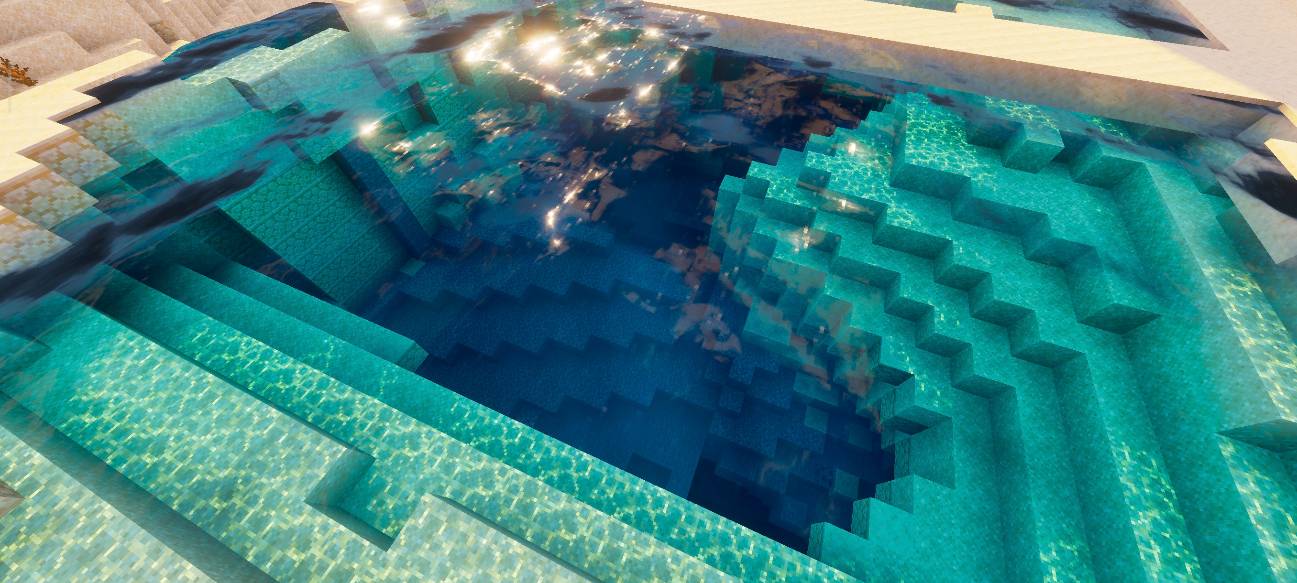
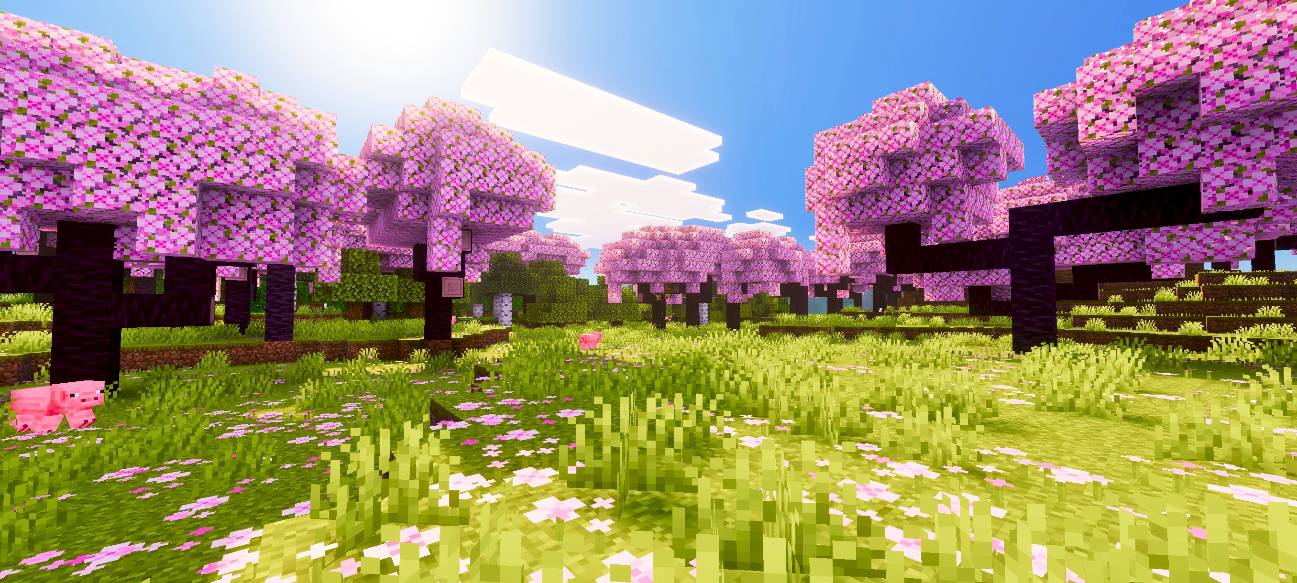
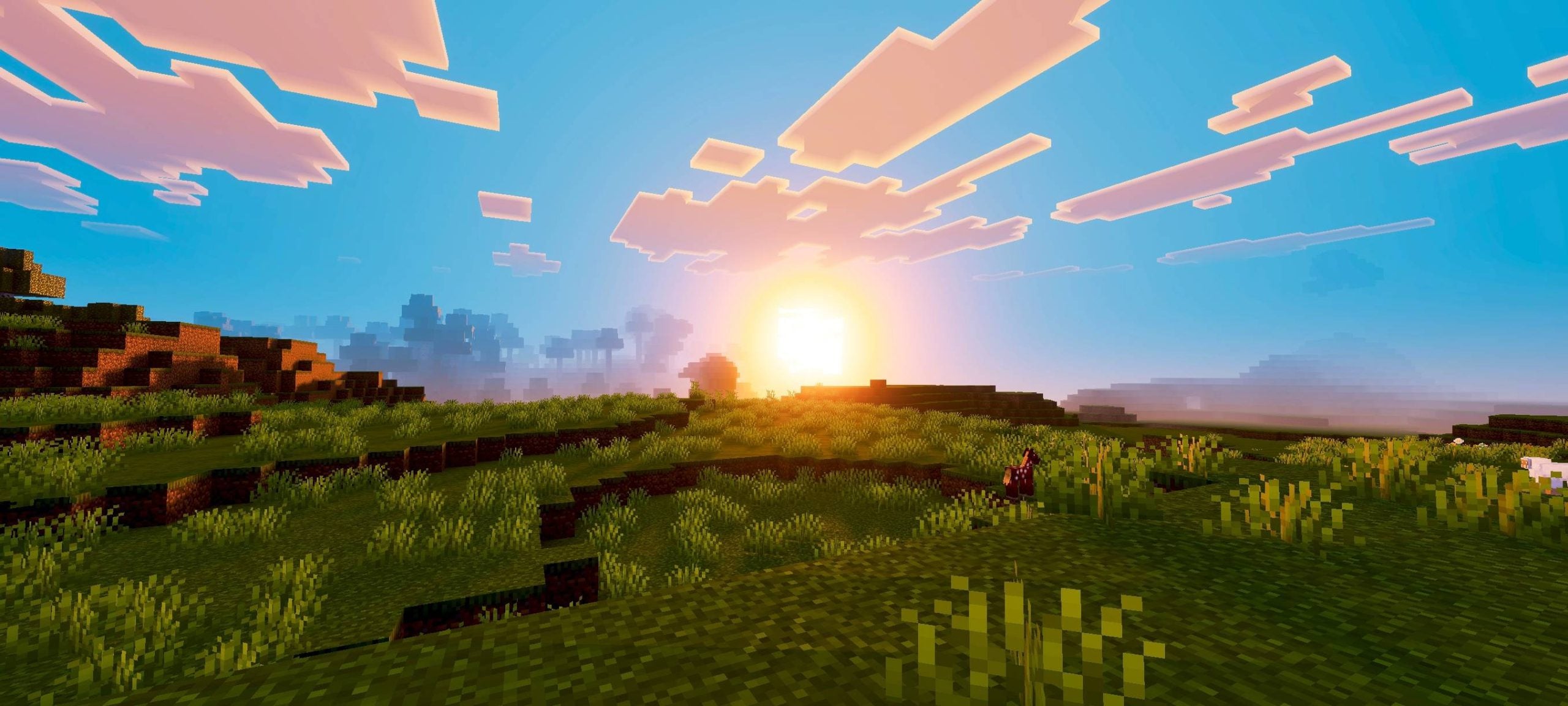
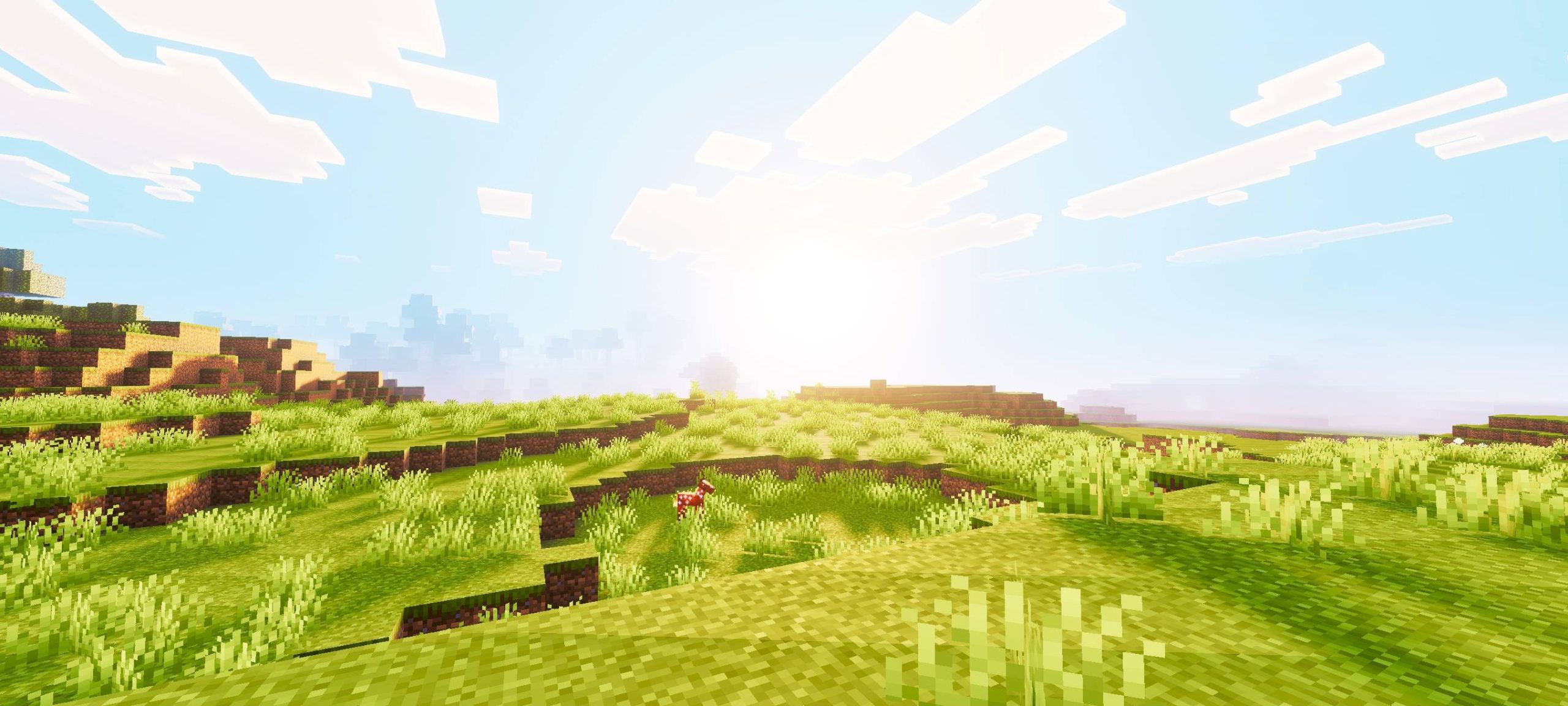
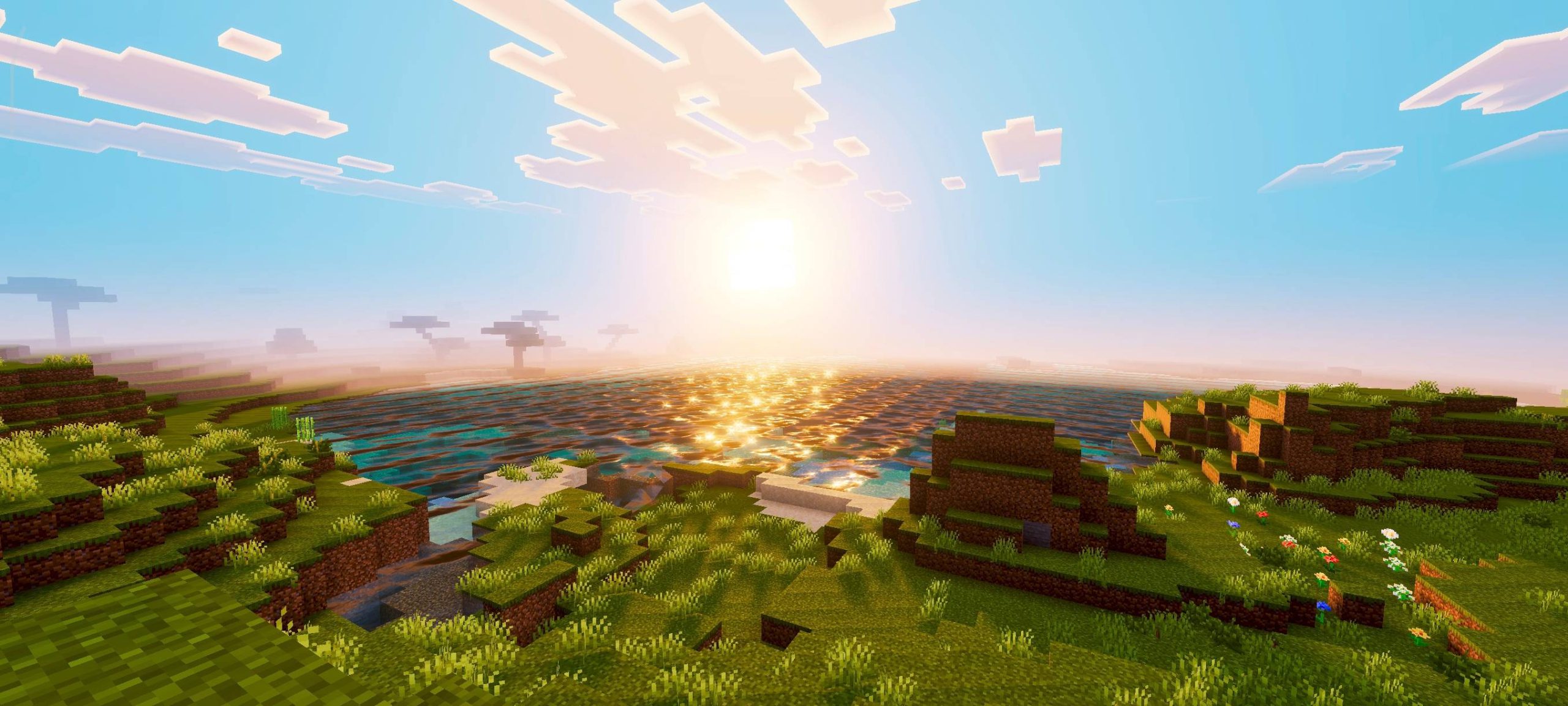
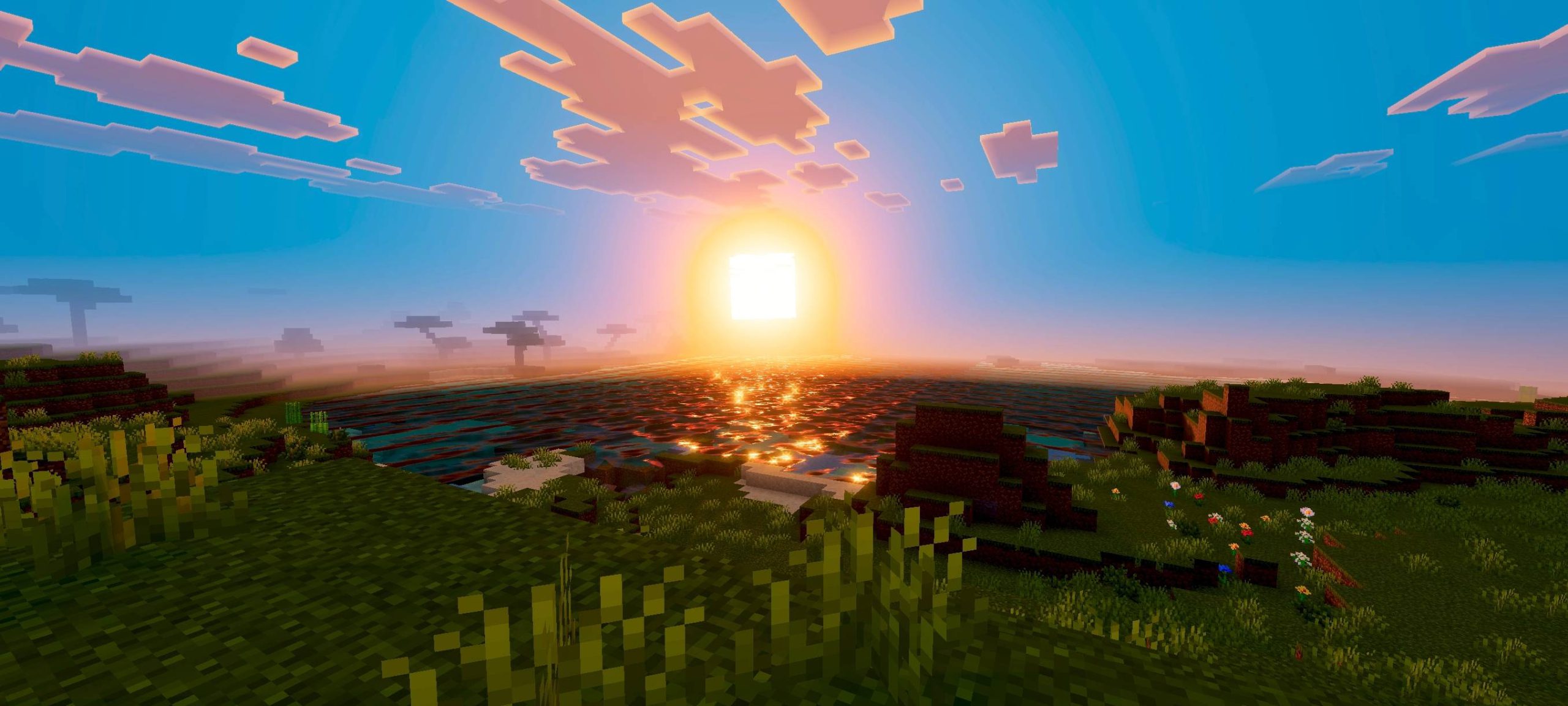
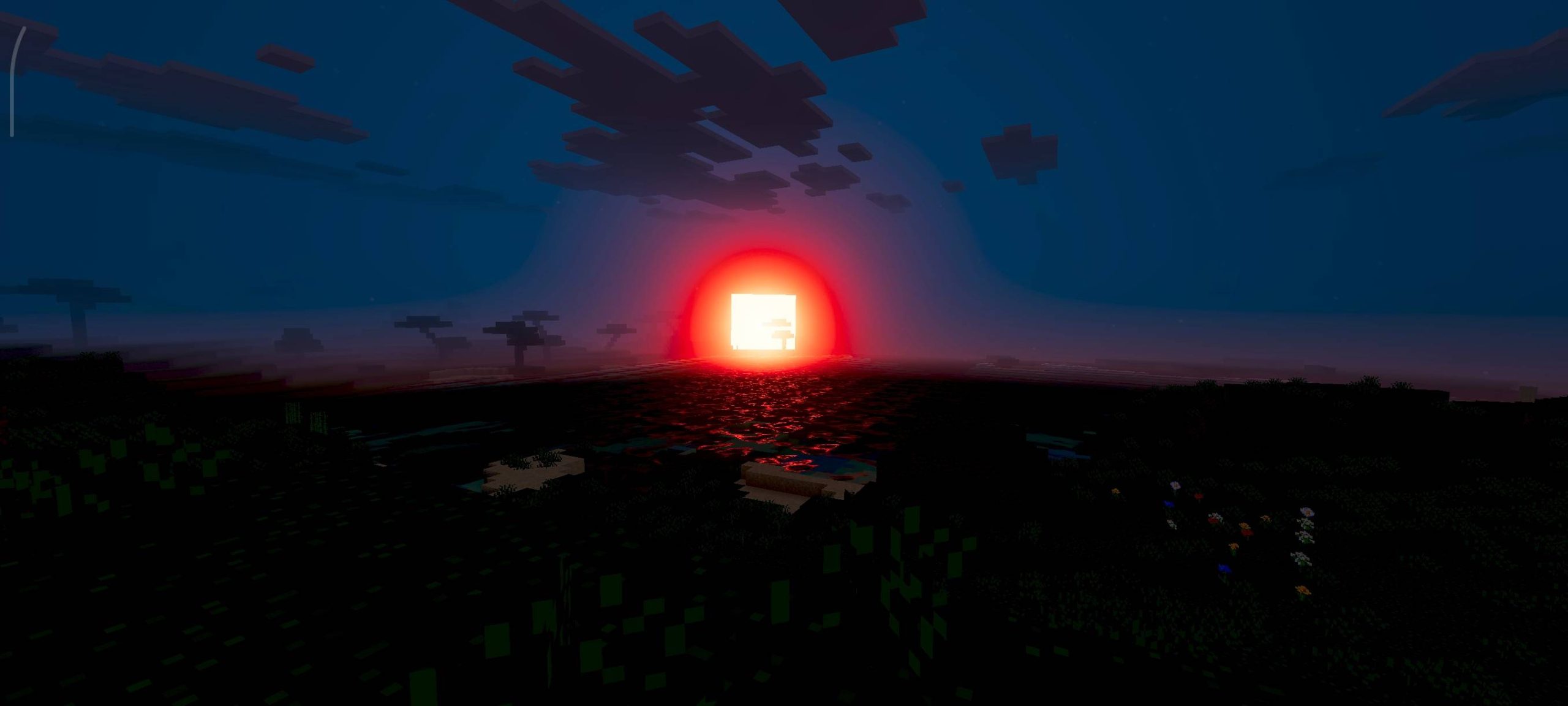
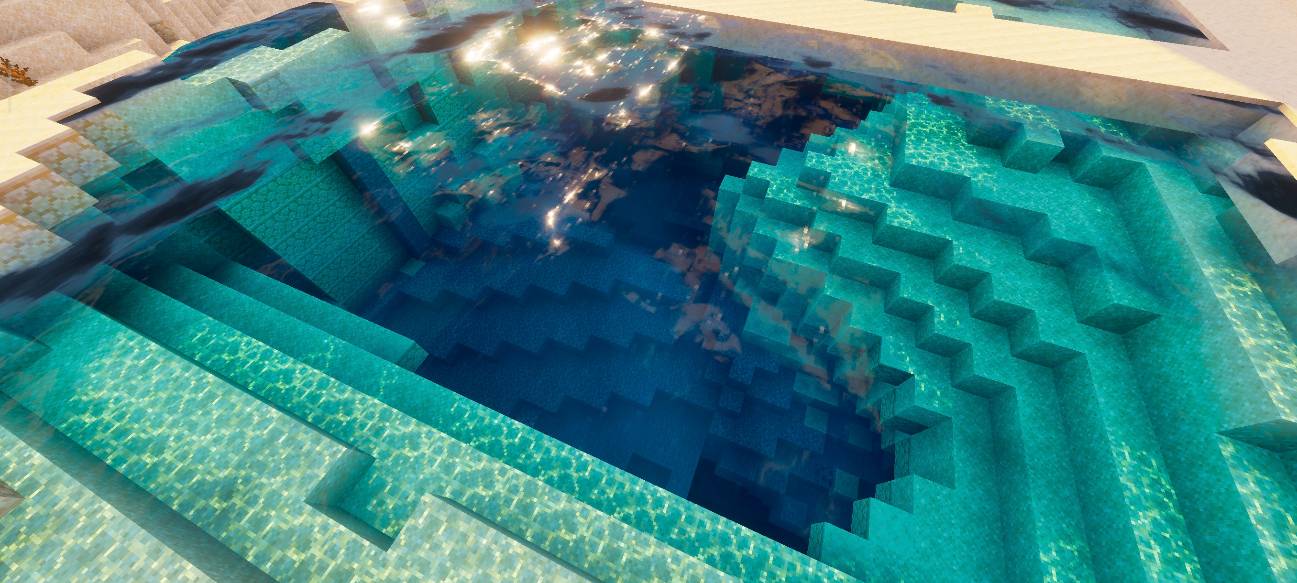
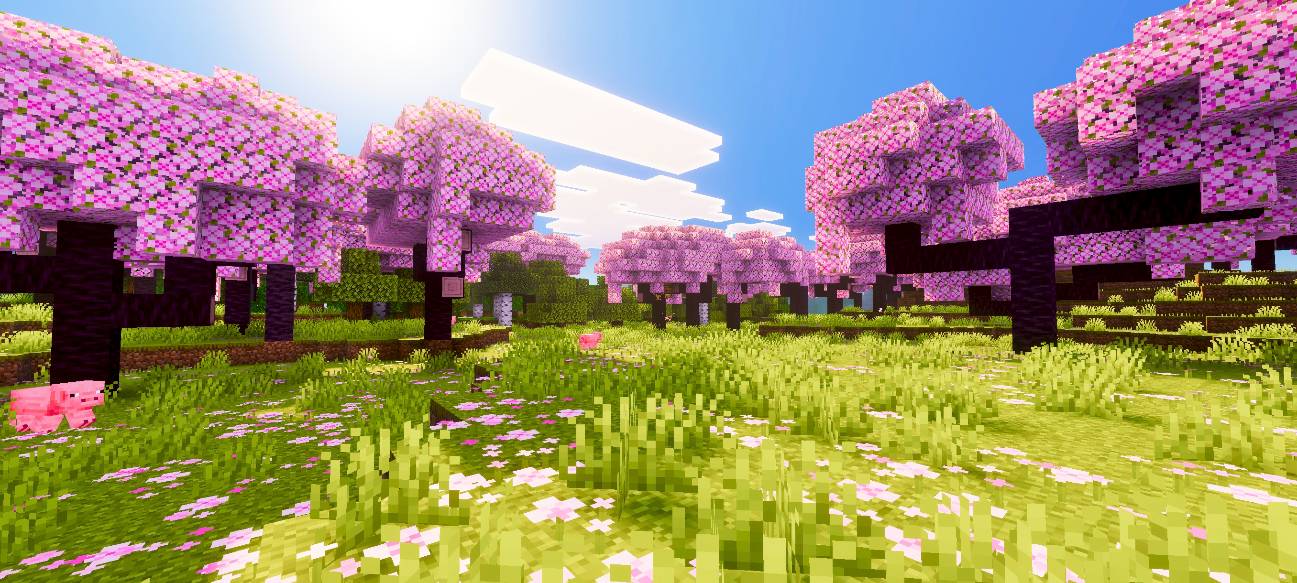
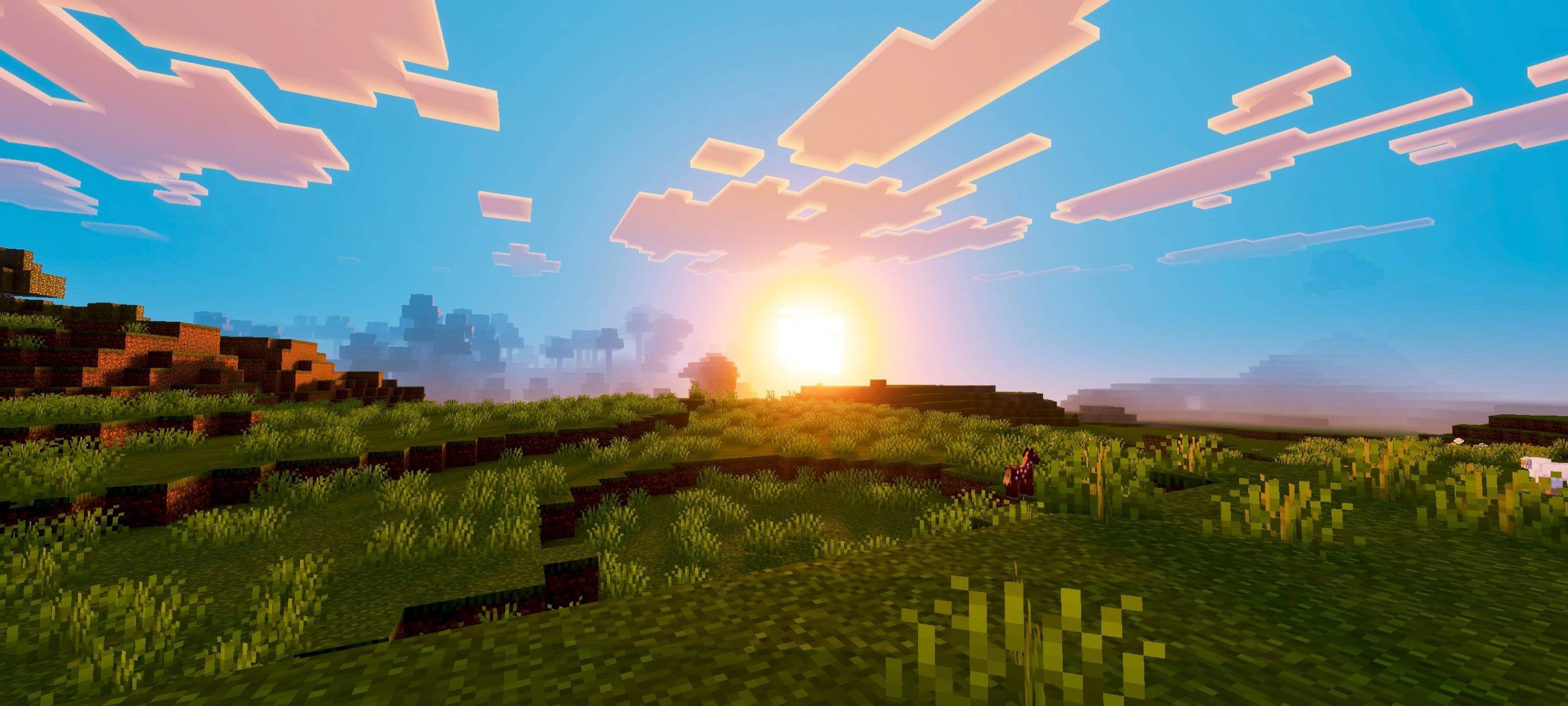
Phantom Visuals Shader bathes your world in warm and saturated colors. This shader pack changes the lighting to look softer and smoother across the map. It adds a rich tone to the sky, water, and blocks around you. The new visuals make every biome pop with deep contrast and bright sunlight.
Features:
- Warm Tone: Changes the overall look of the game to be warm and saturated.
- Smooth Lighting: Softens the harsh shadows and light sources across the world.
- Adds deep contrast to make blocks and terrain stand out more.
- Updates the sun and sunset with rich red and orange colors.
- Brings light rays and detailed reflections to water surfaces.
Screenshots:
Phantom Visuals Shader Download Links
Quick facts
- Edition: Minecraft Bedrock
- File type: .mcpack
- Minecraft version listed: 1.26
- How to install: Download the .mcpack. → Open it — Minecraft imports it under Resource Packs. → Activate it in Global Resources, or for one world under Resource Packs → Available.
- Where to get it: In MCModsHub, or directly above on this page.
Install steps are the general flow for this file type — How to install Minecraft Bedrock texture packs walks through it step by step.
File checked by MCModsHub
- Pack type: .mcpack — a single pack
- Manifest requires Minecraft 1.21.130 or newer
- Complete pack — everything it depends on is inside the file
- Download size: 2.1 MB
- Download link checked 22 Jul 2026 — working
- Mirrored on our own servers — the download does not depend on the original host
These come from our own check of the pack file, not from the source page.